Customer Ratings & Reviews
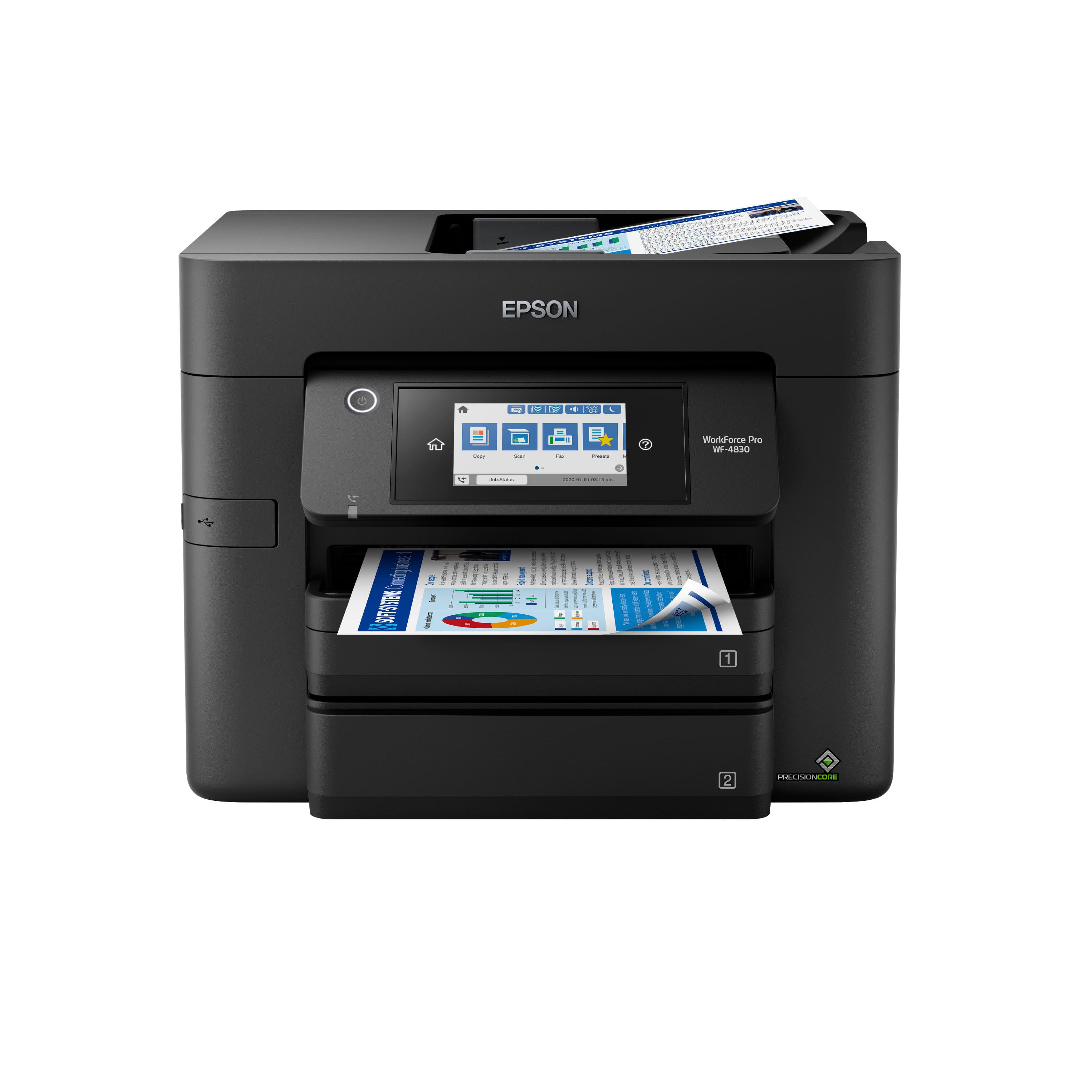
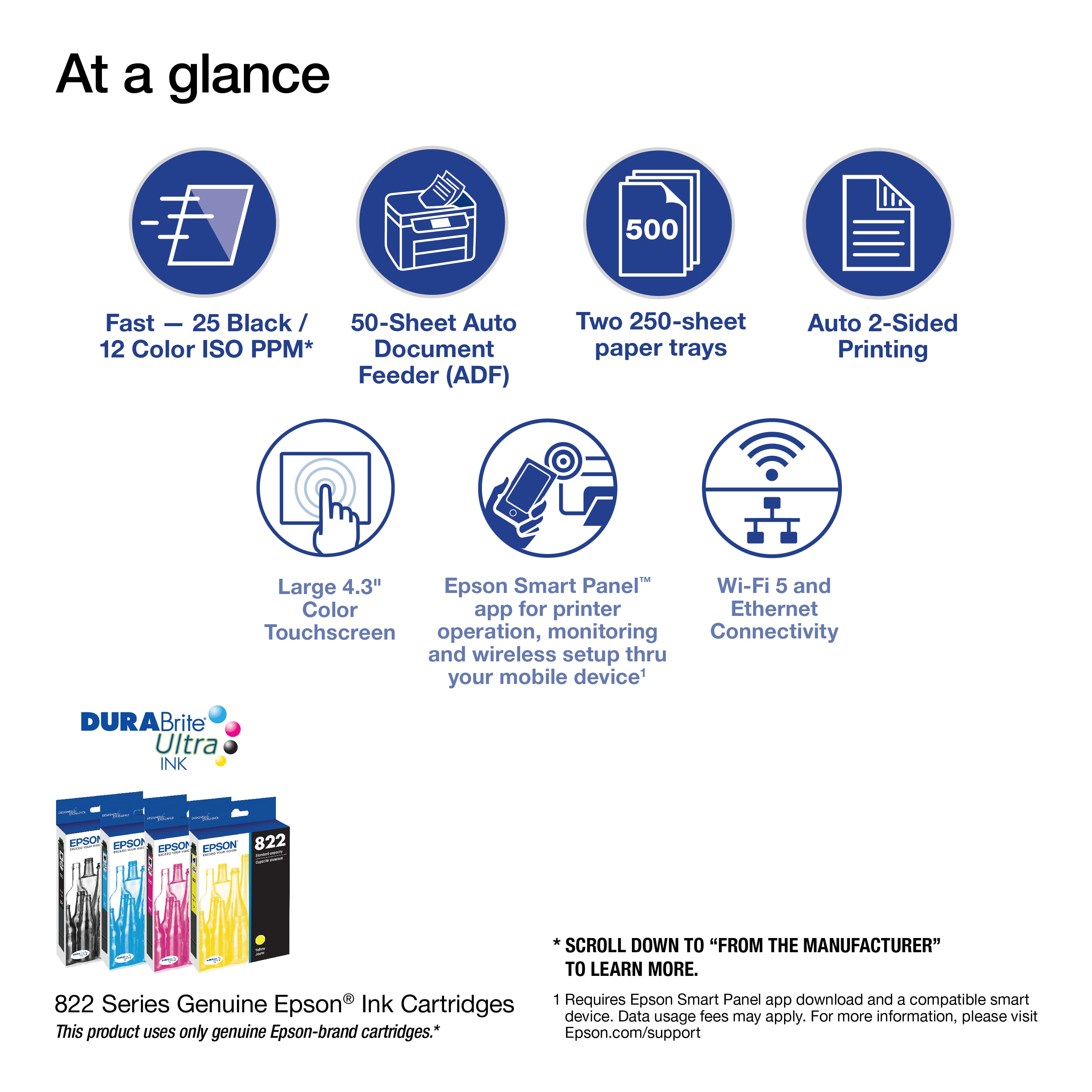
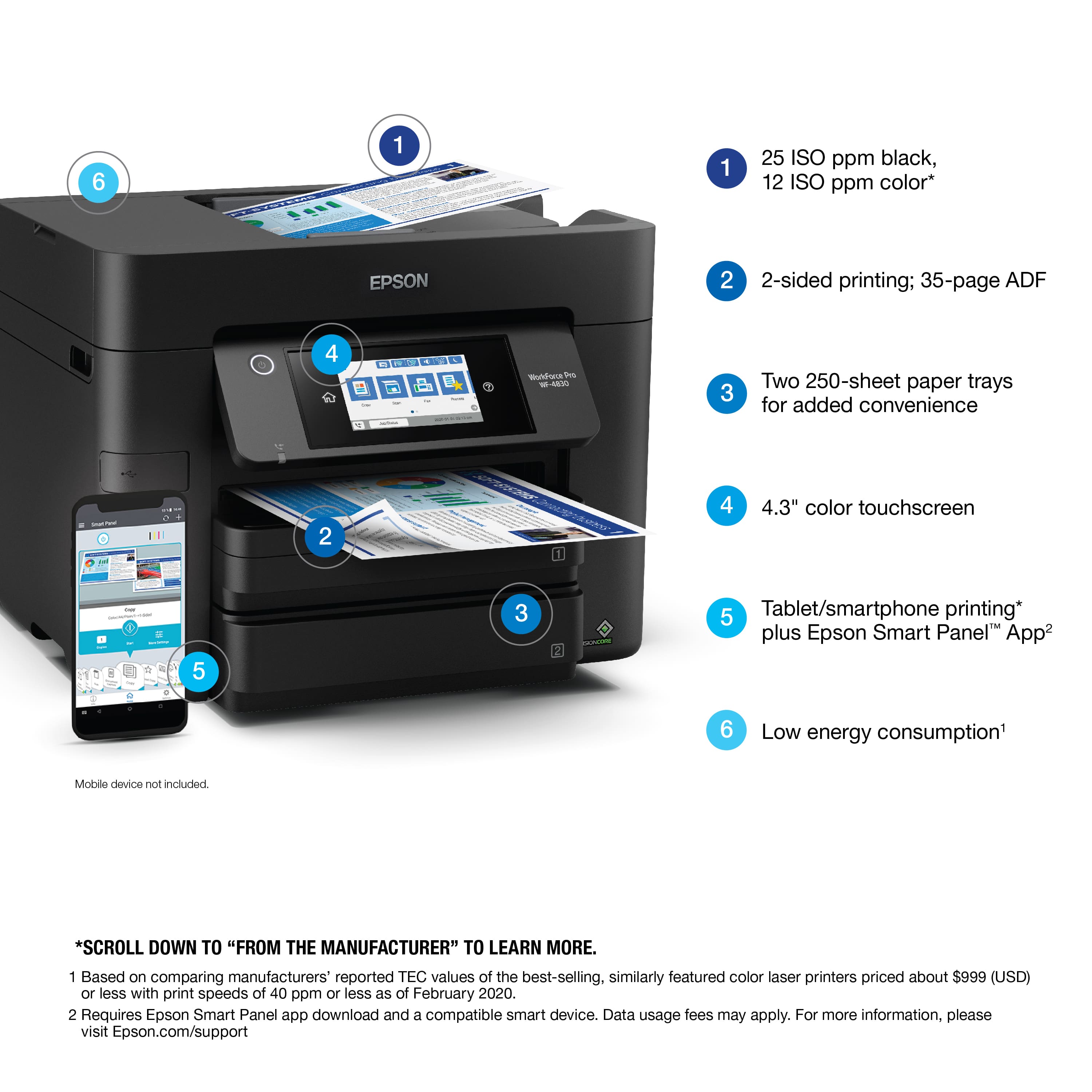

- Model:
- C11CJ05201
- |
- SKU:
- 6426727
Customer reviews
Rating 4.2 out of 5 stars with 245 reviews
(245 customer reviews)Rating by feature
- Value4.2
Rating 4.2 out of 5 stars
- Quality4.2
Rating 4.2 out of 5 stars
- Ease of Use4.2
Rating 4.2 out of 5 stars
Customers are saying
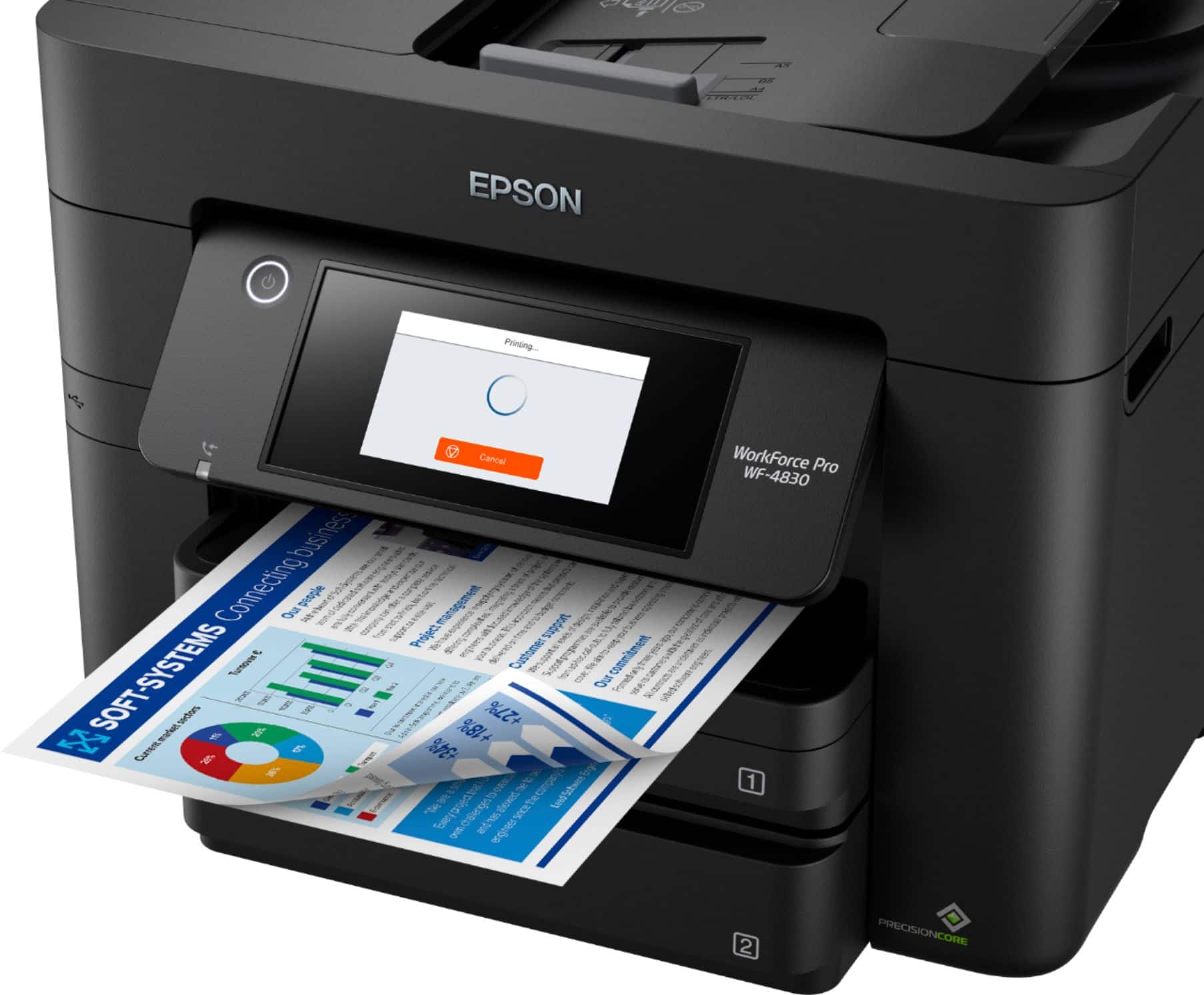
Customers recognize the product for its very good print quality and speed, along with its overall ease of use and efficient performance. They appreciate features like the dual paper trays, effective scanning, and straightforward setup, noting its convenient size for home use. However, some customers have experienced unreliable Wi-Fi connectivity and find the noise level to be a bit disturbing.
This summary was generated by AI based on customer reviews.
- Pros mentioned:Paper trays, Print quality, Scanning
Rated 5 out of 5 stars
Excellent printer with duplex printing & scanning
||Posted . Owned for 1 year when reviewed.This reviewer received promo considerations or sweepstakes entry for writing a review.I've owned this printer for over 4 months, and it has been great. It offers both duplex printing and scanning, which is very useful. It has plenty of paper capacity and does a good job of printing envelopes.
I would recommend this to a friend - Pros mentioned:Paper trays, Print quality
Rated 5 out of 5 stars
Epson has moved into world class print products
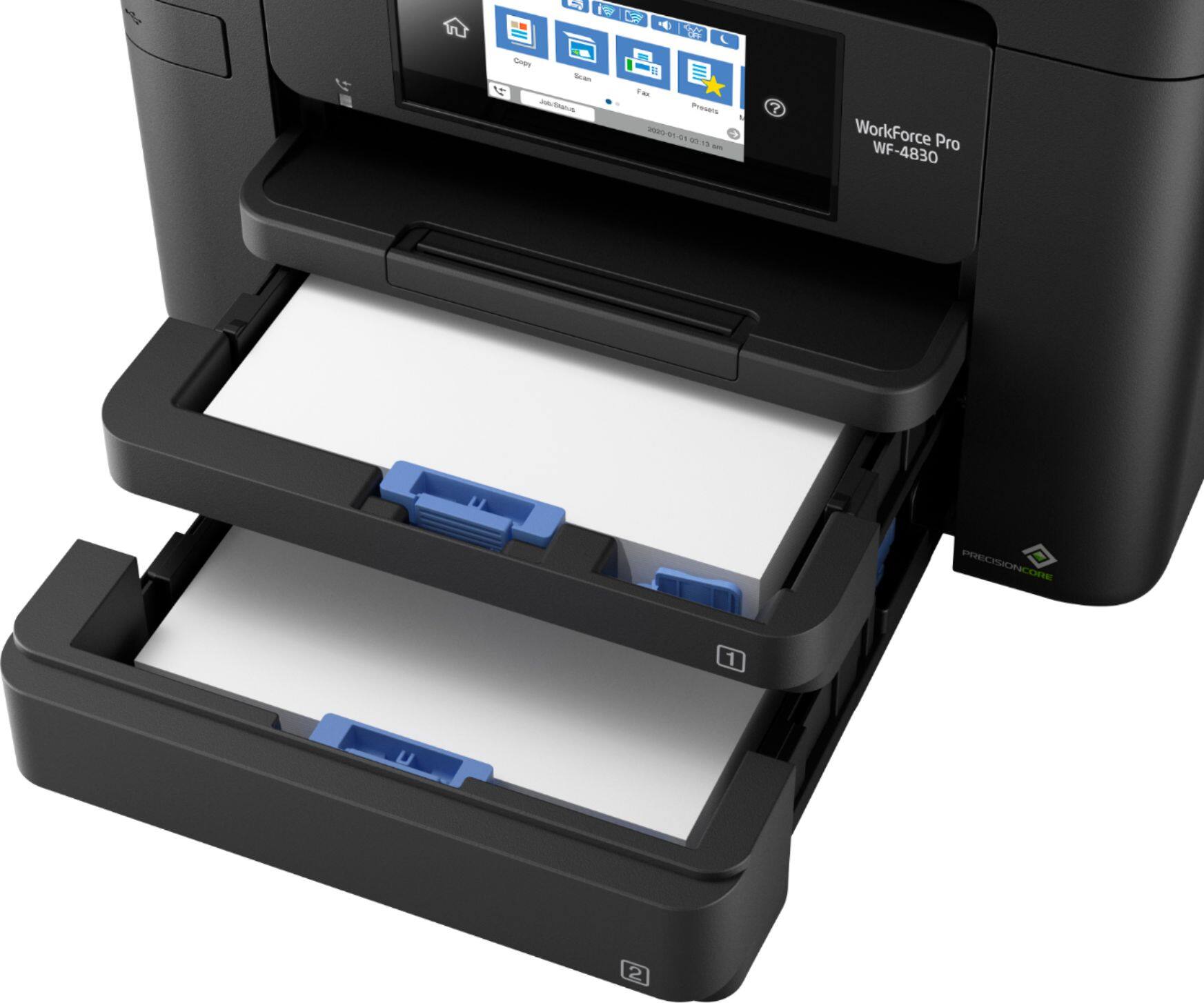
||Posted . Owned for 7 months when reviewed.This reviewer received promo considerations or sweepstakes entry for writing a review.My old HP OfficeJet just up and wouldn't print any longer and I did not have the protection plan. So, this printer was on sale so I purchased it as a replacement. I am SO very glad I did. Much easier to set up and use compared to the HP and print quality is superior. Replacement ink is also mor economical as well. Does everything I need it to do with no fuss or muss.. And I like the convenience of two papaer trays so I don't have to switch back and forth between paper sizes.
I would recommend this to a friend - Pros mentioned:Overall performance, Print quality
Rated 5 out of 5 stars
Exactly what I needed
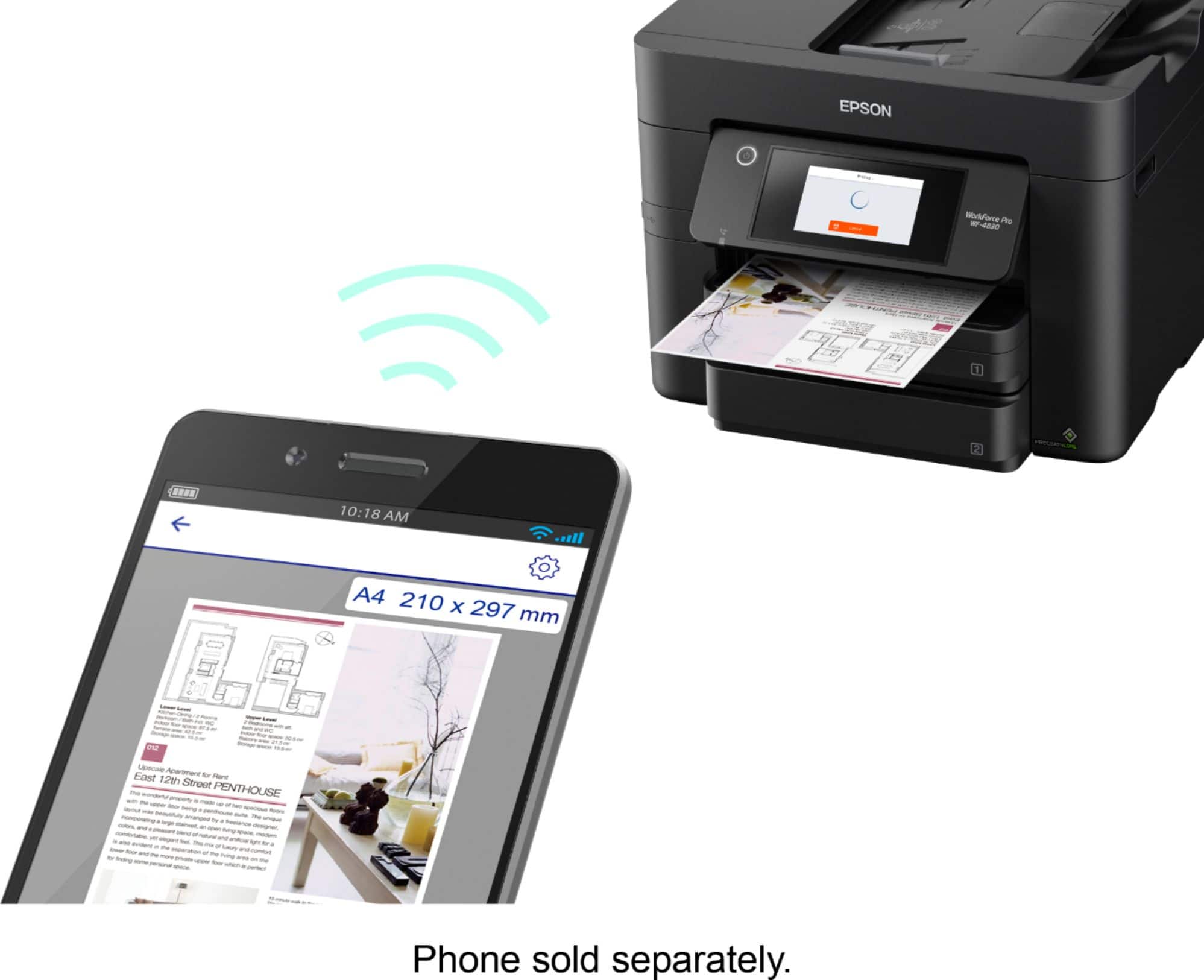
||Posted .This reviewer received promo considerations or sweepstakes entry for writing a review.Works awesome and integrated easily with my computer, tablet, and phone. Print quality is awesome. Scans and prints double sided very easily. Lots of options for scanning so I don't have to physically connect it to my computer. Very pleased with this printer and would highly recommend.
I would recommend this to a friend - Pros mentioned:Paper trays, Print quality
Rated 5 out of 5 stars
Great for small business, college students.
||Posted . Owned for 1 month when reviewed.This reviewer received promo considerations or sweepstakes entry for writing a review.The Epson Workforce 4830 is an excellent printer with two paper trays. It’s a bit taller than my older Epson printer but takes up lest space. The setup was very easy for my desktop and my wife’s laptop. It has built in imprint and printing using my Samsung 21 Ultra was a breeze.
I would recommend this to a friend - Pros mentioned:Print quality, Scanning
Rated 5 out of 5 stars
Good machine
||Posted . Owned for 1 month when reviewed.This reviewer received promo considerations or sweepstakes entry for writing a review.This is my second one, can say from experience it’s a great all in one scan, copy, print and fax machine and does duplex scan and print as well. Easy to use software and wireless makes it easy with both windows and Mac machines as well as apple and android phones. That all said, this go around i optics for the Geek Squad protection as I found out with my first one if something goes wrong with a printer most places won’t work on them and you just replace it…so for the cost the chances are it’ll more than pay for itself by end of time based on prior time and use of previous one. Catch it on sale and it’s an even better deal for all you get. Can’t say epson support is or was much help at all so hopefully Geek Squad is what it’s appeared to be so far.
I would recommend this to a friend - Pros mentioned:Print quality
Rated 5 out of 5 stars
Good printer with duplex scanning and printing
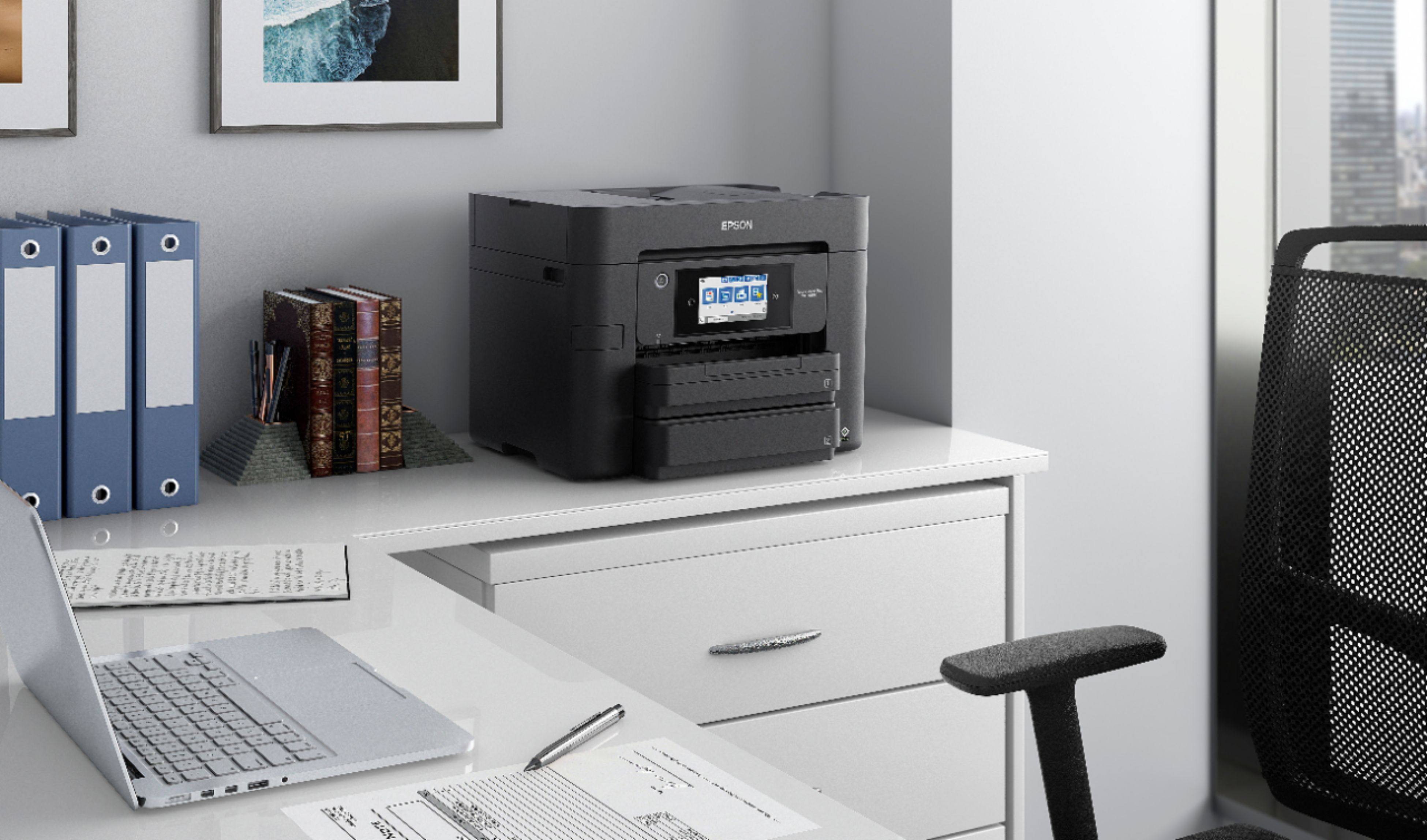
||Posted . Owned for 1 month when reviewed.This reviewer received promo considerations or sweepstakes entry for writing a review.This printer prints clearly, faxes accurately, and creates good scans of documents. I purchased this model because it is one of the few that will do 2-sided scanning. I was pleased to see that the new scanning software is very flexible and allows both 1-sided and 2-sided scanning for a single document. The printer is rather tall which requires a good sized space for it, but I like the fact that it is narrower than most printers which allows it to fit into a shelf on my computer desk. The control panel is very similar to previous models so the transition to using this model was fairly easy.
I would recommend this to a friend - Pros mentioned:Print quality
Rated 4 out of 5 stars
Okay, so far.
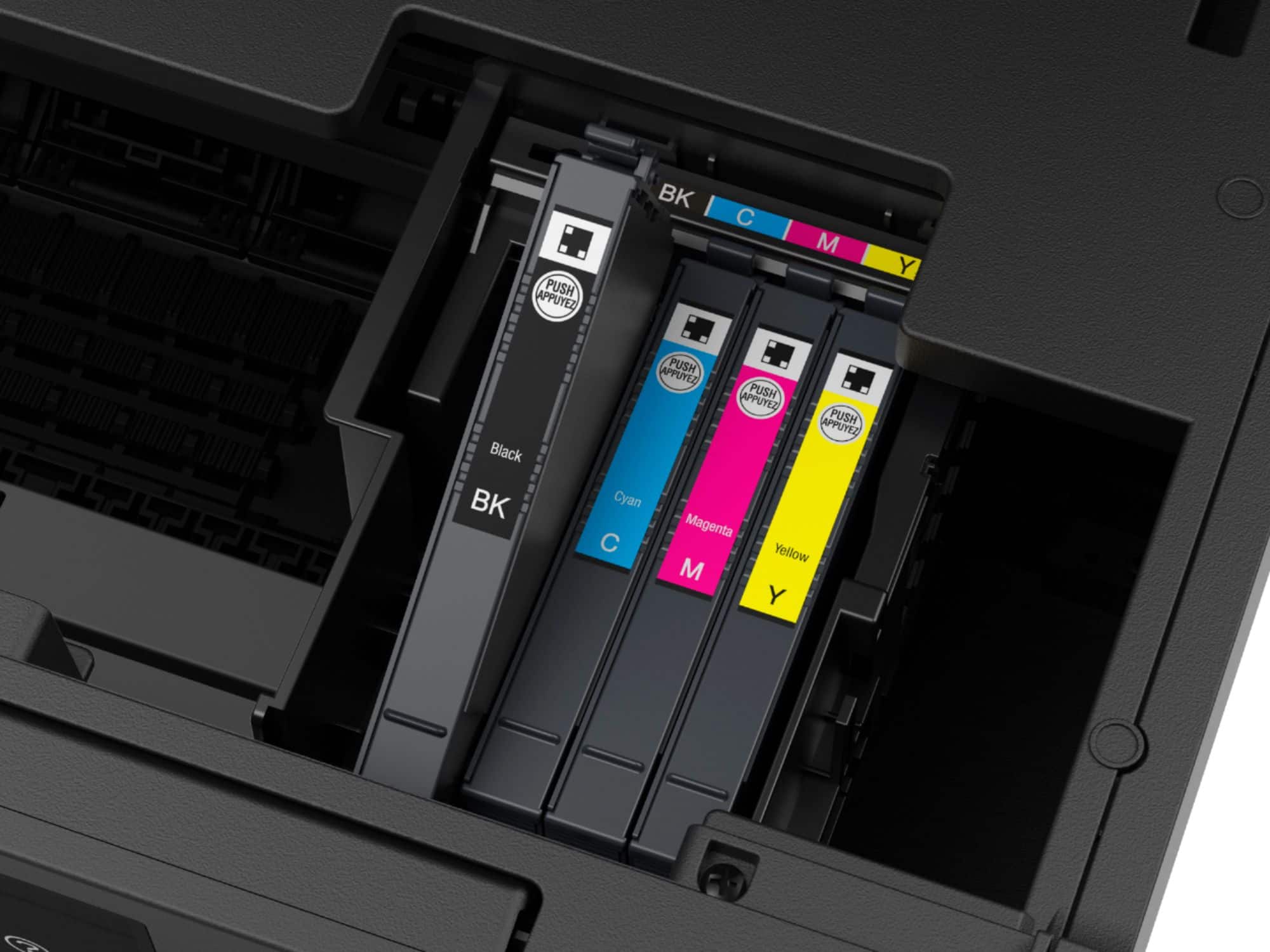
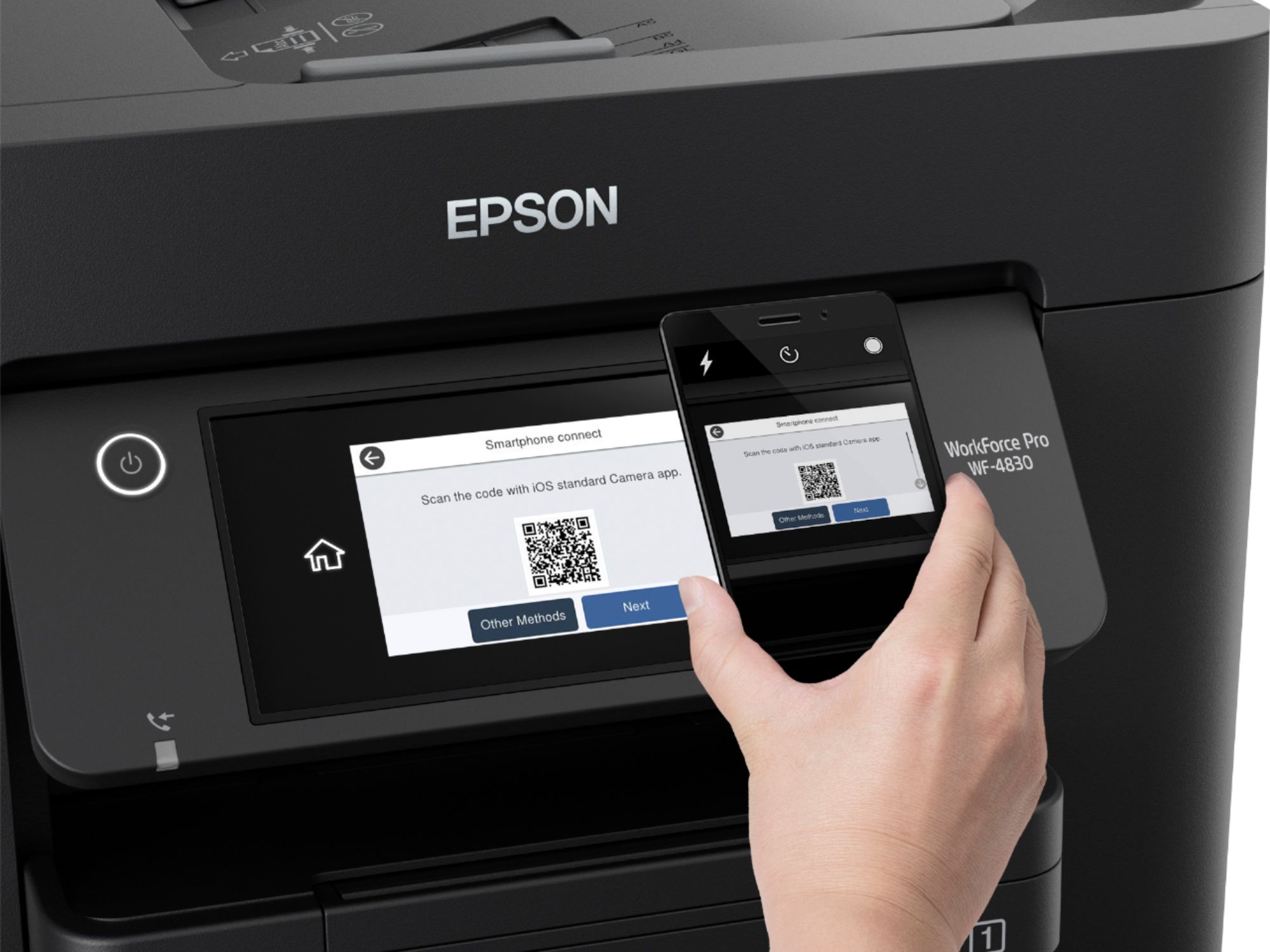
||Posted . Owned for 3 weeks when reviewed.This reviewer received promo considerations or sweepstakes entry for writing a review.So far, so good. Cost was $199. I needed to go on you tube for help setting it up. They didn’t have this model, by one close to it. It came with ink, which is a plus. The printer uses four cartridges. One of my colors was running low and the printers’ front screen lets you know. Also, you only have to refill the cartridge that needs to be replaced, and not all of them at once. I decided to purchase all colors and then I’ll begin purchasing cartridges separately as needed. $84.00 for the whole pack, with tax. I’ve had the printer for only one month. I enjoy making Christmas cards for family and friends, and this printer was able to use greeting card matte paper. This is the only time of year I’ll do a lot of printing all at once, and then as needed.
I would recommend this to a friend - Pros mentioned:Print quality
Rated 4 out of 5 stars
Works well after confusion
||Posted . Owned for 3 weeks when reviewed.This reviewer received promo considerations or sweepstakes entry for writing a review.So far so good. It did take a while to figure out to configure and pair the printer to my computer. Then I had to set up how I wanted the printer to print. Once I figured out how to do everything, it works very well. I wish I didn't have to buy this larger Epson printer, but WF-4830 didn't print both sides. I'm still trying to find out how to register the printer through the printer.
I would recommend this to a friend - Pros mentioned:Scanning
Rated 4 out of 5 stars
Does a lot at a good price
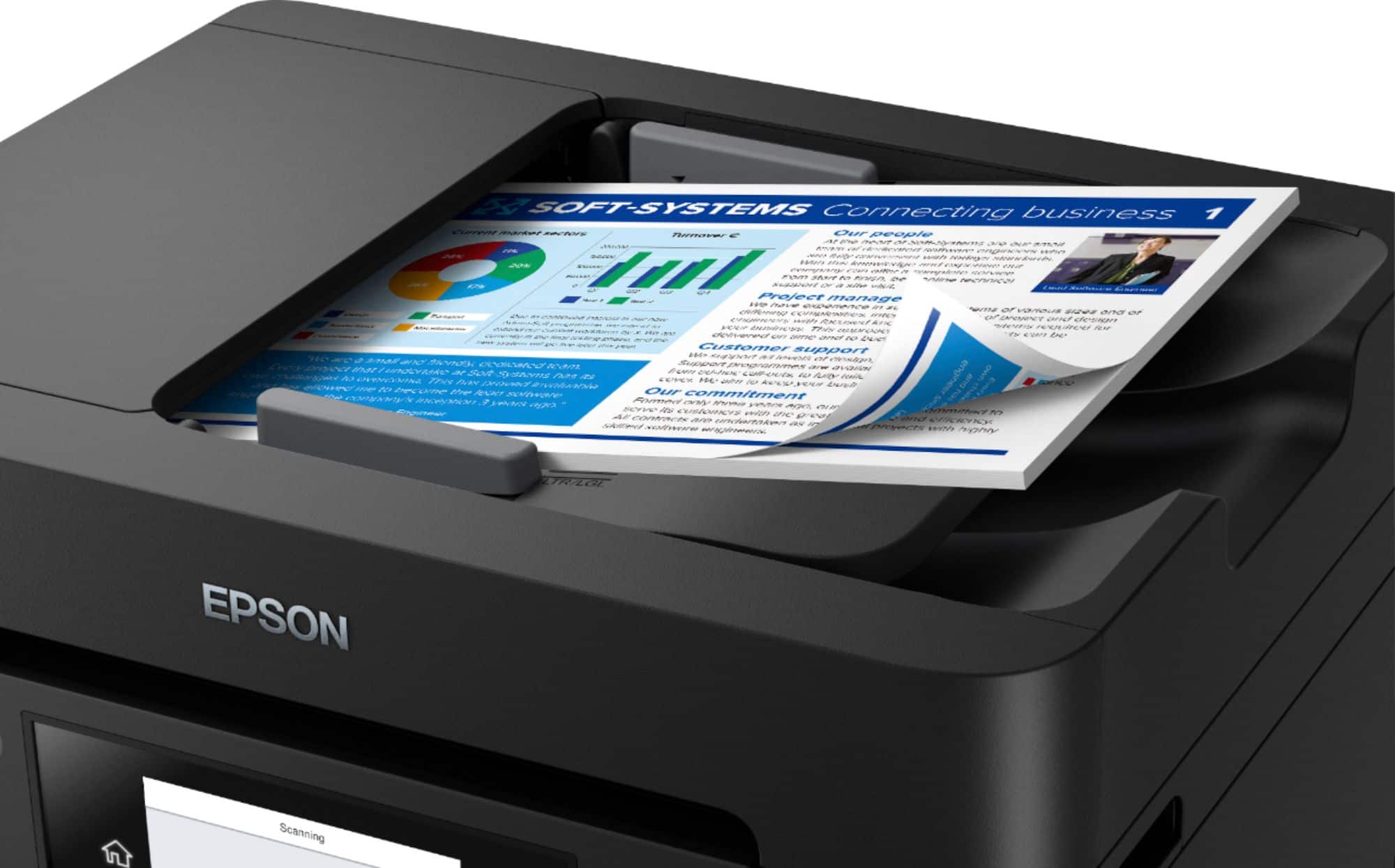
||Posted .This reviewer received promo considerations or sweepstakes entry for writing a review.I upgraded from another Epson printer because I needed to be able to scan multiple pages. This one appears to have all I need and more but it came with a set up disk. Who has a disk slot on there computer?
I would recommend this to a friend - Pros mentioned:Paper traysCons mentioned:Noise level
Rated 4 out of 5 stars
home office
||Posted . Owned for 3 weeks when reviewed.This reviewer received promo considerations or sweepstakes entry for writing a review.little noisy and wifi ok on same level. like the size and paper trays
I would recommend this to a friend - Pros mentioned:Ease of use, Print quality, Scanning
Rated 5 out of 5 stars
Epson WorkForce ProWF-4830
||Posted . Owned for 3 weeks when reviewed.This reviewer received promo considerations or sweepstakes entry for writing a review.I am actually blown away at how good this printer is. It was an up grade from the old Epson I have used for several years. (Ease of use, efficient upgrades, scanning and very fast printing). I love it. It was well worth the price.
I would recommend this to a friend - Cons mentioned:Noise level
Rated 4 out of 5 stars
Really nice printer
||Posted .This reviewer received promo considerations or sweepstakes entry for writing a review.The printing is great even better than the 3730 I am replacing. However I will say it is a little bet noisy which is a bit disturning. But a little noise does not make the work less effective.
I would recommend this to a friend - Pros mentioned:Print quality
Rated 4 out of 5 stars
Good value
||Posted . Owned for 1 month when reviewed.This reviewer received promo considerations or sweepstakes entry for writing a review.This is a great multifunction printer for the money. I've used all except the fax function and found them all to work efficiently and effortlessly. Print quality is good and can be adjusted for better quality or draft quality to save ink. My only issue is that Epson continually sends scans and updates to block the use of second party ink cartridges. If the settings are for automatic scanning and updates, if it detects a second party or recycled ink cartridge the update will block it's functionality. The only other option is to have the setting to ask before a scan and update then block it. This can occur 4 or 5 times a day. If you are going to use ONLY Epson ink, then let it scan and update automatically and you have no issues.
I would recommend this to a friend - Pros mentioned:Print quality
Rated 5 out of 5 stars
Great printer for home use and more
||Posted . Owned for 1.5 years when reviewed.This reviewer received promo considerations or sweepstakes entry for writing a review.We bought this printer to replace a 9 year old workforce printer that was begining to have issues. We like the features of this printer like duplex printing, larger ink cartridges and large capacity paper tray. This printer is a must if you have printer heavy needs. One heavy uses for us is a 5th grade teacher printing out work sheets to take to the building and copy, In addition, the scanning features have been great! We use both scanning to cloud/email and scanning directly to a PC, both work well over our local network. We have always had this setup as a network printer. I did run into one issue which is common where the printer kept falling off the wifi if it was idle for a few days. It seems to be hit or miss when it happened so I hard wired the printer to the main switch. With it hard wired we have no longer had any issues of it falling off the network after it goes to sleep at idle. Since then network priting and scanning has been flawless for our PCs, MacBooks, iPhones and my iPad. Cartriges are indeed pricey. I do keep an eye on ink levels and keep an eye out for sales or cashback offers to save. I have not tried using aftermarket in the printer, we do not go through that much that it is a big expense.
I would recommend this to a friend - Pros mentioned:Print quality
Rated 5 out of 5 stars
Prints 2 to 2 sided
||Posted . Owned for less than 1 week when reviewed.This reviewer received promo considerations or sweepstakes entry for writing a review.The customer service is unbeatable at Best Buy!Zack in Mooresville help me find this printer and when it arrived, it was exactly what I needed. It prints 2 to 2 sided. It is also very fast at printing, I have always had a HP printer, but I will be sticking with Epson.
I would recommend this to a friend - Pros mentioned:Print quality
Rated 4 out of 5 stars
Epson to the rescue.
||Posted .This reviewer received promo considerations or sweepstakes entry for writing a review.I went with this printer because I got tired of having to reload every time I needed to use a different paper stock. So far I have not been disappointed with the quality of output. Though my next printer will be an Eco tank, based solely on the increased cost of ink cartridges.
I would recommend this to a friend - Pros mentioned:Ease of use
Rated 5 out of 5 stars
Convince and reliable
||Posted .This reviewer received promo considerations or sweepstakes entry for writing a review.Its is an excellent choice for a home or small-office printer that emphasizes low running costs and fuss-free printing. Its key strength is the built-in refillable ink tank system, which dramatically reduces how often you need to buy new cartridges. Print quality for standard documents and family-office uses is very good sharp text, decent color graphics, and minimal hassle when you first set it u
I would recommend this to a friend - Pros mentioned:Print quality
Rated 4 out of 5 stars
The Printer to Buy
||Posted .This reviewer received promo considerations or sweepstakes entry for writing a review.Very fast printing and great features. There are so many ways to print from different sources and the quality of the print. Very happy with this printer.
I would recommend this to a friend - Pros mentioned:Overall performance, Print quality
Rated 5 out of 5 stars
Great products ... easy to set up
||Posted . Owned for 1 month when reviewed.This reviewer received promo considerations or sweepstakes entry for writing a review.Excellent product. Have enjoyed using it on both small and large print jobs. Duplex operation is flawless and quality of scans/faxes/copies is great.
I would recommend this to a friend - Pros mentioned:Ease of use, Print quality
Rated 5 out of 5 stars
Perfect for our small office
||Posted . Owned for 1 month when reviewed.This reviewer received promo considerations or sweepstakes entry for writing a review.This printer is quiet and fast plus it has all the features we need. The menu is easy to navigate and it sets itself up right out of the box in about 5 minutes. It looks sleek and professional. The price is a plus too. Very happy with our purchase.
I would recommend this to a friend