Customer Ratings & Reviews

- Model:
- C11CJ05201
- SKU:
- 6426727
Rating by feature
- Value
Rating 4.3 out of 5 stars
- Quality
Rating 4.2 out of 5 stars
- Ease of Use
Rating 4.2 out of 5 stars
Customers are saying
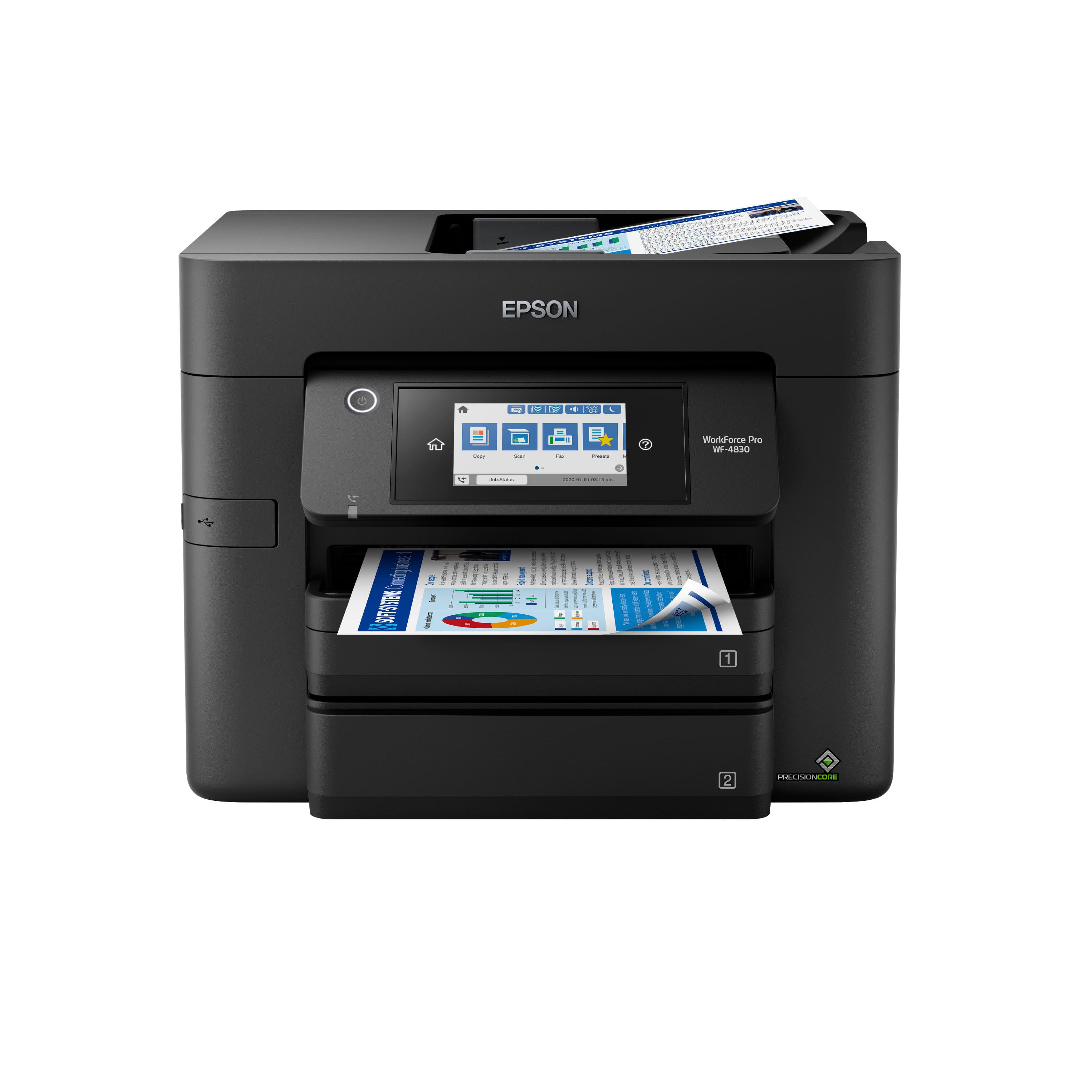
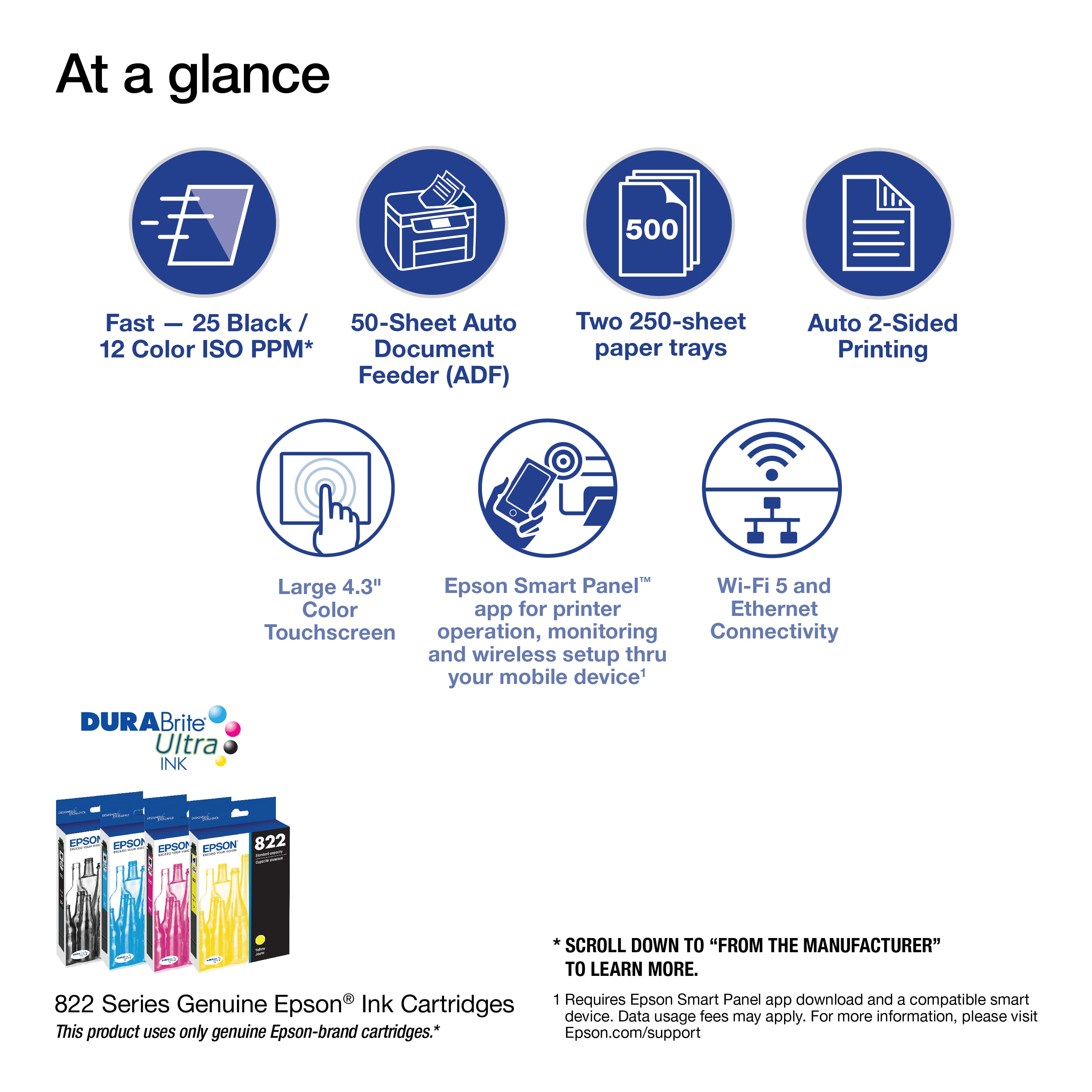
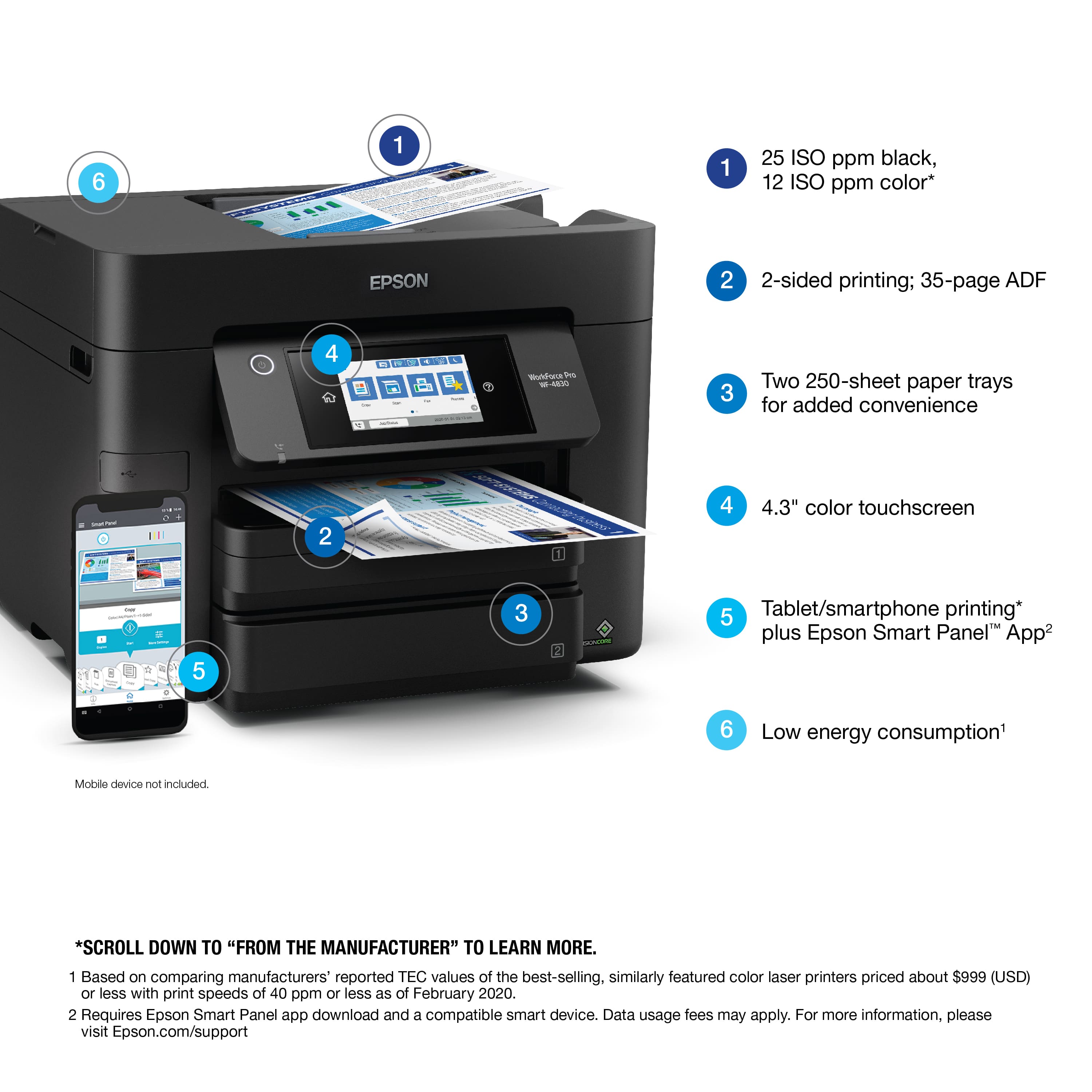
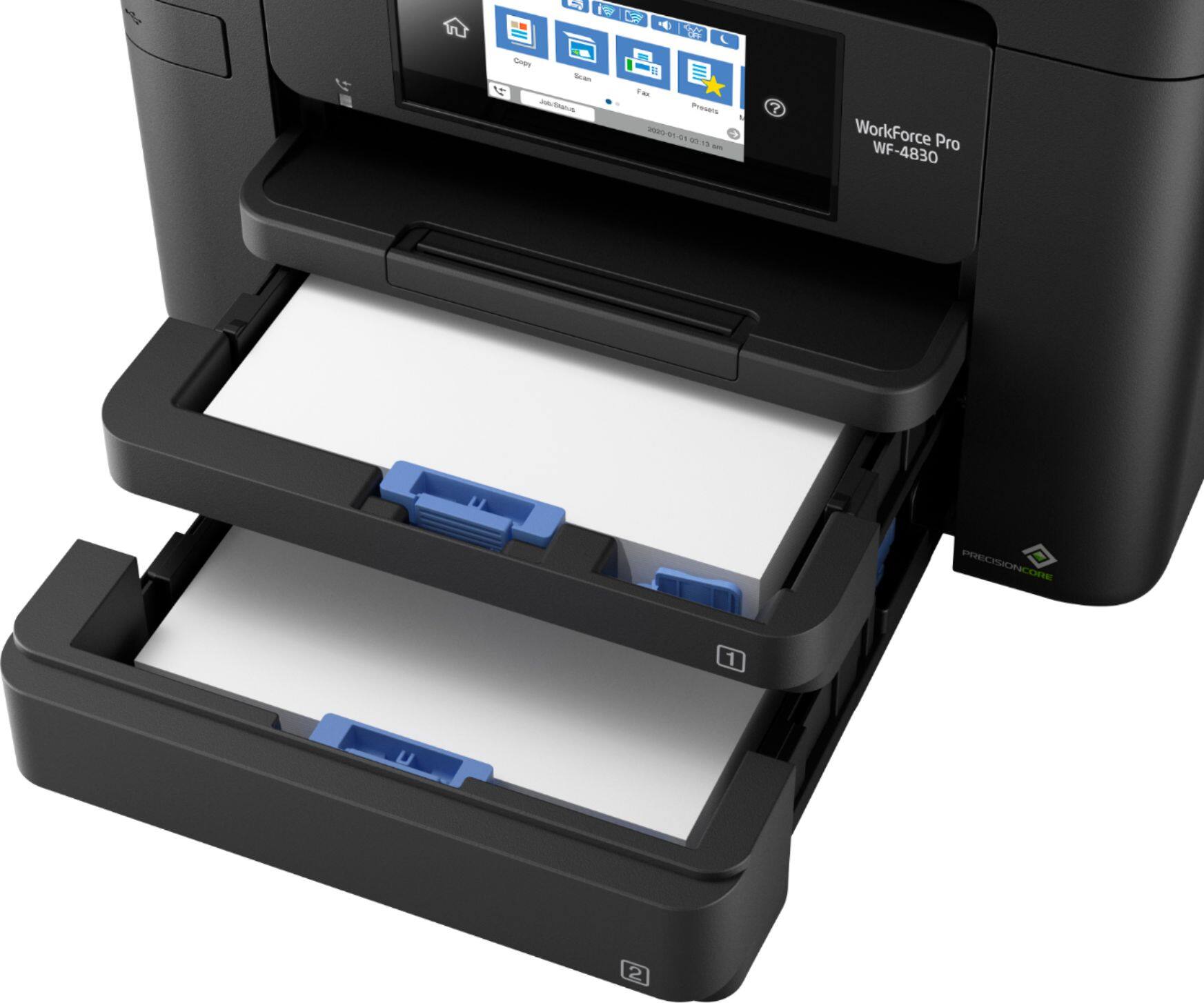
Customers are enthusiastic about the WorkForce Pro WF-4830, highlighting its very good print quality, ease of use, and solid overall performance. Many appreciate the convenience of having two paper trays and find the size suitable for home use. While the printer is generally well-received, some users have experienced connectivity issues and noted that it can be a little noisy.
This summary was generated by AI based on customer reviews.
- Pros mentioned:Ease of use
woth the money
||Posted . Owned for 1 month when reviewed.This reviewer received promo considerations or sweepstakes entry for writing a review.the description matched perfectly. Printer was easy to set up and very user friendly. I would recommend it
I would recommend this to a friend - Pros mentioned:Ease of use
Printer hassle free
||Posted . Owned for 1 month when reviewed.This reviewer received promo considerations or sweepstakes entry for writing a review.Love it. Has made my printing and scanning hassle free.
I would recommend this to a friend - Pros mentioned:Scanning
Great
||Posted . Owned for 2 weeks when reviewed.This reviewer received promo considerations or sweepstakes entry for writing a review.so far impressive printer. Tried it printing, scanning etc
I would recommend this to a friend Not bad at all
||Posted . Owned for 3 weeks when reviewed.This reviewer received promo considerations or sweepstakes entry for writing a review.Not bad for the price this is my second 1 my first one had some problems with it but I came boarded to the Geek Squad and got a new 1 and renewed my Insurance plan on it to make sure that I'll always have it
I would recommend this to a friendThis Printer Is A ‘NO GO”.
||Posted . Owned for 5 months when reviewed.This reviewer received promo considerations or sweepstakes entry for writing a review.This printer pulls multiple sheets at one time when printing. This includes when using Epson Bright paper made by Epson. Adjustments to paper type are numerous, BUT ADJUSTMENTS TO PAPER TYPE HAVE NOT STOPPED MULTIPLE SHEETS BEING PULLED TO PRINT ONE SHHET, EVEN WITH EPSON BRIGHT PAPER AND ADJUSTMENTS. This printer REQUIRES a new ink cartridge after each Epson update, even with. a newly installed full Black ink cartridge is installed. The Epson updates require a new cartridge be installed in order to resume printing. This is obviously a programming practice that ensures Epson can make more money. We loose as a consumer. There is no adjustment to paper type that stops multiple paper pulls. The density of print is poor! When adjusted to a deeper print density, the background to the paper darkens proportionately, producing poor readability and poor print copy while using more ink.
No, I would not recommend this to a friendBrand response from Epson
Posted .Hi Busy, we are sorry to hear you are having issues with your Epson printer. Your WF-4830 includes free technical telephone support for the life of your product. Our Epson Support Team would be happy to help you and can be reached at (562) 276-4382; Hours: Monday – Friday, 7 a.m. to 4 p.m. (PT). Sincerely, Alissa A. – The Epson Team.

Does what I need
||Posted . Owned for 1 week when reviewed.This reviewer received promo considerations or sweepstakes entry for writing a review.I need a printer that could scan on both sides of the paper, and this one does You can also send your scanned documents directly to your email which is a plus.
I would recommend this to a friendWiFi connection needs constant refreshing
||Posted . Owned for 1 month when reviewed.This reviewer received promo considerations or sweepstakes entry for writing a review.So far, better that my older model Epson printer (but that was expected). Scanner has been fantastic. Although it's sometimes a hassle to print due to network connectivity problems. I almost always have to refresh the WiFi connection before printing can begin. Other than that, it's been good overall.
I would recommend this to a friendSwitched from HP for a New Feel
||Posted . Owned for 1 week when reviewed.This reviewer received promo considerations or sweepstakes entry for writing a review.Great machine. I purchased it to replace an HP OfficeJet Pro (purchased in 2019). The HP couldn't keep up with the printing I was doing at home for work, so I bought the WF-4830 because I couldn't find a compatible HP machine that I liked. I thought it would be good to switch it up and see how the competition compares to my favorite brand.
I would recommend this to a friendEpson WF4830
||Posted . Owned for 3 weeks when reviewed.This reviewer received promo considerations or sweepstakes entry for writing a review.Printer seems to be a solid product, haven't done a lot with it yet so really hard to say. I wanted to try a different brand printer and pricing for features compared to other brands the Epson was the winner.
I would recommend this to a friendWI-FI keeps losing connectivity constantly
||Posted . Owned for 2 months when reviewed.This reviewer received promo considerations or sweepstakes entry for writing a review.WI-FI loses connectivity constantly and requires a uninstall and re-install of the Epson WF-4830 software. Owned for more than 3 months. I have downloaded the latest software from the site and it still loses connectivity after a few days. I have constantly restarted the router, printer and PC. This issues occurs on both Windows 10 and Windows 11 64 bit OS. My wife gets so frustrated when she is trying to print and the printer errors out due to non connectivity. I have been with Epson for what seems like decades now and wonder why they have not corrected this issue. Going to return this and go with another brand. I don't think I will be purchasing Epson anytime in the future. Now looking for something else that is more reliable and stable. Cannot reccomend to anyone that is not tech savvy due to the constant connectivity issue.
No, I would not recommend this to a friendBrand response from Epson
Posted .Hi MauriceInAK, we are sorry to hear you are having issues with your Epson printer. Your WF-4830 includes a 1-year limited warranty plus free technical support for the life of your product. Our Epson Support Team would be happy to hear from you and can be reached at (562) 276-4382; Hours: Monday – Friday, 7 a.m. to 4 p.m. (PT). Sincerely, Joseph – The Epson Team.
- Pros mentioned:Ease of use
Printer
||Posted . Owned for 2 months when reviewed.This reviewer received promo considerations or sweepstakes entry for writing a review.This Epson printer is the easiest to use compare to all others.
I would recommend this to a friend Great purchase experience
||Posted . Owned for 3 weeks when reviewed.This reviewer received promo considerations or sweepstakes entry for writing a review.Purchase of this Epson printer was offered by Best Buy the very good price. They made each step of the purchase very easy and was what I needed.It appears that Best Buy has good prices good systems when has done a very good job. I hope they continue.
I would recommend this to a frienddo not buy
||Posted . Owned for 11 months when reviewed.This reviewer received promo considerations or sweepstakes entry for writing a review.Pros: Printer quality is good enough Major Cons: printer stops working. I updated the firmware which is tells you to do, then it said the ink cartridge isn't compatible even though it was working fine before. This is because I had a 3rd party ink cartridge which I bought because they are so much cheaper than epson's. Epson wants to sell you their own expensive ink. A shameless money grab. Also, printer runs out of ink quickly. other cons: scanning feeder often skips pages. Printer disconnects from internet and requires restarting.
No, I would not recommend this to a friendBrand response from Epson
Posted .Hello Arizonalove, the Epson WorkForce Pro WF-4830 is designed to use only genuine Epson-brand ink cartridges. Other brands of ink cartridges, and ink supplies, are not compatible, and even if described as compatible, may not function properly. Epson provides information about the design of the printer on the box, as well as many other locations, including materials shipped with the printer. From time to time, Epson updates its firmware to ensure the printer operates as designed. Sincerely, Tony – The Epson Team.
Skip the disabling firmware update!
||Posted .This reviewer received promo considerations or sweepstakes entry for writing a review.I have been using this printer for about six months and already burned through 3 sets of very expensive ink cartridges. I switched to third party cartridges and they have worked just fine. However, after completing the requested firmware update and the printer suddenly refuses to recognize my ink cartridges and will not print at all. Best I can tell, the only purpose of the update was the re-educate the printer as to the difference between Epson cartridges and third party cartridges. If your printer is working just fine, you should absolutely skip the firmware update because it is not there for your benefit, but Epson's.
No, I would not recommend this to a friendBrand response from Epson
Posted .Hello ChanM, the Epson WF-4830 is designed to use only genuine Epson-brand ink cartridges. Other brands of ink cartridges, and ink supplies, are not compatible, and even if described as compatible, may not function properly or at all. Please ensure you have installed Epson genuine cartridges. If you are still having problems, you may contact our Epson Advanced Support Team at (800) 241-5794; Hours: Monday – Friday, 7 a.m. to 4 p.m. (PT). Sincerely, Joseph – The Epson Team
Good printer for the price.
||Posted . Owned for 3 weeks when reviewed.This reviewer received promo considerations or sweepstakes entry for writing a review.Good value, only issue experienced is after unit is asleep for an extended period of time drops wi fi connection.
I would recommend this to a friendEpson wireless printer
||Posted . Owned for 8 months when reviewed.This reviewer received promo considerations or sweepstakes entry for writing a review.Great printer, works good on WiFi blue tooth or even with usb cable to any device that needs to print from. Toner if buy XTENDED INK last. XL’s
I would recommend this to a friendthe best printer 2021
||Posted . Owned for 1 week when reviewed.This reviewer received promo considerations or sweepstakes entry for writing a review.Honestly, I have always used HP and figured it’s time to move on. This printer is so light. Efficient as far as the printing, double sided, takes less space, has scanner, & quickly is able to work with wifi on Apple. This printer is worth buying whether your working from home or attending grad school.
I would recommend this to a friendgood printer
||Posted . Owned for 2 weeks when reviewed.This reviewer received promo considerations or sweepstakes entry for writing a review.prints scans faxes. has an ethernet rj45 port. the android and windows apps for it seem to work flawlessly. no complaints here.
I would recommend this to a friendEpson wf 4850.
||Posted . Owned for 1 month when reviewed.This reviewer received promo considerations or sweepstakes entry for writing a review.Awesim printer but watch your text number if you plan on printing non-disclosure agreement, or any documents, I'm still trying to figure out how to print by changing the text sizes ,
I would recommend this to a friendWorkforce Pro WF4830
||Posted . Owned for 1 month when reviewed.This reviewer received promo considerations or sweepstakes entry for writing a review.Like this printer. Works well with my Mac. This printer does 2 sided printing with ease. Also this printer will scan and print on Legal paper. Would recommend this printer.
I would recommend this to a friend