Customer Ratings & Reviews
- Model:
- C11CK63201
- SKU:
- 6516130
Rating by feature
- Value
Rating 4.1 out of 5 stars
- Quality
Rating 4.0 out of 5 stars
- Ease of Use
Rating 4.0 out of 5 stars
Customers are saying
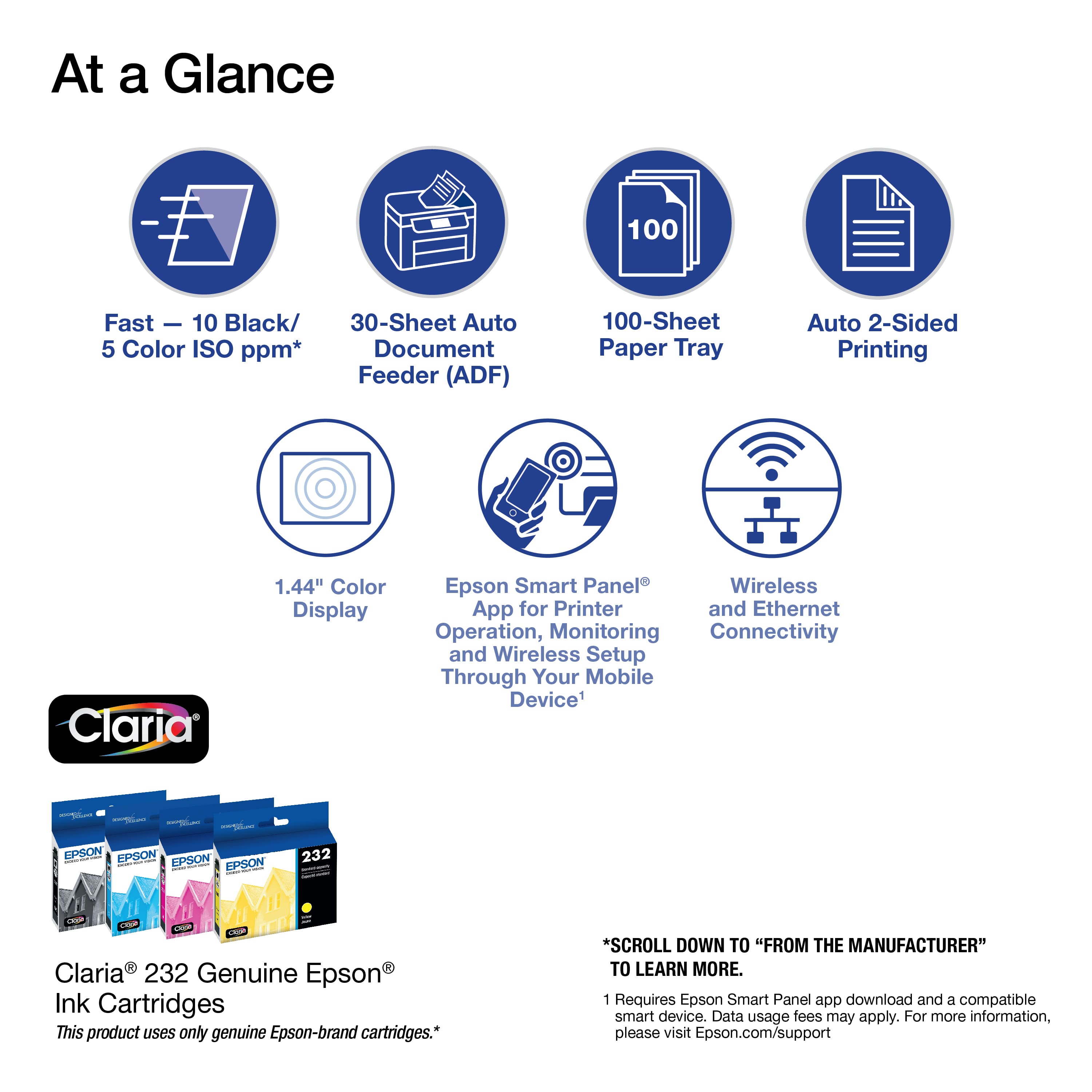
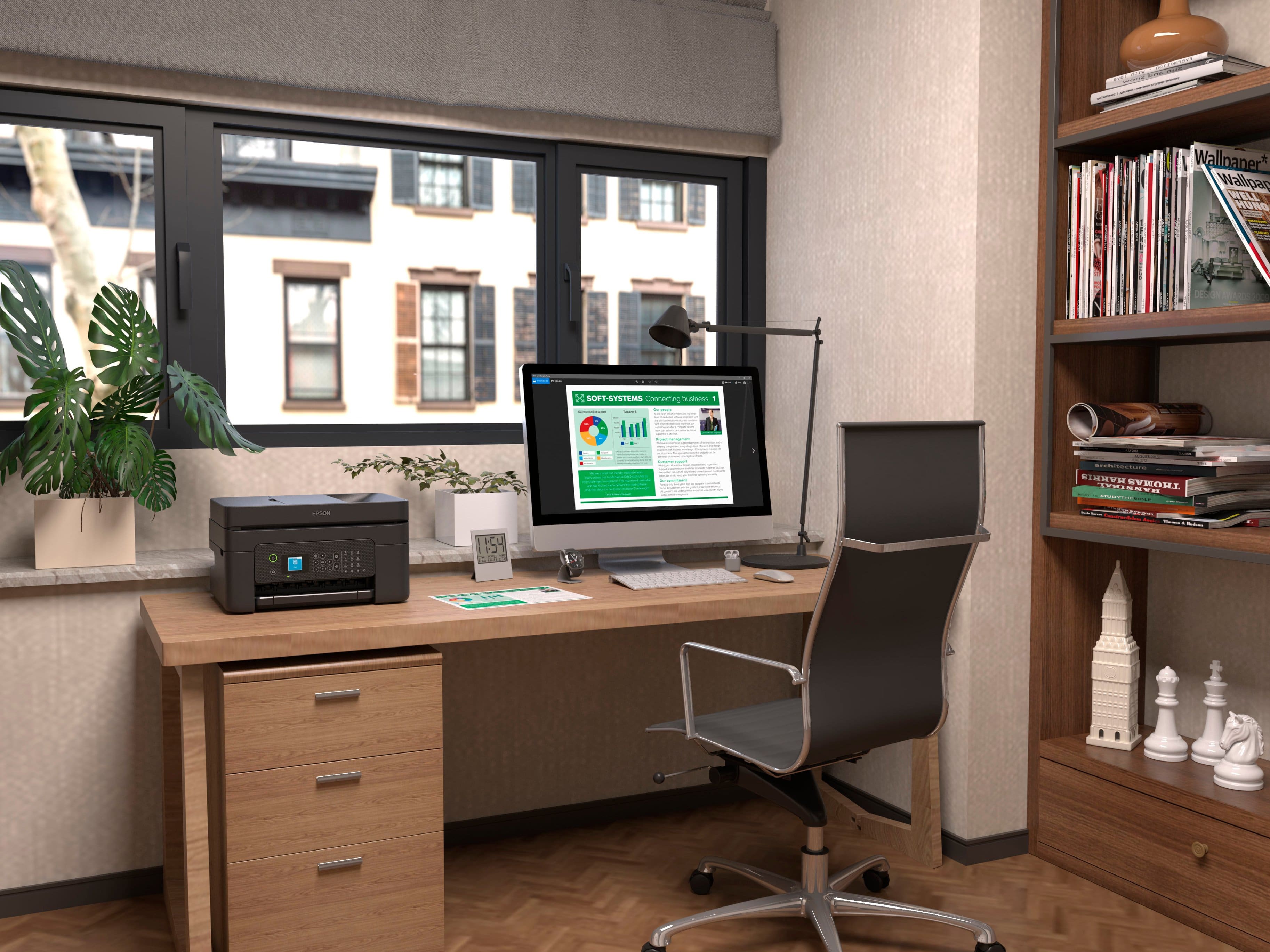
Customers are impressed with the WorkForce WF-2930 All-in-One Inkjet Printer's print quality and ease of use. The printer is also praised for its convenient size, affordable price, and various functionalities like scanning and faxing. Some customers suggest improvements to the control panel's visibility. Overall, the printer's design and connectivity options are well-received, making it a suitable choice for home offices.
This summary was generated by AI based on customer reviews.
Great printer
||Posted . Owned for 1 month when reviewed.This reviewer received promo considerations or sweepstakes entry for writing a review.Great printer and great price. The ink replacement is actually affordable unlike so many other brands
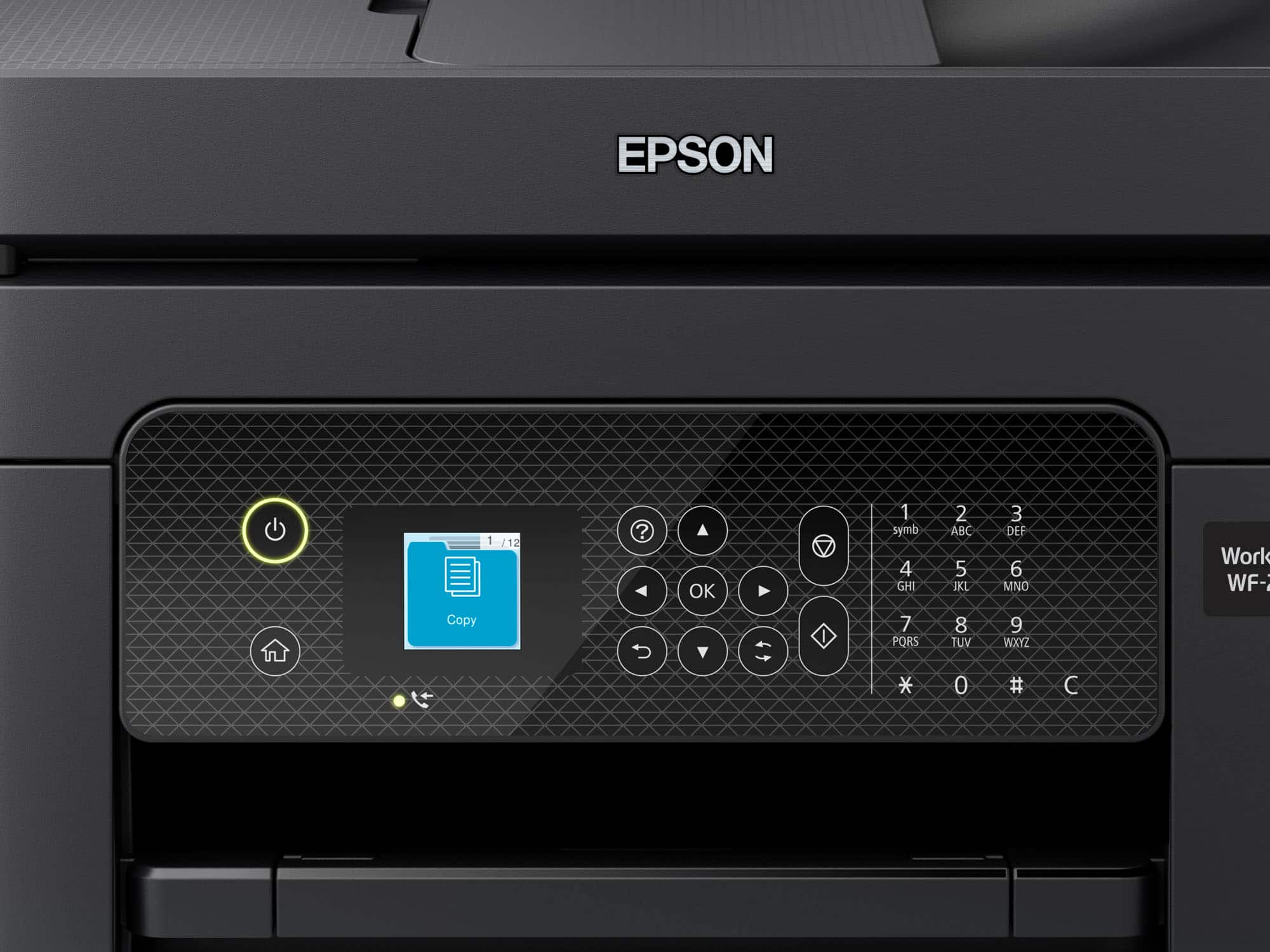
I would recommend this to a friend- Pros mentioned:Print quality, SetupCons mentioned:Control panel

Very nice with a couple of minor flaws
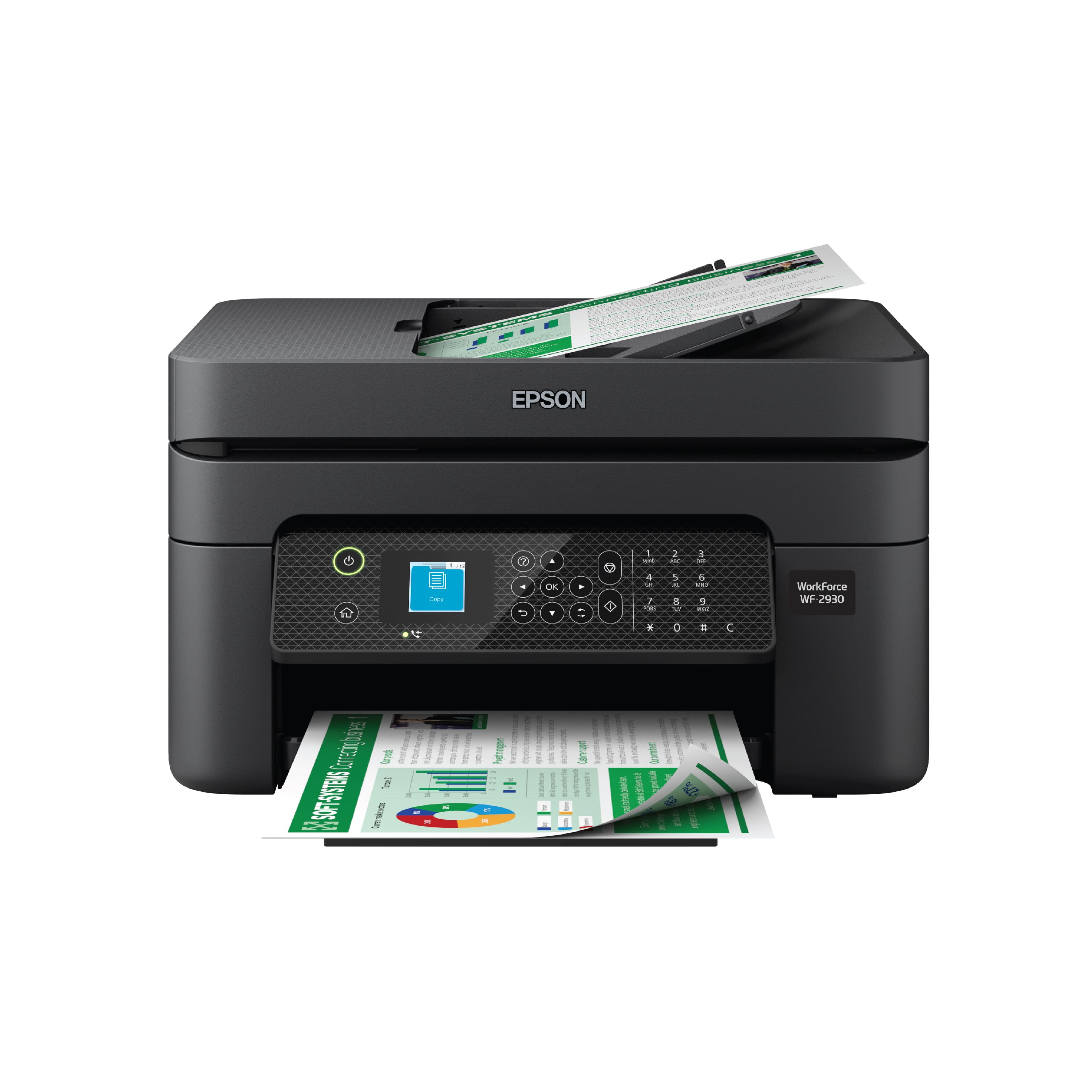
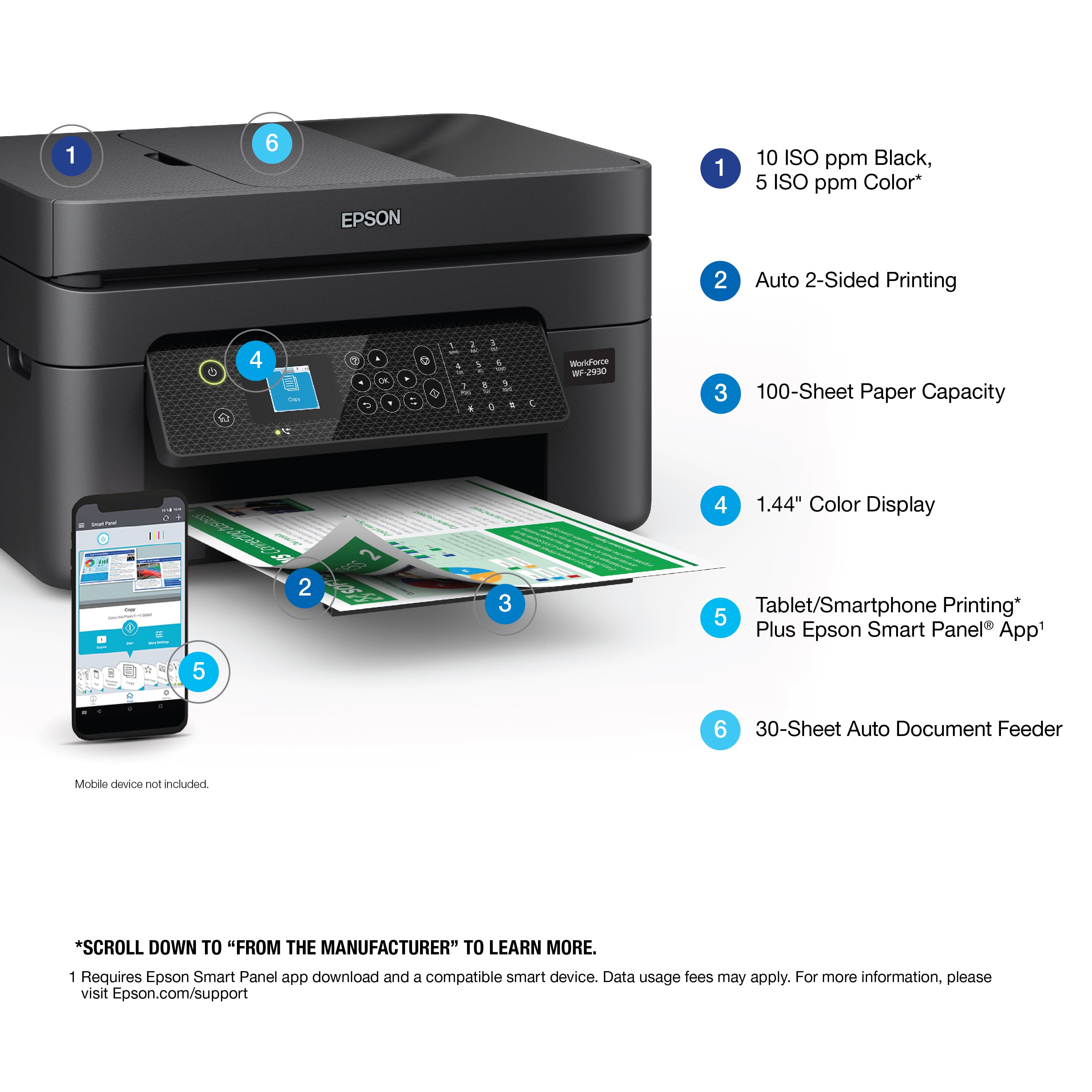
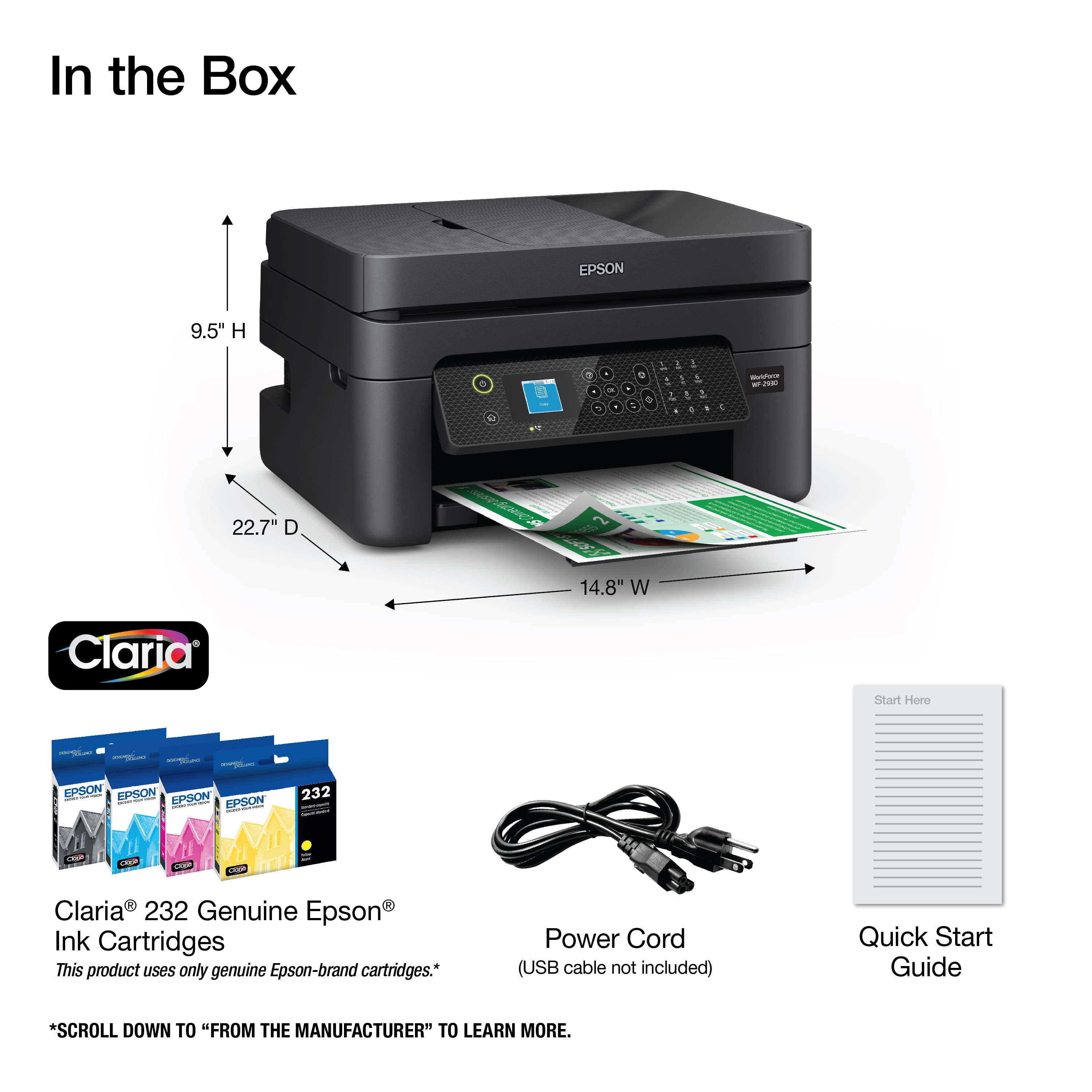
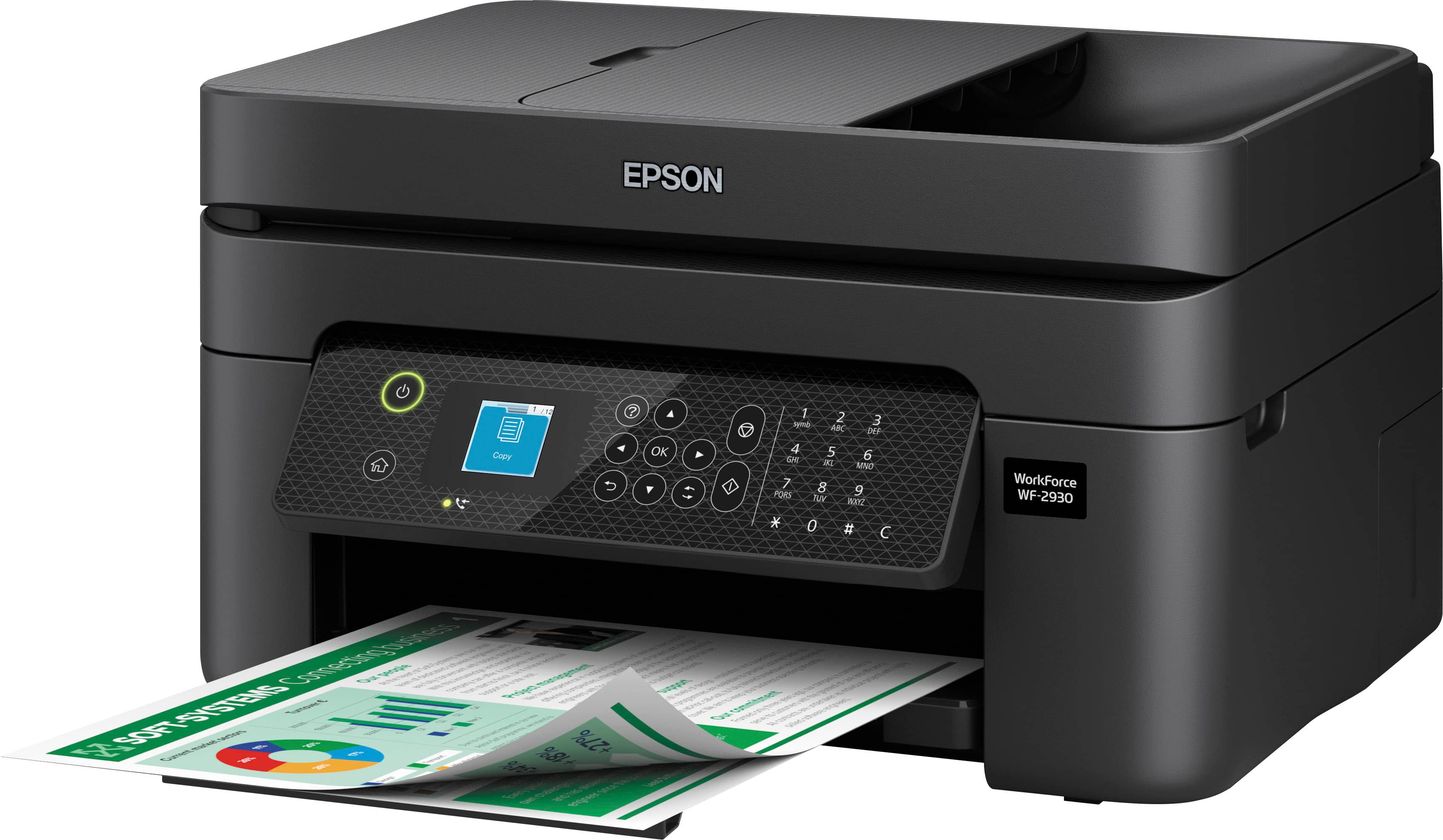
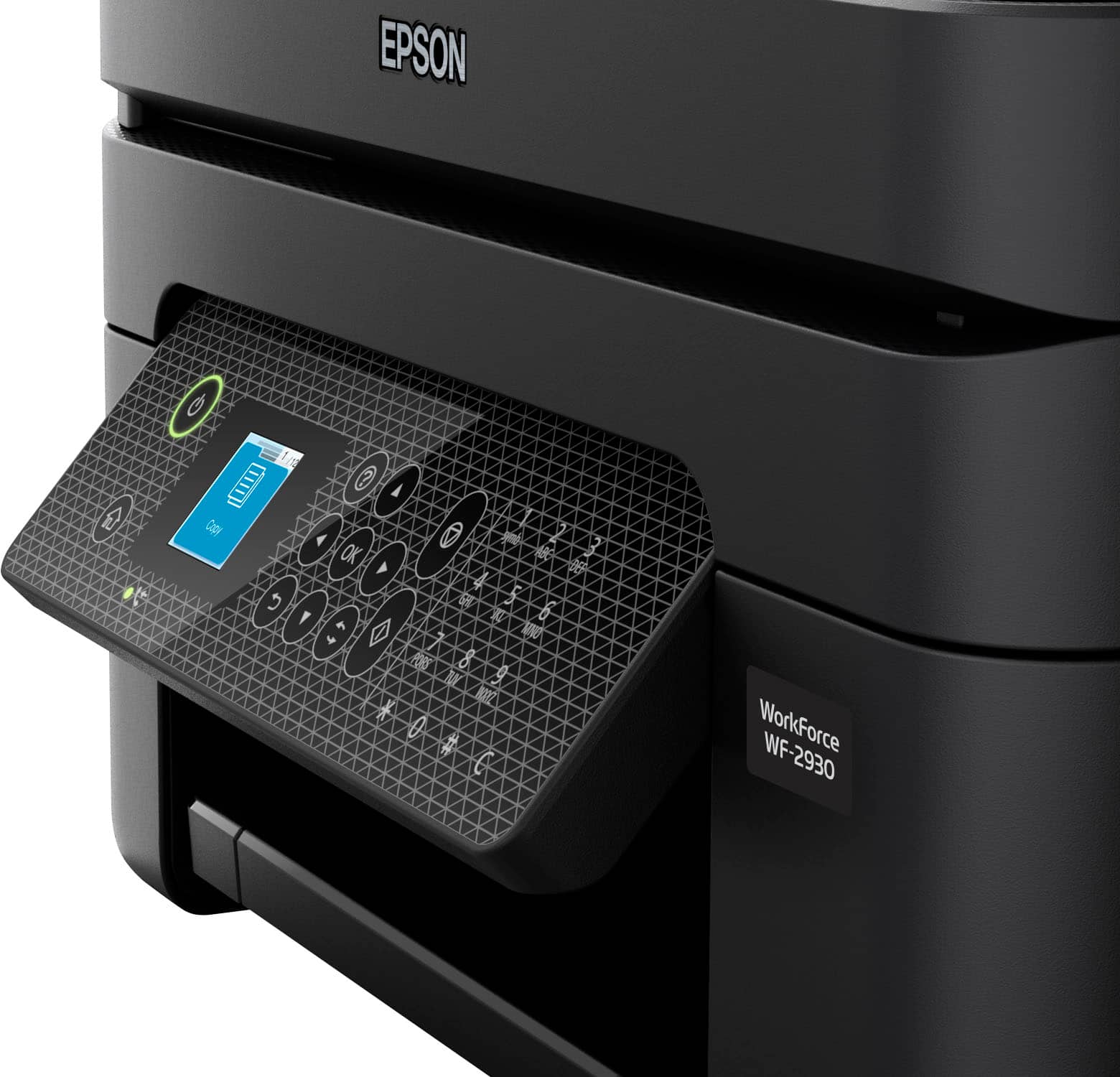
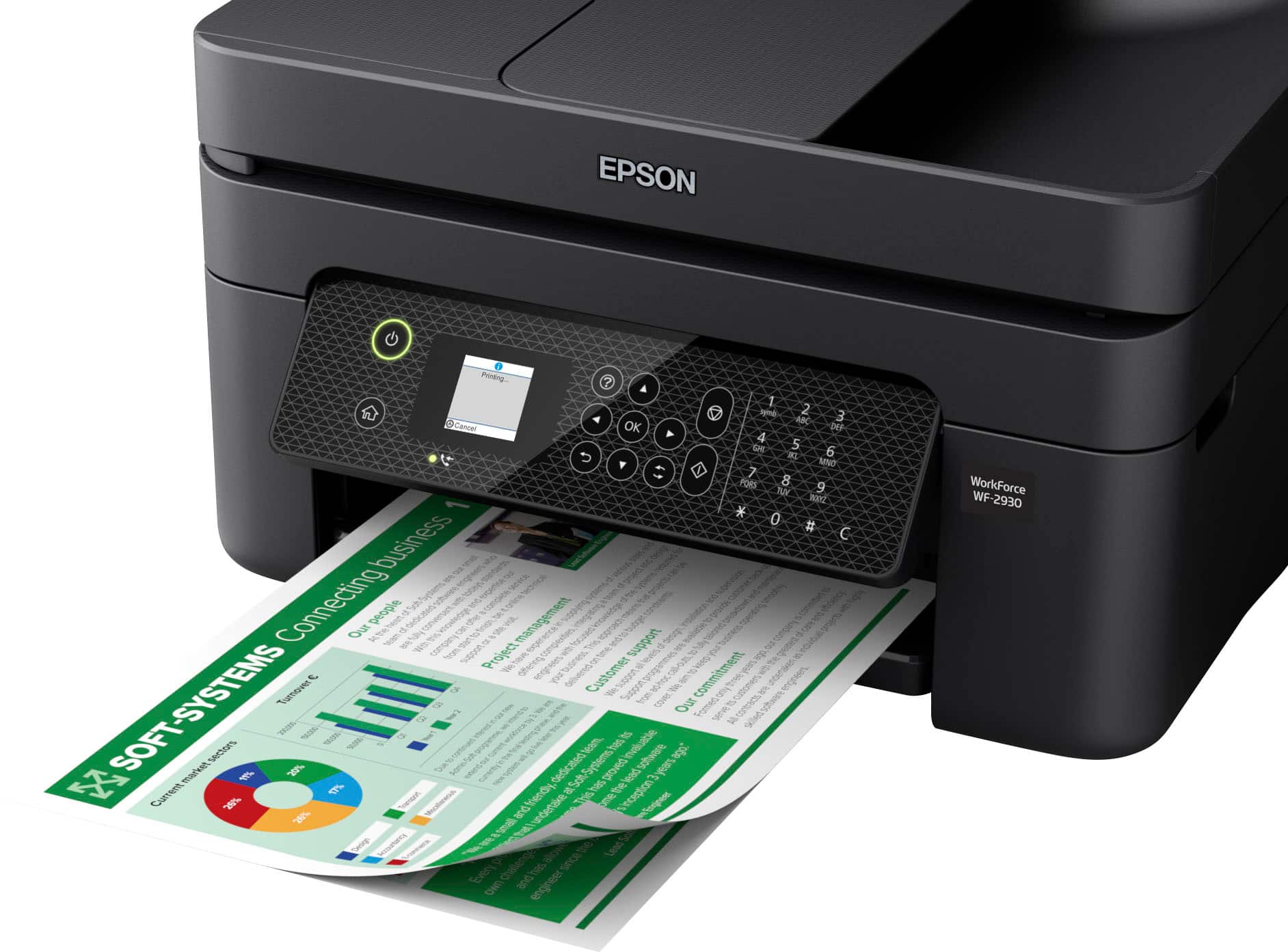
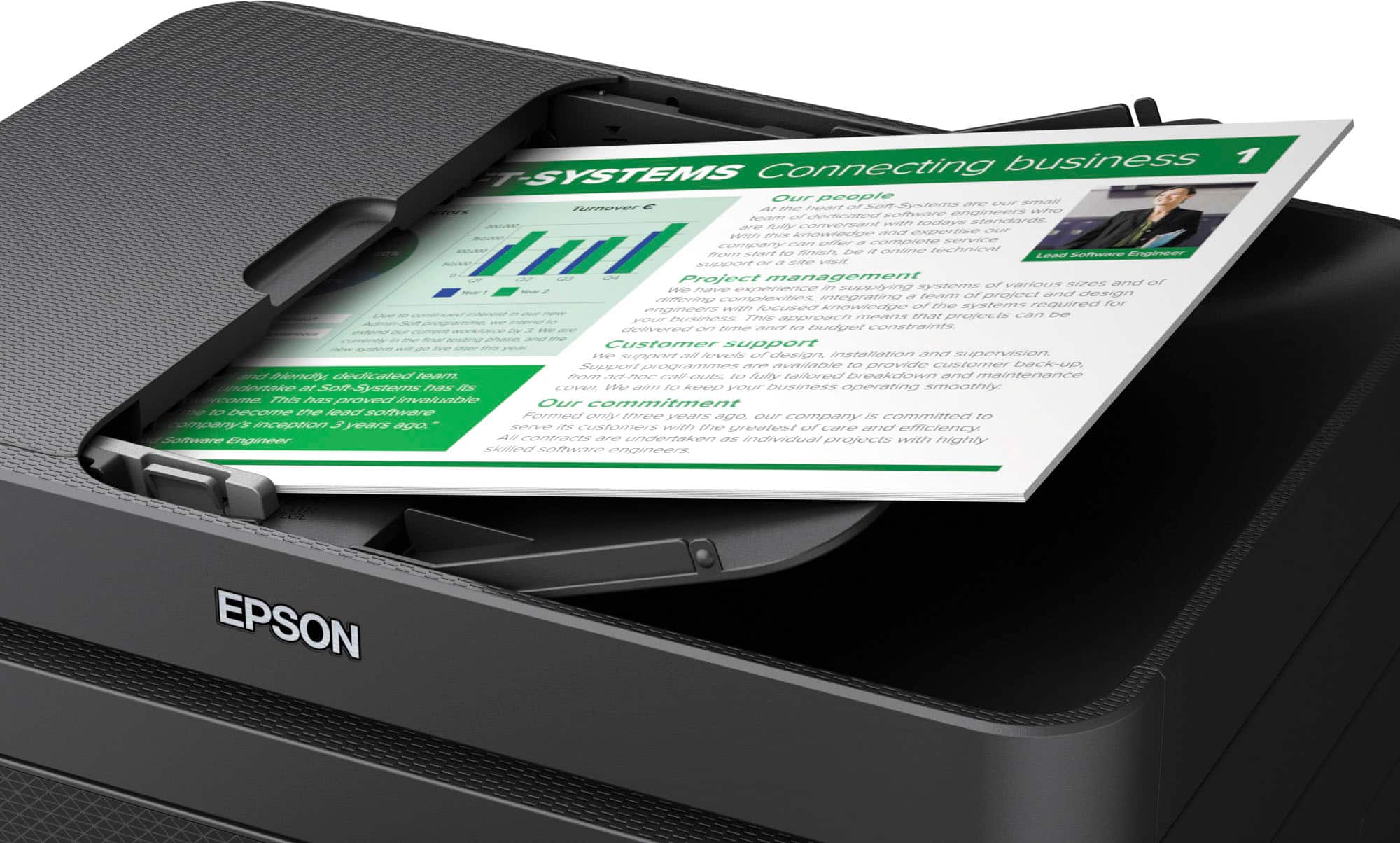
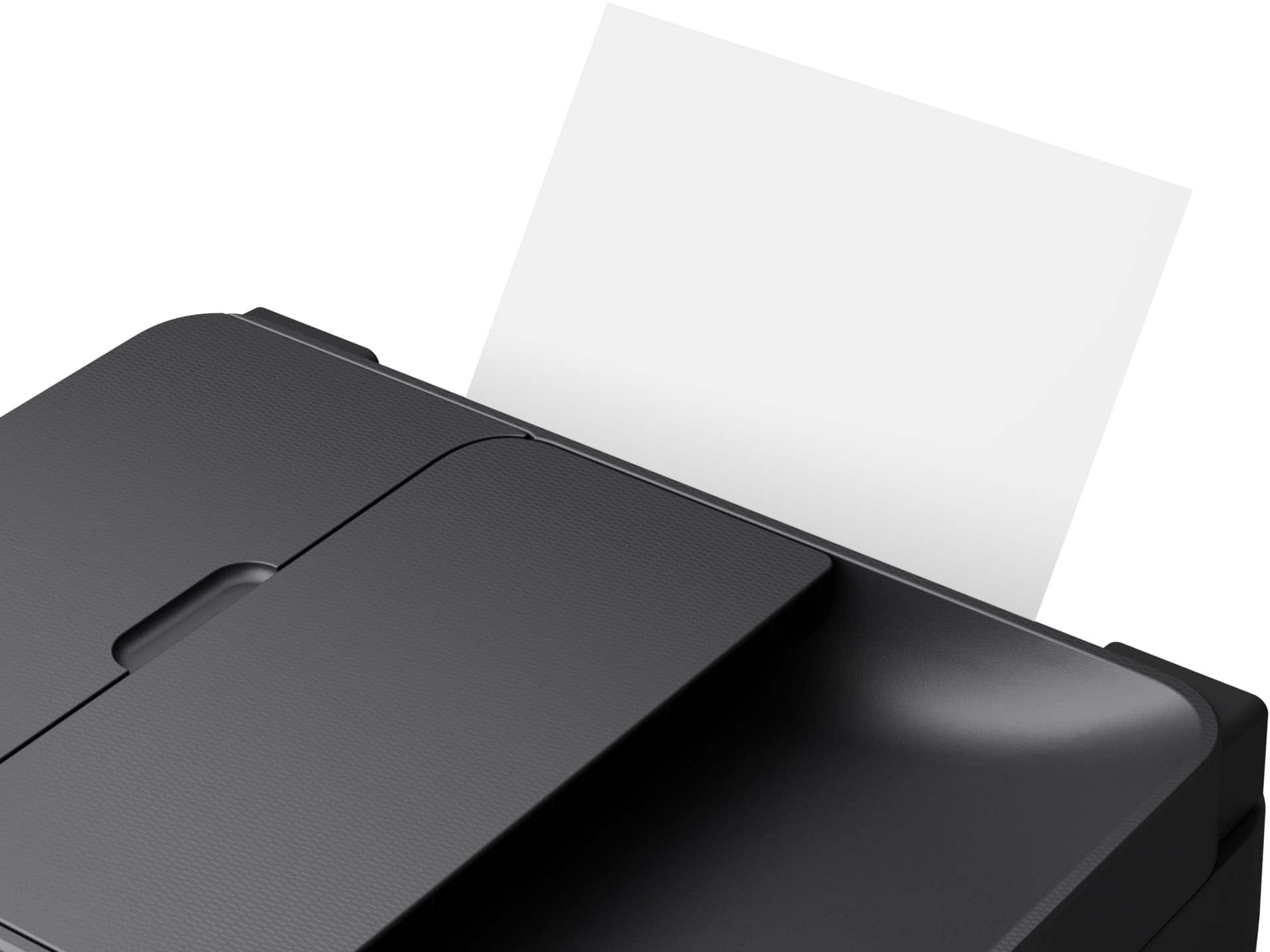
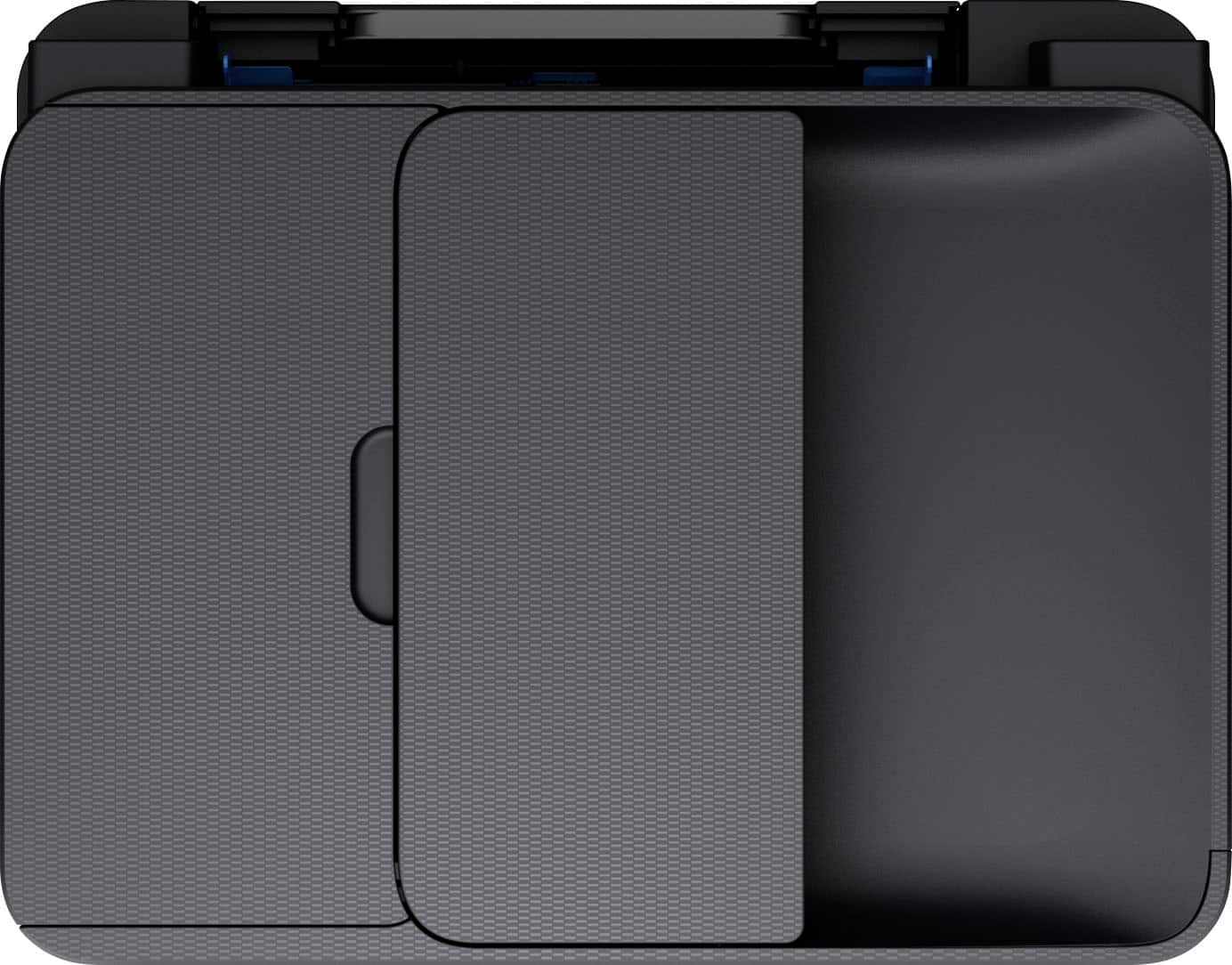
|Posted .This reviewer received promo considerations or sweepstakes entry for writing a review.The printer arrived today. It was well packaged, and no damage was found. The ink cartridges and power cord were well secured in the top Styrofoam packing, so wouldn’t be easily overlooked. The printer was within a plastic bag, which made removal from the box easy. The setup instructions showed each piece of packing material that needed to be removed, so nothing could be overlooked. The setup instructions were very clear. I elected to use the on-device screen to do the setup, rather than the phone all. Other than the screen being so small, it was simple to use. The first attempt to connect to my home WiFi was unsuccessful, but a second attempt on a different access point worked fine. The printer went through some self-diagnostics, which took about 5 minutes. After that it was ready to use. When I asked if I wanted to register the device, it filled in the appropriate information when the web page opened, saving me from looking up the serial number. I let the device go to sleep before I attempted my first print, as I wanted to see how quickly it responded. It woke up almost immediately and began the print job, which was very impressive. It printed a full page image from a file in about 30 seconds, and the image quality was very impressive for only being on plain paper. I next tried the scanner. This device has a document feeder, so quite easy to scan multiple documents. It does not appear to perform two sided scanning. From clicking print on the computer to the printer actually starting to print was very fast, much better than the Brother printer this replaced. Below are a few things that dropped this from a 5 to 4 star rating. First, there is no paper tray. Instead, the paper is placed in an angled slot at the back of the printer. This means the paper can end up drooping over the top of the support (it doesn't reach the top of the paper), and it doesn't hold as much paper as most trays. Next, the swing out control panel has nothing to hold it in position other than friction. When pressing the buttons on the panel, it might start sliding back down to the vertical position. I ended up just keeping a finger on the back of the panel while pressing the buttons. But some sort of detent or something to hold it in place would be welcome. Finally, scanning was a bit slower than the Brother, but still acceptable for the average home user that only uses it as an occasional scanner. I did not test its fax capability, but based on experience with a previous Epson multi-function printer I'm certain it works fine.
I would recommend this to a friend Highly Recommend
||Posted . Owned for 3 weeks when reviewed.This reviewer received promo considerations or sweepstakes entry for writing a review.I seen this printer on sale. My daughter has one that I use ofter so I decided to purchase my own!
I would recommend this to a friendInk
||Posted . Owned for 7 months when reviewed.This reviewer received promo considerations or sweepstakes entry for writing a review.Easy to use but ran out of ink after printing 5-6 color papers
No, I would not recommend this to a friendgood printer scanner
||Posted . Owned for 4 months when reviewed.This reviewer received promo considerations or sweepstakes entry for writing a review.I like this printer. it works well for my home projects and some work projects.
I would recommend this to a friendGreat printer for less
||Posted . Owned for 1 month when reviewed.This reviewer received promo considerations or sweepstakes entry for writing a review.Does everything I need, does it well, and is ver affordable.
I would recommend this to a friendGood printer, but ink runs out FAST
||Posted . Owned for 6 months when reviewed.This reviewer received promo considerations or sweepstakes entry for writing a review.Sucks up ink like crazy!! I printed maybe 20 pages on here of black and white, plus a few color text documents and I ran out of ink. Hesitating to buy more so this printer has been a waste of money for me overall. You could probably find one much more efficient on ink
No, I would not recommend this to a friendFair printer
||Posted . Owned for 5 months when reviewed.This reviewer received promo considerations or sweepstakes entry for writing a review.I'm not impressed by printers as I've had about 4 in a years time
No, I would not recommend this to a friendWF-2930
||Posted . Owned for 3 weeks when reviewed.This reviewer received promo considerations or sweepstakes entry for writing a review.A very good printer, scanner. Easy to use, easy to set up
I would recommend this to a friendWf 2930 printer
||Posted . Owned for 1 week when reviewed.This reviewer received promo considerations or sweepstakes entry for writing a review.In love with this printer, the printer has an exter tray to load paper, envelope ect.
I would recommend this to a friendRock out
||Posted . Owned for 1 month when reviewed.This reviewer received promo considerations or sweepstakes entry for writing a review.Epson printer is very good. I’ve always liked them. They have always been dependable.
I would recommend this to a friendHorrible Product! Would Not Buy It!
||Posted . Owned for 5 months when reviewed.This reviewer received promo considerations or sweepstakes entry for writing a review.This product has been a nightmare from the moment we tried to set it up. Firstly, it has kept dropping the Wi-Fi connection almost daily, when nothing else in the house has a problem. Secondly, it chews up ink faster than any other printer we have ever used. Thirdly, despite trying to get decent prints, the inkjet heads are continuously printing sporadically, so prints are missing ink in many areas of the page. We were told to clean the heads a number of times and all that has done is chew up the brand new ink cartriges in one day! and with no improvement in printing results. I would give this product a zero...just a hunk of junk
No, I would not recommend this to a friendBrand response from Epson
Posted .Hello Critical, we apologize for your disappointing experience with the WF-2930 printer. Epson considers all feedback to improve the performance and quality of our products. Epson also provides helpful information on FAQs and self-help tools on the product support web page at https://epson.com/Support/Printers/All-In-Ones/WorkForce-Series/Epson-WorkForce-WF-2930/s/SPT_C11CK63201#questions. Your printer also includes a 1-year Limited Warranty plus free lifetime technical support. Please get in touch with our support team at (562) 276-4382 between 7 am - 4 pm (PT), Monday - Friday, if you need further assistance.
Sincerely, Sam - The Epson Team
Great product
||Posted . Owned for 1 month when reviewed.This reviewer received promo considerations or sweepstakes entry for writing a review.Great product overall! It gets the job done for my everyday needs as a human.
I would recommend this to a friendArvind p
||Posted . Owned for 1 month when reviewed.This reviewer received promo considerations or sweepstakes entry for writing a review.Not the best paper setting. Need easy setup to make a decent sized
No, I would not recommend this to a friendBrand response from Epson
Posted .Hello ArvindP, we apologize for your disappointing experience with the WF-2930 printer. Epson considers all feedback to improve the performance and quality of our products. Epson also provides helpful information on FAQs and self-help tools on the product support web page at https://epson.com/Support/Printers/All-In-Ones/WorkForce-Series/Epson-WorkForce-WF-2930/s/SPT_C11CK63201#questions. Your printer also includes a 1-year Limited Warranty plus free lifetime technical support. Please contact our support team at (562) 276-4382 between 7 am - 4 pm (PT), Monday - Friday, if you need further assistance.
Sincerely, Sam - The Epson Team
Good
||Posted . Owned for 3 weeks when reviewed.This reviewer received promo considerations or sweepstakes entry for writing a review.Printer is good but one ink set is not even printing 60 pages
No, I would not recommend this to a friendBrand response from Epson
Posted .Hello Best, we appreciate your feedback on the WF-2930 printer. Epson considers all feedback to improve the performance and quality of our products. Epson also provides helpful information on FAQs and self-help tools on the product support web page at https://epson.com/Support/Printers/All-In-Ones/WorkForce-Series/Epson-WorkForce-WF-2930/s/SPT_C11CK63201#questions. Your printer also includes a 1-year Limited Warranty plus free lifetime technical support. Please contact our support team at (562) 276-4382 between 7 am - 4 pm (PT), Monday - Friday, if you need further assistance.
Sincerely, Sam - The Epson Team
- Pros mentioned:Print quality
Mr.
||Posted . Owned for 1 month when reviewed.This reviewer received promo considerations or sweepstakes entry for writing a review.Prints pretty well. A little hard to follow directions.
No, I would not recommend this to a friend Good Buy
||Posted . Owned for 1 month when reviewed.This reviewer received promo considerations or sweepstakes entry for writing a review.Very nice all in one printer, hopefully it will not use ink like my other HP
I would recommend this to a friendGreat for the price
||Posted . Owned for 1 month when reviewed.This reviewer received promo considerations or sweepstakes entry for writing a review.Perfect Printer for the price! Got it less than $60 and it does good so far
I would recommend this to a friendta ready
||Posted . Owned for 3 months when reviewed.This reviewer received promo considerations or sweepstakes entry for writing a review.the best is very good this mrd yo lo que quiero e cualto en vdd
I would recommend this to a friendGreat copier
||Posted . Owned for 3 weeks when reviewed.This reviewer received promo considerations or sweepstakes entry for writing a review.This is only for the copying. Have not tried the other features yet.
I would recommend this to a friend