Customer Ratings & Reviews
- Model:
- C11CK63201
- SKU:
- 6516130
Rating by feature
- Value
Rating 4.1 out of 5 stars
- Quality
Rating 4.0 out of 5 stars
- Ease of Use
Rating 4.0 out of 5 stars
Customers are saying
Customers are impressed with the WorkForce WF-2930 All-in-One Inkjet Printer's print quality and ease of use. The printer is also praised for its convenient size, affordable price, and various functionalities like scanning and faxing. Some customers suggest improvements to the control panel's visibility. Overall, the printer's design and connectivity options are well-received, making it a suitable choice for home offices.
This summary was generated by AI based on customer reviews.
Trash
||Posted . Owned for less than 1 week when reviewed.This reviewer received promo considerations or sweepstakes entry for writing a review.The reason this printer is only $59 is because it’s trash
No, I would not recommend this to a friendBrand response from Epson
Posted .Hello 1Dre, we apologize for your disappointing experience with the WF-2930 printer. Epson considers all feedback to improve the performance and quality of our products. Epson also provides helpful information on FAQs and self-help tools on the product support web page at https://epson.com/Support/Printers/All-In-Ones/WorkForce-Series/Epson-WorkForce-WF-2930/s/SPT_C11CK63201#questions. Your printer also includes a 1-year Limited Warranty plus free lifetime technical support. Please get in touch with our support team at (562) 276-4382 between 7 am - 4 pm (PT), Monday - Friday, if you need further assistance.
Sincerely, Sam - The Epson Team
Not worth
||Posted . Owned for 2 months when reviewed.This reviewer received promo considerations or sweepstakes entry for writing a review.Ink finishes quickly. Color printing is worst. Unfortunately missed the return date.
No, I would not recommend this to a friendBrand response from Epson
Posted .Hello yogeshkollu, we appreciate your feedback on the WF-2930 printer. Epson considers all feedback to improve the performance and quality of our products. Epson also provides helpful information on FAQs and self-help tools on the product support web page at https://epson.com/Support/Printers/All-In-Ones/WorkForce-Series/Epson-WorkForce-WF-2930/s/SPT_C11CK63201#questions. Your printer also includes a 1-year Limited Warranty plus free lifetime technical support. Please contact our support team at (562) 276-4382 between 7 am - 4 pm (PT), Monday - Friday, if you need further assistance. Sincerely, Sam - The Epson Team
Epson Workforce
||Posted . Owned for 6 months when reviewed.This reviewer received promo considerations or sweepstakes entry for writing a review.This printer only worked for like a day smh. Never again
I would recommend this to a friendBummer
||Posted . Owned for 3 weeks when reviewed.This reviewer received promo considerations or sweepstakes entry for writing a review.Settings keep skipping around and is noisy. Cheap but not worth it.
No, I would not recommend this to a friendBrand response from Epson
Posted .Hello RichardJ, we apologize for your disappointing experience with the WF-2930 printer. Epson considers all feedback to improve the performance and quality of our products. Epson also provides helpful information on FAQs and self-help tools on the product support web page at https://epson.com/Support/Printers/All-In-Ones/WorkForce-Series/Epson-WorkForce-WF-2930/s/SPT_C11CK63201#questions. Your printer also includes a 1-year Limited Warranty plus free lifetime technical support. Please get in touch with our support team at (562) 276-4382 between 7 am - 4 pm (PT), Monday - Friday, if you need further assistance.
Sincerely, Sam - The Epson Team
Ink too expensive
||Posted . Owned for 3 weeks when reviewed.This reviewer received promo considerations or sweepstakes entry for writing a review.The ink is too expensive. The ink is too expensive
No, I would not recommend this to a friendBrand response from Epson
Posted .Hello TaniaA, we apologize for your disappointing experience with the WF-2930 printer. Epson considers all feedback to improve the performance and quality of our products. We may be able to customize your print settings for more efficient ink consumption. Your printer also includes a 1-year Limited Warranty plus free lifetime technical support. Please get in touch with our support team at (562) 276-4382 between 7 am - 4 pm (PT), Monday - Friday, if you need further assistance.
Sincerely, Sam - The Epson Team
- Pros mentioned:Ease of use, Print quality

Nice Printer for at home
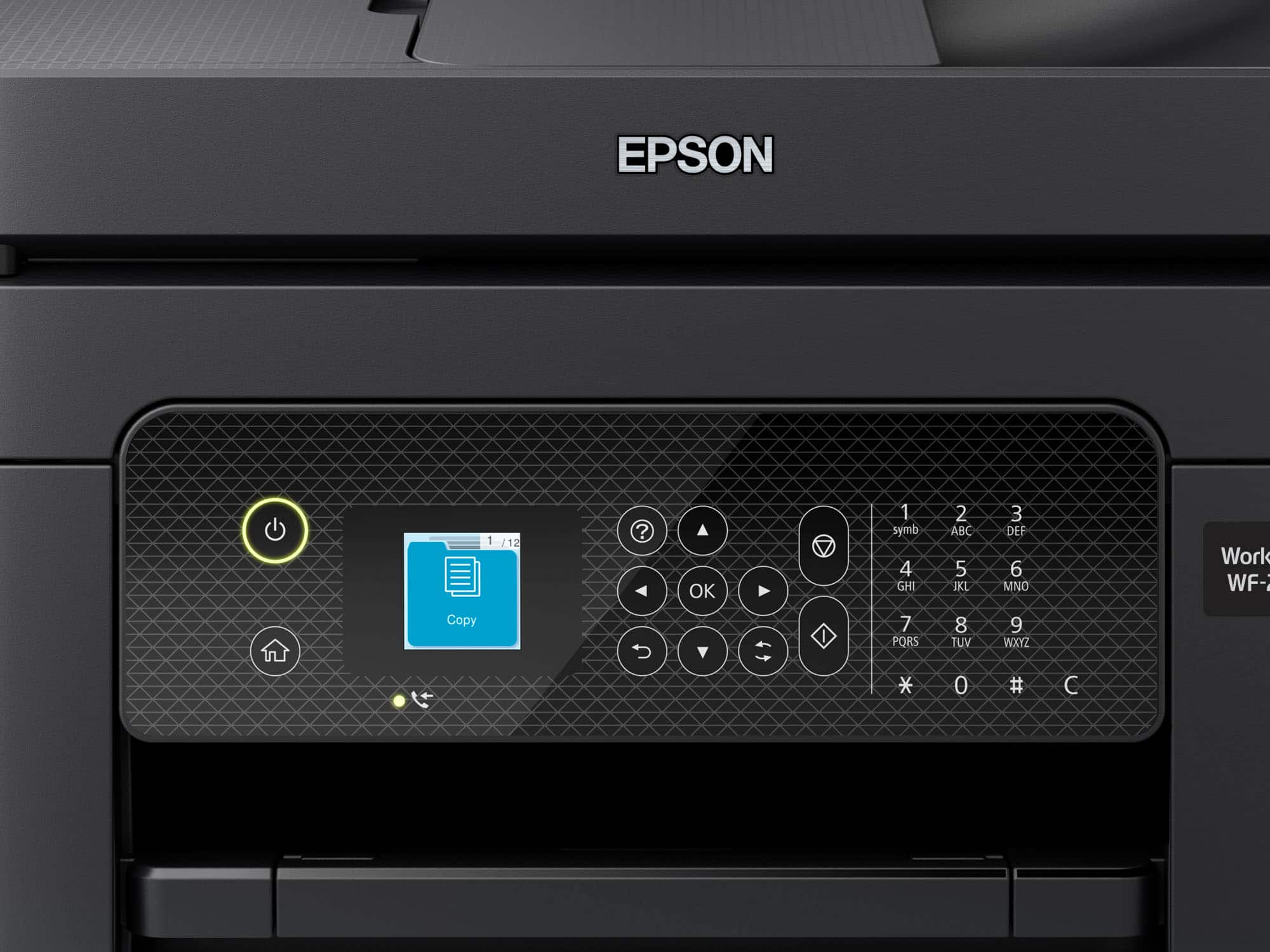
|Posted .This reviewer received promo considerations or sweepstakes entry for writing a review.The set up from out of the box was simple from my smart phone. The printer itself wasn't heavy at all, very lightweight compared to others I have had in the past. You have to download the Epson Software on your computer and it's fast and easy. Great things: Fast, clear printing Great Quality of prints, even if you print a picture out Easy set up of printer right out of the box. Some things that could use a bit of improvement: Mini Screen (It's very hard to read the screen, I wish it were bigger) Ink Cartridges are tinier than I expected. The lack of a USB-B to USB-A cord, scanning must be done from your phone without. I would much rather scan to and from computer. All in all, I would say this is well worth the money. I do hope that they make that screen a bit larger. If I had this on a table higher than the computer it wouldn't be so bad. It's a great all in one. We don't have a land line so we have never had use of a fax, that is something we have never used before so I cannot give feedback for that part.
I would recommend this to a friend - Pros mentioned:Print quality, Size
Epson printer honest review
|Posted .This reviewer received promo considerations or sweepstakes entry for writing a review.Solid printer for the money, Epson makes some of the best printers around in the ease of changing out the cartridges and being able to change out individual colors is a plus. You do save money on ink because you can replace one color at a time as opposed to other printers where you have a colored cartridge that has the three colors combined and if one goes low you're throwing out the cartridge and turn wasting money on ink. The printer was easy to connect to the network at my computer shop once on the network it was easy to add the printer to different workstations, The remote function such as printing, scanning, etc. Were all a breeze. The printer does not take up much space as a small footprint and is pretty light. Overall build quality is right in line with pretty much what you would come to expect for this price point. And compared to other printers, The ink is relatively affordable. But if you really looking for the best bang for buck I would say check out the Epson eco tanks. They can get up to 2 years on one full tank of ink and can really save you a ton of money in the long run. They don't print quite as fast as a cartridge printer, but during my testing the eco tanks were just fine and really weren't that slow.
I would recommend this to a friend - Pros mentioned:Ease of use, Print quality, Size
Fast and Versatile Printer!
|Posted .This reviewer received promo considerations or sweepstakes entry for writing a review.Epson has long been known for their high quality printers (and other electronics, of course). Here they have another winner on their hands with a super-versatile all-in-one device (print, scan, copy and fax) that packs a ton of functionality into a (relatively) small package. It's easy to setup - I did elect to to use the app-based setup since I was going to use it wirelessly/mostly with mobile devices anyhow, but you can also us a PC - and because it's using Wi-Fi, it can be placed nearly anywhere with access to power. The controls are straight-forward, whether you're copying/scanning/faxing from the device itself, or you're using a mobile device and - most importantly - it just works, which is huge. I do have a preference for the ecotank technology that Epson uses in some of their other devices which helps with lower cost per print from an ink perspective, but overall this does the job and cartridges are easy to find and easy to replace. I haven't had any jams, but there are quite a few places to access the mechanism of the printer/paper path to clear them if you do have them which is nice. And with Epson quality, this printer should be around for quite some time! Definitely highly recommend.
I would recommend this to a friend Epson printer is junk!
||Posted . Owned for 1 month when reviewed.This reviewer received promo considerations or sweepstakes entry for writing a review.Finicky, Hp more friendlier to use. Coping should be an easy task, it was not. While printing I should not be asked what size paper to print my subject on, especially if there's only one size paper in printer.
No, I would not recommend this to a friendBrand response from Epson
Posted .Hello CalvinJ, we apologize for your disappointing experience with the WF-2930 printer. Epson considers all feedback to improve the performance and quality of our products. Epson also provides helpful information on FAQs and self-help tools on the product support web page at https://epson.com/Support/Printers/All-In-Ones/WorkForce-Series/Epson-WorkForce-WF-2930/s/SPT_C11CK63201#questions. Additionally, your printer includes a 1-year Limited Warranty plus free lifetime technical support. Please contact our support team directly at (562) 276-4382 between 7 am - 4 pm (PT), Monday - Friday, if you need further assistance.
Sincerely, Sam - The Epson Team
- Pros mentioned:Print quality, Setup, Size
Perfect for a small office!
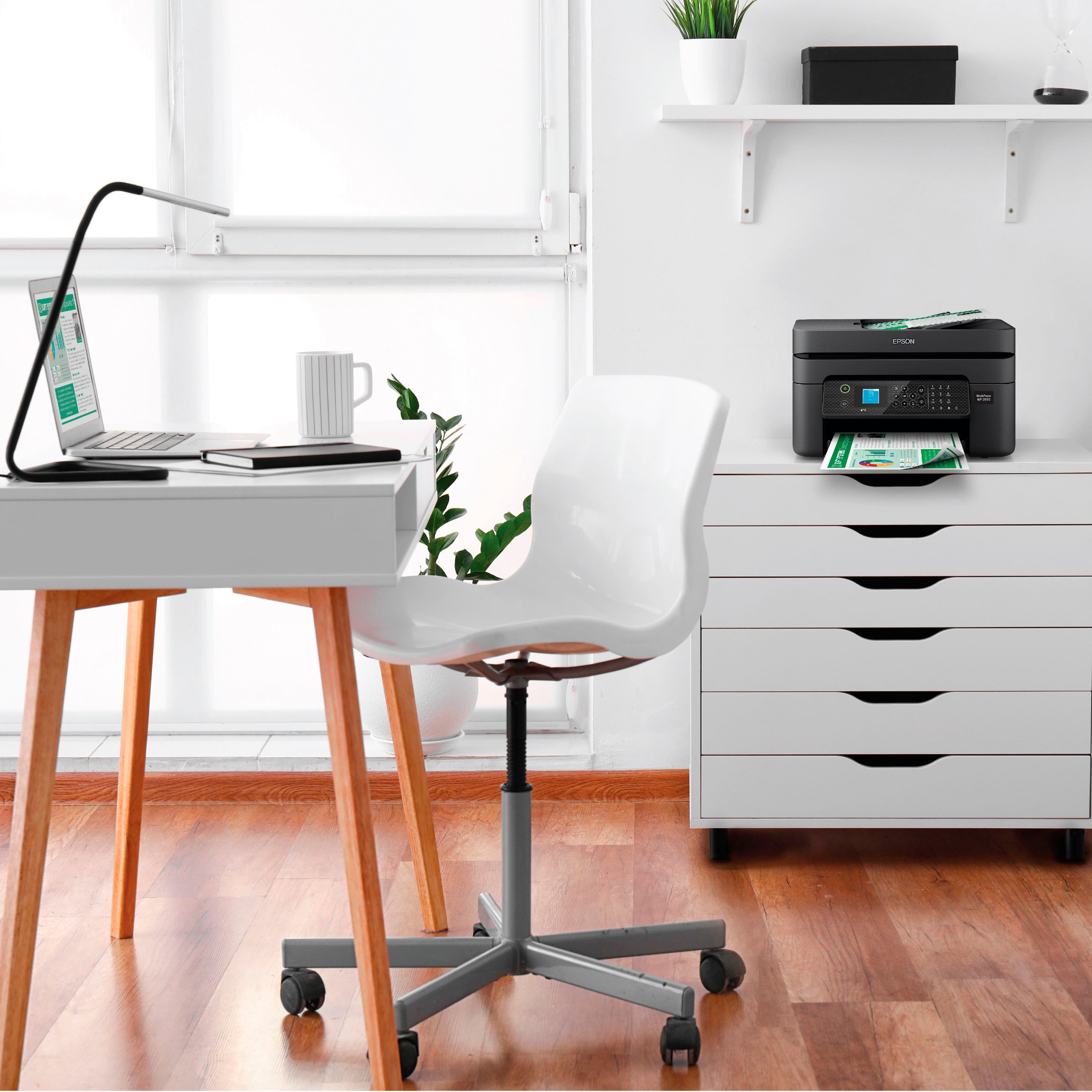
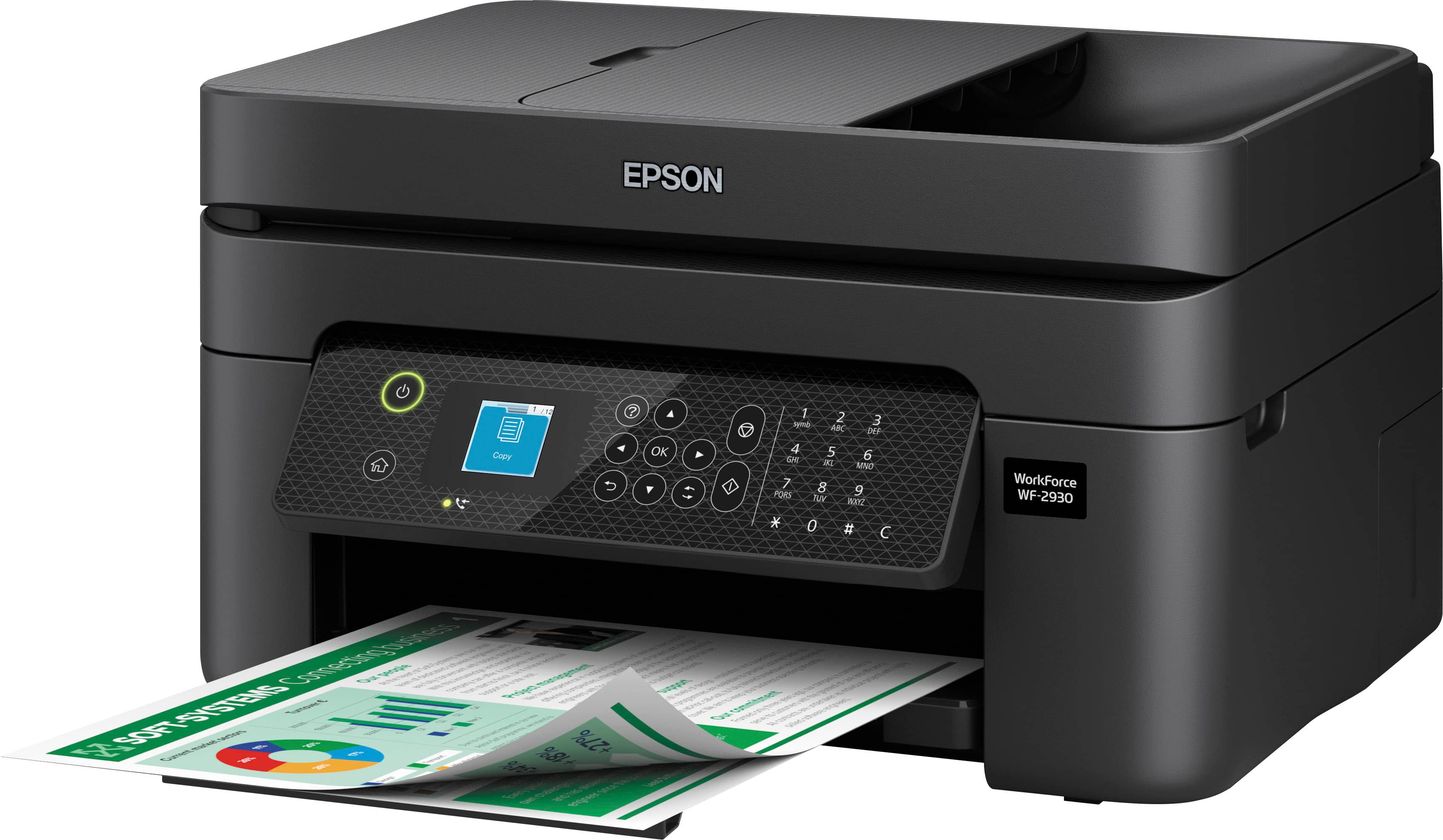
|Posted .This reviewer received promo considerations or sweepstakes entry for writing a review.This printer is perfect for my small home office! My favorite feature is the size and quality of printing. It’s not as fast as a commercial printer of course, but it’s a decent home printer. I have had other printers that are huge which have made me reorganize my whole office. This one is almost like a slim version of a printer that keeps the same features as a big printer. I love the black on black because it’s just discrete on my desk. I use it for my home office but this can easily be put on a kid's room for their own personal use. Here is my rating based on its features. 5/5 – Design Quality design and in a small package. Personally, my office space is limited and so I think this printer is great for those who have a smaller office or simply don’t want a printer that’s as big as your monitor. I love the size of this thing! 5/5 – Print Quality Does the job as expected. Not noisy at all and it doesn’t seem to waste unnecessary ink. 5/5 – Set up and Connectivity Super easy to set up and connect to our Wi-Fi and the App.
I would recommend this to a friend - Pros mentioned:Print quality, Setup, Size
Compact wireless all-in-one printer
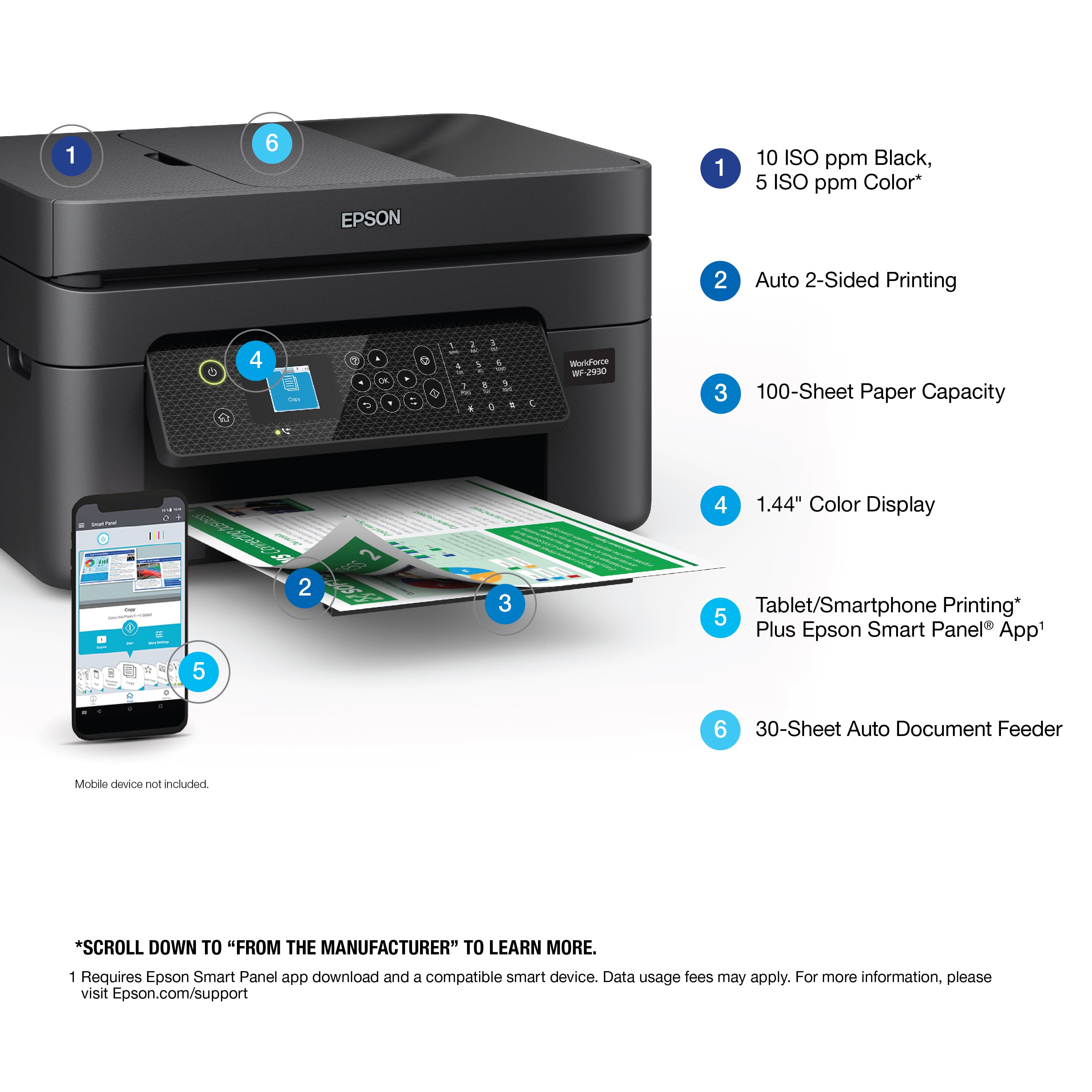
|Posted .This reviewer received promo considerations or sweepstakes entry for writing a review.I received the Epson WorkForce WF-2830 All-in-One Printer. This is a great compact wireless printer. Unboxing and setting up was a breeze. I print mostly from my phone, I did notice that the print time was a little slow. Quality was good and printing is crisp, clear with no smudging of the ink. Affordable individual ink cartridges mean you only replace the cartridge that runs out, while its 100-sheet paper feed allows you to reload paper less often. Has auto 2-sided printing, plus a 30-page Auto Document, Despite its compact size, it is loaded with features including automatic 2 sided printing, has voice activated printing! Whether you have Alexa, Siri, or Google Assistant, you will be able to ask any of them to print your documents, recipes, shopping lists and various other things! Has a convenient 1.4" LCD to ensure simple setup and navigation to easily print, copy, scan and fax. I would highly recommend Epson WorkForce WF-2830 All-in-One Printer to anyone looking to purchase a new printer.
I would recommend this to a friend - Pros mentioned:Ease of use, Print quality
Nice all-around printer for home office use
|Posted .This reviewer received promo considerations or sweepstakes entry for writing a review.Now that I, like a lot of people, am working remotely from home, I needed a printer for home office use. I had previously been printing out occasional documents and photos for my kids' school work at nearby office supply stores and the local library. While economical, it was not a convenient arrangement. I also considered getting a laser printer, but I also wanted color capabilities and a scanner. A laser printer with those features would have been well out of my budget. This printer has fit my needs quite well. Setup was easy, to the point that I didn't need to look at the documentation. Installing the ink and paper was very intuitive. Connecting the printer to my WiFi network was also a breeze, thanks to the on-screen setup wizard. The only tedious part was entering in my WiFi password, but unless I get a new router or change my WiFi password, I'm hopeful that it's a one-time deal. Since initial setup, I haven't had any disconnects. I previously owned a printer that would disappear from my wireless network, and even though it did a good job of printing when it was on the network, I boxed it up because of the constant headaches and maintenance it required. The print quality of both black and white prints were good. They aren't professional quality, but it hits the mark for my needs. Similarly, the speed of printing was acceptable -- I'm not printing manuscripts nor making hundreds of copies -- so no complaints there. I have tried the Android app for printing, which is intuitive and convenient. I have not tried the voice printing capabilities; I'm not really sure that I have any use cases for it, but I could see my mother-in-law using a feature like that, since she still likes to print out recipes. I haven't used the printer enough to need ink refills. It looks like only genuine Epson ink cartridges are supported by the printer, which is a bit of a bummer because it means that I'm at the whim of the cost and availability of cartridges from Epson. However, I'm hopeful that I won't need them often; after a month of owning the printer, my ink levels are still in the 90% range. In all, I'd recommend this printer. If your printing needs are like mine -- non-professional usage and for things like home office and school work -- it hits the mark as expected.
I would recommend this to a friend - Pros mentioned:Print quality
Smart low cost printer
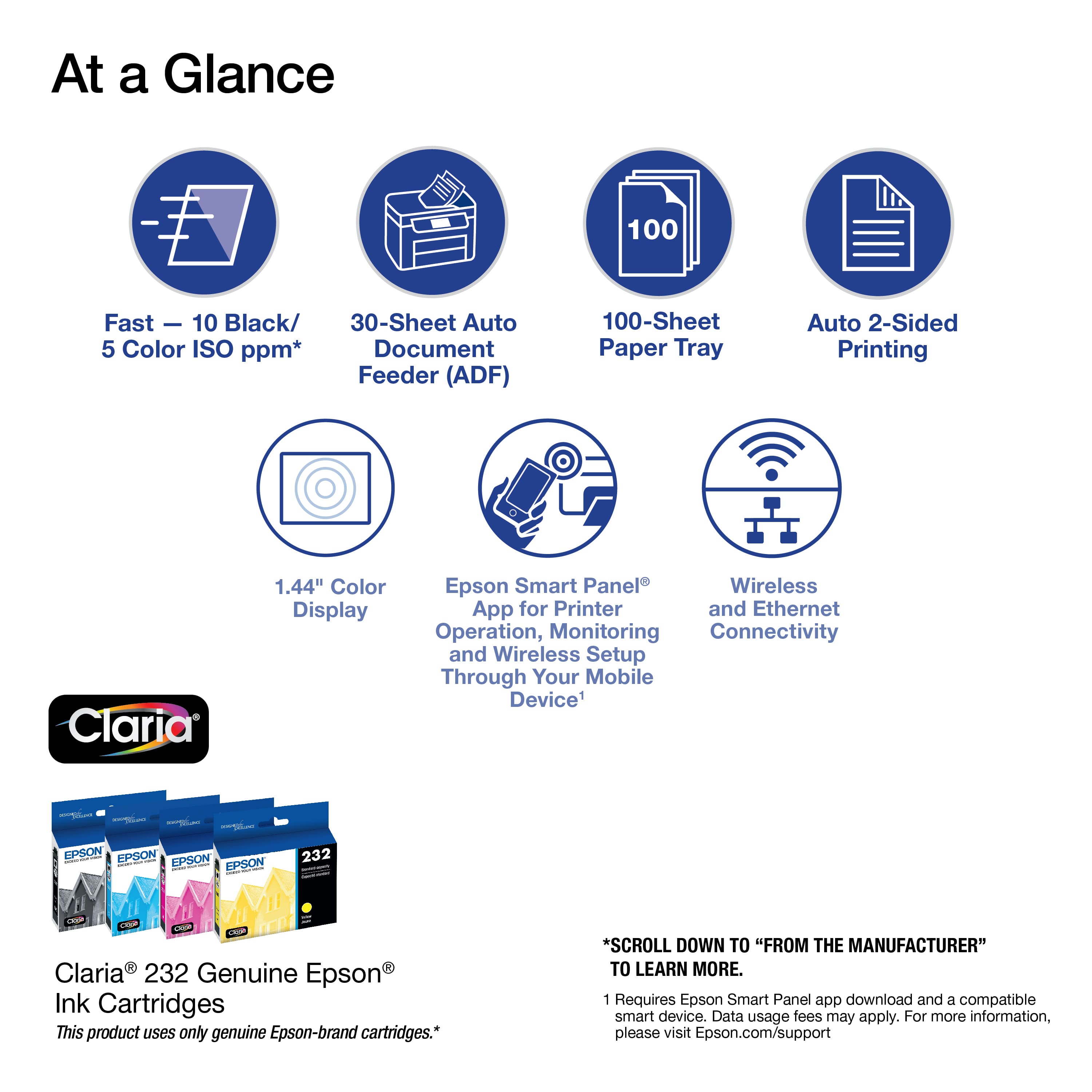
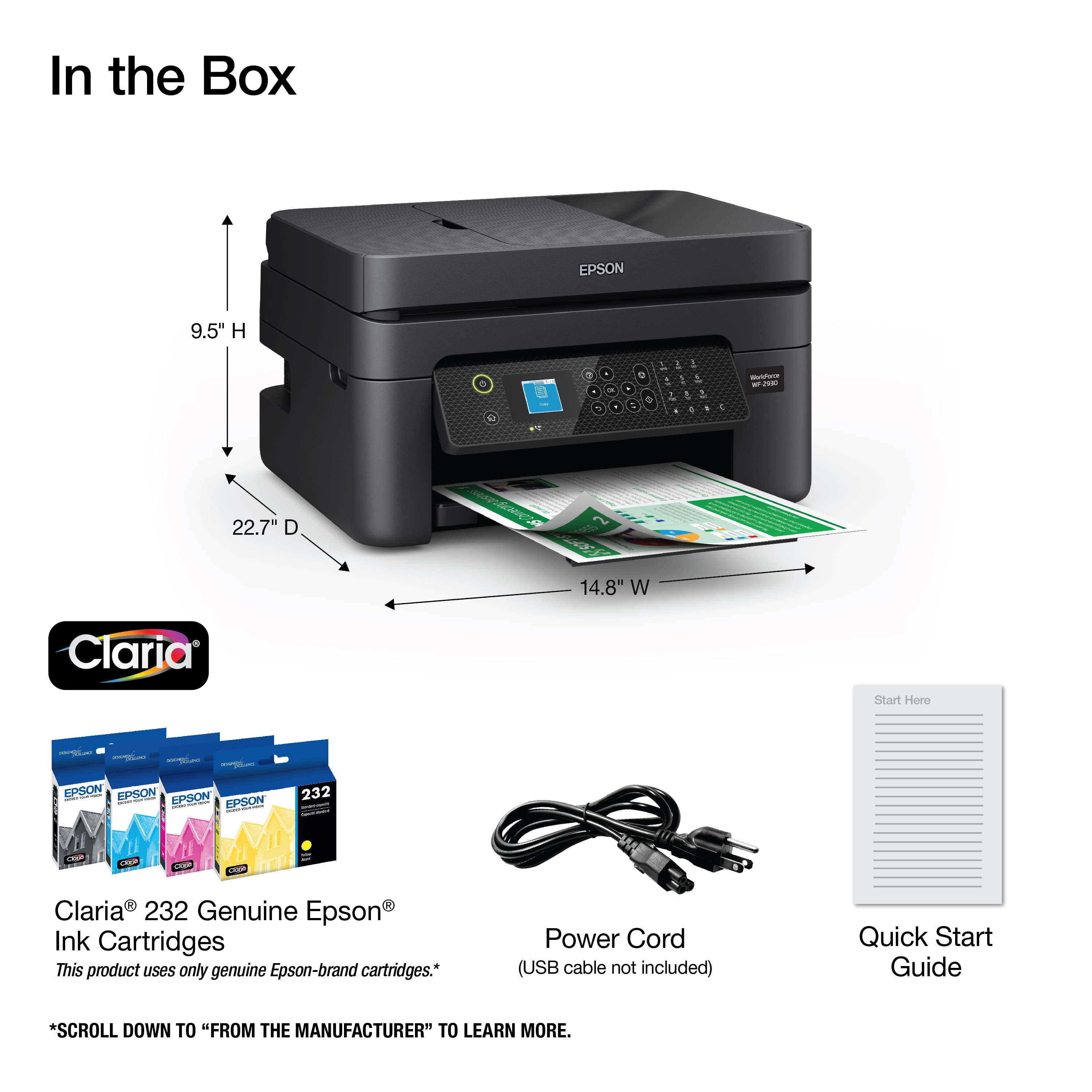
|Posted .This reviewer received promo considerations or sweepstakes entry for writing a review.This Epson Workforce 2930 All in one printer can easily handle your day-to-day printing, scanning, and faxing needs. It uses the Claria 232 ink cartridges, and they are reasonably priced, so printing full color prints will not set you back too much. Black and white printing will print at a speed of 10 pages a minute and 5 with using color, but if you decide to print two sided, then the speed is slowed down as well so keep that in mind. The paper tray will hold 100 sheets and the auto document feeder is handy to use when you have to scan multiple pages. The Epson SmartScan software will help you organize your scans so you can eliminate the paper files that you may have and go all digital, the .pdf documents you create can also be made searchable. I was not able to test the faxing feature as I do not have an analog phone line in my house, but its nice to know that I could use that in the future if I wanted to. This is a low cost, but high-quality printer and I have had a lot of luck with Epson printers in the past and I am sure this one will be no different. One of my favorite features is the ability to print from my smart phone directly to the printer. The initial set up of the printer onto my wireless network was easy and I did not have any issues. Overall, I think this is a great printer, for a low cost, that will give you years of trouble free service.
I would recommend this to a friend - Pros mentioned:Ease of use, Print quality
Great features
|Posted .This reviewer received promo considerations or sweepstakes entry for writing a review.I'm not a super avid printer but I like having a reliable printer on hand so I can print basic things such as printing labels, cards, or work documents. It's more important for me to have something that is bundled all in one because I lack a lot of space in my small apartment. Epson is one of the most reliable brands I've found for printers as they tend to last several years and the ink is relatively cheap as well. This printer is a great option if you're looking for all of the basic printing features in one that has easy setup and is easy to use even if you're not huge on technology. One thing I love about the Epson printers is it has the Epson app that helps you easily print from your phone and check ink levels, connectivity, etc. Set up with this printer was super easy to do and I can remotely scan straight from my printer to my computer. Even though this printer has tons of features, it's not overly bulky or heavy so it's easy to move if needed. I've printed several times in the last several weeks and it seems to not use ink extremely fast. Overall, great option for those with average printing needs.
I would recommend this to a friend - Pros mentioned:Print quality
Nice Printer
|Posted .This reviewer received promo considerations or sweepstakes entry for writing a review.This is a light weight printer & although I am not strong, I could easily carry it to my basement computer room. It was packed nicely with tape that was easy to remove. I downloaded the Epson Smart Panel app to my mini IPad & tried to follow the instructions but I was also reading the printed instructions. The panel on the printer the also gave me instructions so at times I was confused. It worked best to just follow what the app told you to do. The top of the printer is very light weight & didn’t feel as well made as other printers but perhaps to keep the total weight down. The front panel on the printer is very nice & easy to follow instructions. Loading the ink was somewhat difficult since you needed to shake the black ink while in the package but I had removed all outer packaging. Then I shook all the ink but should only have shook the black ink. There was over instruction about how to enter my router password but this might be helpful for a novice. The paper loads from the back, which is rather a strange location but once loaded, it would save space. I was able to print right away from my iPad. I thought the blue ink was rather light but I could read the blue OK. The printed a scenic lake photo on regular paper & it was beautiful. It took me less than an hour to set up & I generally hate setting up new printers.This is a nice printer but with all printers, the cost of the ink cartridges & how long they last is the real challenge.
I would recommend this to a friend - Pros mentioned:Print quality
A perfectly good home printer
|Posted .This reviewer received promo considerations or sweepstakes entry for writing a review.Long story short, if you're looking for a home printer, you could do much worse than this one. Setup took about 30 minutes. Overall, it was a bit tedious but as far as printers go, it wasn't all that bad. It offers wireless connectivity that actually works well. It shows up on all my devices and the time in between hitting print and the print actually starting is only a second or so, which is great. Even with good wireless connectivity, Epson still gives you the option to connect over USB. This obviously works and I thought it would be exclusively how I used the printer, but I pretty quickly found myself opting for the wireless option even for my desktop. Print quality is fine for typical home use. It doesn't seem to go through ink terribly quickly. The scanning feature is nice to have, even if I don't really use it. The design leaves a bit to be desired. It's definitely not compact and needs a dedicated spot in your office. It's pretty tall (basically just a big cube) so I found it a bit cumbersome to try and work into my desk setup in a way that didn't look weird. All things considered, if you need a printer at home for the occasional form, essay, or miscellaneous document, this is definitely a good option - especially considering its price point.
I would recommend this to a friend - Pros mentioned:Price, Print quality
Good printer! but disconnects often when scanning.
Posted .This reviewer received promo considerations or sweepstakes entry for writing a review.I liked that this product was very affordable. It prints very well. However, when I try to scan something it takes forever, and it tends to disconnect pretty quickly when I'm using the app. But, it is still very useful for me, and it seems to be inexpensive to refill the dye.
I would recommend this to a friend - Pros mentioned:Setup
Epson workforce WF 2930 all in one
Posted .This reviewer received promo considerations or sweepstakes entry for writing a review.Easy to set up and connect to internet and computer.
I would recommend this to a friend - Pros mentioned:Ease of use
Worth the money
Posted .This reviewer received promo considerations or sweepstakes entry for writing a review.I needed a basic copier but the WR-2930 does more than the price would lead you to believe. I am very satisfied with my purchase.
I would recommend this to a friend - Pros mentioned:Print quality
Ms.
Posted .This reviewer received promo considerations or sweepstakes entry for writing a review.Very good printer, fairly simple to operate. Good quality print outs
I would recommend this to a friend