Customer Ratings & Reviews

- Model:
- T8414J21
- SKU:
- 6476326
Rating by feature
- Value
Rating 4.4 out of 5 stars
- Quality
Rating 4.4 out of 5 stars
- Ease of Use
Rating 4.4 out of 5 stars
Customers are saying
Customers express satisfaction with the camera's quality, ease of use, night vision, and pan and tilt functionality. The price point, straightforward setup, AI detection, storage options, and privacy mode also receive positive feedback. However, some customers have reported issues with inconsistent motion detection and connectivity. Additionally, a few users have noted a clicking noise in low-light conditions.
This summary was generated by AI based on customer reviews.
So far so good
||Posted . Owned for 1 week when reviewed.This reviewer received promo considerations or sweepstakes entry for writing a review.We mostly just use this when we are away from the house. Works well and the sensors are really good. Still looking into the security piece with Ankor though.
I would recommend this to a friendStopped Working
||Posted . Owned for 2 months when reviewed.This reviewer received promo considerations or sweepstakes entry for writing a review.Stopped working after a month of use. Other cams from Eufy have lasted years after my initial purchase. I'm very disappointed in this newer product.
No, I would not recommend this to a friendBrand response from Eufy Team
Posted .Dear Customer,
I am truly sorry to hear that you are experiencing this issue. We understand how frustrating it can be and we appreciate your patience.
Please rest assured that we stand behind our products and are willing to provide assistance within our capacity. We are committed to ensuring your satisfaction and resolving your concerns promptly.
You can reach out to us via support@eufy.com or call us at +1 (800) 988 7973. Our customer service team is always ready to help you.
We look forward to your message so we can address your issue as soon as possible. Thank you for bringing this to our attention and giving us the opportunity to make things right.
Best Regards,
- Cons mentioned:Connectivity
Bad
||Posted . Owned for 3 weeks when reviewed.This reviewer received promo considerations or sweepstakes entry for writing a review.It was working fine for a while then it just went offline.
No, I would not recommend this to a friendBrand response from Eufy Team
Posted .Thank you so much for sharing your experience. We're really sorry you've encountered this issue!
If possible, please try the following steps to see if the issue persists:
-Please make sure that the camera is powered by its original power adapter, please try plugging it into a different outlet;
-Enable your phone’s hotspot so that your camera connects to the phone’s hotspot.
If the camera can connect to your hotspot but is unable to connect to your wifi, the issue might be related to your router/wifi settings. Please try the following steps.
-Confirm if your wifi is encrypted by WPA-PSK or WPA2-PSK
-Reset the router
-If possible, move the router closer to the camera. In theory, the camera can be 10-12m(2 walls), 15-20m(1 wall) from the WI-Fi. The menu to check Wi-Fi signal is ""Device--Setting--Wi-Fi Connection"", if it shows “Great”, the signal will be OK.
-Download important videos in the app and delete the camera from the app, then try to re-add it.
-Try to reset the camera by pressing the SYNC button for 10 seconds (please download important videos in the app first) to see if the problem is solved."
If those don't help, please reach out to us via support@eufylife.com or call us at +1 (800) 988 7973. We are more than happy to assist you further.
We offer a 12-month warranty for this product, plus lifetime technical support. Our standard for responding to email quests is less than 24 hours, and we look forward to hearing from you!
- Pros mentioned:Camera quality, Ease of use

Great indoor mini PTZ camera
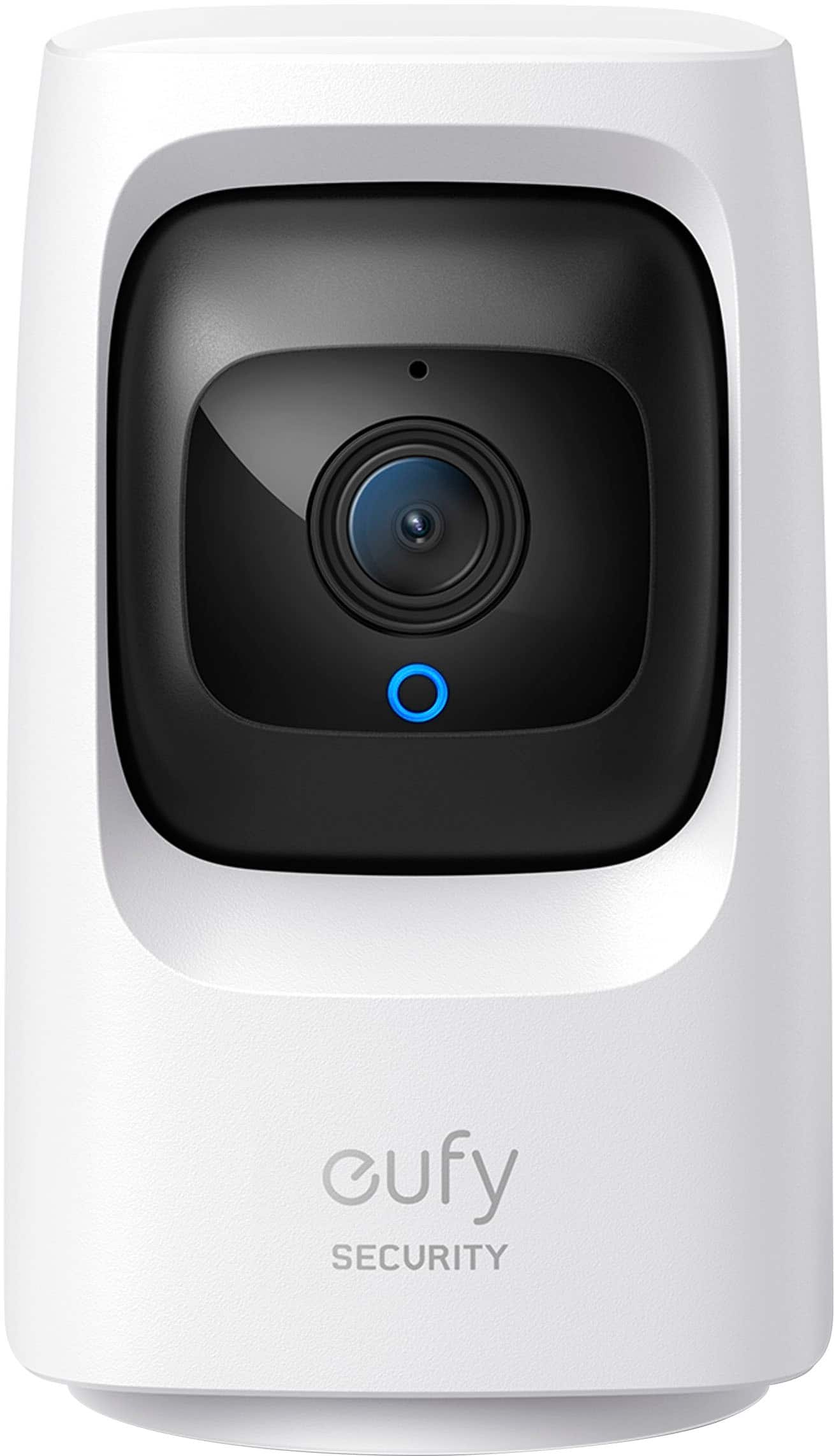
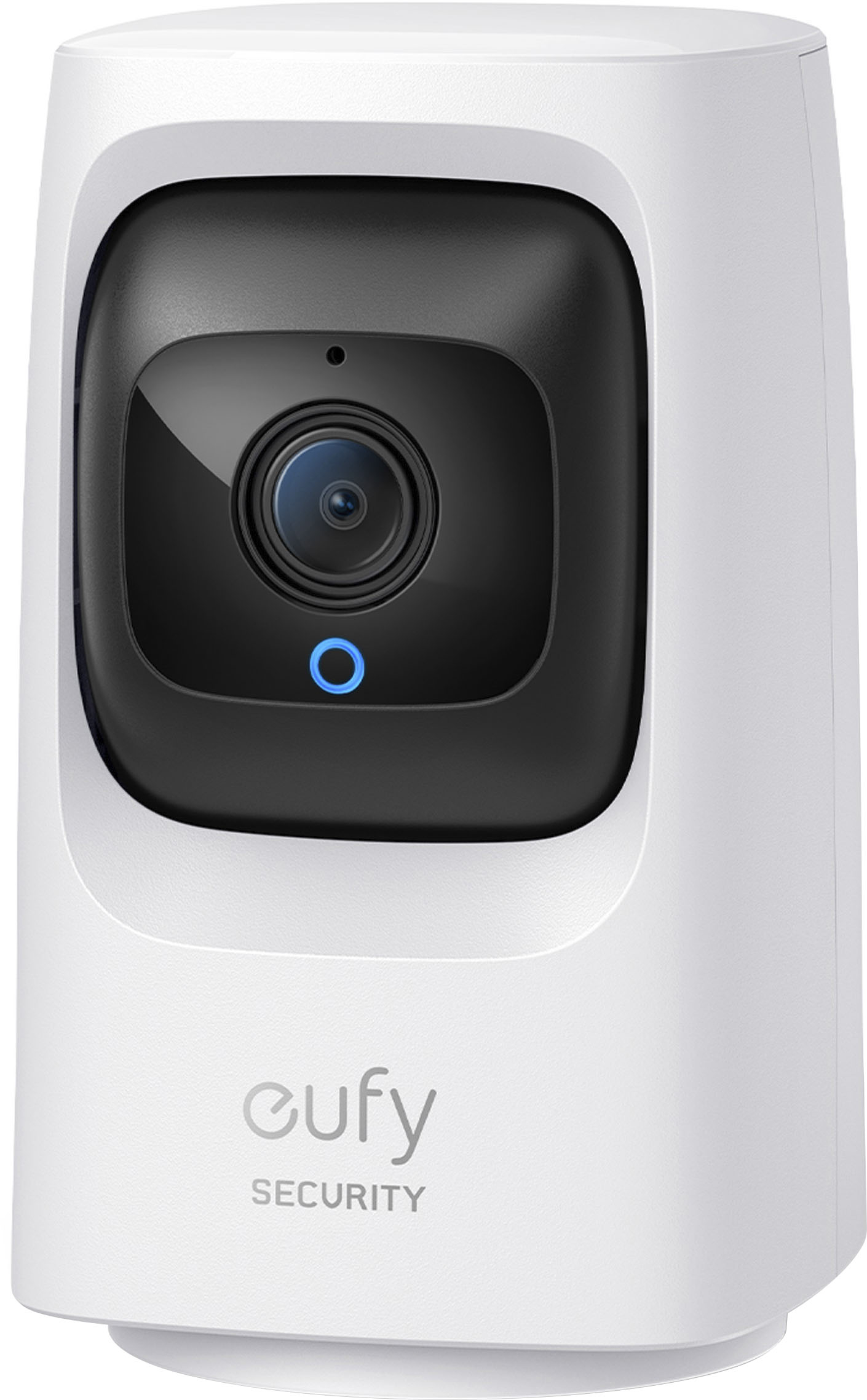
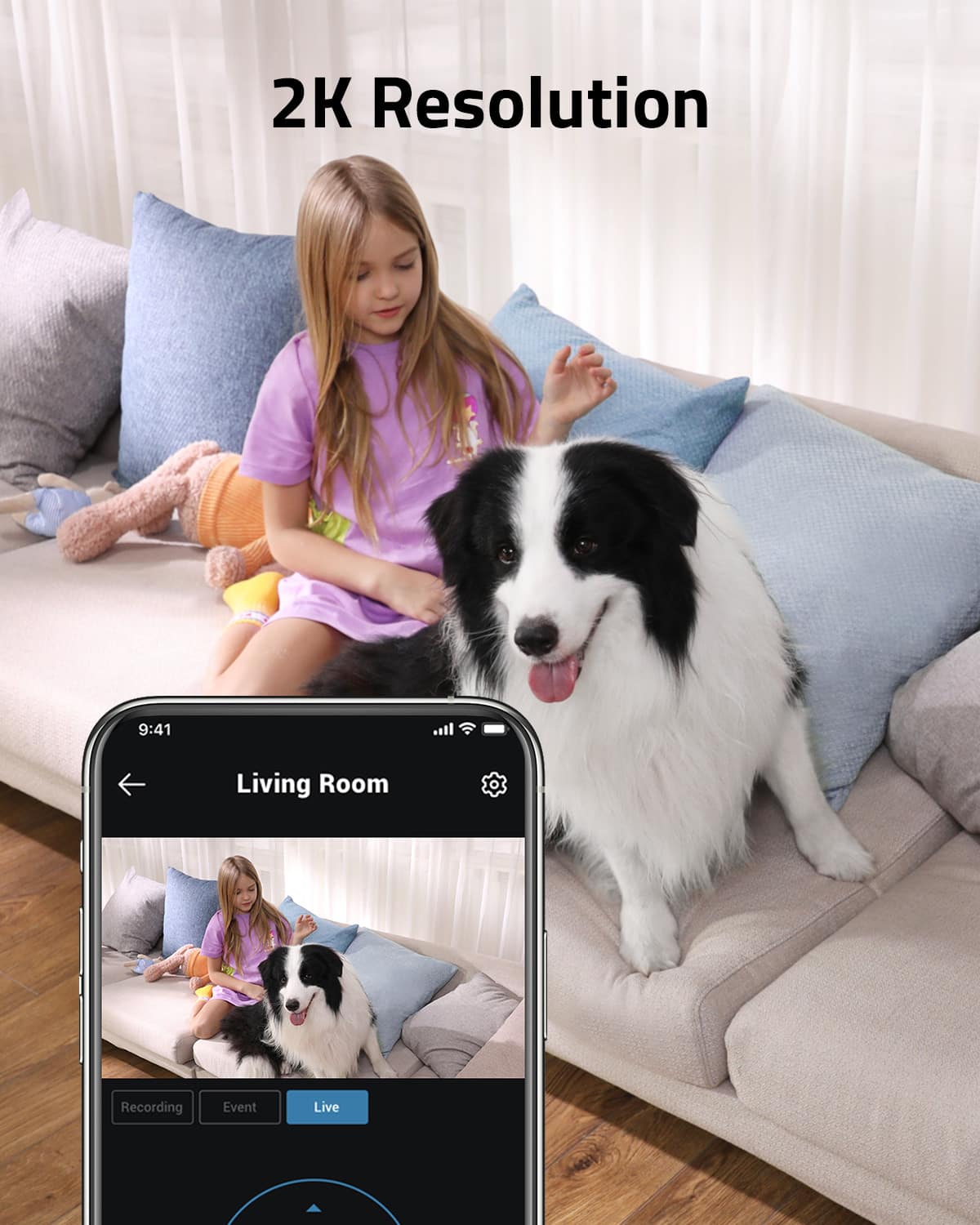
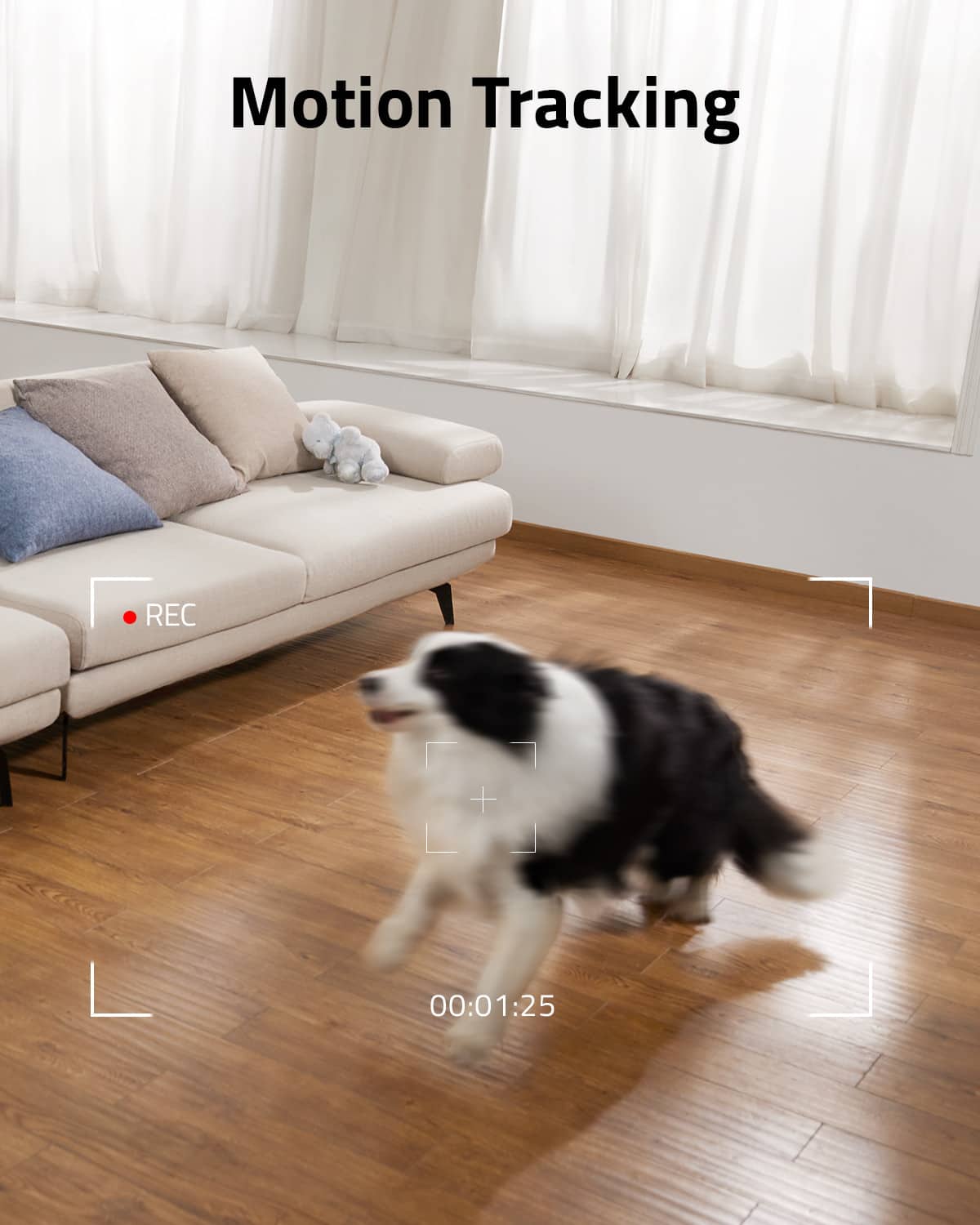
|Posted .This reviewer received promo considerations or sweepstakes entry for writing a review.First impression: My first impression of the Eufy Floodlight Cam 2 Pro is that it is a solid, well-built, indoor security camera. The packaging is good, and it comes with the camera, mount, Quick Start Guide, USB power cable with power adapter, positioning card, and all physical and electrical mounting hardware. Installation: The IndoorCam Mini can be mounted on the wall, ceiling, or sitting on a shelf. For the test, I sat mine on the Media center facing us. You have a 360° pan, so you need to take this into consideration when placing the camera. The camera uses a USB cable and power adapter to power the camera. I also have small battery-powered cameras around the house. They provide flexibility in being able to move them around but charging times for their batteries range from 3 hours per camera to 8 hours. With the USB power setup, the camera is never down waiting for a battery to charge. Camera setup with the Eufy app is extremely easy. You make sure the camera is on the same network as the app, open the app, click on the Add Device button, and follow the directions. You need a QR Reader app, because the app will create a QR code and scanning the code with the camera sets up the entire thing. It is one of the easiest camera setups I have done. App: The app is very clean, very responsive, and contains large buttons for control making it easy to control the camera and not make mistakes. The camera is very quick to respond. I already have a Eufy Floodlight Cam Pro on the app, and the app handles both cameras beautifully. On the main page, both cameras are listed and selecting a camera makes it live. The app provides access to the camera for a live feed, a menu for recorded events, and all the settings to control all aspects of this camera. You can completely control and use this camera with or without a monitoring plan, and all options are available in the app. Performance: The video quality is very good in both good light and low light. If the light gets too low, the night vision automatically kicks in as long as it is configured to do so. The night vision is very clean and clear. The audio is also very good as long as the app isn’t in the same vicinity as the camera. Using the app, you can set up motion detection, activity zones for motion detection, motion tracking, what you want to detect, night vision, sound detection, notifications, and the ability to save recorded video to the local MicroSD card, cloud storage, or a NAS drive. I set up storage to my local NAS drive and it was very easy and works wonderfully. There is a slight delay when panning and tilting, but it is very small. Compared to other cameras I have used; it was quicker than most. Pan and tilt are controlled by a round button on the app. Zooming is done using your fingers on the video screen and is instantaneous. Conclusion: I really like the Eufy IndoorCam Mini. It is a small, easy to operate camera with great performance and outstanding video and audio quality. The app is clean, easy to use, and provides complete control and configuration of the camera. Setup is the easiest I have encountered for wireless cameras, and the ability to save recorded video and audio to a NAS drive is a very nice feature. I highly recommend this camera.
I would recommend this to a friend Poor Quality. It Quit Working Suddenly.
||Posted . Owned for 1 year when reviewed.This reviewer received promo considerations or sweepstakes entry for writing a review.My experience with this indoor cam was not good. The device stopped working all of a sudden. I was surprised. It was new and after a few short weeks it just quit working without any explanation. Therefore, I cannot recommend this product, in good faith.
No, I would not recommend this to a friendSurveillance Camera
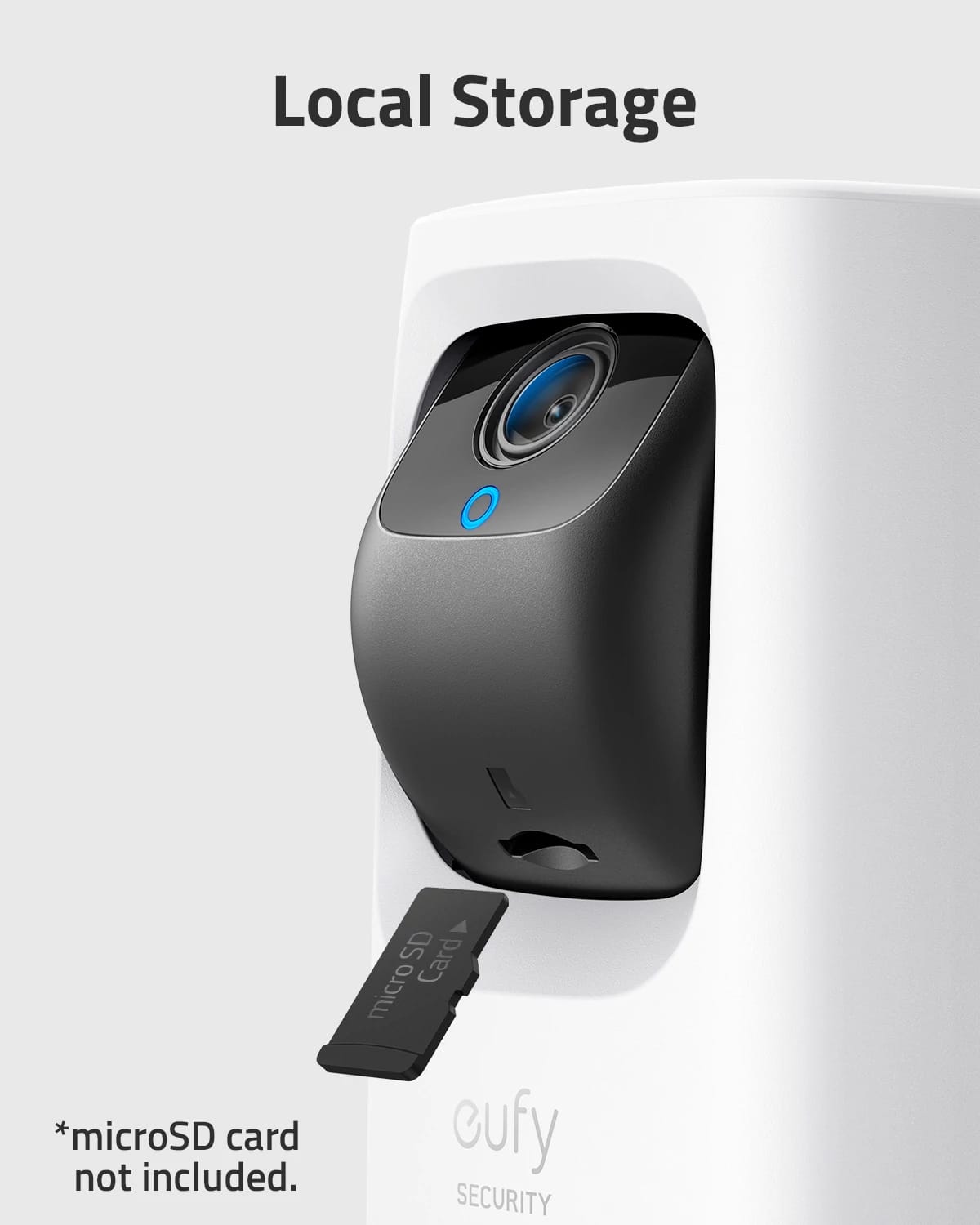
||Posted . Owned for 1 month when reviewed.This reviewer received promo considerations or sweepstakes entry for writing a review.Works well. Takes a bit of time to learn how to operate. Directions are ok, but could be simpler. Rather large; in hindsight, I would have preferred something smaller. The SD card is NOT in a useful position it's cramped underneath the camera in an odd place to easily access (just saying).
I would recommend this to a friendUnreliable connectivity
||Posted . Owned for 3 months when reviewed.This reviewer received promo considerations or sweepstakes entry for writing a review.goes out almost once a week. Needs to be unplugged. Traveling with theses will only cause you more stress because it's about 50/50 whether or not they will go out. Not to mention they're not working properly when you need them most.. very disappointed with the 3 cameras I purchased.
No, I would not recommend this to a friendBrand response from Eufy Team
Posted .Thank you so much for sharing your experience. We're really sorry you've encountered this issue!
If possible, please try the following steps to see if the issue persists:
-Please make sure that the camera is powered by its original power adapter, please try plugging it into a different outlet;
-Enable your phone’s hotspot so that your camera connects to the phone’s hot spot.
If the camera can connect to your hotspot but unable to connect with your wifi, the issue might be related to your router/wifi settings. Please try the following steps.
-Confirm if your wifi is encrypted by WPA-PSK or WPA2-PSK
-Reset the router
-If possible, move the router closer to the camera. In theory, the camera can be 10-12m(2 walls), 15-20m(1 wall) from the WI-Fi. The menu to check Wi-Fi signal is ""Device--Setting--Wi-Fi Connection"", if it shows “Great”, the signal will be OK.
-Download important videos in the app and delete the camera from the app, then try to re-add it.
-Try to reset the camera by pressing the SYNC button for 10seconds(please download important videos in the app first) to see if the problem is solved.
If those don't help, please reach out to us via support@eufylife.com or call us at +1 (800) 988 7973. We are more than happy to assist you further.
We offer a 12-month warranty for this product, plus lifetime technical support. Our standard for responding to email quests is less than 24 hours, and we look forward to hearing from you!
Great device
||Posted . Owned for 3 weeks when reviewed.This reviewer received promo considerations or sweepstakes entry for writing a review.Access to the SD is a little disappointing so removing card is difficult on an active area.
I would recommend this to a friendIndoor security camera
||Posted . Owned for 1 month when reviewed.This reviewer received promo considerations or sweepstakes entry for writing a review.One of the best indoor security camera that I never have before! Love it
I would recommend this to a friendCamera review
||Posted . Owned for 1 month when reviewed.This reviewer received promo considerations or sweepstakes entry for writing a review.works like a charm. the 360 view is amazing feature! just what we needed!
I would recommend this to a friendNice security cam
||Posted . Owned for 5 months when reviewed.This reviewer received promo considerations or sweepstakes entry for writing a review.Nice camera, i like the option to rótate the camera with the phone app
I would recommend this to a friendDo Not Buy
||Posted . Owned for 1 month when reviewed.This reviewer received promo considerations or sweepstakes entry for writing a review.These cameras were very easy to connect and setup, but they will not stay online. I have to reset the cameras weekly. Would not recommend.
No, I would not recommend this to a friendBrand response from Eufy Team
Posted .Thank you so much for sharing your experience. We're really sorry you've encountered this issue!
If possible, please refer to the link below and try the steps to see if the issue persists:
https://support.eufylife.com/s/article/eufy-Indoor-Cam-Offline
If those don't help, please reach out to us via support@eufylife.com or call us at +1 (800) 988 7973. We are more than happy to assist you further.
We offer a 12-month warranty for this product, plus lifetime technical support. Our standard for responding to email quests is less than 24 hours, and we look forward to hearing from you!
Goodlonewolf
||Posted . Owned for 8 months when reviewed.This reviewer received promo considerations or sweepstakes entry for writing a review.I haven't been able to get this security camera to work, and it will not hook-up to the internet even following the instruction manual without skipping anything.
No, I would not recommend this to a friendBrand response from Eufy Team
Posted .Thank you so much for sharing your experience. We're really sorry you've encountered this issue!
Could you please enable HotSpot on your phone and make the camera connect to your hotspot to see if it works? Steps:side menu>my devices>wifi connection>change wifi
If yes, the issue should be related to your wifi settings. Please try the following steps to see if the issue will be resolved quickly.
- Confirm if your wifi is encrypted by WPA-PSK or WPA2-PSK
- Reset the router
- Stand nearby the Robovac and see if your phone is able to connect to the wifi properly
- If possible, move the router closer to the camera and let us know the distance between the camera and router
-Test in the following website to see whether it is because of the slow speed of the wifi.
https://www.bandwidthplace.com/
-Turn off the firewall to see whether the wired Cam can connect to WiFi. If so, please check your firewall setting to see if there are any special restrictions for the device. You can check the firewall setting on your router's official website.Please make sure these ports are allowed:
TCP:80, 443
UDP:0-65535
If not, please download important videos in the app, then try the following tips to see whether they can help:
-Remove the camera from the app and re-add it to see whether it helps.
-Try to reset the camera by pressing the SYNC button for 10seconds(please download important videos in the app first) to see if the problem is solved.
If those don't help, please reach out to us via support@eufylife.com or call us at +1 (800) 988 7973. We are more than happy to assist you further.
We offer a 12-month warranty for this product, plus lifetime technical support. Our standard for responding to email quests is less than 24 hours, and we look forward to hearing from you!
It Doesn't Work
||Posted . Owned for 3 weeks when reviewed.This reviewer received promo considerations or sweepstakes entry for writing a review.Couldn't get it to work. Best Buy was very accommodating when I returned it.
No, I would not recommend this to a friendBrand response from Eufy Team
Posted .Dear Customer,
I am truly sorry to hear that you are experiencing this issue. We understand how frustrating it can be and we appreciate your patience.
Please rest assured that we stand behind our products and are willing to provide assistance within our capacity. We are committed to ensuring your satisfaction and resolving your concerns promptly.
You can reach out to us via support@eufylife.com or call us at +1 (800) 988 7973. Our customer service team is always ready to help you.
We look forward to your message so we can address your issue as soon as possible. Thank you for bringing this to our attention and giving us the opportunity to make things right.
Best Regards,
- Pros mentioned:Camera quality, Ease of use
Great picture!
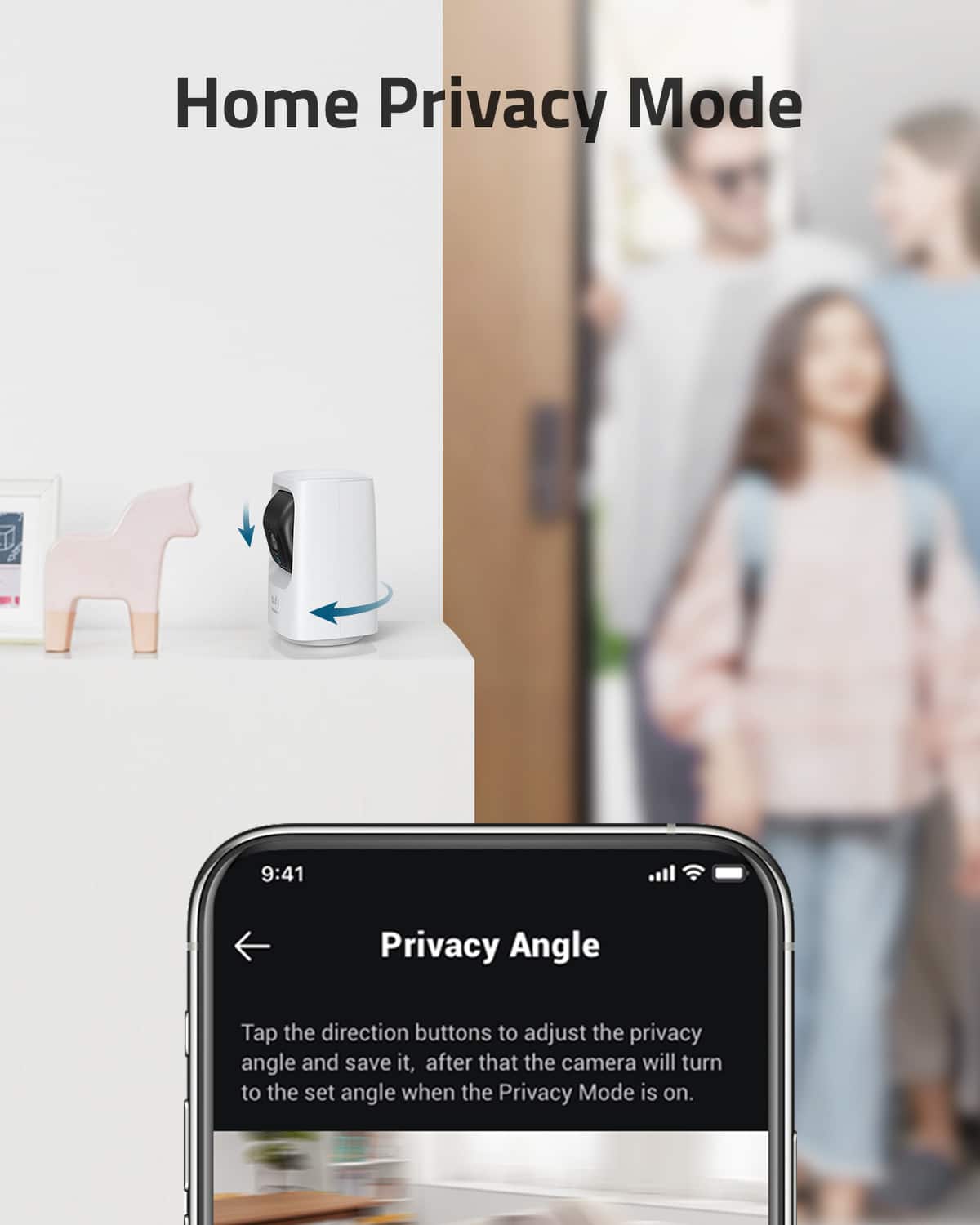
|Posted .This reviewer received promo considerations or sweepstakes entry for writing a review.The Eufy Indoor mini cam has fantastic features in a compact design. This "little guy" is SO easy to use. Simply install the App, pair the camera with your network, and within minutes you have a crisp, clear video. The app includes directional arrows to rotate and raise/lower the camera and allows you to zoom in/out Includes a privacy setting which turns off the camera, and it actually rotates the camera to face the wall so you know it's not watching you. Also has the ability to "speak" through the app/camera with surprising clarity! I currently have the camera plugged in to the wall, but it offers the ability to charge via solar, on just a few hours of sunlight per day. With this feature, the camera could be placed anywhere (includes a mounting plate for wall or ceiling installations) It could easily be placed in a window to view outdoors activity but since they offer a "solar option" I'd certainly consider their outdoor cameras as well. I wasn't sure I wanted/needed an indoor camera, but absolutely love it!
I would recommend this to a friend No recomend
||Posted . Owned for 2 months when reviewed.This reviewer received promo considerations or sweepstakes entry for writing a review.Stoped working just because, and the ligth is too much
I would recommend this to a friendBrand response from Eufy Team
Posted .Dear Customer,
I am truly sorry to hear that you are experiencing this issue. We understand how frustrating it can be and we appreciate your patience.
Please rest assured that we stand behind our products and are willing to provide assistance within our capacity. We are committed to ensuring your satisfaction and resolving your concerns promptly.
You can reach out to us via support@eufylife.com or call us at +1 (800) 988 7973. Our customer service team is always ready to help you.
We look forward to your message so we can address your issue as soon as possible. Thank you for bringing this to our attention and giving us the opportunity to make things right.
Best Regards,
Waste of money
||Posted . Owned for 6 months when reviewed.This reviewer received promo considerations or sweepstakes entry for writing a review.It stops working within 12 month. Piece of crap product
No, I would not recommend this to a friendSecurity camera
||Posted . Owned for 1 week when reviewed.This reviewer received promo considerations or sweepstakes entry for writing a review.Couldn’t get it to hook up to my xfinity WI-FI. I returned it.
No, I would not recommend this to a friendjohnh
||Posted . Owned for 1 month when reviewed.This reviewer received promo considerations or sweepstakes entry for writing a review.not what i needed had to return it only works inside.
No, I would not recommend this to a friendEufy
||Posted .This reviewer received promo considerations or sweepstakes entry for writing a review.It's a ok can be better. but you get what you pay for.
I would recommend this to a friend