Customer Ratings & Reviews
- Model:
- E82021F2
- SKU:
- 6425487
Rating by feature
- Video Quality
Rating 4.5 out of 5 stars
- Mobile App
Rating 4.2 out of 5 stars
- Sound Quality
Rating 4.3 out of 5 stars
Customers are saying
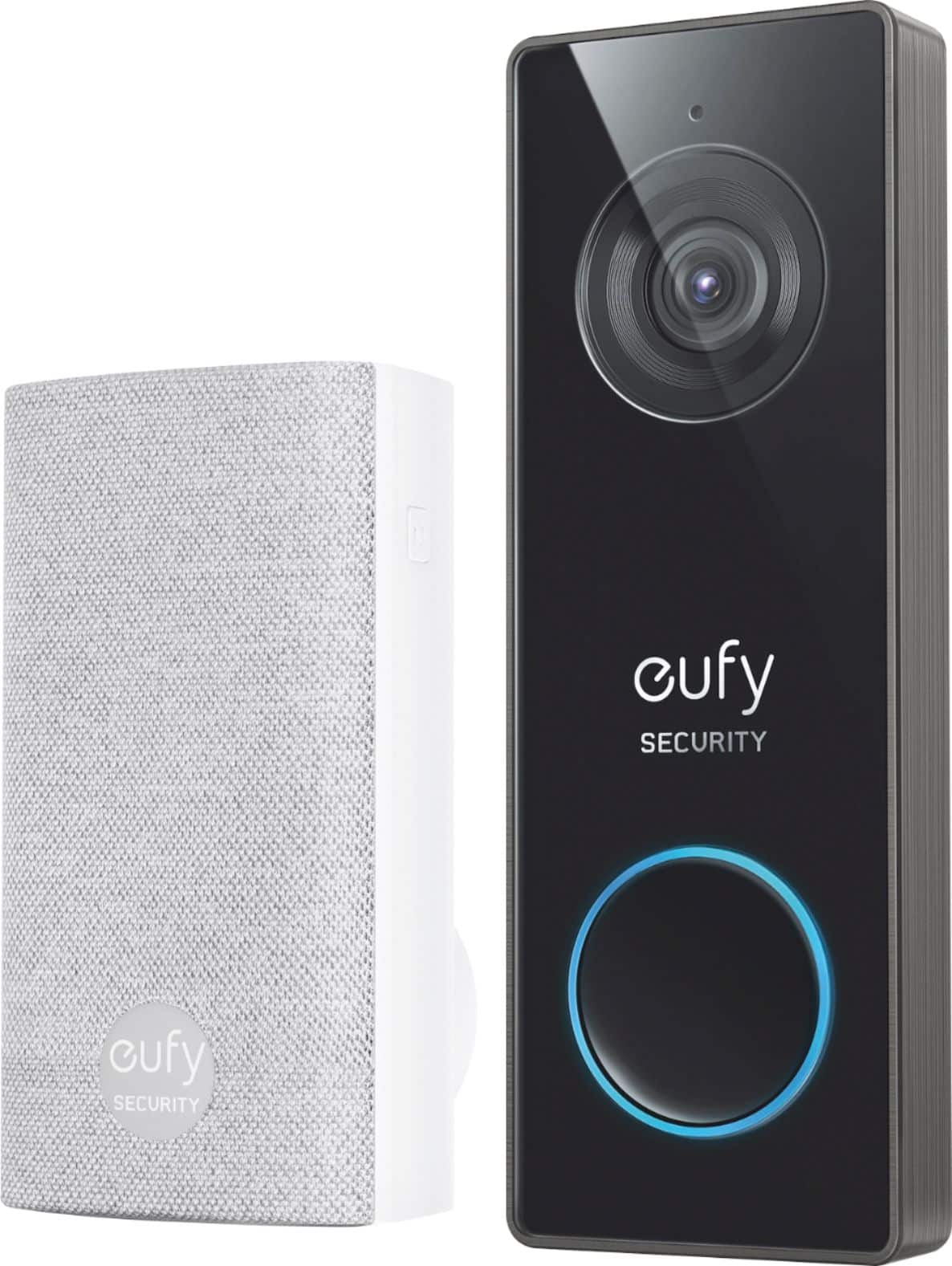
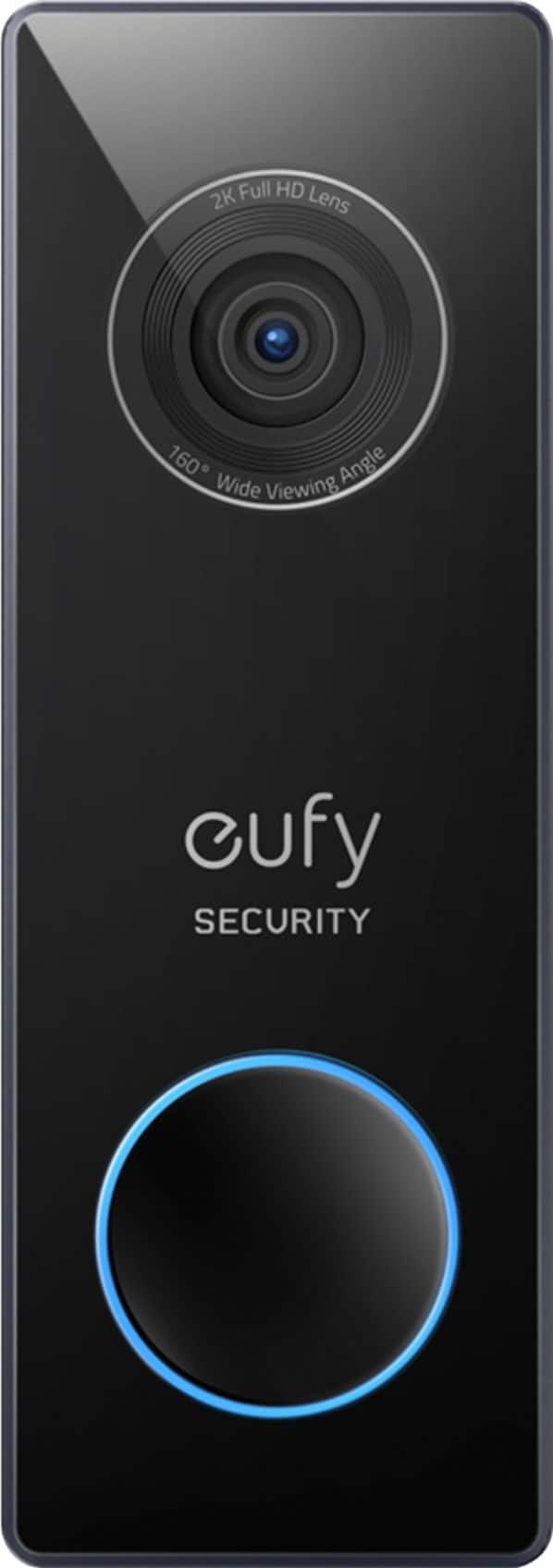
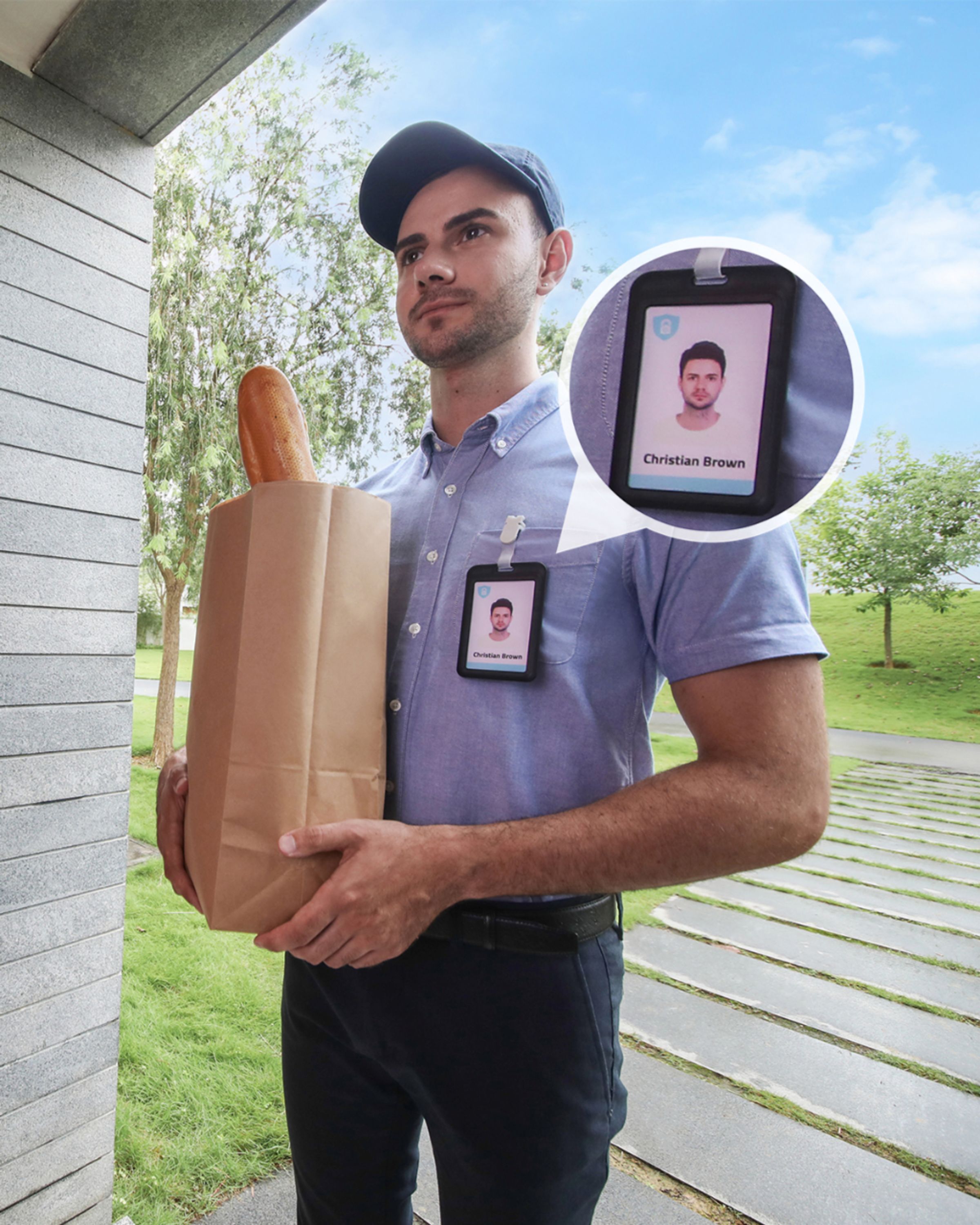
Customers praise the Smart Wi-Fi Video Doorbell 2K Pro Wired for its excellent video quality, ease of use, and straightforward installation. Positive feedback also highlights the convenient storage options and effective night vision capabilities. However, some users experienced issues with the motion detection's accuracy and notification response times. Concerns were also raised regarding the AI's performance in identifying humans and occasional delays in notifications.
This summary was generated by AI based on customer reviews.
Really Unreliable. Get another brand.
Posted .This reviewer received promo considerations or sweepstakes entry for writing a review.Really Unreliable. Took forever to setup on new Netgear Router. Had to replace my transformer, had to lower my speed settings on router to get it to connect. Lots of tech support calls and emails because of this as well as tons of false alarms. I always switch between the 'Most Sensitive' and next 'Less Sensitive' modes. Even have Activity Zones drawn out. Nothing helped. Several missed events like actual button pushes or grocery deliveries. Lots of night time recordings of nothing. My neighbors with other cheaper cameras even see night time wildlife walking by. It's been a year and a half now and I will probably get another brand that is better supported with better hardware and more software updates. On the upside they did over a refund and lots of apologies. I feel they are too focused on their many other products, and this one is not updated well.
No, I would not recommend this to a friendBrand response from Eufy Team
Posted .Thank you so much for sharing your experience. It's unusual for this product to be acting like this, and we'd love to get you what you need!
In regards to the issue of alert, if possible, please try the following steps to see if the issue persists:
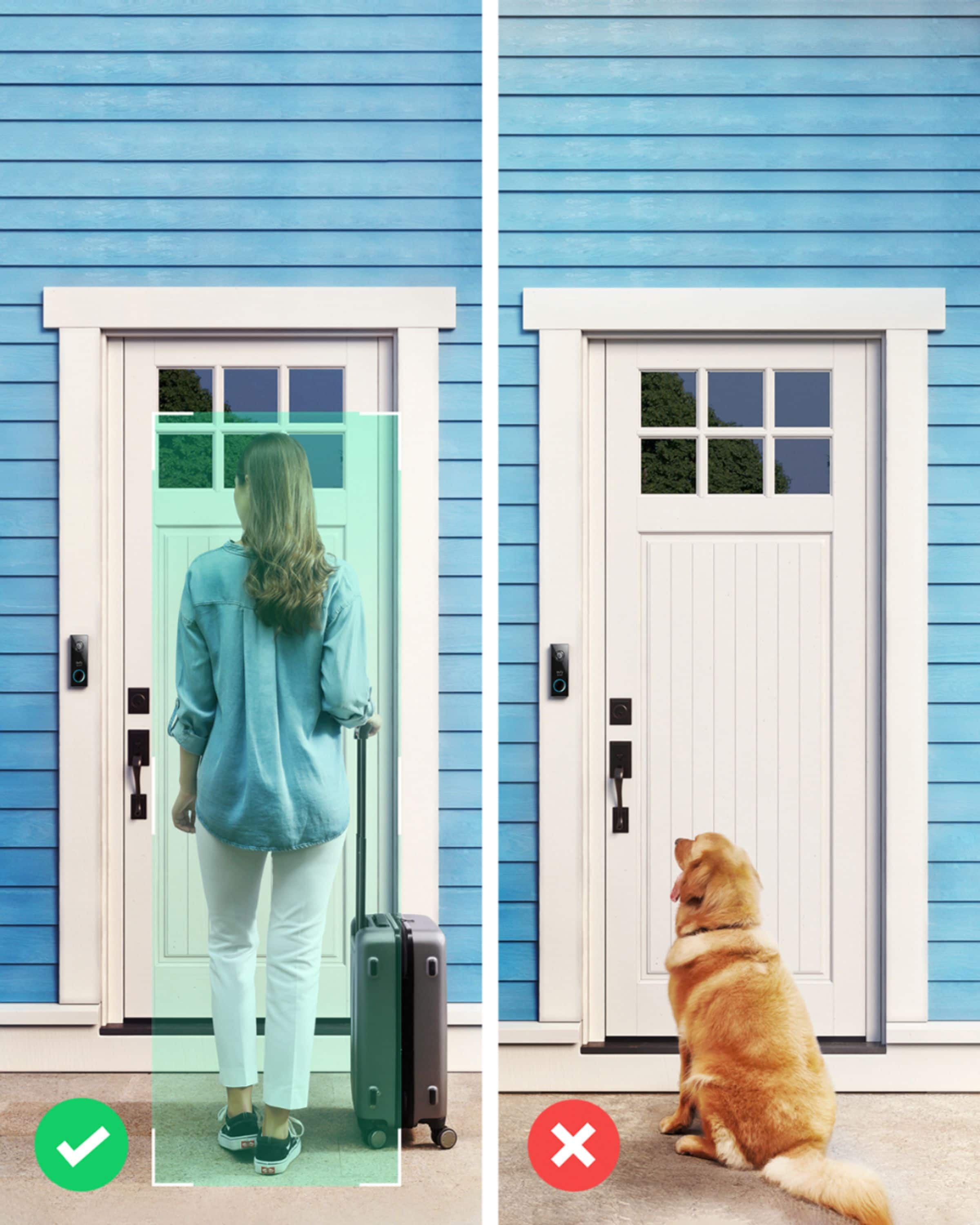
1.Set the “Motion detection” to be “Human only”. This is the most accurate detection and will reduce the most false positives.
2. A picture to show the surrounding environment and the view of the doorbell.
3. A video clip showing the triggering problem.
If it doesn’t help, please reach out to us via support@eufylife.com or call us at +1 (800) 988 7973. We are more than happy to assist you further.
We offer a 12-month warranty for this product, plus lifetime technical support. Our standard for responding to email quests is less than 24 hours, and we look forward to hearing from you!
Not compatible with Google
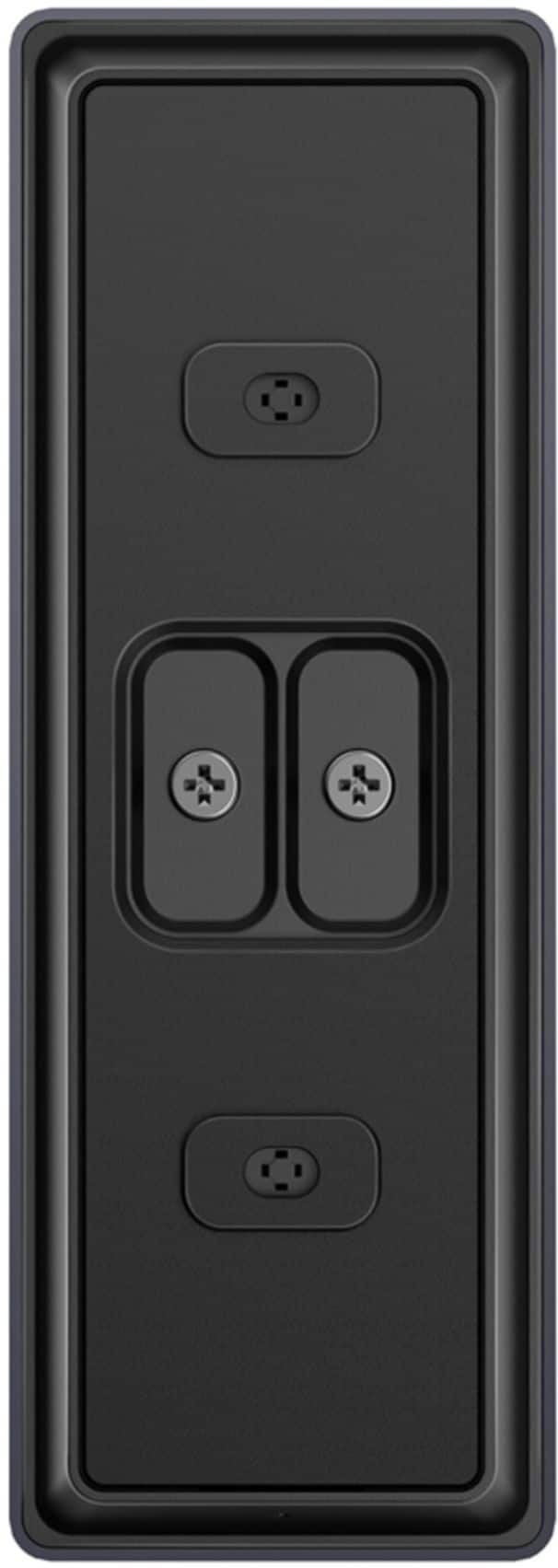
Posted .This reviewer received promo considerations or sweepstakes entry for writing a review.The mount is extremely sensitive. Has to be perfectly flat, so installing on bricks makes it difficult. The worst part is it does NOT connect to Google home hub. Bought this camera and hub thinking it would be nice not to only rely on my phone to see who's at the door. Fail.
I would recommend this to a friend- Cons mentioned:Motion detection
Not ready for prime time.
Posted .This reviewer received promo considerations or sweepstakes entry for writing a review.Tons of false alerts at night. Motion detection during the day not better. Doesn't work with homebase for some reason.
No, I would not recommend this to a friendBrand response from Eufy Team
Posted .Thank you so much for sharing your experience. It's unusual for this product to be acting like this, and we'd love to get you what you need!
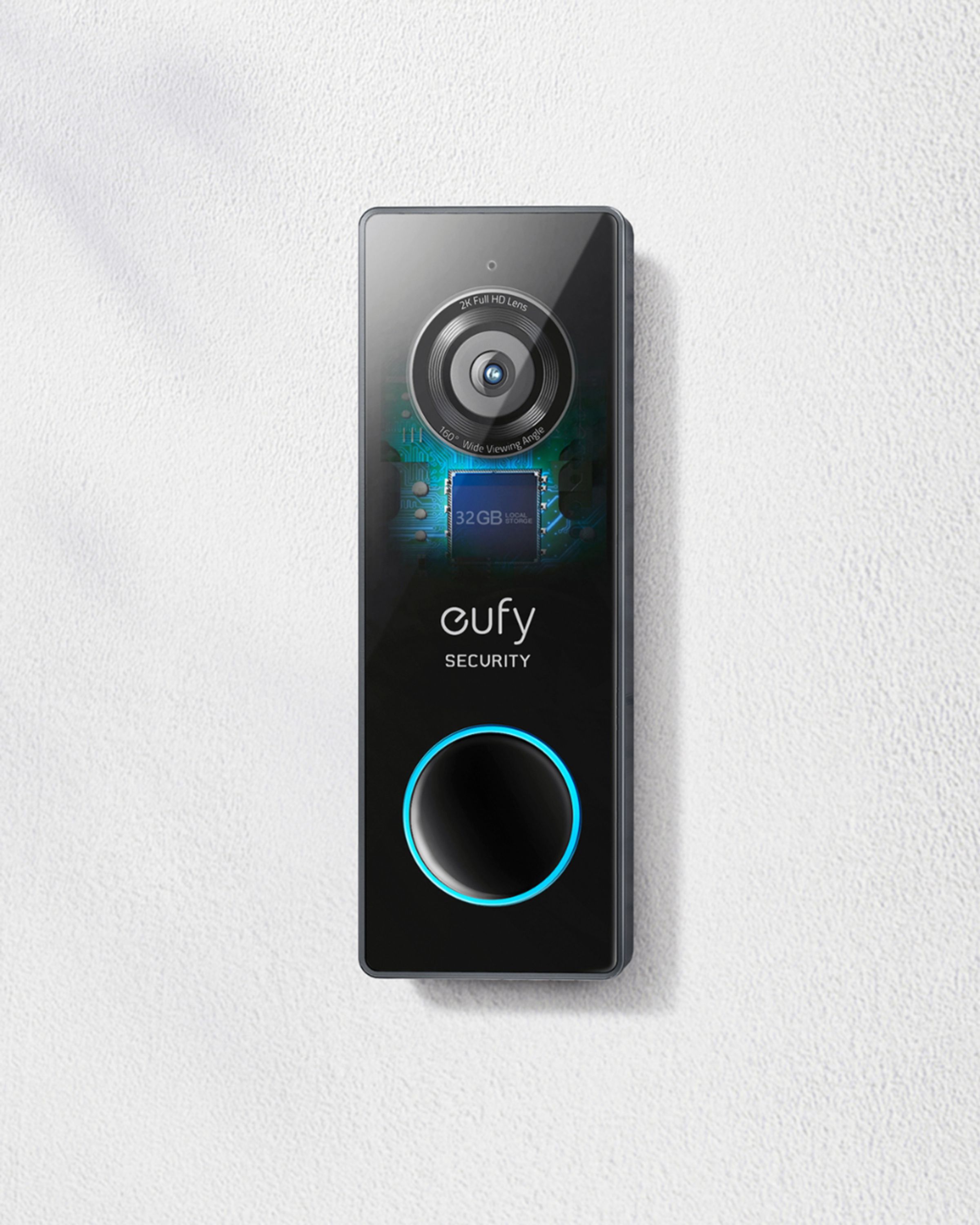
The local storage is located in the doorbell and it comes with a chime. It doesn’t work with home base 2 at present, but we value each customer’s experience and our product tea is working on it.
In regards to the issue of alert, if possible, please try the following steps to see if the issue persists:
1.Set the “Motion defection” to be “Human only”. This is the most accurate detection and will reduce most false positives.
2. Set up the activity zones to monitor the area you want to detect. Steps: side menu>my devices>motion detection>activity zone.
3. A picture to show the surrounding environment and the view of the doorbell.
4. A video clip showing the triggering problem.
If it doesn’t help, please reach out to us via support@eufylife.com or call us at +1 (800) 988 7973. We are more than happy to assist you further.
We offer a 12-month warranty for this product, plus lifetime technical support. Our standard for responding to email quests is less than 24 hours, and we look forward to hearing from you!