Customer Ratings & Reviews




- Model:
- GA01587-US
- SKU:
- 6428307
Rating by feature
- Value
Rating 4.6 out of 5 stars
- Quality
Rating 4.7 out of 5 stars
- Ease of Use
Rating 4.7 out of 5 stars
Customers are saying
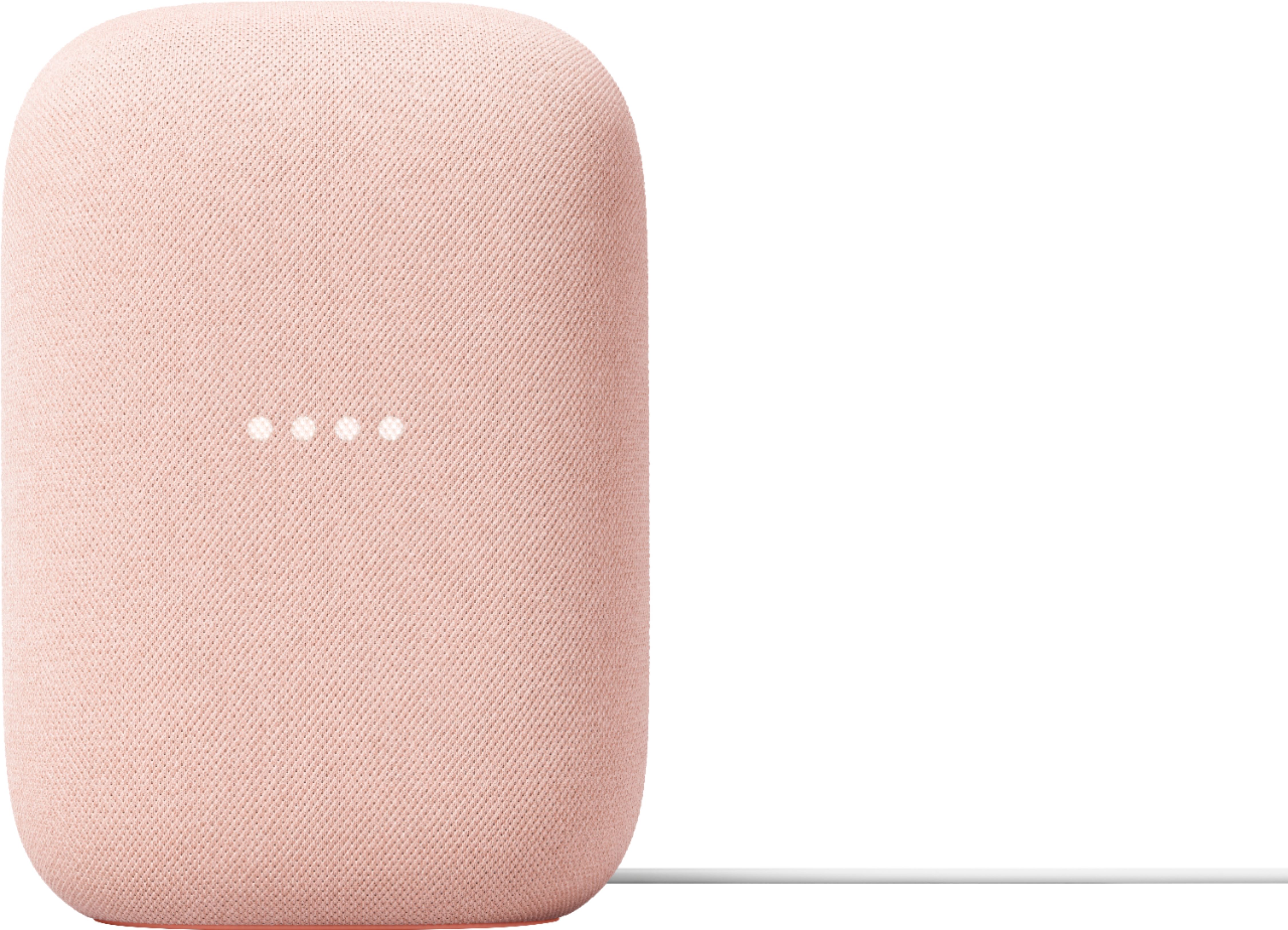
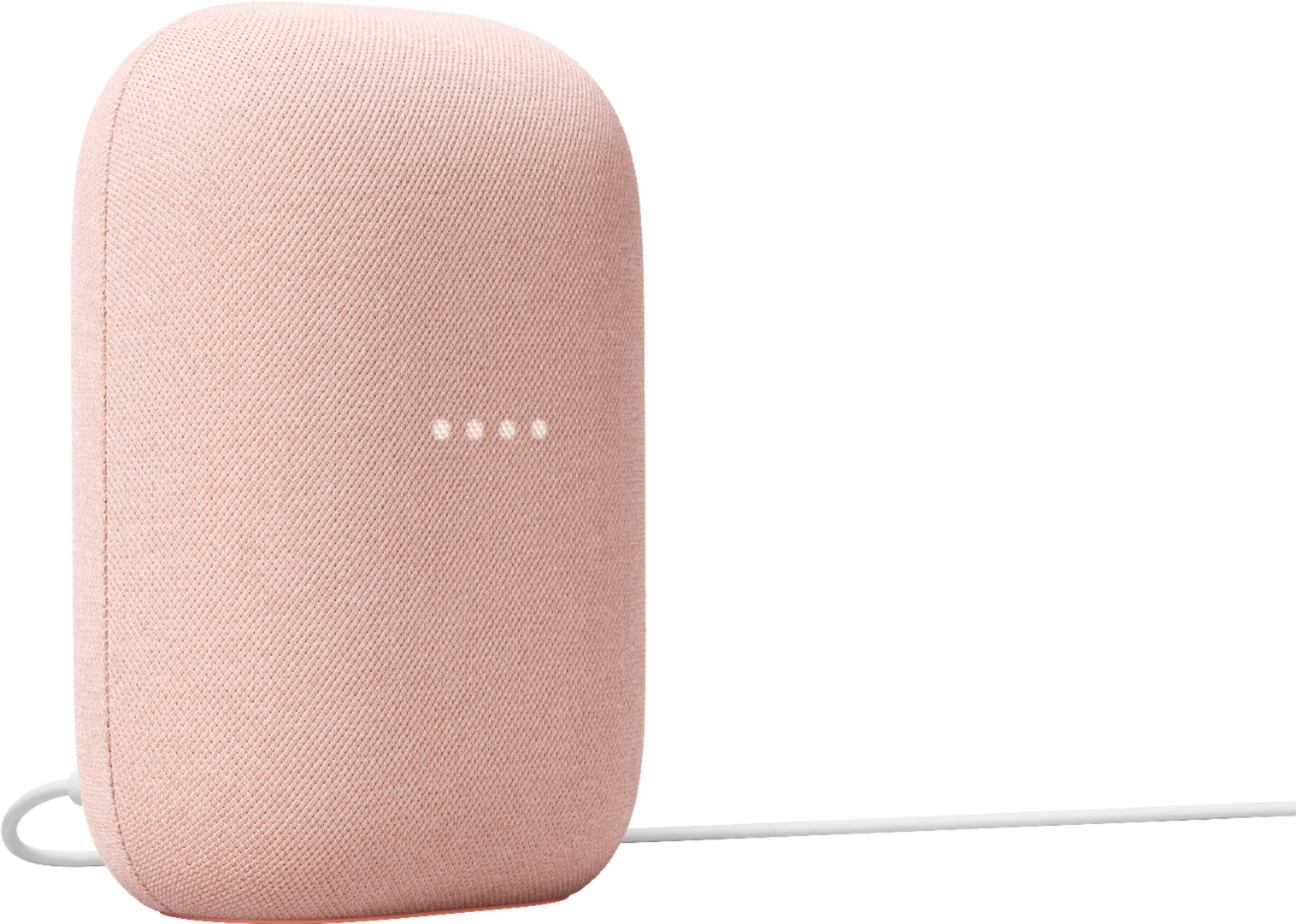
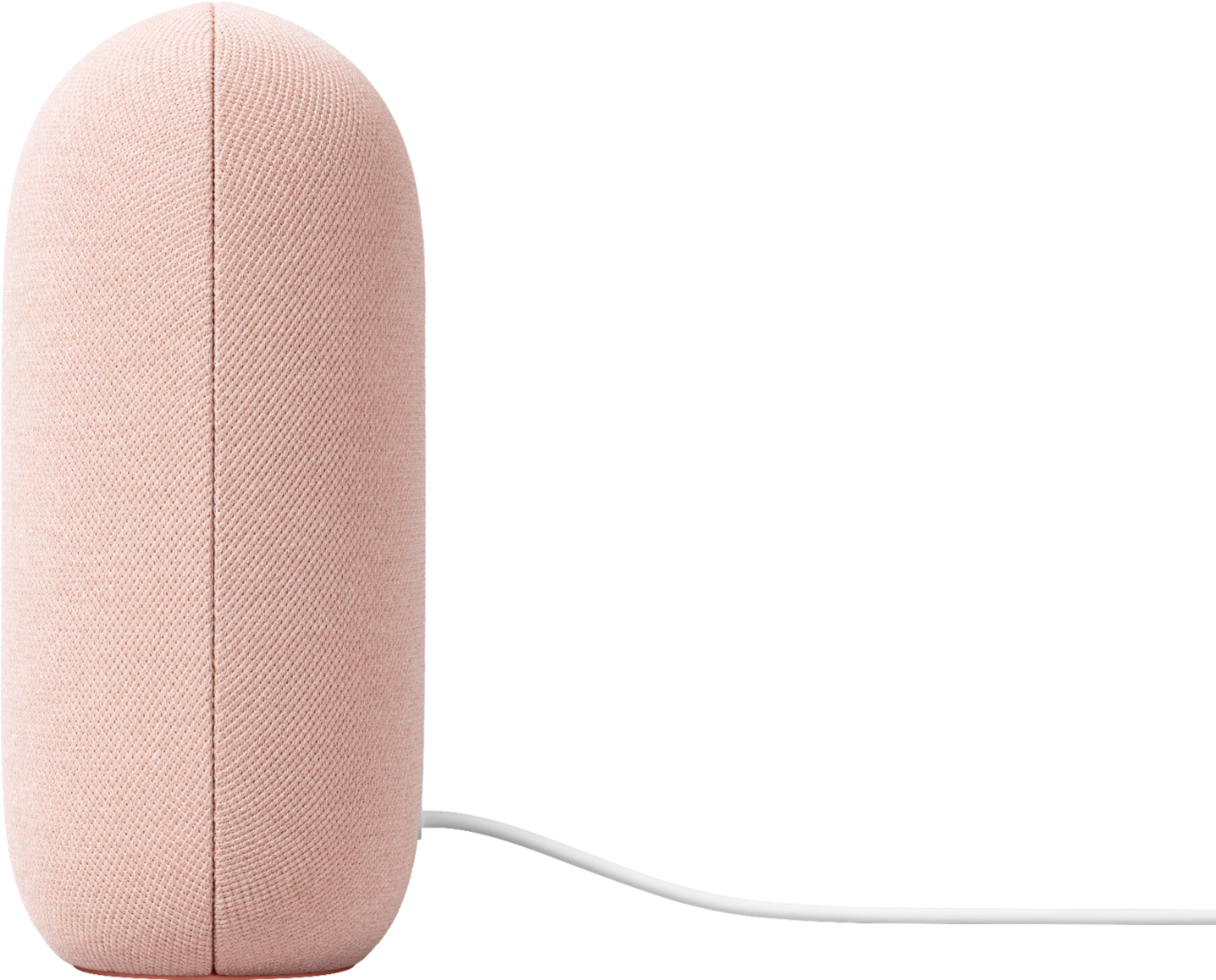
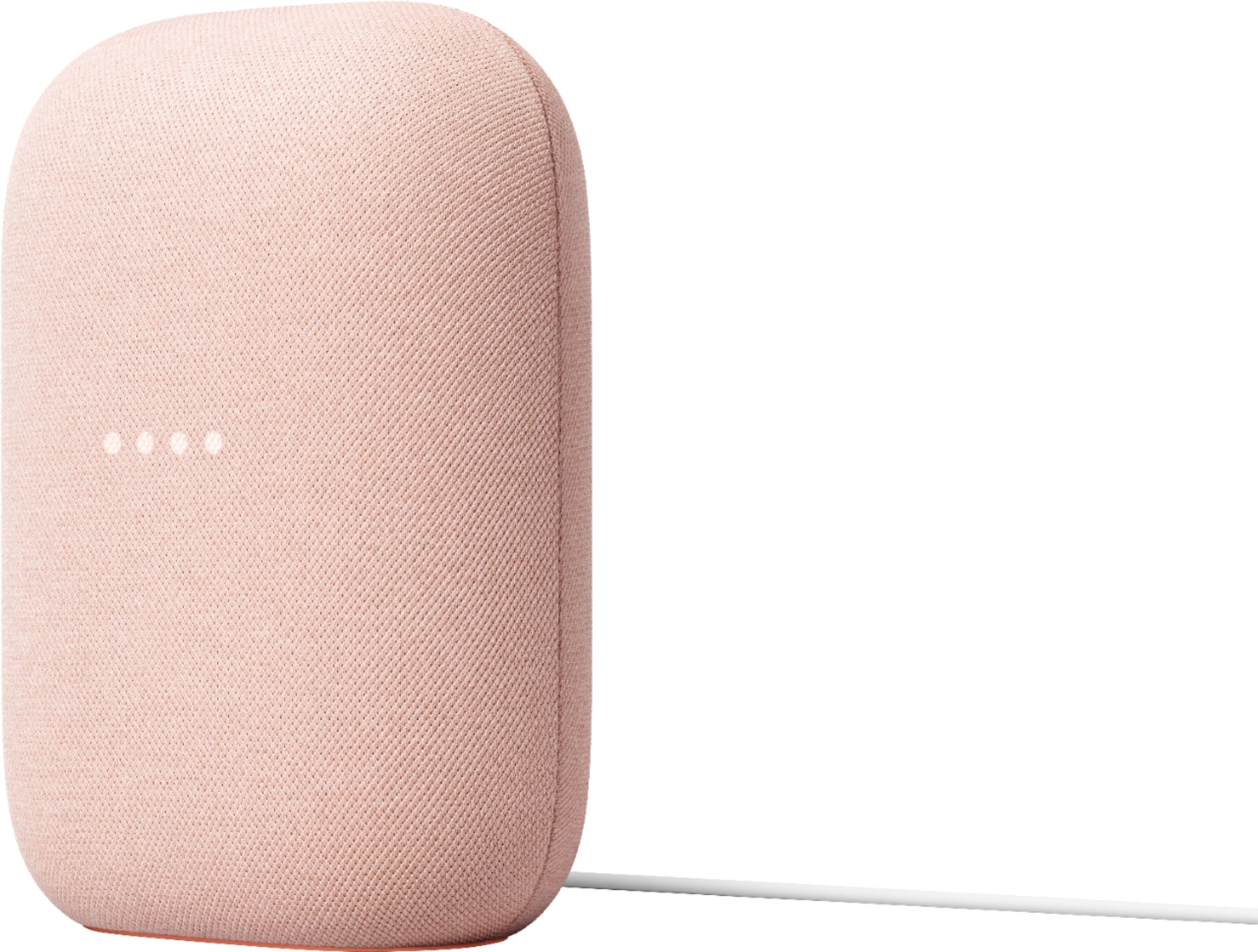
Customers commend the Nest Audio Smart Speaker for its excellent sound quality and ease of use. Many appreciate its quick and easy connectivity with Google Assistant, along with its appealing design and suitable size. Some have noted that the bass could be improved, while others have mentioned its light weight.
This summary was generated by AI based on customer reviews.
- Pros mentioned:Sound quality
Descent for the price
||Posted . Owned for 1 month when reviewed.This reviewer received promo considerations or sweepstakes entry for writing a review.Good audio, has equalizer so you can adjust to your liking.
I would recommend this to a friend - Pros mentioned:Sound quality
Good
||Posted . Owned for 1 month when reviewed.This reviewer received promo considerations or sweepstakes entry for writing a review.Great product. Someone's doesn't hear when you ask it something. But overall good quality.
I would recommend this to a friend - Pros mentioned:Sound quality
Google is the worst, avoid buying
||Posted . Owned for 10 months when reviewed.This reviewer received promo considerations or sweepstakes entry for writing a review.Speaker is good, but Google and their whole “WiFi” system is god awful and their customer service is even worse. I have 3 and haven’t been able to use from 6 months because their wifi router doesn’t work and they won’t help fix it.
No, I would not recommend this to a friendBrand response from Nest Support
Posted .Hi there, JakeH. Thank you for sharing your review of the Nest Audio. We're sorry to hear about your negative experience with our WiFi mesh devices, and we apologize for any inconvenience caused. We would like to offer our assistance to help you resolve any issues with your WiFi mesh devices and improve your overall experience with our products and services. We kindly request that you consider reaching out to our support team once again using this link: https://support.google.com/googlenest/gethelp

- Pros mentioned:Sound quality
They work for me
||Posted . Owned for 3 weeks when reviewed.This reviewer received promo considerations or sweepstakes entry for writing a review.good sound. nice weight nice for whole home stereo.
I would recommend this to a friend - Pros mentioned:Sound quality
Google Next
||Posted . Owned for 3 weeks when reviewed.This reviewer received promo considerations or sweepstakes entry for writing a review.So easy and is loud enough to hear in the entire house
I would recommend this to a friend - Pros mentioned:Sound quality
Decent for price
||Posted . Owned for less than 1 week when reviewed.This reviewer received promo considerations or sweepstakes entry for writing a review.Nice build quality. Better sound than the Nest minis but still lacks bass.
I would recommend this to a friendBrand response from Nest Support
Posted .Hi Jonathan, thanks for posting a review about the Nest Audio, and we’re sorry to learn that it lacks bass.
If you haven’t yet, we suggest changing the audio settings of your Nest speaker in the Google Home app. Here’s how to adjust bass and treble level:
- Make sure your mobile device or tablet is connected to the same Wi-Fi or linked to the same account as your Nest Mini.
- Open the Google Home app.
- Tap the device you want to adjust, select Settings, select Audio, then select Equalizer.
- Adjust Bass and Treble level.
Feel free to let us know if you need help with any concerns about the Nest Audio here: https://support.google.com/googlenest/gethelp
- Pros mentioned:Sound quality
Hands Down
||Posted . Owned for 1 week when reviewed.This reviewer received promo considerations or sweepstakes entry for writing a review.Hands down best Google Speaker to date! Absolutely Love!
I would recommend this to a friend - Pros mentioned:Sound quality
Another excellent Google Nest product
||Posted . Owned for 1 month when reviewed.This reviewer received promo considerations or sweepstakes entry for writing a review.Great room filling sound at a very reasonable price.
I would recommend this to a friend - Pros mentioned:Sound quality
Good Speaker
||Posted . Owned for 2 weeks when reviewed.This reviewer received promo considerations or sweepstakes entry for writing a review.Sounds great and mic sensitivity is also great!!!!
I would recommend this to a friend - Pros mentioned:Sound quality
Google in my nest
||Posted . Owned for less than 1 week when reviewed.This reviewer received promo considerations or sweepstakes entry for writing a review.Just Wonderful, Beautiful Décor, Awesome Speaker.....
I would recommend this to a friend - Pros mentioned:Sound quality
Pleased
||Posted . Owned for 1 month when reviewed.This reviewer received promo considerations or sweepstakes entry for writing a review.It's everything I expected. Sound quality is very good.
I would recommend this to a friend - Pros mentioned:Sound quality
Add sound
||Posted . Owned for 5 months when reviewed.This reviewer received promo considerations or sweepstakes entry for writing a review.Purchased to place in living room and sound is great
I would recommend this to a friend - Pros mentioned:Sound quality
Two for price of one
||Posted . Owned for 3 weeks when reviewed.This reviewer received promo considerations or sweepstakes entry for writing a review.Nice for the money two for almost the price of one
I would recommend this to a friend - Pros mentioned:Sound quality
Pumps out great sound.
||Posted . Owned for 1 month when reviewed.This reviewer received promo considerations or sweepstakes entry for writing a review.Sounds great. Listens to commands. I would buy again
I would recommend this to a friend - Pros mentioned:Sound quality
Speaker
||Posted . Owned for 1 week when reviewed.This reviewer received promo considerations or sweepstakes entry for writing a review.Google speakers are always great. They are fine...
I would recommend this to a friend - Pros mentioned:Ease of use, Sound quality
Small but mighty
||Posted . Owned for 4 months when reviewed.This reviewer received promo considerations or sweepstakes entry for writing a review.Need a new speaker? Look no further this small speaker is powerful. Has great audio, easy to use and has smart capabilities. Doubting picking this up? Just do it. You won’t regret it
I would recommend this to a friend - Pros mentioned:Sound quality
Product review
||Posted . Owned for 2 weeks when reviewed.This reviewer received promo considerations or sweepstakes entry for writing a review.Excellent product, great sound stage, i love it !!
I would recommend this to a friend A good google speaker
||Posted . Owned for 1 year when reviewed.This reviewer received promo considerations or sweepstakes entry for writing a review.It’s a good speaker sound isn’t top tear but for the price and functionality it’s pretty good. But there’s better speakers out there might want to look at Marshall’s google assistant speaker the uxbridge for better google sound
No, I would not recommend this to a friend- Pros mentioned:Sound quality
good
||Posted .This reviewer received promo considerations or sweepstakes entry for writing a review.good item did what i wanted would buy again.......
I would recommend this to a friend I need money
||Posted . Owned for 2 months when reviewed.This reviewer received promo considerations or sweepstakes entry for writing a review.Apparently there is a 400$ winner every month for writing reviews. (Fingers crossed)
I would recommend this to a friend