Customer Ratings & Reviews




- Model:
- GA01587-US
- SKU:
- 6428307
Rating by feature
- Value
Rating 4.6 out of 5 stars
- Quality
Rating 4.7 out of 5 stars
- Ease of Use
Rating 4.7 out of 5 stars
Customers are saying
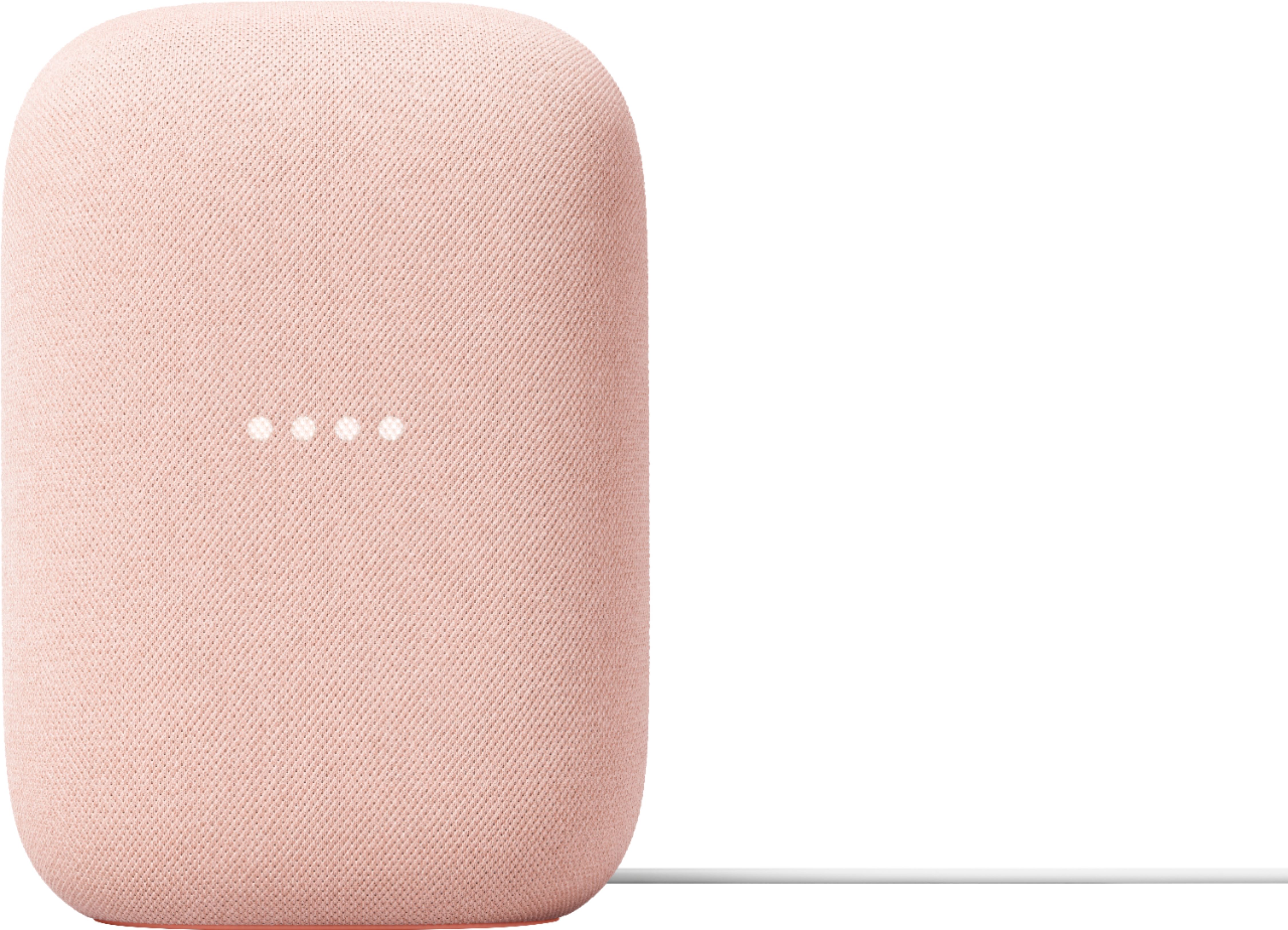
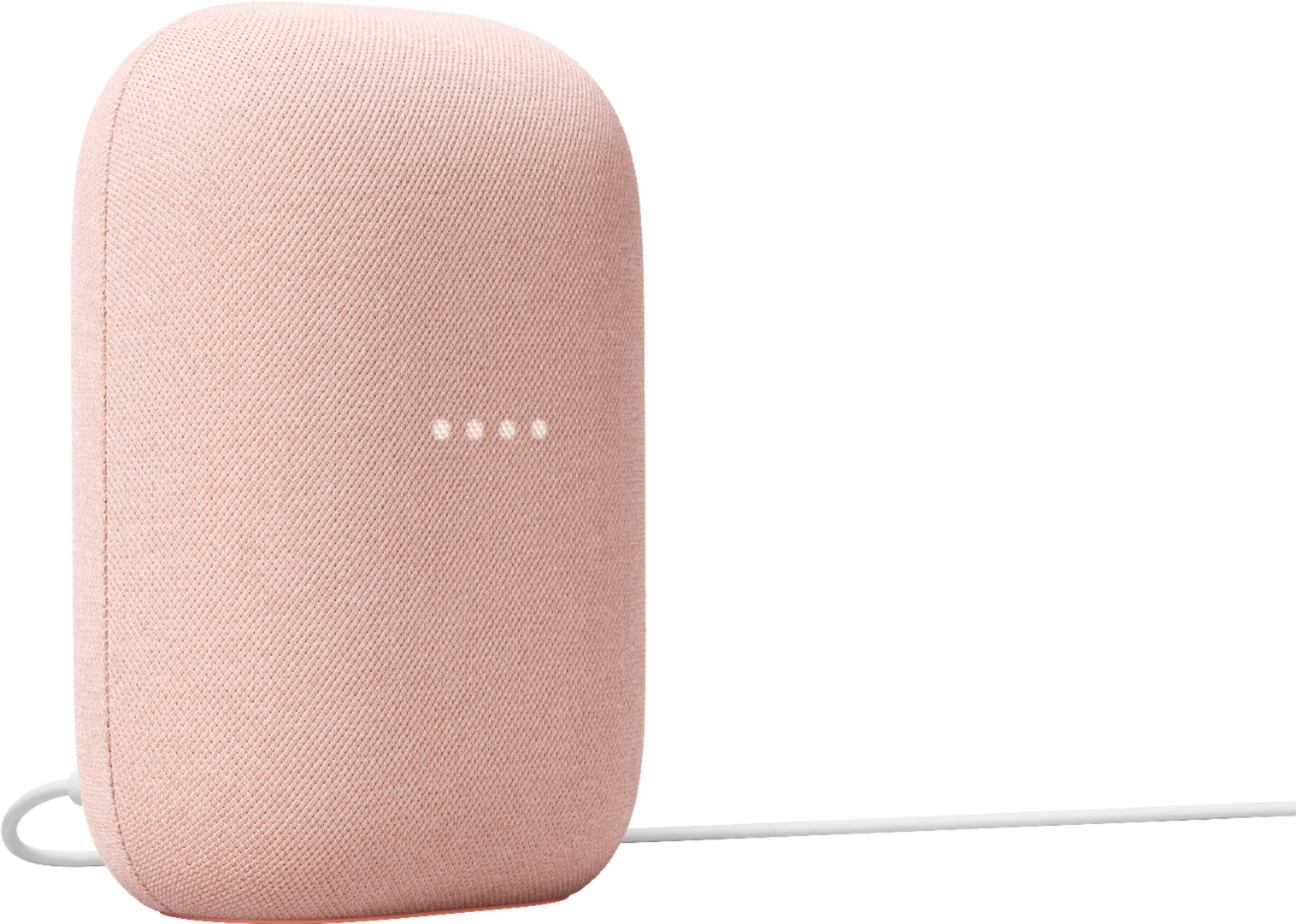
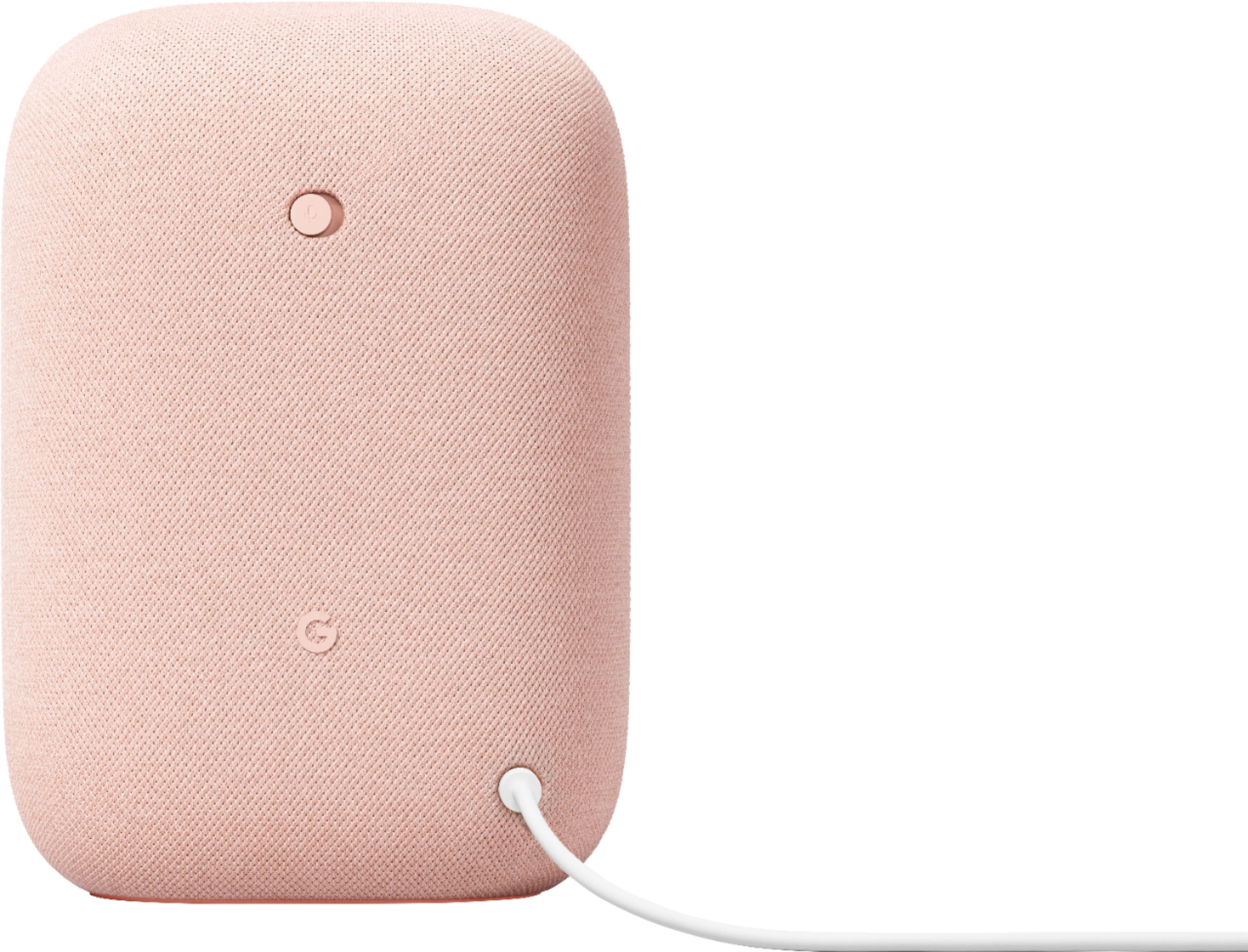
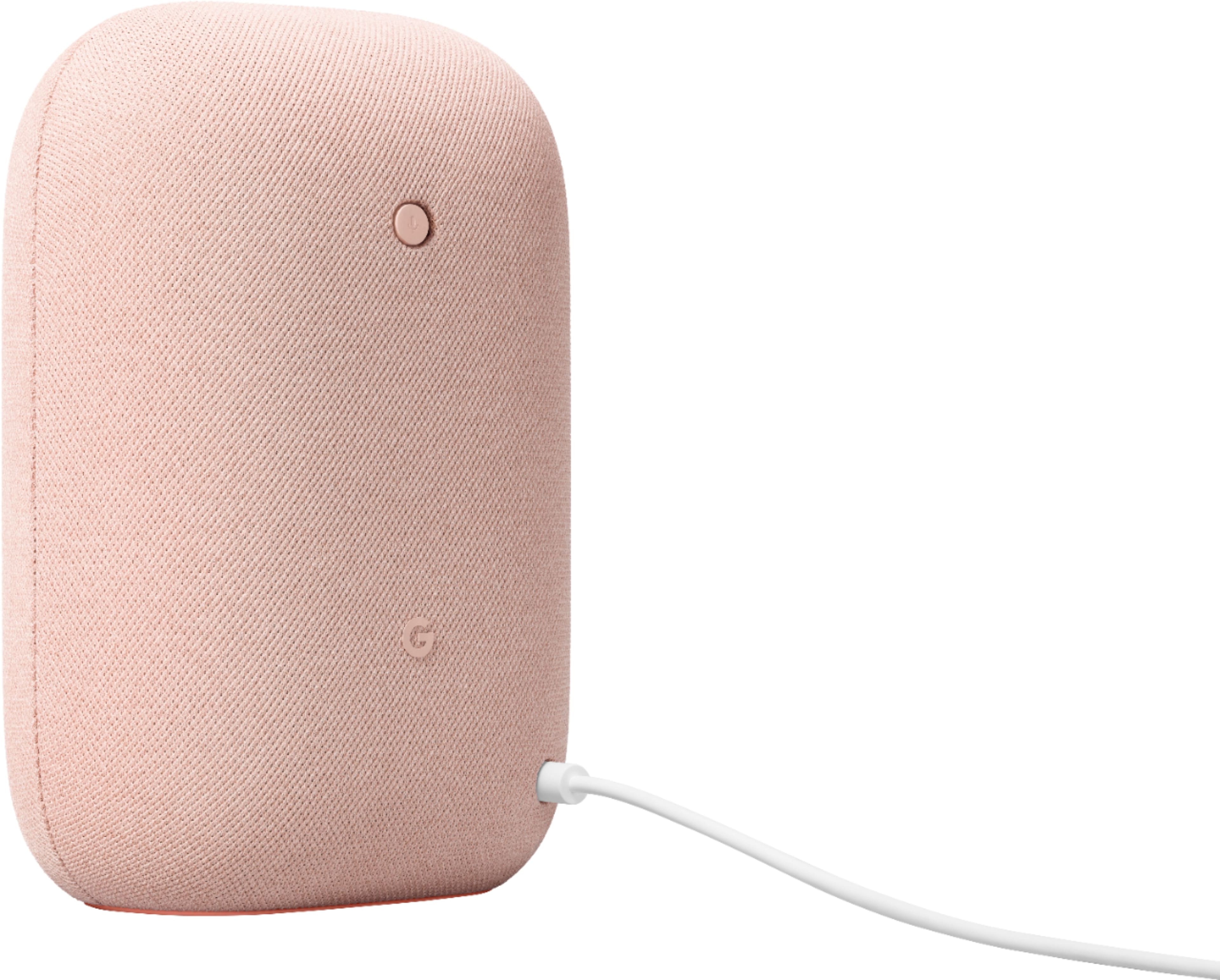
Customers commend the Nest Audio Smart Speaker for its excellent sound quality and ease of use. Many appreciate its quick and easy connectivity with Google Assistant, along with its appealing design and suitable size. Some have noted that the bass could be improved, while others have mentioned its light weight.
This summary was generated by AI based on customer reviews.
Music
||Posted . Owned for 4 months when reviewed.This reviewer received promo considerations or sweepstakes entry for writing a review.It is a good product, the only thing I do not like is that it does not have an external connection for auxiliary
I would recommend this to a friendBrand response from Nest Support
Posted .Hi, thanks for posting a review. We apologize that Nest Audio didn’t have an external connection for auxiliary, as the device only works wirelessly.
If you haven’t yet, you can try to play music that's stored on your mobile device (phone or tablet) or computer on your Google Nest or Home speaker or display using Bluetooth. This includes music downloaded from iTunes, Audible, Apple Music, and personal playlists. You can visit this page for the step by step instructions: https://support.google.com/googlenest/answer/7381505
If you need assistance, feel free to contact our support team. We’d be more than happy to help here: https://support.google.com/googlenest/gethelp
Good
||Posted . Owned for 10 months when reviewed.This reviewer received promo considerations or sweepstakes entry for writing a review.Awesome, great addition to the house. Makes things more convenient.
I would recommend this to a friend- Pros mentioned:Sound quality
Useful, sounds great
||Posted . Owned for 2 weeks when reviewed.This reviewer received promo considerations or sweepstakes entry for writing a review.This is a significant improvement over the original Google Home we were using until we picked this up for half off. Well worth it at that cost. Sounds way better than it should for what it is.
I would recommend this to a friend - Pros mentioned:Sound quality
Go with Google
||Posted . Owned for 1 month when reviewed.This reviewer received promo considerations or sweepstakes entry for writing a review.Not of the greatest sound quality, my Google Home generates surpeb sounds.
No, I would not recommend this to a friendBrand response from Nest Support
Posted .Hi HappyShopper, thanks for the feedback to let us know of your issue with the Nest Audio, and we’re sorry to learn that sound quality isn’t enough for you.
If you haven’t yet, adjusting the volume of your Nest Audio may improve your experience. You can control the volume by voice, by touch, or from the Google Home App. Check this link to learn more: https://support.google.com/googlenest/answer/7072489
You can also change the audio settings of your Nest speaker in the Google Home app. Here’s how to adjust bass and treble level:
- Make sure your mobile device or tablet is connected to the same Wi-Fi or linked to the same account as your Nest Audio.
- Open the Google Home app.
- Tap the device you want to adjust, select Settings, select Audio, then select Equalizer.
- Adjust Bass and Treble level.
Your feedback is important to us, and we’re always here for your support needs. Let us know if there’s something that needs our attention and we’ll gladly help you: https://support.google.com/googlenest/gethelp
Google speaker
||Posted . Owned for 1 year when reviewed.This reviewer received promo considerations or sweepstakes entry for writing a review.Great gadget if you like to have a automated home you can control
I would recommend this to a friendGreat SOUND
||Posted . Owned for 1 month when reviewed.This reviewer received promo considerations or sweepstakes entry for writing a review.Second of this speaker I have purchased. LOVE my Google Smarthome.
I would recommend this to a friendNest
||Posted . Owned for 2 weeks when reviewed.This reviewer received promo considerations or sweepstakes entry for writing a review.My daughter asked for one of these for Christmas. Hopefully it works like she thinks.
I would recommend this to a friendGreat Buy
||Posted .This reviewer received promo considerations or sweepstakes entry for writing a review.Great Buy! Great Iteam, great prouduct. Would highly recommend.
I would recommend this to a friendHappy moms
||Posted . Owned for 3 weeks when reviewed.This reviewer received promo considerations or sweepstakes entry for writing a review.Good quality ,present for my mom, she’s very happy and excited to have it,
I would recommend this to a friendBetter than Alexa
||Posted . Owned for 8 months when reviewed.This reviewer received promo considerations or sweepstakes entry for writing a review.Good product. I thought it would be a little louder but still a good buy.
I would recommend this to a friendGreat speaker!!!
||Posted .This reviewer received promo considerations or sweepstakes entry for writing a review.Great smart speaker for your home. Easy to modernize your house.
I would recommend this to a friendGood value, not the highest quality product
||Posted . Owned for 1 month when reviewed.This reviewer received promo considerations or sweepstakes entry for writing a review.Volume is good but not the greatest. Still a good value for the price.
I would recommend this to a friendLove it
||Posted . Owned for 3 weeks when reviewed.This reviewer received promo considerations or sweepstakes entry for writing a review.If you’re thinking about getting it—do it! It’s well worth it.
I would recommend this to a friendNice Speaker
||Posted .This reviewer received promo considerations or sweepstakes entry for writing a review.Great little speaker to put in random small rooms around the house.
I would recommend this to a friendHEYGoogleSoCool
||Posted .This reviewer received promo considerations or sweepstakes entry for writing a review.Absolute game changer for me and my family. We have them in every room.
I would recommend this to a friendPretty good
||Posted . Owned for 2 weeks when reviewed.This reviewer received promo considerations or sweepstakes entry for writing a review.Nice system for music when you dont need a screen. It serves a purpose.
I would recommend this to a friendNest
||Posted .This reviewer received promo considerations or sweepstakes entry for writing a review.Staying at home all day these days. So why not build a nest?
I would recommend this to a friendLove it
||Posted . Owned for 3 weeks when reviewed.This reviewer received promo considerations or sweepstakes entry for writing a review.I love it. We recommend it all anyone who asked me about it.
I would recommend this to a friendGreat product!
||Posted . Owned for 3 months when reviewed.This reviewer received promo considerations or sweepstakes entry for writing a review.Good product. I like that it can link up with other Google devices.
I would recommend this to a friendSpeaker
||Posted .This reviewer received promo considerations or sweepstakes entry for writing a review.Awesome but a hit to expensive and does not work with everything
I would recommend this to a friend