Customer Ratings & Reviews



- Model:
- GA02081-US
- SKU:
- 12201993
Rating by feature
- Value
Rating 4.5 out of 5 stars
- Quality
Rating 4.5 out of 5 stars
- Ease of Use
Rating 4.3 out of 5 stars
to a friend
Cheaper but not good to use.
||Posted . Owned for 1 month when reviewed.This reviewer received promo considerations or sweepstakes entry for writing a review.Cheaper than the full feature NEST. Didn't like it because it was fiddly to use (instead of turning you touch the right side. It was easy to install and worked first time, but didn't like using it (got 2 Nest already) so returned it.
No, I would not recommend this to a friendBrand response from Nest Support
Posted .Hey there, morlando. We're sorry to hear that your experience with Nest Thermostat has been less than ideal and that you returned it. Your feedback on the touch controls on the device is appreciated and we've taken note of it. If you’re ever considering Google products in the future, please don't hesitate to contact us on our Google Help page for immediate support here: https://support.google.com/googlenest/gethelp

Idk what to tell you
||Posted . Owned for 7 months when reviewed.This reviewer received promo considerations or sweepstakes entry for writing a review.My house was not compatible with thermostat, so I'm unable to leave an honest review.
I would recommend this to a friendBrand response from Nest Support
Posted .Hi Delz, thanks for sharing your feedback on your Nest Thermostat. We're sorry to learn that the device was not compatible with your house's HVAC system. If you still have the Nest Thermostat, we'd recommend that you reach out to our support team so we can further analyze the compatibility of the thermostat with your home. You can contact us on our Google Help page here: https://support.google.com/googlenest/gethelp
Stick with the Learning Thermostats
||Posted . Owned for 1 week when reviewed.This reviewer received promo considerations or sweepstakes entry for writing a review.Bought two Nest Learning thermostats along with this Programmable thermostat for our home. The two learning units installed flawlessly while this one was a pain. I even paid an election $100 to hook it up, but he could not get it to work either. He didn't recommend this leser Nest thermostat either. I returned this one today and re-installed the old basic unit.
No, I would not recommend this to a friendBrand response from Nest Support
Posted .Hi there BagelbyteGuy, thanks for sharing your experience with us. We’re sorry to learn that you had an installation issue with one of the Nest thermostats you purchased.
We value your feedback, as we’re always working to improve our products and services. The Nest Thermostat may not be compatible with your system. To confirm, you can check our online compatibility checker here: https://support.google.com/googlenest/answer/9246656
If you have any questions about your device, you can reach out to our support team. We’d be happy to assist you here: https://support.google.com/googlenest/gethelp
Excellent
||Posted . Owned for 3 weeks when reviewed.This reviewer received promo considerations or sweepstakes entry for writing a review.This is an excellent gift in this cold weather. Easy installation
I would recommend this to a friendQuirky to say the least.
||Posted . Owned for 1 month when reviewed.This reviewer received promo considerations or sweepstakes entry for writing a review.I assumed this would work like a regular learning nest but it doesn’t. Nobody knows how to use it. The 2 stars are because I can control/see the temp from my phone anywhere. Not a user friendly device. Pay more for the good model.
No, I would not recommend this to a friendBrand response from Nest Support
Posted .Hello there, Zeeeeeee. We appreciate your feedback, and we’re glad that you like the remote functionality of the Nest Thermostat. We’re sorry to hear that your experience has not exceeded your expectations.
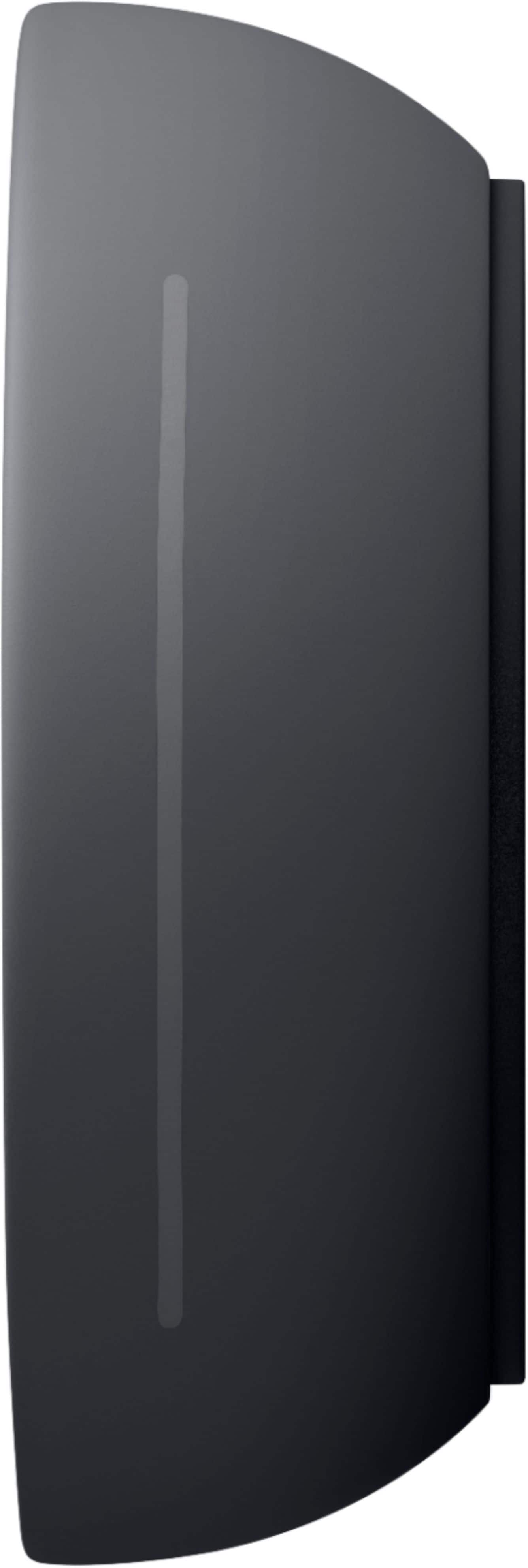
Since the Nest Thermostat doesn't have a touch screen, you can use the touch bar on the right side to control your thermostat. Swipe up to raise the temperature, swipe down to lower it, and tap to confirm. The display will show you how many minutes until your desired temperature is reached. Here’s how:
- Tap the touch bar to bring up the menu.
- Swipe up or down to select an option.
- Tap the touch bar again to confirm your selection.
Also, you can control and manage the thermostat settings using the app even when you’re not at home if your thermostat and Home app (phone or tablet) are both online. The thermostat will show offline in the app if it’s not connected to your Wi-Fi, and you won’t be able to manage the thermostat settings using your phone or app. However, you can change the behavior of your Google Nest thermostat in its settings using the thermostat display. You can do things like change the temperature schedule, switch between Fahrenheit and Celsius, view technical information, and more. Check this out for more info: https://support.google.com/googlenest/answer/9244728
If you need help with using the thermostat effectively, feel free to contact us and we’d be happy to guide you, here: https://support.google.com/googlenest/gethelp
Avoid if you have an older heating system!
||Posted . Owned for 5 months when reviewed.This reviewer received promo considerations or sweepstakes entry for writing a review.WILL NOT WORK WITH MULTI-ZONE HEATING SYSTEMS. Otherwise, easy to set up on the Google Home app.
No, I would not recommend this to a friendBrand response from Nest Support
Posted .Hi there, thanks for taking the time to share your feedback about the Nest Thermostat. We’re sorry to learn you came across this issue with the thermostat and with your heating systems.
Nest thermostats are compatible with many different types of heating systems, including boiler systems. Nest Thermostats are usually compatible with zoned systems that use multiple thermostats, including zoned systems with dampers. But there are some systems that are not. We recommend that you contact us so we can learn more about your heating system and see how we can help find a resolution and improve your experience: https://support.google.com/googlenest/gethelp
Do not buy
||Posted . Owned for 1 month when reviewed.This reviewer received promo considerations or sweepstakes entry for writing a review.Could not recommend less. Installed on brand new system and it cause very strange issues. AC tech suggested the Honeywell and we have had zero issues with it. Do not buy this. Also was unable to return to best buy as it didnt make it back within the 14 days. Was told either uprade to a membership or couldn't return. Thanks for that best buy
No, I would not recommend this to a friendBrand response from Nest Support
Posted .Hello there, Usfbull91. Thanks for taking the time to share your experience with the Nest Thermostat, and we're sorry to hear about the issues you encountered. We understand how inconvenient it is to face unexpected problems, especially with a new system. We are committed to improving the customer experience on our third-party platform and we’ll use your feedback to further strengthen our policies and processes. Meanwhile, we’d like to learn more about your concerns so we can explore potential solutions. We encourage you to contact our support team directly here: https://support.google.com/googlenest/gethelp
Not bad
||Posted . Owned for 2 months when reviewed.This reviewer received promo considerations or sweepstakes entry for writing a review.It does the job but if you just want basic features
No, I would not recommend this to a friendNest thermostat
||Posted .This reviewer received promo considerations or sweepstakes entry for writing a review.It was complicated to setup and program. It also didn’t work right when I first hooked it up.
No, I would not recommend this to a friendBrand response from Nest Support
Posted .Hi there, thanks for taking the time to share your experience with us. We're sorry to hear that you’re having some difficulty setting up your Nest Thermostat.
Your feedback is important to us, and we’d like to hear more about your challenges so we can help you the best possible way. Please reach out to our support team to further assist you. We’d be more than happy to help here: https://support.google.com/googlenest/gethelp
Doesn't link. Not setup to app
||Posted . Owned for 1 month when reviewed.This reviewer received promo considerations or sweepstakes entry for writing a review.Very disappointed -- unable to link with my original Nest thermostat (which I liked just fine!). Because now it is Goggle Nest. My installer couldn't figure it out either
No, I would not recommend this to a friendBrand response from Nest Support
Posted .Hi there, JillL. We appreciate your feedback on the Nest Thermostat. We’re aware that longtime Nest users enjoy using the Nest devices from the Nest app. However, the Nest Thermostat is exclusive to the Home app because we wanted to create an integrated experience with other Google Nest devices. We also wanted to make the Google Home app as the one place you can control all your favorite Nest and other smart home devices with the Google Assistant. Other benefits include the following:
- Automatic security protections such as Suspicious activity detection, 2-Step Verification and Security Checkup.
- Your Google Nest devices and services will work together.
- One account to sign into both the Nest and Google Home apps.
- Your homes and home members will be aligned across the Nest and Google Home apps.
Our dedicated team is always ready to provide you with services and assistance for any concerns you may have here: https://support.google.com/googlenest/gethelp
Bad open box
||Posted .This reviewer received promo considerations or sweepstakes entry for writing a review.No batteries, not thing else...boxx is broken, old and bla bla ..
No, I would not recommend this to a friendDon’t buy
||Posted . Owned for 2 months when reviewed.This reviewer received promo considerations or sweepstakes entry for writing a review.I liked it at first but it gets annoying when it changes degrees by itself.
No, I would not recommend this to a friendBrand response from Nest Support
Posted .Hi JayR, thank you for sending in your feedback. We're sorry to learn that you're experiencing some difficulties with your Nest Thermostat when it comes to automatic changes to your temperature. We recommend checking the temperature schedules that are set on your thermostat and removing them. This may help in keeping and holding the temperature to the specific degree you set it on. To remove a temperature schedule you can follow the steps below:
While viewing your thermostat’s schedule:
-Tap the day of the week that has the temperature you’d like to remove.
-Select the temperature you want to remove.
-Tap Delete. The temperature will be removed from the schedule for that day.
If you've done this already or if the issue still persists or is different from what you're experiencing, please don't hesitate to contact us on our Google Help page here: https://support.google.com/googlenest/gethelp
Why nest devices not compatible with each other?
||Posted . Owned for 1 month when reviewed.This reviewer received promo considerations or sweepstakes entry for writing a review.It is. It compatible with nest temperature devices, totally disappointed
No, I would not recommend this to a friendBrand response from Nest Support
Posted .Hi Mehrdad, thanks for your insights on Nest Thermostat. We apologize for any disappointment you may be having on Nest Thermostat. We´re always on the lookout for opportunities that will help us improve our products and services. We'd like to learn more about the issue you are having and see how we can help you. You may reach out to our support team here: https://support.google.com/googlenest/gethelp
Minimal options - Good style
||Posted .This reviewer received promo considerations or sweepstakes entry for writing a review.It was a good product but not like a nest learning Theemostat.
I would recommend this to a friendBrand response from Nest Support
Posted .Hi Skumar, thanks for your insights on Nest Thermostat. We'd appreciate it if you can share the details of your experience with us. This will give us a better idea on which features work best for you, and which features we can make improvements. If you're willing to try, please consider contacting our support team by visiting us here: https://support.google.com/googlenest/gethelp
The Product is Great
||Posted . Owned for 2 weeks when reviewed.This reviewer received promo considerations or sweepstakes entry for writing a review.The Product is Great! Did me wonderz! merry christmas
I would recommend this to a friendNot excited about this Nest
||Posted .This reviewer received promo considerations or sweepstakes entry for writing a review.Hard to use. Have to skim around the sides and sometimes it works and sometimes it doesn't. Does not work with other nests and app is hard to connect to. I have a learning nest also programmed and connected to my heating system and the two do not work together.
No, I would not recommend this to a friendBrand response from Nest Support
Posted .Hi DebraC, thanks for sharing your insights with us. We're sorry to hear that you had a difficult time using your Nest Thermostat. If you're willing to try, we'd like to help check your concern. We may need to take a closer look at your Nest Thermostat and understand what may be causing the issue. We'd be happy to work with you and help you out the best way possible. You may contact our support team here: https://support.google.com/googlenest/gethelp
Easy to install
||Posted . Owned for 3 weeks when reviewed.This reviewer received promo considerations or sweepstakes entry for writing a review.Easy to install. The upgraded version is better but at a price
I would recommend this to a friendBrand response from Nest Support
Posted .Hi Rfrm, we're glad to hear that you had an easy time installing Nest Thermostat. Nest thermostats are designed to be more than just smart; they're also meant to be thoughtful and helpful parts of a home. And while every good quality product comes at a premium price, Google Nest worked on giving its customers a beautiful, yet affordable, and easy-to-install thermostat. Hence, the launch of the newest Nest Thermostat.
The Nest Thermostat provides comfort at home while still being energy-saving at a reasonable price point. It provides an efficient yet affordable choice to households that are interested in a smart thermostat without going over the budget. If you have any questions you would like us to answer, you're more than welcome to contact us here: https://support.google.com/googlenest/gethelp
Not as good as other thermostats.
||Posted . Owned for 3 weeks when reviewed.This reviewer received promo considerations or sweepstakes entry for writing a review.Installation is easy. Configuring in Google Home seems to be easy. However it just disconnected from the app and I had to configure again. It got disconnected again. Also the touch is not so smooth and consistent. Felt difficult to navigate to different menu options.
No, I would not recommend this to a friendBrand response from Nest Support
Posted .Hi Krishna, thanks for trying out the new Nest Thermostat. Sorry to hear that you’re experiencing connectivity issues and the touch bar experience was difficult.
If you don't mind, you can try resetting your thermostat's Wi-Fi settings by following the step below:
Keep in mind, you’ll need to remove your thermostat from your account in the Home app and then set it up again. You’ll be able to skip the installation process and much of the setup steps:
- In the Home app, tap your thermostat on the home screen.
- Select Settings > Remove.
- On your thermostat, go to Settings > Account > Disconnect.
- In the Home app, tap + at the top left of the home screen.
- Then select Set up a Nest product.
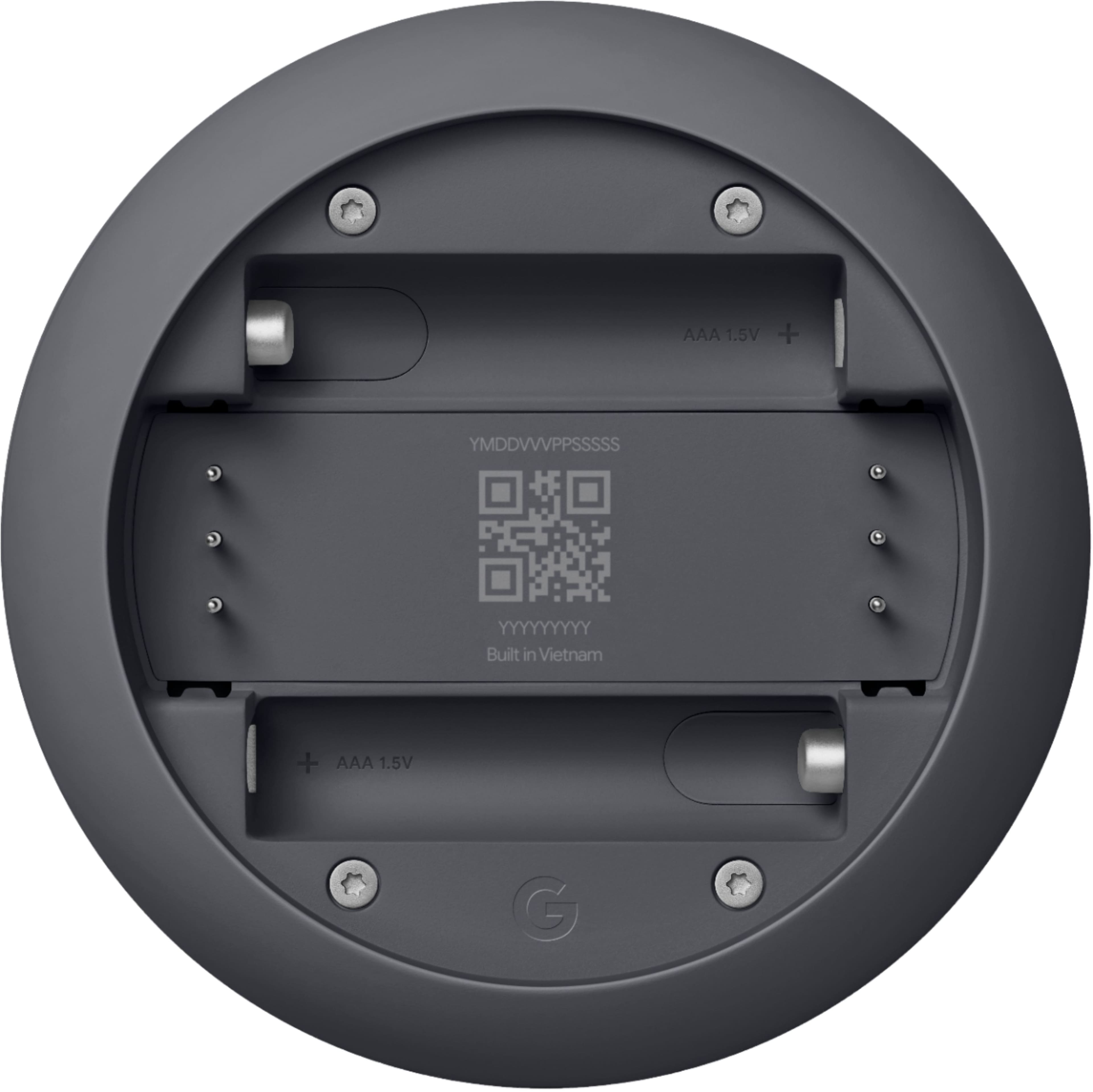
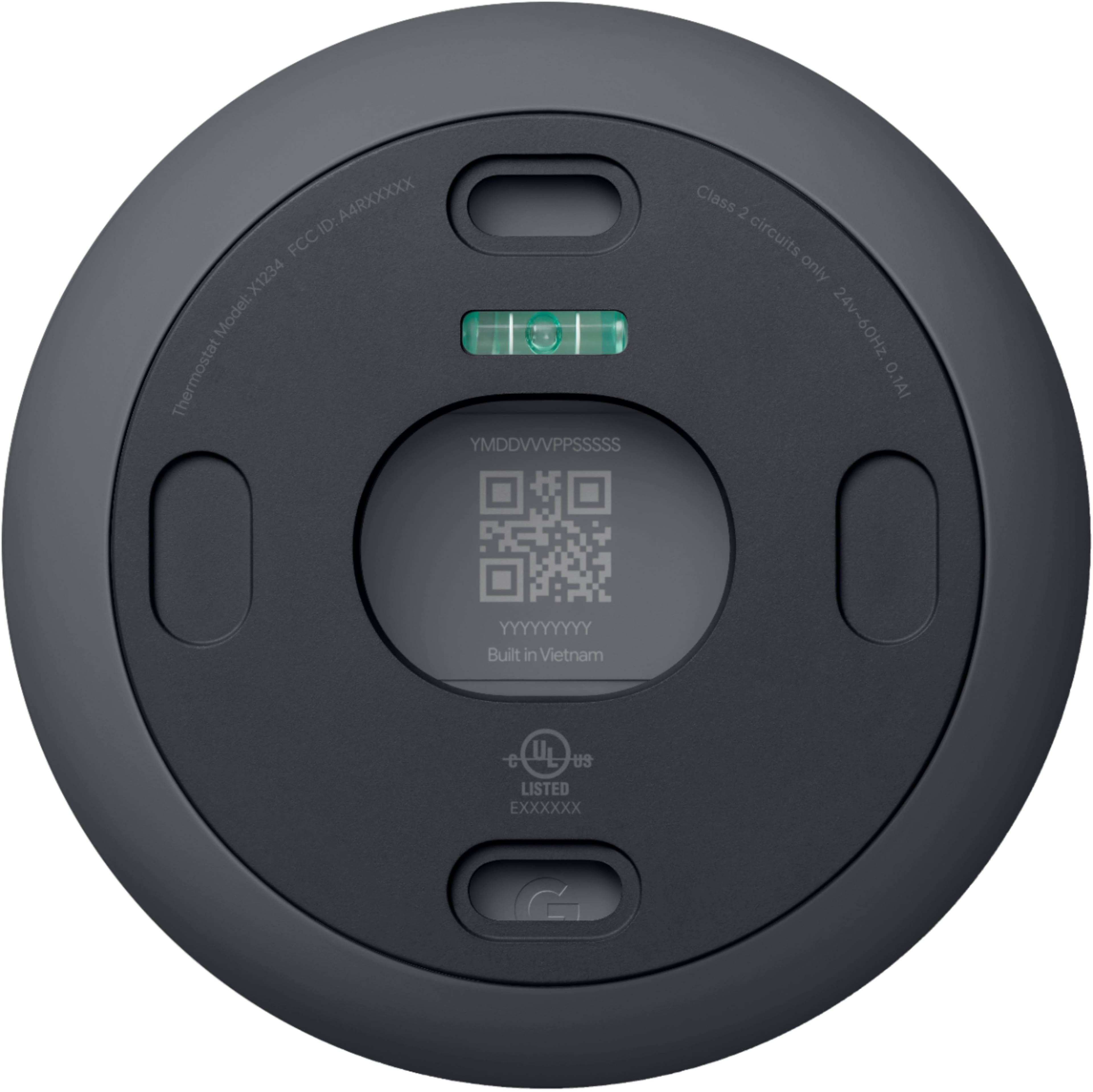
- Begin thermostat setup by scanning the QR code on the back of the thermostat display.
- When you reach the Get started screen, select Already installed.
- You can then skip most of the usual setup steps until you reach the Wi-Fi setup step. Here you can enter the new password and network name.
We always appreciate your feedback as it helps us improve our products and services. If you have any questions or concerns with your Google Nest products, please feel free to get in touch with us on the Google Nest Help page: https://support.google.com/googlenest/gethelp
didn't like it
||Posted . Owned for 1 month when reviewed.This reviewer received promo considerations or sweepstakes entry for writing a review.I don't know what's wrong, the product is going offline and says wires are missing, maybe they installed something wrong..
No, I would not recommend this to a friendBrand response from Nest Support
Posted .Hey there, BulentA. We’re sorry to hear you came across this issue with the Nest Thermostat. This device uses the voltage from your system’s wires to keep its internal battery charged. If the power from your system is insufficient, the thermostat will run off the batteries for a while before it must turn off completely. But if you repeatedly get low battery messages from your thermostat, or if there’s another power-related message, you may need to check the C wire connection or install a C wire to provide consistent power to your thermostat and prevent the internal batteries from draining.
We can help you check for other reasons why the thermostat is behaving differently. We welcome you to visit us anytime using this link: https://support.google.com/googlenest/gethelp";\
Not set up to replace Lennox thermostat
||Posted . Owned for 1 month when reviewed.This reviewer received promo considerations or sweepstakes entry for writing a review.So disappointed... it wouldn't fit the Lennox device I wanted to replace.
No, I would not recommend this to a friendBrand response from Nest Support
Posted .Hi Charles, thanks for sharing your experience. We’re sorry to hear that Nest Thermostat didn’t work with your system.
Most 24 V heating and cooling systems are compatible with Nest Thermostats. If you haven’t yet, we recommend using our online compatibility checker to ensure that your heating and cooling system is compatible with the Nest Thermostat. You can check it here: https://store.google.com/us/widget/compatibility/thermostat
If you need assistance, our support team is always here to help. You can reach us out using this link: https://support.google.com/googlenest/gethelp