Customer Ratings & Reviews


- Model:
- GA02083-US
- SKU:
- 6460785
Rating by feature
- Value
Rating 4.5 out of 5 stars
- Quality
Rating 4.5 out of 5 stars
- Ease of Use
Rating 4.3 out of 5 stars
to a friend
Customers are saying
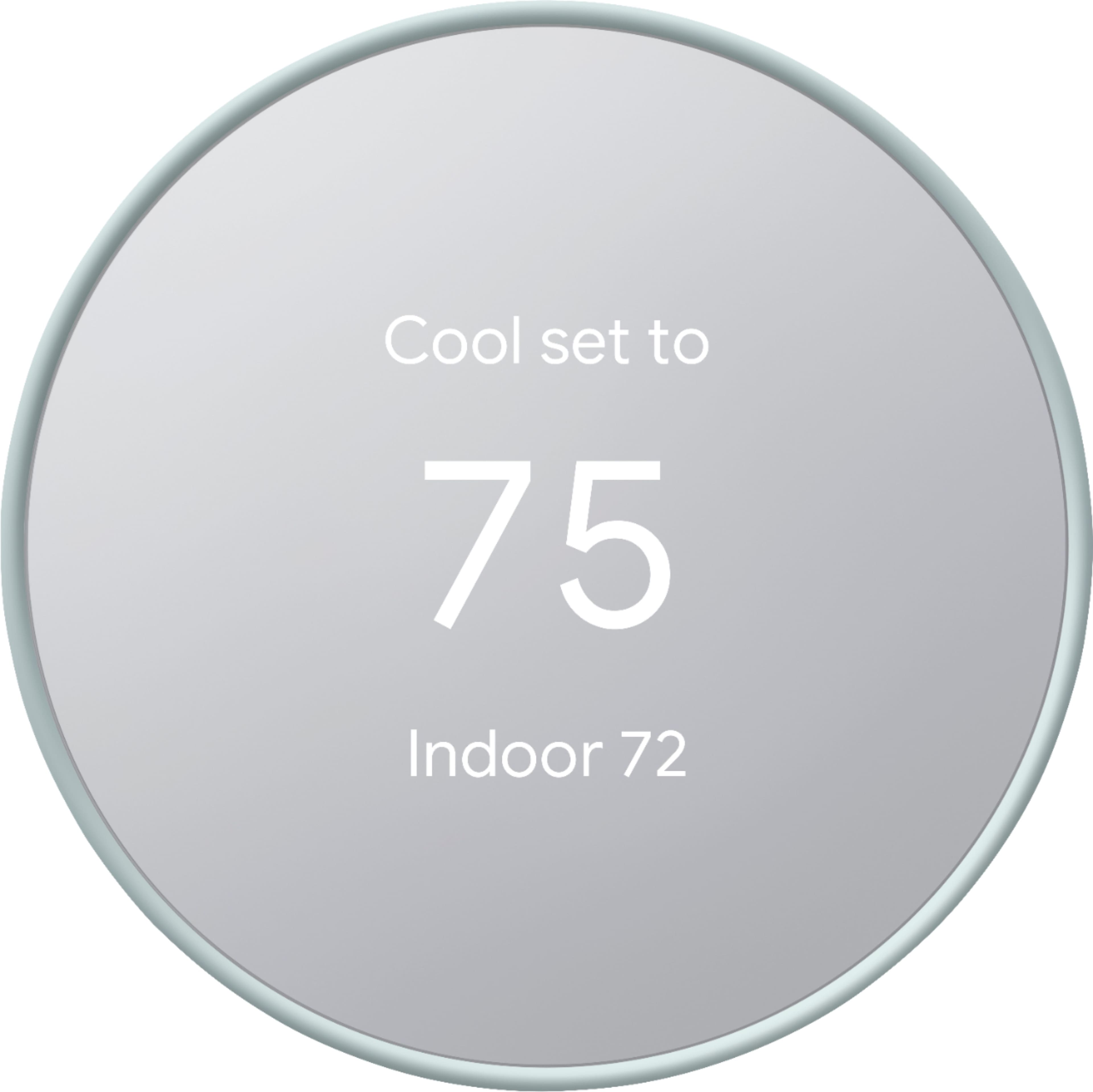
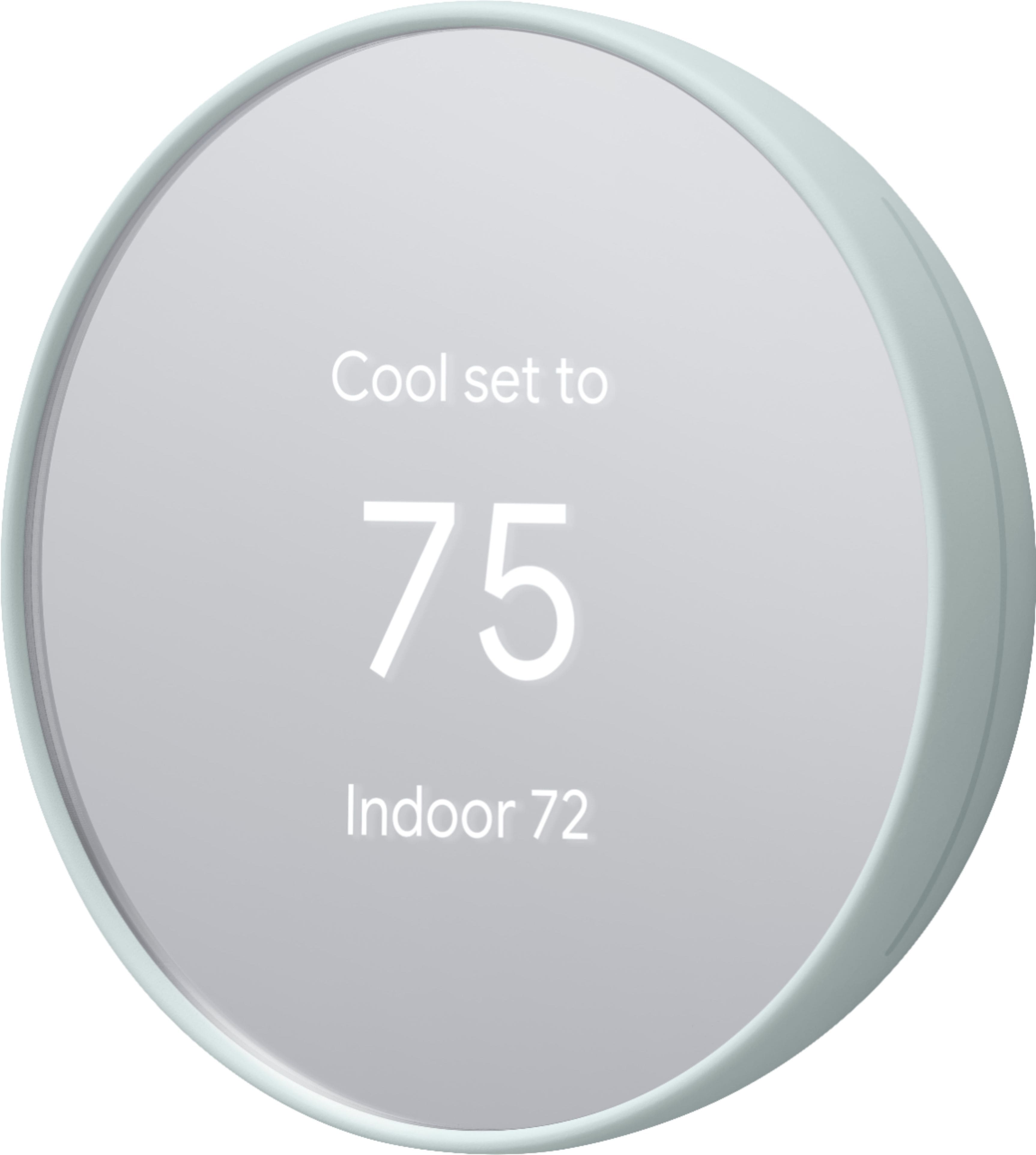
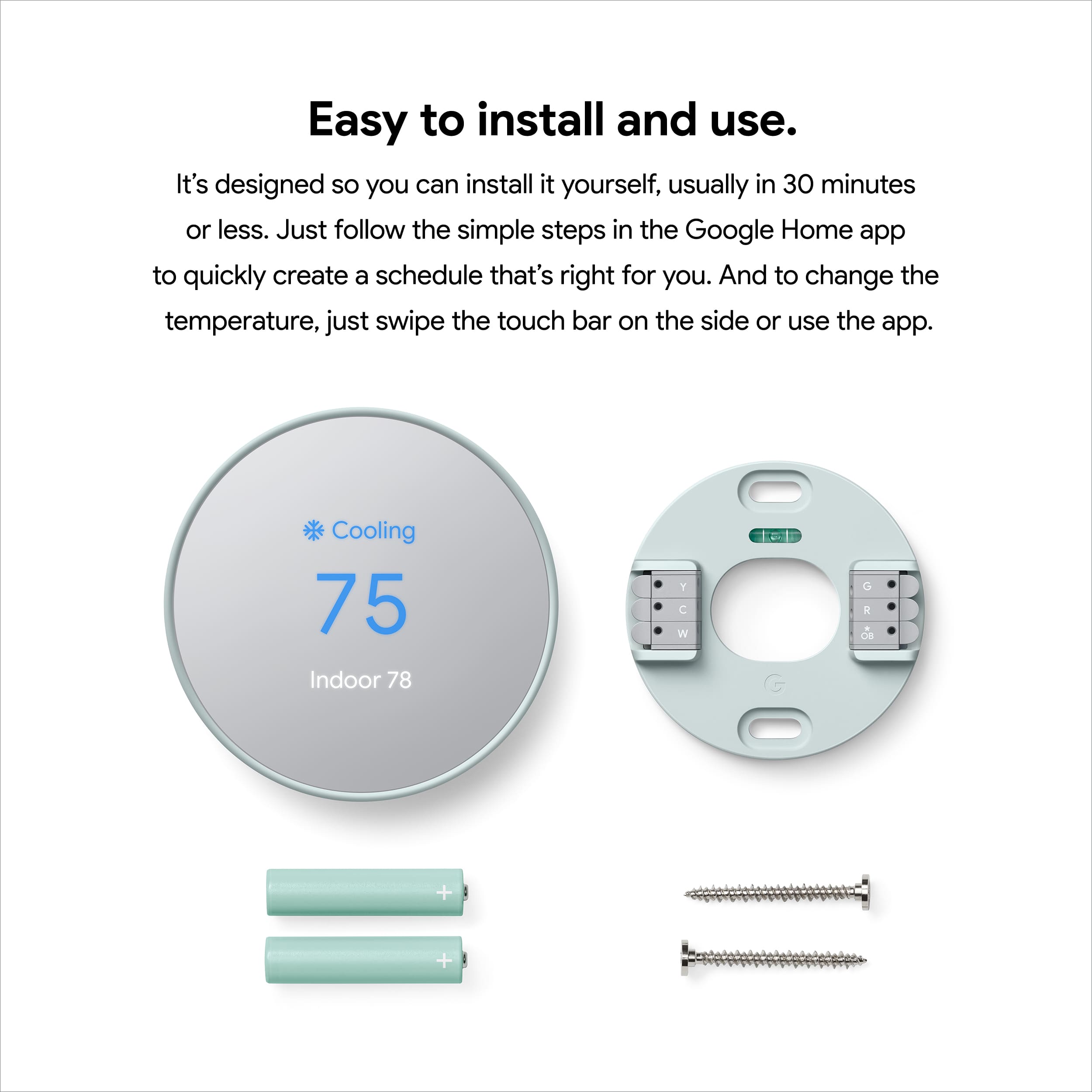
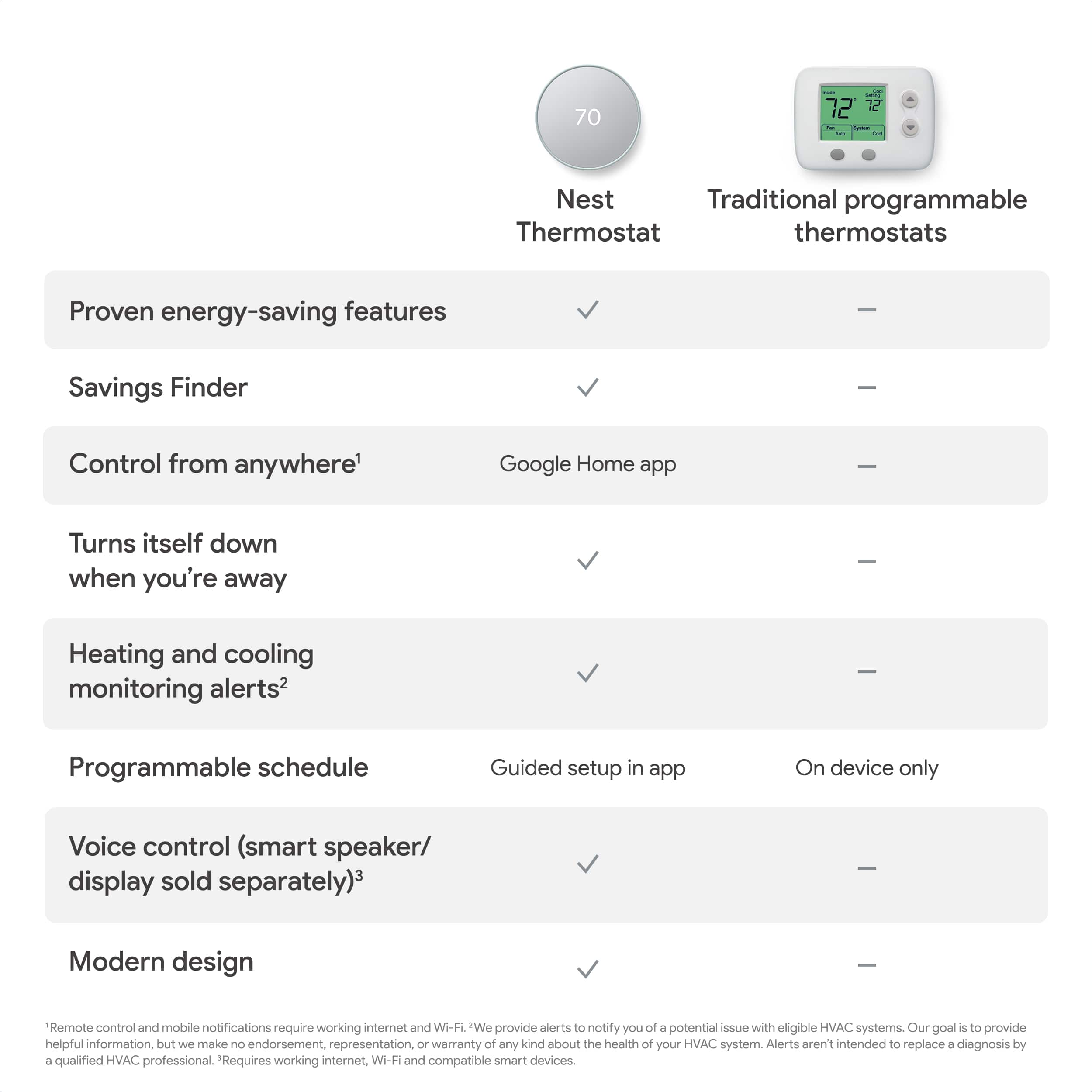
Customers frequently mention the Nest Smart Programmable Wifi Thermostat is easy to use and performs well overall. Installation is straightforward, and the remote control and scheduling features are appreciated, as is the sleek design. However, some customers have experienced connectivity and compatibility issues.
This summary was generated by AI based on customer reviews.
Decent if on sale
Posted .This reviewer received promo considerations or sweepstakes entry for writing a review.Pretty okay. Google gutting support number is BS but the item works okay.
No, I would not recommend this to a friendBrand response from Nest Support
Posted .Hi there, Flexyturner. We’re glad to hear your feedback that the Nest Thermostat works well for you, and we trust that you’re getting the most benefits out of its smart features. If you find yourself in a situation where immediate assistance is needed, simply let us know by contacting us through our support channels here: https://support.google.com/googlenest/gethelp

HVAC Professional?
Posted .This reviewer received promo considerations or sweepstakes entry for writing a review.Are you an HVAC Professional? No? Well good luck. If you have a recently built home, this will most likely just be plug and play. But unless you know wiring, because you won't find any answers to your questions online, this thing is a paperweight. They market things like this as easy to install, well that's a lie. I've returned mine. BTW no electrician will waste time installing this or it will turn into a rewiring from your HVAC that costs hundreds of dollars.
No, I would not recommend this to a friendBrand response from Google Nest Support
Posted .Hey there, feldman9000. We’re sorry the Nest Programmable Thermostat didn't work out for you. If you try Nest in the future, here’s a compatibility checker to make sure you get the best device: https://store.google.com/intl/en_us/widget/compatibility/thermostat/
Even though you returned it, we’d like to investigate further for you. When you get the time, reach out to us here: https://support.google.com/googlenest/gethelp?
Good smart thermostat
Posted .This reviewer received promo considerations or sweepstakes entry for writing a review.I like the nest brand been having it since the first one, the only think I didn’t like is it does not rotate no more.
I would recommend this to a friendgreat programmable Thermostat
Posted .This reviewer received promo considerations or sweepstakes entry for writing a review.great programmable Thermostat, It has a intelligence built in and learns through daily usage and adapt wit new settings.
I would recommend this to a friendStop!!! Do NOT buy this Nest thermostat!
Posted .This reviewer received promo considerations or sweepstakes entry for writing a review.If you’re hoping to control the Google Nest thermostat from your device, don’t look to the Google Nest App. Eventually, it will stop working. My Nest thermostat works but I can no longer control it with my phone. It no longer communicates with the Nest App and Google has no idea how to fix that problem. There are tens of thousands of angry Nest thermostat owners out there experiencing the same problem. Google has shown absolutely no interest in fixing this issue. It is hoping that you will buy all their products once you experience the convenience of controlling their Nest thermostat with your device, but it won’t last. At some point, your device will stop communicating with your thermostat because Google is not doing anything to update their Nest app in any significant way, and the same thing will happen with all your Google products. Buyer, beware!
No, I would not recommend this to a friendBrand response from Nest Support
Posted .Hi there Lucie, thanks for sharing your feedback with us. We’re sorry that you’re dealing with some inconvenience regarding your Nest Learning Thermostat. We understand how important it is to be able to control your Nest thermostat remotely.
We'd love to help you out with the issue if we could learn more about what exactly happened to cause this to your Nest Learning Thermostat. If you'd like to give us another chance to help you resolve the issues, please reach out to our support team here: https://support.google.com/googlenest/gethelp
Constant Connectivity Problems
Posted .This reviewer received promo considerations or sweepstakes entry for writing a review.The nest thermostats are the most frustrating products I have ever encountered. If the wifi goes out for even a second the device disconnects. As the internet is still working, the device acknowledges that it is connected to the wifi but remains "offline" in the app until being manually restarted. Truly terrible design. Why would it not have been designed to automatically attempt reconnecting? It's insane that you expect people to have to manually restart it anytime there is a blip in the wifi. The nest doorbell is able to handle that just fine but the thermostats are a constant problem.
No, I would not recommend this to a friendBrand response from Nest Support
Posted .Hi Victoria, thanks for giving us time to share your feedback on the Nest Thermostat, and we’re sorry to hear it’s a frustrating experience for you. If you find yourself in need to reconnect your thermostat to your Wi-Fi again, please see the steps below that might help:
Please note that you’ll need access to your Nest Thermostat to update the network and password. You can’t update Wi-Fi information with the app:
- Open the Google Home app .
- Touch and hold your thermostat's tile.
- Tap Settings > Remove device.
- On your thermostat, go to Settings > Account > Disconnect.
- In the Home app , tap the Home icon at the top left of the home screen.
- Tap Set up device > New device.
- Choose a home > Select Thermostat (It may specify which thermostat, select Nest Thermostat).
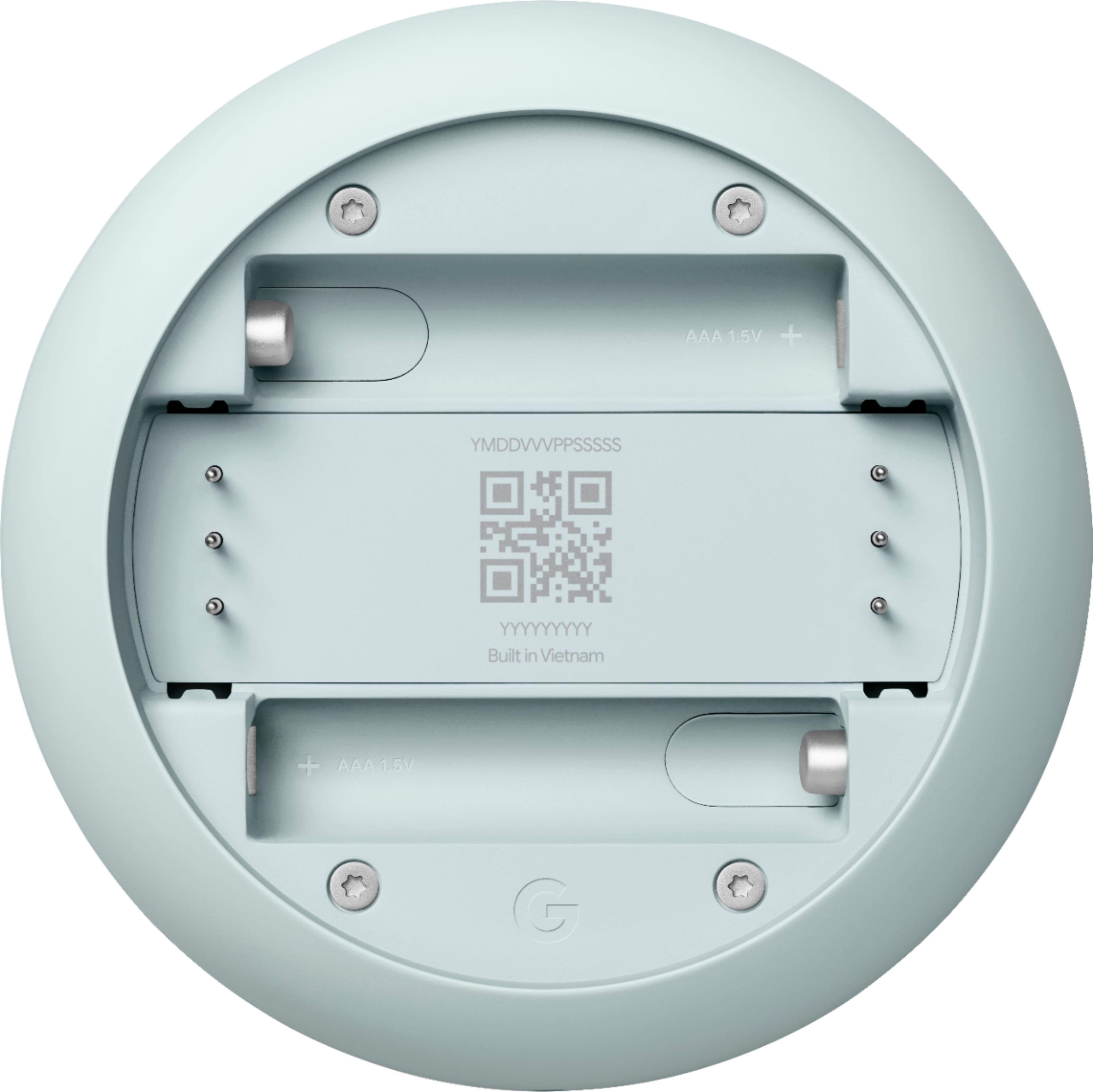
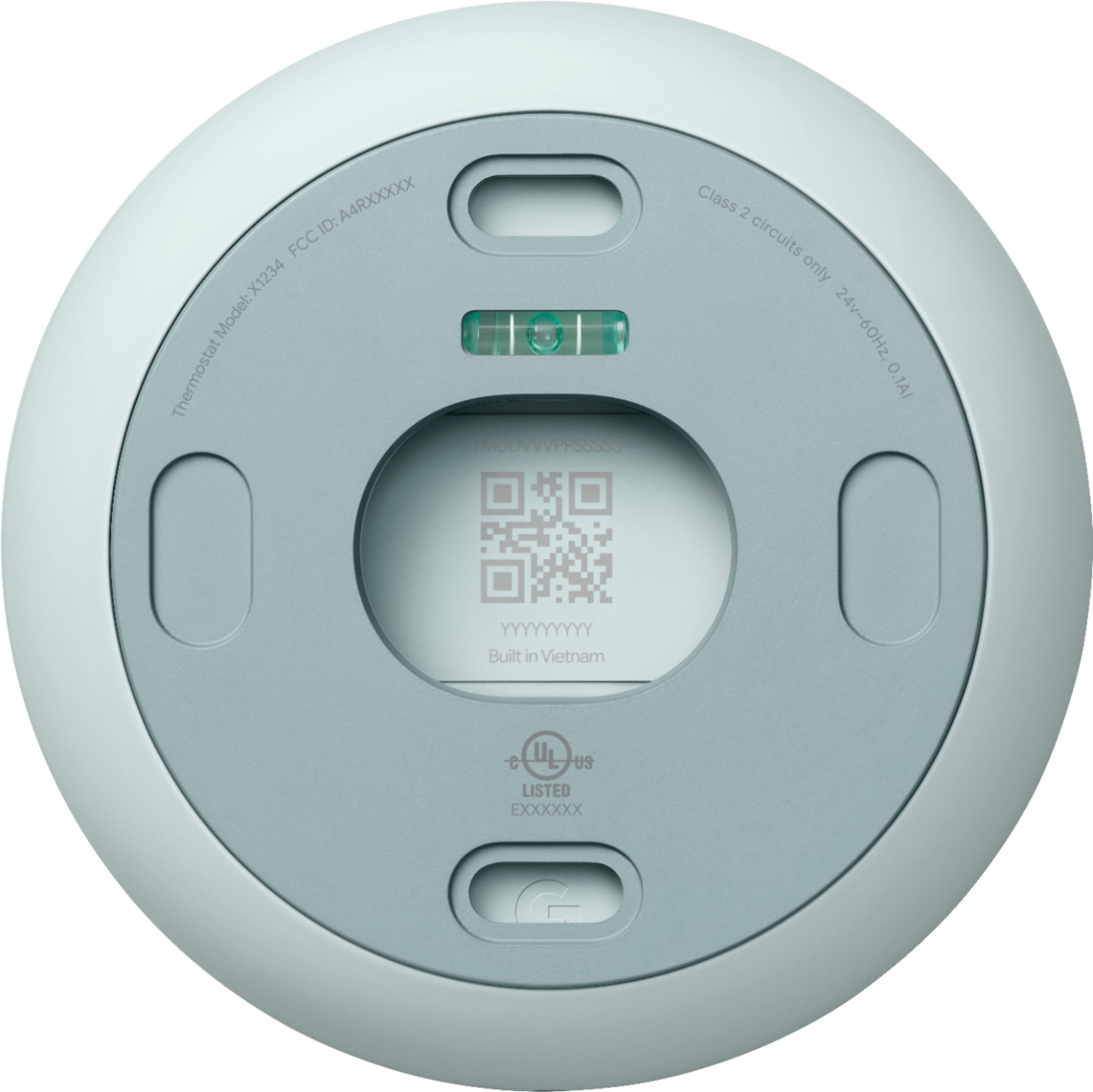
- Scan the QR code on the back of the thermostat display.
- When you reach the “Installing your thermostat” screen, tap ""Already installed”.
- You can then skip most of the usual setup steps until you reach the Wi-Fi setup step. When you get to the Wi-Fi setup step, enter the new password and network name.
If your network name doesn’t appear in the list of Wi-Fi networks, wait a few minutes while the app scans for networks. If your thermostat still can’t find your new network, go to the following article for more help: https://support.google.com/googlenest/answer/9240096
We’ll share your feedback with the right team for future improvements. And if you come across any concerns with using the thermostat effectively, simply let us know and we’d be happy to help: https://support.google.com/googlenest/gethelp
Not to easy to use and confusing :(
Posted .This reviewer received promo considerations or sweepstakes entry for writing a review.Not crazy about this fancy thermostat. I thought it was going be be great. 1. Said it would work with my wires and did not, had to pay more for a module. 2. Manual mode is not easy. Can't set hold for a specific temp, or choose comfort mode only eco. 3. Big hole in wall? Extra cost for backing plate. 4. Google home took a very long time to connect to. 5. Can use Google assistant to control the Google home thermostat function! 6. You cannot set it at a specific temperature hold, all has to be pre-programmed. Let's say your elderly Grandma's coming over and you want to warm up the house for 2 hours exactly while you were at the grocery store you can't set it for a certain temperature for 2 hours. Very dumb You would have to manually set the temperature up and then remember when it gets 2 hours to then turn it down. Not so smart thermostat. Then on top of that I was supposed to get these magical rebates from the electric company but when I registered device I said oh gosh at your house and your unit is not registerable for these extra awards. Hints for everyone: contact your electric company first and buy the thermostat through their link and not directly through a company that way you get the rebate I lost my $80 rebate because of this.
No, I would not recommend this to a friendBrand response from Nest Support
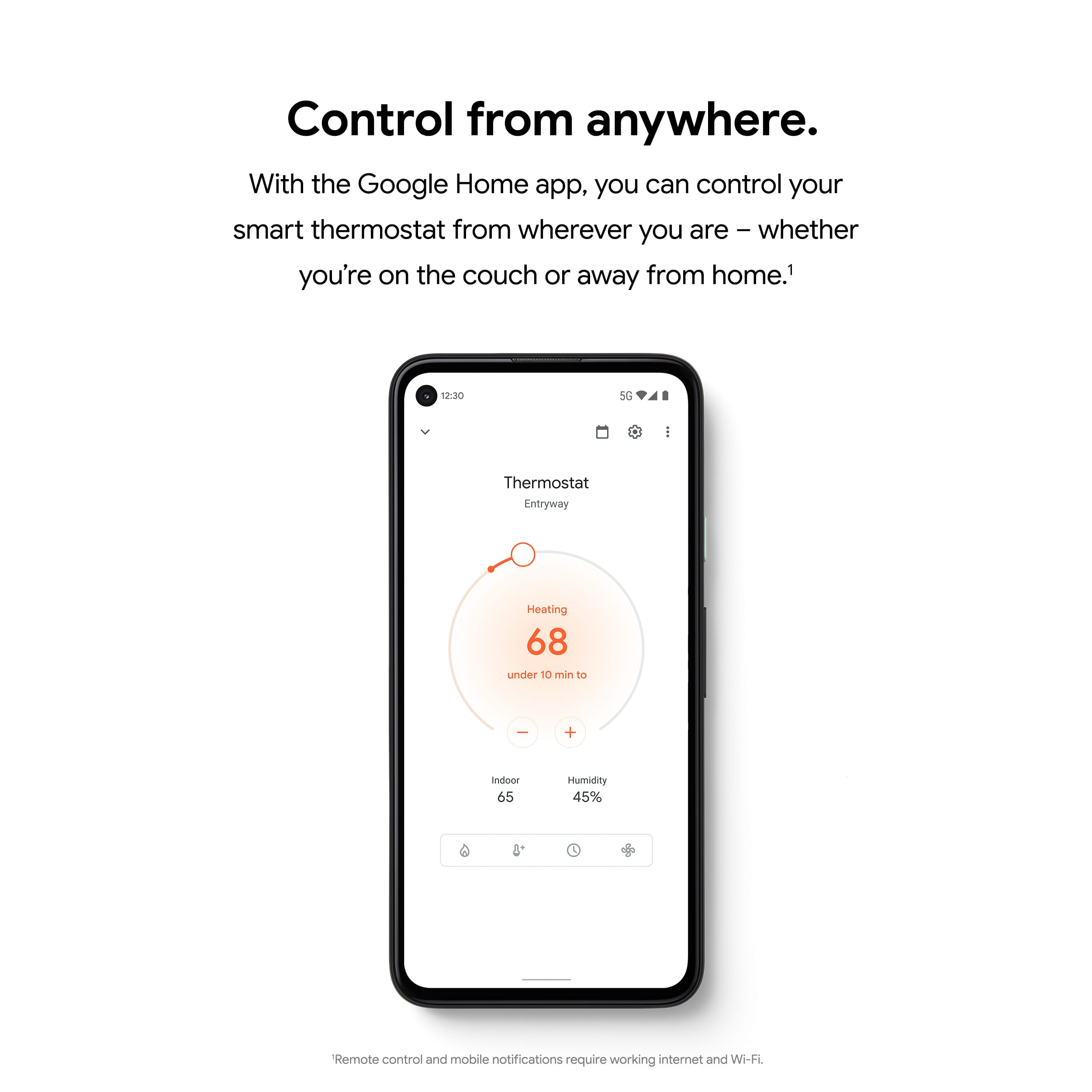
Posted .Hi SteveM, thanks for trying out Nest Thermostat. We appreciate that you had great expectations with it. However, we apologize for any disappointment you may be having with the points you shared with us. Other than using the Nest Thermostat display, we also recommend using the Google Home app to control and manage all the features. You can easily change temperatures using a compatible Android or iOS mobile phone or tablet device, even when you're not at home, as long both your Nest Thermostat and your mobile device are connected to the Internet.
We're glad to hear that you were able to control your Nest Thermostat using your voice commands with the Google Assistant. For additional commands that you can use, we recommend trying out the voice commands listed on this link: https://support.google.com/googlenest/answer/9325085
It's possible to set a hold temperature with the Nest Thermostat, for as long as you want. Here are the steps you can follow to set it up:
- Open the Home app > and then touch and hold your thermostat's tile.
- Make sure your thermostat is in Heat, Cool, or Heat • Cool mode before you try to start a temperature hold.
- Tap Hold temperature Hold temperature.
- Select the Current temp or the temperature preset you want your thermostat to hold.
Note: If the temperature you want doesn't appear, change your thermostat's current temperature to the one you want to hold. When you reopen the hold temperature settings, you'll be able to select the temperature you've just set.
- Select the end time you want the temperature to hold for.
- Note: If you're using the Eco preset, you can also choose None to hold the temperature indefinitely until you end the hold. For other presets, your thermostat can hold the temperature for up to 24 hours.
- Tap Start to begin the temperature hold.
Note: If you want to make changes to the temperature but there's a hold on the temperature, the app or thermostat will tell you that you need to end the hold first.
We understand that you may still have some questions in mind, and our support team would be happy to answer them and even walk you through some of the features. Please feel free to reach out to us here: https://support.google.com/googlenest/gethelp
Works until warranty is done
Posted .This reviewer received promo considerations or sweepstakes entry for writing a review.Before purchasing a Nest Thermostat, be aware you very well may have to purchase one again once the year warranty runs out. These thermostats are having serious issues with not being able to find or connect to any networks. But, as the Google Nest customer support told me "that's ok! You can still use it as a non-connected (dumb) thermostat!" So, $250 for a $30 thermostat. What a deal! You can read about MANY other owners similar woes on Google Nest Community forums (I'm not allowed to post a link, so search for: "Nest-Thermostat-Suddenly-can-t-find-ANY-wifi-network-Are")
No, I would not recommend this to a friendBrand response from Nest Support
Posted .Hi there MikeKC, thanks for sharing this issue with our support team. We're sorry to hear about the poor experience you're having with your Nest Thermostat, and for falling short of providing your support needs.
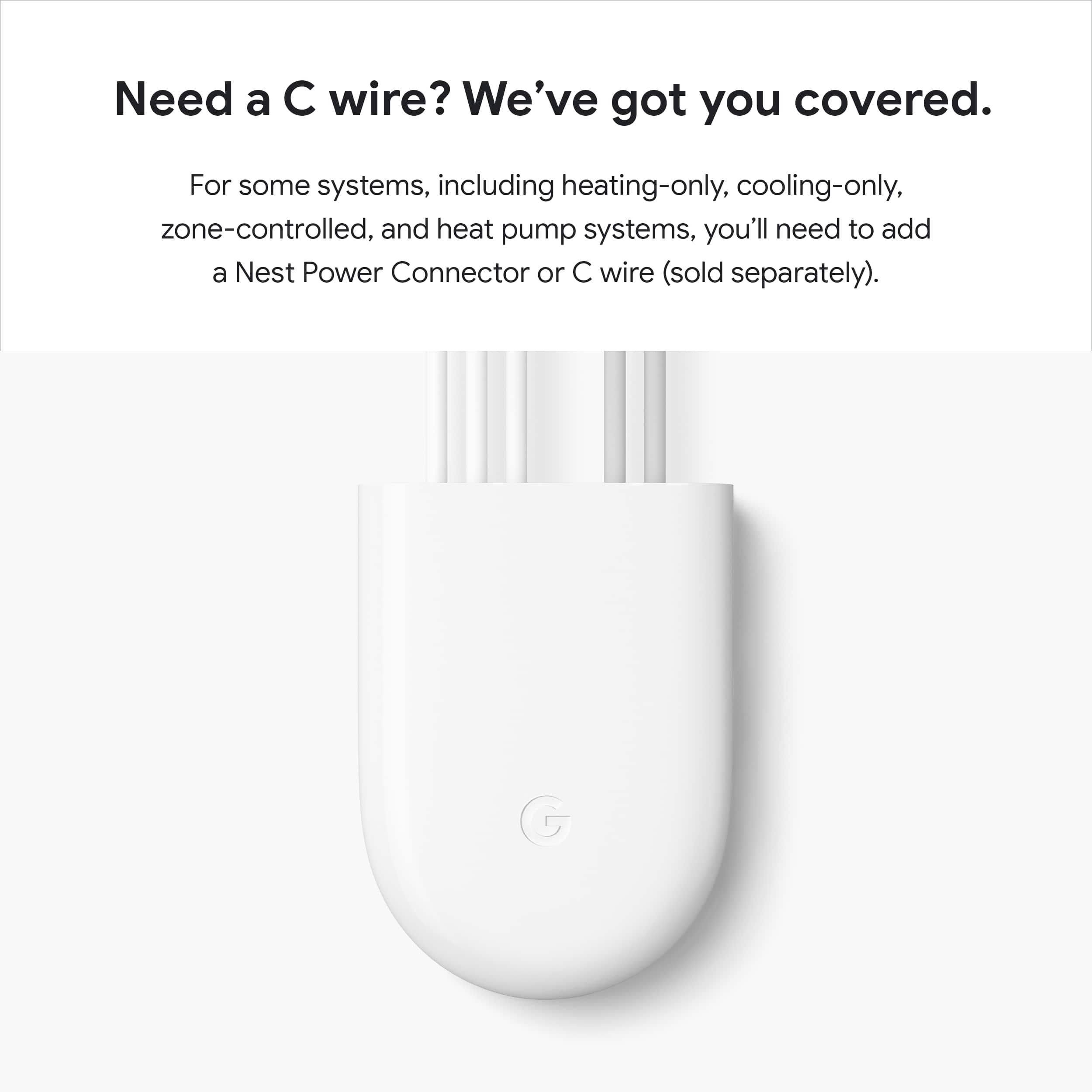
Nest Thermostats get power from your system’s heating and cooling wires. But in a small number of situations, your system may not be able to deliver enough power causing the Wi-Fi chip to fail connection with your network. IN these cases, you may need to connect a common or C wire to deliver enough consistent power to your thermostat.
A common wire is simply a wire that's dedicated to delivering constant power to your thermostat. Unlike the other wires connected to your thermostat it doesn't control heating or cooling functions.
We'd like to take another shot at improving your experience with Nest Thermostat. Please consider contacting our support team here: https://support.google.com/googlenest/gethelp
Google Dosent Care
Posted .This reviewer received promo considerations or sweepstakes entry for writing a review.Everyday I regret not Going With Amazon Alexa when i use my google home devices i spent thousands of dollars on google home speakers thermostats chromecasts and i regret everysingle one of it it is super disapointing that the app layout is just the same old boring thing when they first released google home smart speakers it is not user friendly at all it is all glitchy it is a nightmare if somehow you are reading this before buying google home products dont go with amazon alexa you will thank me in the future
No, I would not recommend this to a friendBrand response from Nest Support
Posted .Hi JohnA, we appreciate you for sharing your feedback and we're sorry to hear that your overall experience with the performance of your Nest Thermostat and the Home app has been disappointing. As mentioned in your previous post about the Nest Mini, If you still want to give us another chance in improving your overall experience, we'd like to help check the issues you're encountering and have our support specialists find a better resolution for you. Please contact us on our Google Help page here: https://support.google.com/googlenest/gethelp
thermostat
Posted .This reviewer received promo considerations or sweepstakes entry for writing a review.I like it. I can program it for any temperatures and for any times
I would recommend this to a friendGoogle Nest Review
Posted .This reviewer received promo considerations or sweepstakes entry for writing a review.I cannot give a review, I have not installed the thermostat yet! When I do install, I'll let you know.
I would recommend this to a friendBrand response from Nest Support
Posted .Hi there, CarlaG. Thanks for choosing the Nest Thermostat. We appreciate your excitement to try its rich features. If you need guidance with the setup or installation, the Home app will help you select the right options for you. Visit this link for more details: https://support.google.com/googlenest/answer/10125150
For inquiries or support concerns, you’re always welcome to contact us here: ttps://support.google.com/googlenest/gethelp
Unreliable
Posted .This reviewer received promo considerations or sweepstakes entry for writing a review.This possibly is the worst product on the market. When it works its great. Problem is that it goes offline every other day making it a dumb thermostat. You need it connected to the web to make it useful. Its so unreliable that I can’t recommend it.
No, I would not recommend this to a friendBrand response from Nest Support
Posted .Hi there, Fred. Thanks for sharing your feedback with us. We're sorry to hear that your Nest Thermostat goes offline.
We suggest trying out some troubleshooting steps below that may be helpful with the connectivity issue:
- Ensure that your mobile phone, where the Home app is installed, is either connected to your Wi-Fi network, or that the mobile data is enabled.
- Try installing the Nest/Home app on another mobile phone or tablet device and login using the same Google account as your Nest Thermostat.
- Check for possible congestion in your Wi-Fi network. Removing some of your connected devices can help free up some bandwidth space. You may then check to see if you will still experience the same connectivity issue.
- You may also check for possible sources of interference such as the thick walls and appliances in your home.
If none of the steps we provided prove to be helpful, we recommend contacting our support team for further troubleshooting and isolation via this help page: https://support.google.com/googlenest/gethelp
It's OK. Not what I was expecting.
Posted .This reviewer received promo considerations or sweepstakes entry for writing a review.There's no sensor's that we can associate with this thermostat?!
No, I would not recommend this to a friendBrand response from Nest Support
Posted .Hello there, Shawn. Thanks for sharing your feedback about the Nest Thermostat. We're sorry to hear that your experience with the device didn't meet your expectations. The Nest Temperature Sensor can only work when paired with the Nest Learning Thermostat (3rd Gen) or Nest Thermostat E using the Nest app. If you have more questions and concerns, we recommend reaching out to our dedicated team of specialists on our Google Nest Help page here: https://support.google.com/googlenest/gethelp
Not Delivered
Posted .This reviewer received promo considerations or sweepstakes entry for writing a review.It still has not delivered. When can I get the package?
No, I would not recommend this to a friendWorst thermostat ever used
Posted .This reviewer received promo considerations or sweepstakes entry for writing a review.This is the worst thermostat I’ve ever had. It lacks 99.9% of desired capabilities including edits to eco mode. This thermostat was only used because it was free with solar setup and my old best learning thermostat had fried. I only used this as an absolute last resort. I will NEVER use this again my life and is being taken to the barn to be smashed with hammer. This is an absolute worthless device and none should ever pay money for this crappy product.
No, I would not recommend this to a friendBrand response from Nest Support
Posted .Hey there. Thanks for sharing your experience with your Nest Thermostat. We want to help you to troubleshoot your device and get the things running smoothly. Feel free to contact us at your best time: https://support.google.com/googlenest/gethelp?sjid=6823863584220686885-NA
NOT COMPATIBLE WITH THE NEST TEMPERATURE SENSORS
Posted .This reviewer received promo considerations or sweepstakes entry for writing a review.Great looking thermostat and does what it says. Beware though of the generic branding as this is NOT compatible with the Nest Temperature Sensors as it will not connect with the Nest app which I think is super misleading. It only is set up with the Google Home app.
No, I would not recommend this to a friendBrand response from Nest Support
Posted .Hi Dakota1845, thanks for posting your feedback. We apologize if you’re unable to add your Nest Thermostat on Nest app, and connect with Nest Temperature Sensor.
The new Nest Thermostat is exclusive to the Home app because we wanted to create an integrated experience. Our long term plan is to use the Google Home app as the one place you can control all of your favorite Nest and other smart home devices, as well as Google Assistant. In the near future, we’ll allow users to set up previous Nest devices and have full control in the Home app. Our team is working on bringing full functionality to the Google Home app so all of your Nest devices can be set up and controlled in one place.
We value your feedback as we are always working to improve our products and services. If you need assistance, feel free to contact our support team. We’d be more than happy to help here: https://support.google.com/googlenest/gethelp
Doesn’t connect to internet!
Posted .This reviewer received promo considerations or sweepstakes entry for writing a review.Won’t stay connected to the internet! Disappointed!
No, I would not recommend this to a friendBrand response from Nest Support
Posted .Hi jerabow, thanks for taking the time to share your feedback. We regret to hear that you’re having connectivity issues with your Nest Thermostat.
Connectivity issues can be caused by different factors like location and distance of Nest Mini, Wi-Fi router, outdated phone and Google Home app. This may also be caused by Wi-Fi network congestion and Wi-Fi interference with other devices and/or networks. Removing other devices from your Wi-Fi might help. You can also try setting up your Nest Mini on either the 2.4GHz or 5GHz bands and see which band is more reliable.
If the issue still persists, we may need to take a closer look in order for us to understand this issue. You can always reach out to our support team here: https://support.google.com/googlenest/gethelp
Poor Internet Stability
Posted .This reviewer received promo considerations or sweepstakes entry for writing a review.I wanted to like this thermostat, but after much communications with Nest and even getting a replacement, the device will not stay connected to the internet. It loses connection after hours and will not return until you reset it.
No, I would not recommend this to a friendBrand response from Nest Support
Posted .Hi Miguelw, thanks for sharing your feedback on Nest Thermostat, and we’re sorry to hear of your poor experience with its connectivity. Having to reset your thermostat every time it loses connection is not the kind of experience we want you to have. Since the issue still persists even with the replacement unit, we’d like to have a closer look into this and learn how we can help improve your experience. Please share with us your recent case number so we can continue our investigation, here: https://support.google.com/googlenest/gethelp
Do Not Buy
Posted .This reviewer received promo considerations or sweepstakes entry for writing a review.I bought two of these to replace both thermostats in my house. Both thermostats started to overheat and read the room temperature above 90 degrees. Not only does this cause the heat not to work but there is a risk of fire hazard. I spent over an hour with Google nest support doing multiple troubleshooting options that didn’t work, only to find out that the warranty recently expired as well and they would not further assist or replace. Expect to buy another thermostat as soon as this warranty expires.
No, I would not recommend this to a friendBrand response from Nest Support
Posted .Hi there, 123customer. Thanks for sharing your feedback about your Nest Thermostat. We're sorry to hear that your experience with the device didn't meet your expectations. We hear your concerns, and have taken note of it. If you need any help in the future, please don't hesitate to contact us on our Google Nest Help page here: https://support.google.com/googlenest/gethelp
Difficult To Shut-down
Posted .This reviewer received promo considerations or sweepstakes entry for writing a review.Tried shutting off auto-schedule and all other automated settings. Still found thermostat was over-riding my manual setting.
No, I would not recommend this to a friendBrand response from Nest Support
Posted .Hello there, BruceW. We appreciate your feedback, and it’s unfortunate to hear about your experience with using the Nest Thermostat. We can imagine how hard you tried, and we’re sorry for the inconvenience this issue may have caused you. We'd be happy to help further and we welcome you to contact us through our support page here: https://support.google.com/googlenest/gethelp