Customer Ratings & Reviews


- Model:
- GA06156-US
- SKU:
- 10466688
Rating by feature
- Battery Life
Rating 4.7 out of 5 stars
- Durability
Rating 4.7 out of 5 stars
- Display
Rating 4.8 out of 5 stars
Customers are saying
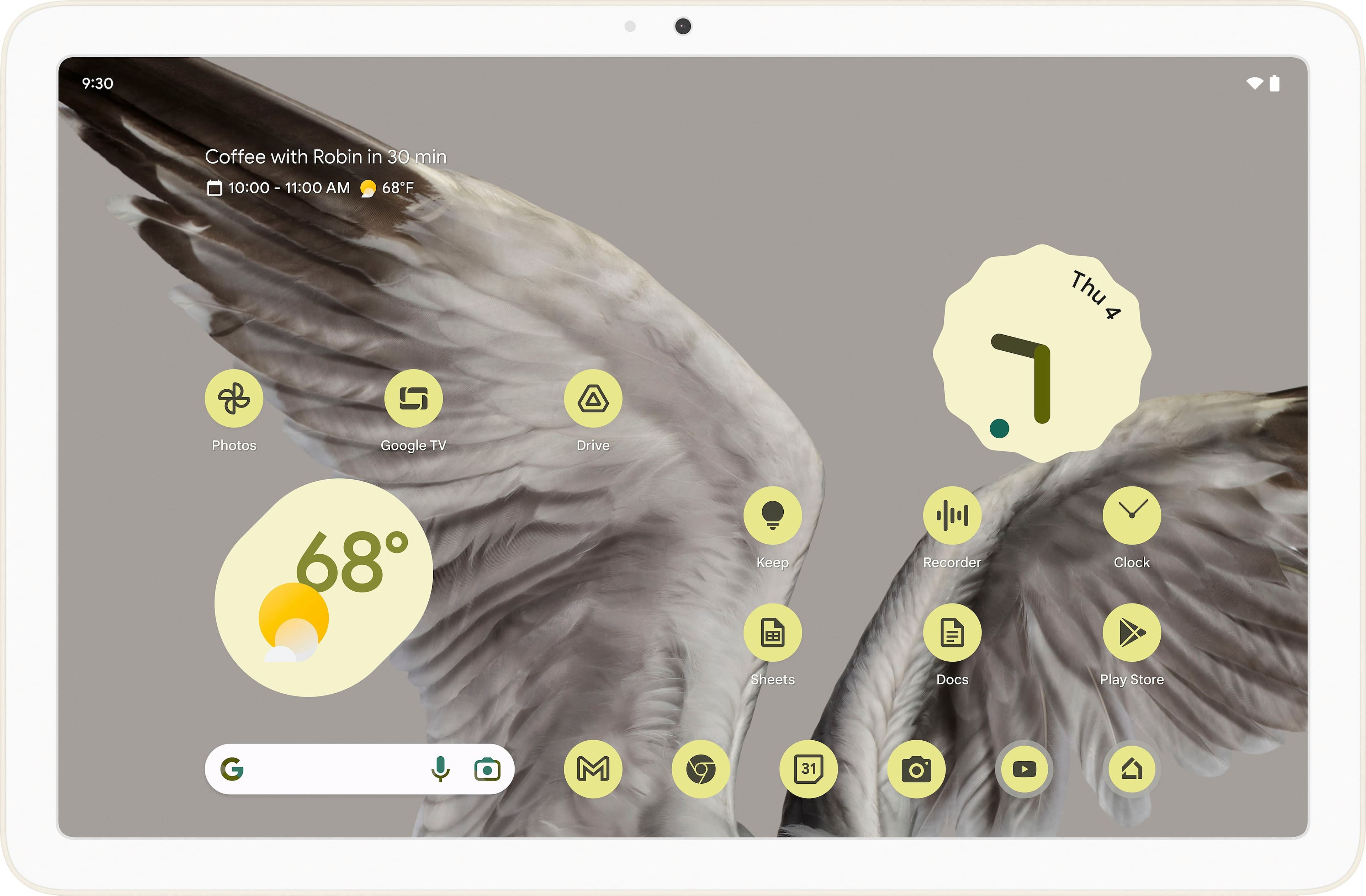
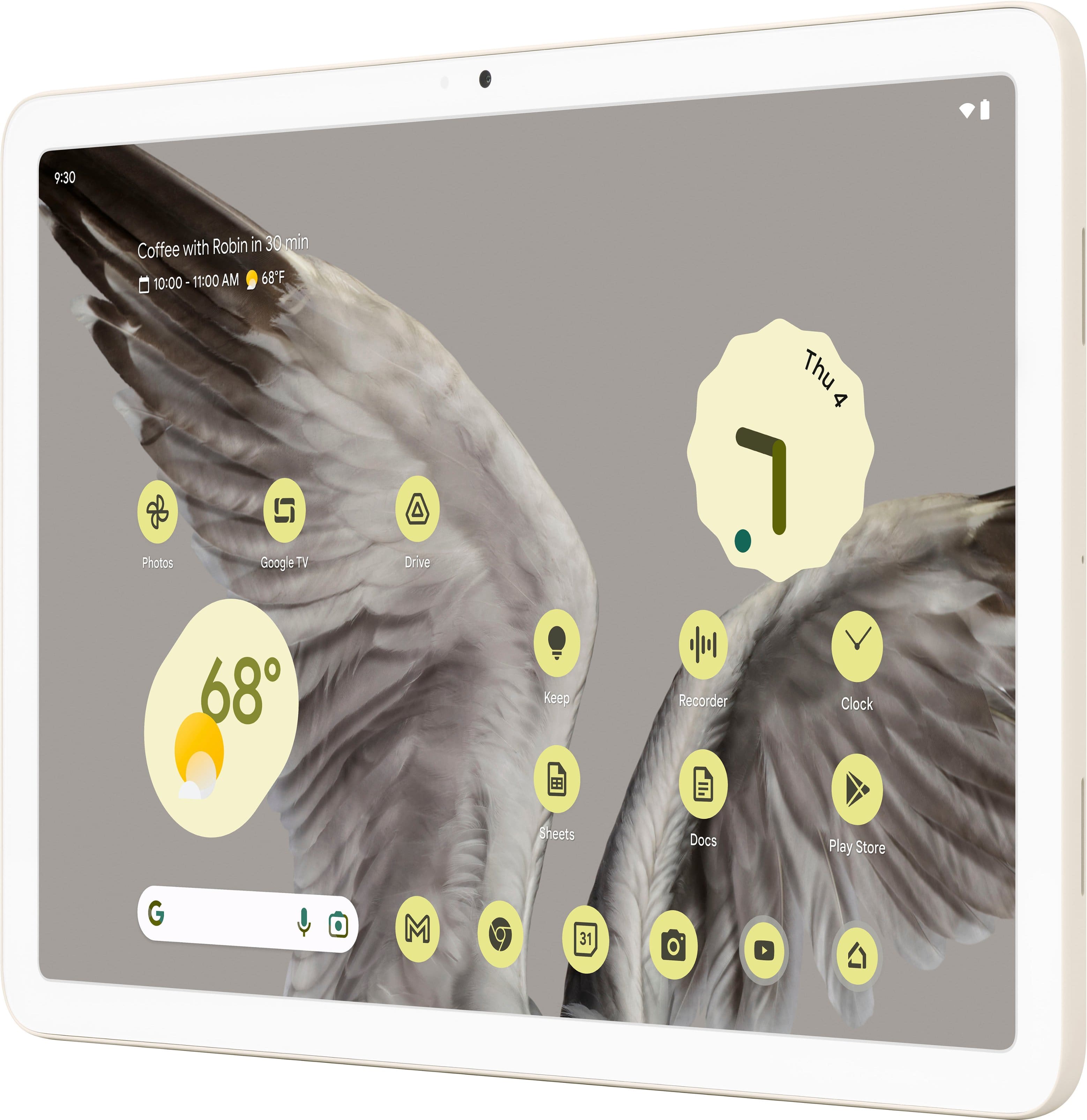
Customers express satisfaction with the Pixel Tablet's screen quality, performance, and battery life, highlighting its fast processor speed and ease of use. The tablet's storage capacity also receives positive feedback. However, some customers have noted concerns regarding the fingerprint reader's reliability.
This summary was generated by AI based on customer reviews.
The old one was dying
Posted .This reviewer received promo considerations or sweepstakes entry for writing a review.Wife needed an update! so I got her a tablet for Christmas.
I would recommend this to a friendDisappointing
Posted .This reviewer received promo considerations or sweepstakes entry for writing a review.If you're purchasing this to act as a home station and speaker, stay away. It works okay as a tablet standalone, but is extremely buggy and temperamental as a smart home station. Hey Google recognition never works and swapping profiles is clunky and disorganized. Apps must be installed into each profile completely separately. Attempting to use as a speaker, it constantly disconnected or stops playing the music. Google has been steadily getting worse with their hardware and home offerings. This will likely be my last one.
No, I would not recommend this to a friendBrand response from Google Nest Support
Posted .Hi there Jonk, we're sorry to hear about your experience with your Pixel Tablet and it's features such as Google Assistant recognition. We would like to give you the right assistance. Contact us, to help you to get your device back on track: https://support.google.com/googlenest/gethelp?hl=en

Google tablet
Posted .This reviewer received promo considerations or sweepstakes entry for writing a review.Quiet good however i needed it for school but the size was not ideal. I returned it and got a laptop instead
I would recommend this to a friendBrand response from Google Team
Posted .Hi there, thank you for sharing your experience. We understand the importance of finding the perfect device for school, and appreciate your feedback on the size.
We're happy to hear that you found a more suitable option. If you need any assistance or have any other questions, we're here to help! https://support.google.com/googlenest?hl=en-GB&sjid=2373241582177016471-NA
Not worth it in 2025
Posted .This reviewer received promo considerations or sweepstakes entry for writing a review.This review is based on the quality/value in 2025. While it's a cool tablet and I am fully in the Pixel ecosystem, it's getting old and it won't be receiving updates for much longer. That coupled with an aging CPU makes it a pass.
No, I would not recommend this to a friendBrand response from Google Team
Posted .Thanks for giving the Pixel Tablet a go, TrashMetalPanda. Sorry it wasn’t quite what you were looking for. We’d appreciate it if you’d provide us with additional feedback on your experience — when you get a second, talk to us here: https://support.google.com/googlepixeltablet/gethelp
HATE IT!
Posted .This reviewer received promo considerations or sweepstakes entry for writing a review.I bought this one since I've been using Pixel phones for years, but half of the apps I use every day are not compatable. When I go to PLAY STORE...it says this APP is not compatable with this tablet. I contacted Google and their only solution is to contact EACH app developer...are you KIDDING ME? Returning it tomorrow...so disgusted!
No, I would not recommend this to a friendBrand response from Google Team
Posted .Hello DrCyKosis, we're sorry to hear about the compatibility issue between apps and your Google Pixel Tablet. Most of the apps on Google Play are made by third-party developers rather than Google. The developers bear the responsibility for providing assistance and ensuring optimal functionality for their apps. Only they have the ability to fix problems within the software. Follow the following steps:
1. Open the Google Play Store app Google Play.
2. Browse or search for the app.
3. Tap the app to open the detail page.
4. Tap Developer contact.
Scroll down to review the contact information listed.
Check additional information by clicking here: https://support.google.com/googleplay/answer/113418
Avoid Pixel hardware
Posted .This reviewer received promo considerations or sweepstakes entry for writing a review.The screen became more and more unresponsive over time and is now junk after having the device since Nov. '23 (it hasn't even been a year and a half). This is the last Pixel device that we ever purchase. Every single Pixel hardware device we have owned has come with problems.
No, I would not recommend this to a friendBrand response from Google Team
Posted .Hey there, johnny84a. We’re sorry to hear you ran into software issues on your Pixel tablet — that should not be happening. A quick restart can help solve most problems and here’s how:
Restart your Pixel Tablet
1. Swipe down from the top of your screen.
2. Tap Power and then Restart.
If you’re still running into problems, you can perform a factory reset:
1. Open your device's Settings app.
2. Tap System > Reset options > Erase all data (factory reset).
3. Tap Erase all data > follow the on-screen instructions.
We’re just a click away if you need us: https://support.google.com/googlepixeltablet/gethelp?sjid=2040342790425463742-NC