Customer Ratings & Reviews






- Model:
- GA02434-US
- SKU:
- 6427176
Rating by feature
- Setup
Rating 4.7 out of 5 stars
- Range
Rating 4.7 out of 5 stars
- Signal Strength
Rating 4.6 out of 5 stars
Customers are saying
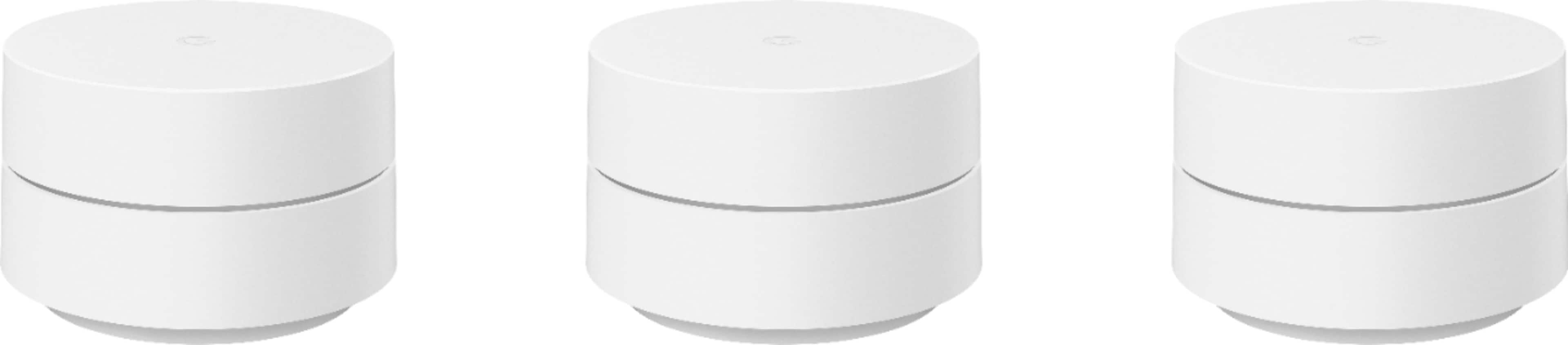
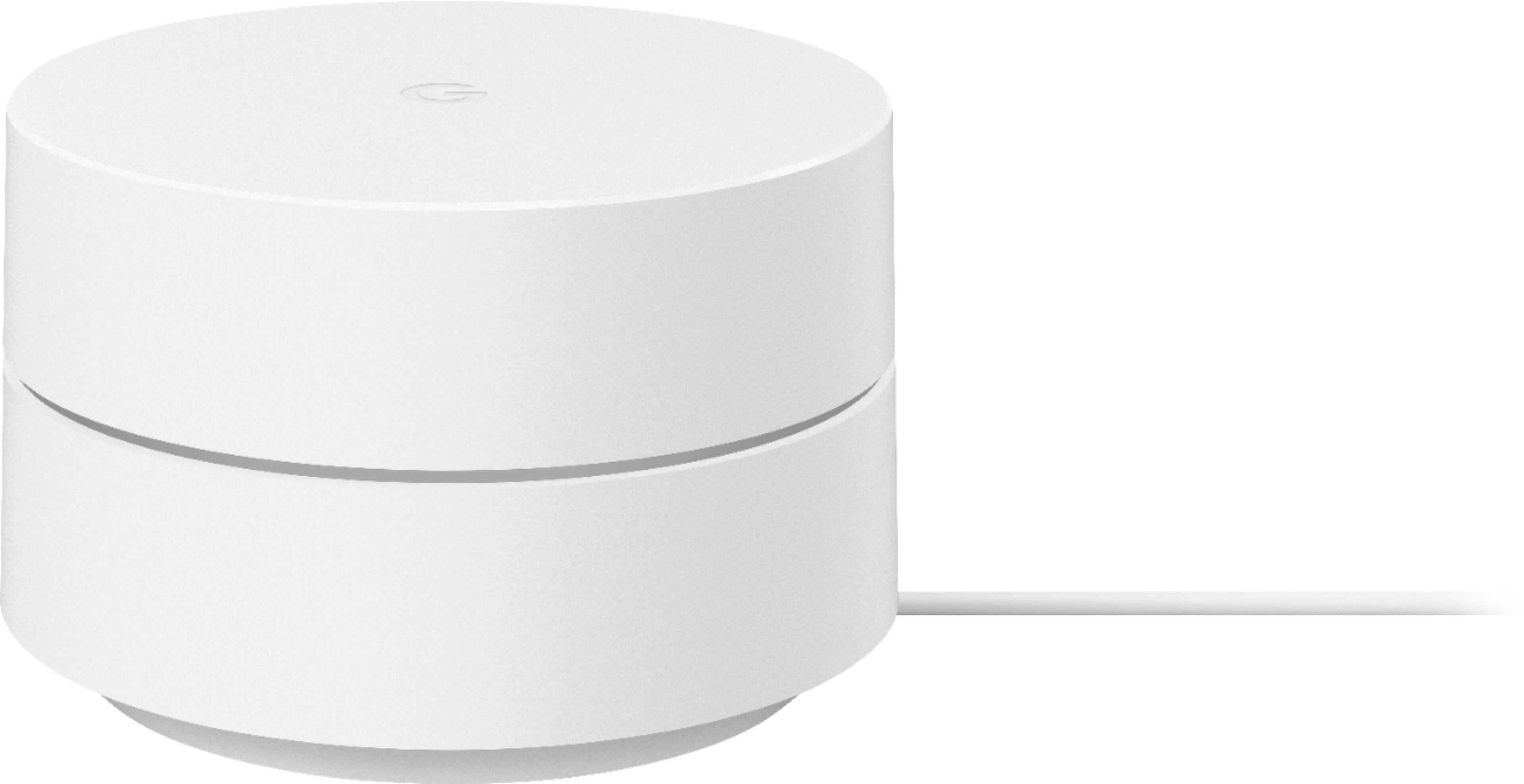
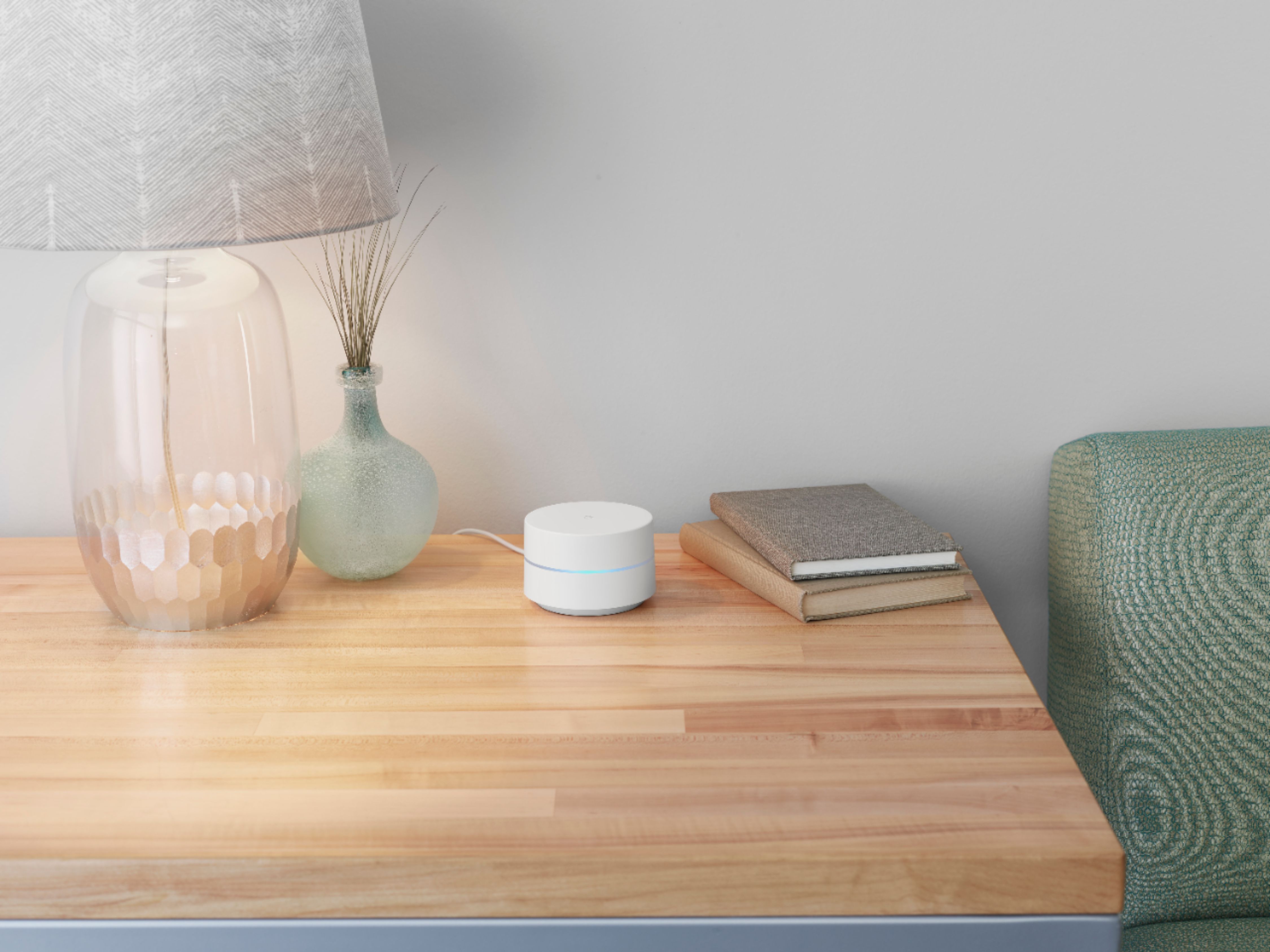
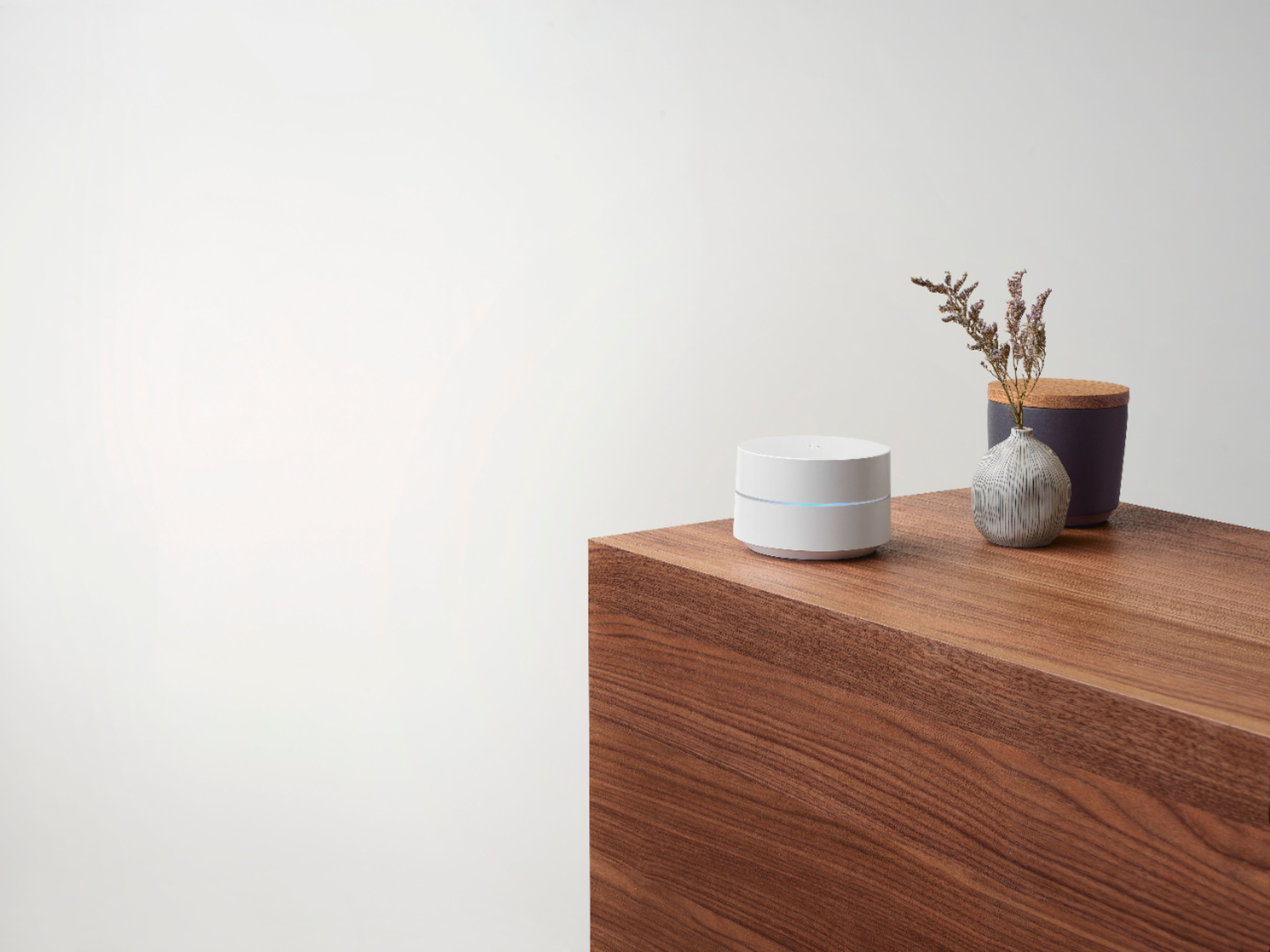
Customers admire the Wifi - Mesh Router (AC1200) - 1 pack for its ease of use, extensive coverage, and improved range and signal strength, resulting in better performance and connectivity. Many users found setup to be quick and straightforward, leading to a positive overall experience. While some minor concerns regarding lag and buffering were raised, the vast majority of feedback was overwhelmingly positive. The product effectively addressed connectivity issues and improved internet performance for most users.
This summary was generated by AI based on customer reviews.
Marginal
||Posted . Owned for 4 months when reviewed.This reviewer received promo considerations or sweepstakes entry for writing a review.I thought they would work better. I got them for a discount. No damage done.
I would recommend this to a friendWifi
||Posted . Owned for 1 month when reviewed.This reviewer received promo considerations or sweepstakes entry for writing a review.Works very well. I had a ton of dead spots where WiFi wasn’t working. I recommend this
I would recommend this to a friendWorthless
||Posted . Owned for 8 months when reviewed.This reviewer received promo considerations or sweepstakes entry for writing a review.Lasted for 6 months, then one at a time stopped connecting. Not worth the money. Spend $150 on them and no refund is offered beyond 14 days. Stay away from google products!
No, I would not recommend this to a friendEasy setup
||Posted . Owned for 1 month when reviewed.This reviewer received promo considerations or sweepstakes entry for writing a review.Easy setup. Compact size fits well into my home office work space. quick response.
I would recommend this to a friendGoogle mesh router review
||Posted . Owned for 1 month when reviewed.This reviewer received promo considerations or sweepstakes entry for writing a review.Had trouble with set-up but once working performs well.
I would recommend this to a friendVery good quality
||Posted . Owned for 1 month when reviewed.This reviewer received promo considerations or sweepstakes entry for writing a review.These have improved the wifi in my house. I would highly recommend this to anyone
I would recommend this to a friendNot worth the price of admission.
||Posted . Owned for 3 months when reviewed.This reviewer received promo considerations or sweepstakes entry for writing a review.This device is completely useless. The service comes with a router. That lets you use any extender. I couldn't even get this thing to make any noticable difference.
No, I would not recommend this to a friendBrand response from Google Team
Posted .Hi there, ChrisJ. Thanks for sharing your insights. We’re sorry to hear about your experience with Google Wifi.
Google Wifi is a home mesh Wi-Fi system that replaces your traditional router and provides seamless, reliable Wi-Fi coverage throughout your home. You’ll still need an Internet Service Provider (ISP) and a modem to connect to the internet. Traditional routers weren’t designed for all the different ways we use Wi-Fi today. Walls and distance make it difficult for a single router to send a strong signal to every room in your home, resulting in slow Wi-Fi and dead zones. It keeps your signal strong by transitioning you to the best Wifi point as you move throughout your home and the right Wi-Fi channel to avoid congestion.
The placement of your Wi-Fi router and points is vital to have reliable Wi-Fi throughout your home. As a general rule, points work best when they’re no more than two rooms away from each other. For example, if the far end of your house has weak Wi-Fi, don’t put a Wifi point in that exact spot. Instead, put it part way in that direction. Try to place it in an elevated position like on a shelf.
You can also try these steps below that may help:
- Move the connected device closer to your Wifi router or point.
- Repositioning the points to avoid obstructions like walls, doors, and aquariums can improve performance.
- Make sure all unused devices are off and not draining bandwidth with large downloads.
- Check for possible sources of interference such as microwave ovens, refrigerators or other equipment.
- Run a mesh test to confirm placement of your Wifi points.
If additional help is needed, don’t hesitate to contact us here: https://support.google.com/googlenest/gethelp
Google Mesh
||Posted . Owned for 3 weeks when reviewed.This reviewer received promo considerations or sweepstakes entry for writing a review.Great Product. It's working perfectly! I don't regret the purchase
I would recommend this to a friendTim
||Posted . Owned for 3 months when reviewed.This reviewer received promo considerations or sweepstakes entry for writing a review.Overall it was a good purchase but one of the units would not mesh with the system
I would recommend this to a friendGreat internet.
||Posted . Owned for 1 month when reviewed.This reviewer received promo considerations or sweepstakes entry for writing a review.Great wifi mesh system. No dead spots anywhere. Able to get all my download speeds plus more.
I would recommend this to a friendGood
||Posted . Owned for 3 weeks when reviewed.This reviewer received promo considerations or sweepstakes entry for writing a review.Overall Good but not impressed with streaming speeds.
No, I would not recommend this to a friendwifi
||Posted .This reviewer received promo considerations or sweepstakes entry for writing a review.wifi router a good product i would recommend to a friend i am glad i purchased it
I would recommend this to a friendA good piece of tech
||Posted . Owned for 2 weeks when reviewed.This reviewer received promo considerations or sweepstakes entry for writing a review.Decent investment works really good with other smart home items that are made with google
I would recommend this to a friendSTOPPED WORKING AFTER 10 MONTHS
||Posted . Owned for 10 months when reviewed.This reviewer received promo considerations or sweepstakes entry for writing a review.Worked great for about 10 months. Then one of the units decided to stop working. Best Buy & Google basically both said, “sorry.” Had to replace with a new Wi-Fi system for my home.
No, I would not recommend this to a friendDidnt last
||Posted .This reviewer received promo considerations or sweepstakes entry for writing a review.After only a few months two the three nodes failed. Still under warranty but have to jump through the hoops and contact Google instead of Best Buy for warranty issues. Great when it works though. If you are going to purchase best to shop around for pricing and other retailers listed it cheaper as any warranty issues you will need to go to the manufacturer anyway so no real benefit buying locally from a store.
No, I would not recommend this to a friendGo with the newer generation.
||Posted . Owned for 1 month when reviewed.This reviewer received promo considerations or sweepstakes entry for writing a review.Not bad. I still have to place them pretty close to make a difference in range.
No, I would not recommend this to a friendworked well for us
||Posted . Owned for 1 month when reviewed.This reviewer received promo considerations or sweepstakes entry for writing a review.helped create home network and improve internet access for everyone in the household
I would recommend this to a friendDO NOT BUY
||Posted .This reviewer received promo considerations or sweepstakes entry for writing a review.i bought this "mesh" so that i could boost my wifi back up to over 300mbps... hooked ot up and tried it out, im not even 50 feet away and the test on my speed connection said 20mbps.. my old wifi extender(only goes to 2.4ghz) to 90 mbps and was pnly 40 dollars. returning this piece of crap
No, I would not recommend this to a friendBrand response from Google Team
Posted .Hi kyle, thanks for sharing the details of your feedback on Google Wifi, and we’re sorry to learn of your poor experience with the Wi-Fi speed connection. We can imagine how disappointing this can be, and we understand your decision to return it.
If you’re willing, try checking the placement of your Wi-Fi router and Google Wifi points, which is vital to have reliable Wi-Fi throughout your home. As a general rule, points work best when they’re no more than two rooms away from each other. For example, if the far end of your house has weak Wi-Fi, don’t put a Wifi point in that exact spot. Instead, put it part way in that direction. Try to place it in an elevated position like on a shelf. It may be helpful to try the following steps to see if the signal will improve. Here are some simple steps that might help:
- Repositioning the points to avoid obstructions like walls, doors, and aquariums can improve performance.
- Make sure all unused devices are off and not draining bandwidth with large downloads.
- Check for possible sources of interference such as microwave ovens, refrigerators or other equipment.
- Restart your network.
Also, Google Wifi uses the Band Steering feature to guide your connected devices based on their capabilities, and attempt to select the band that will deliver the best performance. Both frequency bands are active simultaneously and Google Wifi keeps it simple by automatically choosing the band that gives the best Wi-Fi connection.
We’re hoping for an opportunity to help improve your experience. Please consider reaching out to our support team and we’ll help you the best way we can: https://support.google.com/googlenest/gethelp
Nice to have
||Posted . Owned for 3 weeks when reviewed.This reviewer received promo considerations or sweepstakes entry for writing a review.Gets the job done. But you lose a lot of speed. I’m still trying to figure out why.
I would recommend this to a friendGoogle router review
||Posted .This reviewer received promo considerations or sweepstakes entry for writing a review.Not very useful, don't see how this router is better than others.
No, I would not recommend this to a friendBrand response from Google Team
Posted .Hi jimmyreviewer, thanks for taking the time to share a review about the Google Wifi, and we’re sorry that you find it not very useful. We’re hoping to learn more about your feedback and see how we can provide a better experience for you. If you’re willing to share more details about your concern, you may speak with our specialists available through our support channels here: https://support.google.com/googlenest/gethelp