Customer Ratings & Reviews





- Model:
- 11m-be0023dx
- SKU:
- 6492320
Rating by feature
- Battery Life
Rating 4.0 out of 5 stars
- Durability
Rating 4.2 out of 5 stars
- Display
Rating 4.5 out of 5 stars
Customers are saying
Customers commend the keyboard, camera, ease of use, and size of the 11" Tablet. Many appreciate its portability and the quality of the display. However, some users find the RAM and battery life insufficient, while others note that the weight and limited storage are drawbacks. The single USB port is also a point of concern for some customers.
This summary was generated by AI based on customer reviews.
N/a
||Posted . Owned for 1 month when reviewed.This reviewer received promo considerations or sweepstakes entry for writing a review.My cousin love it we got it as a gift for her birthday
I would recommend this to a friendComputer
||Posted .This reviewer received promo considerations or sweepstakes entry for writing a review.Nice size. Love the speed and flexibility of the screen.
I would recommend this to a friendNice
||Posted . Owned for 3 weeks when reviewed.This reviewer received promo considerations or sweepstakes entry for writing a review.Always a great laptop with a big screen. Recommend
I would recommend this to a friend- Cons mentioned:Battery life
HP 11" Tablet a disappointment
||Posted . Owned for 2 weeks when reviewed.This reviewer received promo considerations or sweepstakes entry for writing a review.But it for my daughter for her birthday July 8, 2022, thee hp tablet turned off after 12 days of use and refuse to turn on.
No, I would not recommend this to a friend - Cons mentioned:Battery life, Ram

Great display, love QuickDrop, but needs upgrades
|Posted .This reviewer received promo considerations or sweepstakes entry for writing a review.In my household we have four adults and three kids. We are constantly battling for devices, so i thought this would be a good tablet to have for sharing in our house. After using this for about a week, I would honestly say that it needs some major improvements. The display is top notch. It’s crystal clear and the darks are really dark and the colors are vibrant. The camera is kind of fun to play with since its motorized and pops up at the push of a button. The camera quality is respectable. The QuickDrop app is HP’s version of AirDrop. Once paired with your mobile device, it works really well and is a nice addition to this tablet. I wasn’t familiar with it before I got this tablet, but it’s definitely useful. That is pretty much it for the positives for me. I really wanted to like this tablet, but it’s minimal 4GB memory isn’t enough in this day and age to do more than browse the internet and type documents. Multi-tasking is pointless on this tablet. The fingerprint reader is a nice addition but hardly works consistently enough for my liking. The operating system is slow and laggy and that’s probably because of the 4GB of memory. The speed of the SSD suffers because of this in my opinion. The operating system frustrates me to no end. It’s response time is pretty slow and even Microsoft Edge is painful to use because even after adjusting the settings and playing with it, i found myself clicking multiple times to close a tab or to switch to another app. I thought the keyboard would solve that problem, but the keyboard doesn’t work consistently either. This device would be considered entry level in my opinion, but with a higher price tag. The battery life isn’t great, but I dont typically expect a tablet to run all day. I make sure I take the charger with me when I’m leaving the house with it. Fortunately, it uses a USB-C which is common to most portable devices. All in all, HP needs to go back to the drawing board on this one and make some upgrades to memory, operating system and the keyboard’s functionality. Based on those things, I would not recommend this device.
No, I would not recommend this to a friendBrand response from HP Team
Posted .Hi there,
Thanks very much for your detailed review. I'm glad to see that you are enjoying some of features, but sorry to hear that we didn't quite hit a homerun for you on all aspects.
I can imagine how frustrating it must be to feel like your computer is moving slower than a sloth. There is often a simple solution for this problem, so check out the below suggestions which I hope will help.
First, I'd recommend checking out this link for troubleshooting help: https://support.hp.com/us-en/topic/diagnostics?category=computing There, you can choose "Computer is slow" to get started. You can also click on "Battery and Adapter Issues" to run a simple diagnostic test for your battery. We've also got solutions for keyboard concerns under "Keyboard, Mouse, TouchPad, and ClickPad issues."
If these don't seem to work, I hope you'll reach out to us for direct support. We're always here and more than happy to help get your computer running optimally. You can get in touch with us via your preferred method at this link: hp.com/contactHP
Alexis
HP Care
- Pros mentioned:Processor speed
Unique Windows 11 Tablet
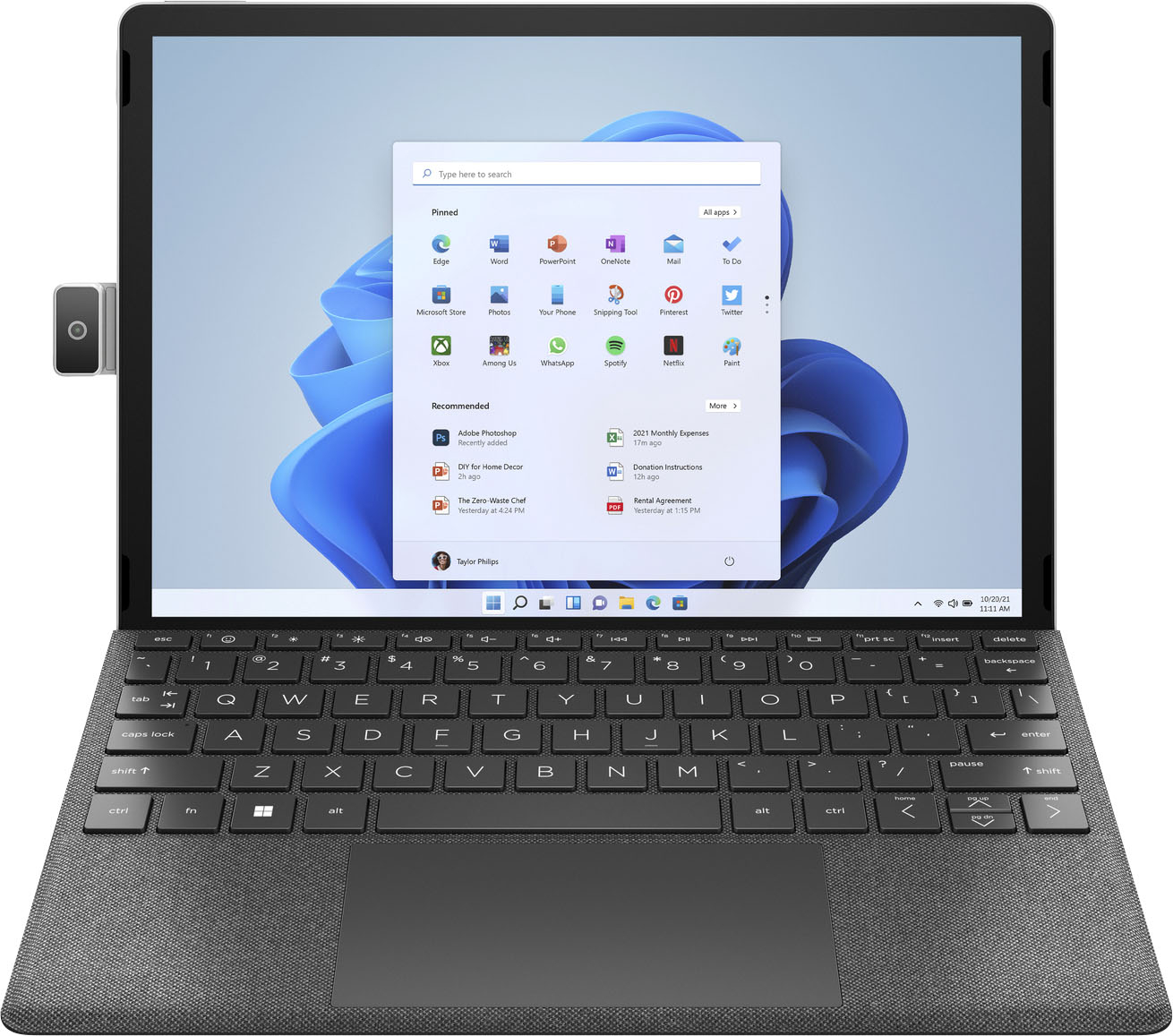
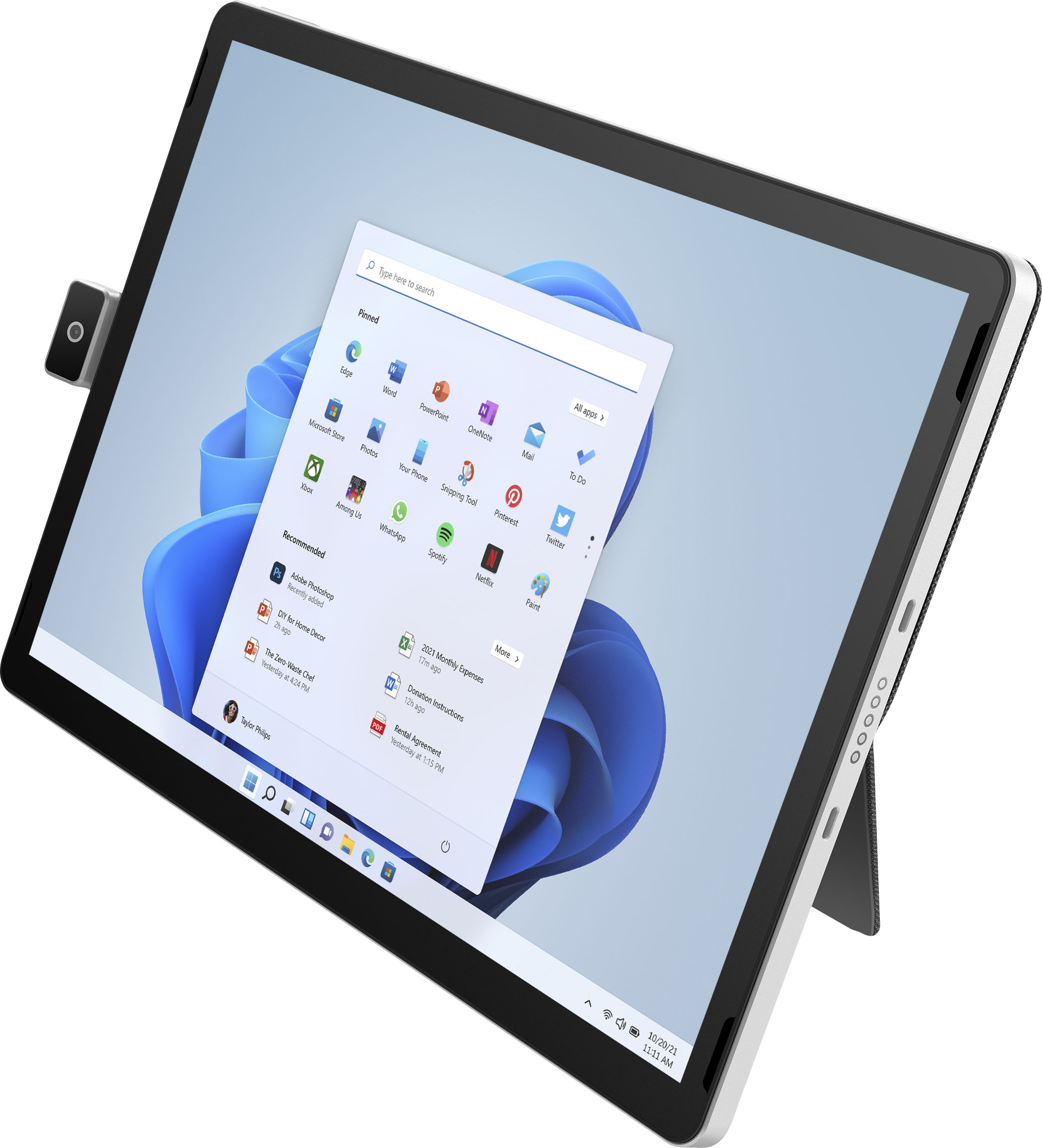
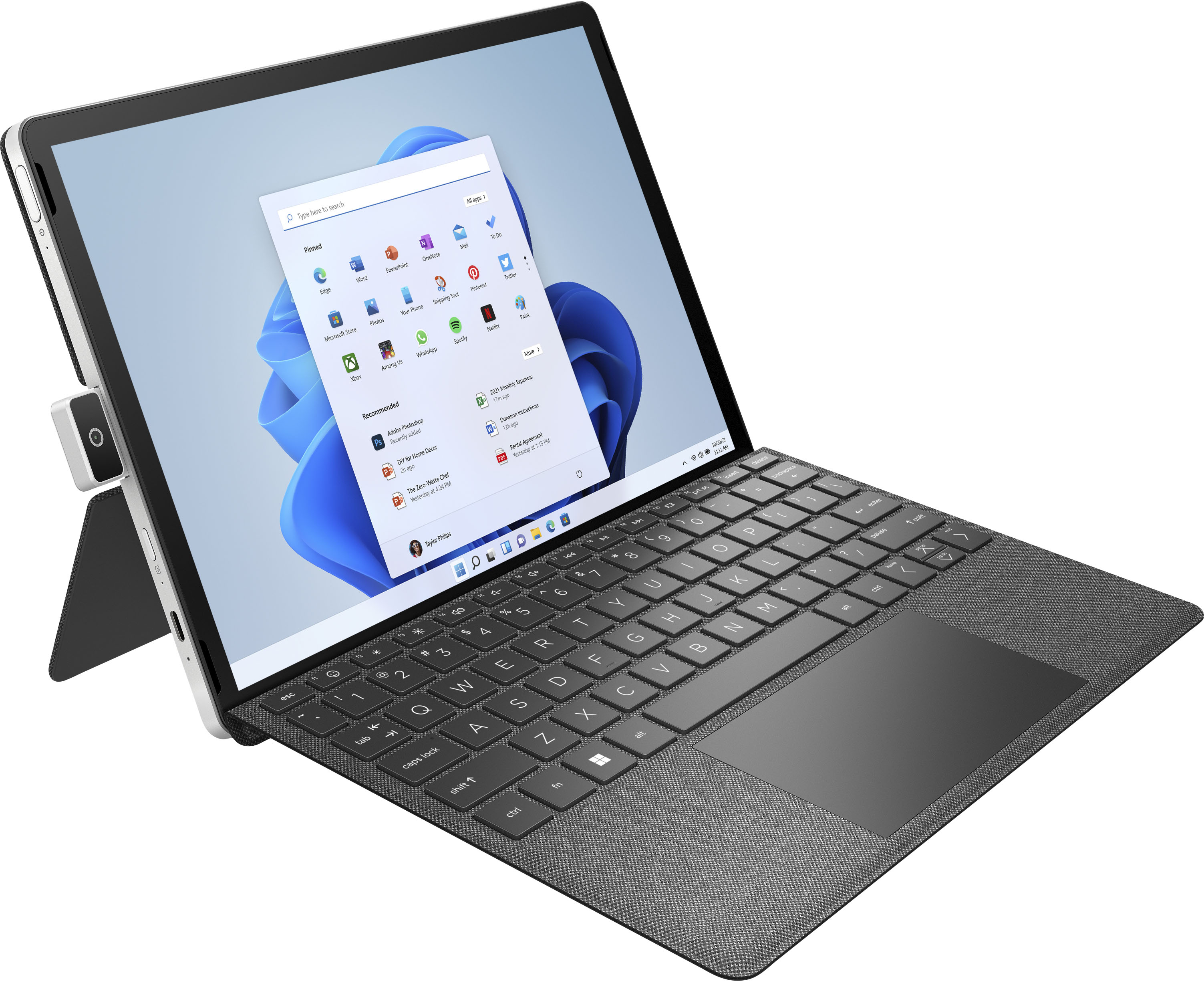
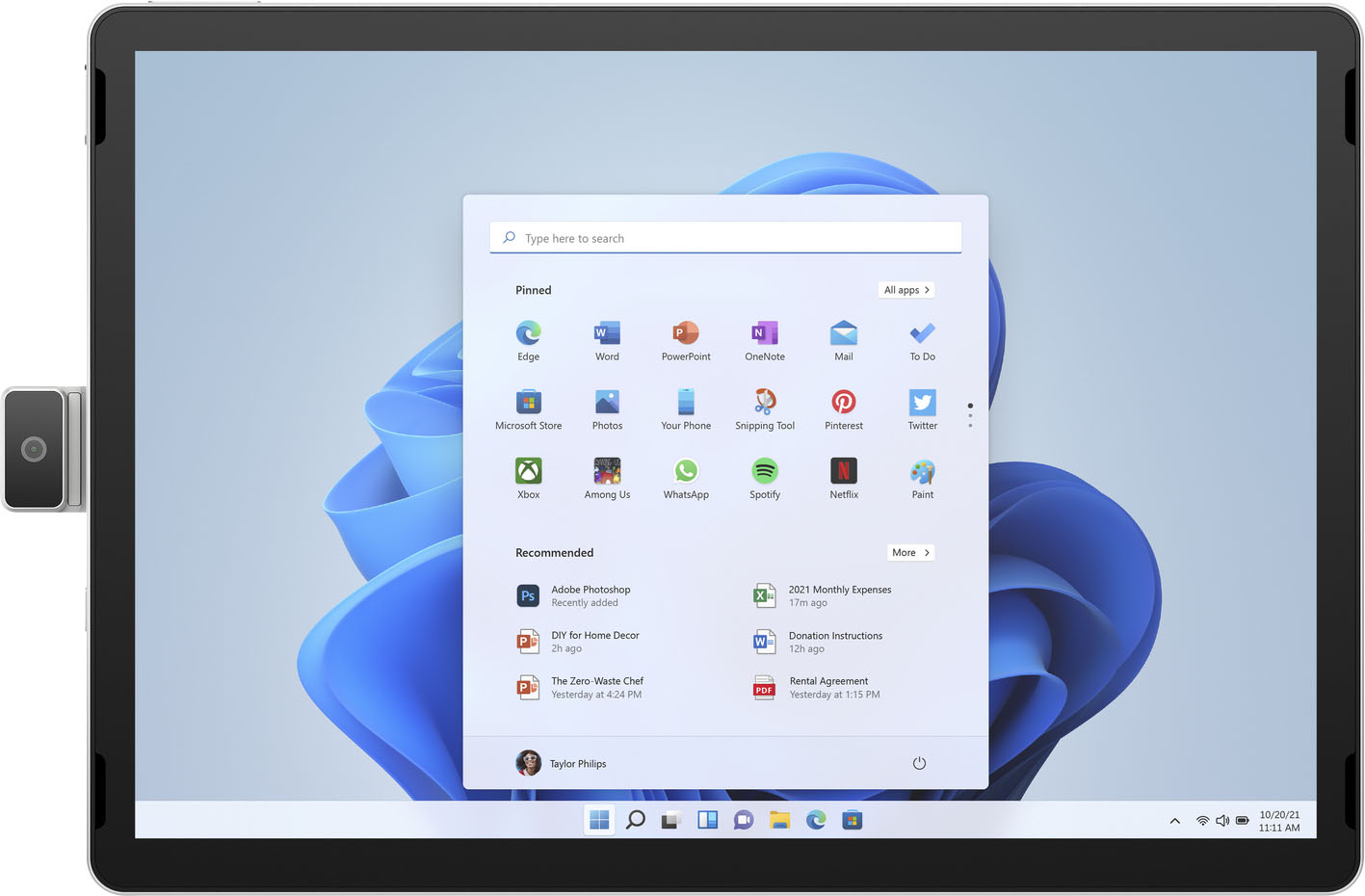
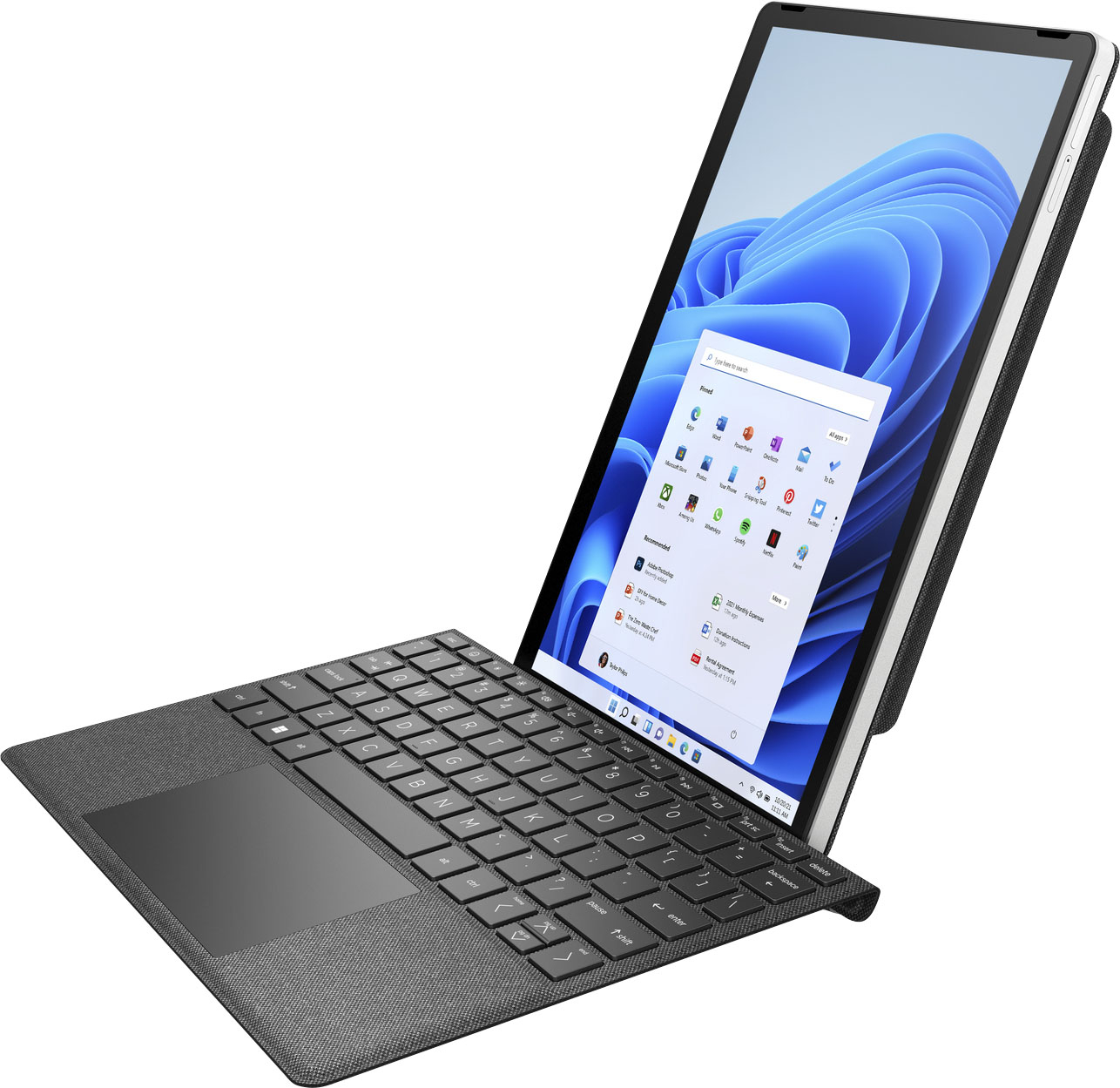
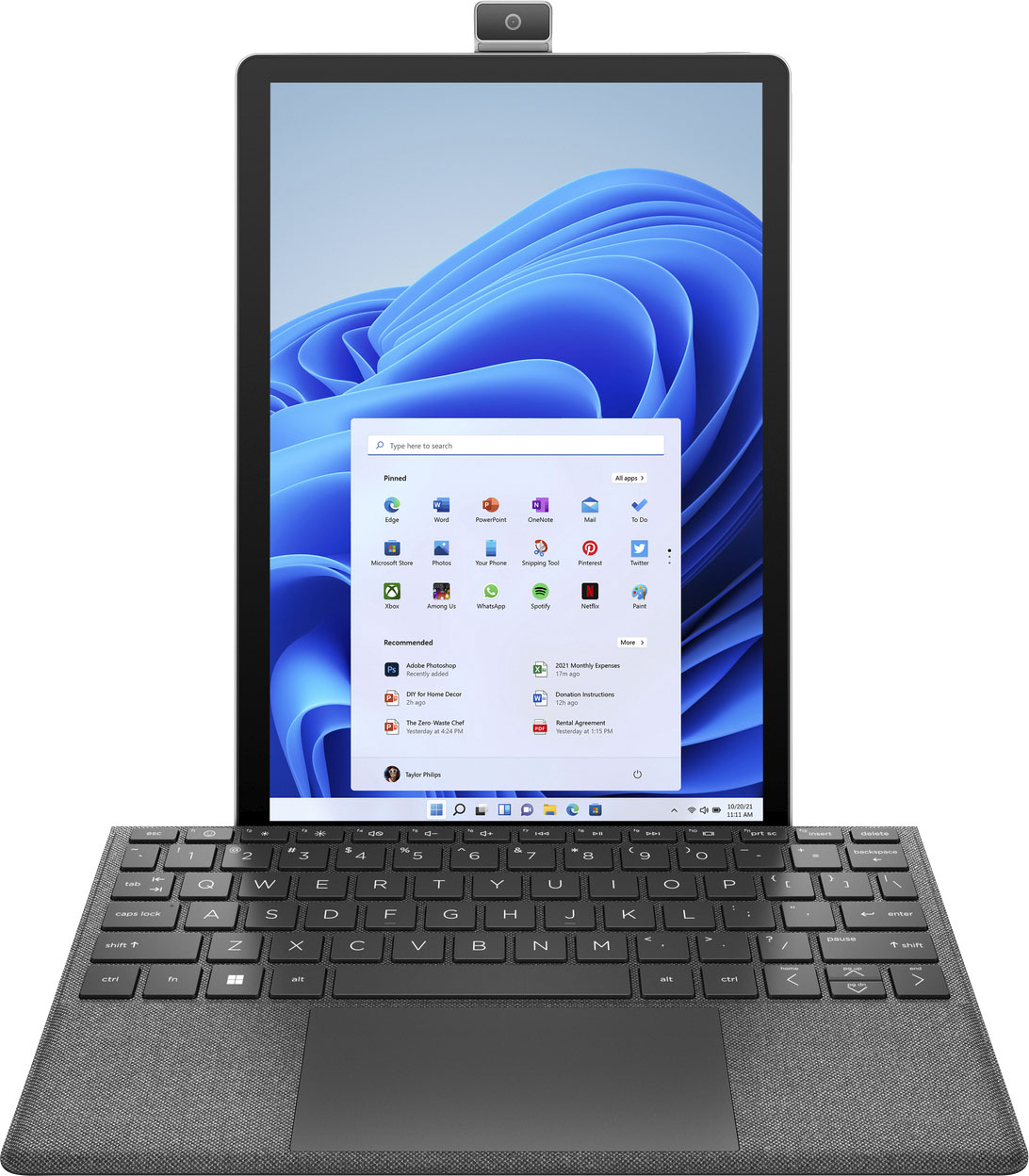
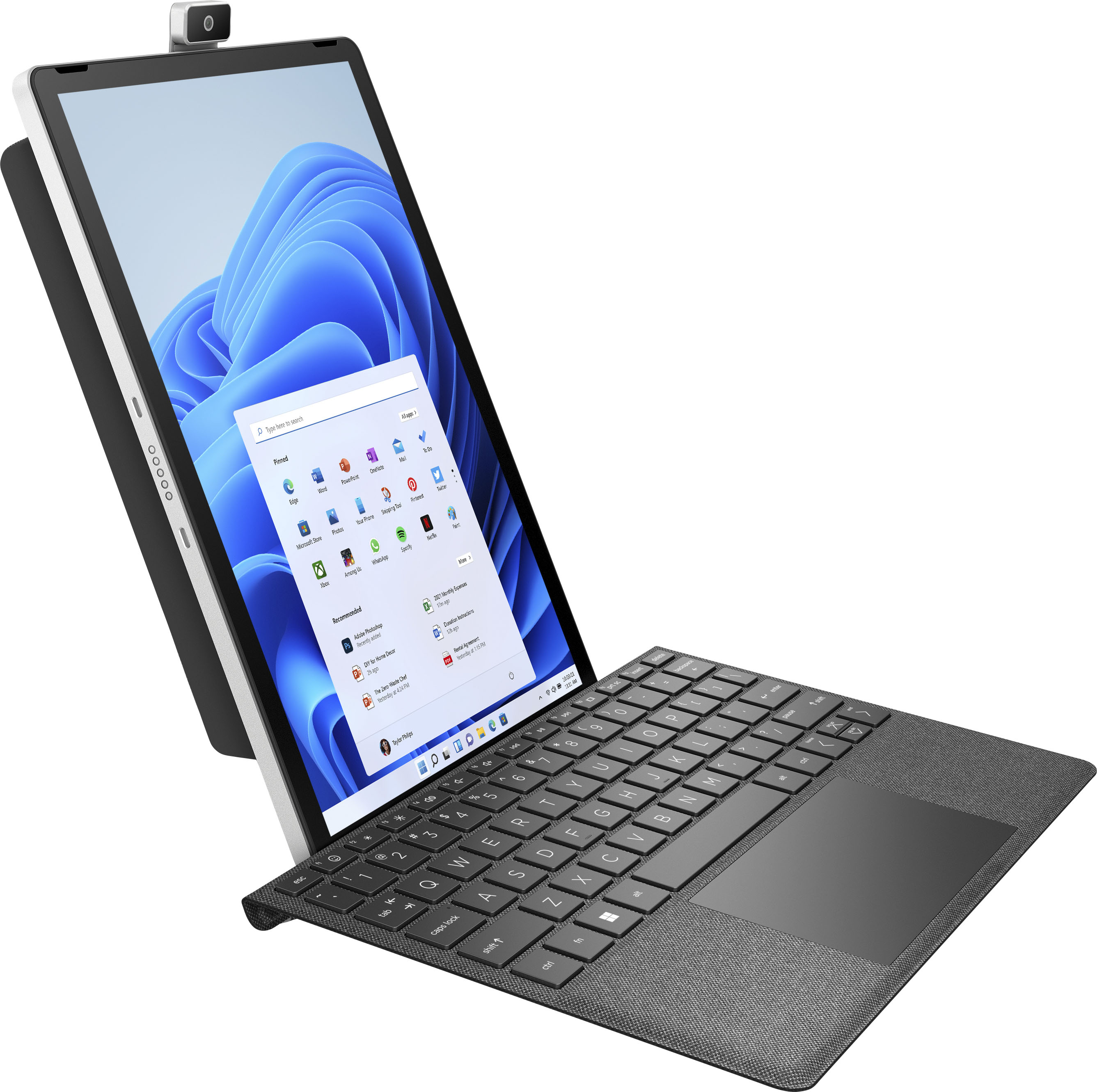
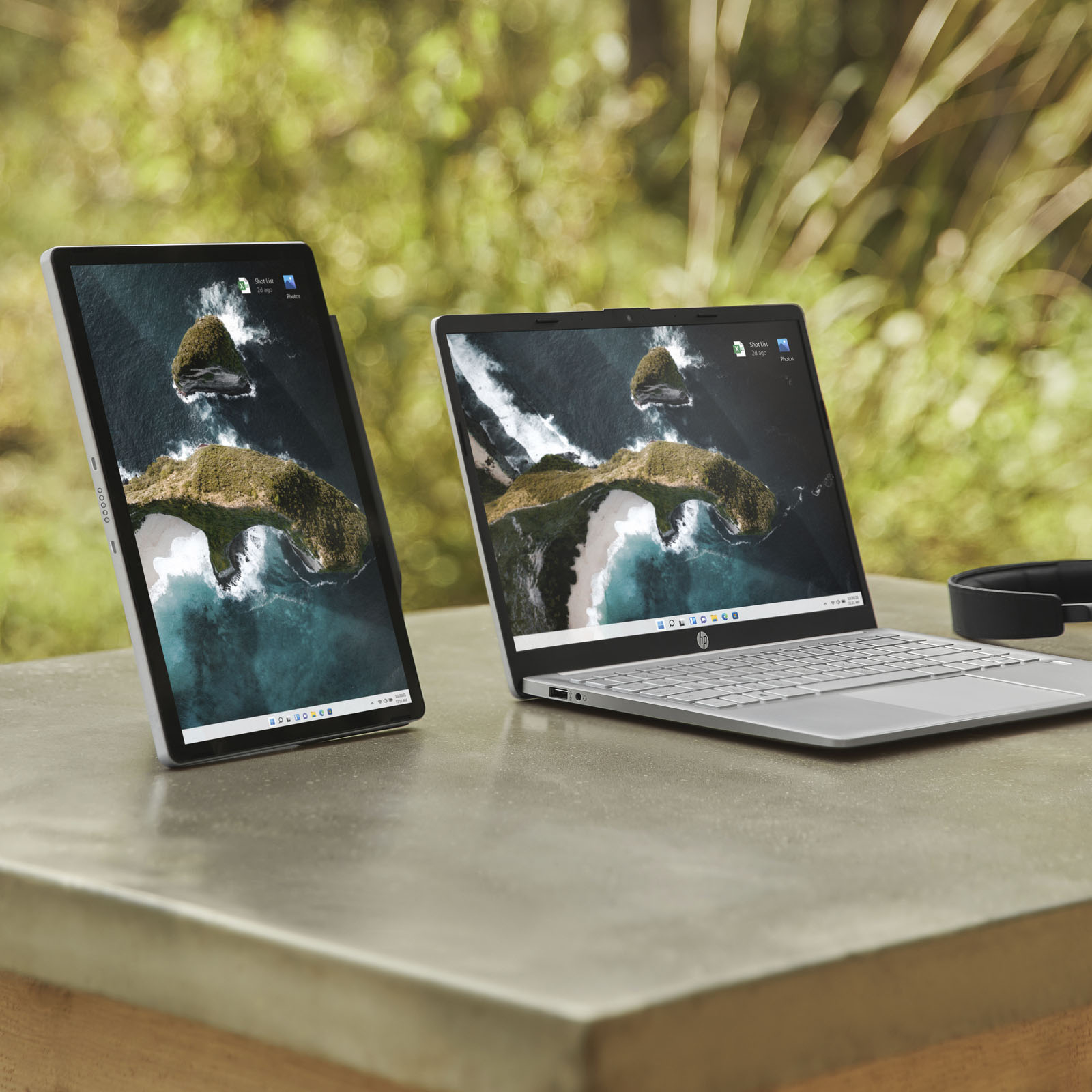
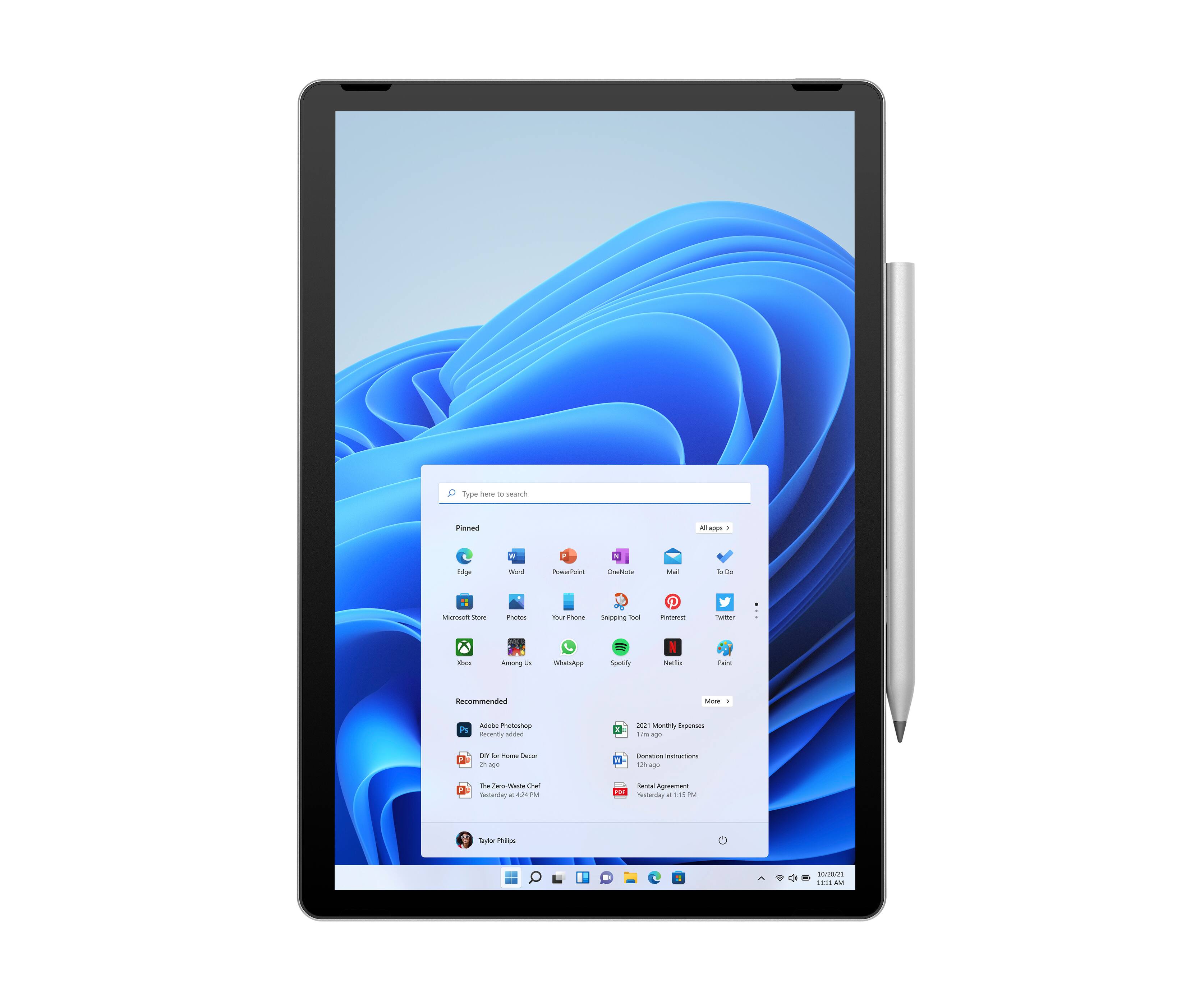
|Posted .This reviewer received promo considerations or sweepstakes entry for writing a review.The HP 11” Tablet with Keyboard is an interesting piece of equipment. First of all, yes, it is a tablet, but it isn’t running IOS or Android. Instead, it is running Windows 11 in S Mode. If you aren’t familiar with S Mode, I have to admit that I hadn’t heard of it either. Basically, S Mode is a version of Windows 11 that’s streamlined for security and performance, while providing a familiar Windows experience. To increase security, you can only use apps from the Microsoft Store and requires Microsoft Edge for safe browsing. Thankfully, there is a way to take the tablet out of S Mode so you can run all of the Windows programs that you know and love, as well as use browsers like Chrome, Opera, and Firefox. You should know that if you take the tablet out of S Mode, there is no way of going back. A little about the tablet itself: It runs an Intel Pentium Silver N6000 processor at 1.10 GHz. It has 4GB of Ram and a 128 GB Western Digital Solid State Drive. It has a USB-C port and a spot for a Micro SD card to give you a little more storage space. It has a 13mp camera on the back of the tablet. Pressing a button, a small motor flips the camera to point it at the user. Pressing the button again moves it back to it’s rear facing position. This can also be done in the camera app. This unit came with a keyboard that attaches via magnets. When not in use, it acts as half of the carry case. The tablet can attach to the keyboard in either portrait or landscape mode. The other half of accessory also sticks to the tablet via magnets, and has a section that folds that can be used as a stand in either portrait or landscape mode. The tablet is capable of using a stylus, and includes a storage space in the case for it, but no stylus is included with the tablet or case. When not attached to the keyboard, the tablet uses a touch interface and an on-screen keyboard. When the keyboard is attached, it still has a touch interface but does not display the on-screen keyboard. The tablet is pretty capable. The screen has a resolution of 2160 x 1440. It’s quick and responsive, but washes out a little in direct sunlight. When the keyboard is attached to the tablet, it can lie flat on the surface, or you can have it slightly sloped at an angle. I suggest using in that position because it is more stable that way. When just laying on a flat surface, it tends to arch a little and pressing the keys makes the whole keyboard flex. One drawback to the keyboard is the lack of a backlight which makes it difficult to see the keys when the lights are out. First thing I did was take the tablet out of S Mode. I’m a Chrome user and almost never use the Microsoft store. After installing my password manager and anti-virus, I decided to try out Adobe Photoshop 2019. It took a while to install, but once installed, it worked well. I modified several photos. My big concern was the lack of a stylus. I had hoped to have the opportunity to do my work right on the screen, but had to settle for using my finger. Everything I tried to do with the tablet worked exactly like I expected it to. This processor is far from a powerhouse, so don’t expect it to be lightning quick. For typical web browsing, light word processing and things like that, it will work just fine. Overall, this is a nice little tablet. I like that it operates in Portrait and Landscape modes with the keyboard attached. I like that it is “pen capable” but wish it actually came with one. 128g of SSD is not a lot, so I’m sure that I will be adding a micro SD card to it. Working on a 32” monitor every day, it is a real change only having an 11” tablet, but it’s crisp and clear. If you are in need of an 11 tablet that runs Windows, this is the device for you.
I would recommend this to a friend - Pros mentioned:KeyboardCons mentioned:Ram
Its just OK.
|Posted .This reviewer received promo considerations or sweepstakes entry for writing a review.This is a product that I really want to love but I don’t. I really like it but I have some gripes. All and all its a 3/5 for me. Let’s start from the unboxing. Both the tablet and the keyboard come in a premium box and the unboxing was pleasant. The keyboard feels premium and for a smaller scale it is nice to type on. The tablet itself looks premium (it feels a little heavy with the keyboard attached). I really do like the camera placement and the fact that it can hide behind the tablet when not in use. The camera works as expected. I really like that the tablet has slots for the keyboard in both landscape and portrait mode. The not so good (which unfortunately for me overshadows the good and the potential). The tablet runs in Windows S mode so downloading things from the internet are prevented. Unless of course you switch to regular windows. Conceivably Windows S should run well but it doesn’t. This is because the processor is absolutely incapable of doing anything with it. Hindered by 4GB of RAM and running more then one program or webpage at a time is horrendous. This for me is the major drawback of the product. If it was running even a core I3 processor, 8GB of RAM and 128GB of SSD then this would be a phenomenal product. A Ryzen processor would have also been a good alternative here for HP. I feel like this tablet is trying to be something that it is not….the surface tablet. For this price point $600 I really cannot recommend the product. Their are plenty of other, better, higher performing products on the market.
No, I would not recommend this to a friend - Cons mentioned:Ram
Good but limited by 4GB of RAM
|Posted .This reviewer received promo considerations or sweepstakes entry for writing a review.The tablet comes comes with a keyboard and a thing to use as a stand. Also comes with a power adapter with a USB C . The tablet itself is built pretty nice with an aluminum case and gorilla glass 5. It has 128GB of storage and only 4GB of RaM.it also has a Intel pentium silver CPU and a 2K display with touch . The tablet is great for a second device to do basic things like YouTube, internet web browsing and watching movies but with the 4GB of RAM it is limited to what it can do. That's the only issue I have with this device
I would recommend this to a friend Not worth the money
||Posted . Owned for 2 weeks when reviewed.This reviewer received promo considerations or sweepstakes entry for writing a review.Incredibly slow. Keyboard regularly stops working. Expected more out of this product.
No, I would not recommend this to a friendCrashes a lot
||Posted . Owned for 3 months when reviewed.This reviewer received promo considerations or sweepstakes entry for writing a review.This crashes every week or so. All software updates have been installed, and zero apps have been installed. It's still in S Mode. and yet, it crashes weekly. Every time I buy an HP laptop I say "never again" and yet here we are, the hardware design is a work of art but the stability is non-existent.
No, I would not recommend this to a friend- Pros mentioned:Keyboard
Great for my crafts!
|Posted .This reviewer received promo considerations or sweepstakes entry for writing a review.I’ve been using this tablet for about a week now. Out of the box I was SO impressed. I love the sleek look of the keyboard/case. I really like the magnetic connection for the keyboard as well. It had no charge at all out of the box so I allowed it to charge for a little over an hour and was it just about a full charge. Turning it on, typical windows set up. This process was not fast but I honestly wasn’t expecting it due to having other Windows products in my home. I like the keyboard option for sure but still find myself touching the screen in some situations. The keyboard is very responsive as well as the mouse and I have no problems with it at all, I think it’s just out of habit to want to touch the screen. I planned on using this tablet for my craft business. It’s been very nice and hasn’t had an issue with any of the downloads or the software that’s needed to use my machine for crafts. I feel that the download speeds have been great but I have noticed when watching tutorials on You Tube while having my software pulled up, there seems to be lag in the videos. I can’t quite determine if it’s an internet issue or if it’s a processor issue. It definitely isn’t a huge issue but just something i did notice. Battery life seems to be pretty good. With 95% battery in the beginning, I was able to go through the dreaded Windows updates, downloading files for my software, browsing the web for files that I need for projects and streamed 2 tutorials on you tube and after about 4 1/2 hours of use I still had 32% battery left. I like the camera so far. It’s definitely not over the top crystal clear, but for a tablet I feel a 13mp is acceptable. Overall, I think it’s a great little tablet. I own an Apple IPad Pro 10.5” and I’d honestly choose this tablet over my iPad for my needs for crafts. I love the versatility with having the keyboard / tablet options and I will continue using this on a daily basis. I know there are many other features that I have to explore but so far it’s met my expectations for what I had in mind for the use of if.
I would recommend this to a friend Terribleservice it's been 9 DAYS and they can't c
||Posted . Owned for 1 week when reviewed.This reviewer received promo considerations or sweepstakes entry for writing a review.They never called me to come get my tablet.icalledandthe lady hung up on me.i got yelled at toldi was wrong hung up on waited on hold 50 minutes I spent a lot of money and they don't evencare
No, I would not recommend this to a friendWiFi broke after 3 days
||Posted .This reviewer received promo considerations or sweepstakes entry for writing a review.I really liked this tablet, but the WiFi adapter failed three days after I got it and nothing I did helped it. I even tried Linux Mint, but the live CD (via the USB-C port) wouldn't recognize the WiFi, either. Going to return it.
No, I would not recommend this to a friendNot so good....
||Posted . Owned for 2 weeks when reviewed.This reviewer received promo considerations or sweepstakes entry for writing a review.It was an "open box" purchase. I picked it up on 11/16 and it died on November 25th. I returned it and purchased a Lenovo 15" and it is GREAT!
No, I would not recommend this to a friendBeware gimmicky camera.
||Posted . Owned for less than 1 week when reviewed.This reviewer received promo considerations or sweepstakes entry for writing a review.Camera problem out of the box. Hp support doesn’t even recognize it so they were no help. Camera only open 90 degrees. Was told to return it but HP.
No, I would not recommend this to a friend- Pros mentioned:KeyboardCons mentioned:Ram
Nice Size, good build, NEEDS MORE RAM
|Posted .This reviewer received promo considerations or sweepstakes entry for writing a review.I loved the idea of this tablet, I really wanted to like it.The size, shape, and some of the smart things that are happening here. I did some reading into the differences between Windows in S mode and non-S mode. Eventually I concluded that S mode doesn't ensure that this is going to make the tablet faster on less resources, unless something drastic is done. It feels like it's struggle to run Windows 11 on this machine with only 4gb of RAM. I also looked into upgrading the RAM myself, but the information was limited, and the build of this tablet PC doesn't accommodate that. There are some really clever things going on here that made me want to love this tablet. They keyboard attaches in both landscape and portrait mode! The webcam does this flip around thing and points in both directions! There is a fingerprint reader in the power button! USB-C charging and connectivity! I'm guessing this would be even more clever when paired with HPs pen, or one of the others that are compatible. The default of running in windows S mode, and the form factor being just a touch on the small side makes this seem like a very capable ipad replacement for someone on the go, and the screen sharing/duplicating function of the included Duet easily accomplishes that. Unfortunately the RAM is just a bit shy of making this as snappy as a current generation iPad. Overall it's well made, and the form factor is there. I'm loving the new ideas. If this isn't your primary machine and you're intending to run it alongside something for more computing power, you can probably get away with it for surfing the web and light streaming.
Brand response from HP Team
Posted .Hi there,
Thank you very much for your review. We are always grateful for any feedback received regarding our products and user experience and can assure you that reviews like yours allow us to adjust our future product designs to better serve the needs of our customers.
Please keep in mind that we are always here to help, to make sure that your computer is running optimally, and/or to assist you with selecting the product that best suits your needs. If there's anything we can do to assist, feel free to get in touch with us at this link: support.hp.com
Alexis
HP Care
- Cons mentioned:Ram
Take Your Chances On This
|Posted .This reviewer received promo considerations or sweepstakes entry for writing a review.Sometimes things look cool and are fun to test in the store. Buy it and take it home, and you realize you could've done better.I like HP, I own several products already. This little tablet is really just a scaled-down version of a laptop and behaves as such. The keyboard attachment is nice, but the rear flexible portion used for stabilizing on a flat surface is really flimsy. The tablet can be attached horizontally or vertically. The printed directions to turn on the machine are inaccurate, don't press and hold for 3 seconds. Just give a little quick press and release. Once you go through the 9 million steps to activate Windows 11, there are multiple updates. Thankfully the wireless connection was not a problem, but took forever to downlaod and install. Another irritating thing, the machine would not connect to my wireless HP printer without a code, which I didn't want to find and enter. Other systems that I have in my home just connect automatically. 4GB of memory and 128 GB of SSD seem pretty low. I freed up space by removing programs I don't want (Office 365, OneDrive) and tweaked a few settings to save memory use. End result, it won't be daily use machine for me, and eventually I'll kick Windows 11 to the curb and install another OS that I prefer.
Nice tablet
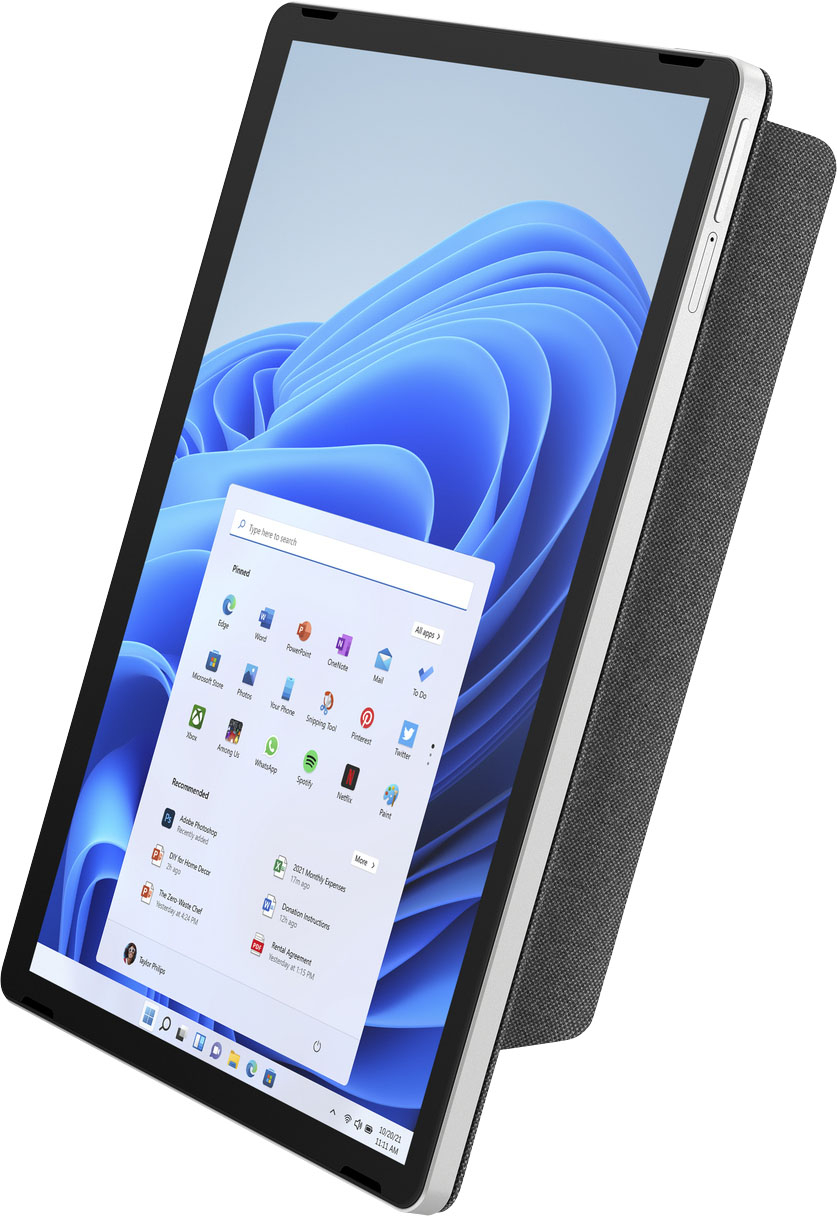
|Posted .This reviewer received promo considerations or sweepstakes entry for writing a review.This is a cute tablet combo. The tablet was very easy to set up. The screen is very responsive, no lag. Initially the keyboard did not respond when attached, but it eventually did and was great. The magnetic back with kick stand adds a layer of protection. Setting up my email did not work after several attempts with my gmail. All other features worked as expected. This is a great little device, compact and easy to carry around. I have no complaints. The screen resolution is very good.
I would recommend this to a friend- Cons mentioned:Weight
Does this really weigh 1.45 ounces?
Posted .This reviewer received promo considerations or sweepstakes entry for writing a review.This is more for BestBuy than the tablet. I don't doubt that the reviews about this tablet are genuine. Anyhow, back to my qualm. How on earth can this tablet weigh "1.45 ounces"?? BestBuy, whoever is writing your descriptions is doing a terrible job, I have noticed slip up after slip up on several of your products. When I read about your products, I genuinely want CORRECT information so I can make informed decisions. Please pay keen attention to the details. I could do a better job than whoever is doing it now!
I would recommend this to a friend - Cons mentioned:Weight
Tablet Lover
Posted .This reviewer received promo considerations or sweepstakes entry for writing a review.just what i was looking for, wish it was at least i3, a little heavy but love it!!!!
I would recommend this to a friend