Customer Ratings & Reviews

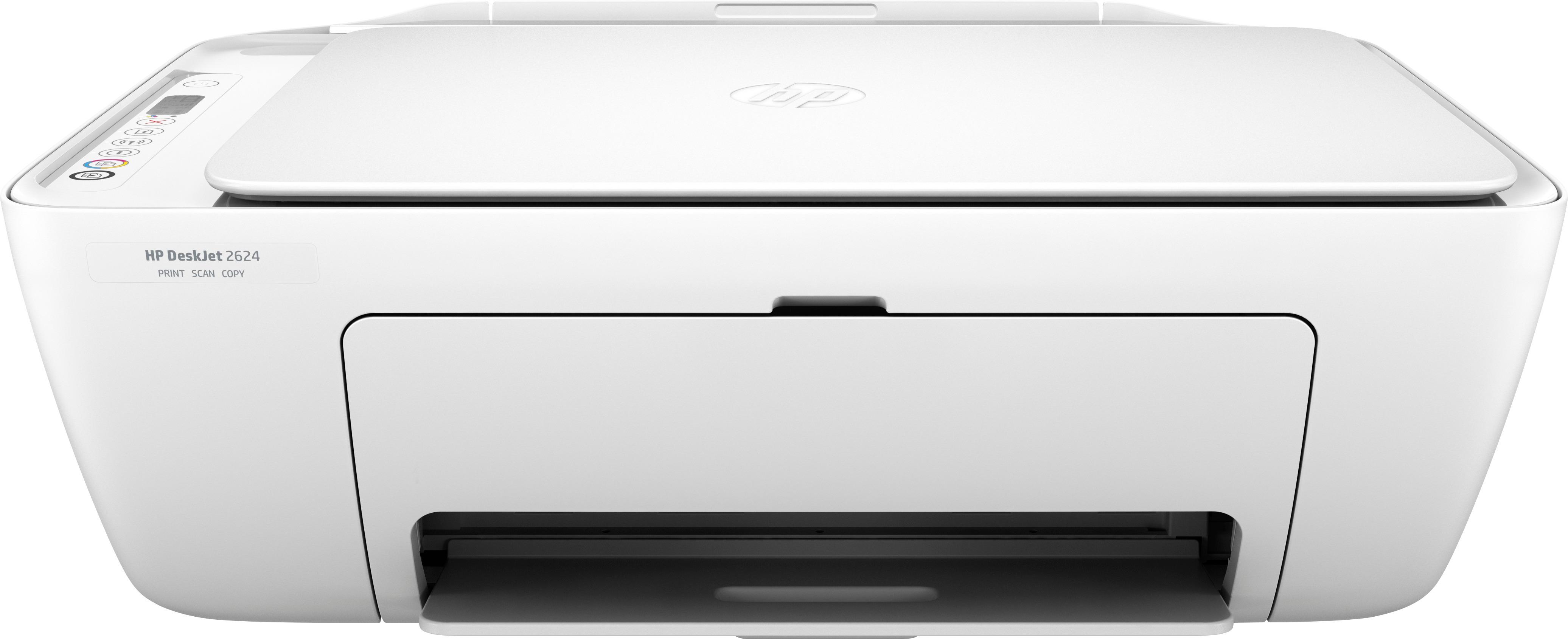
- Model:
- V1N08A#B1H
- SKU:
- 6102800
Rating by feature
- Value
Rating 4.3 out of 5 stars
- Quality
Rating 4.1 out of 5 stars
- Ease of Use
Rating 4.1 out of 5 stars
Customers are saying
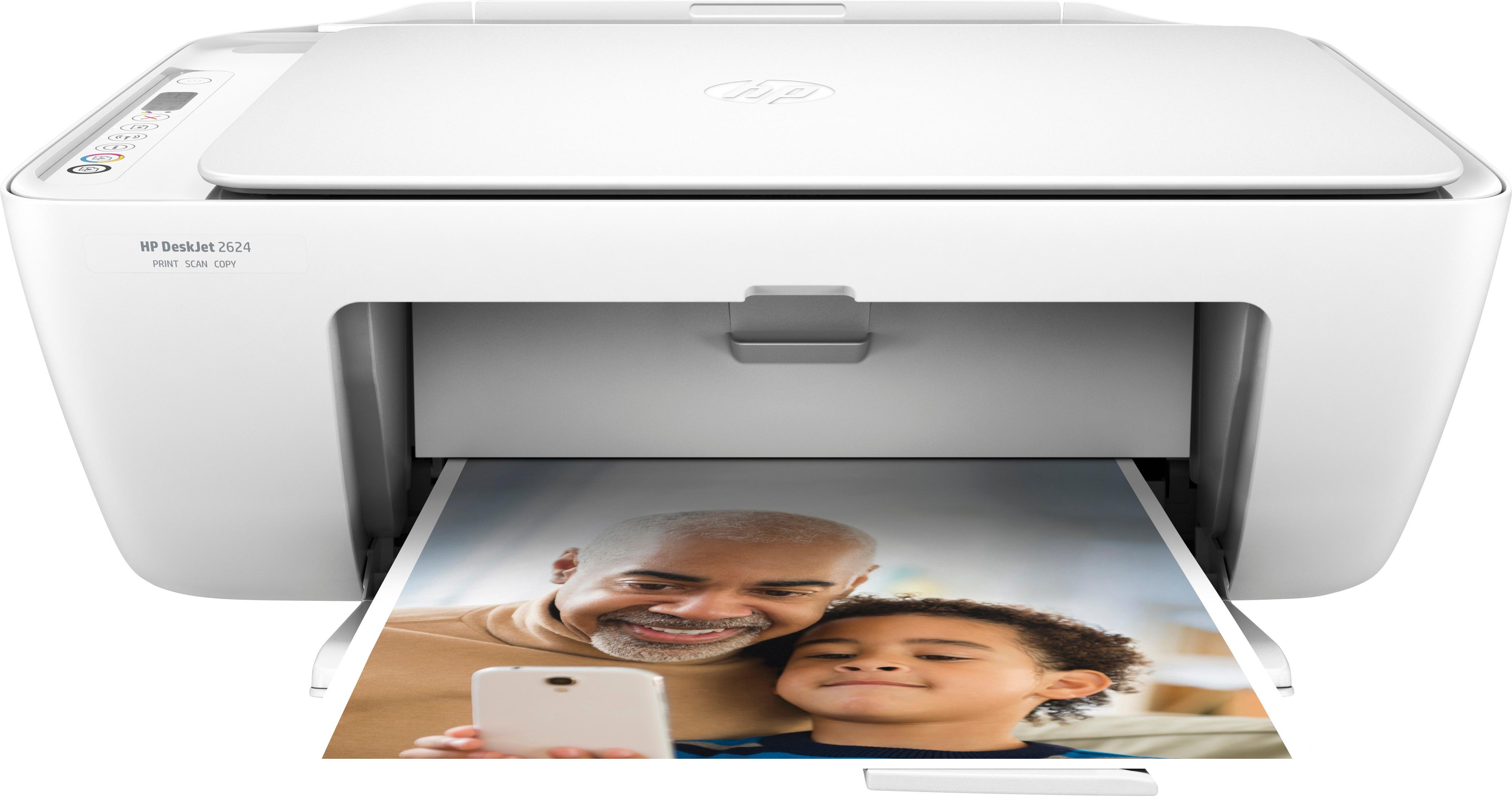
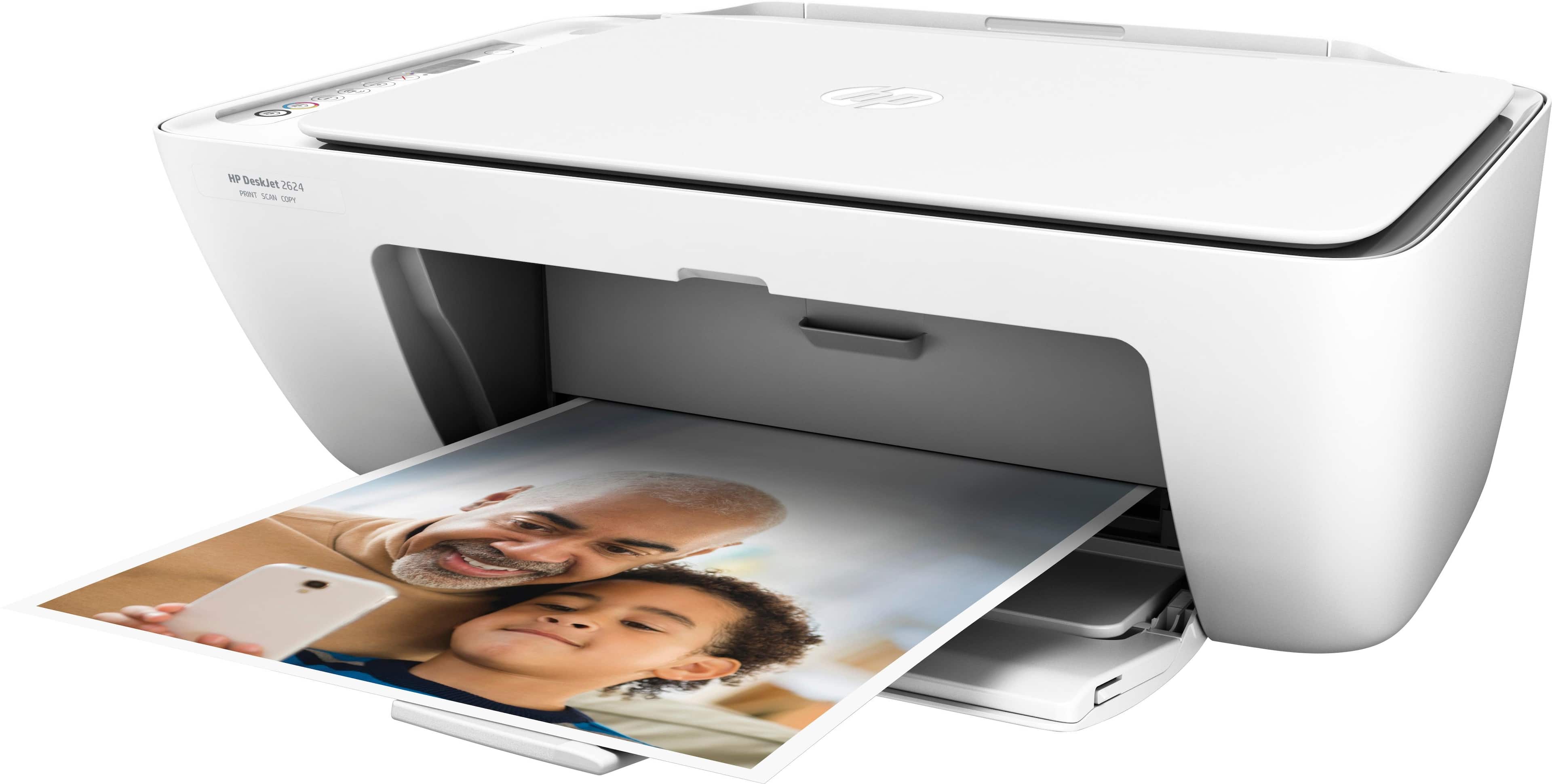
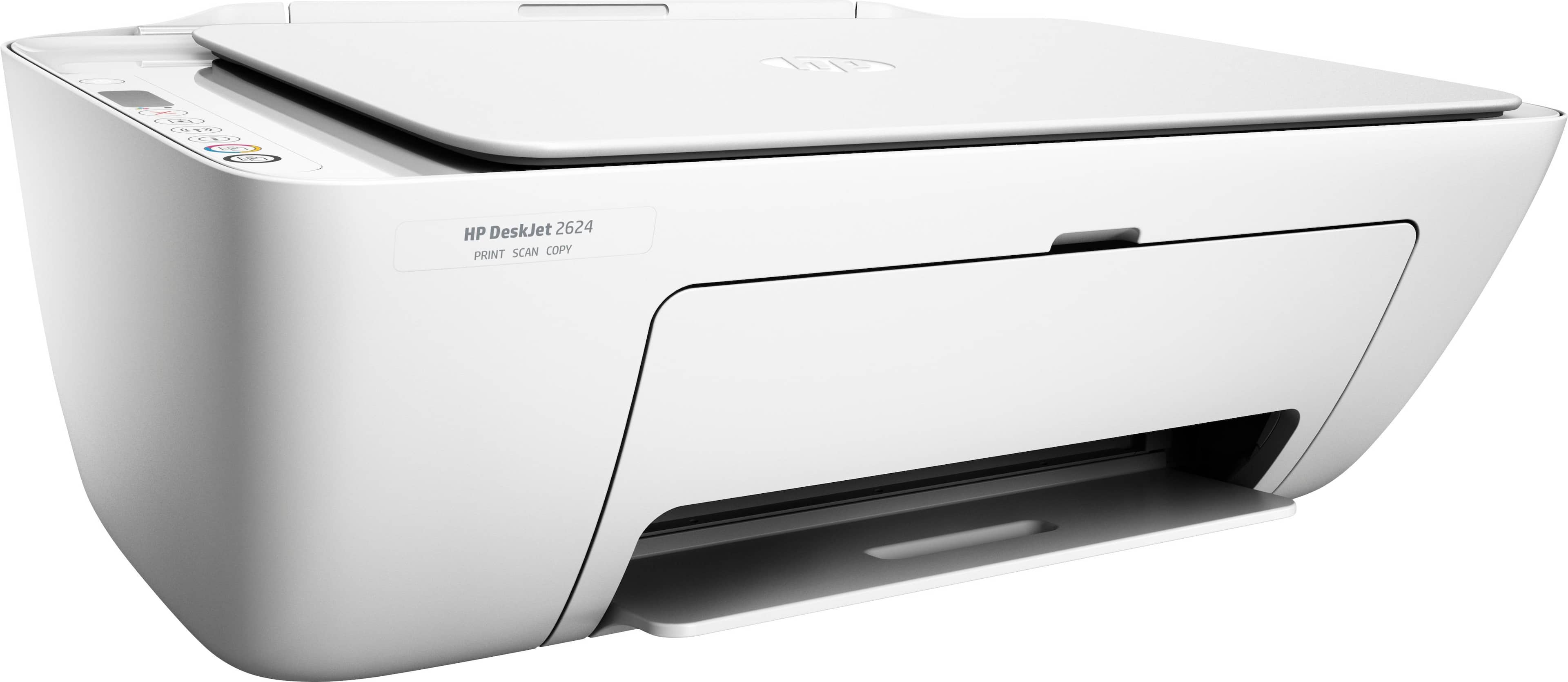
Customers consistently note the DeskJet 2624 as a great printer for its price point. They appreciate the easy setup process and the convenience of wireless printing. Many users are also impressed with the print quality and compact size of the printer. However, a few customers have expressed concerns about the slow printing speed and durability of the printer.
This summary was generated by AI based on customer reviews.
Ewww
||Posted .This reviewer received promo considerations or sweepstakes entry for writing a review.Bought it for 20 dollars on sale so I shouldn’t expect anything, but that 20 bucks would had been better spent buying a burger or something
No, I would not recommend this to a friendUseless
||Posted . Owned for 1.5 years when reviewed.This reviewer received promo considerations or sweepstakes entry for writing a review.I worked so hard but I did not make it worked. Instruction is complicated.
No, I would not recommend this to a friendPrinter
||Posted . Owned for more than 2 years when reviewed.This reviewer received promo considerations or sweepstakes entry for writing a review.This is the worst printer i have had a year still caint connect to my phone. Would not recommend at all.
No, I would not recommend this to a friendUnhappy with purchase
||Posted .This reviewer received promo considerations or sweepstakes entry for writing a review.Bought this printer for my college student. She was able to print one time. After that it wouldn’t connect to the internet.
No, I would not recommend this to a friendBrand response from HP Team
Posted .Hello there,
I'm so sorry that the printer didn't maintain a steady wireless connection. I can understand how inconvenient this must be and I want to assure you it's far from the seamless experience we intend on providing. To that end, let's try a few things to remedy this.
First, I'd recommend taking the recommended steps in this 'Offline Printer' document:
- Windows: support.hp.com/us-en/document/c04249080
- Mac: support.hp.com/us-en/document/c04249334
As a supplement to that, this link will guide you through solutions for a wide range of other wireless issues: hp.dezide.com/ts/start.jsp?guide=Printer_Does_Not_Maintain_Wireless_Connection.net
If this falls short, please don't hesitate to reach out to us for support. We would be more than happy to work with you on resolving this. You can get in touch anytime at this link: hp.com/contactHP
Chelsea
HP Care
hp.com/support
pathetic set up instructions
||Posted .This reviewer received promo considerations or sweepstakes entry for writing a review.After a couple of hours, I had to give up trying to wireless print. When time permits, I will try again.
No, I would not recommend this to a friendSkipped lines
||Posted .This reviewer received promo considerations or sweepstakes entry for writing a review.When setting up printer for first time skipped lines printing test page. Was never able to get it working
No, I would not recommend this to a friendWouldnt recommend
||Posted . Owned for 1.5 years when reviewed.This reviewer received promo considerations or sweepstakes entry for writing a review.This printer repeatedly went offline and I had to reset it. The toner also runs out pretty quick
No, I would not recommend this to a friendNever know how to run this simple toy yet:(
||Posted . Owned for 9 months when reviewed.This reviewer received promo considerations or sweepstakes entry for writing a review.Never know how to run this simple toy yet:( no paper printed out yet:( can it be returned?
No, I would not recommend this to a friendLower end printer
||Posted .This reviewer received promo considerations or sweepstakes entry for writing a review.After 4 months printer was not connecting to my Wi-Fi no matter how I tried trouble shooting.
No, I would not recommend this to a friend- Pros mentioned:Print quality
Wonderful all in one printer
Posted .This reviewer received promo considerations or sweepstakes entry for writing a review.I have been using this wireless printer for more than 5 years. Though it looks like a basic printer and scanner, never had any issues with it. Love that I can print wireless using my laptop or phone. Subscribed to the HP Instant Ink and never had to worry about running out of ink or end up buying fake ink.
I would recommend this to a friend Great brand but not a great purchase
||Posted . Owned for 9 months when reviewed.This reviewer received promo considerations or sweepstakes entry for writing a review.Couldn’t get the printer to connect to our wifi and print out items on our phones
No, I would not recommend this to a friendPoor quality
||Posted .This reviewer received promo considerations or sweepstakes entry for writing a review.I bought this as a Christmas gift for someone and it died 2 days after being set up.
No, I would not recommend this to a friendBummer
||Posted .This reviewer received promo considerations or sweepstakes entry for writing a review.It stopped working within 3 months. Try the Canon MG2522 for a better cheap printer.
No, I would not recommend this to a friendI got what I paid for.
||Posted .This reviewer received promo considerations or sweepstakes entry for writing a review.When the setup ink went dead so did the printer. Thank God it was really cheap.
No, I would not recommend this to a friendDon’t recommend.
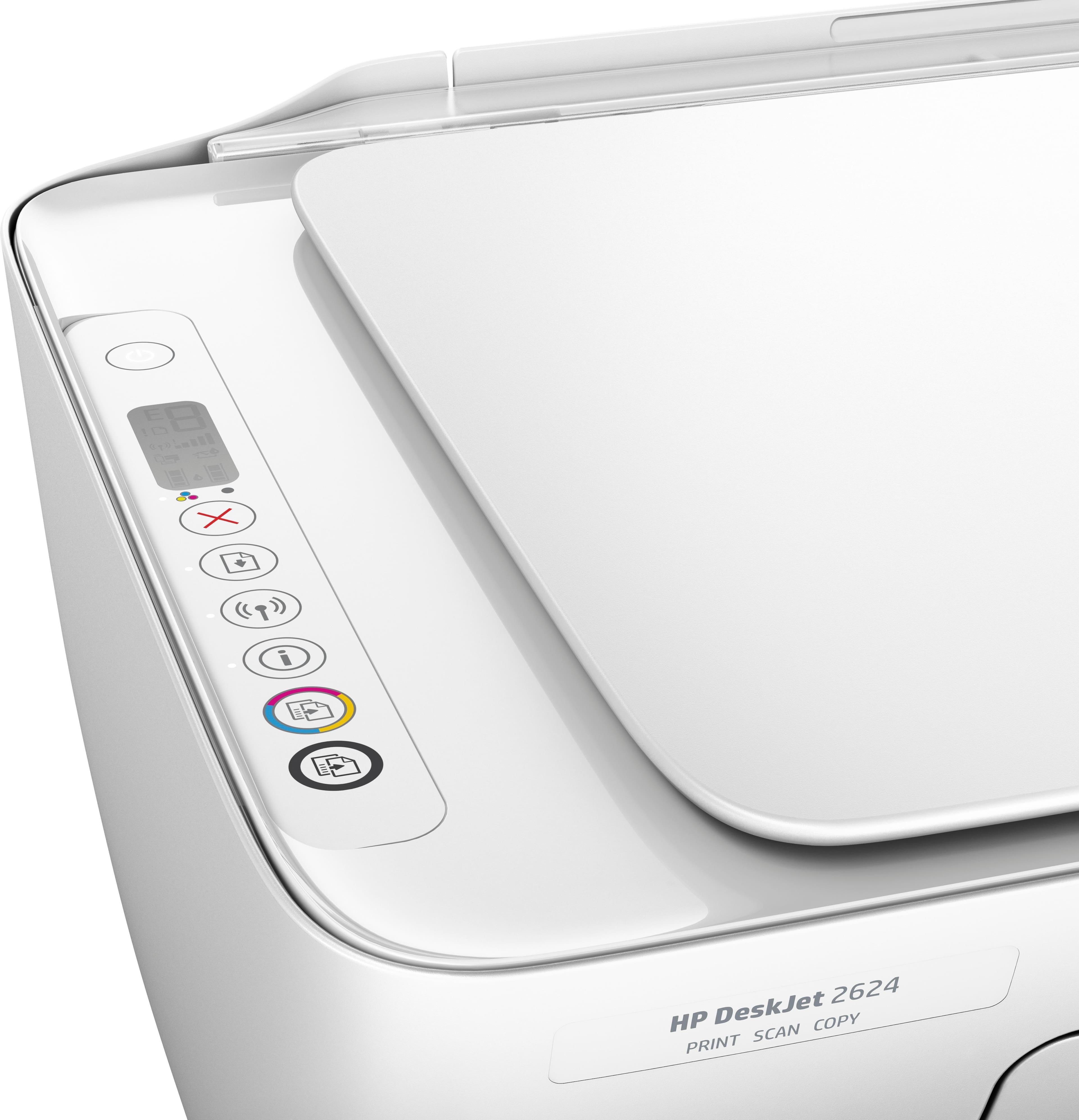
||Posted .This reviewer received promo considerations or sweepstakes entry for writing a review.Has no screen so connecting the internet was difficult. Made it hard to use.
No, I would not recommend this to a friendcan not get it hooked up bad directions not very s
||Posted .This reviewer received promo considerations or sweepstakes entry for writing a review.can't get it to work would not recommend unless you are computor smart
No, I would not recommend this to a friendNot happy
||Posted .This reviewer received promo considerations or sweepstakes entry for writing a review.Came without USB cable, couldn't get wifi to work... too complicated
No, I would not recommend this to a friendBrand response from HP Team
Posted .Hi Johnny,
I'm sorry that you haven't been able to configure the printer's wireless functionality. This must be quite inconvenient, so let's make sure we get this taken care of for you.
Although this printer doesn't come with a USB cable, you should be able to hook up the printer via this type of connection without issue. For details on how to do so, you can visit page 70 of your printer's user guide here: hp.com/ctg/Manual/c05439290.pdf
Then, I recommend downloading the printer's full feature software to ensure successful wireless configuration. You can find a download at this link: 123.hp.com/us/en/devices/dj2624
If the same issue persists, please don't hesitate to contact us for support. We're always here to help, so you can reach us anytime via this link: hp.com/contactHP
Chelsea
HP Care
hp.com/support
Hard to adapt to phone
||Posted .This reviewer received promo considerations or sweepstakes entry for writing a review.Not very compatible to apple phones , works better with Samsung 8
No, I would not recommend this to a frienddrum broke two days after purcase
||Posted .This reviewer received promo considerations or sweepstakes entry for writing a review.the product was not what I had hoped it would be it was junk
No, I would not recommend this to a friendVery expensive ink!
||Posted .This reviewer received promo considerations or sweepstakes entry for writing a review.The ink runs out super fast. And quality is poor..
No, I would not recommend this to a friendBrand response from HP Team
Posted .Hi,
I'm so sorry that you're unhappy with the printer's quality and ink consumption. We're certainly committed to providing a reliable and economical experience with our printers, so I can imagine how disappointing this is. To that end, let's see what I can do to help.
First, I do have a few suggestions to try for lowering ink consumption. To start, I recommend using the printer's draft mode, as this can often improve ink usage. Following that, you could also set the printer to print black and white only. If you find you're still using quite a bit, Instant Ink might just be worth a try. Many customers like our available plans, as they're based on how many pages you print monthly. If your printer usage is minimal, Instant Ink also offers a subscription plan that allows you to print 15 pages a month for free. For more details, you can visit this link: HPinstantink.com
With regards to poor print quality, this improvement guide should help: support.hp.com/us-en/document/c05370810
If you have any other questions, please don't hesitate to contact us for support. We're always happy to help, so you can reach us directly via your preferred method here: hp.com/contactHP
Chelsea
HP Care
hp.com/support