Customer Ratings & Reviews
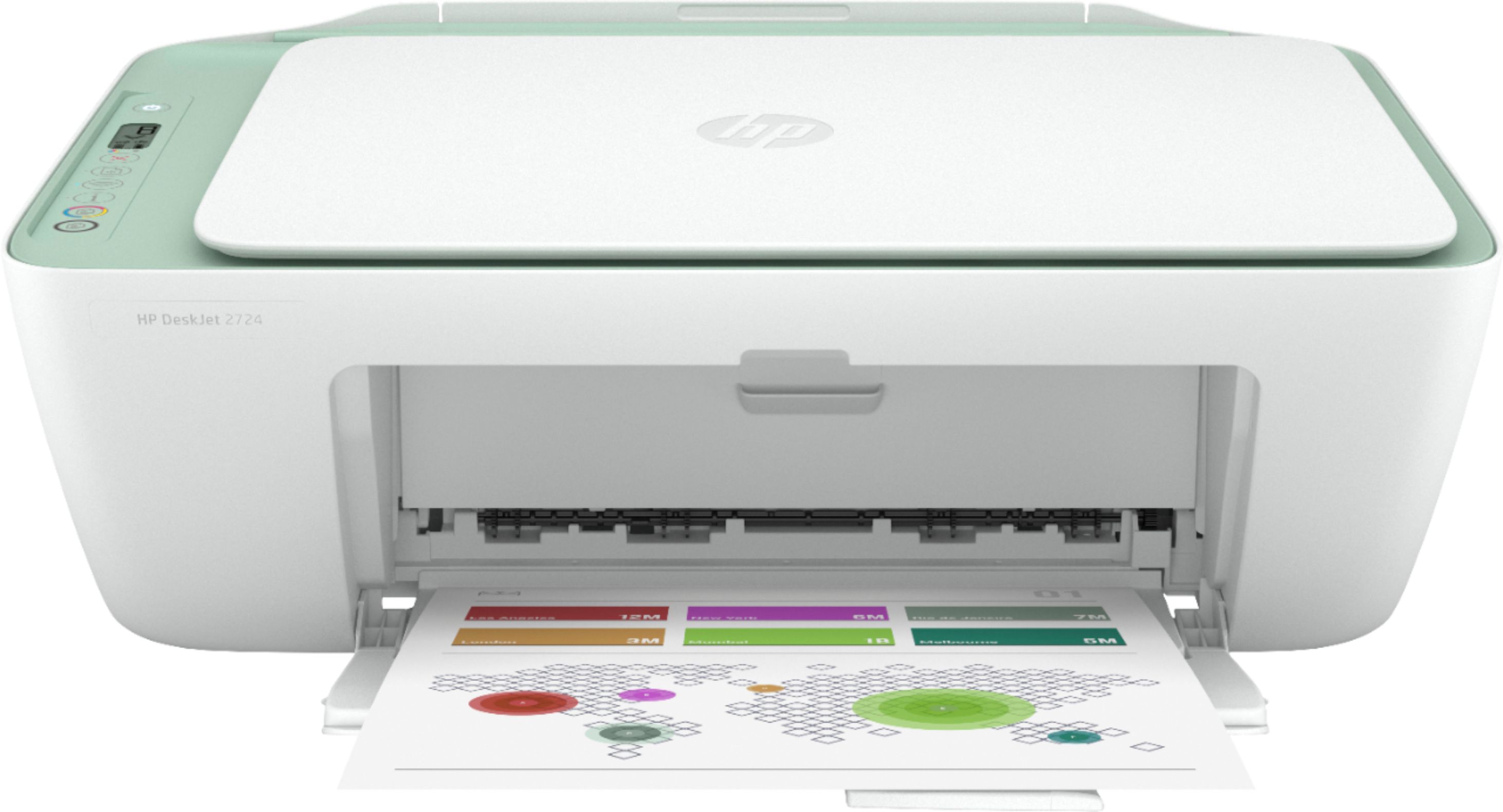
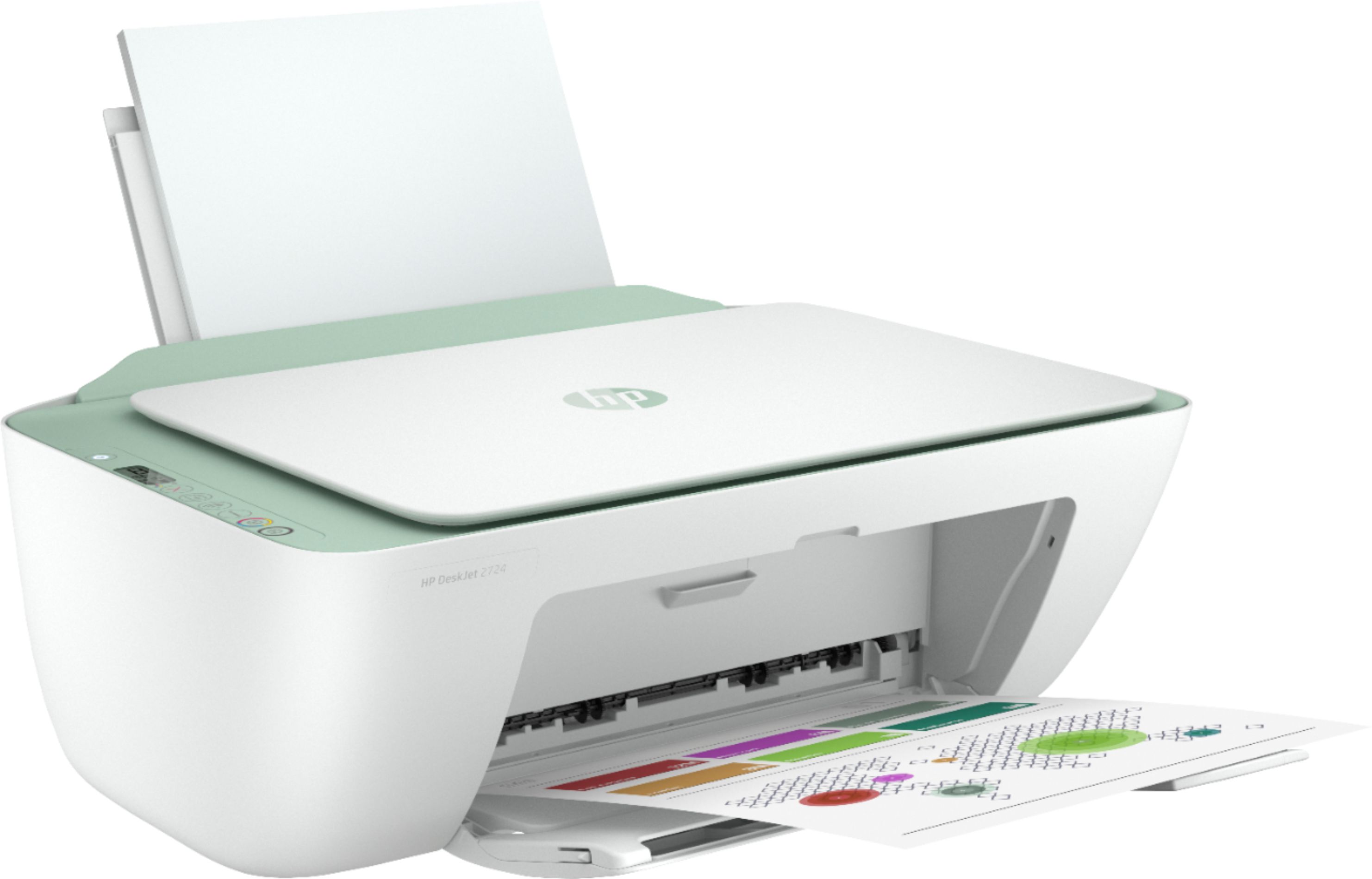
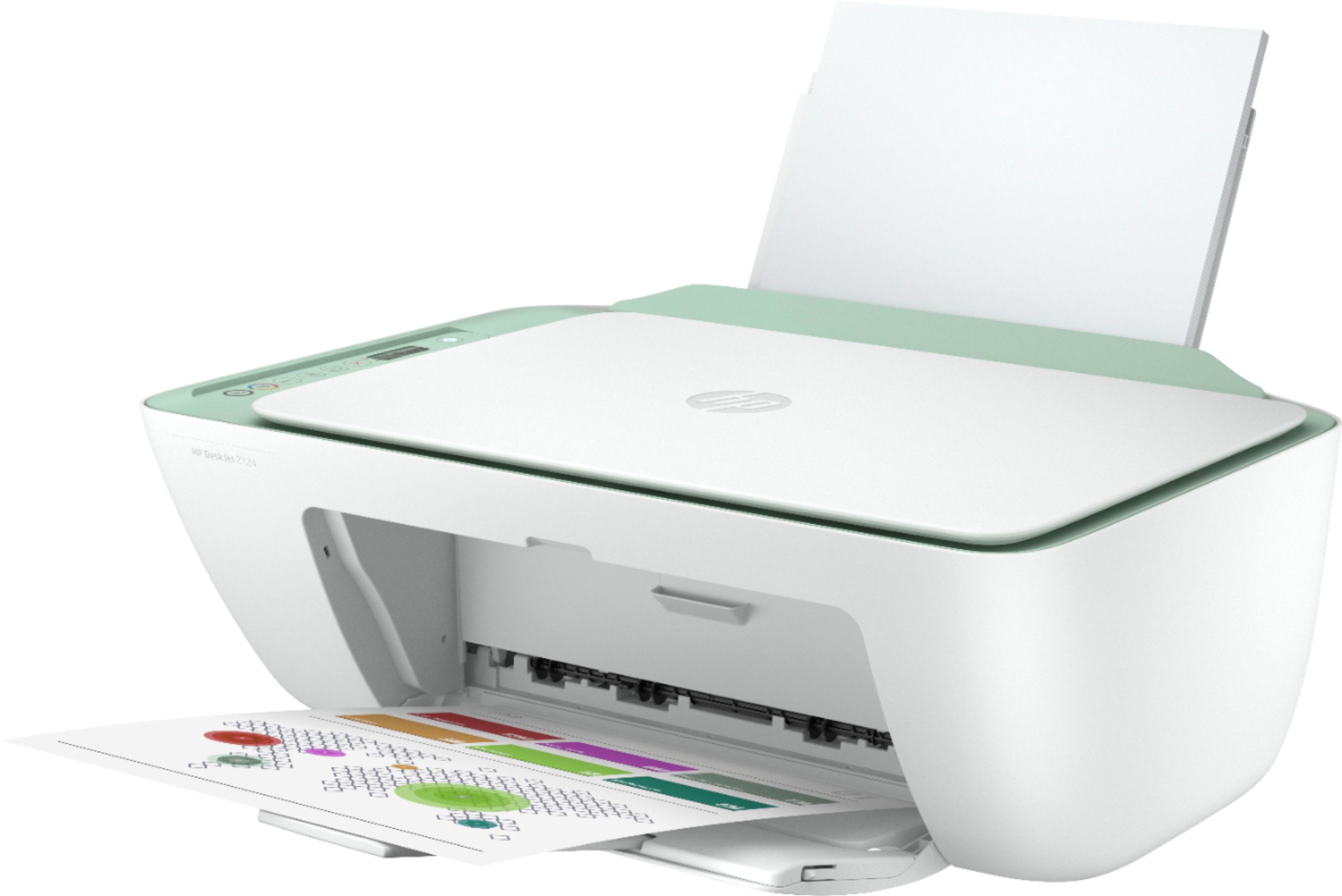
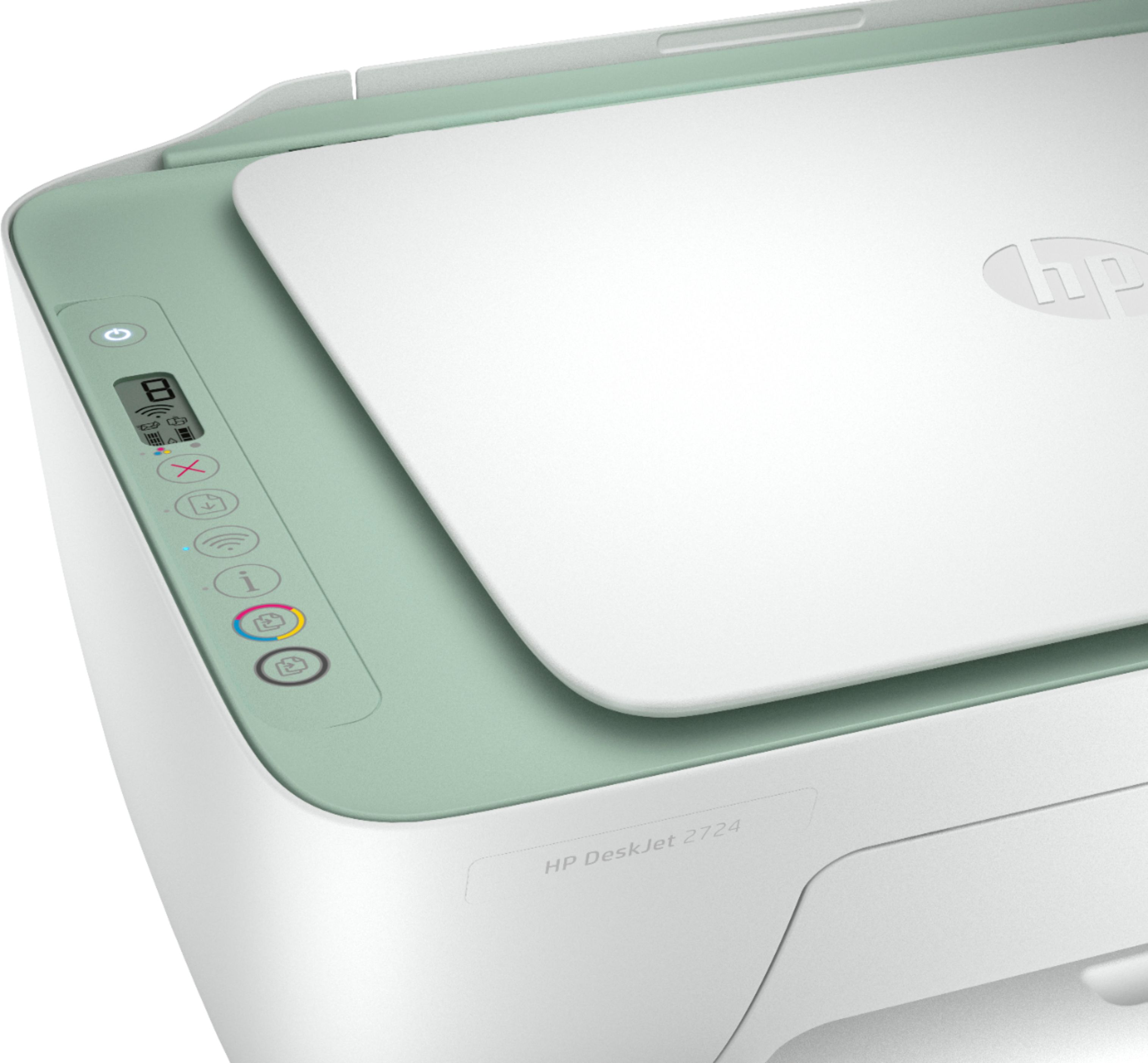
- Model:
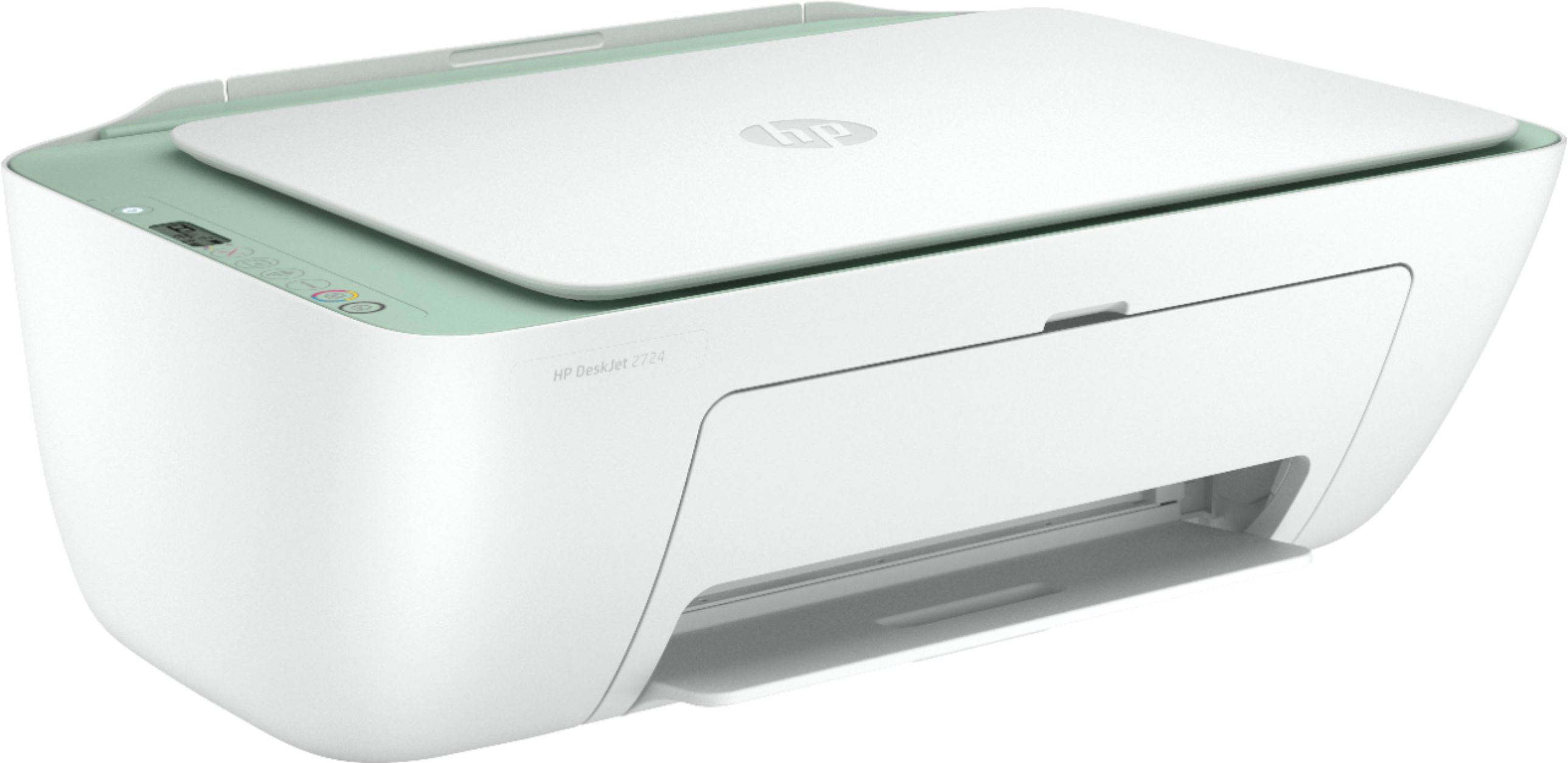
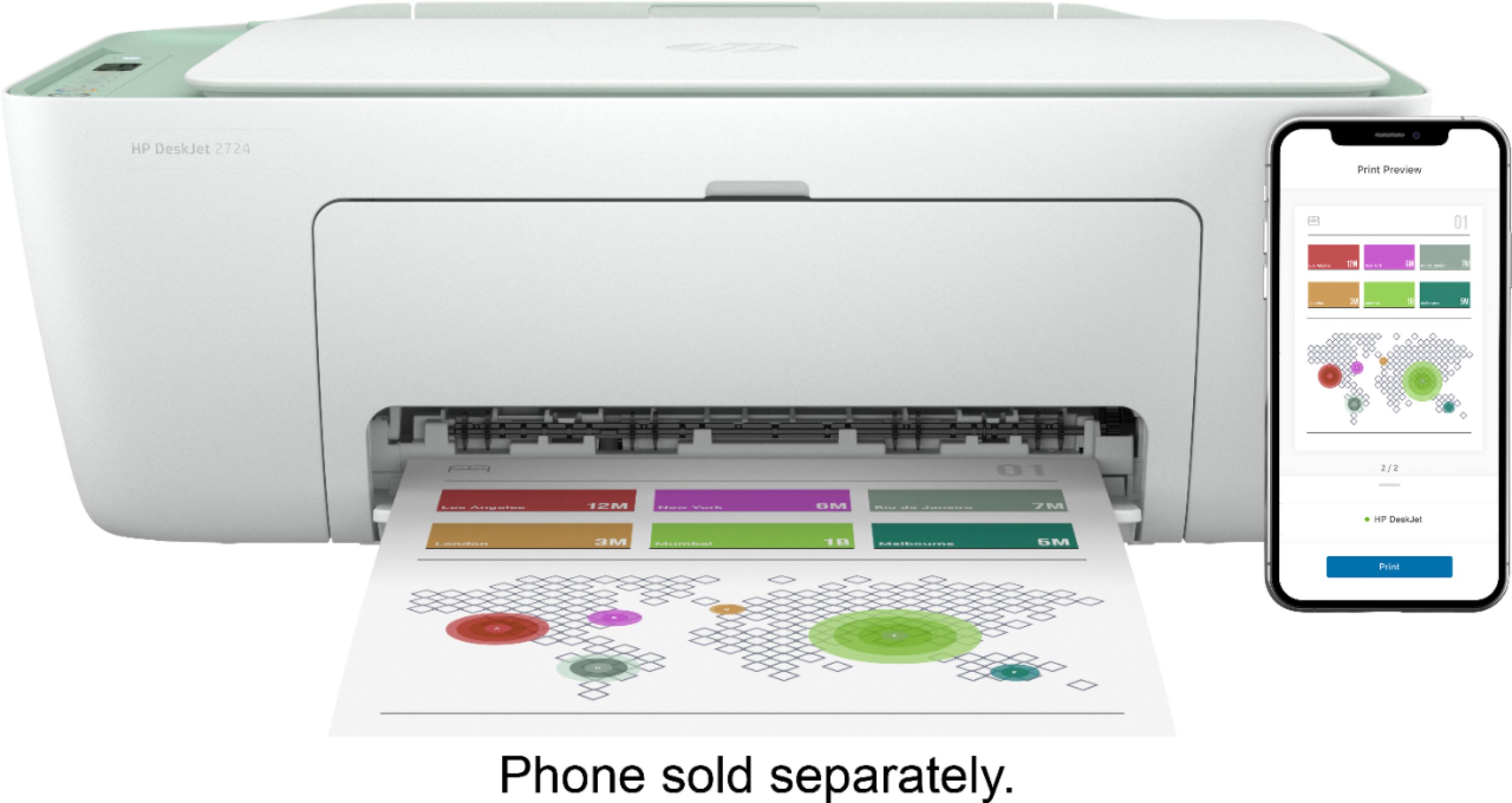
- DeskJet 2724
- SKU:
- 6437372
Rating by feature
- Value
Rating 4.0 out of 5 stars
- Quality
Rating 3.8 out of 5 stars
- Ease of Use
Rating 3.6 out of 5 stars
Customers are saying
Customers are pleased with the DeskJet 2724's ease of use, print quality, and compact size, frequently citing positive experiences with setup and scanning. However, some users reported difficulties with establishing and maintaining a stable wireless connection. The printer's affordability is also a commonly praised aspect. While some found the initial setup process challenging, many others found it straightforward.
This summary was generated by AI based on customer reviews.
Great product.
||Posted . Owned for 3 weeks when reviewed.This reviewer received promo considerations or sweepstakes entry for writing a review.It was a little confusing to set up at first, as this is my first printer of current technology. After I worked out the initial issues I have not had a single problem. It works exactly as described and I couldn't be happier. Great product.
I would recommend this to a friend- Cons mentioned:Connectivity
Bad printer
||Posted . Owned for 3 weeks when reviewed.This reviewer received promo considerations or sweepstakes entry for writing a review.Does copy ok, very difficult to get on desktop. I phone does not recognize. Hp not helpful.-
No, I would not recommend this to a friendBrand response from HP Team
Posted .Hi there.
I’m sorry to hear that your printer has failed to maintain a reliable wireless connection and has otherwise performed inconsistently in terms of printing. Your review is brief, but your frustration is clear – and wholly understandable – so I’ll offer some resources and information I hope will help.
First, I recommend you visit a page on our support site that has diagnostic tools for various problems, including wireless connectivity issues. Visit that page here:
- support.hp.com/us-en/topic/diagnostics
If you need further assistance, I suggest that you contact us directly at +1 800-474-6836 so we can help you assess the situation and guide you find a solution. (Please note that because of restrictions on personal movement and workplace attendance associated with the COVID-19 pandemic, wait times for agents are longer than normal. Thanks in advance for your understanding.) To expedite the process, I recommend gathering the following information before the call:
- Model number
- Serial number
- Your location
- Case number (from any previous contact with HP support)
I'll also mention that HP printers have a one-year warranty from their purchase date that covers hardware as well as ink supplies, so if it comes to that, you might consider making use of it. You can verify the warranty using the following link: support.hp.com/us-en/checkwarranty
Keith
HP Care
hp.com/support
Best Printer!!!
||Posted . Owned for 1.5 years when reviewed.This reviewer received promo considerations or sweepstakes entry for writing a review.Best investment on this 3-in-1 printer!! Also love the color it comes on. As a teacher this was such an affordable investment to print stuff for my classroom!
I would recommend this to a friendPrinter
||Posted .This reviewer received promo considerations or sweepstakes entry for writing a review.This machine has given me such a headache! I’m my wifi works perfectly and it never seems to connect! I spend hours trying to get it to work and I’ve seen so many videos and read the guide. It constantly wastes my paper and ink everything I have an indie as it prints me more and more guides. It did not come with a connection for my computer and since it doesn’t connect to my wifi I had to go buy one. Horrible product and I will never recommend this to anyone
No, I would not recommend this to a friendBrand response from HP Team
Posted .Hi, Maria.
I’m sorry to hear that your printer has not maintained a reliable wireless connection. The frustration you express in your review is completely understandable considering the amount of time you’ve put into troubleshooting and attempting to remedy the issue. With that in mind, I’ll offer a resource and some information I hope will help.
I can’t tell from your review why your printer won’t stay connected, so I recommend that you contact us directly at +1 800-474-6836 so we can help you assess the situation and guide you find a solution. (Please note that because of restrictions on personal movement and workplace attendance associated with the COVID-19 pandemic, wait times for agents are longer than normal. Thanks in advance for your understanding.) To expedite the process, I recommend gathering the following information before the call:
- Model number
- Serial number
- Your location
- Case number (from any previous contact with HP support)
I'll also mention that HP printers have a one-year warranty from their purchase date that covers hardware as well as ink supplies, so if it comes to that, you might consider making use of it. You can verify the warranty using the following link: support.hp.com/us-en/checkwarranty
Keith
HP Care
hp.com/support
Amazing!
||Posted . Owned for 3 weeks when reviewed.This reviewer received promo considerations or sweepstakes entry for writing a review.This printer has been amazing I was iffy on getting it due to all the bad reviews I have read. But so far so good for me no complaints. I can print from my phone or any other device. I am happy with my purchase.
I would recommend this to a friendlove it
||Posted . Owned for 1 month when reviewed.This reviewer received promo considerations or sweepstakes entry for writing a review.This item works perfectly for what I’m using it for which is currently law school and the program itself runs smooth and runs fast. Definitely getting your money worth love love love I’m Definitely a great buy
I would recommend this to a friend- Cons mentioned:Connectivity
How do you spell junk...HP
||Posted . Owned for 1 month when reviewed.This reviewer received promo considerations or sweepstakes entry for writing a review.It constantly shows connected but then when I try to print it cannot be found and has to be turned off then back on before it’s able to be used. I’m clearly not a huge fan. I’d rather just use a hard line to connect it but the software fights that.
No, I would not recommend this to a friendBrand response from HP Team
Posted .Hi there.
I'm sorry to hear that your printer has failed to maintain a reliable wireless connection. It’s easy to understand why needing to reset the printer nearly every time you want to use it would quickly become exasperating, so I’ll point you toward some resources I hope will help.
First, I recommend you visit a page on our support site that has diagnostic tools for various issues, including setup and wireless connectivity. Visit that page here:
- support.hp.com/us-en/topic/diagnostics
If you need further assistance, I recommend that you contact us directly at +1 800-474-6836 so we can help you assess the situation and find a solution. (Please note that because of restrictions on personal movement and workplace attendance associated with the COVID-19 pandemic, wait times for agents are longer than normal. Thanks in advance for your understanding.) To expedite the process, I recommend gathering the following information before the call:
- Model number
- Serial number
- Your location
- Case number (from any previous contact with HP support)
I'll also mention that HP printers have a one-year warranty from their purchase date that covers hardware as well as ink supplies, so if it comes to that, you might consider making use of it. You can verify the warranty using the following link: support.hp.com/us-en/checkwarranty
Keith
HP Care
hp.com/support
- Cons mentioned:Connectivity
Failed to Print
||Posted . Owned for 1 month when reviewed.This reviewer received promo considerations or sweepstakes entry for writing a review.Bought this printer, kept for two weeks. Trued to print from iPhones and LG laptops. It would not pair or connect. Instructions and other automatically installed hp advice printed, but nothing else printed. Returned it after 3 weeks.
No, I would not recommend this to a friend Best upgrade!
||Posted . Owned for 1 month when reviewed.This reviewer received promo considerations or sweepstakes entry for writing a review.Love this printer. Had some trouble initially setting up the ink service with HP. But the next day everything was running smoothly. Definitely and upgrade and connects to the wifi quickly!
I would recommend this to a friendCURBSIDE PICKUP GREAT!!!!
||Posted . Owned for 3 weeks when reviewed.This reviewer received promo considerations or sweepstakes entry for writing a review.I ordered this product online and did curbside pickup!!! It was great!!! The ordering online is so nice snd then curbside pickup is even better!!! Thank you for offering these options!!!
I would recommend this to a friendmylose
||Posted . Owned for 1 year when reviewed.This reviewer received promo considerations or sweepstakes entry for writing a review.Bought this printer and decided that i didn't like. Waited to long for return and they wouldn't take it back. Ended up giving this printer to my daughter.
No, I would not recommend this to a friendNo instaink
||Posted . Owned for 1 month when reviewed.This reviewer received promo considerations or sweepstakes entry for writing a review.Didn’t get to use printer as we returned it. HP REP said it would do insta ink and it doesn’t
No, I would not recommend this to a friendSlow but effective.
||Posted . Owned for 1 month when reviewed.This reviewer received promo considerations or sweepstakes entry for writing a review.Slow printer that will get the job done. Avoid if you really need to print many pages quickly.
No, I would not recommend this to a friend- Cons mentioned:Connectivity
don't bother
||Posted . Owned for 1 week when reviewed.This reviewer received promo considerations or sweepstakes entry for writing a review.can't get this printer to connect to wireless even right next to the router. returning and purchasing something else.
No, I would not recommend this to a friend - Cons mentioned:Setup
OHMY
||Posted .This reviewer received promo considerations or sweepstakes entry for writing a review.Setup sucks. I can understand how people have problems
I would recommend this to a friendBrand response from HP Team
Posted .Hi there.
I’m sorry to hear that your printer has been difficult during the setup process. I can understand why that would be a frustrating start to owning a printer, so I’ll offer some resources and information I hope will help.
First, you can access a setup tutorial as well as user manuals, troubleshooting guides, how-to documents and software updates for your printer on our support site. Do that by following this link:
- support.hp.com/us-en/product/hp-deskjet-2700-all-in-one-printer-series/29378157/model/31598174
You can also visit a page on our support site that has diagnostic tools for various tasks and issues, including setup and connectivity. You can find the page here:
- support.hp.com/us-en/topic/diagnostics
If you need further assistance, I suggest that you contact us directly at +1 800-474-6836 so we can help you assess the situation and guide you through any applicable troubleshooting. (Please note that because of restrictions on personal movement and workplace attendance associated with the COVID-19 pandemic, wait times for agents are longer than normal. Thanks in advance for your understanding.) To expedite the process, I recommend gathering the following information before the call:
- Model number
- Serial number
- Your location
- Case number (from any previous contact with HP support)
Keith
HP Care
hp.com/support
It’s working
||Posted . Owned for 2 weeks when reviewed.This reviewer received promo considerations or sweepstakes entry for writing a review.I got it set up finally. I took us a bit to get in done on our phone, I-Pad’s and 2 computers. But I did it. Today I used the scanner and it work. So far I love it!
I would recommend this to a friend- Cons mentioned:Connectivity
I tried to like it
||Posted . Owned for 1 week when reviewed.This reviewer received promo considerations or sweepstakes entry for writing a review.I had a really difficult time setting this up, it was not loading the app on my computer. After I finally set it up, it keeps not finding the wifi so it doesn’t let me print. Worst printer I have had
No, I would not recommend this to a friend HP Printer
||Posted . Owned for 2 months when reviewed.This reviewer received promo considerations or sweepstakes entry for writing a review.The printer works great. The set up was easy with step by step instructions from the app. Happy with my purchase.
I would recommend this to a friendDecent printer but…
||Posted . Owned for 9 months when reviewed.This reviewer received promo considerations or sweepstakes entry for writing a review.This is a decent printer but not easy to set up so only 3 stars.
No, I would not recommend this to a friendKatie
||Posted . Owned for 1 month when reviewed.This reviewer received promo considerations or sweepstakes entry for writing a review.I didn’t want to spend a lot of money this time my other printer broke so the sales manager introduced me to this model and I’ve been happy with it so far.
I would recommend this to a friend