Customer Ratings & Reviews
- Model:
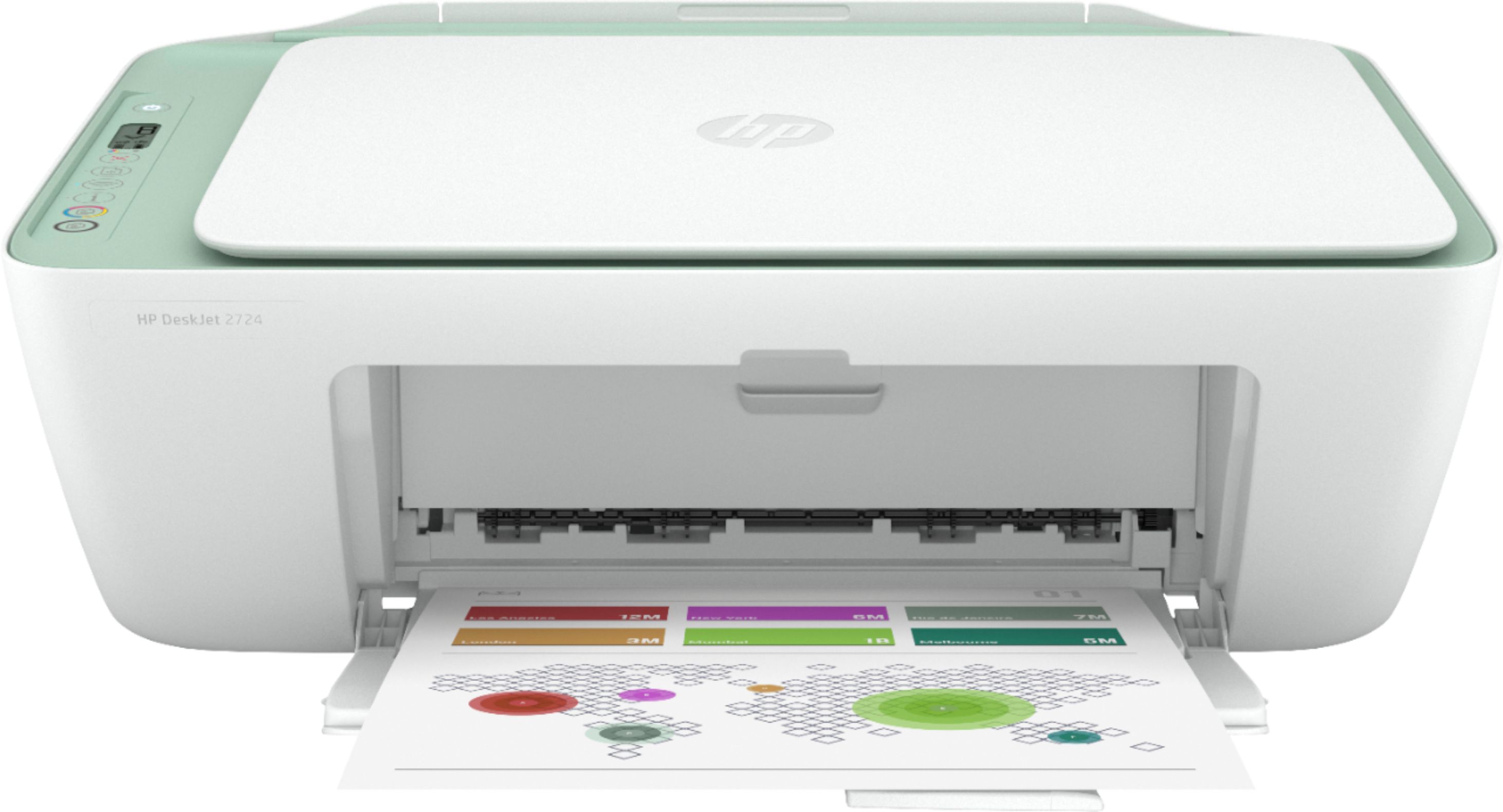
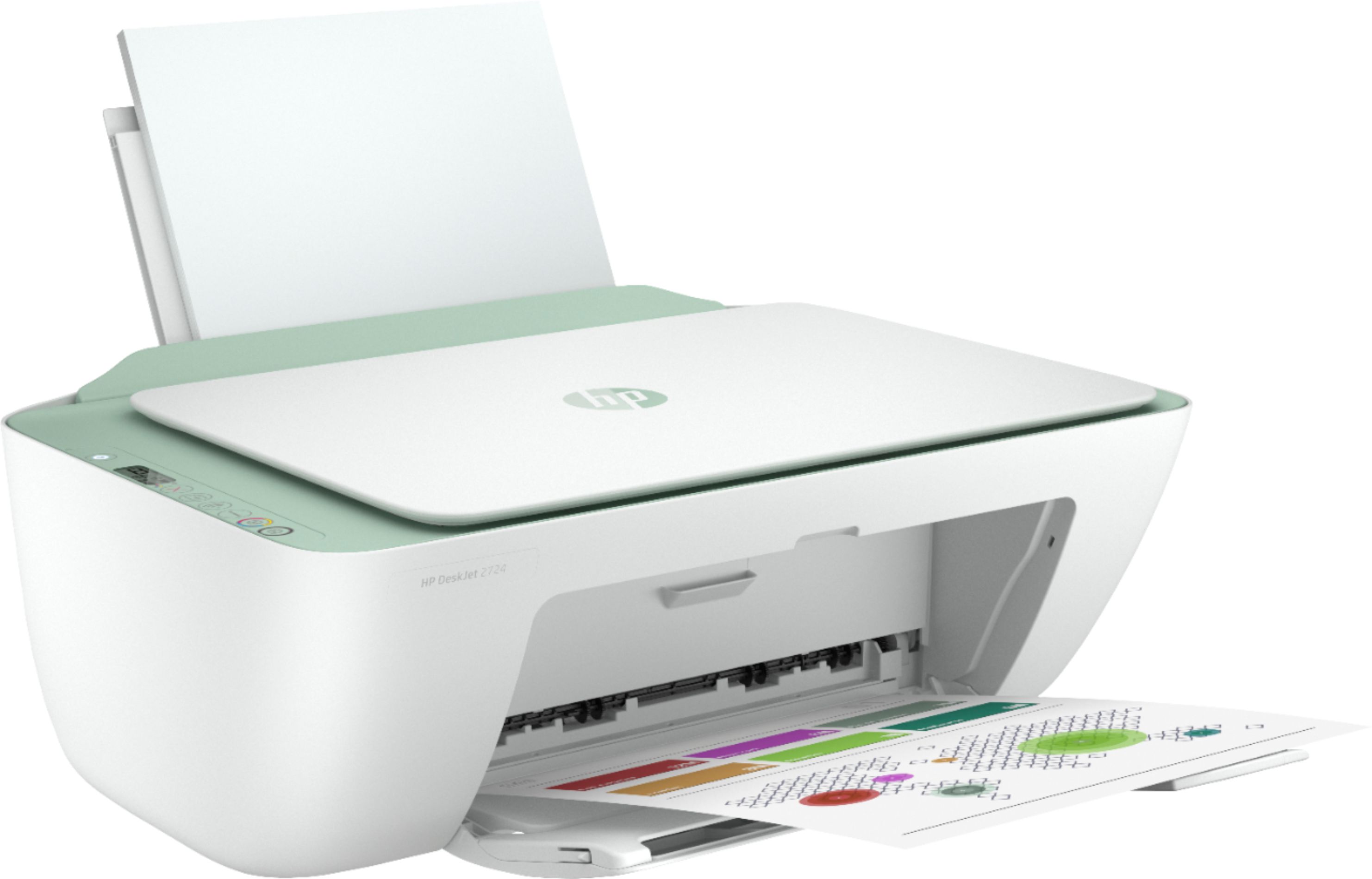
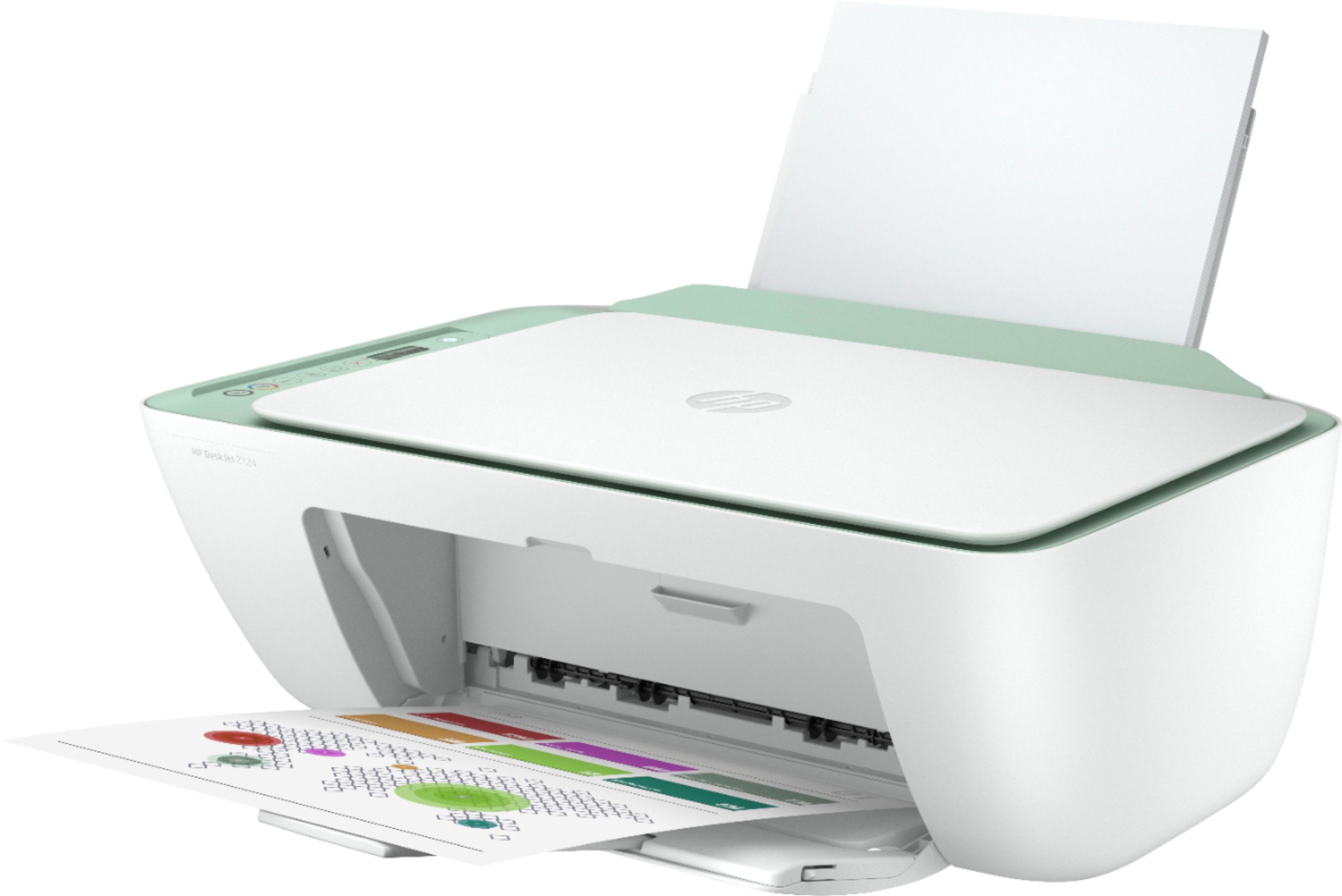
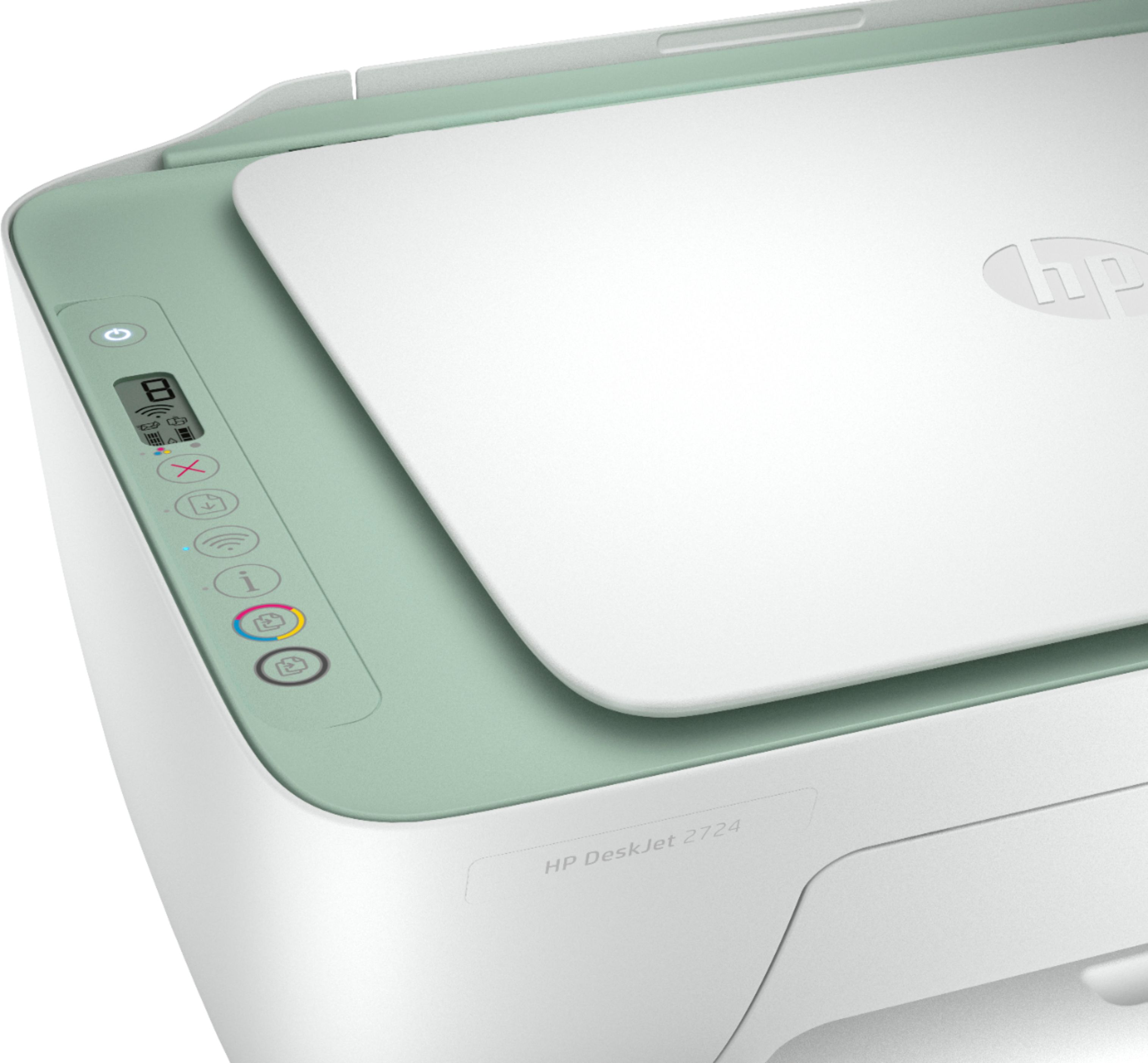
- DeskJet 2724
- SKU:
- 6437372
Rating by feature
- Value
Rating 4.0 out of 5 stars
- Quality
Rating 3.8 out of 5 stars
- Ease of Use
Rating 3.6 out of 5 stars
Customers are saying
Customers are pleased with the DeskJet 2724's ease of use, print quality, and compact size, frequently citing positive experiences with setup and scanning. However, some users reported difficulties with establishing and maintaining a stable wireless connection. The printer's affordability is also a commonly praised aspect. While some found the initial setup process challenging, many others found it straightforward.
This summary was generated by AI based on customer reviews.
Mr
||Posted . Owned for 3 weeks when reviewed.This reviewer received promo considerations or sweepstakes entry for writing a review.The best one I got i had bought like 5 different one
I would recommend this to a friendDo not buy
||Posted . Owned for 2 months when reviewed.This reviewer received promo considerations or sweepstakes entry for writing a review.Would not recommend, I should have listened to the other reviews but I needed to get a printer and a lot were sold out so I got this one. I bough this printer in January and never opened it until three days ago. I’ve been trying for three days to setup so I can print and I have still yet to get it done. I also keep seeing a different printer number while setting it up which is weird. If I can’t get any help setting it up then I’m going to see if I can return it.
No, I would not recommend this to a friendDeskjet 2724
||Posted . Owned for 3 weeks when reviewed.This reviewer received promo considerations or sweepstakes entry for writing a review.Was a gift to someone. Haven’t heard of any issues.
I would recommend this to a friendNot impressed
||Posted . Owned for 2 weeks when reviewed.This reviewer received promo considerations or sweepstakes entry for writing a review.Hard to connect to laptop. Ink runs out pretty quickly. Bought this because couldn't find ink for my other printer and it was on sale.
No, I would not recommend this to a friendBrand response from HP Team
Posted .Hi there.
I'm sorry to hear that your printer has been difficult to connect and is using ink more quickly than you’d anticipated. I can understand why that would be a frustrating combination, so I’ll point you toward some resources I hope will help.
First, I recommend you visit a page on our support site that has diagnostic tools for various issues, including wireless connectivity. Visit that page here:
- support.hp.com/us-en/topic/diagnostics
Here are some facts on ink use that might help you get more prints without too much extra effort:
- A high-density print (such as an image or graph) uses ink more quickly than a text-only document, particularly if the paper is highly absorbent and the environment is dry.
- Using the draft and black only settings on your printer can help save on ink, particularly the colors.
- Shutting the printer down between uses can result in some savings. However, always use the power button on the printer itself to turn it off. That will let the printer to 'park' so that the nozzles that spray the ink onto the paper are protected from excess drying.
If you need further assistance, I recommend that you contact us directly at +1 800-474-6836 so we can help you assess the situation and find a solution. (Please note that because of restrictions on personal movement and workplace attendance associated with the COVID-19 pandemic, wait times for agents are longer than normal. Thanks in advance for your understanding.) To expedite the process, I recommend gathering the following information before the call:
- Model number
- Serial number
- Your location
- Case number (from any previous contact with HP support)
Keith
HP Care
hp.com/support
Not very good
||Posted . Owned for 1 month when reviewed.This reviewer received promo considerations or sweepstakes entry for writing a review.Good printer for the price, I’ve had to restart often to get WiFi Looses signal all the time. Spend the money on a better printer
No, I would not recommend this to a friendBrand response from HP Team
Posted .Hi there.
I’m sorry to hear that your printer has failed to maintain a reliable wireless connection. It’s easy to understand your frustration, considering the need to frequently restart the printer after lost connections, so I’ll offer some resources and information I hope will help.
First, I recommend that you visit a page on our support site that has diagnostic tools for various tasks and issues, including connectivity. You can find the page here:
- support.hp.com/us-en/topic/diagnostics
If the problem persists, I suggest that you contact us directly at +1 800-474-6836 so we can help you assess the situation and find a solution. (Please note that because of restrictions on personal movement and workplace attendance associated with the COVID-19 pandemic, wait times for agents are longer than normal. Thanks in advance for your understanding.) To expedite the process, I recommend gathering the following information before the call:
- Model number
- Serial number
- Your location
- Case number (from any previous contact with HP support)
Keith
HP Care
hp.com/support
Nope, no way
||Posted . Owned for less than 1 week when reviewed.This reviewer received promo considerations or sweepstakes entry for writing a review.OMG. This thing is worse than the Star Wars prequels. I mean would rather watch 10 hours of Jar Jar Binks than have to deal with this thing ever again. STAY AWAY. Do not buy this.
No, I would not recommend this to a friendBrand response from HP Team
Posted .Hi there.
I’m sorry to hear that you've not had the experience you expected with the printer, and I'm sorry for any resulting inconvenience. We aim to provide a reliable experience with our printers and support, so I’ll try to offer some helpful suggestions.
First, I recommend you visit a page on our support site that has diagnostic tools for various problems, including setup, cartridge and connectivity issues. There you’ll also find a general-purpose tool called the HP Print and Scan Doctor. If you use Windows, the tool will help identify and guide you through solutions to a wide range of common printing and scanning issues. Visit that page here:
- support.hp.com/us-en/topic/diagnostics
For more help solving problems or to learn more about your printer and all its features, you can access a setup tutorial, troubleshooting guides, how-to documents, user manuals and software updates here:
- support.hp.com/us-en/product/hp-deskjet-2700-all-in-one-printer-series/29378157/model/31598174
If there's any specific way that we can help you, I hope you’ll get in touch with us directly for support. We're always here and would be more than happy to help you make the most of your experience with the printer. On our site you can get help from a virtual agent, search our extensive knowledge library or check your printer’s warranty status. Get in touch via this link: support.hp.com
Keith
HP Care
hp.com/support
- Cons mentioned:Setup
43230
||Posted . Owned for 3 weeks when reviewed.This reviewer received promo considerations or sweepstakes entry for writing a review.was a difficult set up for me and it does not work well
No, I would not recommend this to a friendBrand response from HP Team
Posted .Hi there.
I’m sorry to hear that your printer was so difficult to set up and has not worked like it should. I can understand why that would be a frustrating start to owning a printer, so I’ll offer some resources and information I hope will help.
First, you can access a setup tutorial (if you still need it) as well as user manuals, troubleshooting guides, how-to documents and software updates for your printer on our support site. Do that by following this link:
- support.hp.com/us-en/product/hp-deskjet-2700-all-in-one-printer-series/29378157/model/31598174
You can also visit a page on our support site that has diagnostic tools for various tasks and issues, including setup and connectivity. There you’ll also find a general-purpose tool called the HP Print and Scan Doctor. If you use Windows, the tool will help identify and guide you through solutions to a wide range of common printing and scanning issues. You can find the page here:
- support.hp.com/us-en/topic/diagnostics
If you need further assistance, I hope you’ll contact us directly at +1 800-474-6836 so we can help you assess the situation and find a solution. (Please note that because of restrictions on personal movement and workplace attendance associated with the COVID-19 pandemic, wait times for agents are longer than normal. Thanks in advance for your understanding.) To expedite the process, I recommend gathering the following information before the call:
- Model number
- Serial number
- Your location
- Case number (from any previous contact with HP support)
Keith
HP Care
hp.com/support
Worst Product Ever
||Posted . Owned for 3 weeks when reviewed.This reviewer received promo considerations or sweepstakes entry for writing a review.This is the worst HP product that I've ever purchased. After it goes into sleep mode, it won't awaken unless the power cord is pulled and then reconnected. The printer came with absolutely NO INSTRUCTION BOOK. Thankfully I had Geek Squad total protection and I've spoken with them at least 8 times in the last 4 weeks.
No, I would not recommend this to a friendBrand response from HP Team
Posted .Hi, Dave.
I’m sorry to hear that your printer has not performed well regarding sleep mode. It’s easy to understand why needing to unplug and reset the printer so often would quickly become frustrating, not to mention the lack of instructional material you cite. With that in mind, I’ll offer some resources and information I hope will help you have a good experience from now on.
First, to learn more about your printer and all its features, or for help solving problems, you can access user manuals, troubleshooting guides, how-to documents and software updates for your printer on our support site. Do that by following this link:
- support.hp.com/us-en/product/hp-deskjet-2700-all-in-one-printer-series/29378157/model/31598174
Regarding sleep mode, I can’t tell from your review what’s causing the issue you describe, so I recommend that you contact us directly at +1 800-474-6836 so we can help you assess the situation and find a solution. (Please note that because of restrictions on personal movement and workplace attendance associated with the COVID-19 pandemic, wait times for agents are longer than normal. Thanks in advance for your understanding.) To expedite the process, I recommend gathering the following information before the call:
- Model number
- Serial number
- Your location
- Case number (from any previous contact with HP support)
Keith
HP Care
hp.com/support
This Printer Needs A Recall
||Posted . Owned for 1 month when reviewed.This reviewer received promo considerations or sweepstakes entry for writing a review.This printer is awful. I purchased it after looking at others reviews. The only reason I gave it one star was because it does power on. I set this printer up as instructed but it didnt work so I had my husband redo the setup and it worked so We assumed we were good. Nope, it does not print unless we unplug the printer to reset it. This has to be done even if we print from our phones as well.
No, I would not recommend this to a friendOnline instructions
||Posted .This reviewer received promo considerations or sweepstakes entry for writing a review.Difficult for less computer literates to follow current instructions online. Got lost even with this simple device.
No, I would not recommend this to a friendNot happy
||Posted .This reviewer received promo considerations or sweepstakes entry for writing a review.So sorry to say I could not install this printer to my computer I also had my sister do the connection the printer would not connect I return the printer back to Best Buy. The following week I go back to Best Buy to see if I can purchase another printer the sales rep was no help at all sorry to say.
No, I would not recommend this to a friendHP is very disappointing.
||Posted . Owned for 1.5 years when reviewed.This reviewer received promo considerations or sweepstakes entry for writing a review.Troubles almost from the start. Shortly after warranty expired we could not make copies at all. TheHP website also isn’t user friendly. Bottom line: 2 1/2 years after purchase the unit not of much use and I cannot even find out how to send HP an email. We’ll be switching brands again next time.
No, I would not recommend this to a friendCute but
||Posted .This reviewer received promo considerations or sweepstakes entry for writing a review.Super cute printer but ended up returning it, Couldn't figure out factory password to connect it to internet.
No, I would not recommend this to a friendskip this printer ALL THE WAY
||Posted . Owned for 3 weeks when reviewed.This reviewer received promo considerations or sweepstakes entry for writing a review.DO NOT BUY THIS PRINTER!!! IT IS NOT USER FRIENDLY AND I STILL HAVENT BEEN ABLE TO EVEN SET IT UP TO USE IT!! U CANT JUST PLUG IT IN TO YOUR LAPTOP OR COMPUTER, U MUST HAVE WIFI AND UR WIFI NUST NOT HAVE A PASSWORD OR BE PUBLIC .. STRAIT GARBAGE
No, I would not recommend this to a friend- Cons mentioned:Connectivity
deskjet2724
||Posted . Owned for 1 month when reviewed.This reviewer received promo considerations or sweepstakes entry for writing a review.bad luck! not compatible with my home wifi. I need to return to Best Buy.
No, I would not recommend this to a friend HP Horrible To Work With
||Posted . Owned for 2 months when reviewed.This reviewer received promo considerations or sweepstakes entry for writing a review.Horrible product to use. The printer seems to be a fine piece of plastic, but it's next to impossible to get it to work. Any time I go to print, I am stressed out by the end of it. It takes 30+ minutes to figure out why it's not working, then it just randomly works for no reason. Meanwhile they're shoving their ink subscription down your throat. 0/10 don't buy hp
No, I would not recommend this to a friendBrand response from HP Team
Posted .Hi there.
I’m sorry to hear that your printer has performed so poorly. The frustration you express in your review is easy to understand, considering the erratic and unreliable experience you describe. With that in mind, I’ll suggest a resource and some information I hope will help you remedy the situation.
I can’t tell from your review what’s causing your printer to perform this way, so I recommend that you contact us directly at +1 800-474-6836 so we can help you assess the situation and find a solution. (Please note that because of restrictions on personal movement and workplace attendance associated with the COVID-19 pandemic, wait times for agents are longer than normal. Thanks in advance for your understanding.) To expedite the process, I recommend gathering the following information before the call:
- Model number
- Serial number
- Your location
- Case number (from any previous contact with HP support)
I'll also mention that HP printers have a one-year warranty from their purchase date that covers hardware as well as ink supplies, so if it comes to that, you might consider making use of it. You can verify the warranty using the following link: support.hp.com/us-en/checkwarranty
Keith
HP Care
hp.com/support
Homeowner
||Posted . Owned for 3 weeks when reviewed.This reviewer received promo considerations or sweepstakes entry for writing a review.So slow most of the time it say it should be better product Epson is better,I don't recommend it.
No, I would not recommend this to a friendBrand response from HP Team
Posted .Hi, Eddie.
I'm sorry to hear that your printer is yielding prints so slowly. It’s easy to understand why that would quickly become frustrating. We want to make sure that your printer is reliable for any urgent printing needs, so I’ll point you toward some resources I hope will help.
First, I recommend that you follow a guide on our support site that covers improving print speed; choose whichever of the following two links matches your operating system:
- Windows: support.hp.com/us-en/document/bud03409
- Mac OS: support.hp.com/us-en/document/c01928898
Also, often just updating the firmware can help improve print speed. You can find out how to do that here:
- support.hp.com/us-en/document/c02919168
If any problem persists, I suggest that you contact us directly at +1 800-474-6836 so we can help you assess the situation and find a solution. (Please note that because of restrictions on personal movement and workplace attendance associated with the COVID-19 pandemic, wait times for agents are longer than normal. Thanks in advance for your understanding.) To expedite the process, I recommend gathering the following information before the call:
- Model number
- Serial number
- Your location
- Case number (from any previous contact with HP support)
Keith
HP Care
hp.com/support
HP 2724
||Posted . Owned for 3 weeks when reviewed.This reviewer received promo considerations or sweepstakes entry for writing a review.It will print simple documents but not what I expected at all... wish I could get my money back.
No, I would not recommend this to a friendBrand response from HP Team
Posted .Hi there.
I’m sorry to hear that you've not had the experience you expected with the printer, and I'm sorry for any resulting inconvenience. We aim to provide a reliable experience with our printers and support, so I’ll try to offer some helpful suggestions.
First, I recommend you visit a page on our support site that has diagnostic tools for various tasks and issues, including setup, cartridge installation and connectivity. There you’ll also find a general-purpose tool called the HP Print and Scan Doctor. If you use Windows, the tool will help identify and guide you through solutions to a wide range of common printing and scanning issues. Visit that page here:
- support.hp.com/us-en/topic/diagnostics
For more help solving problems or to learn more about your printer and all its features, you can access a setup tutorial (if you need it), troubleshooting guides, how-to documents, user manuals and software updates here:
- support.hp.com/us-en/product/hp-deskjet-2700-all-in-one-printer-series/29378157/model/31598174
If any problem persists, I suggest that you contact us directly at +1 800-474-6836 so we can help you assess the situation and find a solution. (Please note that because of restrictions on personal movement and workplace attendance associated with the COVID-19 pandemic, wait times for agents are longer than normal. Thanks in advance for your understanding.) To expedite the process, I recommend gathering the following information before the call:
- Model number
- Serial number
- Your location
- Case number (from any previous contact with HP support)
Keith
HP Care
hp.com/support
Printer begone
||Posted . Owned for 1 month when reviewed.This reviewer received promo considerations or sweepstakes entry for writing a review.Terrible, have to reboot printer every time we use it. We are returning it for a different printer. We have done everything the on line directions tell us to and it still doesn't work correctly. We have had experts work on it and it still does not print without a reboot.
No, I would not recommend this to a friendInk!
||Posted . Owned for 1 month when reviewed.This reviewer received promo considerations or sweepstakes entry for writing a review.In 2 weeks I had to but more ink. I printed out postage labels. Uses entirely too much ink!
No, I would not recommend this to a friendBrand response from HP Team
Posted .Hi there.
I’m sorry to hear that your printer ran out of ink so quickly. I can certainly see why that would be a disappointing start to owning a new printer, so I’ll try to offer some helpful suggestions.
First, I can’t say what happened with the ink supply in your case, but some printers come with what are known as setup cartridges, which have a lower capacity than regular or XL cartridges, and less yet than ones in our Instant Ink program. Still, the time span you mention seems quite short. A third possibility is the printer is not reading the cartridges correctly and is giving an inaccurate reading.
Regardless, I recommend that you contact us directly at +1 800-474-6836 so we can help you assess the situation and find a solution. (Please note that because of restrictions on personal movement and workplace attendance associated with the COVID-19 pandemic, wait times for agents are longer than normal. Thanks in advance for your understanding.) To expedite the process, I recommend gathering the following information before the call:
- Model number
- Serial number
- Your location
- Case number (from any previous contact with HP support)
Keith
HP Care
hp.com/support