Customer Ratings & Reviews
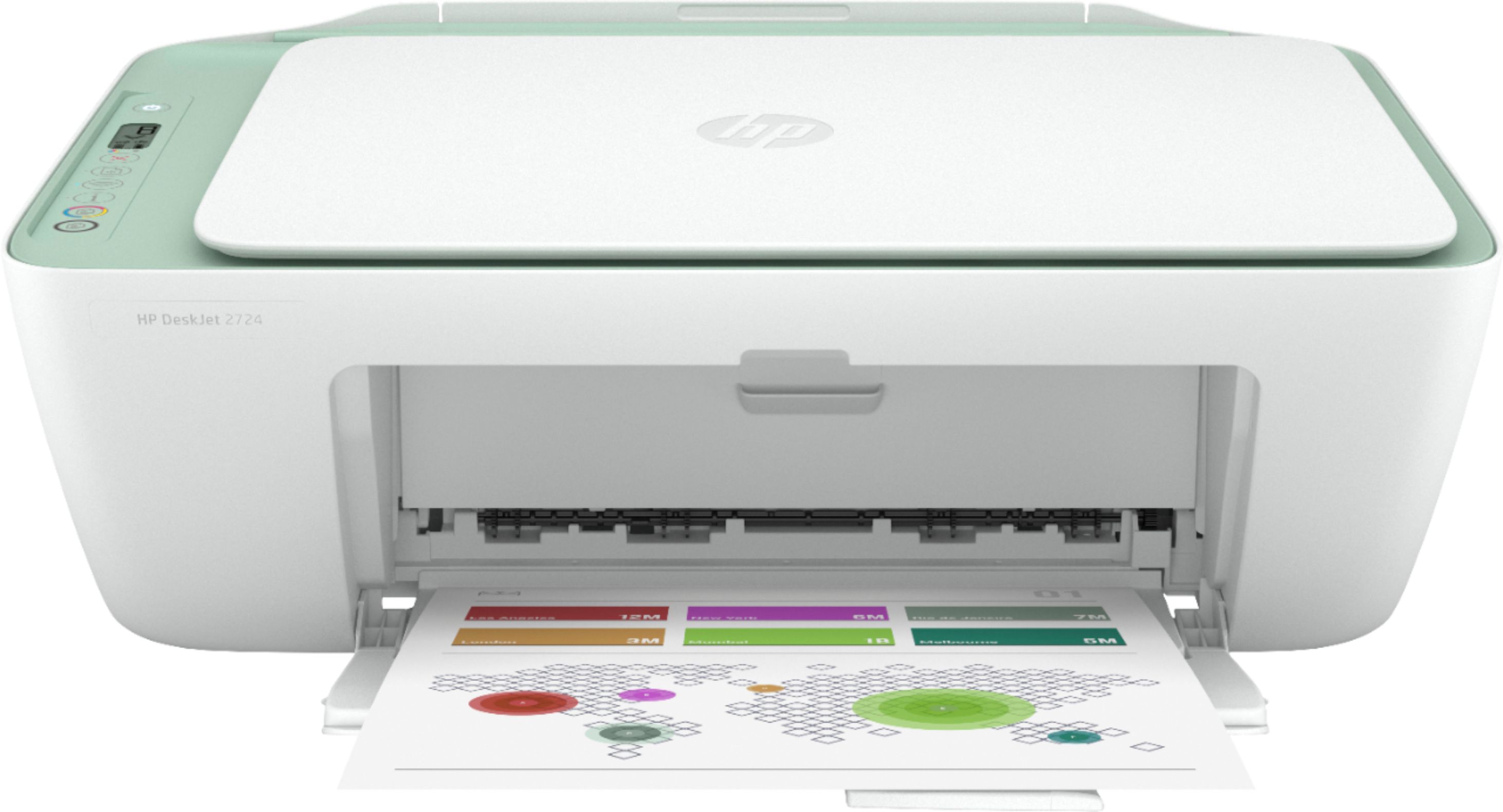
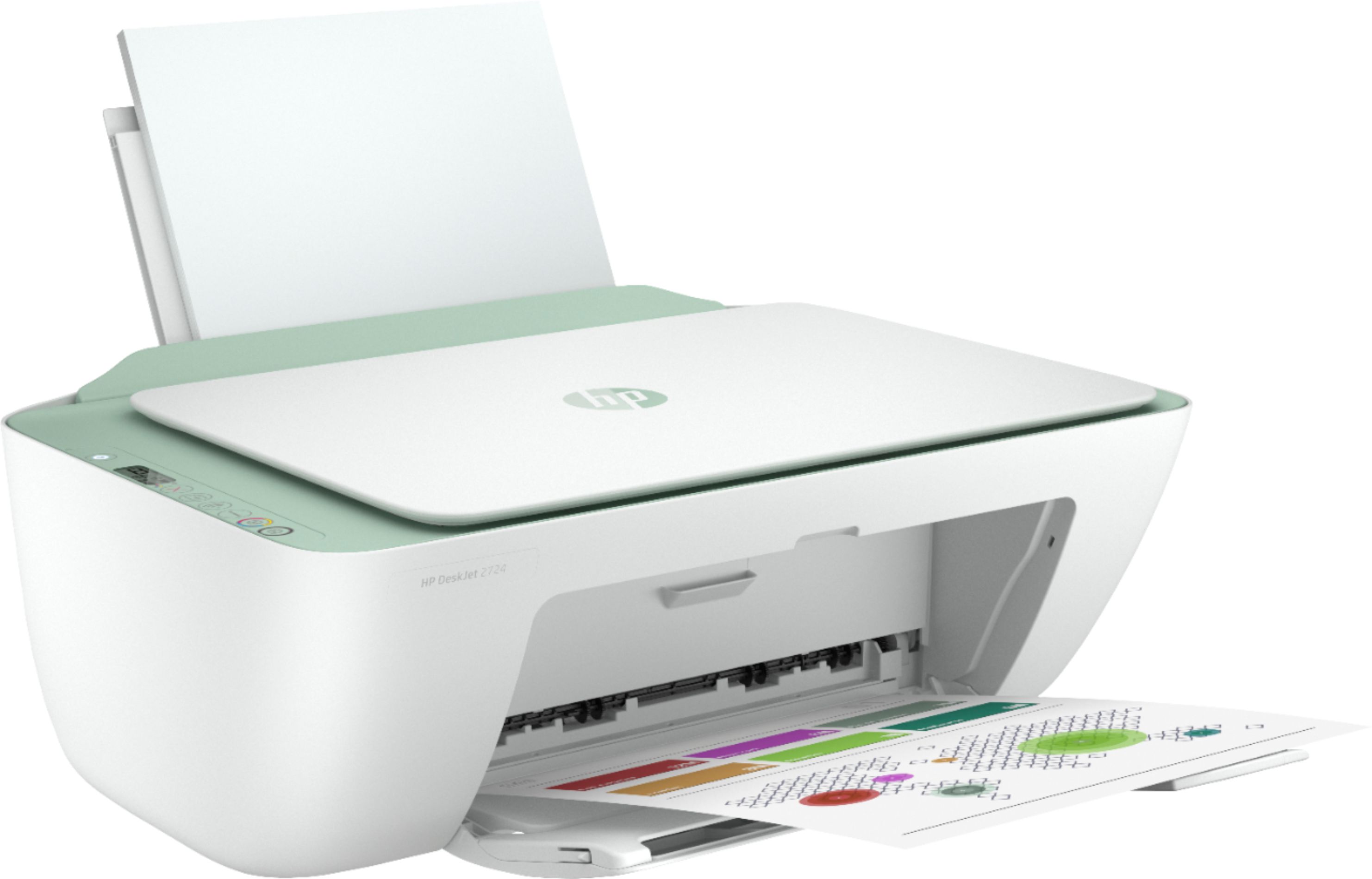
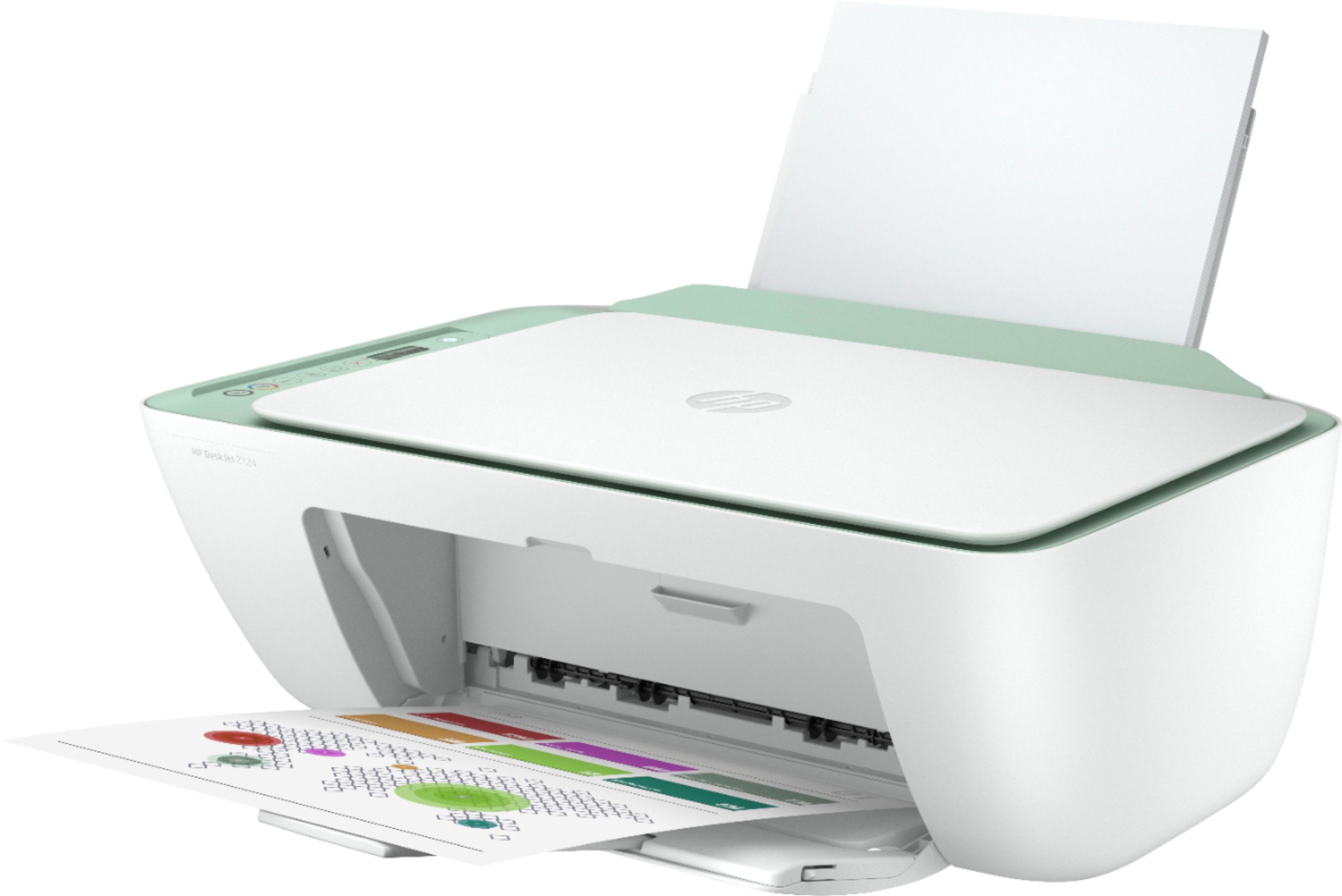
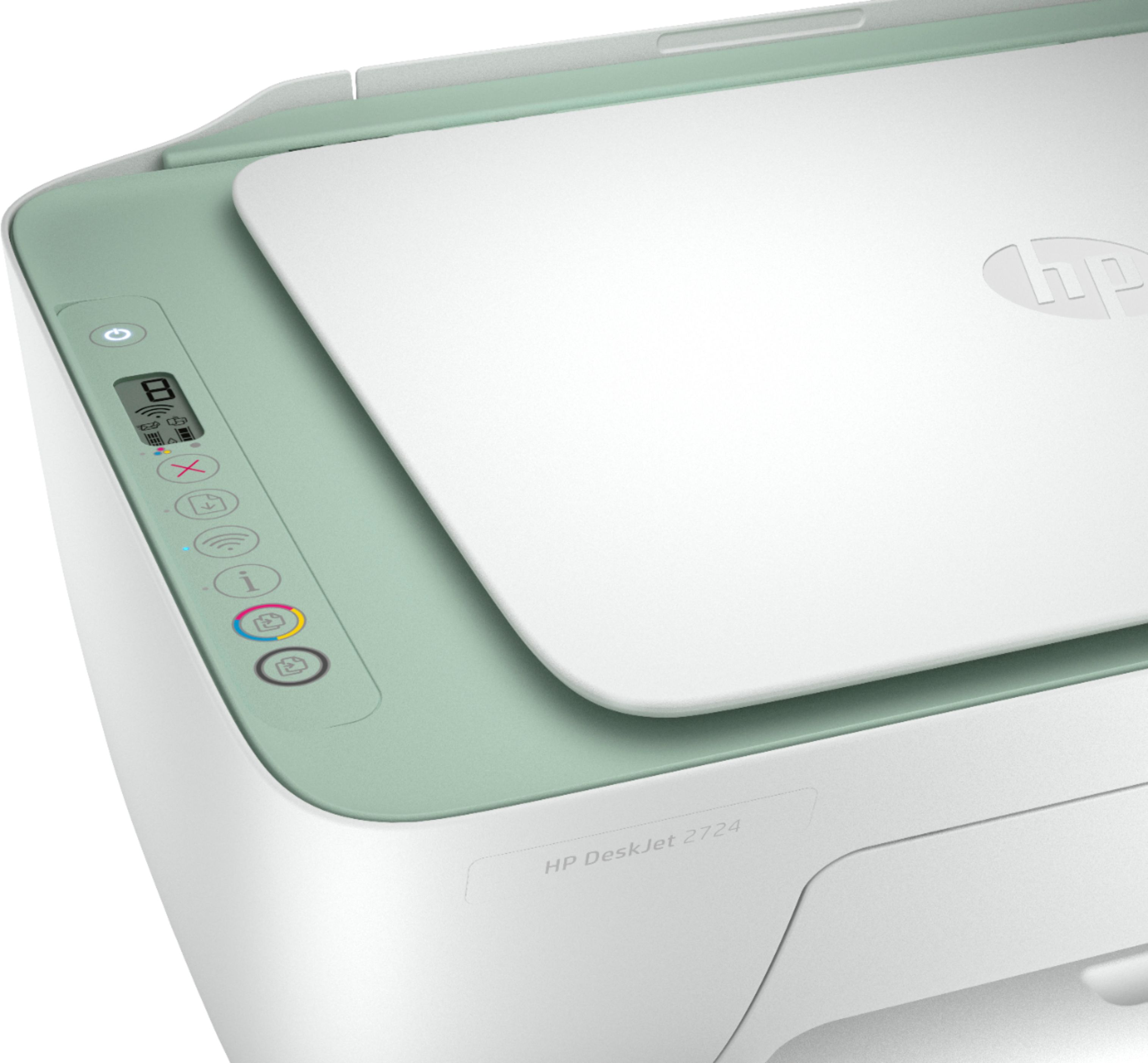
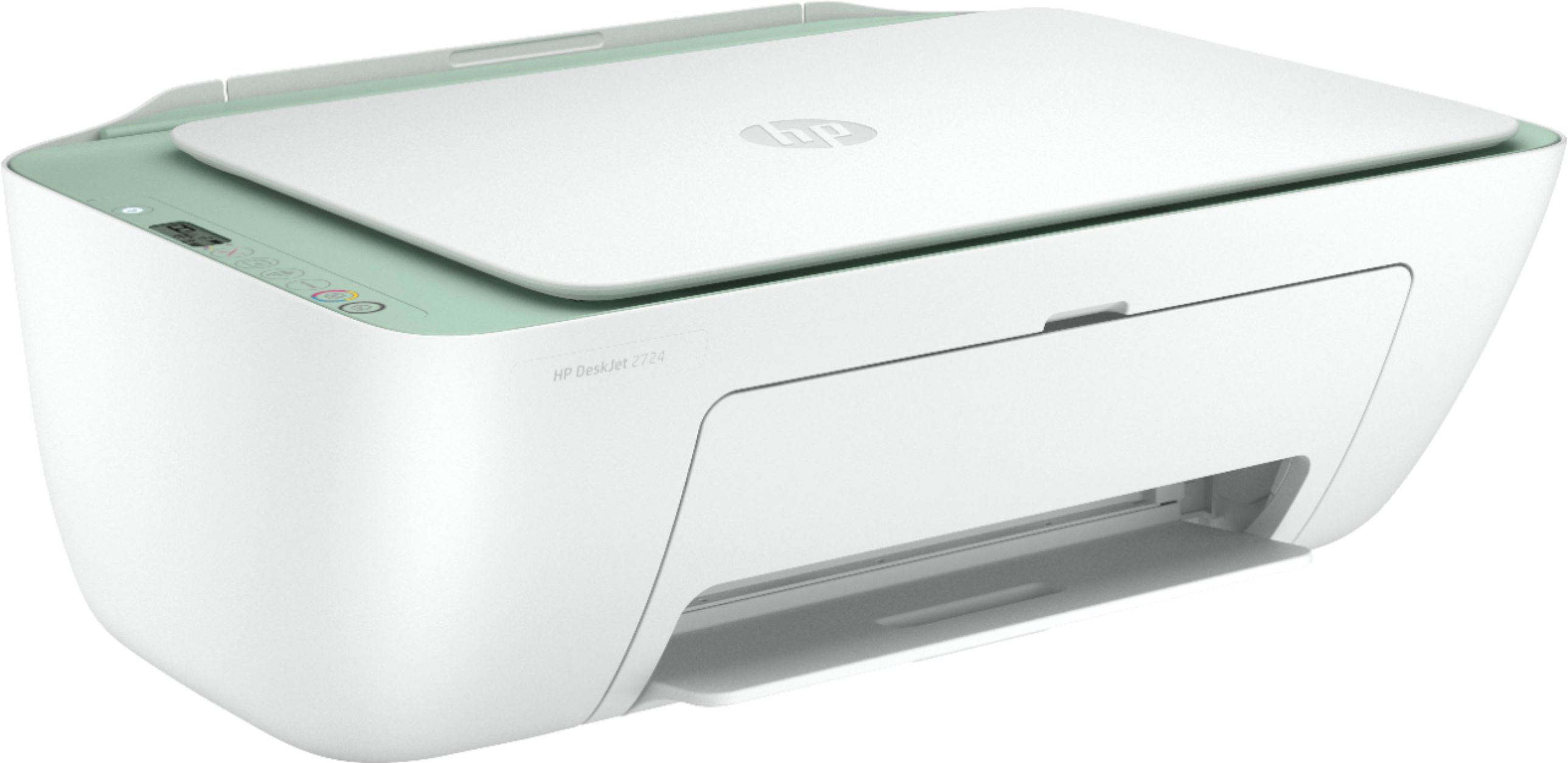
- Model:
- DeskJet 2724
- SKU:
- 6437372
Rating by feature
- Value
Rating 4.0 out of 5 stars
- Quality
Rating 3.8 out of 5 stars
- Ease of Use
Rating 3.6 out of 5 stars
Customers are saying
Customers are pleased with the DeskJet 2724's ease of use, print quality, and compact size, frequently citing positive experiences with setup and scanning. However, some users reported difficulties with establishing and maintaining a stable wireless connection. The printer's affordability is also a commonly praised aspect. While some found the initial setup process challenging, many others found it straightforward.
This summary was generated by AI based on customer reviews.
Printer
||Posted . Owned for 1 month when reviewed.This reviewer received promo considerations or sweepstakes entry for writing a review.Slow printing so if you don’t mind it will be okay. Otherwise not recommending it.
No, I would not recommend this to a friendBrand response from HP Team
Posted .Hi there.
I'm sorry to hear that your printer has rendered prints slowly. It’s easy to understand why that would quickly become frustrating. We want to make sure your printer is ready for any urgent printing needs, so with that in mind, I’ll point you toward some resources I hope will help.
First, I recommend that you follow a guide on our support site that covers improving print speed; choose whichever of the following two links matches your operating system:
- Windows: support.hp.com/us-en/document/bud03409
- Mac OS: support.hp.com/us-en/document/c01928898
If the problem persists, I suggest that you contact us directly at +1 800-474-6836 so we can help you assess the situation and find a solution. (Please note that because of restrictions on personal movement and workplace attendance associated with the COVID-19 pandemic, wait times for agents are longer than normal. Thanks in advance for your understanding.) To expedite the process, I recommend gathering the following information before the call:
- Model number
- Serial number
- Your location
- Case number (from any previous contact with HP support)
Keith
HP Care
hp.com/support
returned and exchanged
||Posted . Owned for 1.5 years when reviewed.This reviewer received promo considerations or sweepstakes entry for writing a review.was not happy with this purchase. printing was slow and not of high quality. I should have expected because of the inexpensive price. On the bright side because it was best buy I was able to return it ad purchase a much better option
No, I would not recommend this to a friendTough to use
||Posted .This reviewer received promo considerations or sweepstakes entry for writing a review.Hard to connect to internet and computer not user friendly.
No, I would not recommend this to a friendBrand response from HP Team
Posted .Hi, Eddie.
I’m sorry to hear that your printer has been difficult to connect wirelessly and generally hard to use. I'm sorry for any resulting inconvenience. We aim to provide a reliable experience with our printers and support, so I’ll try to offer some helpful suggestions.
First, I recommend you visit a page on our support site that has diagnostic tools for various tasks and issues, including setup, cartridge installation and connectivity. There you’ll also find a general-purpose tool called the HP Print and Scan Doctor. If you use Windows, the tool will help identify and guide you through solutions to a wide range of common printing and scanning issues. Visit that page here:
- support.hp.com/us-en/topic/diagnostics
For more help solving problems or to learn more about your printer and all its features, you can access a setup tutorial, troubleshooting guides, how-to documents, user manuals and software updates here:
- support.hp.com/us-en/product/hp-deskjet-2700-all-in-one-printer-series/29378157/model/31598174
If you need further assistance, I recommend that you reach out to us directly at +1 800-474-6836 so we can help you assess the situation and find a solution. (Please note that because of restrictions on personal movement and workplace attendance associated with the COVID-19 pandemic, wait times for agents are longer than normal. Thanks in advance for your understanding.) To expedite the process, I recommend gathering the following information before the call:
- Model number
- Serial number
- Your location
- Case number (from any previous contact with HP support)
Keith
HP Care
hp.com/support
POOR PRODUCT
||Posted . Owned for 1 month when reviewed.This reviewer received promo considerations or sweepstakes entry for writing a review.Very poor product. Had your geek squad out 2 times to try and make it print. As soon as they went out the door it would not print. It is the worst printer I have ever tried to use. Will be returning it for something better. A printer that will print.
No, I would not recommend this to a friendPrinter
||Posted .This reviewer received promo considerations or sweepstakes entry for writing a review.If I could give less than one star I would. Print quality is horrible and printing wirelessly is constantly a problem. Spend more and buy something else.
No, I would not recommend this to a friendBrand response from HP Team
Posted .Hi there.
I’m sorry to hear that your printer has rendered prints of poor quality and also has failed to maintain a reliable wireless connection. It’s easy to understand why this would be a tremendously frustrating combination, so I’ll point you toward some resources I hope will help.
First, I recommend following the steps listed in this guide to improving print quality, including faded or streaked prints, color or black ink not printing properly or at all, and blurred or fuzzy text:
- support.hp.com/us-en/document/c06557991
You can also visit a page on our support site that has diagnostic tools for various tasks and issues, including wireless connectivity. You can find the page here:
- support.hp.com/us-en/topic/diagnostics
If any problem persists, I suggest that you contact us directly at +1 800-474-6836 so we can help you assess the situation and find a solution. (Please note that because of restrictions on personal movement and workplace attendance associated with the COVID-19 pandemic, wait times for agents are longer than normal. Thanks in advance for your understanding.) To expedite the process, I recommend gathering the following information before the call:
- Model number
- Serial number
- Your location
- Case number (from any previous contact with HP support)
Keith
HP Care
hp.com/support
SSSSLLLOOOWWWWWWWW
||Posted . Owned for 2 months when reviewed.This reviewer received promo considerations or sweepstakes entry for writing a review.If you have time to kill while waiting for for your prints to print get this printer. Ever plain black and white documents take forever. Very possible this is the slowest printer on earth.
No, I would not recommend this to a friendBrand response from HP Team
Posted .Hi there.
I'm sorry to hear that your printer is yielding prints so slowly. It’s easy to understand why that would quickly become frustrating. We want to make sure that your printer is reliable for any urgent printing needs, so I’ll point you toward some resources I hope will help.
First, I recommend that you follow a guide on our support site that covers improving print speed; choose whichever of the following two links matches your operating system:
- Windows: support.hp.com/us-en/document/bud03409
- Mac OS: support.hp.com/us-en/document/c01928898
Also, often just updating the firmware can help improve print speed. You can find out how to do that here:
- support.hp.com/us-en/document/c02919168
If the problem persists, I suggest that you contact us directly at +1 800-474-6836 so we can help you assess the situation and find a solution. (Please note that because of restrictions on personal movement and workplace attendance associated with the COVID-19 pandemic, wait times for agents are longer than normal. Thanks in advance for your understanding.) To expedite the process, I recommend gathering the following information before the call:
- Model number
- Serial number
- Your location
- Case number (from any previous contact with HP support)
Keith
HP Care
hp.com/support
Frustrated
||Posted . Owned for 1 month when reviewed.This reviewer received promo considerations or sweepstakes entry for writing a review.This printer is really hard to connect using Wi-Fi. HP smart does not even have this printer listed on their drop down of supported printers.
No, I would not recommend this to a friendBuyer beware !
||Posted .This reviewer received promo considerations or sweepstakes entry for writing a review.If you want to connect this printer to a Chromebook stay as far away from buying it as you can ! Other than that it is a fairly decent " copy " machine and that's it !
No, I would not recommend this to a friendBrand response from HP Team
Posted .Hi there.
I’m sorry to hear that your printer has not connected to your Chromebook like it should. I can wholly understand why that would be a tremendously frustrating start to owning a new printer, so I’ll suggest a resource I hope will help you get your printer connected and working like it should.
I can’t tell from your review why your printer won’t connect, so I suggest you contact us directly at +1 800-474-6836 so we can help you assess the situation and find a solution. (Please note that because of restrictions on personal movement and workplace attendance associated with the COVID-19 pandemic, wait times for agents are longer than normal. Thanks in advance for your understanding.) To expedite the process, I recommend gathering the following information before the call:
- Model number
- Serial number
- Your location
- Case number (from any previous contact with HP support)
Keith
HP Care
hp.com/support
Just don’t.
||Posted . Owned for 3 weeks when reviewed.This reviewer received promo considerations or sweepstakes entry for writing a review.Everything on this printer runs through an app. The scan function is unavailable 90% of the time. Troubleshooting through the app doesn’t fix it and there’s no other workaround. Last HP printer I will ever buy.
No, I would not recommend this to a friendBrand response from HP Team
Posted .Hi there.
I'm sorry to hear that your printer has not performed reliably. I can clearly understand why the difficulty scanning plus the software dead-ends you describe would be tremendously frustrating, so I’ll point you toward some resources I hope will help.
First, I recommend you visit a page on our support site that has diagnostic tools for various issues, including wireless connectivity in case that’s contributing to the functionality problem. For the scanning issue, on the same page you’ll also find a general-purpose tool called the HP Print and Scan Doctor. If you use Windows, the tool will help identify and guide you through solutions to a wide range of common printing and scanning difficulties. Visit that page here:
- support.hp.com/us-en/topic/diagnostics
If you need further assistance, I recommend that you reach out to us directly at +1 800-474-6836 so we can help you assess the situation and find a solution. (Please note that because of restrictions on personal movement and workplace attendance associated with the COVID-19 pandemic, wait times for agents are longer than normal. Thanks in advance for your understanding.) To expedite the process, I recommend gathering the following information before the call:
- Model number
- Serial number
- Your location
- Case number (from any previous contact with HP support)
I'll also mention that HP printers have a one-year warranty from their purchase date that covers hardware as well as ink supplies, so if it comes to that, you might consider making use of it. You can verify the warranty using the following link: support.hp.com/us-en/checkwarranty
Keith
HP Care
hp.com/support
Sent it back
||Posted . Owned for 1 month when reviewed.This reviewer received promo considerations or sweepstakes entry for writing a review.Returned after getting no support from Geek Squad or HP to resolve problems. E-print and WiFi printing seldom worked. At least the return was easy.
No, I would not recommend this to a friendNot worth it
||Posted . Owned for 3 weeks when reviewed.This reviewer received promo considerations or sweepstakes entry for writing a review.It keeps going out and I can’t connect my laptop to it. I have wasted all my ink trying to connect it to my phone
No, I would not recommend this to a friendBrand response from HP Team
Posted .Hi there.
I'm sorry to hear that your printer has been difficult to connect to your laptop. I can wholly understand why that, plus using a great deal of ink connecting the printer to your phone, would be a frustrating combination, so I’ll point you toward some resources I hope will help.
First, I recommend you visit a page on our support site that has diagnostic tools for various issues, including wireless connectivity. Visit that page here:
- support.hp.com/us-en/topic/diagnostics
If you need further assistance, I recommend that you contact us directly at +1 800-474-6836 so we can help you assess the situation and find a solution. (Please note that because of restrictions on personal movement and workplace attendance associated with the COVID-19 pandemic, wait times for agents are longer than normal. Thanks in advance for your understanding.) To expedite the process, I recommend gathering the following information before the call:
- Model number
- Serial number
- Your location
- Case number (from any previous contact with HP support)
I'll also mention that HP printers have a one-year warranty from their purchase date that covers hardware as well as ink supplies, so if it comes to that, you might consider making use of it. You can verify the warranty using the following link: support.hp.com/us-en/checkwarranty
Keith
HP Care
hp.com/support
Frustrating
||Posted . Owned for 1 month when reviewed.This reviewer received promo considerations or sweepstakes entry for writing a review.I bought this for my niece for Christmas to use for her business. It will not connect to Wifi after troubleshooting and following all steps.
No, I would not recommend this to a friendBrand response from HP Team
Posted .Hi, Kimbo.
I’m sorry to hear that your printer has not connected like it should. It’s easy to understand why this would be a tremendous frustration, but it adds another level of distress that it was a gift for your niece. We aim for our customers to have a far better experience than this, so I’ll suggest a resource and some information I hope will help.
I can’t tell from your review what issue your printer has not connected, so I suggest that you contact us directly at +1 800-474-6836 so we can help you assess the situation and find a solution. (Please note that because of restrictions on personal movement and workplace attendance associated with the COVID-19 pandemic, wait times for agents are longer than normal. Thanks in advance for your understanding.) To expedite the process, I recommend gathering the following information before the call:
- Model number
- Serial number
- Your location
- Case number (from any previous contact with HP support)
I'll also mention that HP printers have a one-year warranty from their purchase date that covers hardware as well as ink supplies, so if it comes to that, you might consider making use of it. You can verify the warranty using the following link: support.hp.com/us-en/checkwarranty
Keith
HP Care
hp.com/support
Don't buy.
||Posted . Owned for 8 months when reviewed.This reviewer received promo considerations or sweepstakes entry for writing a review.Totally garbage. After 6 months stop working. Indicate cartridges problem,bought new cartridges still not working. Through this printer straight in a garage. Bought new Cannon.
No, I would not recommend this to a friendWaste of money
||Posted . Owned for 11 months when reviewed.This reviewer received promo considerations or sweepstakes entry for writing a review.Horrible printed 5-10 times in a year changed ink now won’t print HP technical support said it’s a head issue repair or replace printer. What a waste of money
No, I would not recommend this to a friendAt a loss
||Posted . Owned for 1 month when reviewed.This reviewer received promo considerations or sweepstakes entry for writing a review.I have used it yet, There were no written instructions in the box, I am not good with computer items. Got the HP thing on my phone but cant get connected. Can someone help me?
No, I would not recommend this to a friendBrand response from HP Team
Posted .Hi there.
I’m sorry to hear that your printer would not complete the process of setup and connection. I can understand why that would be a frustrating start to owning a printer, so I’ll offer some resources and information I hope will help.
First, you can access a setup tutorial as well as user manuals, troubleshooting guides, how-to documents and software updates for your printer on our support site. Do that by following this link:
- support.hp.com/us-en/product/hp-deskjet-2700-all-in-one-printer-series/29378157/model/31598174
You can also visit a page on our support site that has diagnostic tools for various tasks and issues, including setup and connectivity. You can find the page here:
- support.hp.com/us-en/topic/diagnostics
If you need further assistance, I recommend that you reach out to us directly at +1 800-474-6836 so we can help you assess the situation and find a solution. (Please note that because of restrictions on personal movement and workplace attendance associated with the COVID-19 pandemic, wait times for agents are longer than normal. Thanks in advance for your understanding.) To expedite the process, I recommend gathering the following information before the call:
- Model number
- Serial number
- Your location
- Case number (from any previous contact with HP support)
Keith
HP Care
hp.com/support
Bad product
||Posted . Owned for 3 months when reviewed.This reviewer received promo considerations or sweepstakes entry for writing a review.Not a good printer bought two both eventually became stuck closed at the scanning section of the printer. Takes about 4 months a month too late to return the itemz
No, I would not recommend this to a friendNot for us
||Posted .This reviewer received promo considerations or sweepstakes entry for writing a review.we couldn't connect it to our computer. The website kept telling us to connect via USB but we couldn't find a usb port on the machine. So we returned it.
No, I would not recommend this to a friendDo not recommend
||Posted . Owned for 8 months when reviewed.This reviewer received promo considerations or sweepstakes entry for writing a review.I have no idea how to use this. At recent jobs, I xould troubleshoot industrial use copiers. Where does the paper go? Where are the directions?
No, I would not recommend this to a friend???
||Posted . Owned for 3 weeks when reviewed.This reviewer received promo considerations or sweepstakes entry for writing a review.product was defective. HP is replacing it but I am without printer for 2 weeks. Sucks when you work from home and have a backlog of printing and scanning.
No, I would not recommend this to a friendRun away
||Posted .This reviewer received promo considerations or sweepstakes entry for writing a review.I think there’s a problem when geek squad recommends to get a different printer, this thing sucks and I’m very disappointed with Bestbuy!
No, I would not recommend this to a friendBrand response from HP Team
Posted .Hi there.
I’m sorry to hear that you’ve encountered difficulty with your printer. I can’t quite tell from your review what has happened, but I’ll point you toward a resource and some information I hope will help.
If you need assistance outside of what Best Buy has provided, I recommend that you contact us directly at +1 800-474-6836 so we can help you assess the situation and find a solution. (Please note that because of restrictions on personal movement and workplace attendance associated with the COVID-19 pandemic, wait times for agents are longer than normal. Thanks in advance for your understanding.) To expedite the process, I recommend gathering the following information before the call:
- Model number
- Serial number
- Your location
- Case number (from any previous contact with HP support)
I'll also mention that HP printers have a one-year warranty from their purchase date that covers hardware as well as ink supplies, so if it comes to that, you might consider making use of it. You can verify the warranty using the following link: support.hp.com/us-en/checkwarranty
Keith
HP Care
hp.com/support