Customer Ratings & Reviews
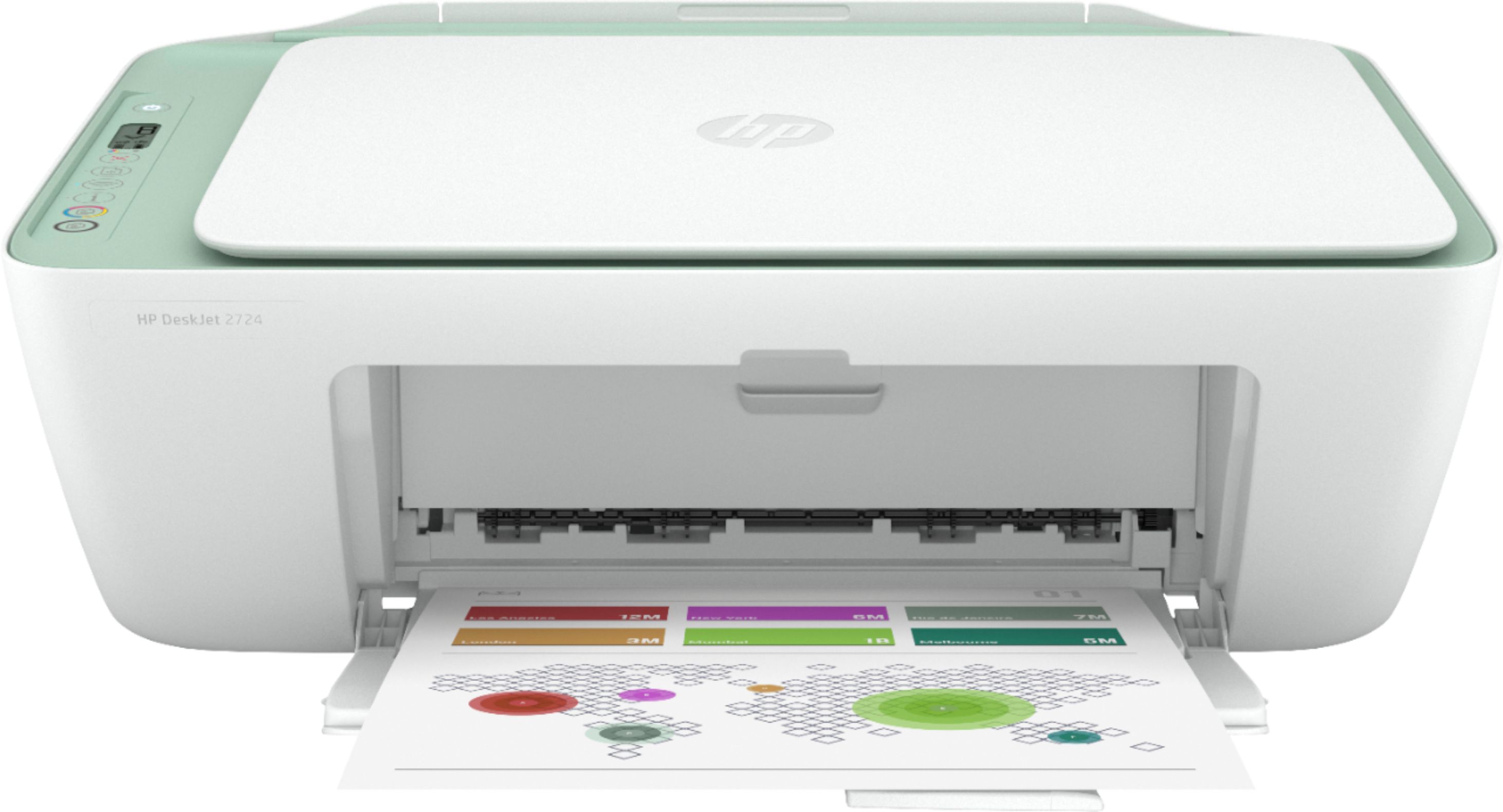
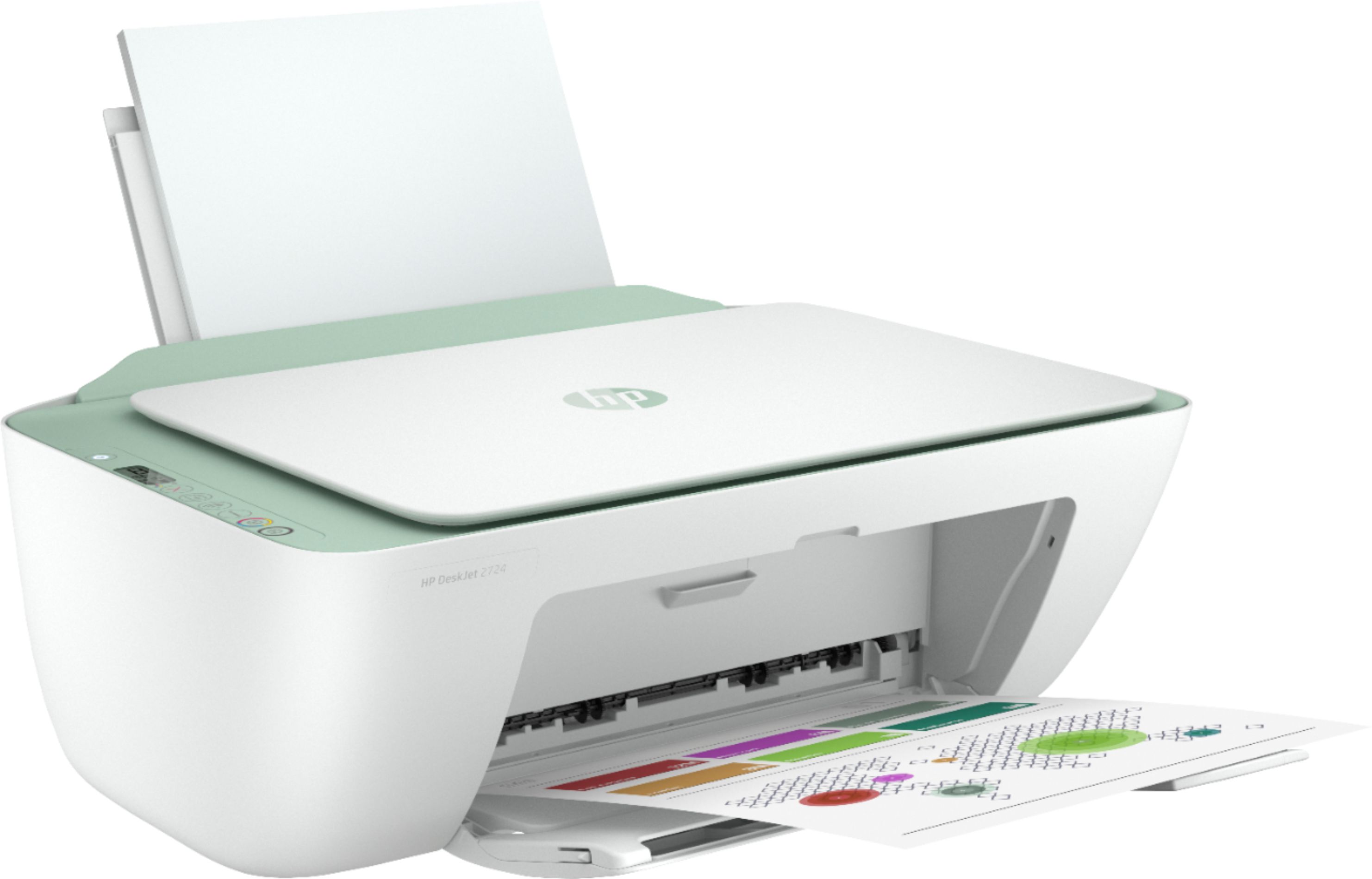
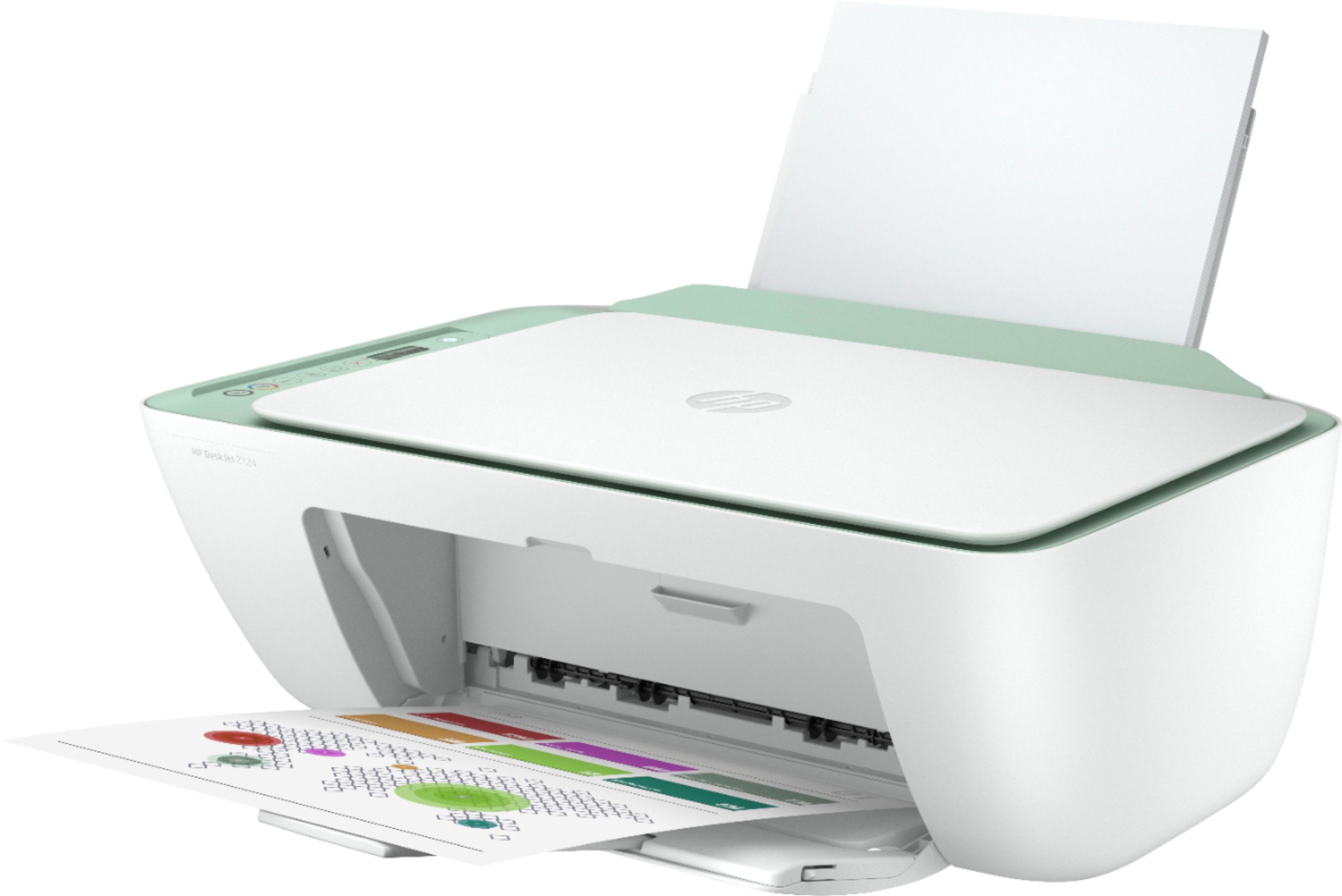
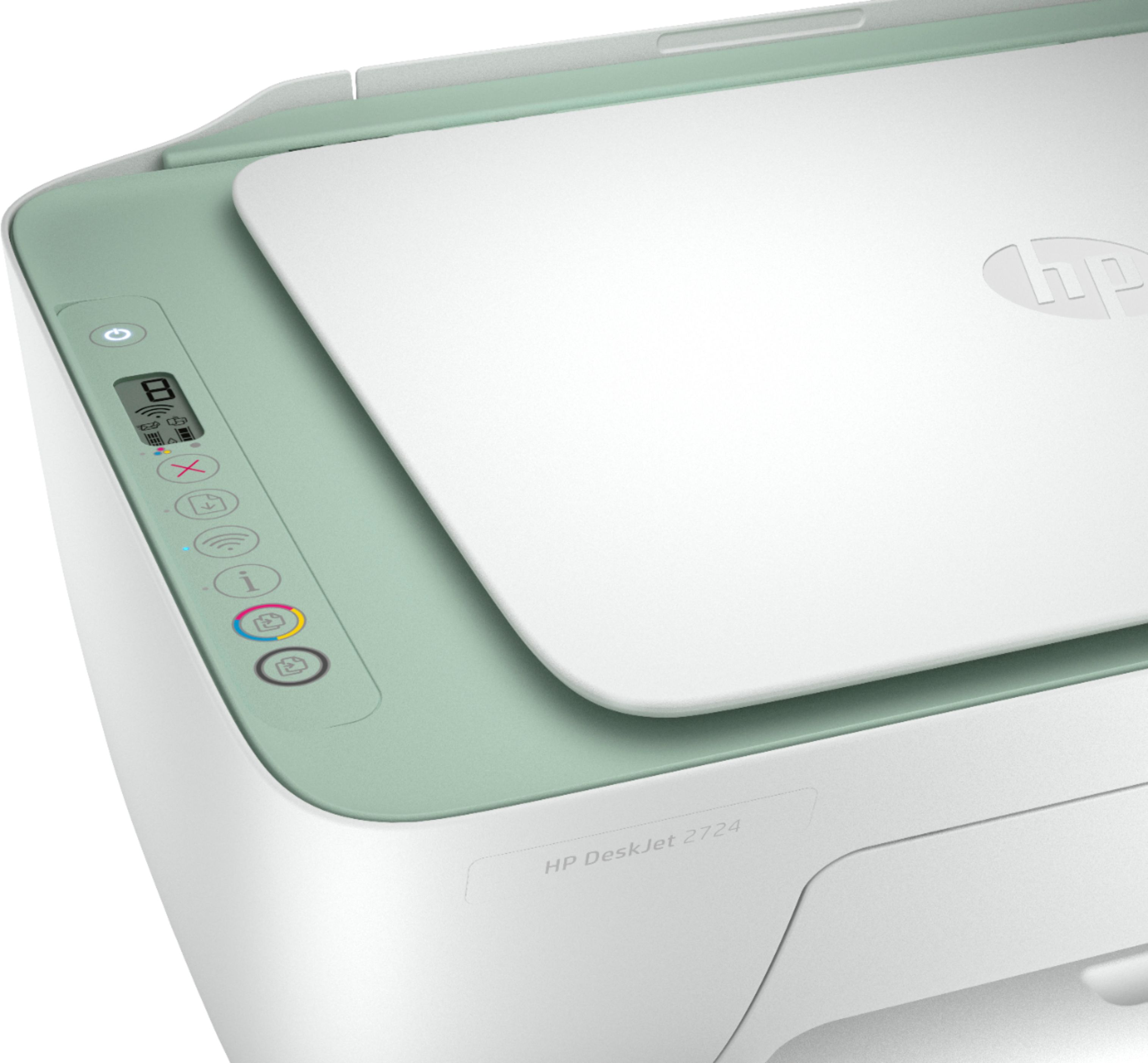
- Model:
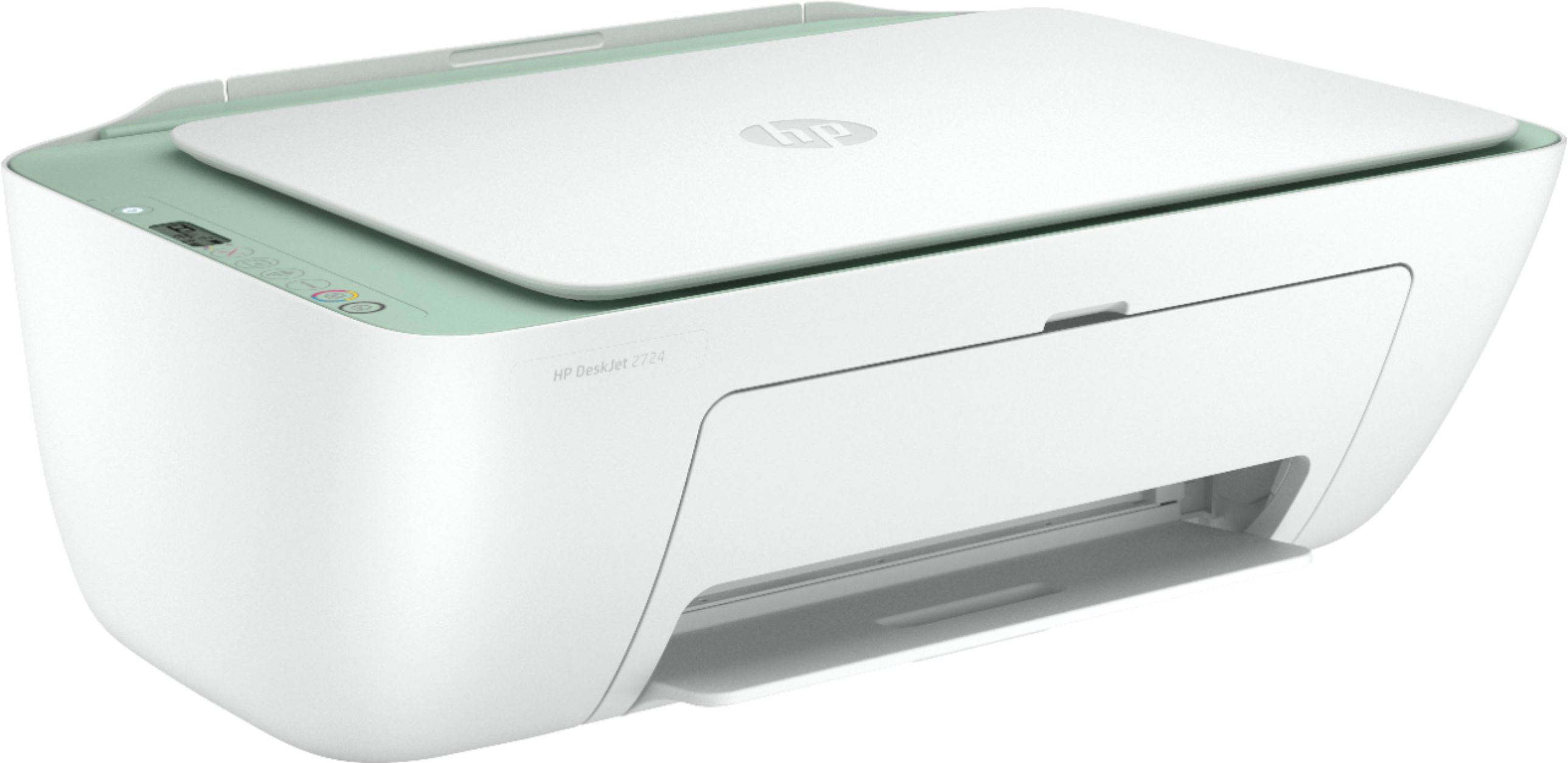
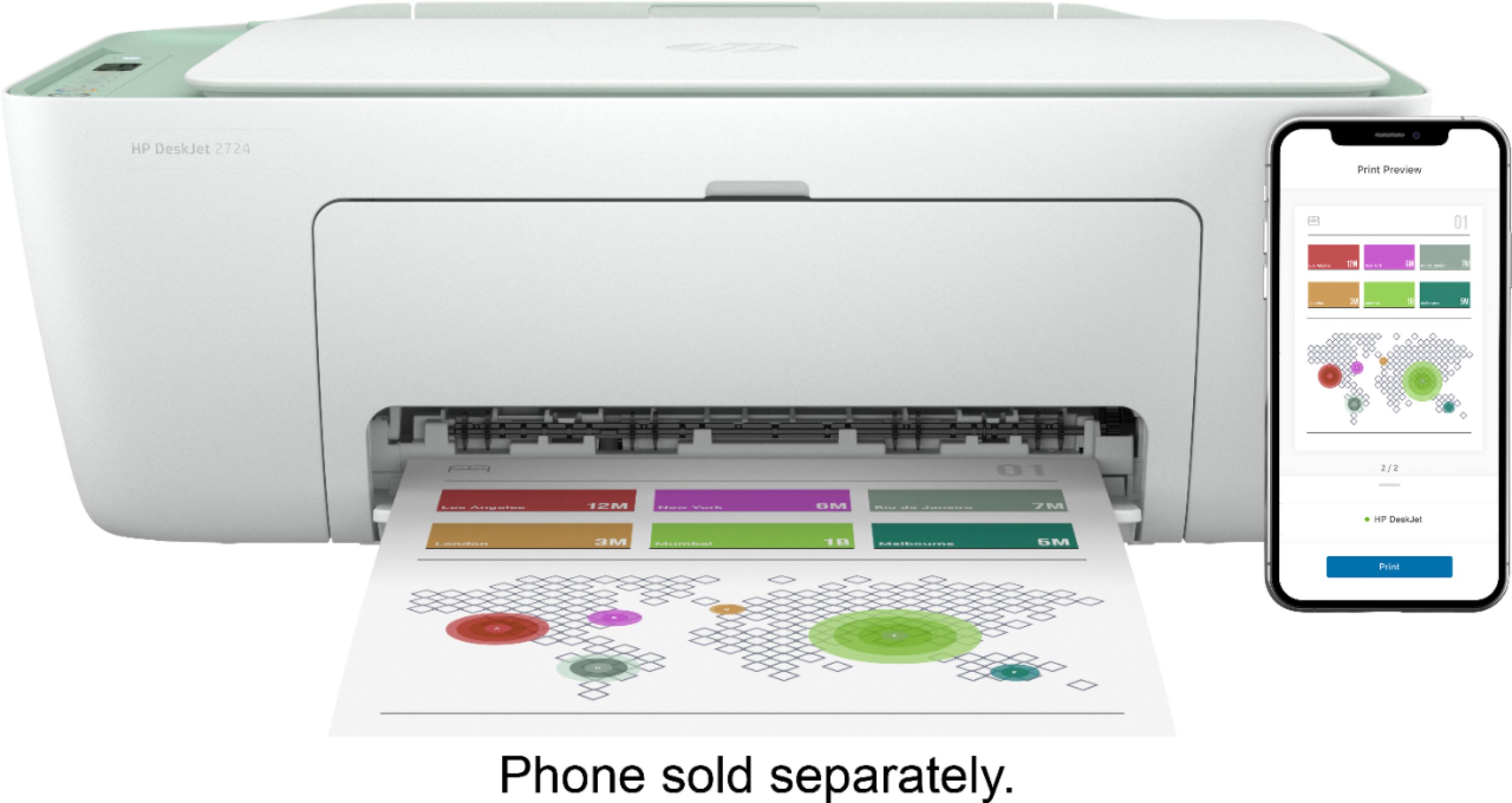
- DeskJet 2724
- SKU:
- 6437372
Rating by feature
- Value
Rating 4.0 out of 5 stars
- Quality
Rating 3.8 out of 5 stars
- Ease of Use
Rating 3.6 out of 5 stars
Customers are saying
Customers are pleased with the DeskJet 2724's ease of use, print quality, and compact size, frequently citing positive experiences with setup and scanning. However, some users reported difficulties with establishing and maintaining a stable wireless connection. The printer's affordability is also a commonly praised aspect. While some found the initial setup process challenging, many others found it straightforward.
This summary was generated by AI based on customer reviews.
Extorted by bestbuy
||Posted . Owned for 2 weeks when reviewed.This reviewer received promo considerations or sweepstakes entry for writing a review.This sucks!! It’s doesn’t even work!! I did everything I could
No, I would not recommend this to a friendTerrible Printer
||Posted . Owned for 2 months when reviewed.This reviewer received promo considerations or sweepstakes entry for writing a review.The worst printer experience ever! It was worth garbage.
No, I would not recommend this to a friendBrand response from HP Team
Posted .Hi there.
I’m sorry to hear that you've not had the experience you expected with your printer, and I'm sorry for any resulting inconvenience. We aim to provide a reliable experience with our printers and support, so I’ll try to offer some helpful suggestions.
First, I recommend you visit a page on our support site that has diagnostic tools for various tasks and issues, including setup, cartridge installation and connectivity. There you’ll also find a general-purpose tool called the HP Print and Scan Doctor. If you use Windows, the tool will help identify and guide you through solutions to a wide range of common printing and scanning issues. Visit that page here:
- support.hp.com/us-en/topic/diagnostics
For more help solving problems or to learn more about your printer and all its features, you can access a setup tutorial, troubleshooting guides, how-to documents, user manuals and software updates here:
- support.hp.com/us-en/product/hp-deskjet-2700-all-in-one-printer-series/29378157/model/31598174
If you need assistance with anything, I recommend that you contact us directly at +1 800-474-6836 so we can help you assess the situation and find a solution. (Please note that because of restrictions on personal movement and workplace attendance associated with the COVID-19 pandemic, wait times for agents are longer than normal. Thanks in advance for your understanding.) To expedite the process, I recommend gathering the following information before the call:
- Model number
- Serial number
- Your location
- Case number (from any previous contact with HP support)
Keith
HP Care
hp.com/support
Not for the normal human
||Posted .This reviewer received promo considerations or sweepstakes entry for writing a review.did not work for me also too hard to setup to my computer
No, I would not recommend this to a friendNot great
||Posted .This reviewer received promo considerations or sweepstakes entry for writing a review.Only prints when it feels like it, which isn’t often.
No, I would not recommend this to a friend- Pros mentioned:Print quality
Stop responding to app
Posted .This reviewer received promo considerations or sweepstakes entry for writing a review.Light not heavy, was good at first nice copies but after a few months it just was not working with the phone app. Not sure if it was the printer itself or just something wrong with the app but i ended up taking it by and the refund me because they did not have it in stock at the time.
No, I would not recommend this to a friend Easy for my 60 year old mom to set up
Posted .This reviewer received promo considerations or sweepstakes entry for writing a review.Bought this for my mom. She’s not super tech savvy, but she was able to get it set up on her own. She seriously only uses it to print out her taxes every year.
I would recommend this to a friend- Pros mentioned:Ease of use, Size
Lightweight
Posted .This reviewer received promo considerations or sweepstakes entry for writing a review.I purchased today & with the app is so simple,just need to link my iPhone with printer.plus is neat and small..good for first time.
I would recommend this to a friend printer
Posted .This reviewer received promo considerations or sweepstakes entry for writing a review.It’s not the best I don’t know if I need to get it fixed but the printing comes out weird
I would recommend this to a friend- Cons mentioned:Connectivity
Ok for the money not a fan of HP
Posted .This reviewer received promo considerations or sweepstakes entry for writing a review.Not bad for someone who prints a few times a month. Only took 3 hours to get the WiFi to work but could be operator error.
No, I would not recommend this to a friend - Pros mentioned:Price
Wireless Printer
Posted .This reviewer received promo considerations or sweepstakes entry for writing a review.we bought today set up was easy hooked up 2 phones and 2 laptops. Easy to follow instructions. Loved the price would recommend to anyone.
I would recommend this to a friend - Cons mentioned:Setup
Complete Waste of Money
Posted .This reviewer received promo considerations or sweepstakes entry for writing a review.It took a lot of effort to get it set up, and once I did and printed the test page, I got error after error. I had to download an additional HP troubleshooting program, which claimed it fixed the bugs, but they came right back. On top of that, loading the paper is rather difficult, it jams easily, and the plastic piece that pops up and sits behind the paper is so flimsy it falls down without being touched. This was an incredibly disappointing purchase and one I'll be returning. I'd give this zero stars if that was an option.
No, I would not recommend this to a friend I mean... it prints
Posted .This reviewer received promo considerations or sweepstakes entry for writing a review.This is in fact the worlds slowest printer. It prints, but very very slow. For some reason I also have to unplug/restart it every single time for it to work, not sure if that’s a user error or what but i’ve never had that problem with a printer before. You’re definitely getting what you pay for with this one.
No, I would not recommend this to a friend- Cons mentioned:Setup
Do not buy
Posted .This reviewer received promo considerations or sweepstakes entry for writing a review.Do NOT buy this printer. Set is terrible and reliability is shocking. I want my money back as this thing is the worst every printer I have ever owned.
No, I would not recommend this to a friendBrand response from HP Team
Posted .Hi there.
I’m sorry to hear that your printer was difficult to set up and has performed unreliable. Your review is brief, but your frustration is clear – and totally understandable – so I’ll point you toward a resource and some information I hope will help.
I can’t tell from your review the specific ways in which your printer has underperformed or why, so I recommend that you contact us directly at +1 800-474-6836 so we can help you assess the situation and guide you find a solution. (Please note that because of restrictions on personal movement and workplace attendance associated with the COVID-19 pandemic, wait times for agents are longer than normal. Thanks in advance for your understanding.) To expedite the process, I recommend gathering the following information before the call:
- Model number
- Serial number
- Your location
- Case number (from any previous contact with HP support)
I'll also mention that HP printers have a one-year warranty from their purchase date that covers hardware as well as ink supplies, so if it comes to that, you might consider making use of it. You can verify the warranty using the following link: support.hp.com/us-en/checkwarranty
Keith
HP Care
hp.com/support
Shameful attempt at a printer.
Posted .This reviewer received promo considerations or sweepstakes entry for writing a review.The people who work at HP should be ashamed of themselves. If you cannot make a printer that works, that fails every time connecting to a network, then finally connects, drops connection, randomly turns off, and takes a year to print, you should just not sell the product. I worked in tech, I live in Silicon Valley. I am under 40. Setup is infuriating, this thing is complete junk.
No, I would not recommend this to a friendBrand response from HP Team
Posted .Hi, Casey.
I’m sorry your printer has caused you such inconvenience and difficulty. Your intense frustration is understandable, considering you’ve endured setup, connectivity and power issues. Because we want our customers to have a more reliable experience than what you describe, I’ll suggest some resources that I hope will help you get your printer working to your satisfaction.
First, you can visit a page on our support site that has diagnostic tools for various issues, including wireless connectivity. There you’ll also find a general-purpose tool called the HP Print and Scan Doctor. If you use Windows, the tool will help identify and guide you through solutions to a wide range of common printing and scanning difficulties. Visit that page here:
- support.hp.com/us-en/topic/diagnostics
You can also find troubleshooting guides specific to your printer, as well as user manuals, how-to documents and software updates, by following this link:
- support.hp.com/us-en/product/hp-deskjet-2700-all-in-one-printer-series/29378157/model/31598174
If any problem persists, I suggest that you contact us directly at +1 800-474-6836 so we can help you assess the situation and find a solution. (Please note that because of restrictions on personal movement and workplace attendance associated with the COVID-19 pandemic, wait times for agents are longer than normal. Thanks in advance for your understanding.) To expedite the process, I recommend gathering the following information before the call:
- Model number
- Serial number
- Your location
- Case number (from any previous contact with HP support)
I'll also mention that HP printers have a one-year warranty from their purchase date that covers hardware as well as ink supplies, so if it comes to that, you might consider making use of it. You can verify the warranty using the following link: support.hp.com/us-en/checkwarranty
Keith
HP Care
hp.com/support
Not compatible with Chrome OS. Setup was difficult
Posted .This reviewer received promo considerations or sweepstakes entry for writing a review.Will not work with my HP Chromebook OS. Very, very cheap. Setup was difficult. Invest the extra $20-30 dollars and get a quality printer. Lesson learned, returning to Best Buy.
No, I would not recommend this to a friendDave for a better one
Posted .This reviewer received promo considerations or sweepstakes entry for writing a review.Ok for printing one page documents. Have to restart it every time you want to use it though. And when printing multiple documents, you have to restart it between documents. Don’t waste your money and save up for a better one.
No, I would not recommend this to a friendnope nope nope
Posted .This reviewer received promo considerations or sweepstakes entry for writing a review.You're not going to get any help from HP employees. Buy a Canon.
No, I would not recommend this to a friendBrand response from HP Team
Posted .Hi there.
I’m sorry to hear that you’ve had a difficult time with your printer and also getting the support you need. I can’t tell from your review what issue you encountered or what help you needed but I’ll suggest a resource that I hope will help you get your printer working to your satisfaction.
I recommend that you contact us directly at +1 800-474-6836 so we can help you assess the situation and find a solution. (Please note that because of restrictions on personal movement and workplace attendance associated with the COVID-19 pandemic, wait times for agents are longer than normal. Thanks in advance for your understanding.) To expedite the process, I recommend gathering the following information before the call:
- Model number
- Serial number
- Your location
- Case number (from any previous contact with HP support)
I'll also mention that HP printers have a one-year warranty from their purchase date that covers hardware as well as ink supplies, so if it comes to that, you might consider making use of it. You can verify the warranty using the following link: support.hp.com/us-en/checkwarranty
Keith
HP Care
hp.com/support
Don't do it!
Posted .This reviewer received promo considerations or sweepstakes entry for writing a review.Not worth it...it worked all but 5 minutes. It's going back!
No, I would not recommend this to a friend