Customer Ratings & Reviews
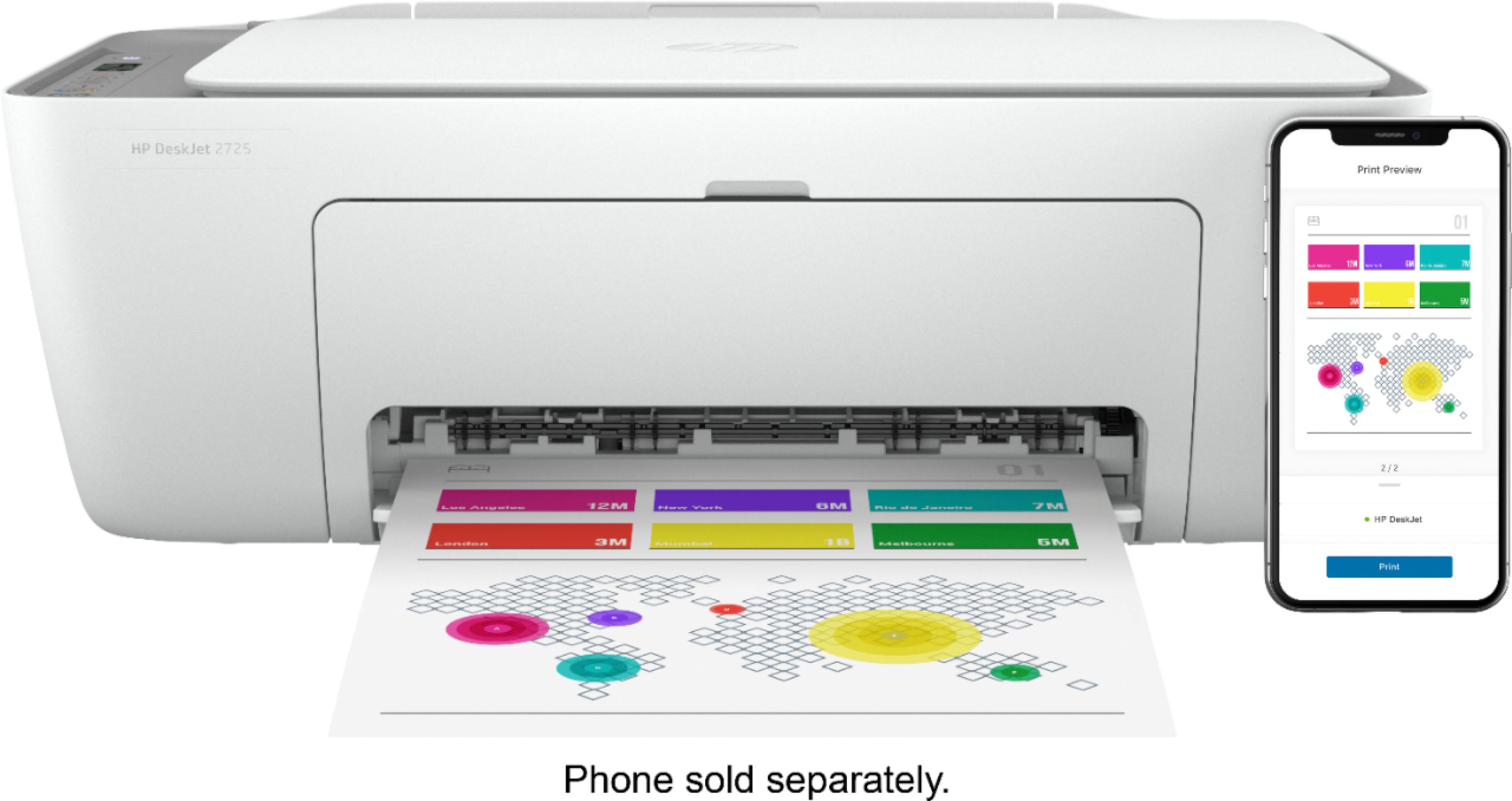
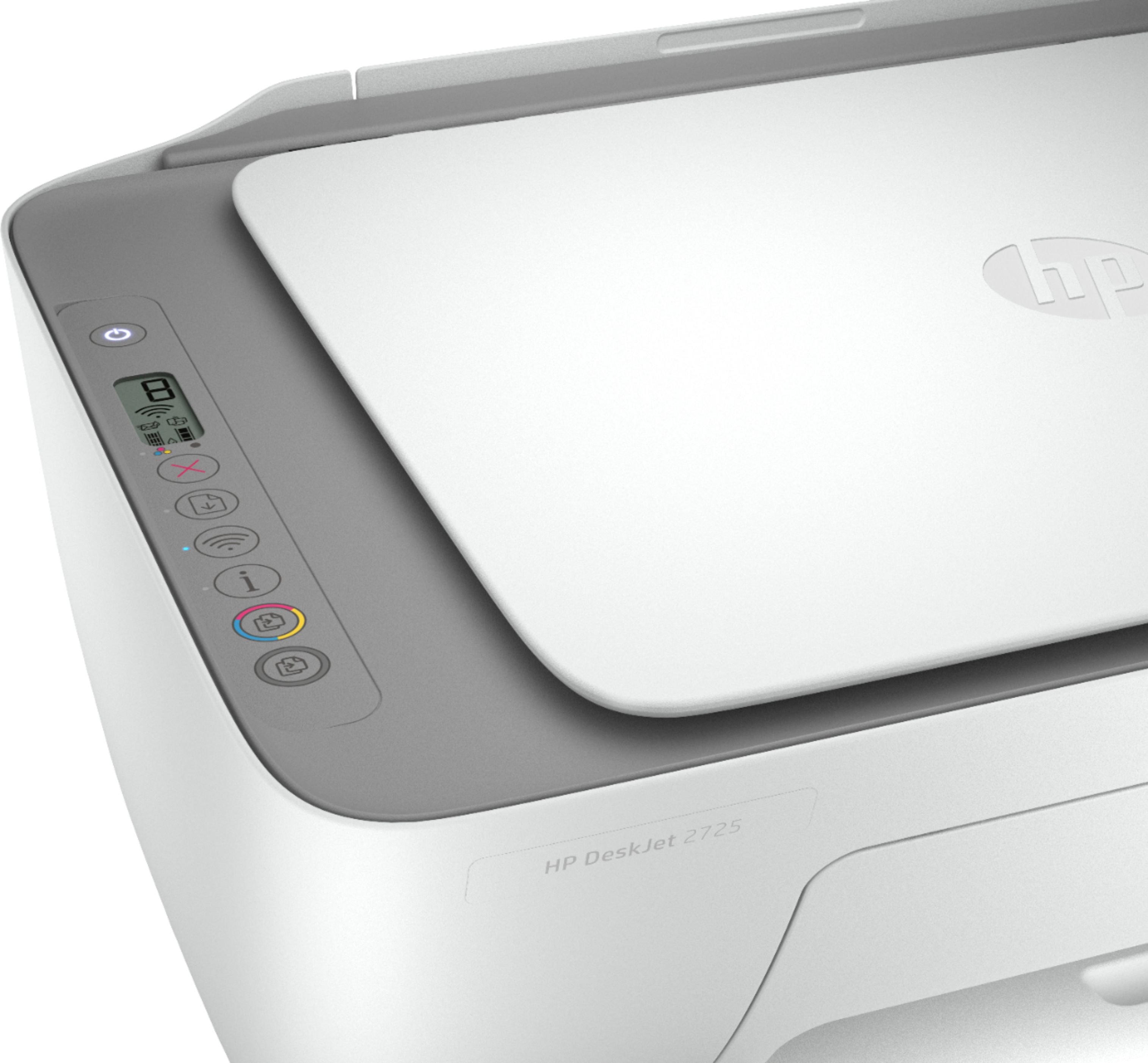
- Model:
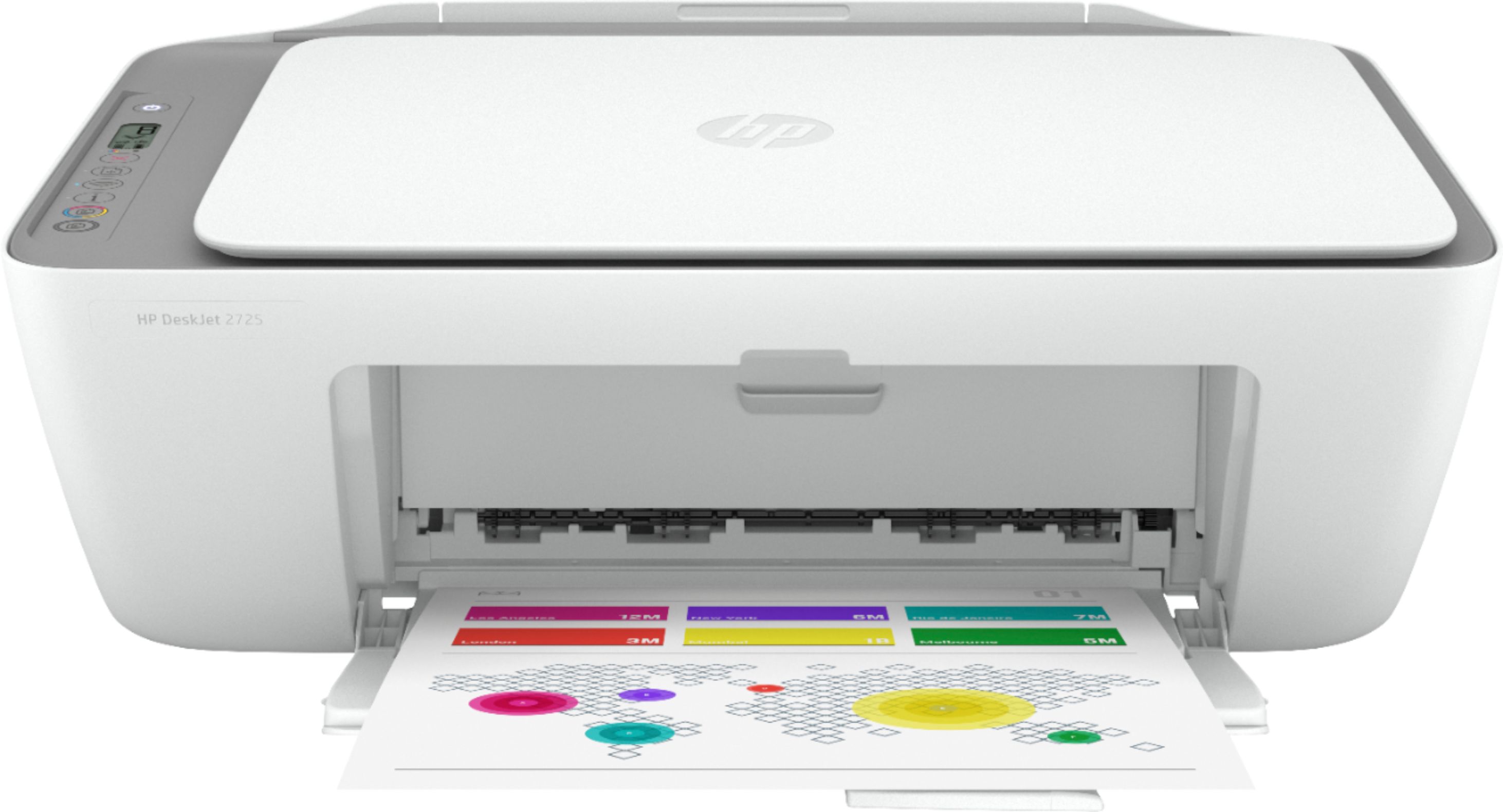
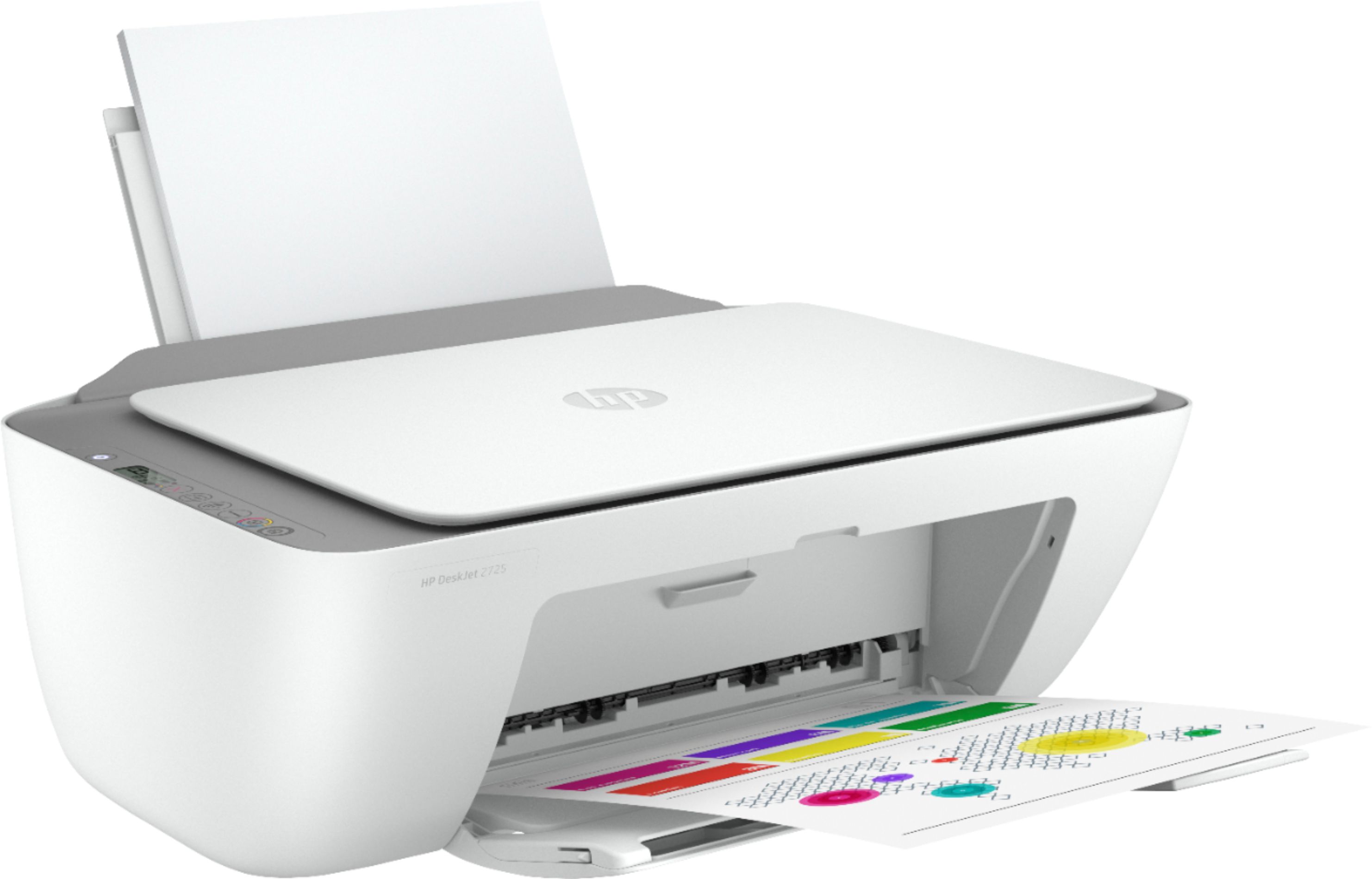
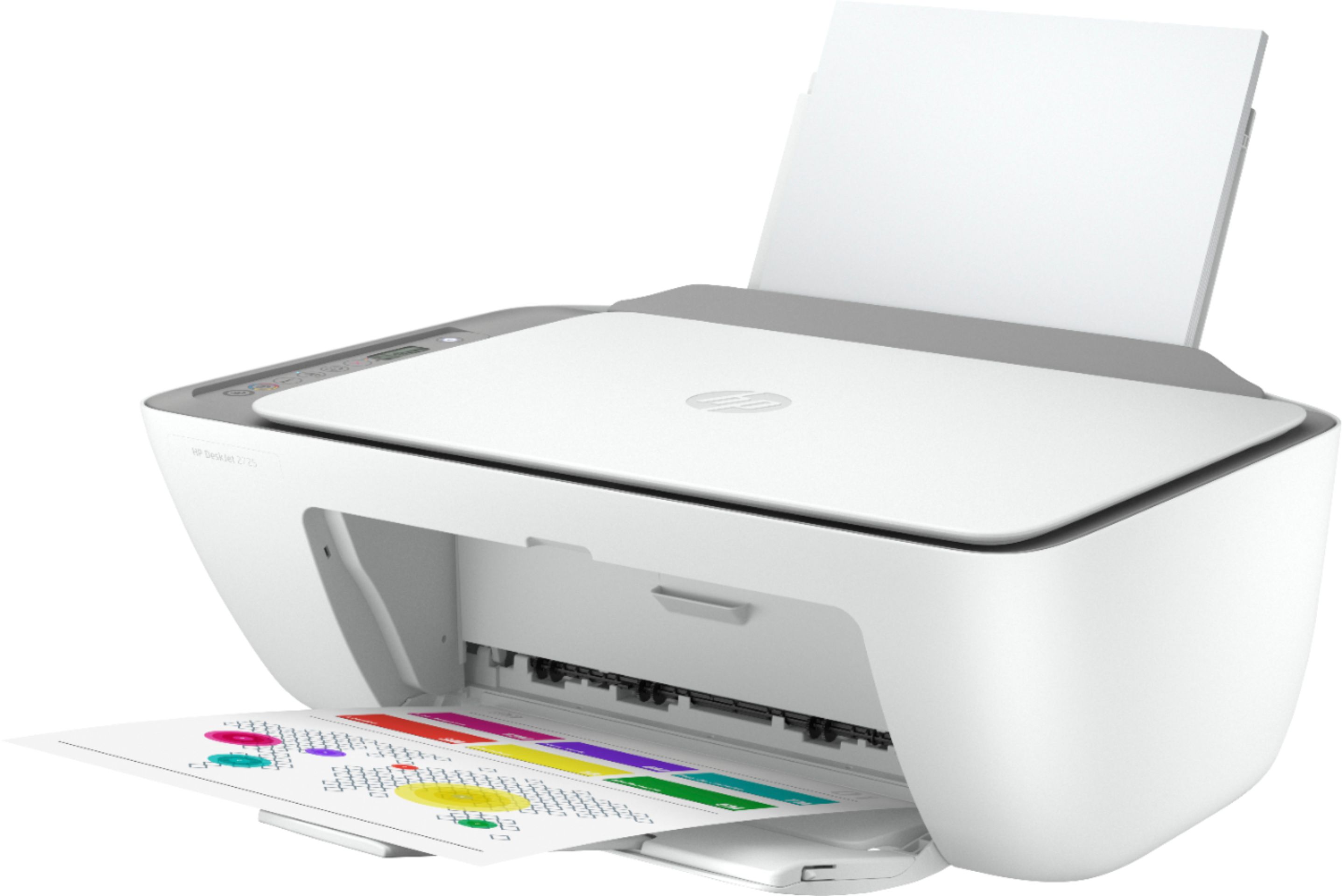
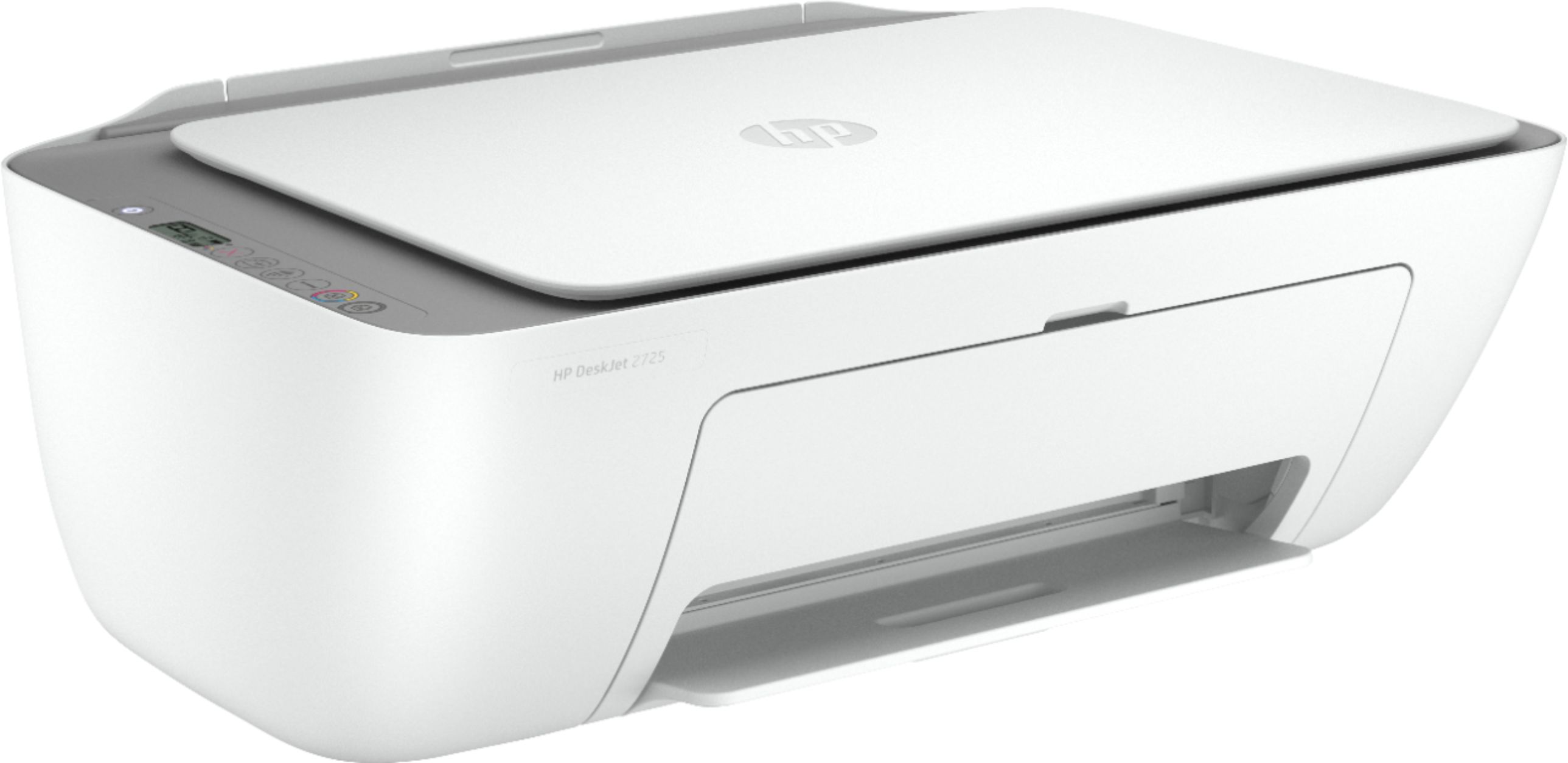
- DeskJet 2725
- SKU:
- 6421533
Rating by feature
- Value
Rating 4.2 out of 5 stars
- Quality
Rating 4.0 out of 5 stars
- Ease of Use
Rating 3.8 out of 5 stars
Customers are saying
Customers are impressed with the DeskJet 2725's ease of use and print quality, frequently citing its user-friendly setup and sharp output. Many also appreciate the printer's affordable price and compact size. However, some users experienced difficulties with wireless connectivity and setup, while others reported reliability issues.
This summary was generated by AI based on customer reviews.
Major pain
||Posted . Owned for 11 months when reviewed.This reviewer received promo considerations or sweepstakes entry for writing a review.This printer is so aggravating to set up and learn to use. Sometimes to print I have send to print then unplug it and plug it back in. Change your Wi-Fi password and you have to set it up again. Once I finally figured out all of its quirks, it’s ok. But it’s a major pain!
No, I would not recommend this to a friendPrinter
||Posted . Owned for 1 month when reviewed.This reviewer received promo considerations or sweepstakes entry for writing a review.Very hard to set up first time had to go thru go support and it took forever.
No, I would not recommend this to a friendTricky WiFi and alignment
||Posted . Owned for 1 month when reviewed.This reviewer received promo considerations or sweepstakes entry for writing a review.It’s a great printer just had to figure it out, it prints great photos .
I would recommend this to a friendHave used HP products and they good.
||Posted .This reviewer received promo considerations or sweepstakes entry for writing a review.Have not yet connected the product . It was a gift. But I like HP company
I would recommend this to a friendGift
||Posted . Owned for 3 weeks when reviewed.This reviewer received promo considerations or sweepstakes entry for writing a review.I can review this is a gift for the Holidays but I got it a a good price.
I would recommend this to a friendhp printer
||Posted . Owned for 1 month when reviewed.This reviewer received promo considerations or sweepstakes entry for writing a review.sometimes have to unplug to restart..other than that good for the price
I would recommend this to a friendGood for the cost
||Posted .This reviewer received promo considerations or sweepstakes entry for writing a review.Good but ink goes fast. Print quality is fair and speed is acceptable.
I would recommend this to a friendPrinter interface problems.
||Posted .This reviewer received promo considerations or sweepstakes entry for writing a review.We haven't been able to get it to interface with the computer. It just spits out plain paper. Also, we were unable to sign up to get the instant ink program. Our daughter is going to come over and see if she can help out. No problem with Best Buy, but some difficulty in getting the printer to work.
I would recommend this to a friendvery good basic printer
||Posted . Owned for 1 month when reviewed.This reviewer received promo considerations or sweepstakes entry for writing a review.efficient machine for the cost.... wireless and packed full of features
I would recommend this to a friend- Cons mentioned:Wireless connectivity
Poor and cheap quality printer
||Posted . Owned for 1 week when reviewed.This reviewer received promo considerations or sweepstakes entry for writing a review.Hello, Do yourself a favor and do not buy this printer. You have to restart it every time you want to print. This goes offline after 10-15 mins by default and you can not change settings. To make it work again you have to spend 30-45 mins every time. This product is useless. Thanks
No, I would not recommend this to a friend owner
||Posted . Owned for 1 month when reviewed.This reviewer received promo considerations or sweepstakes entry for writing a review.I like my HP printer: I normally only use HP. but I purchased one from a local big box store, after 2 weeks, literally threw it out the back door, went to Best Buy, traveled for 45 mins. and purchased an HP wireless: NO PROBLEMS and I like it. thank you very much for the Gainesville store.
I would recommend this to a friendInexpensive but great basic printer!
||Posted . Owned for 3 weeks when reviewed.This reviewer received promo considerations or sweepstakes entry for writing a review.Great basic printer with air print capability and instant ink option.
I would recommend this to a friendNice for the price
||Posted . Owned for 3 weeks when reviewed.This reviewer received promo considerations or sweepstakes entry for writing a review.Not an easy set up. It took me some time to get it to jive with my wifi
I would recommend this to a friend- Pros mentioned:Print quality
ok
||Posted .This reviewer received promo considerations or sweepstakes entry for writing a review.cheap low quality but low price it was 29.99 so can't complain much does the quick prints I need but rather get on with a. screen to easily see what a problem is with ink levels or paper jam. wifi issues makes everything easier.
No, I would not recommend this to a friendBrand response from HP Team
Posted .Hi, Jayson.
I’m sorry to hear that you’ve encountered difficulty with your printer. I can’t tell from your review exactly what issues you’ve faced, although you mention paper jams and wireless connectivity, so I’ll point you toward some resources I hope will help you improve the device’s performance in those areas.
First, I recommend that you can visit a page on our support site that has diagnostic tools for various issues, including wireless connectivity and paper jams. On the same page you’ll find a general-purpose tool called the HP Print and Scan Doctor. If you use Windows, the tool will help identify and guide you through solutions to a wide range of common printing and scanning difficulties. Visit that page here:
- support.hp.com/us-en/topic/diagnostics
If any problem persists, I suggest that you contact us directly at +1 800-474-6836 so we can help you assess the situation and find a solution. (Please note that because of restrictions on personal movement and workplace attendance associated with the COVID-19 pandemic, wait times for agents are longer than normal. Thanks in advance for your understanding.) To expedite the process, I recommend gathering the following information before the call:
- Model number
- Serial number
- Your location
- Case number (from any previous contact with HP support)
Keith
HP Care
hp.com/support
- Pros mentioned:Print quality
Slowest Printer I Have Ever Owned
||Posted . Owned for 2 months when reviewed.This reviewer received promo considerations or sweepstakes entry for writing a review.Incredibly slow printer, wish I had seen it in operation before purchase. I have bought HP all-in-one printers since 1997 and this is the slowest of all of them. Print quality is good, but slow operation is a huge design flaw.
No, I would not recommend this to a friendBrand response from HP Team
Posted .Hi there.
Thanks for the review and description of your experience. While I’m glad you’re satisfied with your printer’s print quality, I’m sorry to learn that it has rendered prints so slowly. We want to make sure that your printer is reliable for any urgent printing needs, so I’ll point you toward some resources I hope will help.
First, I recommend that you follow a guide on our support site that covers improving print speed; choose whichever of the following two links matches your operating system:
- Windows: support.hp.com/us-en/document/bud03409
- Mac OS: support.hp.com/us-en/document/c01928898
Also, often just updating the firmware can help improve print speed. You can find out how to do that here:
- support.hp.com/us-en/document/c02919168
If the problem persists, I suggest that you contact us directly at +1 800-474-6836 so we can help you assess the situation and find a solution. (Please note that because of restrictions on personal movement and workplace attendance associated with the COVID-19 pandemic, wait times for agents are longer than normal. Thanks in advance for your understanding.) To expedite the process, I recommend gathering the following information before the call:
- Model number
- Serial number
- Your location
- Case number (from any previous contact with HP support)
Keith
HP Care
hp.com/support
Good All-in one for the job.
||Posted . Owned for 1 month when reviewed.This reviewer received promo considerations or sweepstakes entry for writing a review.I purchased this for my mother. She actually enjoys this printer.
I would recommend this to a friendprinter
||Posted . Owned for 1 month when reviewed.This reviewer received promo considerations or sweepstakes entry for writing a review.nice printer. Deskjet 2735 all in one wireless ink inkjet printer.
I would recommend this to a friendGreat 3-in-1 for light printing
||Posted . Owned for 3 months when reviewed.This reviewer received promo considerations or sweepstakes entry for writing a review.We love the functionality of the 3-in-1 printer but my one complaint is that I have to power off and then on again when it’s been in sleep mode, which is a recommended mode to keep the printer online so the ink usage can be monitored. Other than that, I am pleased with the purchase.
I would recommend this to a friendGood and convinieng
||Posted . Owned for 3 weeks when reviewed.This reviewer received promo considerations or sweepstakes entry for writing a review.Very convinent. Not the fastest over wifi but gets the job done.
I would recommend this to a friendNice features
||Posted . Owned for 1 week when reviewed.This reviewer received promo considerations or sweepstakes entry for writing a review.Awesome features.. best one is print from any where in the world..
I would recommend this to a friend