Customer Ratings & Reviews
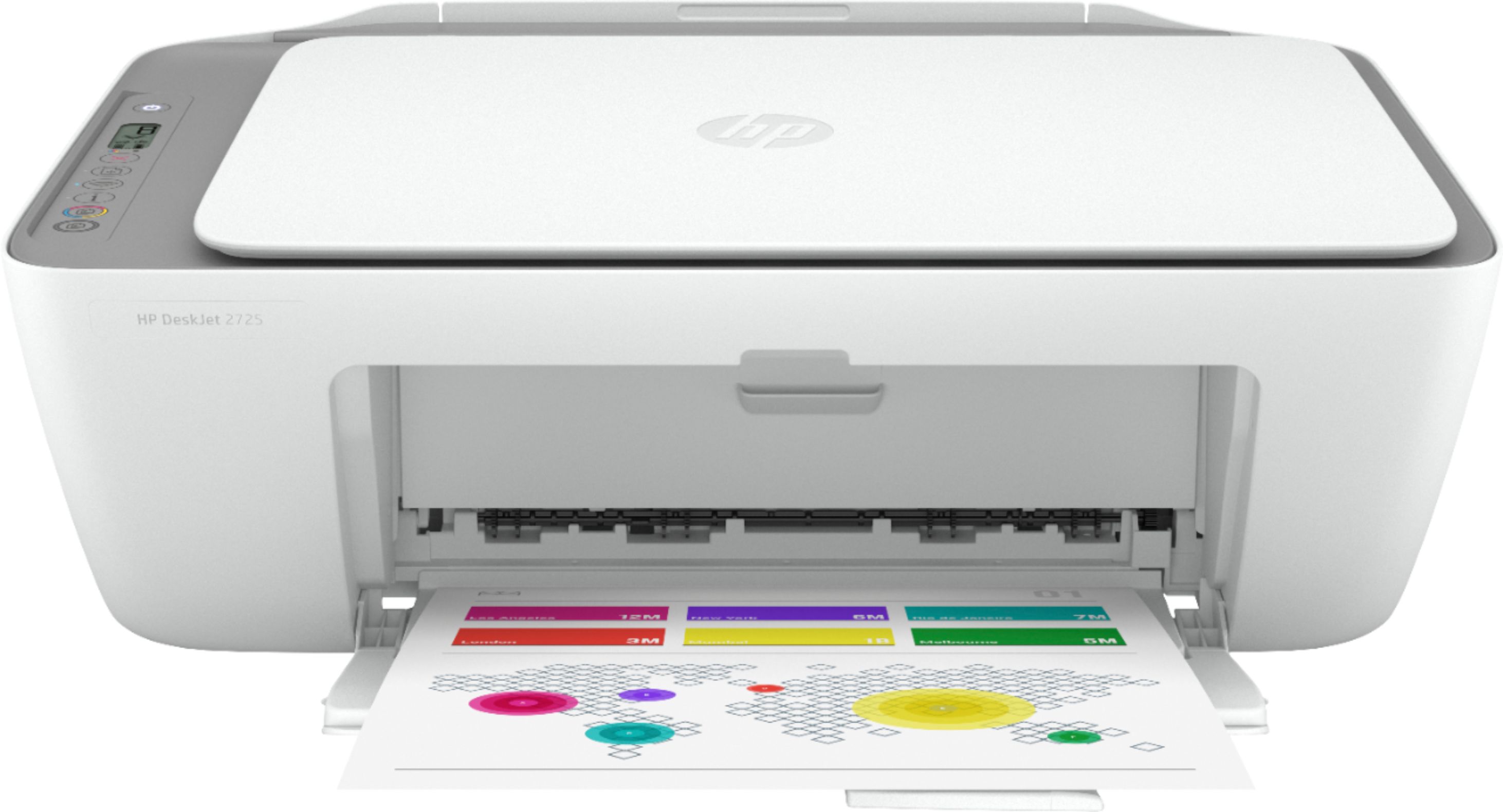
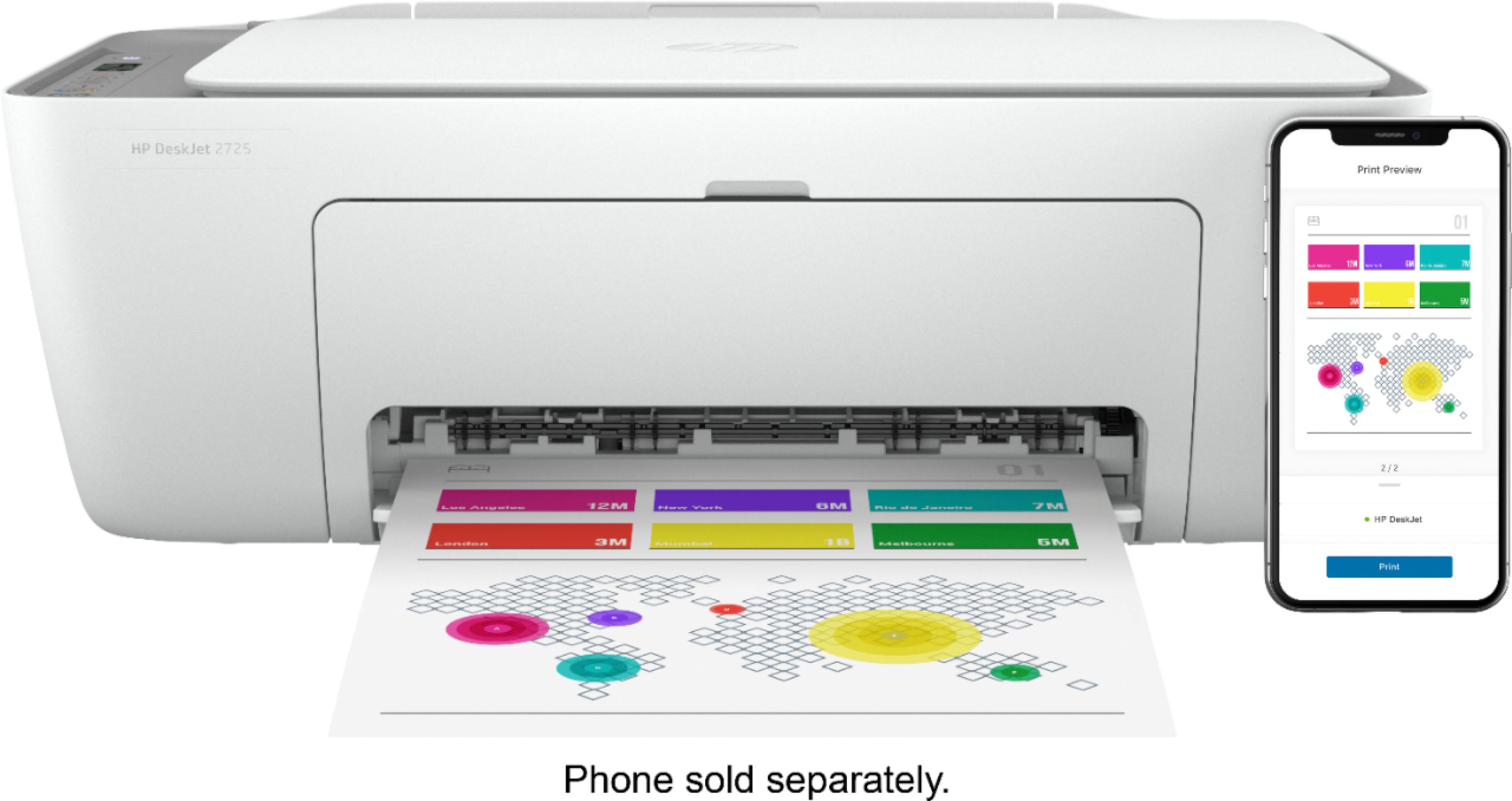
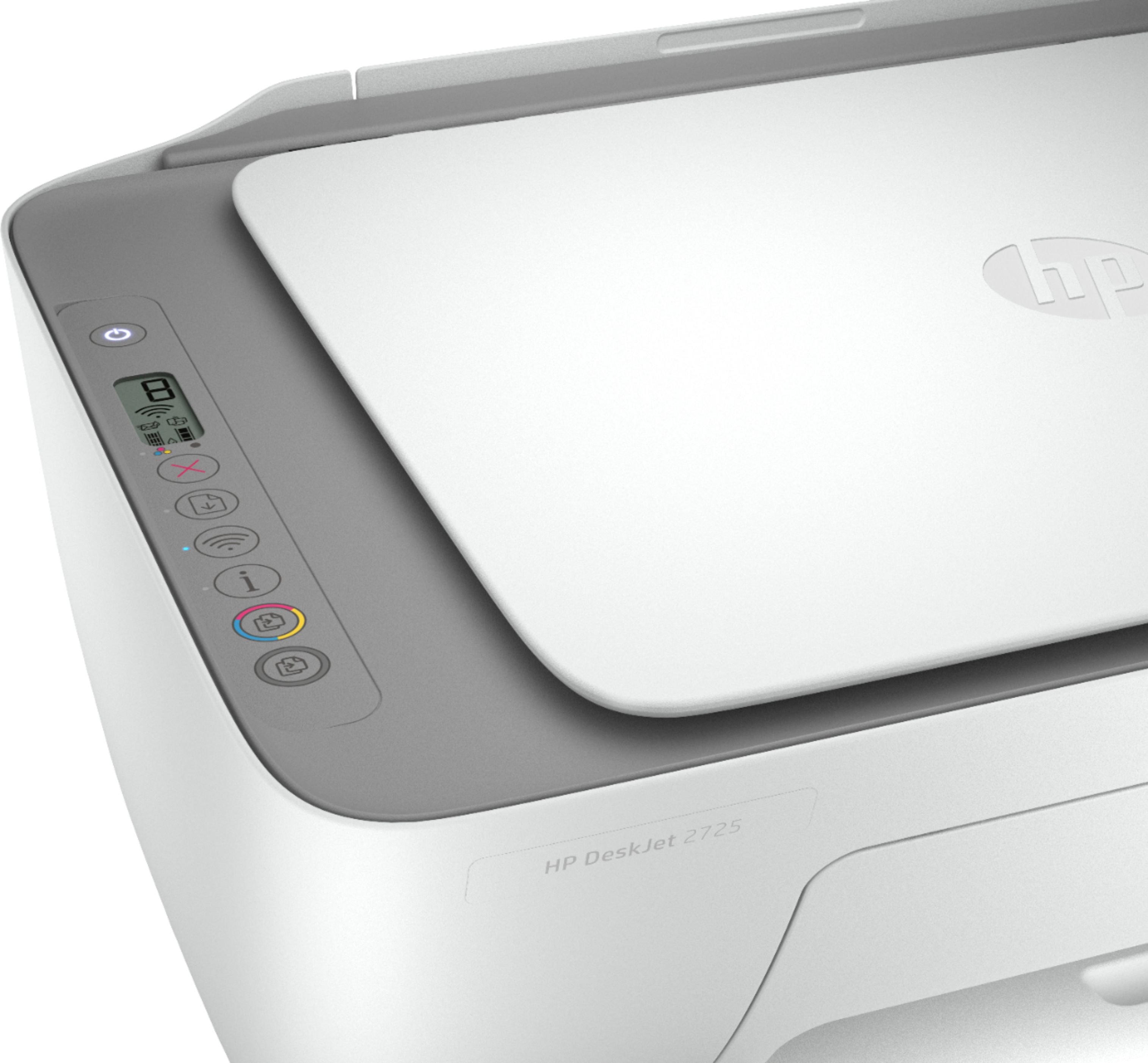
- Model:
- DeskJet 2725
- SKU:
- 6421533
Rating by feature
- Value
Rating 4.2 out of 5 stars
- Quality
Rating 4.0 out of 5 stars
- Ease of Use
Rating 3.8 out of 5 stars
Customers are saying
Customers are impressed with the DeskJet 2725's ease of use and print quality, frequently citing its user-friendly setup and sharp output. Many also appreciate the printer's affordable price and compact size. However, some users experienced difficulties with wireless connectivity and setup, while others reported reliability issues.
This summary was generated by AI based on customer reviews.
- Cons mentioned:Wireless connectivity
Poor quality and lots of connectivity issues
||Posted .This reviewer received promo considerations or sweepstakes entry for writing a review.Most of the time printer is offline. Every time you need plug out . Buttons are not working too. Poor output quality
No, I would not recommend this to a friendBrand response from HP Team
Posted .Hi, Kalai.
I’m sorry to hear that your printer has gone offline so frequently and has rendered prints of poor quality. It’s easy to understand why that would be a tremendously disappointing start to owning a printer, so I’ll suggest some resources that I hope will help you resolve these issues.
First, I recommend you visit a page on our support site that has diagnostic tools for various issues, including wireless connectivity and printer-offline issues. Visit that page here:
- support.hp.com/us-en/topic/diagnostics
If you need further assistance – and for input on the print-quality and functionality issues – I suggest that you contact us directly at +1 800-474-6836 so we can help you assess the situation and find a solution. (Please note that because of restrictions on personal movement and workplace attendance associated with the COVID-19 pandemic, wait times for agents are longer than normal. Thanks in advance for your understanding.) To expedite the process, I recommend gathering the following information before the call:
- Model number
- Serial number
- Your location
- Case number (from any previous contact with HP support)
Keith
HP Care
hp.com/support
- Cons mentioned:Wireless connectivity
can’t wake up
||Posted . Owned for 1 month when reviewed.This reviewer received promo considerations or sweepstakes entry for writing a review.can’t get it to print from my laptop. very difficult to wake up once in sleep mode. very unhappy with this product
No, I would not recommend this to a friendBrand response from HP Team
Posted .Hi there.
I’m sorry to hear that your printer has been so difficult to wake up from sleep mode. I can understand why that would quickly become aggravating, so I’ll offer some resources and information I hope will help.
First, I recommend you visit a page on our support site that has diagnostic tools for various issues, including printer-offline difficulties. Visit that page here:
- support.hp.com/us-en/topic/diagnostics
If you need further assistance, I hope you’ll contact us directly at +1 800-474-6836 so we can help you assess the situation and find a solution. (Please note that because of restrictions on personal movement and workplace attendance associated with the COVID-19 pandemic, wait times for agents are longer than normal. Thanks in advance for your understanding.) To expedite the process, I recommend gathering the following information before the call:
- Model number
- Serial number
- Your location
- Case number (from any previous contact with HP support)
Keith
HP Care
hp.com/support
- Cons mentioned:Setup
Not easy to set up!
||Posted . Owned for 3 weeks when reviewed.This reviewer received promo considerations or sweepstakes entry for writing a review.Not easy to set up at all. It is still sitting on my kitchen counter. I have never had so many issues with a printer.
No, I would not recommend this to a friend HP 2725 printer
||Posted . Owned for 6 months when reviewed.This reviewer received promo considerations or sweepstakes entry for writing a review.The printer is good, but the wifi fail to work. Didn't expect much with on this product. Ink cost is too high, not really good for long term use.
No, I would not recommend this to a friendNot impressed
||Posted . Owned for 11 months when reviewed.This reviewer received promo considerations or sweepstakes entry for writing a review.Ive had alot of technical issues with this printer. I often times have to unplug it and plug back in to refresh the network connection
No, I would not recommend this to a friendMay return this.
||Posted .This reviewer received promo considerations or sweepstakes entry for writing a review.Very cheap design. Isn’t as easy to connect to computer as it says. Model number not even listed on hp site. Currently sitting on my desk not hooked up.
No, I would not recommend this to a friendBrand response from HP Team
Posted .Hi there.
I’m sorry to hear that your printer has been so difficult to set up. I can understand why that would be a frustrating start to owning a printer, so I’ll offer some resources and information I hope will help.
First, you can access a setup tutorial (if you still need it) as well as user manuals, troubleshooting guides, how-to documents and software updates for your printer on our support site. Do that by following this link:
- support.hp.com/us-en/product/hp-deskjet-2700-all-in-one-printer-series/29378157/model/38056354
You can also visit a page on our support site that has diagnostic tools for various tasks and issues, including setup and connectivity. You can find the page here:
- support.hp.com/us-en/topic/diagnostics
If you need further assistance with setup or anything else, I hope you’ll contact us directly at +1 800-474-6836 so we can help you assess the situation and find a solution. (Please note that because of restrictions on personal movement and workplace attendance associated with the COVID-19 pandemic, wait times for agents are longer than normal. Thanks in advance for your understanding.) To expedite the process, I recommend gathering the following information before the call:
- Model number
- Serial number
- Your location
- Case number (from any previous contact with HP support)
Keith
HP Care
hp.com/support
- Cons mentioned:Wireless connectivity
Difficult
||Posted . Owned for 3 weeks when reviewed.This reviewer received promo considerations or sweepstakes entry for writing a review.I can't get it to connect to my computer and it doesn't come with a USB to alternately use it without bluetooth
No, I would not recommend this to a friend Owner
||Posted . Owned for 1 month when reviewed.This reviewer received promo considerations or sweepstakes entry for writing a review.The adage u get what u pay for is the best way to describe this lousy printer. I did not pay much,as it is not my main printer, but I got even less. I can't get it to make color copies only b&w. Piece of garbage in my opinion I should have known better and spent a little more so I guess it's my fault. But please learn from my stupidity and buy something better.
No, I would not recommend this to a friendDoes everything it says; At sloth speed.
||Posted . Owned for 3 weeks when reviewed.This reviewer received promo considerations or sweepstakes entry for writing a review.Works perfectly fine but not recommended if you intended to print more than a few pages a year. Fully functional snail. Easy setup, everything works, everything syncs but 8.5x11 black and white text only can take several minutes per page. If you intended to print with your printer, buy a different printer. I wasn't expecting anything phenomenal for the price but it's barely a printer. More of a scanner/photo printer. No good for 8.5x11 tax prep lol.
I would recommend this to a friendBrand response from HP Team
Posted .Hi there.
I'm sorry to hear that your printer has rendered prints so slowly. Waiting several minutes for a single black-and-white text page certainly sounds exasperating. That’s unfortunate, considering you like other aspects of the printer. With that in mind, I’ll point you toward some resources I hope will help.
First, I recommend that you follow a guide on our support site that covers improving print speed; choose whichever of the following two links matches your operating system:
- Windows: support.hp.com/us-en/document/bud03409
- Mac OS: support.hp.com/us-en/document/c01928898
If the problem persists, I suggest that you contact us directly at +1 800-474-6836 so we can help you assess the situation and find a solution. (Please note that because of restrictions on personal movement and workplace attendance associated with the COVID-19 pandemic, wait times for agents are longer than normal. Thanks in advance for your understanding.) To expedite the process, I recommend gathering the following information before the call:
- Model number
- Serial number
- Your location
- Case number (from any previous contact with HP support)
Keith
HP Care
hp.com/support
- Cons mentioned:Wireless connectivity
Waste of money!
||Posted . Owned for 2 months when reviewed.This reviewer received promo considerations or sweepstakes entry for writing a review.Junk!! Was a waste of my money. It won’t stay connected and I’ve had to reinstall it multiple times.
No, I would not recommend this to a friendBrand response from HP Team
Posted .Hi there.
I’m sorry to hear that your printer has not maintained a reliable wireless connection. I can easily understand why the need to reinstall it numerous times would be a tremendous frustration. We want our customers to have a better experience than this, so I’ll point you toward some resources that I hope will help you get your printer solidly connected.
First, I recommend you visit a page on our support site that has diagnostic tools for various issues, including wireless connectivity and printer-offline issues. Visit that page here:
- support.hp.com/us-en/topic/diagnostics
If you need further assistance, I suggest that you contact us directly at +1 800-474-6836 so we can help you assess the situation and find a solution. (Please note that because of restrictions on personal movement and workplace attendance associated with the COVID-19 pandemic, wait times for agents are longer than normal. Thanks in advance for your understanding.) To expedite the process, I recommend gathering the following information before the call:
- Model number
- Serial number
- Your location
- Case number (from any previous contact with HP support)
Keith
HP Care
hp.com/support
Garbage.
||Posted . Owned for 1 year when reviewed.This reviewer received promo considerations or sweepstakes entry for writing a review.This printer isn't worth the dirt stuck in the sole of my shoe. The HP Smart app is constantly freezing, pages print with uneven borders/cut off borders despite any setting you use. The colored ink drains despite only printing in b/w. And after about 6 months, the printing quality was so fuzzy and inconsistent I literally just threw the printer away. Don't waste your time with this garbage
No, I would not recommend this to a friendHP big disappointment
||Posted . Owned for 1 week when reviewed.This reviewer received promo considerations or sweepstakes entry for writing a review.This was the worst printer I have ever used and it was a disappointment that it came from HP. It used the ink tank program and you had to use their smart software to get it to print only PDF files. It was difficult to install and it is a total loss for general printing. I have never seen anything like it in the 35 years of selling HP printers. I took it back and got an Epson that worked right out of the box with no gimmicks.
No, I would not recommend this to a friend- Cons mentioned:Wireless connectivity
Not a good printer
||Posted .This reviewer received promo considerations or sweepstakes entry for writing a review.Horrible experience had a hard time connecting and it would heave pstipes of paint on the paper
No, I would not recommend this to a friend - Cons mentioned:Reliability
tash orinter
||Posted . Owned for 3 months when reviewed.This reviewer received promo considerations or sweepstakes entry for writing a review.don't buy this piece of trash. printed 4 pieces of paper and it's giving me an error code
No, I would not recommend this to a friendBrand response from HP Team
Posted .Hi there.
I’m sorry to hear that your printer stopped working and is displaying an error message. I can certainly imagine why this would come as quite a shock, especially considering it had printed only four sheets. I would love to help you remedy the situation, so I’ll offer a resource and some information I hope will further that end.
I can’t tell from your review what the error message indicates or why your printer stopped working, so I recommend that you contact us directly at +1 800-474-6836 so we can help you assess the situation and find a solution. (Please note that because of restrictions on personal movement and workplace attendance associated with the COVID-19 pandemic, wait times for agents are longer than normal. Thanks in advance for your understanding.) To expedite the process, I recommend gathering the following information before the call:
- Model number
- Serial number
- Your location
- Case number (from any previous contact with HP support)
I'll also mention that HP printers have a one-year warranty from their purchase date that covers hardware as well as ink supplies, so if it comes to that, you might consider making use of it. You can verify the warranty using the following link:
- support.hp.com/us-en/checkwarranty
Keith
HP Care
hp.com/support
- Cons mentioned:Setup
meh
||Posted . Owned for 6 months when reviewed.This reviewer received promo considerations or sweepstakes entry for writing a review.If you really need to print on a budget okay but will need to be reset up constantly.
No, I would not recommend this to a friend - Cons mentioned:Wireless connectivity
Cheap not user friendly
||Posted . Owned for 1 month when reviewed.This reviewer received promo considerations or sweepstakes entry for writing a review.Not happy with it unfortunately I threw the box out so I can’t return it but disappointed
No, I would not recommend this to a friend - Cons mentioned:Reliability
Don’t BUY
||Posted . Owned for 1 month when reviewed.This reviewer received promo considerations or sweepstakes entry for writing a review.Worst printer EVER!! Can NOT fax Each day I have to reset it just to print Taking it back
No, I would not recommend this to a friend - Cons mentioned:Reliability
Terrible Printer
||Posted . Owned for 2 months when reviewed.This reviewer received promo considerations or sweepstakes entry for writing a review.I have had this printer for less than 2 months and it has stopped working. Do not buy!!!!
No, I would not recommend this to a friend HP 2725
||Posted . Owned for 1 week when reviewed.This reviewer received promo considerations or sweepstakes entry for writing a review.Had to return this printer, wi-fi problem, cheaply made. Replaced with HP 6000 series, little more expensive but far superior.
No, I would not recommend this to a friendSlow printer but budget friendly
||Posted . Owned for 1 month when reviewed.This reviewer received promo considerations or sweepstakes entry for writing a review.Printer is slow over wireless but if you can live with that it should be fine for casual printing. It does print slow as well.
No, I would not recommend this to a friend