Customer Ratings & Reviews
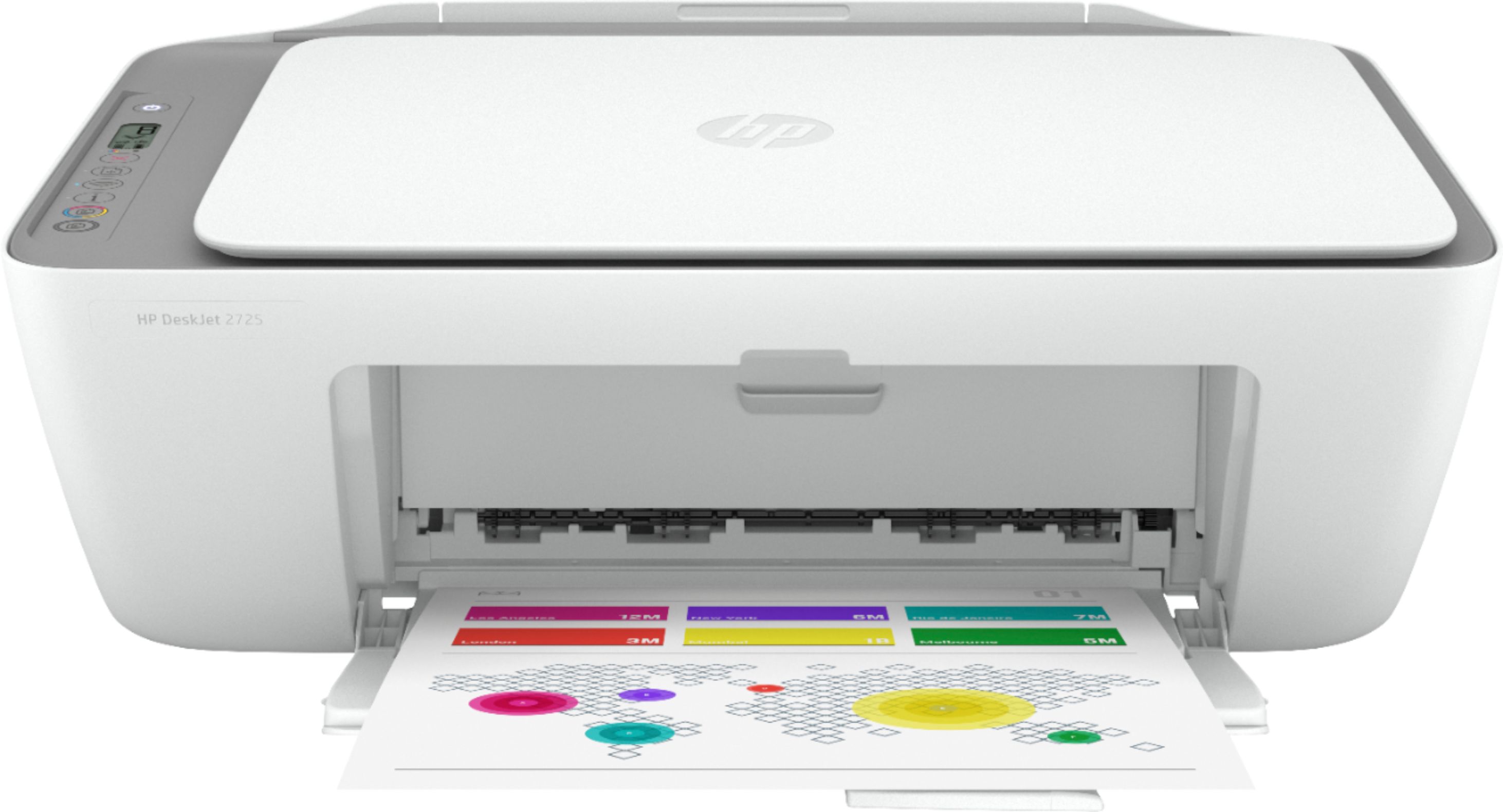
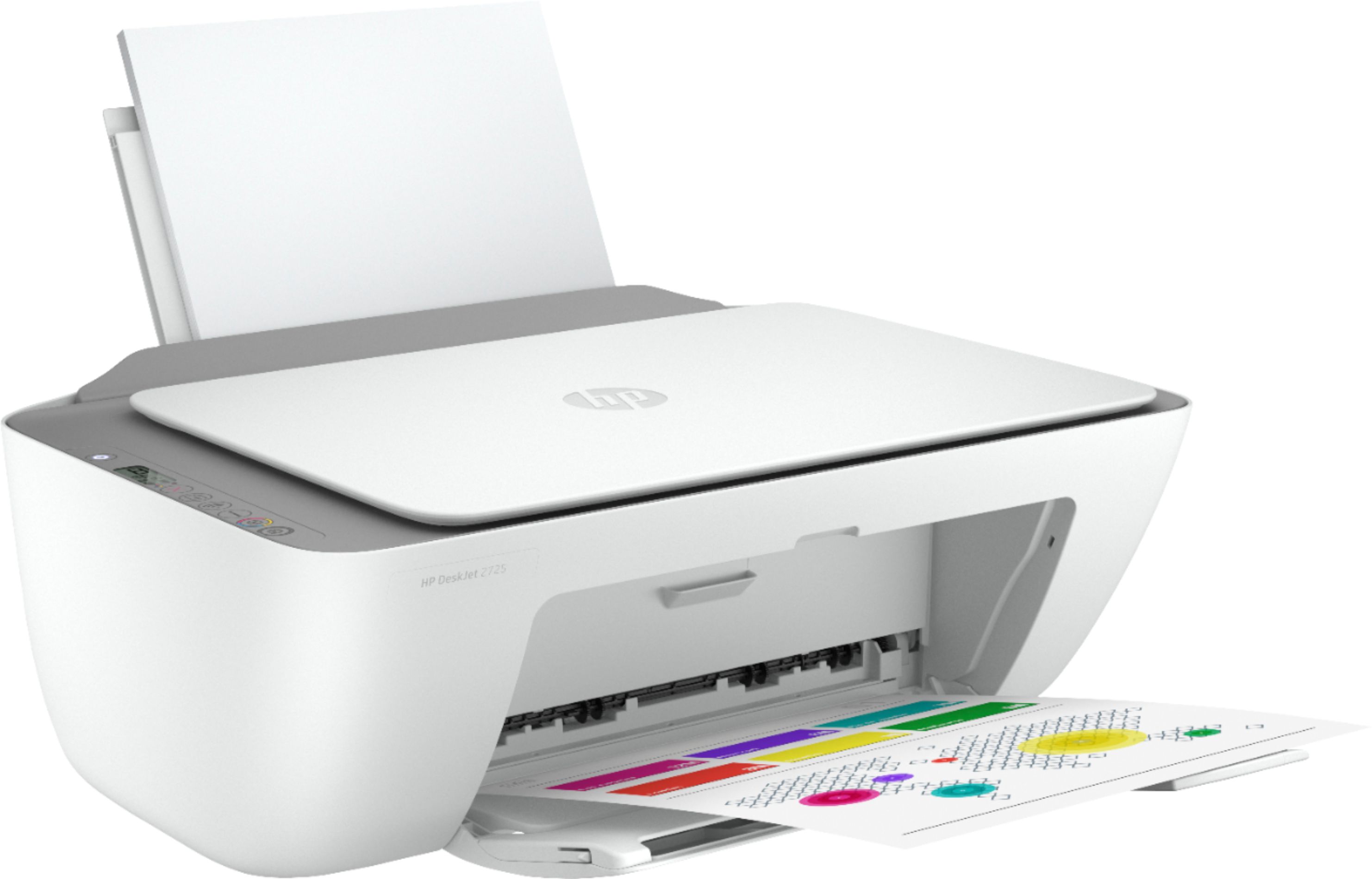
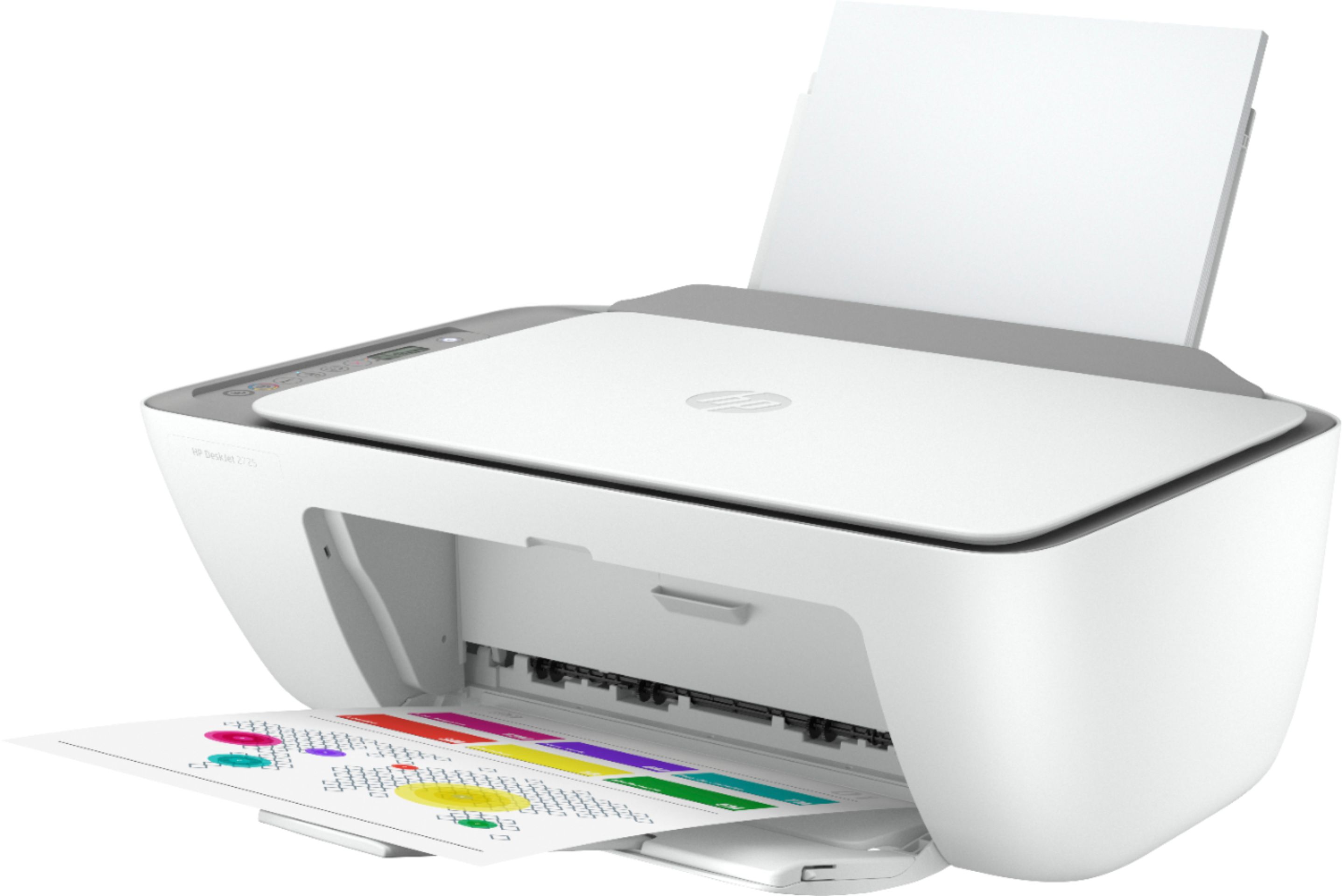
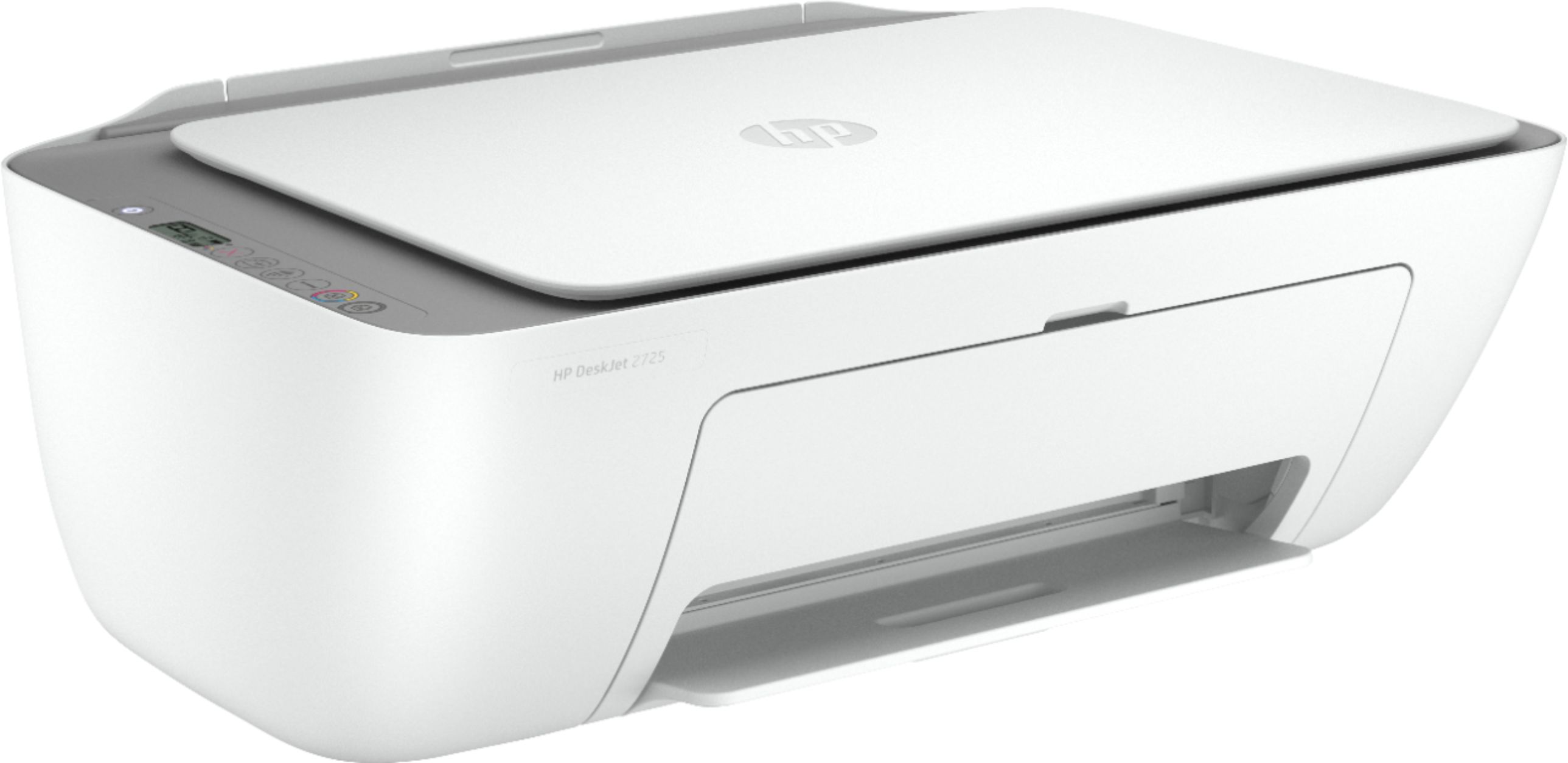
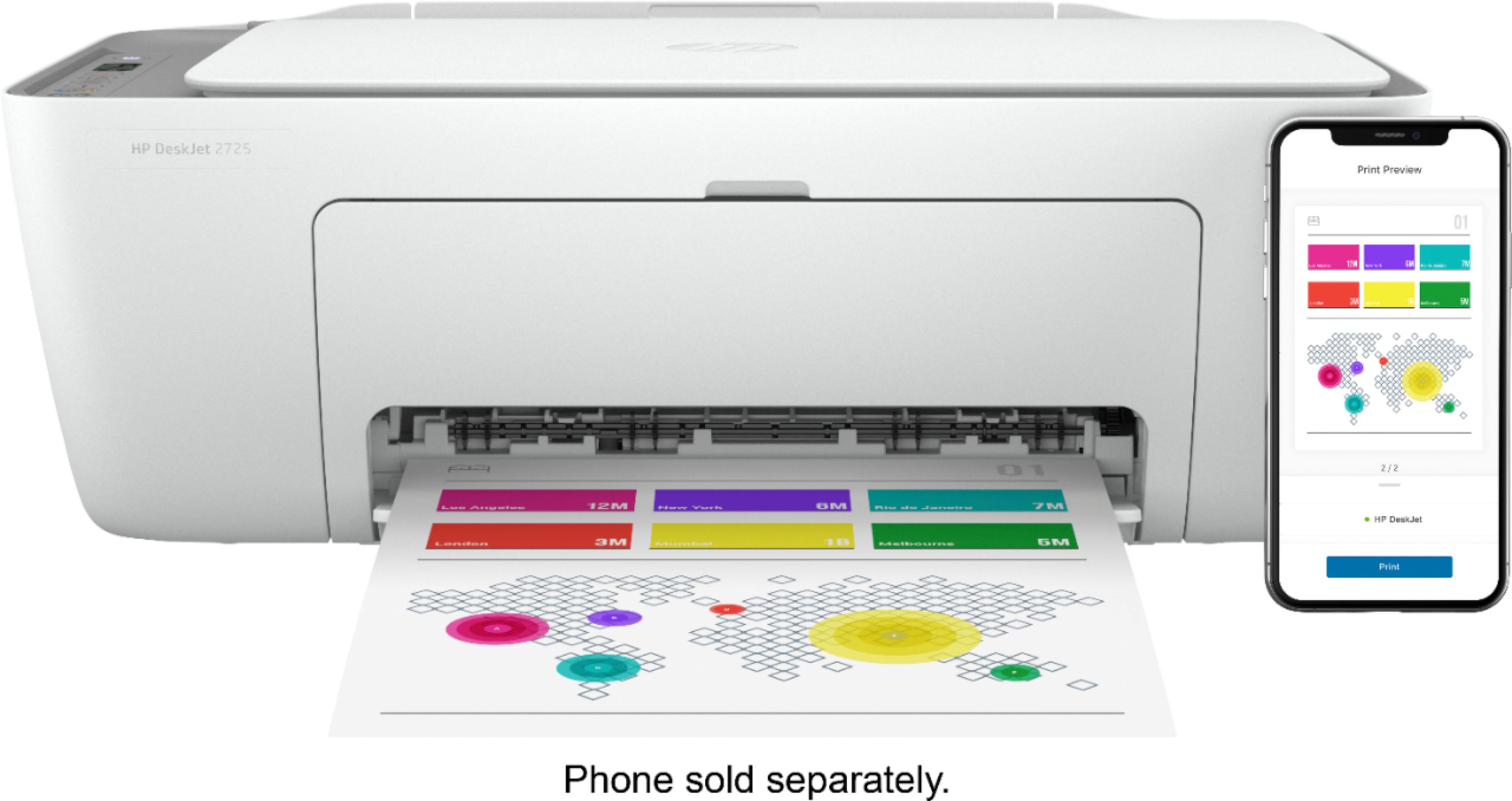
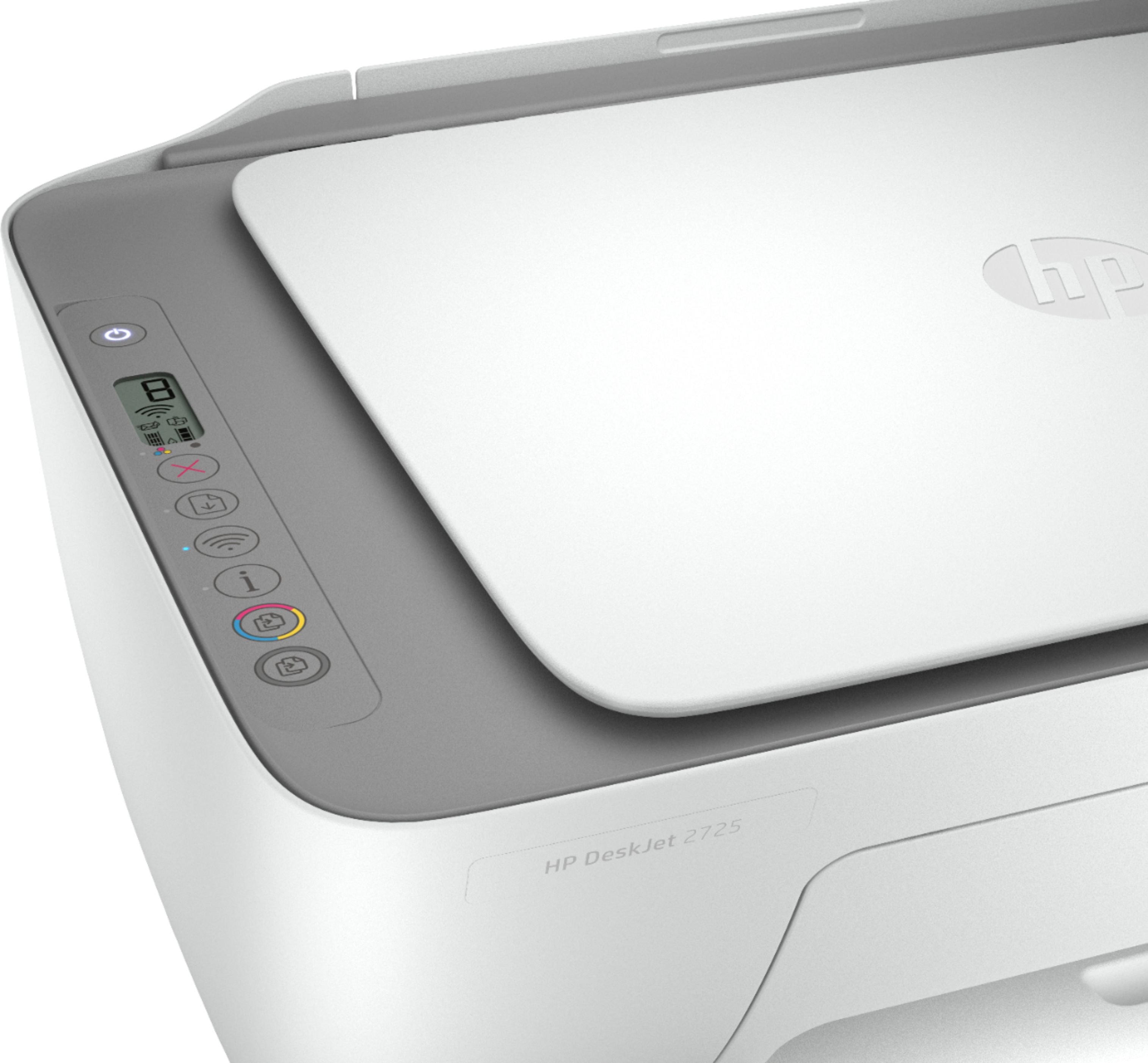
- Model:
- DeskJet 2725
- SKU:
- 6421533
Rating by feature
- Value
Rating 4.2 out of 5 stars
- Quality
Rating 4.0 out of 5 stars
- Ease of Use
Rating 3.8 out of 5 stars
Customers are saying
Customers are impressed with the DeskJet 2725's ease of use and print quality, frequently citing its user-friendly setup and sharp output. Many also appreciate the printer's affordable price and compact size. However, some users experienced difficulties with wireless connectivity and setup, while others reported reliability issues.
This summary was generated by AI based on customer reviews.
- Pros mentioned:Price
Hp Printer
||Posted . Owned for 3 weeks when reviewed.This reviewer received promo considerations or sweepstakes entry for writing a review.Sealed. Have open printer box yet. Today is Friday November 20, 2020. Recommend for price
I would recommend this to a friend - Cons mentioned:Wireless connectivity
HP DeskJet 2725
||Posted . Owned for 2 months when reviewed.This reviewer received promo considerations or sweepstakes entry for writing a review.Could not connect to computer or phone. Tried all options. Took the printer back.
No, I would not recommend this to a friend - Cons mentioned:Wireless connectivity
Terrible Product
||Posted .This reviewer received promo considerations or sweepstakes entry for writing a review.Terrible product.. Always having errors and connection problems.. Do not buy.
No, I would not recommend this to a friendBrand response from HP Team
Posted .Hi there.
I’m sorry to learn that your printer has failed to maintain a reliable wireless connection. Your review is brief, but your frustration is clear – and totally understandable. With that in mind, I’ll offer some resources that I hope will help you get the printer working to your satisfaction.
First, I recommend you visit a page on our support site that has diagnostic tools for various issues, including wireless connectivity. Visit that page here:
- support.hp.com/us-en/topic/diagnostics
If the problem persists, I suggest that you contact us directly at +1 800-474-6836 so we can help you assess the situation and find a solution. (Please note that because of restrictions on personal movement and workplace attendance associated with the COVID-19 pandemic, wait times for agents are longer than normal. Thanks in advance for your understanding.) To expedite the process, I recommend gathering the following information before the call:
- Model number
- Serial number
- Your location
- Case number (from any previous contact with HP support)
Keith
HP Care
hp.com/support
Not great
||Posted . Owned for 4 months when reviewed.This reviewer received promo considerations or sweepstakes entry for writing a review.It’s not love, hard to use. Color isn’t great. Randomly uninstalls it’s self on the app & from my computer
No, I would not recommend this to a friendBrand response from HP Team
Posted .Hi there.
I’m sorry to hear that your printer has performed poorly. It’s easy to see why poor print quality and the software problem that requires reinstallation of the HP Smart App would be a frustrating combination indeed. With that in mind, I’ll suggest some resources that I hope will help you get the device working to your satisfaction.
First, I recommend following the steps listed in this guide to improving print quality, including faded or streaked prints, color or black ink not printing properly or at all, and blurred or fuzzy text:
- support.hp.com/us-en/document/c06557991
Next, if you’ve not done so already, I recommend that you follow a guide to installing and using the HP Smart App, especially the FAQ portion, which covers common questions as well as difficulties users have encountered. Choose the link to whichever document matches your operating system:
- Windows 10: support.hp.com/us-en/document/c04675142
- Mac OS: support.hp.com/us-en/document/c06188214
- Android and iOS: support.hp.com/us-en/document/c03561640
You can also visit a page on our support site that has diagnostic tools for various issues, including wireless connectivity. Visit that page here:
- support.hp.com/us-en/topic/diagnostics
If any problem persists, I suggest that you contact us directly at +1 800-474-6836 so we can help you assess what’s happening and find a solution. (Please note that because of restrictions on personal movement and workplace attendance associated with the COVID-19 pandemic, wait times for agents are longer than normal. Thanks in advance for your understanding.) To expedite the process, I recommend gathering the following information before the call:
- Model number
- Serial number
- Your location
- Case number (from any previous contact with HP support)
Keith
HP Care
hp.com/support
- Cons mentioned:Wireless connectivity
Not trust worthy
||Posted . Owned for 11 months when reviewed.This reviewer received promo considerations or sweepstakes entry for writing a review.Stopped working and HP tech support were unable to resolve it.
No, I would not recommend this to a friend HP DeskJet 2725 Wireless Printer Not a Good Printe
||Posted . Owned for 2 months when reviewed.This reviewer received promo considerations or sweepstakes entry for writing a review.Purchased in November, 2020, and printer was a Christmas Gift for our Grandchildren to use when they went back to school. They received it on Christmas Day, and went back to school the first of January, 2021. They've only used this printer twice in the last few weeks, and now it will no longer print. What a waste. Yes, it was on sale, but that should not mean it's no good.
No, I would not recommend this to a friendBrand response from HP Team
Posted .Hi, Mary.
I’m sorry to hear that your printer has performed so poorly. It’s easy to understand why a printer that quits working so soon would be a jarring surprise, but it adds another level of distress that it was a gift for your grandchildren. We aim for our customers to have a far better experience than this, so I’ll suggest a resource and some information I hope will help.
I can’t tell from your review what issue your printer faces or why it won’t work, so I suggest that you contact us directly at +1 800-474-6836 so we can help you assess the situation and find a solution. (Please note that because of restrictions on personal movement and workplace attendance associated with the COVID-19 pandemic, wait times for agents are longer than normal. Thanks in advance for your understanding.) To expedite the process, I recommend gathering the following information before the call:
- Model number
- Serial number
- Your location
- Case number (from any previous contact with HP support)
I'll also mention that HP printers have a one-year warranty from their purchase date that covers hardware as well as ink supplies, so if it comes to that, you might consider making use of it. You can verify the warranty using the following link: support.hp.com/us-en/checkwarranty
Keith
HP Care
hp.com/support
- Cons mentioned:Setup
Not good
||Posted .This reviewer received promo considerations or sweepstakes entry for writing a review.Setting up is harder than expected. Waste of time doesn’t work as expected.
No, I would not recommend this to a friendBrand response from HP Team
Posted .Hi there.
I’m sorry to hear that your printer has been so difficult to set up. I can understand why that would be a frustrating start to owning a printer, so I’ll offer some resources and information I hope will help.
First, you can access a setup tutorial (if you still need it) as well as user manuals, troubleshooting guides, how-to documents and software updates for your printer on our support site. Do that by following this link:
- support.hp.com/us-en/product/hp-deskjet-2700-all-in-one-printer-series/29378157/model/38056354
You can also visit a page on our support site that has diagnostic tools for various tasks and issues, including setup and connectivity. You can find the page here:
- support.hp.com/us-en/topic/diagnostics
If you need further assistance with setup or anything else, I hope you’ll contact us directly at +1 800-474-6836 so we can help you assess the situation and find a solution. (Please note that because of restrictions on personal movement and workplace attendance associated with the COVID-19 pandemic, wait times for agents are longer than normal. Thanks in advance for your understanding.) To expedite the process, I recommend gathering the following information before the call:
- Model number
- Serial number
- Your location
- Case number (from any previous contact with HP support)
Keith
HP Care
hp.com/support
Barcode
||Posted . Owned for 3 weeks when reviewed.This reviewer received promo considerations or sweepstakes entry for writing a review.Printer does work as claimed but does not have support for postscript, any barcode is not printed properly.
No, I would not recommend this to a friend- Cons mentioned:Wireless connectivity
Don't buy it!!!
||Posted . Owned for less than 1 week when reviewed.This reviewer received promo considerations or sweepstakes entry for writing a review.Extremely slow, difficult to connect, not recommended, I will return it.
No, I would not recommend this to a friend - Cons mentioned:Wireless connectivity
Beware
||Posted . Owned for 8 months when reviewed.This reviewer received promo considerations or sweepstakes entry for writing a review.Never connects Wasted my money buy a regular one if you can
No, I would not recommend this to a friendBrand response from HP Team
Posted .Hi there.
I’m sorry to hear that your printer has failed to maintain a reliable wireless connection. The trepidation you express is wholly understandable, considering you’ve endured such difficulty getting the printer to connect. I want to help you get the device working to your satisfaction, so I’ll offer some resources aimed at making that happen.
First, I recommend you visit a page on our support site that has diagnostic tools for various issues, including wireless connectivity. You can find that page here:
- support.hp.com/us-en/topic/diagnostics
If the problem persists, I suggest that you contact us directly at +1 800-474-6836 so we can help you assess the situation and find a solution. (Please note that because of restrictions on personal movement and workplace attendance associated with the COVID-19 pandemic, wait times for agents are longer than normal. Thanks in advance for your understanding.) To expedite the process, I recommend gathering the following information before the call:
- Model number
- Serial number
- Your location
- Case number (from any previous contact with HP support)
Keith
HP Care
hp.com/support
Bad buy
||Posted .This reviewer received promo considerations or sweepstakes entry for writing a review.Really bad buy! Made us pay to buy drivers for the printer but never worked! On top of paying for the printer, HP made us pay $9.99 more for “drivers we needed” and still didn’t work! So now we are out $9.99 more (they never refunded us) plus we could only get store credit when we returned it ‘cause we were ONE day past the 15 day return policy! Unreal!!!!
No, I would not recommend this to a friendBrand response from HP Team
Posted .Hi there.
I'm terribly sorry to hear about the troubles you've had with your printer. Even more so, it's awful to hear about the experience you had when reaching out to support. Unfortunately, support feedback of that nature is often linked to fraudulent companies or individuals.
Even though you took your printer back, know that if you buy an HP printer in the future, there is no charge for standard support or software during your one-year warranty period. Just in case, you can double-check the warranty status of your printer at: support.hp.com/checkwarranty
We know that fraudulent companies and individuals find their way to people by many means, and often they appear totally legitimate. On our support site we have a section that contains information on how to protect yourself from scams, and what to do if you’ve been the victim of one. Visit that page here:
- support.hp.com/us-en/document/c05404707
If you need help at any point, we're always here for support. Please contact us directly at +1 800-474-6836. To expedite the process, I recommend gathering the following information before the call:
- Model number
- Serial number
- Your location
- Case number (from any previous contact with HP support)
Keith
HP Care
hp.com/support
HP not for me
||Posted . Owned for 1 month when reviewed.This reviewer received promo considerations or sweepstakes entry for writing a review.This was my first time with an HP product. I will just say that I returned it. Not compatible with me
No, I would not recommend this to a friendMany Issues With This Printer
||Posted . Owned for 1 month when reviewed.This reviewer received promo considerations or sweepstakes entry for writing a review.This printer has been terrible so far. There are no set up instructions in box, and the instructions you can find online are not specific to this model. It has spent more time in an error state than not and it has stopped working in the middle of print jobs multiple times. I’ve had to use the hp print and scan doctor every time I’ve used this printer.
No, I would not recommend this to a friend- Cons mentioned:Wireless connectivity
connection it s terrible
||Posted . Owned for 11 months when reviewed.This reviewer received promo considerations or sweepstakes entry for writing a review.having trouble to connect and print I dont what it s
No, I would not recommend this to a friendBrand response from HP Team
Posted .Hi, Maia.
I’m sorry to hear that your printer has failed to maintain a reliable wireless connection. Your review is brief, but your predicament and dismay are clear – and wholly understandable – so I’ll provide some resources and information I hope will help you get the device working to your satisfaction.
First, I recommend you visit a page on our support site that has diagnostic tools for various issues, including wireless connectivity and printer-offline difficulties. You can find that page here:
- support.hp.com/us-en/topic/diagnostics
If the problem persists, I suggest that you contact us directly at +1 800-474-6836 so we can help you assess the situation and find a solution. (Please note that because of restrictions on personal movement and workplace attendance associated with the COVID-19 pandemic, wait times for agents are longer than normal. Thanks in advance for your understanding.) To expedite the process, I recommend gathering the following information before the call:
- Model number
- Serial number
- Your location
- Case number (from any previous contact with HP support)
Keith
HP Care
hp.com/support
- Cons mentioned:Wireless connectivity
Not happy
||Posted . Owned for 1 month when reviewed.This reviewer received promo considerations or sweepstakes entry for writing a review.Have had aloof issues hooking this printer up to our computer ..
No, I would not recommend this to a friendBrand response from HP Team
Posted .Hi there.
I’m sorry to hear that your printer has been so difficult to set up. I can understand why that would be a frustrating start to owning a printer, so I’ll offer some resources and information I hope will help.
First, you can access a setup tutorial (if you still need it) as well as user manuals, troubleshooting guides, how-to documents and software updates for your printer on our support site. Do that by following this link:
- support.hp.com/us-en/product/hp-deskjet-2700-all-in-one-printer-series/29378157/model/38056354
You can also visit a page on our support site that has diagnostic tools for various tasks and issues, including setup and connectivity. You can find the page here:
- support.hp.com/us-en/topic/diagnostics
If you need further assistance with setup or anything else, I hope you’ll contact us directly at +1 800-474-6836 so we can help you assess the situation and find a solution. (Please note that because of restrictions on personal movement and workplace attendance associated with the COVID-19 pandemic, wait times for agents are longer than normal. Thanks in advance for your understanding.) To expedite the process, I recommend gathering the following information before the call:
- Model number
- Serial number
- Your location
- Case number (from any previous contact with HP support)
Keith
HP Care
hp.com/support
Not into "apps"
||Posted . Owned for 1 month when reviewed.This reviewer received promo considerations or sweepstakes entry for writing a review.The set up instructions was an app , what happen to the paper instructions for the old schoolers I tried over and over to get the wireless to connect and couldn't and there was no helpline to help so after a day I took it back and purchased a simpler and CHEAPER one from amazon
No, I would not recommend this to a friend- Cons mentioned:Wireless connectivity
Do not buy. Worst printer. Bad Cust Service.
||Posted . Owned for 1 month when reviewed.This reviewer received promo considerations or sweepstakes entry for writing a review.Worst printer. Wont connect to Wifi or maintain connection.
No, I would not recommend this to a friendBrand response from HP Team
Posted .Hi, Buck.
I’m sorry to hear that your printer has not connected wirelessly or maintained that connection. Your review is brief, but your frustration is clear – and totally understandable – so I’ll point you toward some resources that I hope will help you get your printer solidly connected.
First, I recommend you visit a page on our support site that has diagnostic tools for various issues, including wireless connectivity and printer-offline issues. Visit that page here:
- support.hp.com/us-en/topic/diagnostics
If you need further assistance, I suggest that you contact us directly at +1 800-474-6836 so we can help you assess the situation and find a solution. (Please note that because of restrictions on personal movement and workplace attendance associated with the COVID-19 pandemic, wait times for agents are longer than normal. Thanks in advance for your understanding.) To expedite the process, I recommend gathering the following information before the call:
- Model number
- Serial number
- Your location
- Case number (from any previous contact with HP support)
Keith
HP Care
hp.com/support
- Cons mentioned:Reliability
Junk
||Posted .This reviewer received promo considerations or sweepstakes entry for writing a review.Junk only works when it want to, don’t waste your money
No, I would not recommend this to a friendBrand response from HP Team
Posted .Hi there.
I’m sorry you’ve had a difficult time with your printer. I can wholly understand why having an unreliable device can be a troubling experience. We aim for customers to have a better experience than what you’ve endured, so I’ll suggest some resources that I hope will help you get the printer working as it should.
First, I recommend you visit a page on our support site that has diagnostic tools for various tasks and issues, including cartridge installation and connectivity. There you’ll also find a general-purpose tool called the HP Print and Scan Doctor. If you use Windows, the tool will help identify and guide you through solutions to a wide range of common printing and scanning issues. Visit that page here:
- support.hp.com/us-en/topic/diagnostics
For more help solving problems or to learn more about your printer and all its features, you can access a setup tutorial (if you still need it), troubleshooting guides, how-to documents, user manuals and software updates here:
- support.hp.com/us-en/product/hp-deskjet-2700-all-in-one-printer-series/29378157/model/38056354
If any problem persists, I suggest that you contact us directly at +1 800-474-6836 so we can help you assess the situation and find a solution. (Please note that because of restrictions on personal movement and workplace attendance associated with the COVID-19 pandemic, wait times for agents are longer than normal. Thanks in advance for your understanding.) To expedite the process, I recommend gathering the following information before the call:
- Model number
- Serial number
- Your location
- Case number (from any previous contact with HP support)
Keith
HP Care
hp.com/support
Garbage
||Posted . Owned for 3 weeks when reviewed.This reviewer received promo considerations or sweepstakes entry for writing a review.It's a piece of junk and the instructions suck! Trying to install it took about 5 hours.
No, I would not recommend this to a friendNot user friendly
||Posted . Owned for 3 weeks when reviewed.This reviewer received promo considerations or sweepstakes entry for writing a review.Great deal but not user friendly. Unable to sync to tablet / phone / laptop. Returned.
No, I would not recommend this to a friend