Customer Ratings & Reviews
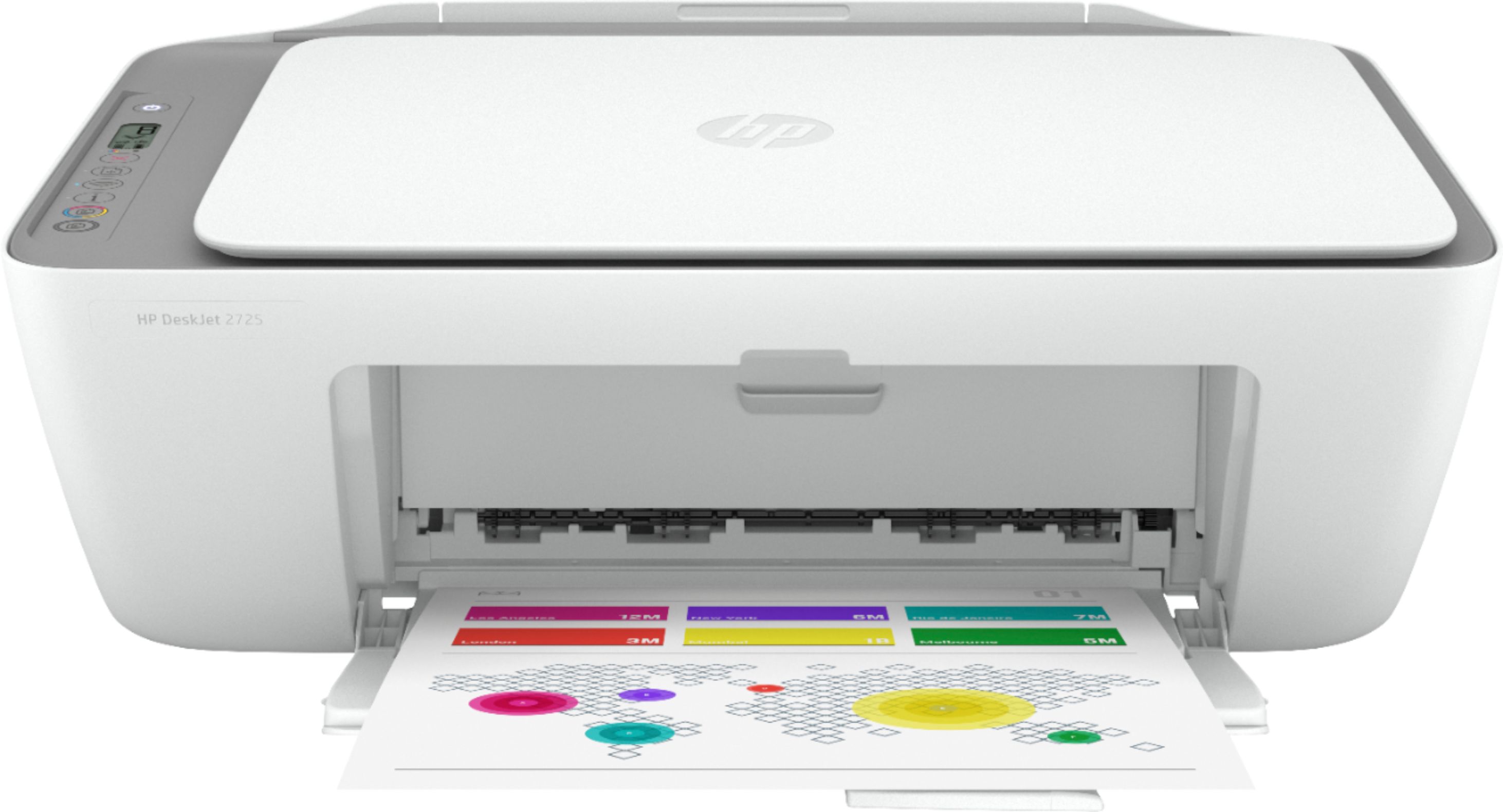
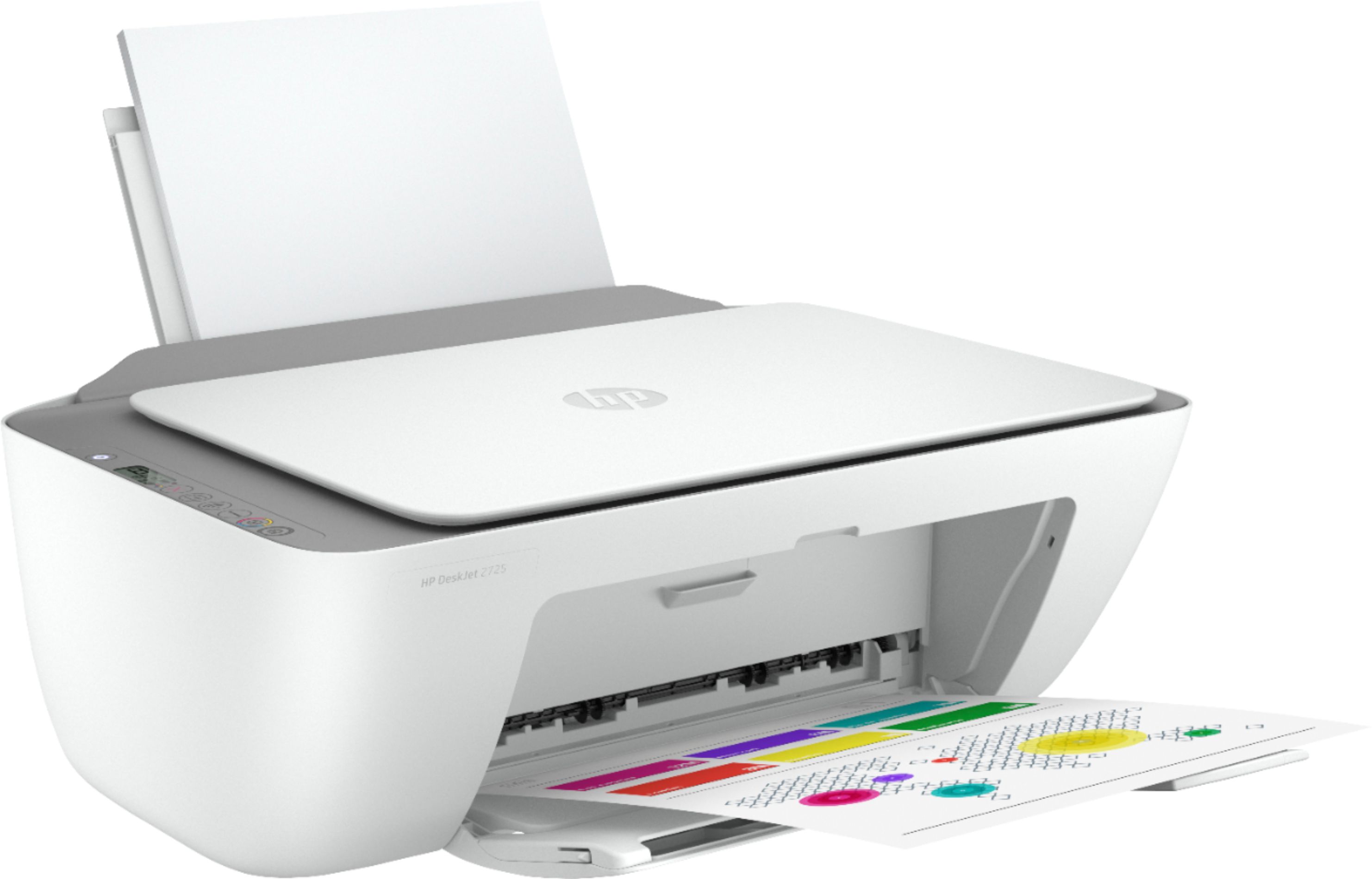
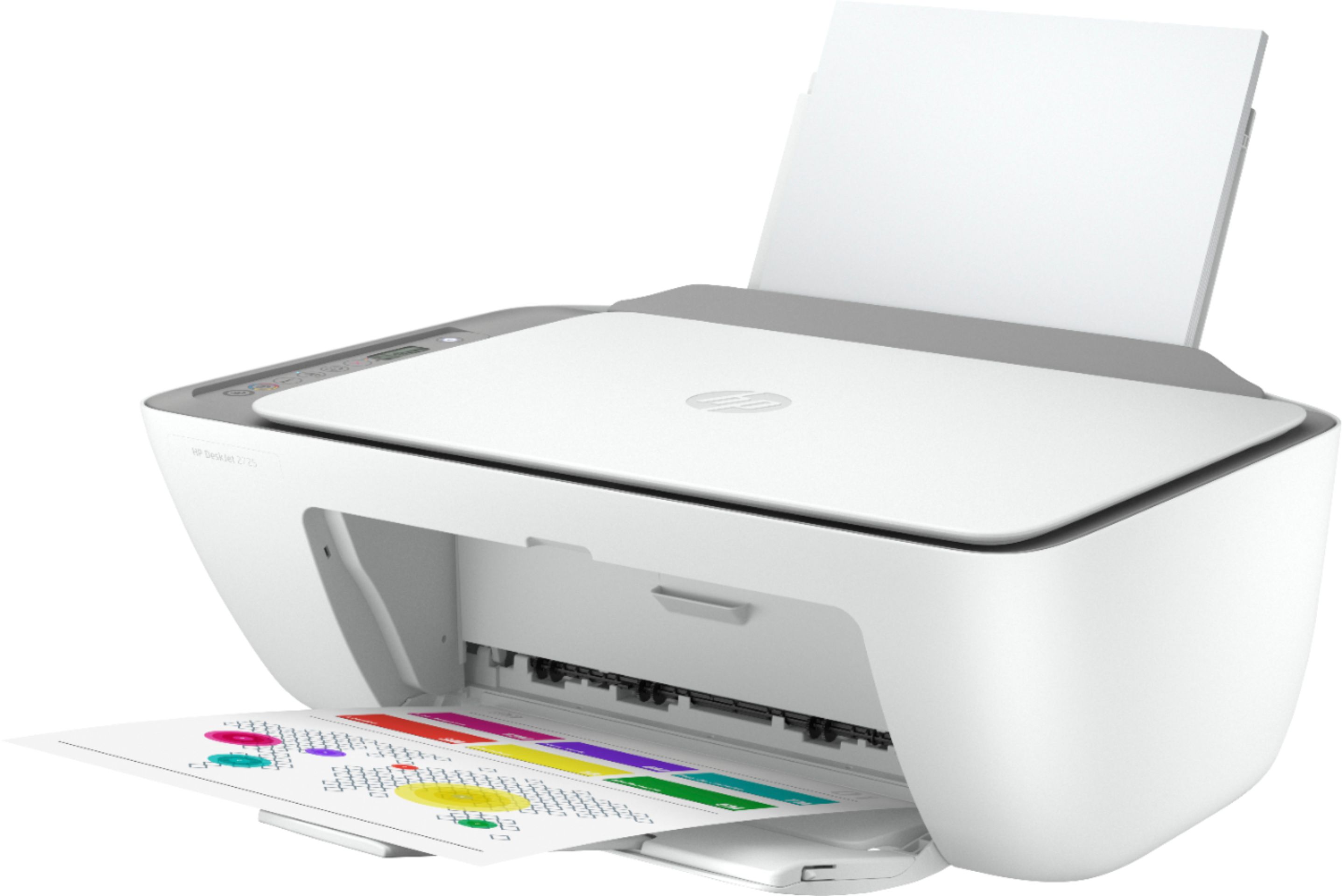
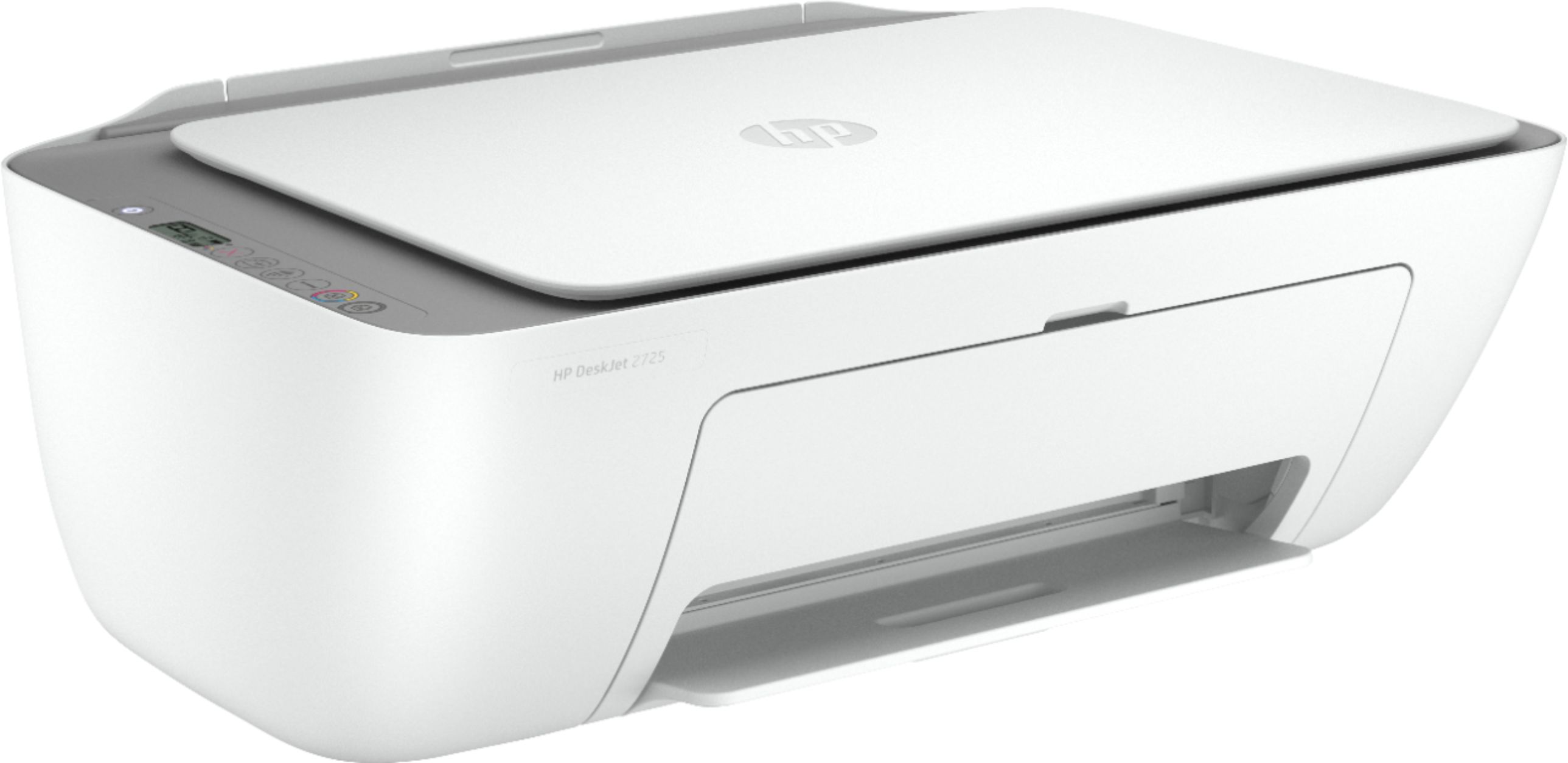
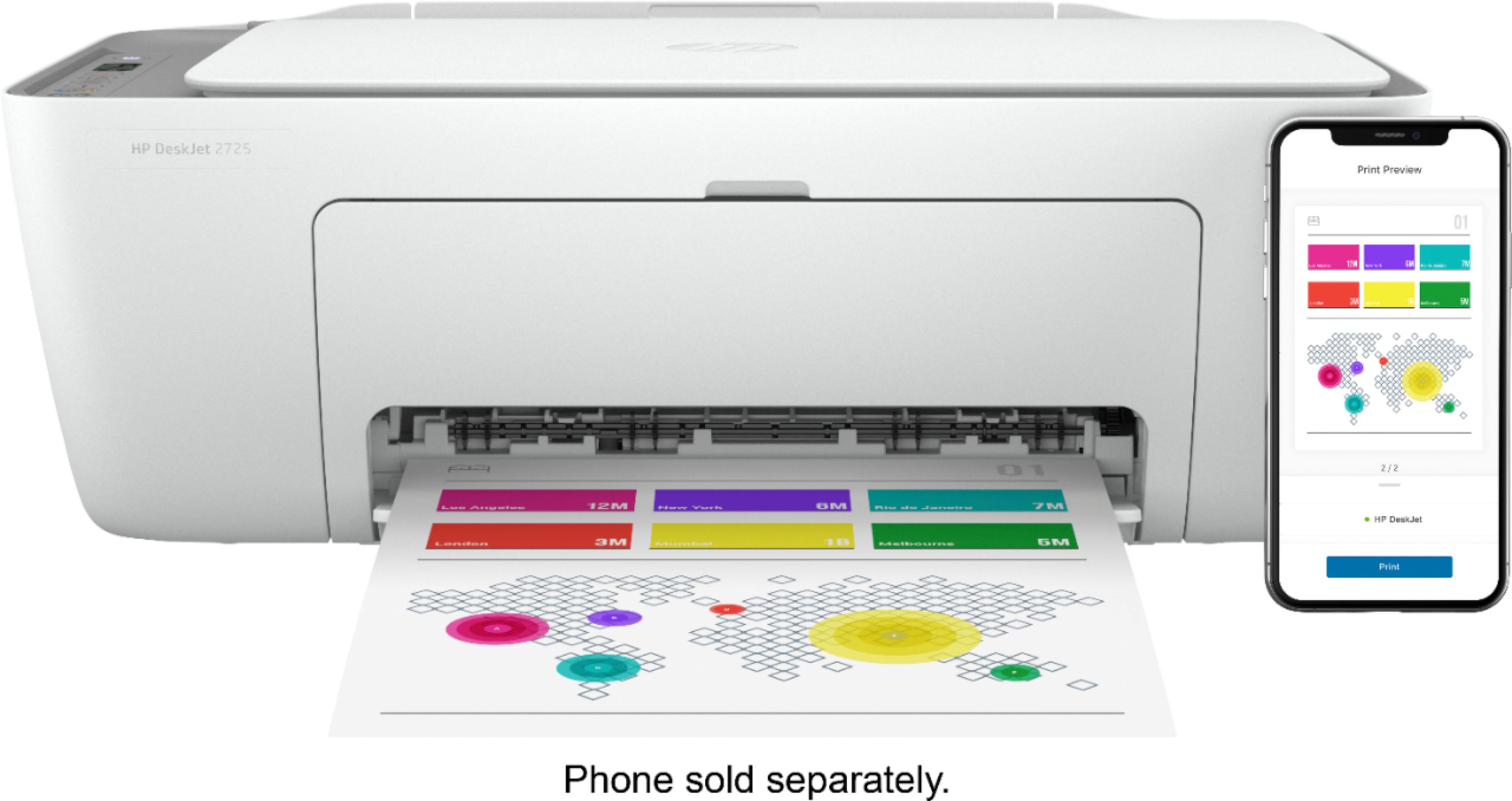
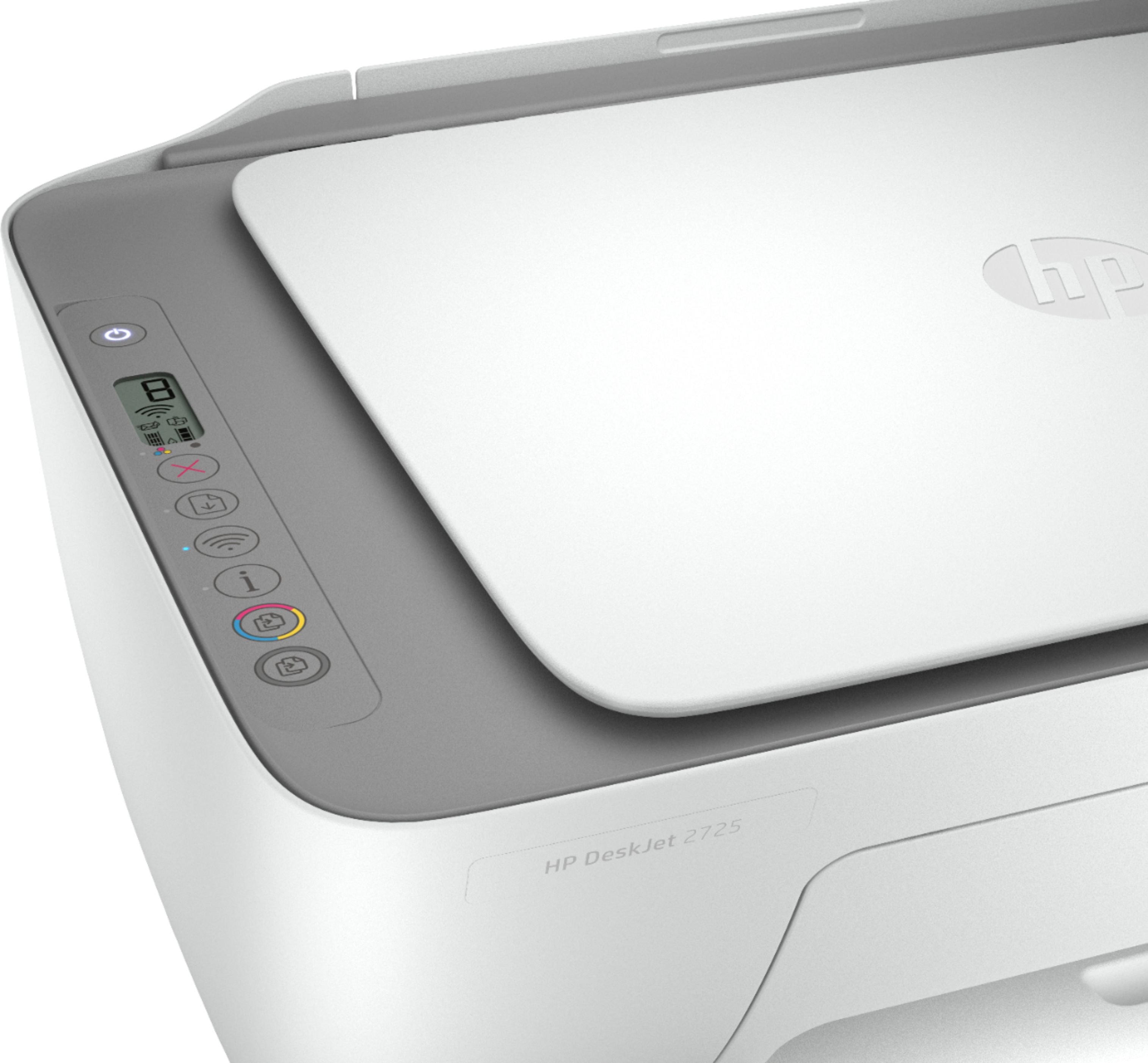
- Model:
- DeskJet 2725
- SKU:
- 6421533
Rating by feature
- Value
Rating 4.2 out of 5 stars
- Quality
Rating 4.0 out of 5 stars
- Ease of Use
Rating 3.8 out of 5 stars
Customers are saying
Customers are impressed with the DeskJet 2725's ease of use and print quality, frequently citing its user-friendly setup and sharp output. Many also appreciate the printer's affordable price and compact size. However, some users experienced difficulties with wireless connectivity and setup, while others reported reliability issues.
This summary was generated by AI based on customer reviews.
retiree
||Posted . Owned for 1 month when reviewed.This reviewer received promo considerations or sweepstakes entry for writing a review.Printed a few items and now it doesn't work. You can plant a pecan tree and grow it too full size before you get a printed copy. Not recommended and it's made in China I think.
No, I would not recommend this to a friendCannot connect to Wi-Fi
||Posted . Owned for 4 months when reviewed.This reviewer received promo considerations or sweepstakes entry for writing a review.Cannot connect to WiFi. I've tried every method that is available and I cannot get this printer to connect to my WiFi and that's the main reason I purchased this printer. Very disappointing.
No, I would not recommend this to a friendNot for me
||Posted .This reviewer received promo considerations or sweepstakes entry for writing a review.It sucks to be honest the app to contact the printer total trash wasted 2days trying to contact the printer with the app then another day with USB dont buy it unless they fixed the app problem
No, I would not recommend this to a friendBeware
||Posted . Owned for 2 months when reviewed.This reviewer received promo considerations or sweepstakes entry for writing a review.It prints when it feels like it. You do everything the troubleshooting tells you and the printer prints your documents 24 hours later. My advice is to spend a bit more on a better one.
No, I would not recommend this to a friendNot worth it
||Posted . Owned for 1 month when reviewed.This reviewer received promo considerations or sweepstakes entry for writing a review.having issues continuously, even when the printer is on and able to see status as ready in HP smart app but when trying to print it wont. It will say error printing or printer is offline.
No, I would not recommend this to a friendPoor product. uses more ink.
||Posted . Owned for 1 year when reviewed.This reviewer received promo considerations or sweepstakes entry for writing a review.Extremely poor printing quality and uses double the ink compared to any other printer. The only good thing is its very cheap to okay for once a while printing..
No, I would not recommend this to a friendDONT BUY
||Posted . Owned for 1 month when reviewed.This reviewer received promo considerations or sweepstakes entry for writing a review.If I could give this 0 stars, I would. DO NOT PURCHASE!! Power button constantly flashes and I have a difficult time attempting to print anything. Save yourself the trouble trust me!
No, I would not recommend this to a friendDon’t do it
||Posted . Owned for 5 months when reviewed.This reviewer received promo considerations or sweepstakes entry for writing a review.This was a pain to set up and is a nightmare to use. Just spent 30 minutes fighting an error that said the paper was the wrong size. It was 8:5 x 11. It was not the wrong size.
No, I would not recommend this to a friendBrand response from HP Team
Posted .Hi, Spenser.
I’m sorry to hear that your printer was difficult to set up and has been troublesome to use. The frustration you express after spending 30 minutes on an unexplained error message regarding paper size is certainly understandable. We want our customers to have better experiences than what you’ve endured, so I’ll offer a resource and some information I hope will help you remedy the situation.
I can’t tell from your review what’s causing the paper-size error you describe, so I recommend that you contact us directly at +1 800-474-6836 so we can help you assess the situation and find a solution. (Please note that because of restrictions on personal movement and workplace attendance associated with the COVID-19 pandemic, wait times for agents are longer than normal. Thanks in advance for your understanding.) To expedite the process, I recommend gathering the following information before the call:
- Model number
- Serial number
- Your location
- Case number (from any previous contact with HP support)
I'll also mention that HP printers have a one-year warranty from their purchase date that covers hardware as well as ink supplies, so if it comes to that, you might consider making use of it. You can verify the warranty using the following link:
- support.hp.com/us-en/checkwarranty
Keith
HP Care
hp.com/support
does not connect with my computer
||Posted . Owned for 1 month when reviewed.This reviewer received promo considerations or sweepstakes entry for writing a review.You get what you pay for. The quality is fine. When it feels like printing something. My computer and this stupid printer are on the same network yet it still won't print anything.
No, I would not recommend this to a friendWifi and USB not working
||Posted . Owned for less than 1 week when reviewed.This reviewer received promo considerations or sweepstakes entry for writing a review.HP app not connecting to wifi on my phone, despite my phone's wifi working. So I tried USB from my Win10 PC to the printer with the printer on - gave "USB not connected to printer".
No, I would not recommend this to a friendrun
||Posted . Owned for less than 1 week when reviewed.This reviewer received promo considerations or sweepstakes entry for writing a review.trash took 2 hours to set up for wifi but hear is the issue i can't use hp instant ink since i am unable to enable web services i tried so many times just won't work rreturning this
No, I would not recommend this to a friendPiece of Junk
||Posted . Owned for 9 months when reviewed.This reviewer received promo considerations or sweepstakes entry for writing a review.Slowest piece of junk on the planet earth. It took over an hour to print 8 pages and consumes an unholy amount of ink. Do not buy! It’s too bad I can’t return it.
No, I would not recommend this to a friendBrand response from HP Team
Posted .Hi, Jeremy.
I’m sorry to hear that your printer has performed so poorly. It’s no surprise that you’re so frustrated, considering you waited more than an hour for an eight-page print job and the printer used ink more rapidly than you’d anticipated. I want to help you remedy this situation, so I’ll direct you to some resources I hope will make that happen.
First, I recommend that you follow a guide on our support site that covers improving print speed; choose whichever of the following two links matches your operating system:
- Windows: support.hp.com/us-en/document/bud03409
- Mac OS: support.hp.com/us-en/document/c01928898
Also, often just updating the firmware can help improve print speed. You can find out how to do that here:
- support.hp.com/us-en/document/c02919168
Beyond that, I can’t tell from your review how rapidly the printer is using ink, but I believe it deserves further investigation. For help with that – or if the printing speed does not improve – I suggest you contact us directly at +1 800-474-6836 so we can help you assess the situation and find a solution. (Please note that because of restrictions on personal movement and workplace attendance associated with the COVID-19 pandemic, wait times for agents are longer than normal. Thanks in advance for your understanding.) To expedite the process, I recommend gathering the following information before the call:
- Model number
- Serial number
- Your location
- Case number (from any previous contact with HP support)
Keith
HP Care
hp.com/support
Throw these in the trash right off the truck
||Posted . Owned for 2 weeks when reviewed.This reviewer received promo considerations or sweepstakes entry for writing a review.Worst printer I have ever owned. It worked 1 time and then refused to do anything again. The app needed to control this device is slow, extremely limited, and absolutely horrid.
No, I would not recommend this to a friend- Pros mentioned:Print quality
Impressive Budget-Friendly Printer - HP DeskJet 27
Posted .This reviewer received promo considerations or sweepstakes entry for writing a review.I recently purchased the HP DeskJet 2725 Wireless All-In-One Inkjet Printer, and I must say, it has exceeded my expectations in every way. From its sleek design to its functionality, this printer has become an invaluable addition to my home office setup. Design & Build (5/5): The first thing that caught my eye was its elegant and compact design in white, which seamlessly blends into any room decor. It doesn't take up much space, making it ideal for small offices or workspaces. The build quality is robust, and it feels well-constructed, giving me confidence in its durability. Setup & Connectivity (5/5): Setting up the DeskJet 2725 was a breeze. The wireless connectivity was straightforward, and I was able to connect it to my home Wi-Fi network effortlessly. The HP Smart app made the setup process even more user-friendly, allowing me to print and scan from my smartphone or tablet with ease. Print Quality (5/5): I was pleasantly surprised by the print quality of this budget-friendly printer. Text is sharp and legible, and color printing is vibrant and true to life. Whether I'm printing documents or photos, the results have consistently been impressive. Plus, the Instant Ink Ready feature ensures that I never run out of ink at an inconvenient time. Performance (5/5): The DeskJet 2725 is fast and efficient. It handles printing, scanning, and copying tasks swiftly, and the automatic duplex printing feature saves me time and paper. The input tray holds a decent amount of paper, reducing the need for frequent refills during large print jobs. Ink Efficiency (5/5): One of the standout features of this printer is its compatibility with HP's Instant Ink program. It automatically orders new ink cartridges when your current ones are running low, ensuring you never run out unexpectedly. This feature not only saves time but also money in the long run. Conclusion (5/5): In summary, the HP DeskJet 2725 Wireless All-In-One Inkjet Printer is a fantastic value for the price. It offers excellent print quality, ease of use, and efficient connectivity options. The added benefit of being Instant Ink Ready takes away the hassle of constantly monitoring ink levels. Whether you're a student, a small business owner, or simply in need of a reliable home printer, the DeskJet 2725 should be at the top of your list. I wholeheartedly recommend it to anyone in need of an affordable, high-quality printer. With its impressive performance and features, the HP DeskJet 2725 has truly won my heart and made my home office setup more productive. It's a solid investment that I'm sure you won't regret. (Note: This review is submitted as part of a contest to win $400.)
I would recommend this to a friend Don’t waste your time
||Posted . Owned for 3 weeks when reviewed.This reviewer received promo considerations or sweepstakes entry for writing a review.Have to do a hard reset by unplugging and plugging it back in almost every day in order to use it. Quality is mediocre. What should I expect for a $25 dollar printer?
No, I would not recommend this to a friendBrand response from HP Team
Posted .Hi there.
I’m sorry to hear that your printer has failed to maintain a reliable wireless connection. It’s easy to understand why needing to reset the printer each day would quickly become aggravating, so I’ll offer some resources and information I hope will help.
First, I recommend you visit a page on our support site that has diagnostic tools for various issues, including connectivity difficulties. Visit that page here:
- support.hp.com/us-en/topic/diagnostics
If you need further assistance, I hope you’ll contact us directly at +1 800-474-6836 so we can help you assess the situation and find a solution. (Please note that because of restrictions on personal movement and workplace attendance associated with the COVID-19 pandemic, wait times for agents are longer than normal. Thanks in advance for your understanding.) To expedite the process, I recommend gathering the following information before the call:
- Model number
- Serial number
- Your location
- Case number (from any previous contact with HP support)
Keith
HP Care
hp.com/support
No
||Posted . Owned for 2 months when reviewed.This reviewer received promo considerations or sweepstakes entry for writing a review.I was not a fan of this printer at all! Spend the extra money and buy a brother I took this one back and bought a brother and I could not be happier with it!!
No, I would not recommend this to a friendWished I wouldn’t have...
||Posted .This reviewer received promo considerations or sweepstakes entry for writing a review.This item does not work! I will return it soon! I thought I was getting a good deal for my return to school it this is just trash and it will return to the dump!
No, I would not recommend this to a friendVery disappointed
||Posted . Owned for 3 weeks when reviewed.This reviewer received promo considerations or sweepstakes entry for writing a review.Horrible printer, bought it and while installing noticed it had pieces hanging out. When I went to exchange it was told they were out of stock indefinitely.
No, I would not recommend this to a friendPoor Quality
||Posted . Owned for 1 month when reviewed.This reviewer received promo considerations or sweepstakes entry for writing a review.Do not buy! This printer does not print or copy well; quality is horrible. The printer was cheap in price but cheaper in quality and performance!
No, I would not recommend this to a friendAvoid this printer
||Posted . Owned for 2 months when reviewed.This reviewer received promo considerations or sweepstakes entry for writing a review.This printer sucks! Plain and simple! Drops connection and never prints anything. Glad I only paid $25 bucks for it but still a waste of money.
No, I would not recommend this to a friend