Customer Ratings & Reviews
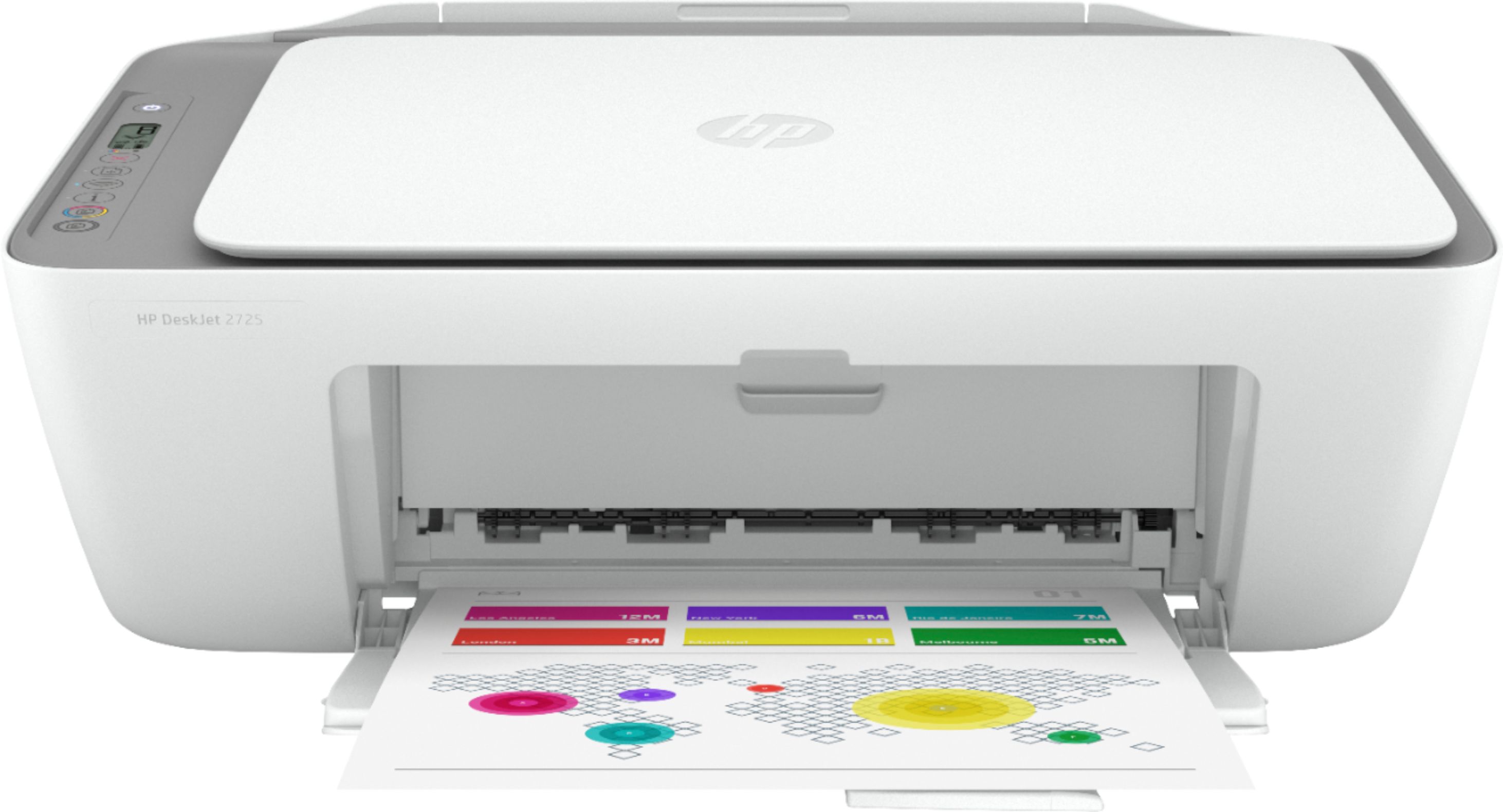
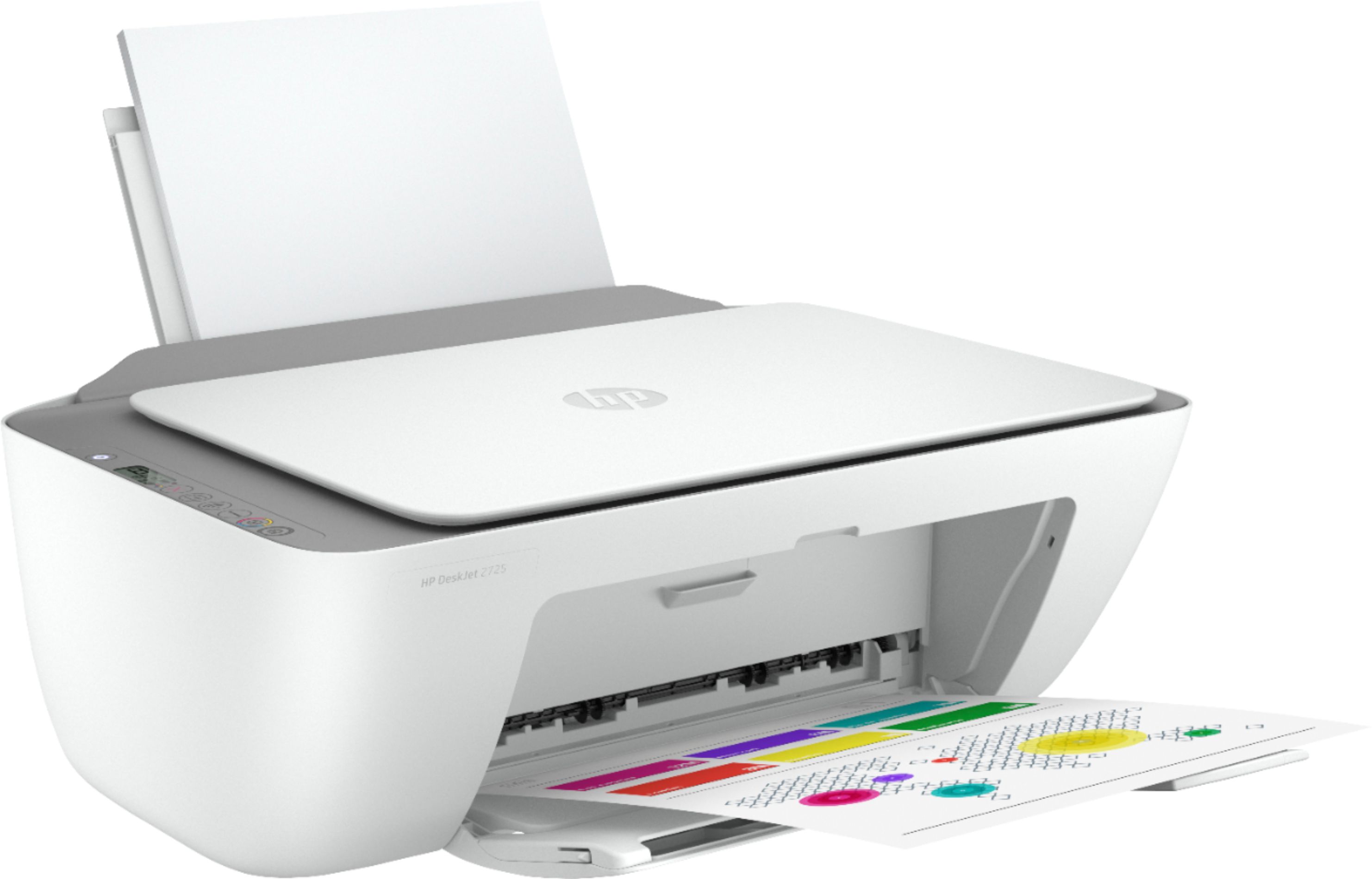
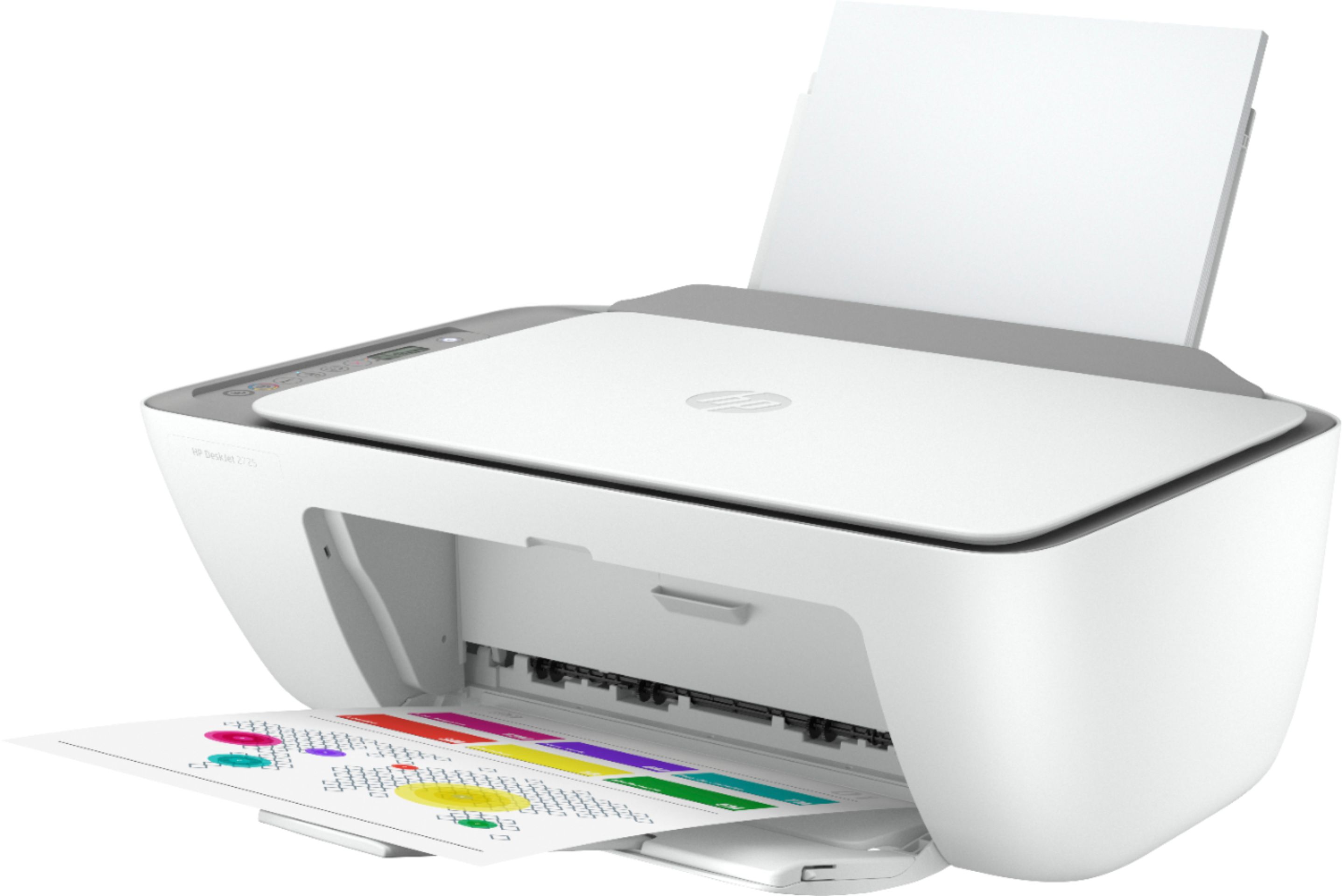
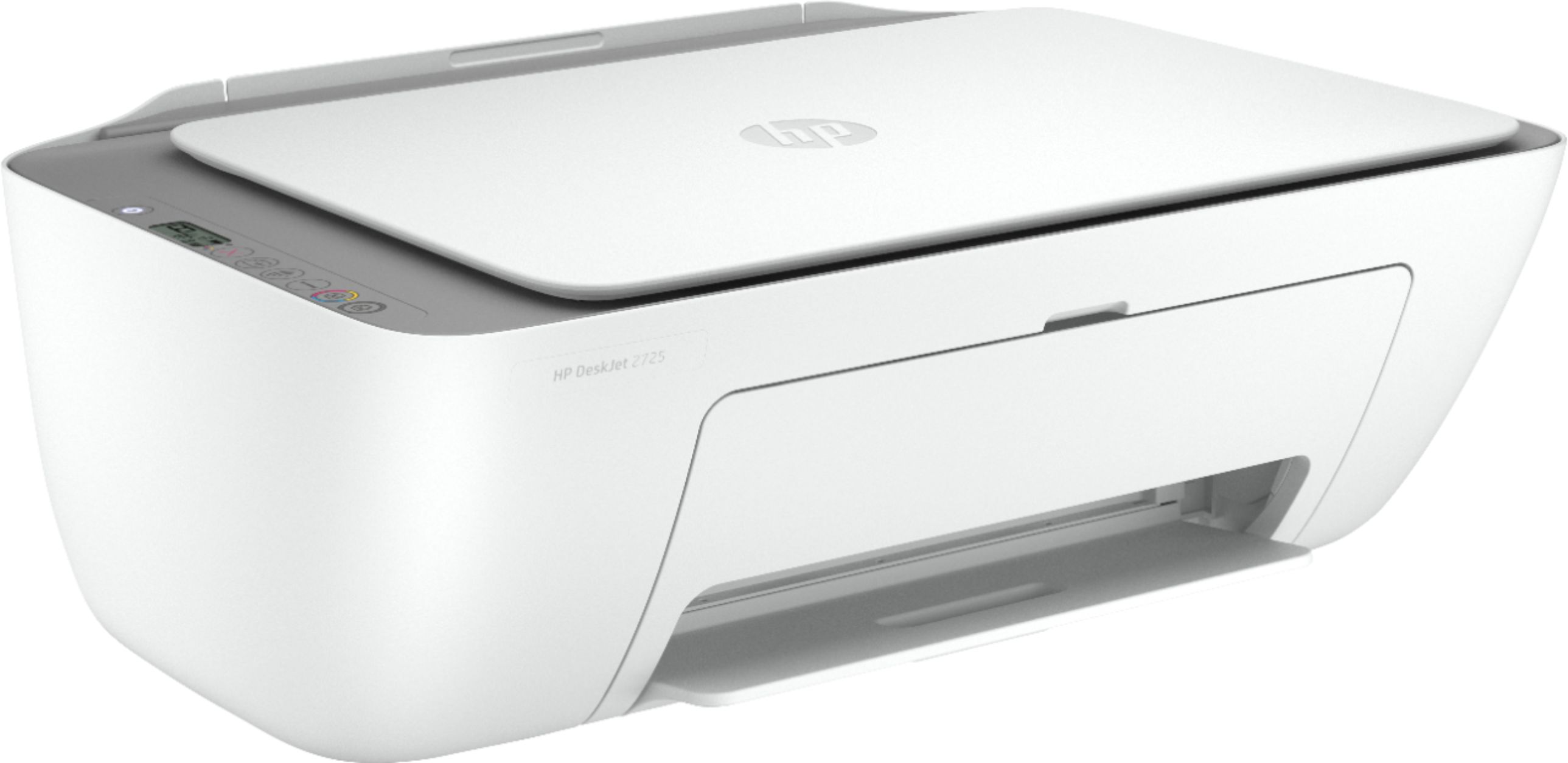
- Model:
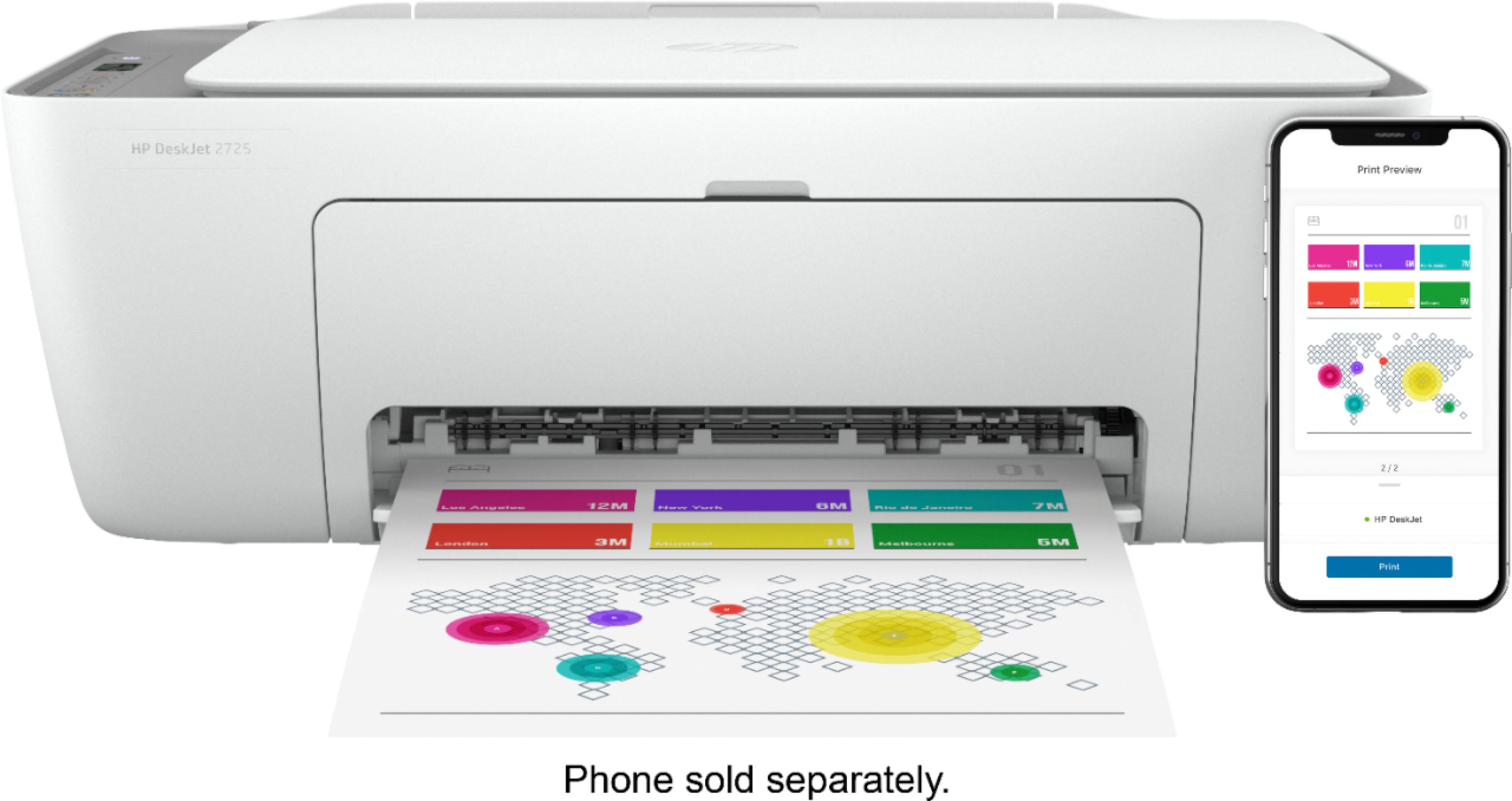
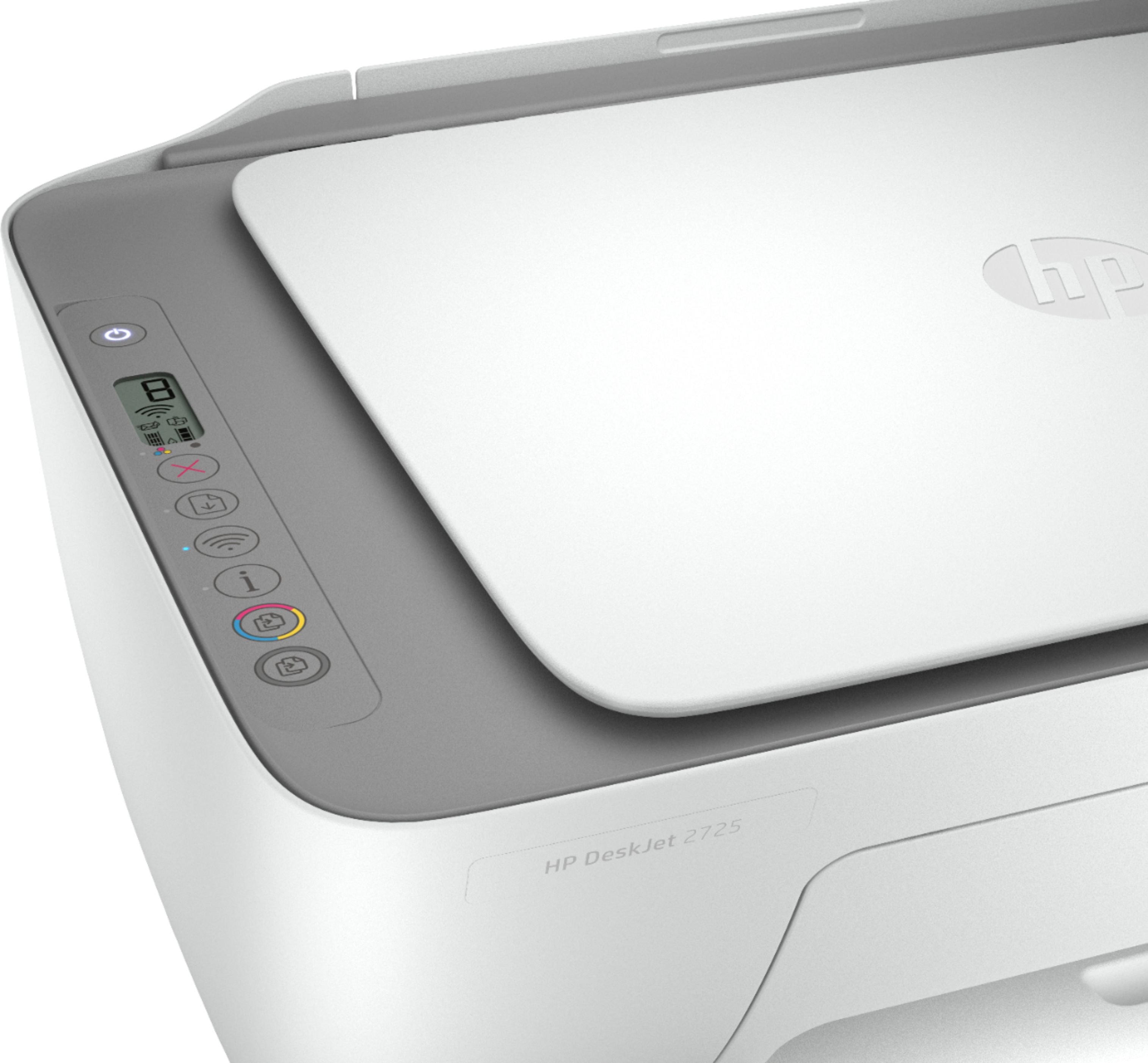
- DeskJet 2725
- SKU:
- 6421533
Rating by feature
- Value
Rating 4.2 out of 5 stars
- Quality
Rating 4.0 out of 5 stars
- Ease of Use
Rating 3.8 out of 5 stars
Customers are saying
Customers are impressed with the DeskJet 2725's ease of use and print quality, frequently citing its user-friendly setup and sharp output. Many also appreciate the printer's affordable price and compact size. However, some users experienced difficulties with wireless connectivity and setup, while others reported reliability issues.
This summary was generated by AI based on customer reviews.
not good
||Posted . Owned for 3 weeks when reviewed.This reviewer received promo considerations or sweepstakes entry for writing a review.There are many problems, including difficult Wi-Fi connection, and every time it is restarted, it needs a new connection and a different problem
No, I would not recommend this to a friendBrand response from HP Team
Posted .Hi, Ahmed.
I’m sorry to hear that your printer has failed to maintain a reliable wireless connection in addition to other problems that show up after you restart it. I can wholly understand why that would be an aggravating start to owning a new printer, so I’ll offer some resources and information I hope will help.
First, I recommend you visit a page on our support site that has diagnostic tools for various issues, including connectivity difficulties. There you’ll also find a general-purpose tool called the HP Print and Scan Doctor. If you use Windows, the tool will help identify and guide you through solutions to a wide range of common printing and scanning difficulties. Visit that page here:
- support.hp.com/us-en/topic/diagnostics
If you need further assistance, I hope you’ll contact us directly at +1 800-474-6836 so we can help you assess the situation and find a solution. (Please note that because of restrictions on personal movement and workplace attendance associated with the COVID-19 pandemic, wait times for agents are longer than normal. Thanks in advance for your understanding.) To expedite the process, I recommend gathering the following information before the call:
- Model number
- Serial number
- Your location
- Case number (from any previous contact with HP support)
Keith
HP Care
hp.com/support
Terrible printer when it decides to print!!!
||Posted . Owned for 4 months when reviewed.This reviewer received promo considerations or sweepstakes entry for writing a review.Worse printer ever. Takes 5 minutes to print a simple 1 paragraph word document. I always have to turn it off and reset it to print often.
No, I would not recommend this to a friendBrand response from HP Team
Posted .Hi, Anton.
I’m sorry that your printer has rendered prints so slowly and that it frequently needs to be reset before it will print. I can certainly understand why waiting five minutes for a single text page to print, along with the resetting issue, would quickly become exasperating. I would love to help you remedy these problems, so I’ll point you toward some resources aimed at doing that.
First, I recommend that you follow a guide on our support site that covers improving print speed; choose whichever of the following two links matches your operating system:
- Windows: support.hp.com/us-en/document/bud03409
- Mac OS: support.hp.com/us-en/document/c01928898
Next, you can visit a page on our support site that has diagnostic tools for various issues, including wireless connectivity and printer-offline difficulties, which I suspect might be what’s causing the need for so much resetting. Visit that page here:
- support.hp.com/us-en/topic/diagnostics
If any problem persists, I suggest that you contact us directly at +1 800-474-6836 so we can help you assess the situation and find a solution. (Please note that because of restrictions on personal movement and workplace attendance associated with the COVID-19 pandemic, wait times for agents are longer than normal. Thanks in advance for your understanding.) To expedite the process, I recommend gathering the following information before the call:
- Model number
- Serial number
- Your location
- Case number (from any previous contact with HP support)
Keith
HP Care
hp.com/support
hp printer
||Posted . Owned for 3 weeks when reviewed.This reviewer received promo considerations or sweepstakes entry for writing a review.The light off when you want to print cause not to print. The printer still not working and I have to call somebody to fix the problem
No, I would not recommend this to a friendNot Worth the Price.
||Posted . Owned for 2 weeks when reviewed.This reviewer received promo considerations or sweepstakes entry for writing a review.Rather pay a bit more where the connection capabilities are user friendly. Not impressed. Returning for a different, better quality printer.
No, I would not recommend this to a friendNot Happy
||Posted . Owned for 1 month when reviewed.This reviewer received promo considerations or sweepstakes entry for writing a review.Cannot get it to connect to phone or lap top. Called Tech support and they could not do it and Geek Squad could not do it. worthless
No, I would not recommend this to a friendPrinter
||Posted .This reviewer received promo considerations or sweepstakes entry for writing a review.When i scan then it quits printing for some reason. Havent had it full month. I have to re intall it every time after scanning
No, I would not recommend this to a friendHP Deskjet
||Posted . Owned for 6 months when reviewed.This reviewer received promo considerations or sweepstakes entry for writing a review.HORRIBLE! It never works!!!! Will print a few pages, then I can’t get it to do anything. Very slow. Do not recommend.
No, I would not recommend this to a friendBrand response from HP Team
Posted .Hi, Chloe.
I’m sorry that your printer has performed so poorly for you. I can certainly see why the unreliability and slow printing you describe would quickly become exasperating, and not what anyone has in mind when buying a new printer. With that in mind, I’ll direct you to some resources I hope will help you get the device working to your satisfaction.
First, I recommend you visit a page on our support site that has diagnostic tools for various issues, including wireless connectivity and printer-offline difficulties, which I suspect might be behind the unpredictability you cite. On the same page you’ll find a general-purpose tool called the HP Print and Scan Doctor. If you use Windows, the tool will help identify and guide you through solutions to a wide range of common printing and scanning difficulties. You can find that page here:
- support.hp.com/us-en/topic/diagnostics
You also might it useful to follow a guide on our support site that covers improving print speed; choose whichever of the following two links matches your operating system:
- Windows: support.hp.com/us-en/document/bud03409
- Mac OS: support.hp.com/us-en/document/c01928898
If any problem persists, I suggest that you contact us directly at +1 800-474-6836 so we can help you assess the situation and find a solution. (Please note that because of restrictions on personal movement and workplace attendance associated with the COVID-19 pandemic, wait times for agents are longer than normal. Thanks in advance for your understanding.) To expedite the process, I recommend gathering the following information before the call:
- Model number
- Serial number
- Your location
- Case number (from any previous contact with HP support)
Keith
HP Care
hp.com/support
Would Not Connect
||Posted .This reviewer received promo considerations or sweepstakes entry for writing a review.I got what I paid for. Printer would not connect via WiFi, so I tried a USB cord. Printer would not connect. Returned it next day.
No, I would not recommend this to a friendBad smart app and quality
||Posted . Owned for 1 month when reviewed.This reviewer received promo considerations or sweepstakes entry for writing a review.Terrible smart app, it doesn't work properly i can't adjust the correct size paper it supposed to be automatic but it doesn't
No, I would not recommend this to a friendYou get what you pay for
||Posted . Owned for 3 weeks when reviewed.This reviewer received promo considerations or sweepstakes entry for writing a review.Setup was not simple. The app is not guaranteed to work. This printer stays offline and I followed the steps for setup.
No, I would not recommend this to a friendBrand response from HP Team
Posted .Hi, Jenita.
I’m sorry to hear that your printer was difficult to set up and has gone offline so frequently. I can understand why that, plus software performance issues, would be an aggravating combination, so I’ll offer some resources and information I hope will help.
First, I recommend you visit a page on our support site that has diagnostic tools for various issues, including printer-offline difficulties. Visit that page here:
- support.hp.com/us-en/topic/diagnostics
If you need further assistance, I hope you’ll contact us directly at +1 800-474-6836 so we can help you assess the situation and find a solution. (Please note that because of restrictions on personal movement and workplace attendance associated with the COVID-19 pandemic, wait times for agents are longer than normal. Thanks in advance for your understanding.) To expedite the process, I recommend gathering the following information before the call:
- Model number
- Serial number
- Your location
- Case number (from any previous contact with HP support)
Keith
HP Care
hp.com/support
Bad printer
||Posted . Owned for 2 months when reviewed.This reviewer received promo considerations or sweepstakes entry for writing a review.It's the worst printer i've ever owned It's the worst printer i've ever owned It's the worst printer i've ever owned
No, I would not recommend this to a friendBrand response from HP Team
Posted .Hi there.
I’m sorry to hear that you've not had the experience you expected with your printer, and I'm sorry for any resulting inconvenience. We aim to provide a reliable experience with our printers and support, so I’ll try to offer some helpful suggestions.
First, I recommend you visit a page on our support site that has diagnostic tools for various tasks and issues, including setup, cartridge installation and connectivity. There you’ll also find a general-purpose tool called the HP Print and Scan Doctor. If you use Windows, the tool will help identify and guide you through solutions to a wide range of common printing and scanning issues. Visit that page here:
- support.hp.com/us-en/topic/diagnostics
For more help solving problems or to learn more about your printer and all its features, you can access a setup tutorial, troubleshooting guides, how-to documents, user manuals and software updates here:
- support.hp.com/us-en/product/hp-deskjet-2700-all-in-one-printer-series/29378157/model/38056354
If there's any specific way that we can help you, I hope you’ll get in touch with us directly for support. We're always here and would be more than happy to help you make the most of your experience with the printer. On our site you can get help from a virtual agent, search our extensive knowledge library or check your printer’s warranty status. Get in touch via this link: support.hp.com
Keith
HP Care
hp.com/support
like what?
||Posted . Owned for 4 months when reviewed.This reviewer received promo considerations or sweepstakes entry for writing a review.This printer isn't very good. Have to help it take the paper in the feeder to print. I should have returned it.
No, I would not recommend this to a friendBrand response from HP Team
Posted .Hi there.
I’m sorry to hear that your printer’s paper feeder is not working properly. I can certainly understand why that would be an unwelcome discovery for a new printer. I want to help you remedy this, so I’ll suggest some resources aimed at that end.
First, I recommend you follow the steps in this guide to document feeders that fail to pick up paper or pull through too many pages:
- support.hp.com/us-en/document/c01728503
You might also find useful information in this troubleshooting guide for printers that display an out-of-paper error and do not pick up paper:
- support.hp.com/us-en/document/c00786157
If the problem persists, I suggest that you contact us directly at +1 800-474-6836 so we can help you assess what’s happening and find a solution. (Please note that because of restrictions on personal movement and workplace attendance associated with the COVID-19 pandemic, wait times for agents are longer than normal. Thanks in advance for your understanding.) To expedite the process, I recommend gathering the following information before the call:
- Model number
- Serial number
- Your location
- Case number (from any previous contact with HP support)
Keith
HP Care
hp.com/support
Sorry
||Posted . Owned for 3 weeks when reviewed.This reviewer received promo considerations or sweepstakes entry for writing a review.There was a problem. There was no directions on how to set it up. We really want a new printer. We had to return it.
I would recommend this to a friendSuper trash
||Posted . Owned for less than 1 week when reviewed.This reviewer received promo considerations or sweepstakes entry for writing a review.It is a super bad printer because it takes me like 5 hours trying to conect it to the internet and finally I couldn’t
No, I would not recommend this to a friendPiece of junk
||Posted . Owned for 2 months when reviewed.This reviewer received promo considerations or sweepstakes entry for writing a review.Piece of junk. Waste time and money. Do not buy. No support from Bestbuy or HP even you have Total Tech Support.
No, I would not recommend this to a friendYikes
||Posted . Owned for 1 month when reviewed.This reviewer received promo considerations or sweepstakes entry for writing a review.This printer is no good, runs super slow and is a complete nightmare.
No, I would not recommend this to a friendDoesn't work
||Posted .This reviewer received promo considerations or sweepstakes entry for writing a review.Does not connect to any networks. Ask for password of wifi, which is indeed correct, but does not connect
No, I would not recommend this to a friendBuyer beware!
||Posted . Owned for 2 months when reviewed.This reviewer received promo considerations or sweepstakes entry for writing a review.If I could give it zero stars I would. It never worked, not once. I spent hours troubleshooting it.
No, I would not recommend this to a friendBrand response from HP Team
Posted .Hi, Layla.
I’m sorry to hear that your printer hasn’t worked despite hours of troubleshooting. I can wholly understand why that would be a tremendously disappointing and frustrating experience. I would love to help you remedy the situation, so I’ll offer a resource and some information I hope will further that end.
I can’t tell from your review what troubleshooting measures you took or why the printer has not worked, so I recommend that you contact us directly at +1 800-474-6836 so we can help you assess the situation and find a solution. (Please note that because of restrictions on personal movement and workplace attendance associated with the COVID-19 pandemic, wait times for agents are longer than normal. Thanks in advance for your understanding.) To expedite the process, I recommend gathering the following information before the call:
- Model number
- Serial number
- Your location
- Case number (from any previous contact with HP support)
I'll also mention that HP printers have a one-year warranty from their purchase date that covers hardware as well as ink supplies, so if it comes to that, you might consider making use of it. You can verify the warranty using the following link:
- support.hp.com/us-en/checkwarranty
Keith
HP Care
hp.com/support
Not for to good for constant use
||Posted . Owned for 1.5 years when reviewed.This reviewer received promo considerations or sweepstakes entry for writing a review.Not quiet for what i was looking for , takes its time to print
No, I would not recommend this to a friendPoor quality
||Posted . Owned for 3 weeks when reviewed.This reviewer received promo considerations or sweepstakes entry for writing a review.When I tried to install, the black ink cartridge would not be recognized. I returned the product.
No, I would not recommend this to a friend