Customer Ratings & Reviews
- Model:
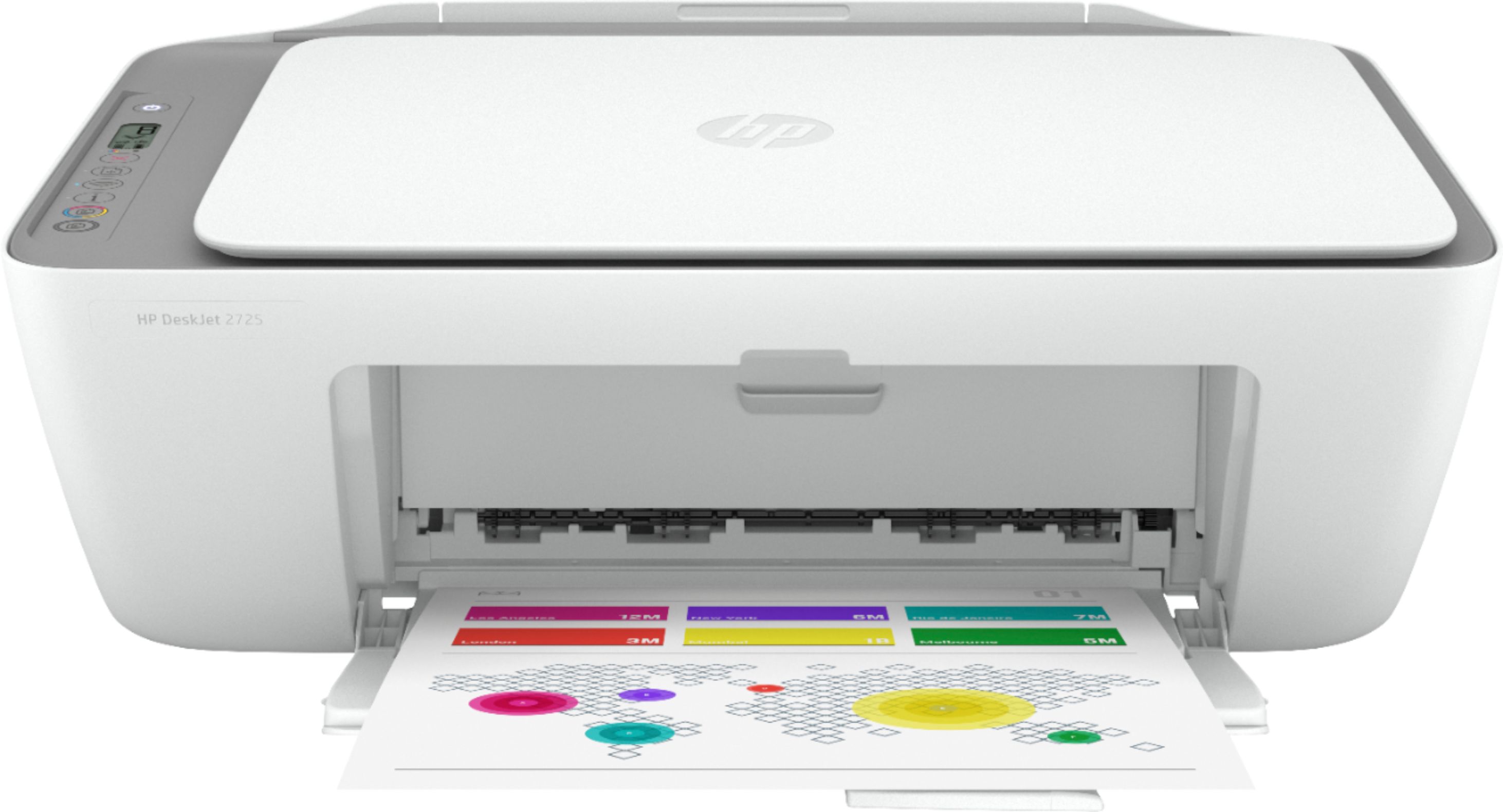
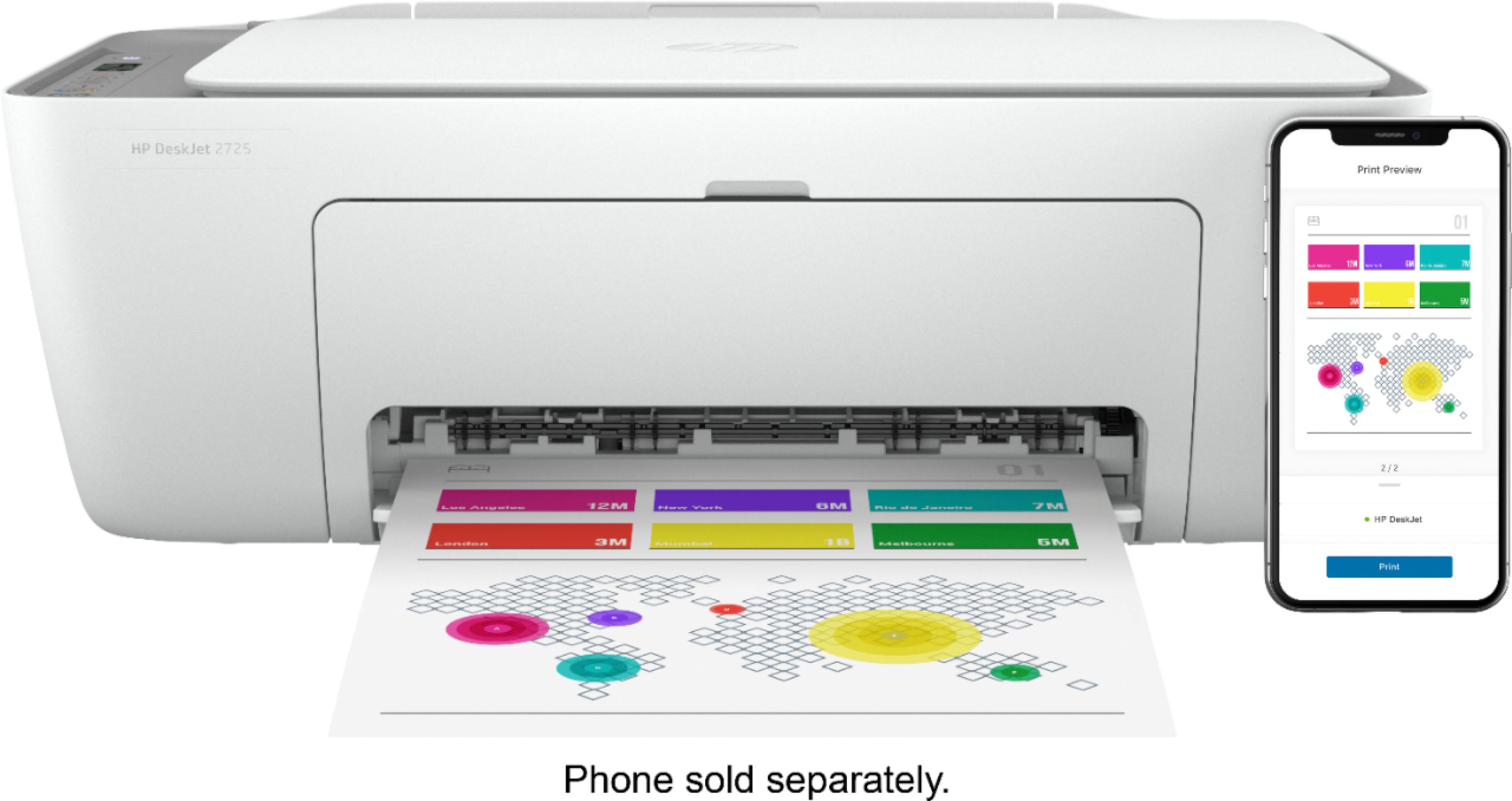
- DeskJet 2725
- SKU:
- 6421533
Rating by feature
- Value
Rating 4.2 out of 5 stars
- Quality
Rating 4.0 out of 5 stars
- Ease of Use
Rating 3.8 out of 5 stars
Customers are saying
Customers are impressed with the DeskJet 2725's ease of use and print quality, frequently citing its user-friendly setup and sharp output. Many also appreciate the printer's affordable price and compact size. However, some users experienced difficulties with wireless connectivity and setup, while others reported reliability issues.
This summary was generated by AI based on customer reviews.
Don’t bother
||Posted . Owned for less than 1 week when reviewed.This reviewer received promo considerations or sweepstakes entry for writing a review.Absolute garbage. I spent 45 minutes trying to get it to feed paper. It was returned the next day.
No, I would not recommend this to a friendVery slow printer
||Posted . Owned for 3 weeks when reviewed.This reviewer received promo considerations or sweepstakes entry for writing a review.Very slow and continuously disconnects from network. Our old hp had no problems with our network.
No, I would not recommend this to a friendDon’t get this printer
||Posted . Owned for less than 1 week when reviewed.This reviewer received promo considerations or sweepstakes entry for writing a review.Sucks all the way. Paper jams easily. Some computers can’t print even though they’re connected.
No, I would not recommend this to a friendBAD
||Posted . Owned for 3 weeks when reviewed.This reviewer received promo considerations or sweepstakes entry for writing a review.Been a pain in the asset since the moment I pressed power.
No, I would not recommend this to a friendDO NOT BUY
||Posted . Owned for 1.5 years when reviewed.This reviewer received promo considerations or sweepstakes entry for writing a review.DO NOT BUY! Will only work with monthly subscription to HP
No, I would not recommend this to a friendPrinter
||Posted . Owned for 1.5 years when reviewed.This reviewer received promo considerations or sweepstakes entry for writing a review.This the worst purchase I made from Best Buy and print of HP
No, I would not recommend this to a friendbad buy
||Posted . Owned for 2 weeks when reviewed.This reviewer received promo considerations or sweepstakes entry for writing a review.Dam thing never worked, no copy, none can be sent to the printer only blank pages. A waste
No, I would not recommend this to a friendDon’t work
||Posted .This reviewer received promo considerations or sweepstakes entry for writing a review.Don’t work at all so like what the next move nobody got back with me on the next move
No, I would not recommend this to a friendBrand response from HP Team
Posted .Hi, Amber.
I’m sorry to learn that your printer has not worked. I can easily understand why this would be a tremendous disappointment, so I’ll point you toward a resource and some information I hope will help.
I can’t tell from your review what issue your printer faces or why it has not worked, so I recommend that you contact us directly at +1 800-474-6836 so we can help you assess the situation and find a solution. (Please note that because of restrictions on personal movement and workplace attendance associated with the COVID-19 pandemic, wait times for agents are longer than normal. Thanks in advance for your understanding.) To expedite the process, I recommend gathering the following information before the call:
- Model number
- Serial number
- Your location
- Case number (from any previous contact with HP support)
I'll also mention that HP printers have a one-year warranty from their purchase date that covers hardware as well as ink supplies, so if it comes to that, you might consider making use of it. You can verify the warranty using the following link: support.hp.com/us-en/checkwarranty
Keith
HP Care
hp.com/support
Cheap printer
||Posted . Owned for 8 months when reviewed.This reviewer received promo considerations or sweepstakes entry for writing a review.To difficult to set up with phone. Hasn't worked right since I bought it.
No, I would not recommend this to a friendBrand response from HP Team
Posted .Hi there.
I’m sorry to hear that your printer has not completed the process of setup and connection. Your review is brief, but the disappointment you express is clear – and wholly understandable. I’ll offer some resources and information I hope will help you get the printer connected and working to your satisfaction.
First, if you’ve not done so already, I recommend that you follow a setup tutorial specific to your printer you can find on our support site. On the same page you can also access user manuals, troubleshooting guides, how-to documents and software updates. Do that by following this link:
- support.hp.com/us-en/product/model/38056354
You can also visit a page on our support site that has diagnostic tools for various tasks and issues, including setup and connectivity. You can find the page here:
- support.hp.com/us-en/topic/diagnostics
If you need further assistance with setup, connectivity or anything else, I suggest that you contact us directly at +1 800-474-6836 so we can help you assess the situation and find a solution. (Please note that because of restrictions on personal movement and workplace attendance associated with the COVID-19 pandemic, wait times for agents are longer than normal. Thanks in advance for your understanding.) To expedite the process, I recommend gathering the following information before the call:
- Model number
- Serial number
- Your location
- Case number (from any previous contact with HP support)
Keith
HP Care
hp.com/support
Avoid
||Posted . Owned for 4 months when reviewed.This reviewer received promo considerations or sweepstakes entry for writing a review.Abolsute garbage. Slow, buggy, and drinks ink like there's no tomorrow. Avoid.
No, I would not recommend this to a friendBrand response from HP Team
Posted .Hi, Homer.
I’m sorry to hear that your printer has not performed well for you. It’s no wonder you’re disappointed, considering you’ve dealt with slow printing, general difficulty of use and rapid ink consumption. I’d love to help you improve your experience, so I’ll point you toward some resources aimed at that end.
First, I recommend that you follow a guide on our support site that covers improving print speed; choose whichever of the following two links matches your operating system:
- Windows: support.hp.com/us-en/document/bud03409
- Mac OS: support.hp.com/us-en/document/c01928898
Next, you can visit a page on our support site that has diagnostic tools for various issues. There you’ll find a general-purpose tool called the HP Print and Scan Doctor. If you use Windows, the tool will help identify and guide you through solutions to a wide range of common printing and scanning difficulties. Visit that page here:
- support.hp.com/us-en/topic/diagnostics
Finally, here are some facts on ink use that might help you get more prints without too much extra effort:
- A high-density print (such as an image or graph) uses ink more quickly than a text-only document, particularly if the paper is highly absorbent and the environment is dry.
- Using the draft and black only settings on your printer can help save on ink, particularly the colors.
- Shutting the printer down between uses can result in some savings. However, always use the power button on the printer itself to turn it off. That will let the printer to 'park' so that the nozzles that spray the ink onto the paper are protected from excess drying.
If any problem persists, I recommend that you reach out to us so we can help you assess the situation and work through any necessary troubleshooting with you. Get in touch via your preferred method at this link: hp.com/contactHP
Keith
HP Care
hp.com/support
Junk
||Posted . Owned for 3 weeks when reviewed.This reviewer received promo considerations or sweepstakes entry for writing a review.junk. I had to return this printer. It was unable to connect using bluetooth
No, I would not recommend this to a friendWORST PRINTER
||Posted . Owned for 5 months when reviewed.This reviewer received promo considerations or sweepstakes entry for writing a review.Worst printer ever... very hard to install.. and never connect to WIFI.
No, I would not recommend this to a friendDon't work for me
||Posted .This reviewer received promo considerations or sweepstakes entry for writing a review.Its too difficult to setup, it's fine from the cellphone but not the laptop
No, I would not recommend this to a friendWorst Printer and Customer Service
||Posted .This reviewer received promo considerations or sweepstakes entry for writing a review.Non workable printer.. and not getting much help from Best buy on the same..
No, I would not recommend this to a friendNo buy
||Posted . Owned for 8 months when reviewed.This reviewer received promo considerations or sweepstakes entry for writing a review.Would not buy again. Worthless piece of a printer. Do not buy.
No, I would not recommend this to a friendSuper slow and only takes one sheet at a time.
||Posted .This reviewer received promo considerations or sweepstakes entry for writing a review.GARBAGE! Do not buy this. It's slow and it only takes one page at a time.
No, I would not recommend this to a friendDoesn’t connect
||Posted . Owned for 2 weeks when reviewed.This reviewer received promo considerations or sweepstakes entry for writing a review.I can’t get it to connect to my internet. I called HP and they were no help
No, I would not recommend this to a friendLab tech
||Posted . Owned for 1 year when reviewed.This reviewer received promo considerations or sweepstakes entry for writing a review.Doesn’t print anything no wonder it was so cheap!!
No, I would not recommend this to a friendInstant ink customer support sucks
||Posted . Owned for 6 months when reviewed.This reviewer received promo considerations or sweepstakes entry for writing a review.Disaster printer having network issues. Customercare don't support
No, I would not recommend this to a friendBrand response from HP Team
Posted .Hi there.
I’m sorry to hear that you’ve encountered such difficulty with your printer. I can wholly understand why Instant Ink problems, wireless connectivity issues and not getting the support you need would be a terrible start to owning the device. I want to help your remedy the situation, so I’ll offer some resources aimed at making that happen.
I can’t tell from your review exactly what network issues you’ve had, but nonetheless I recommend you visit a page on our support site that has diagnostic tools for various issues, including wireless connectivity and printer-offline difficulties. Visit that page here:
- support.hp.com/us-en/topic/diagnostics
If you need further assistance, I suggest that you contact us directly at +1 800-474-6836 so we can help you assess the situation and find a solution. (Please note that because of restrictions on personal movement and workplace attendance associated with the COVID-19 pandemic, wait times for agents are longer than normal. Thanks in advance for your understanding.) To expedite the process, I recommend gathering the following information before the call:
- Model number
- Serial number
- Your location
- Case number (from any previous contact with HP support)
Keith
HP Care
hp.com/support
- Pros mentioned:PriceCons mentioned:Reliability
Great budget printer
Posted .This reviewer received promo considerations or sweepstakes entry for writing a review.I don't like printers. They usually have more issues than they are worth. With that said this cheap printer has given me less headaches than printers 5x it's price. I rarely have issues with it. Rarely, it just doesn't print and it needs a reboot. Doesn't jam or have any obscure issues. This printer is a real bargain. For less than 30 bucks I'm shocked it has lasted 3 years already!
I would recommend this to a friend