Customer Ratings & Reviews
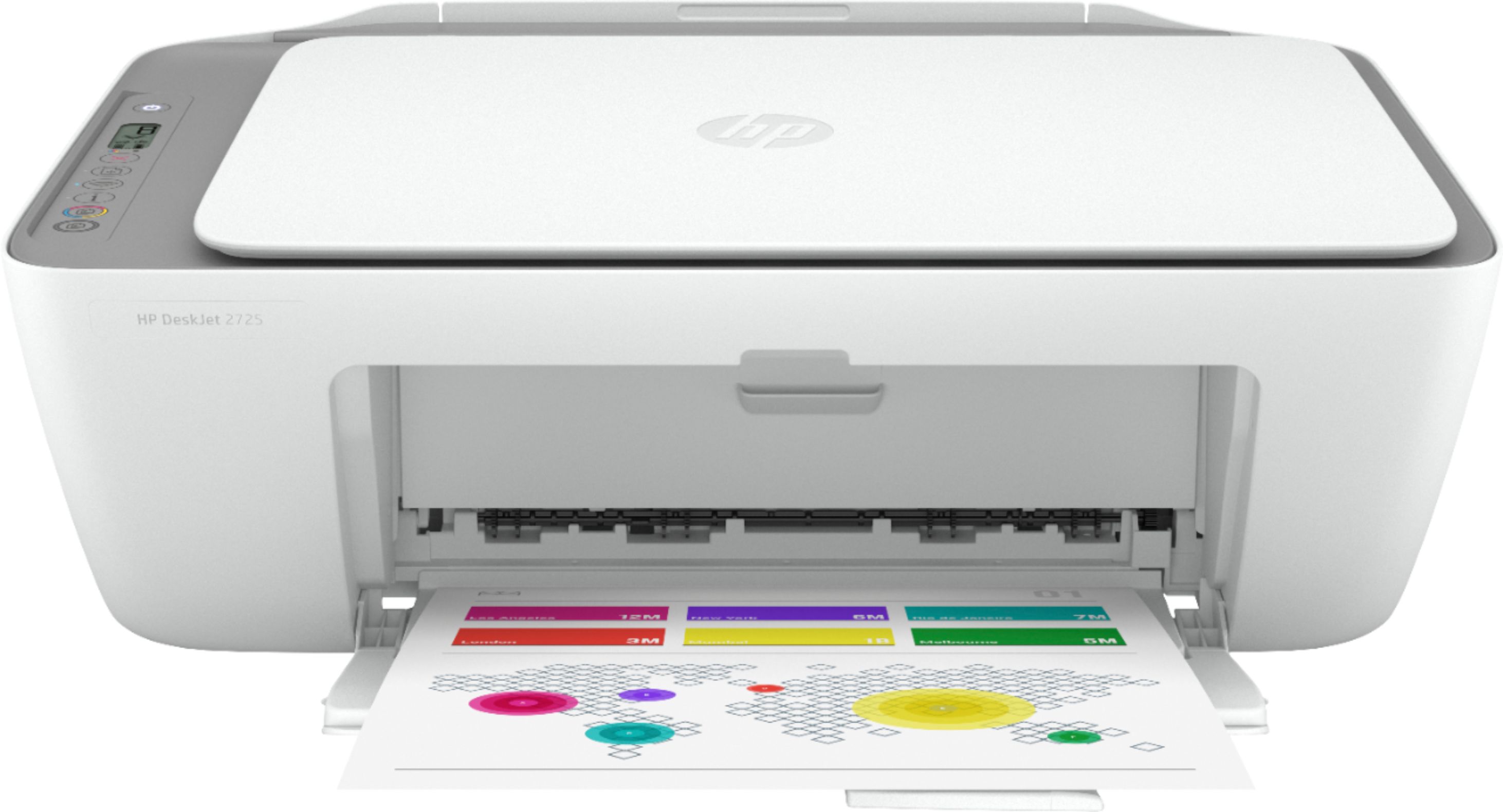
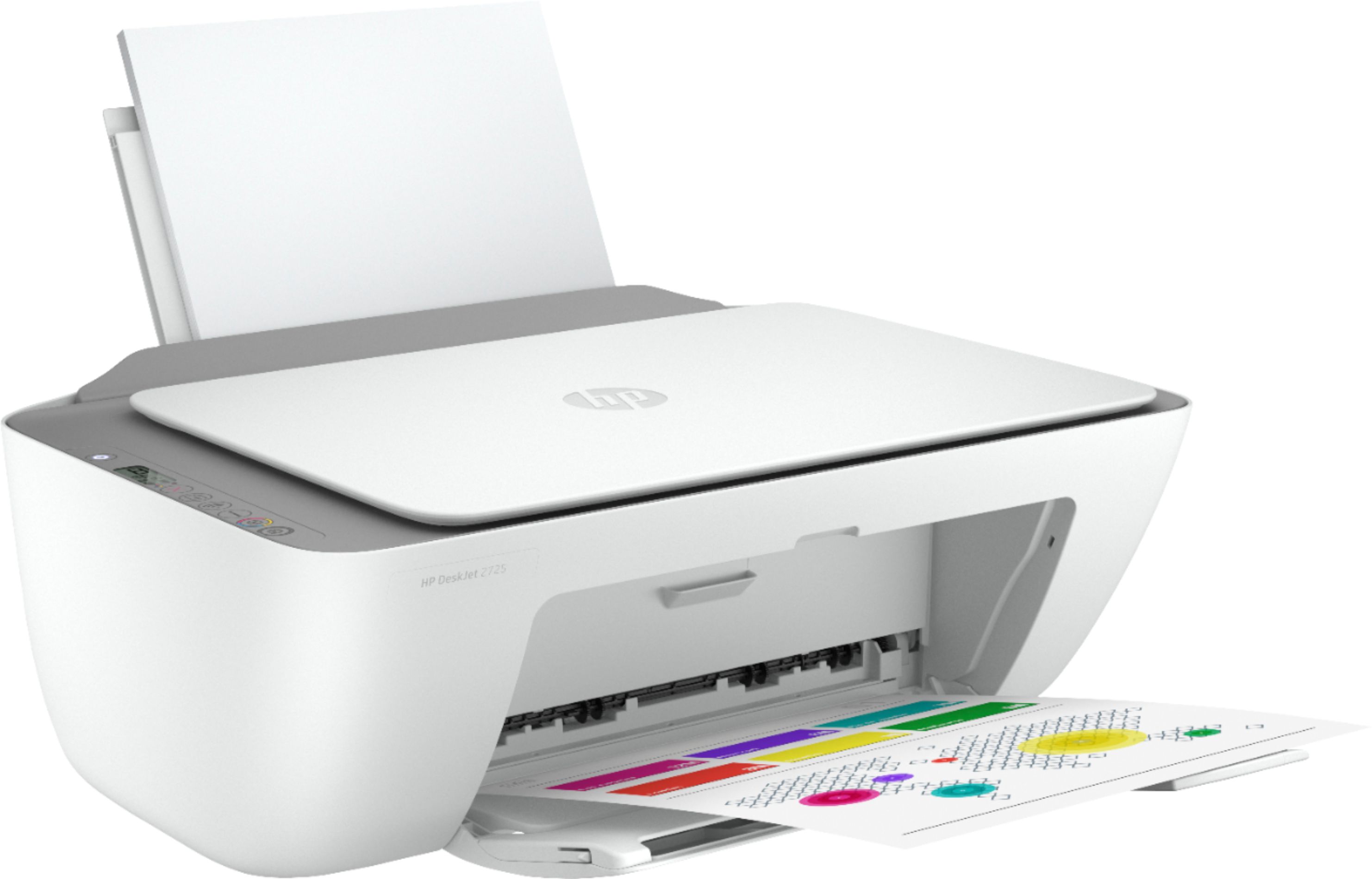
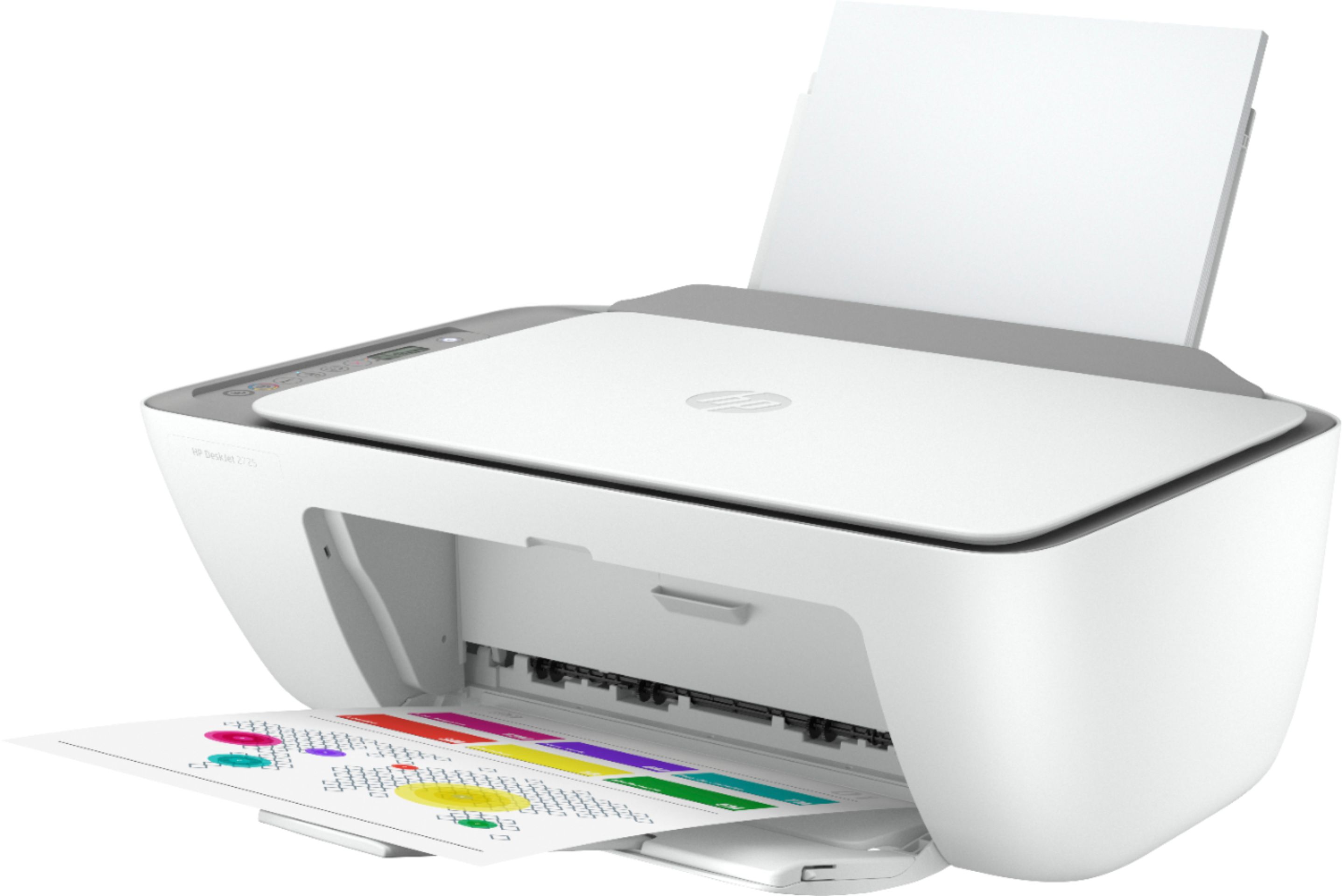
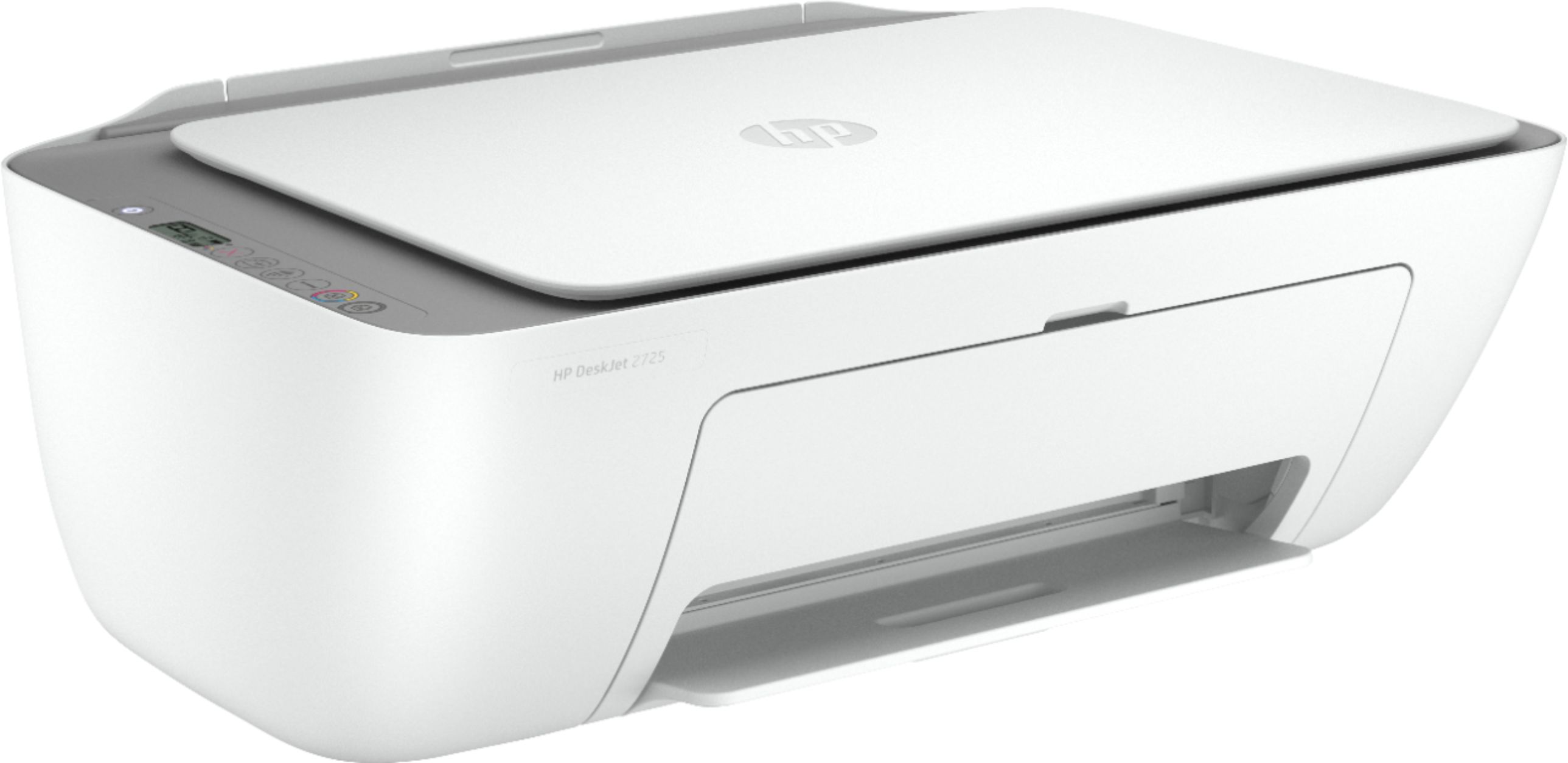
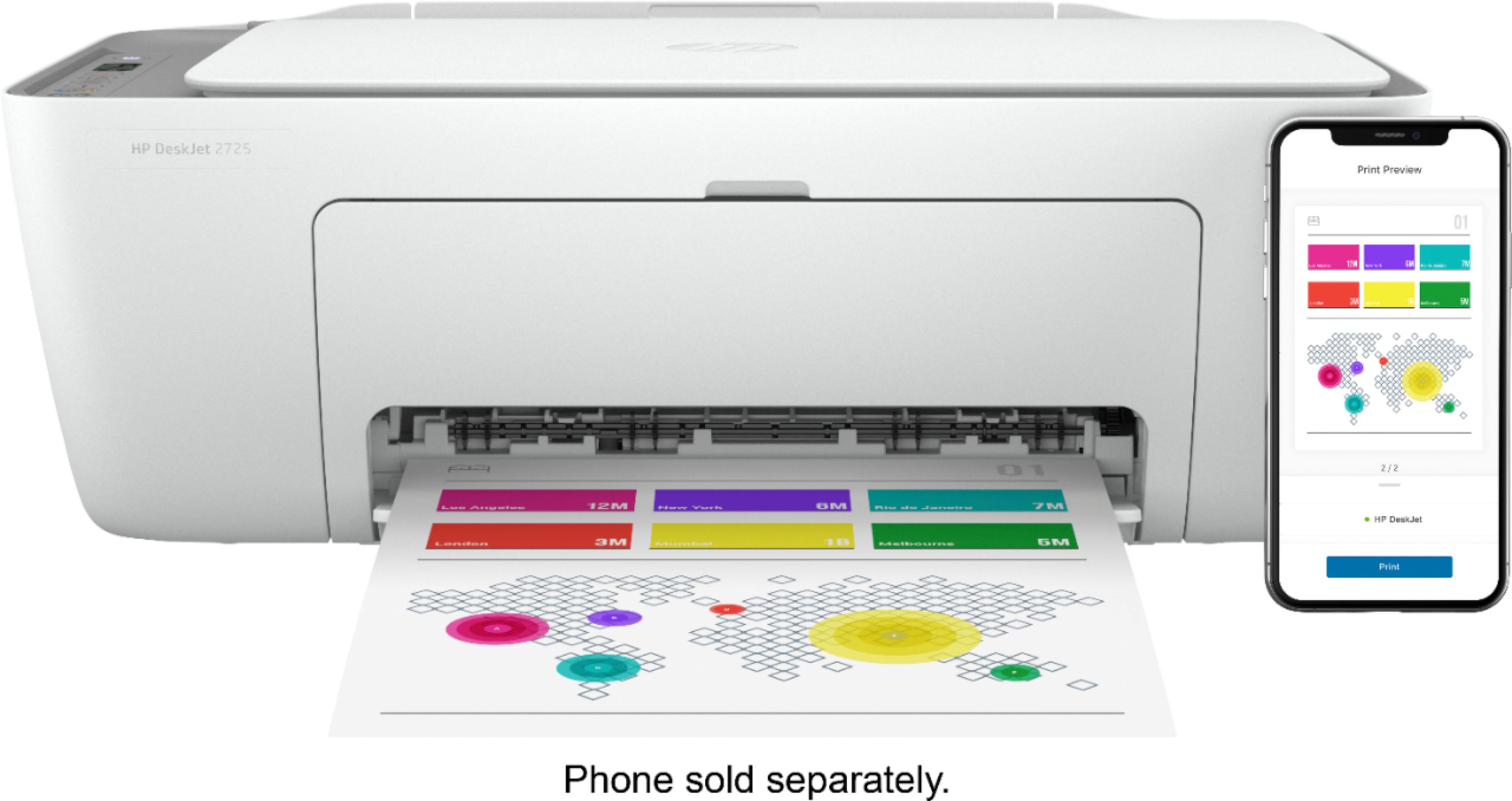
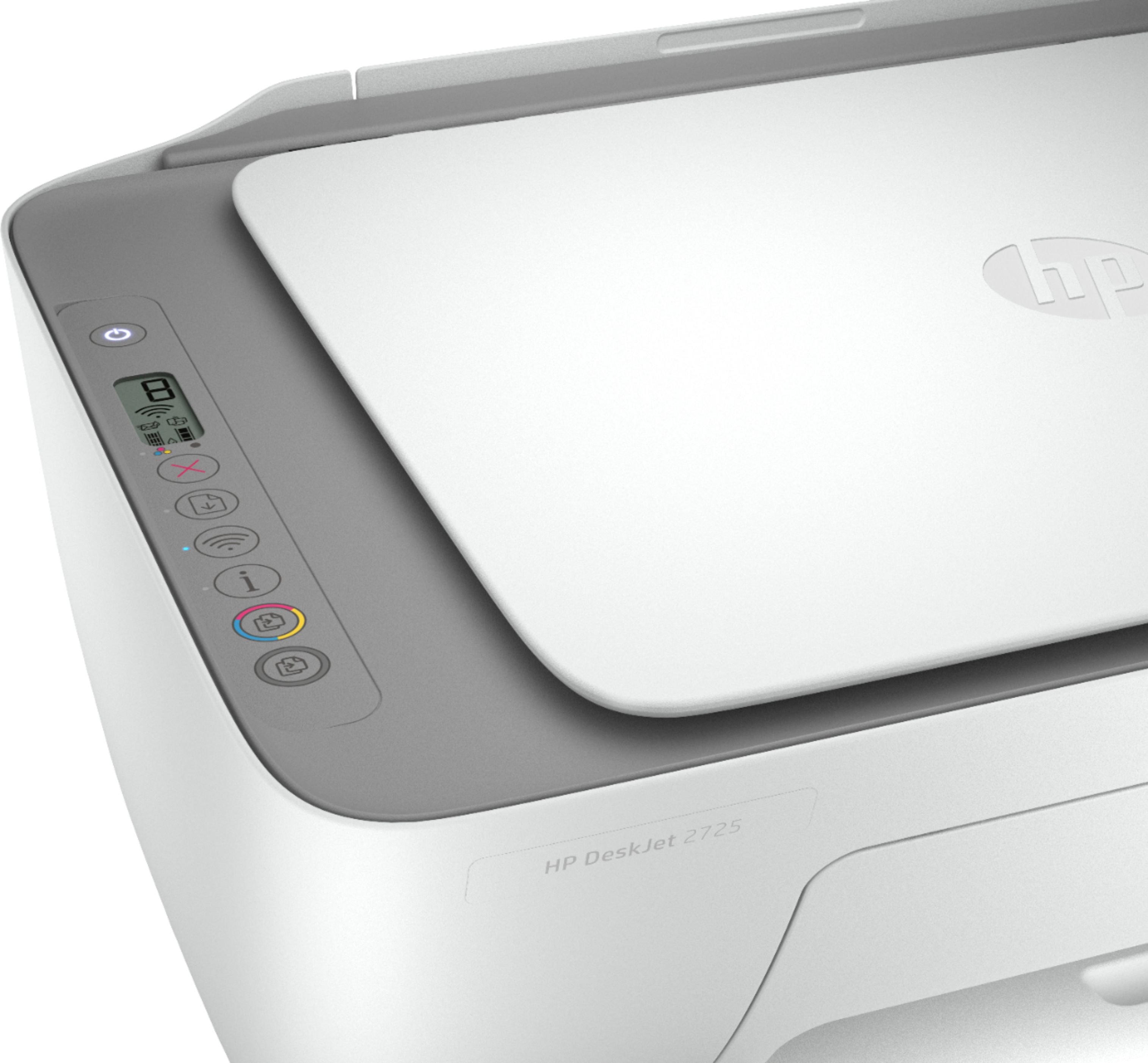
- Model:
- DeskJet 2725
- SKU:
- 6421533
Rating by feature
- Value
Rating 4.2 out of 5 stars
- Quality
Rating 4.0 out of 5 stars
- Ease of Use
Rating 3.8 out of 5 stars
Customers are saying
Customers are impressed with the DeskJet 2725's ease of use and print quality, frequently citing its user-friendly setup and sharp output. Many also appreciate the printer's affordable price and compact size. However, some users experienced difficulties with wireless connectivity and setup, while others reported reliability issues.
This summary was generated by AI based on customer reviews.
Bad
Posted .This reviewer received promo considerations or sweepstakes entry for writing a review.After 6 m stop work and the ink faster disappear I wish I can return it
No, I would not recommend this to a friend- Pros mentioned:Ease of use
not good
Posted .This reviewer received promo considerations or sweepstakes entry for writing a review.set up is easy , yet when you put the ink it wont read it!
No, I would not recommend this to a friend Never buy HP printers
Posted .This reviewer received promo considerations or sweepstakes entry for writing a review.Never buy HP printers, worst customer support. Low quality products
No, I would not recommend this to a friend- Cons mentioned:Setup
At least I don't have to tell it to clean it's roo
Posted .This reviewer received promo considerations or sweepstakes entry for writing a review.It's the worst printer I've ever had. It won't wake up once it's gone to sleep. I have to unplug it and plug it back in. Setup was a pain and very frustrating. It's very slow to respond. Most of the time when I tell it to print something, it just refuses for no known reason. Then it took over my wifi, not even joking. It hijacks the wifi settings on my phone. It's like they took a teenager and made it a printer. Gonna return it.
No, I would not recommend this to a friend The printer that can't print.
Posted .This reviewer received promo considerations or sweepstakes entry for writing a review.This printer is entirely useless. The setup is one of the most convoluded processes I have ever seen. The best it ever worked was immediately after setting it up on the app the first time, and it still had to "process" for ten minutes before it printed a two page document. Setting it up to work off of a PC is even worse, it will not connect via usb, which should be the simplest method of printing. I don't understand how this product has any remotely positive reviews, they may be from HP.
No, I would not recommend this to a friend- Cons mentioned:Setup
Worthless from the Start
Posted .This reviewer received promo considerations or sweepstakes entry for writing a review.Didn't work right out of the box. Three different errors before I ever printed a page after following all the set up instructions. Installed all the drivers, downloaded their diagnostic software, restarted the printer, my computer, my network connection. Just doesn't work. Even test pages simply go halfway through and get stuck and come out ages later blank.
No, I would not recommend this to a friend - Cons mentioned:Wireless connectivity
NOT user friendly
Posted .This reviewer received promo considerations or sweepstakes entry for writing a review.I purchased this printer only after asking if it can be used with a Chrome book and was told yes. I can’t even get it to connect. Very disappointed. It’s going back to BeatBuy ASAP!
No, I would not recommend this to a friend - Cons mentioned:Wireless connectivity
DOES NOT CONNECT- DOEST NOT WORK !
Posted .This reviewer received promo considerations or sweepstakes entry for writing a review.DOES NOT CONNECT DOES NOT WORK! GARBAGE! REFUSES TO WORK AT ALL!!!!!!!!!!!!!
No, I would not recommend this to a friend Listen to the reviews, seems like many are faulty
Posted .This reviewer received promo considerations or sweepstakes entry for writing a review.This is the worst printer I have ever used. I purchased it as a deal on Black Friday. I have done constant trouble shooting and trying to get it to reconnect to WiFi, which seems to be a common issue in some other reviews. Tried to use WiFi direct printing (where you use a smart phone or other device to print using the network signal produced by the printer) which also did not work. Finally got it to print out one document, got a printer error, and ended up with a streaky half-printed piece of paper. Biggest waste of my money ever.
No, I would not recommend this to a friendBrand response from HP Team
Posted .Hi there.
I’m sorry to hear that your printer has caused you such inconvenience. I can fully understand why persistent connectivity issues followed by a print of poor quality would be quite discouraging. We aim to provide a reliable experience for our customers, so I’ll suggest a resource and some information I hope will help you remedy the situation.
I can’t tell from your review what’s causing the problems you describe or whether they’re related, so I recommend that you contact us directly at +1 800-474-6836 so we can help you assess the situation and find a solution. (Please note that because of restrictions on personal movement and workplace attendance associated with the COVID-19 pandemic, wait times for agents are longer than normal. Thanks in advance for your understanding.) To expedite the process, I recommend gathering the following information before the call:
- Model number
- Serial number
- Your location
- Case number (from any previous contact with HP support)
I'll also mention that HP printers have a one-year warranty from their purchase date that covers hardware as well as ink supplies, so if it comes to that, you might consider making use of it. You can verify the warranty using the following link: support.hp.com/us-en/checkwarranty
Keith
HP Care
hp.com/support