Customer Ratings & Reviews
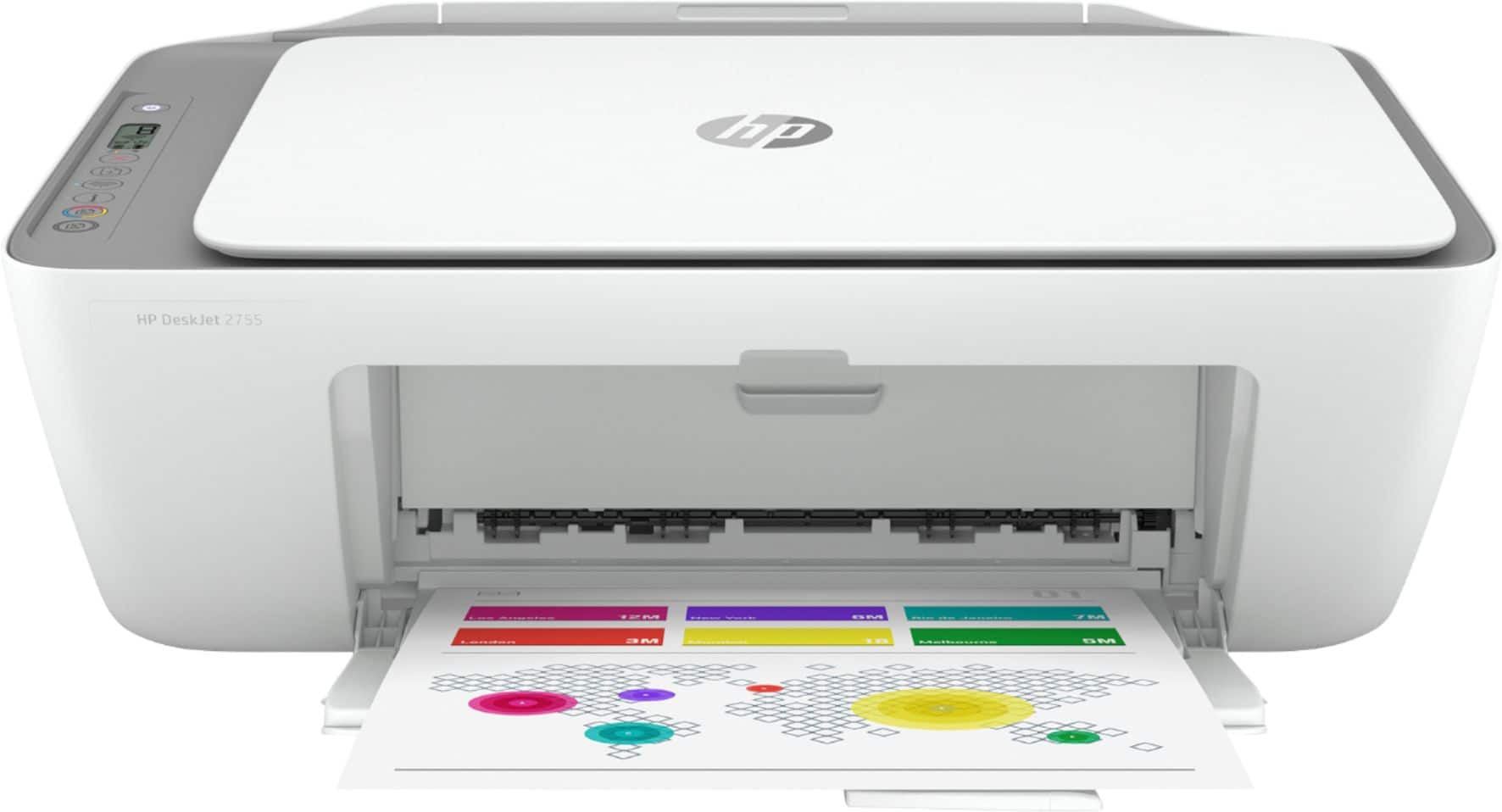
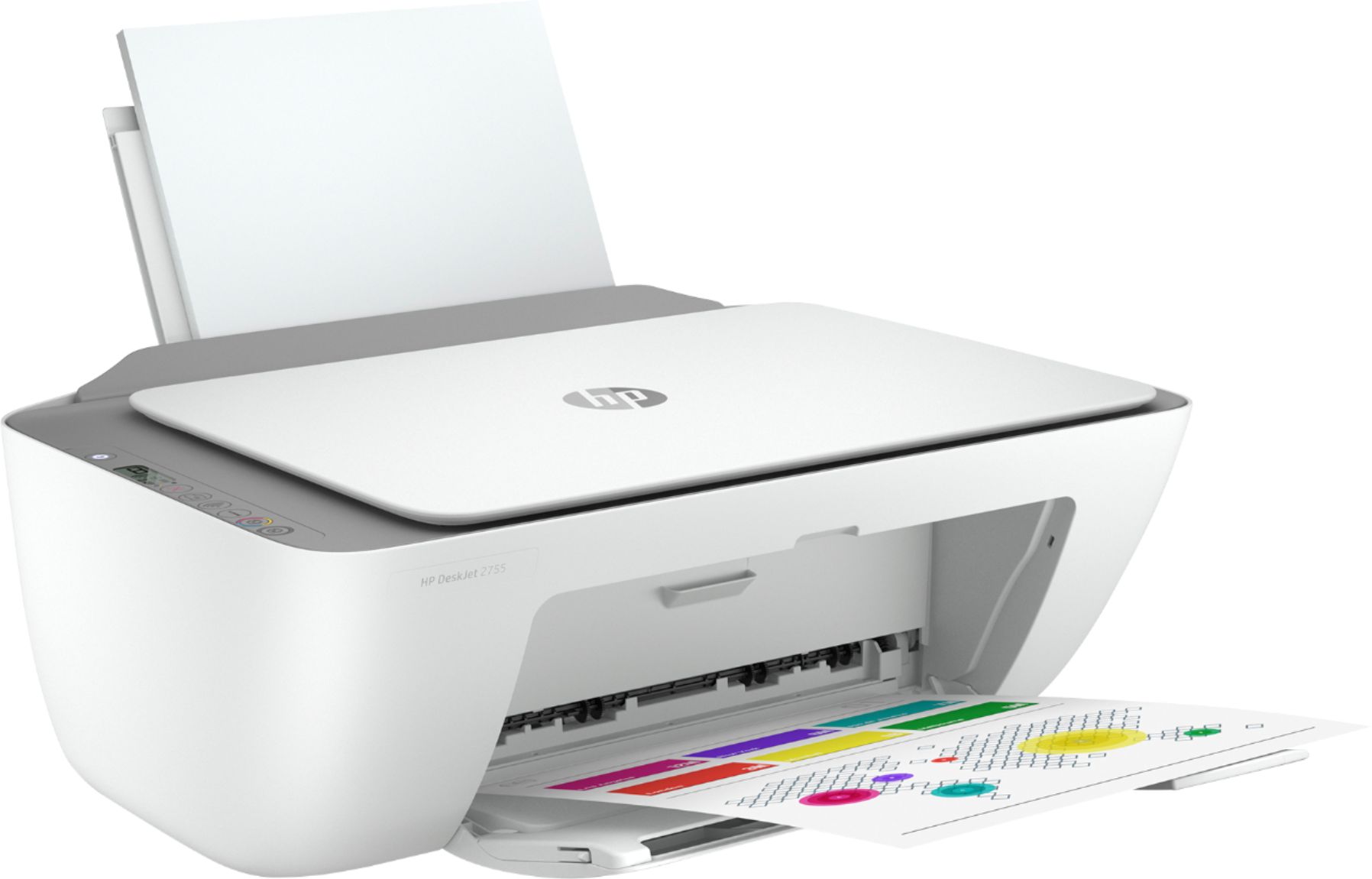
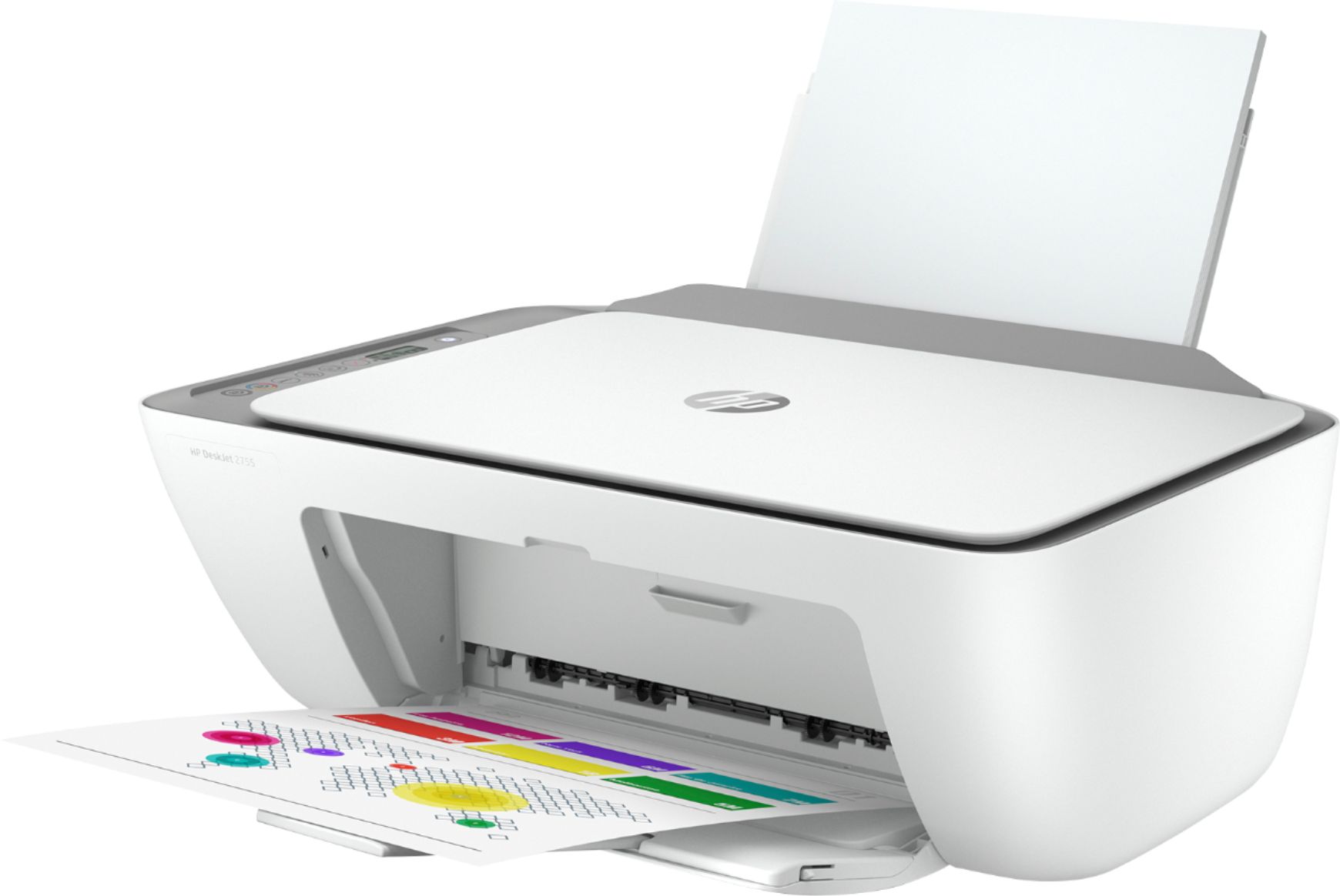
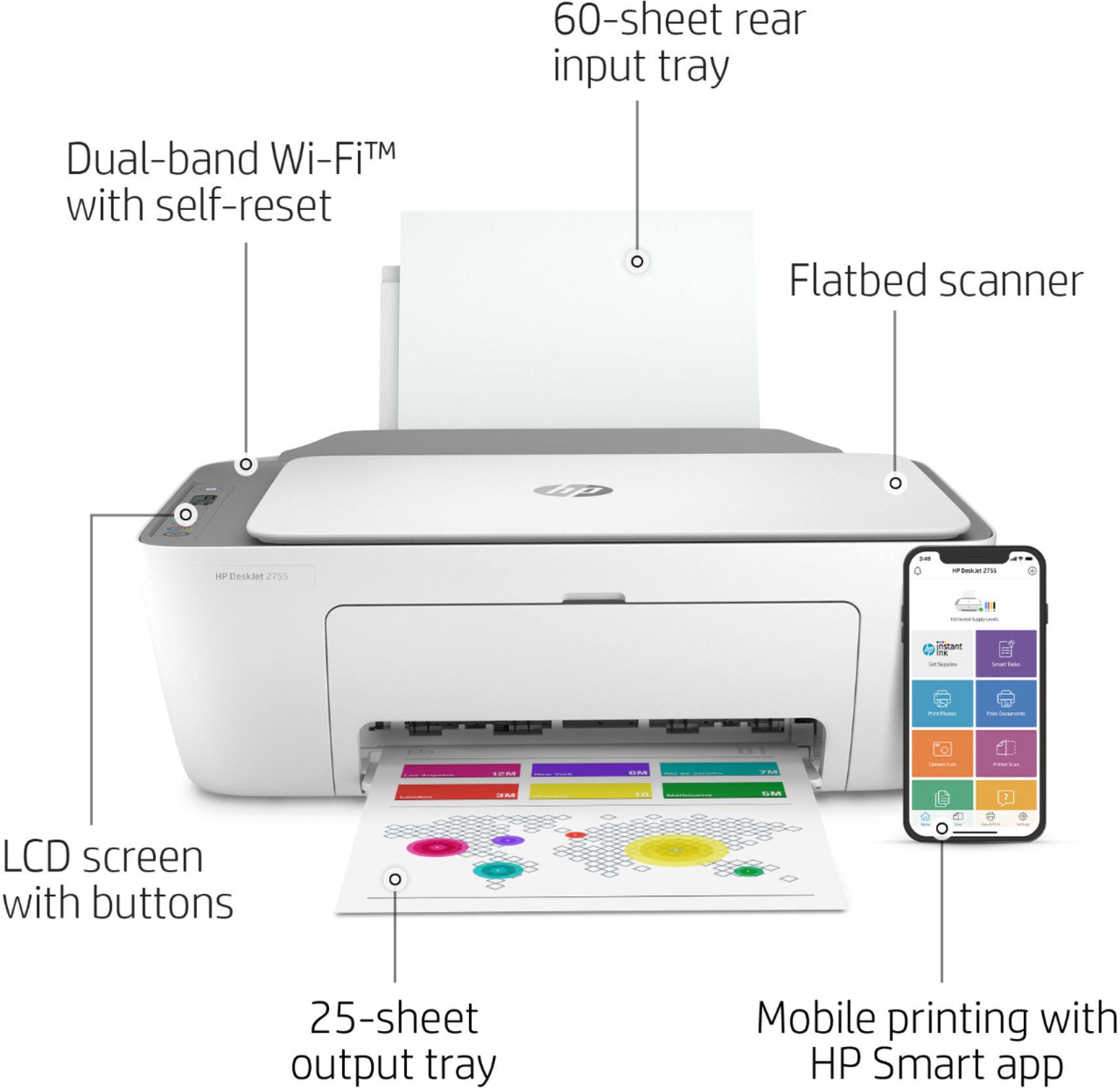


- Model:
- 3XV17A#B1F
- SKU:
- 6404823
Rating by feature
- Value
Rating 4.3 out of 5 stars
- Quality
Rating 4.1 out of 5 stars
- Ease of Use
Rating 4.0 out of 5 stars
Customers are saying
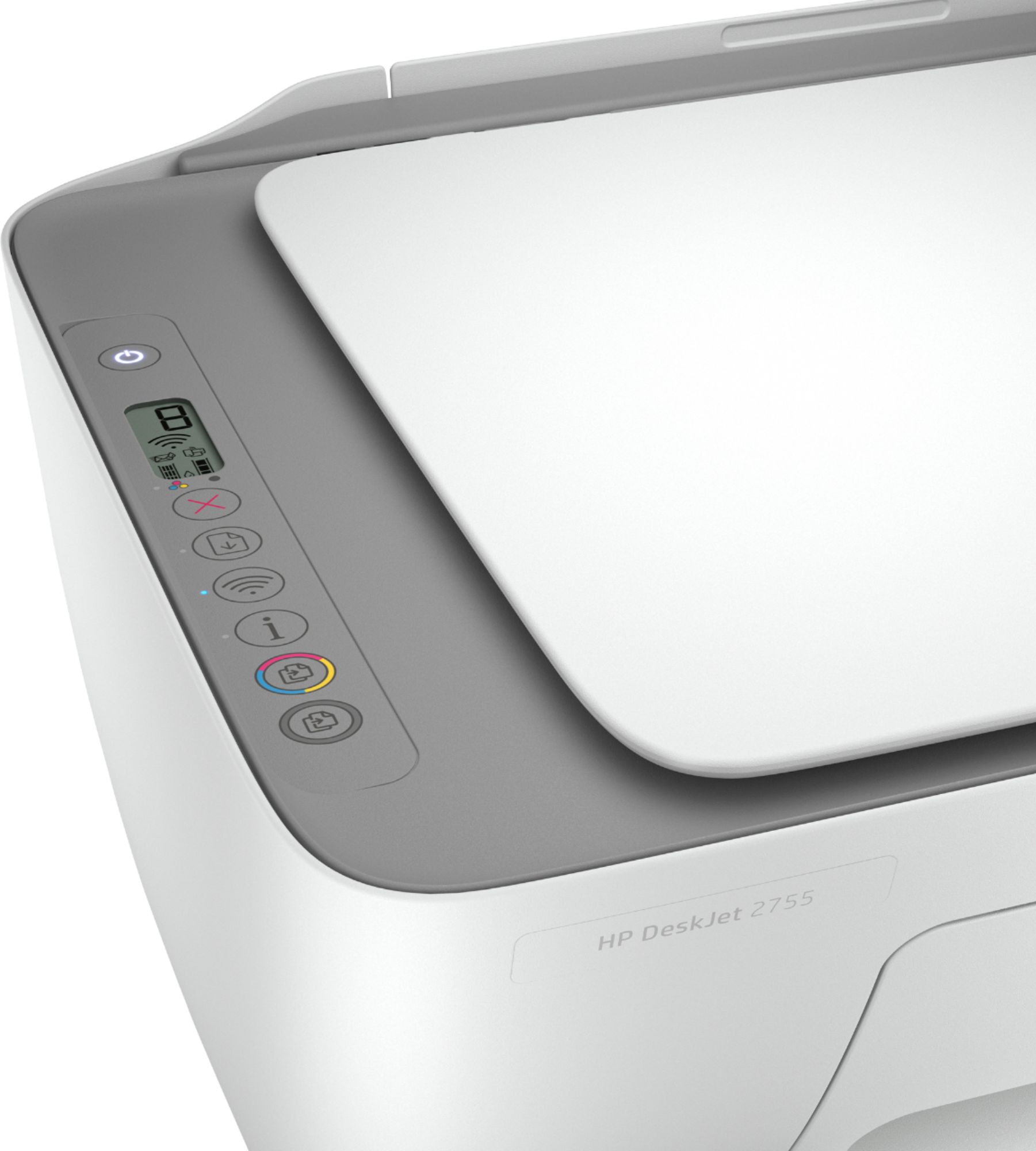
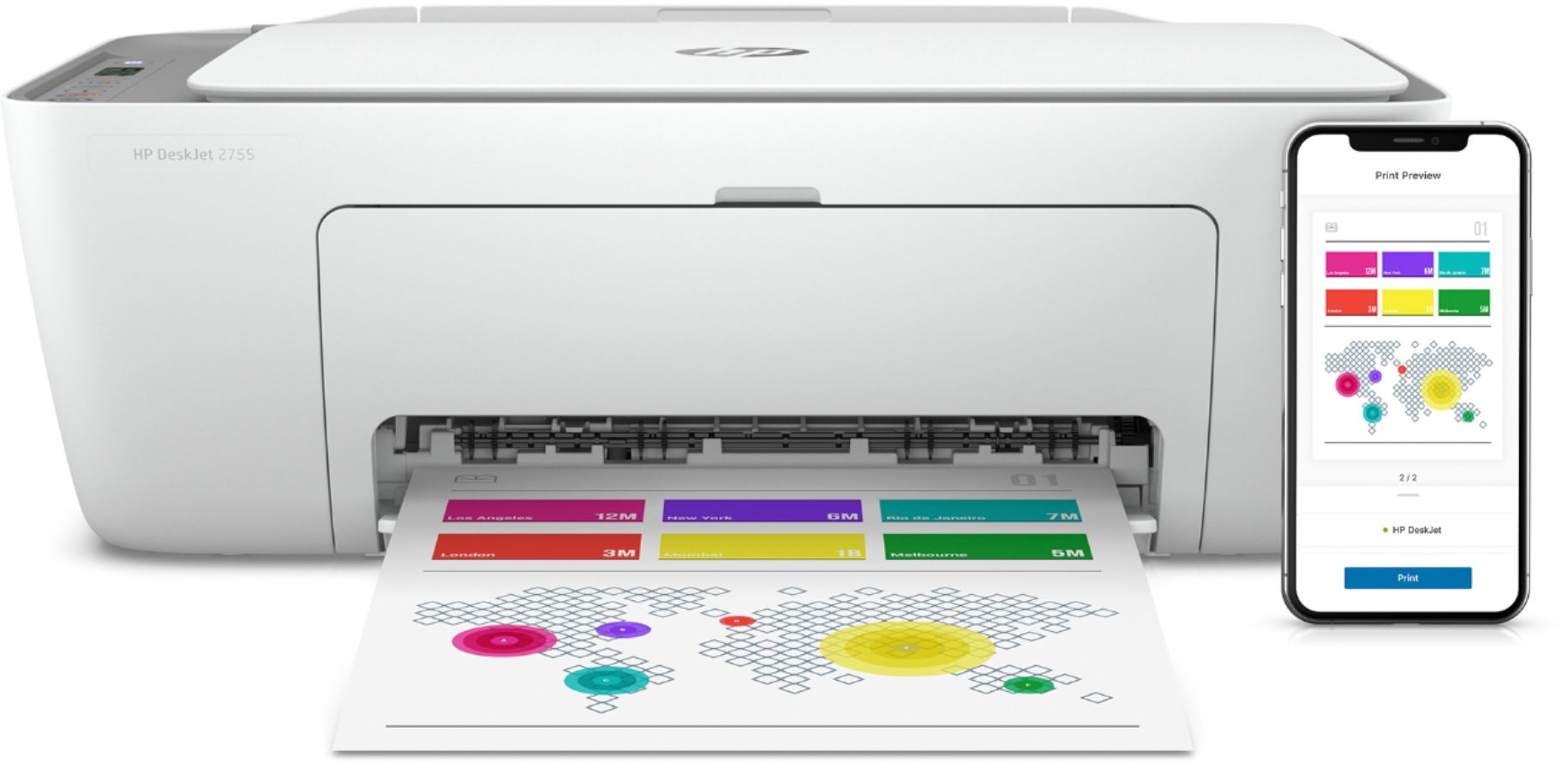
Customers recognize the DeskJet 2755 as being easy to use and having good print quality, with many praising its affordability and compact size. Positive feedback also highlights the printer's straightforward setup and satisfactory performance. However, some users experienced challenges with wireless connectivity.
This summary was generated by AI based on customer reviews.
Good Printer
||Posted . Owned for 8 months when reviewed.This reviewer received promo considerations or sweepstakes entry for writing a review.Great low budget printer with wireless connectivity
I would recommend this to a friendWorks great!
||Posted . Owned for 1 month when reviewed.This reviewer received promo considerations or sweepstakes entry for writing a review.Excellent printer, it is light weight connects well with my cell phone and computer.
I would recommend this to a friendCopy machine
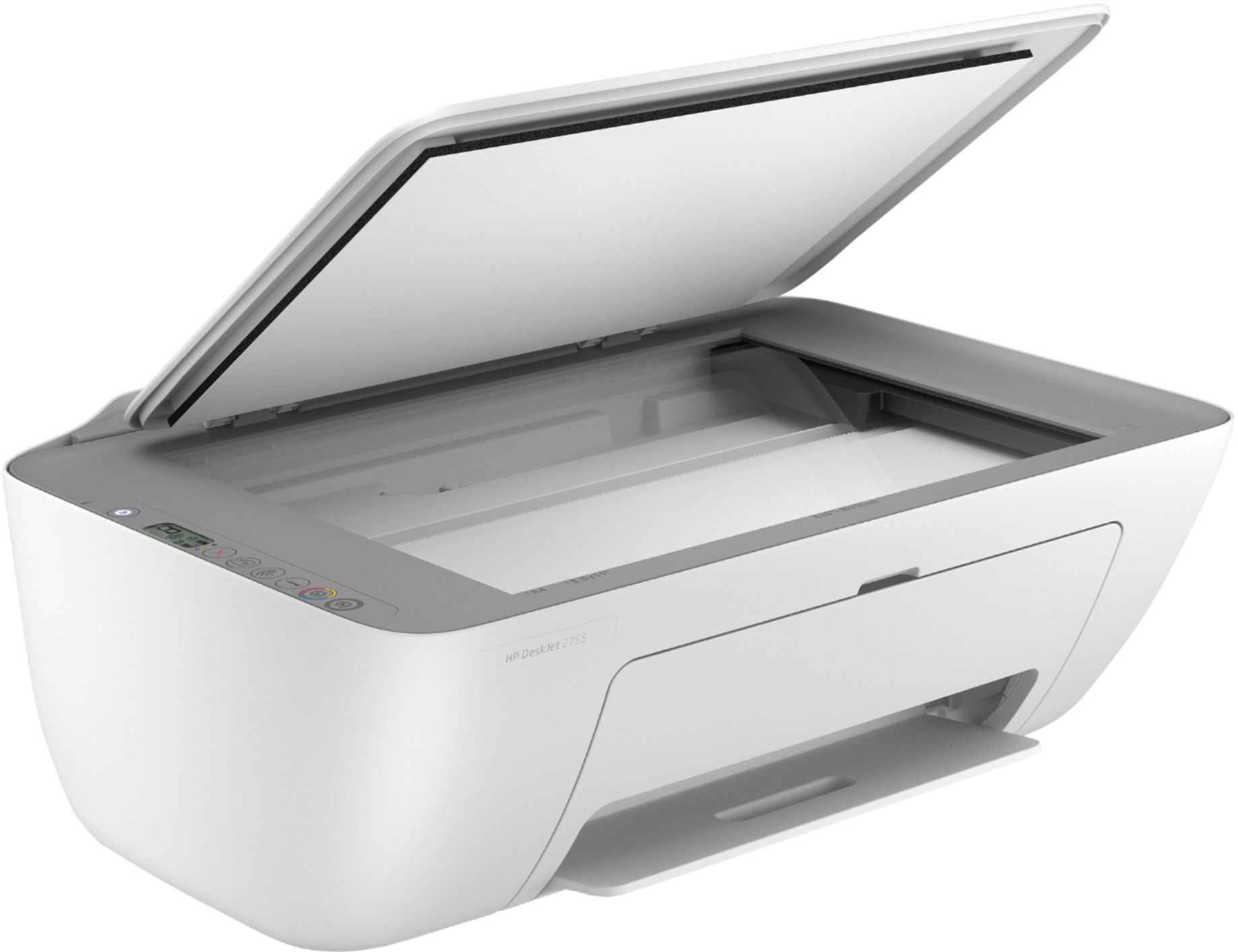
||Posted . Owned for 1 month when reviewed.This reviewer received promo considerations or sweepstakes entry for writing a review.When I opened package the glass copy part was cracked .
No, I would not recommend this to a friendNice printer but small menus screen
||Posted . Owned for 4 months when reviewed.This reviewer received promo considerations or sweepstakes entry for writing a review.Very nice printer but difficult to read the menu screen to perform certain functions.
I would recommend this to a friendAffordable and dependable
||Posted . Owned for 3 weeks when reviewed.This reviewer received promo considerations or sweepstakes entry for writing a review.Great printer and the perfect size. HP printers are always dependable and affordable.
I would recommend this to a friend???
||Posted . Owned for 3 weeks when reviewed.This reviewer received promo considerations or sweepstakes entry for writing a review.Not real crazy about this printer. I had an HP 7100 Envy series that I liked very much.
No, I would not recommend this to a friendBroken Scanner/Copier When Received
||Posted .This reviewer received promo considerations or sweepstakes entry for writing a review.When I received my HP Printer the scanner/copier glass was shattered to pieces. I was unable to use my scanner/printer
No, I would not recommend this to a friendBrand response from HP Team
Posted .Hi there.
I’m sorry that your printer arrived with such clear damage to the scanner/copier glass. I can imagine what a colossal disappointment that must have been. I want to help you resolve this situation, so I’ll direct you to some resources and information I hope will help.
Because you expected to receive a printer that was operational and ready to go, I recommend you contact the seller to address this promptly. You can do that by scrolling to the bottom of the Best Buy website and clicking Orders & Returns.
You can always contact us for support whenever you need as well. We're always here and more than happy to help you. You can reach us via your preferred method at this link:
- hp.com/contactHP
I will also mention that HP printers have a one-year warranty from their purchase date, so you might make use of it if you need to. To verify the warranty, you can use the following link:
- support.hp.com/us-en/checkwarranty
Keith
HP Care
hp.com/support
A very good less expensive printer
||Posted . Owned for 3 weeks when reviewed.This reviewer received promo considerations or sweepstakes entry for writing a review.So far it has been a very good printer. I am an HP person, so I didn't expect anything else.
I would recommend this to a friendExcellent
||Posted . Owned for 4 months when reviewed.This reviewer received promo considerations or sweepstakes entry for writing a review.Excellent printer. It works fine for what l need..
I would recommend this to a friendDecent home printer
||Posted . Owned for 1 year when reviewed.This reviewer received promo considerations or sweepstakes entry for writing a review.Printer device delivered and performed expected functionalities.
I would recommend this to a friendWorst printer ever
||Posted .This reviewer received promo considerations or sweepstakes entry for writing a review.Worst printer ever! I bought this mainly for the WiFi printing. I’m going to be printing from my phone a lot. I bought this printer twice. The first printer only printed when it wanted to. I figured I would exchange it for another one. The second printer didn’t print at all. It kept saying there was a paper jam and that the printer was busy! I returned the crappy printer and paid about $20 more for a different HP printer and it works just fine! Save yourself a headache! Don’t buy this!
No, I would not recommend this to a friendGreat Deal
||Posted . Owned for 3 weeks when reviewed.This reviewer received promo considerations or sweepstakes entry for writing a review.Love this printer and especially live the fact that it orders ink for you when you run low.
I would recommend this to a friendPrinter
||Posted . Owned for 9 months when reviewed.This reviewer received promo considerations or sweepstakes entry for writing a review.Wife loves this printer awsome deal. Works great we use it for everything
I would recommend this to a friendEasy to use and setup
||Posted . Owned for 2 weeks when reviewed.This reviewer received promo considerations or sweepstakes entry for writing a review.Good and ray to set up And I was able to add a protection plan after my purchase
I would recommend this to a friendPrinter
||Posted .This reviewer received promo considerations or sweepstakes entry for writing a review.Bad there’s no way I can get my 6 month free think I purchase ink twice and it serves me no time.
No, I would not recommend this to a friendBrand response from HP Team
Posted .Hi, Anna.
I’m sorry you weren’t able to take advantage of the six-month Instant Ink offer that was part of your purchase. I can understand why that would be frustrating, considering you’ve been purchasing cartridges since you got the printer. I want to help you resolve this situation if possible. I’ll provide some resources that might serve that end.
I can’t tell from your review how long you’ve had the printer or whether you signed up for an HP+ account, which would have let you activate the Instant Ink offer. I recommend that you contact our Instant Ink program at +1-855-785-2777 so we can help you assess and the situation and see what’s possible.
If you need technical assistance with your printer, including tips on how to use less ink, I suggest that you contact us directly at +1 800-474-6836. To expedite the process, I recommend gathering the following information before the call:
- Model number
- Serial number
- Your location
- Case number (from any previous contact with HP support)
Keith
HP Care
hp.com/support
Hit or Miss
||Posted . Owned for 9 months when reviewed.This reviewer received promo considerations or sweepstakes entry for writing a review.Worked okay for the first few months. Now having issues with poor print. I only use the printer occasionally.
No, I would not recommend this to a friendHP printer
||Posted . Owned for 3 weeks when reviewed.This reviewer received promo considerations or sweepstakes entry for writing a review.The HP printer is working well. Setting it up was beyond me, I had to have help
I would recommend this to a friendTerrible
||Posted . Owned for 1 month when reviewed.This reviewer received promo considerations or sweepstakes entry for writing a review.Junk!!!!!!! Terrible photo prints terrible copying just a piece of junk spend more money to get better model
No, I would not recommend this to a friendBrand response from HP Team
Posted .Hi there.
I’m sorry to learn that your printer has rendered photo prints of poor quality and that its copy function has performed just as poorly. Your review is brief, but your frustration is clear – and wholly understandable. I want to help you remedy this situation, so I hope the resources and information below will guide you to that end.
First, I recommend following the steps listed in a guide on our support site to improving print quality, including faded or streaked prints, color or black ink not printing properly or at all, and blurred or fuzzy text. Find that guide here:
- support.hp.com/us-en/document/c06557991
I also suggest that you follow this guide to resolving copy problems; it covers copiers that stop working as well as copy-quality issues:
- support.hp.com/us-en/document/c05337009
If any problem persists, I suggest you contact us directly so we can help you assess the situation and find the proper course of action. HP+ printers such as yours come with exclusive concierge support. To call and reach live HP+ experts, visit the following URL and enter your HP+ serial number:
- hp.com/plus-help
I'll also mention that HP printers have a one-year warranty from their purchase date that covers hardware as well as ink supplies – and that warranty extends to two years with an HP+ account – so if it comes to that, you might consider making use of it. You can verify the warranty using the following link:
- support.hp.com/us-en/checkwarranty
Keith
HP Care
hp.com/support
Nice printer
||Posted .This reviewer received promo considerations or sweepstakes entry for writing a review.Happy with it so far. Easy set up and since I don’t print much this is perfect for my use
I would recommend this to a friend- Cons mentioned:Connectivity
“Not” easy setup
||Posted . Owned for less than 1 week when reviewed.This reviewer received promo considerations or sweepstakes entry for writing a review.WiFi setup is horrible, doesn’t work after several attempts. Printer won’t connect to home network. Since it doesn’t come with a USB cord, no other options for connection and my only choice now is to return back to the store.
No, I would not recommend this to a friendBrand response from HP Team
Posted .Hi Adam,
I'm so sorry for the inconveniences this printer has been causing regarding its connectivity. We certainly build our printers with the intent of providing a reliable experience for our customers, so I can imagine how upsetting this is. I would love to help remedy this for you, so let's see what we can do.
First, I recommend you visit a page on our support site that has diagnostic tools for various problems, including setup and wireless connectivity issues. Visit that page here:
- support.hp.com/us-en/topic/diagnostics
You can also access a setup tutorial as well as user manuals, troubleshooting guides, how-to documents and software updates for your printer on our support site. Do that by following this link:
- support.hp.com/product/hp-deskjet-2700-all-in-one-printer-series/29378157/model/29378213
If this problem continues, I recommend that you contact us directly at +1 800-474-6836 so we can help you assess the situation and guide you through any applicable troubleshooting. (Please note that because of restrictions on personal movement and workplace attendance associated with the COVID-19 pandemic, wait times for agents are longer than normal. Thanks in advance for your understanding.) To expedite the process, I recommend gathering the following information before the call:
- Model number
- Serial number
- Your location
- Case number (from any previous contact with HP support)
Antonio
HP Care
hp.com/support