Customer Ratings & Reviews
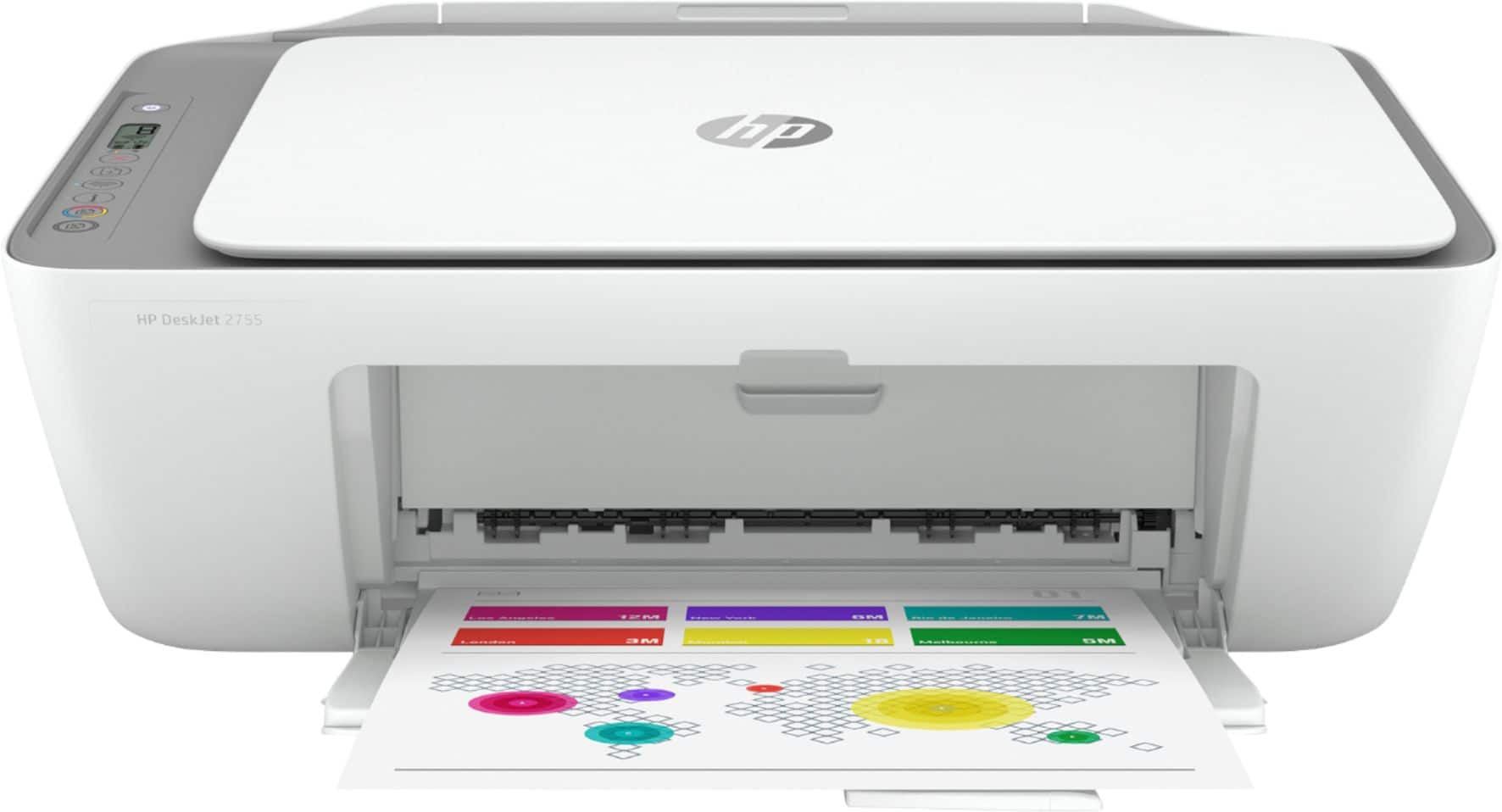
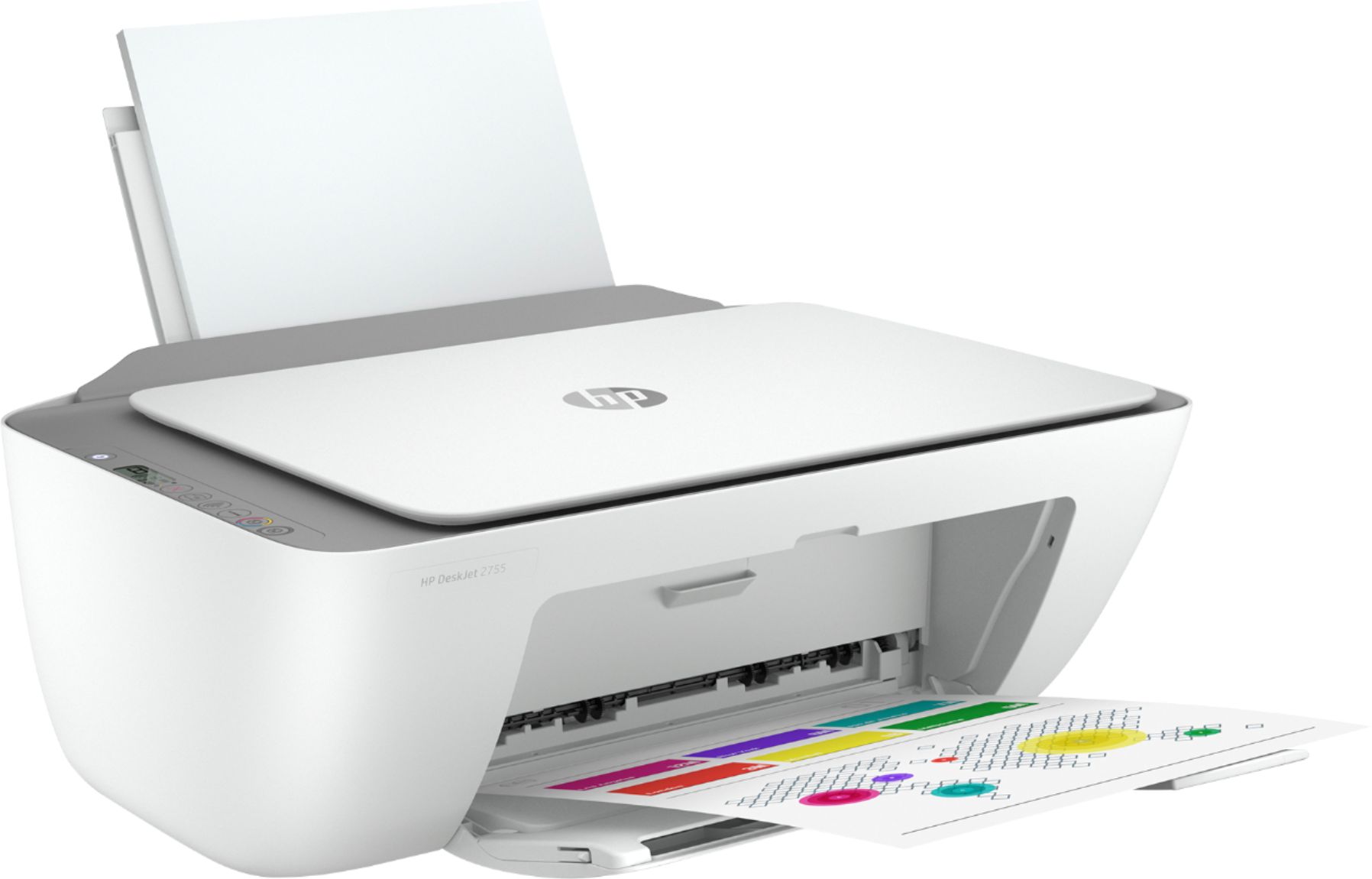
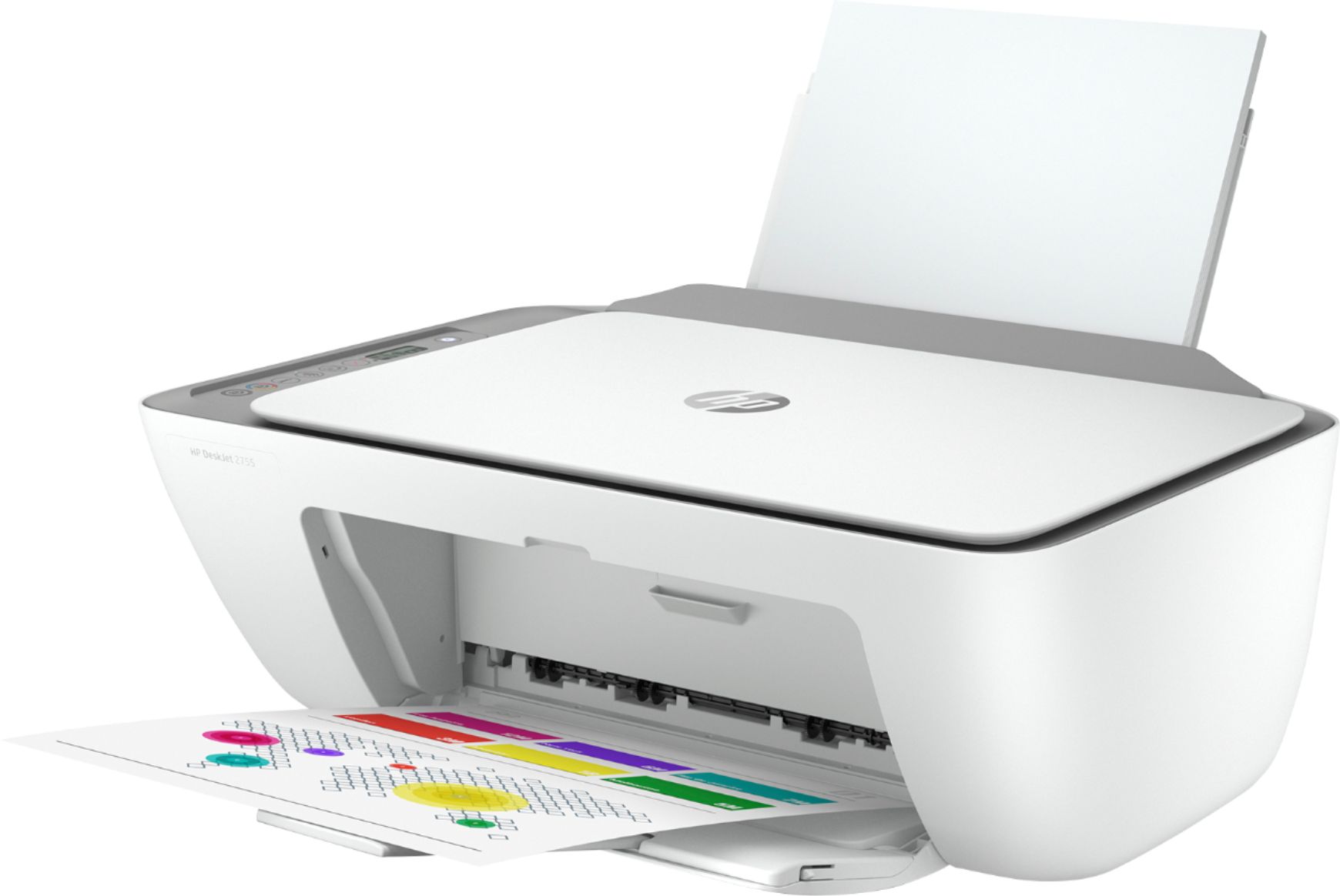
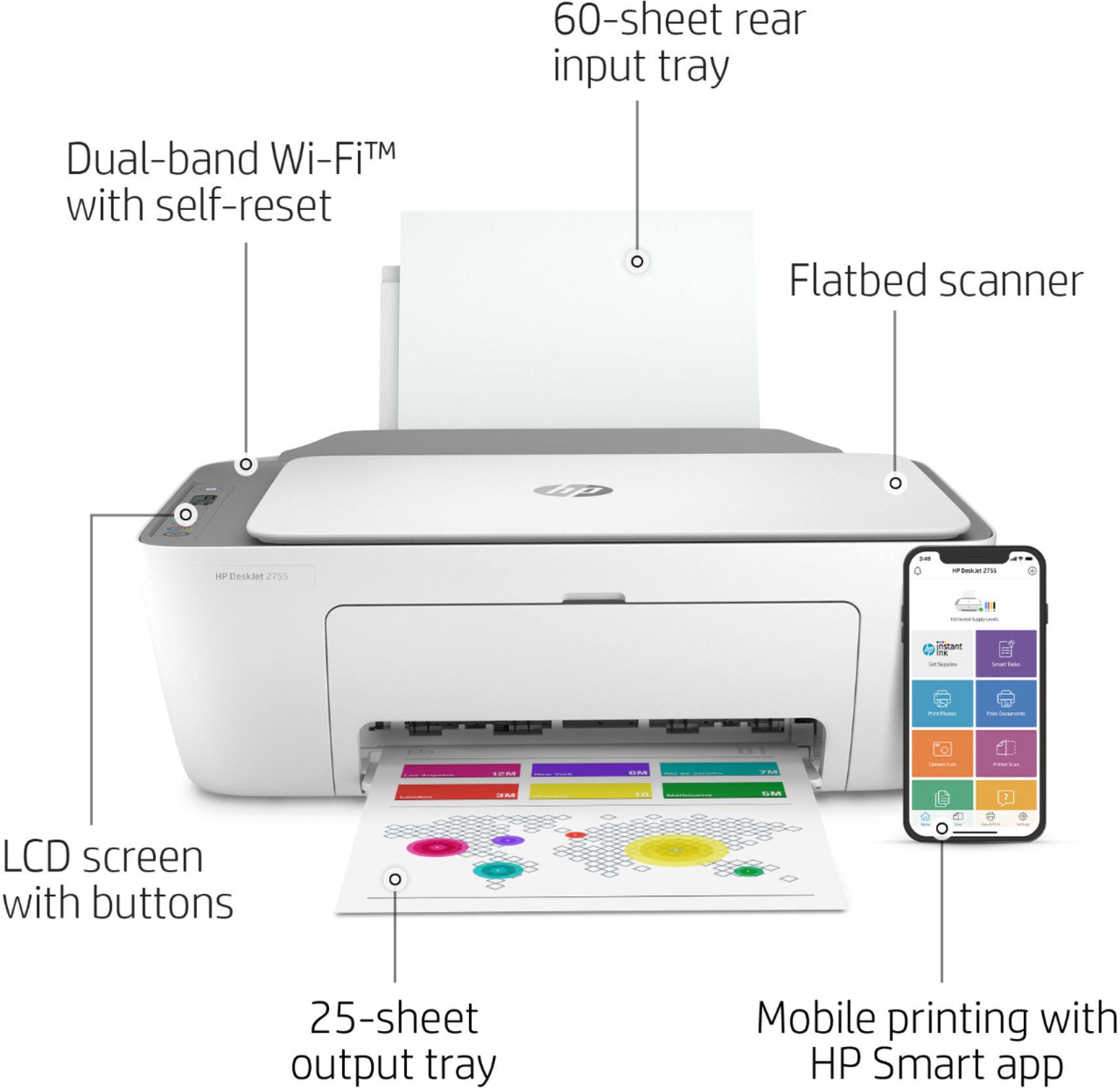


- Model:
- 3XV17A#B1F
- SKU:
- 6404823
Rating by feature
- Value
Rating 4.3 out of 5 stars
- Quality
Rating 4.1 out of 5 stars
- Ease of Use
Rating 4.0 out of 5 stars
Customers are saying
Customers recognize the DeskJet 2755 as being easy to use and having good print quality, with many praising its affordability and compact size. Positive feedback also highlights the printer's straightforward setup and satisfactory performance. However, some users experienced challenges with wireless connectivity.
This summary was generated by AI based on customer reviews.
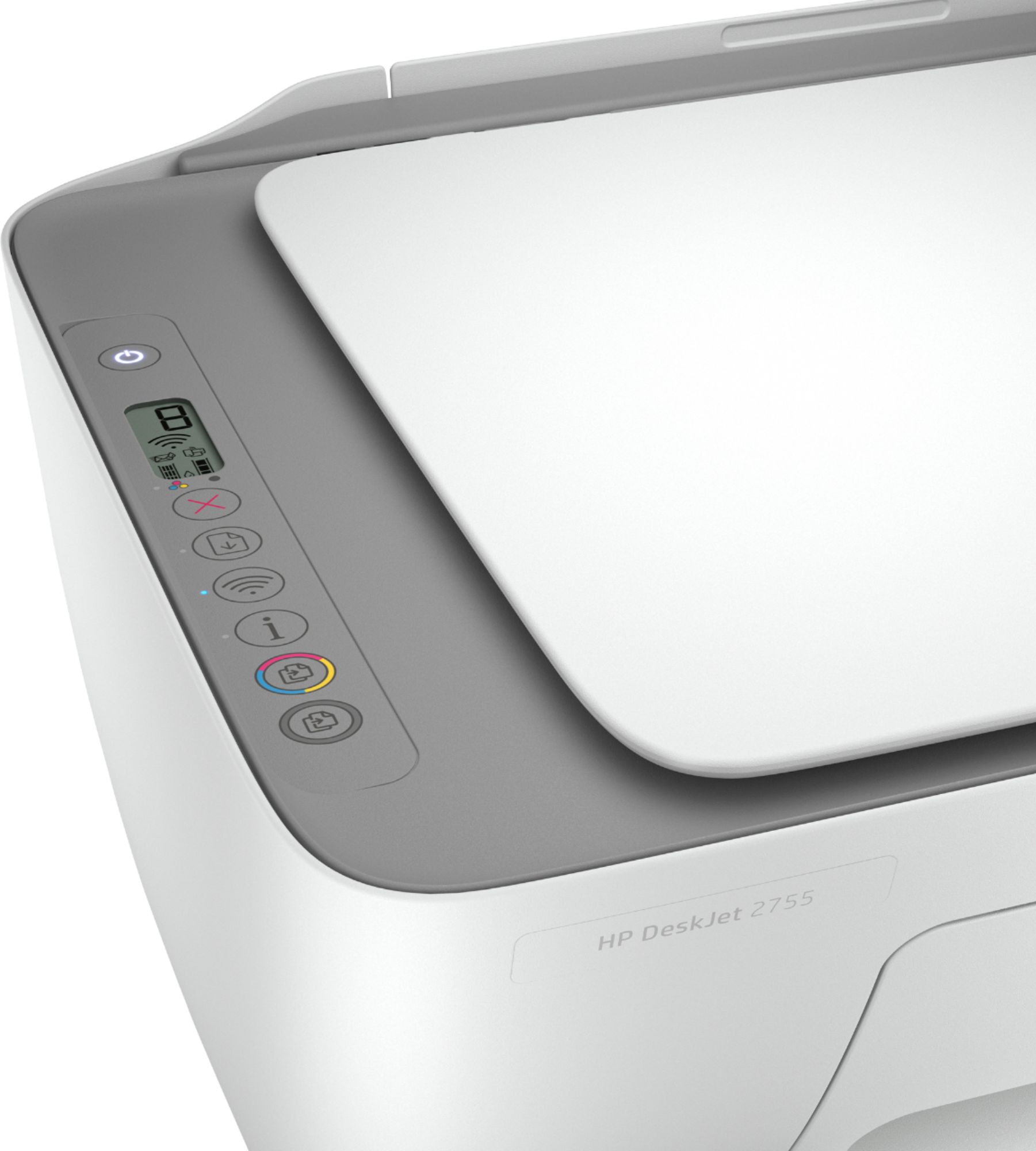
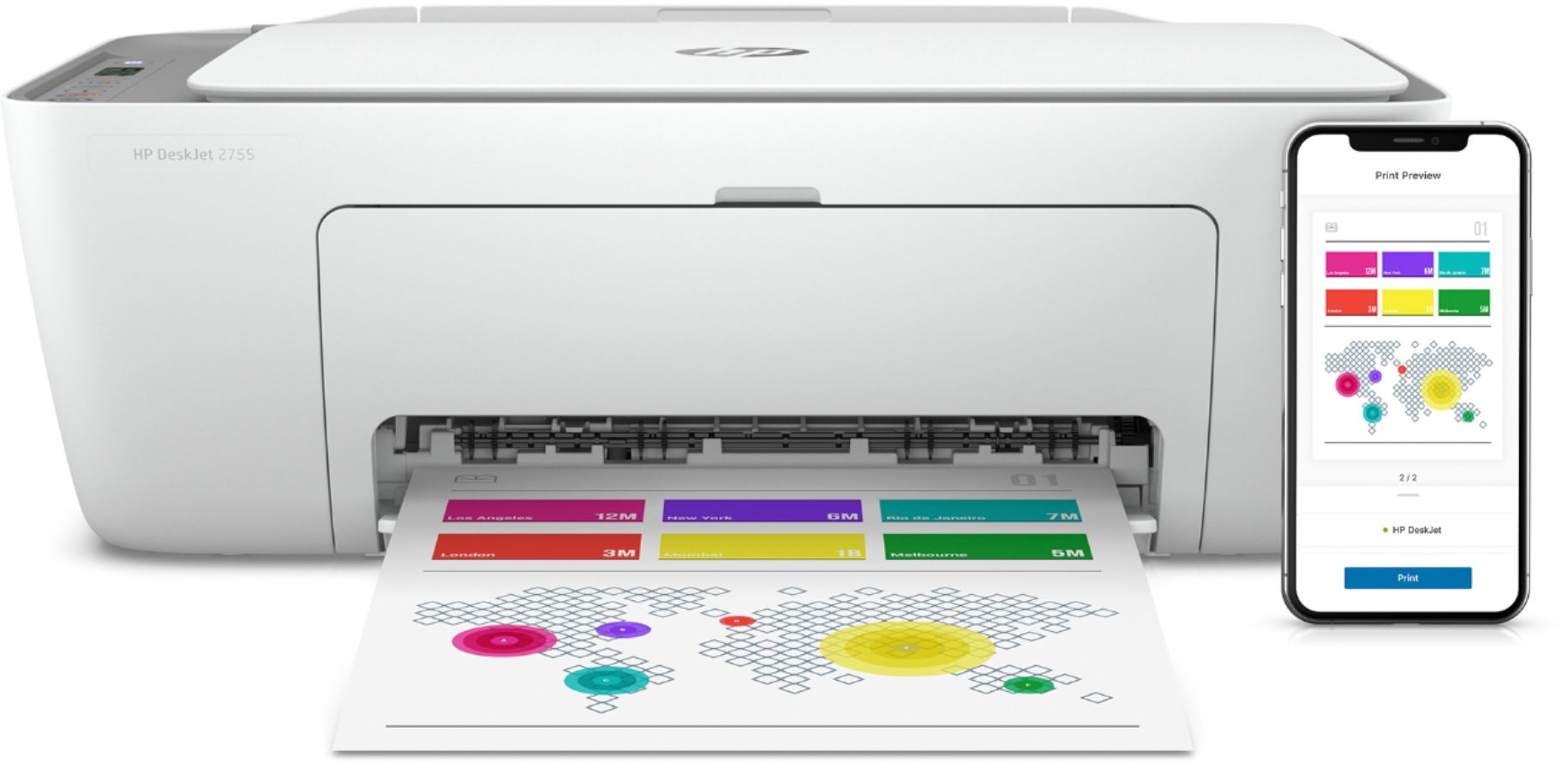
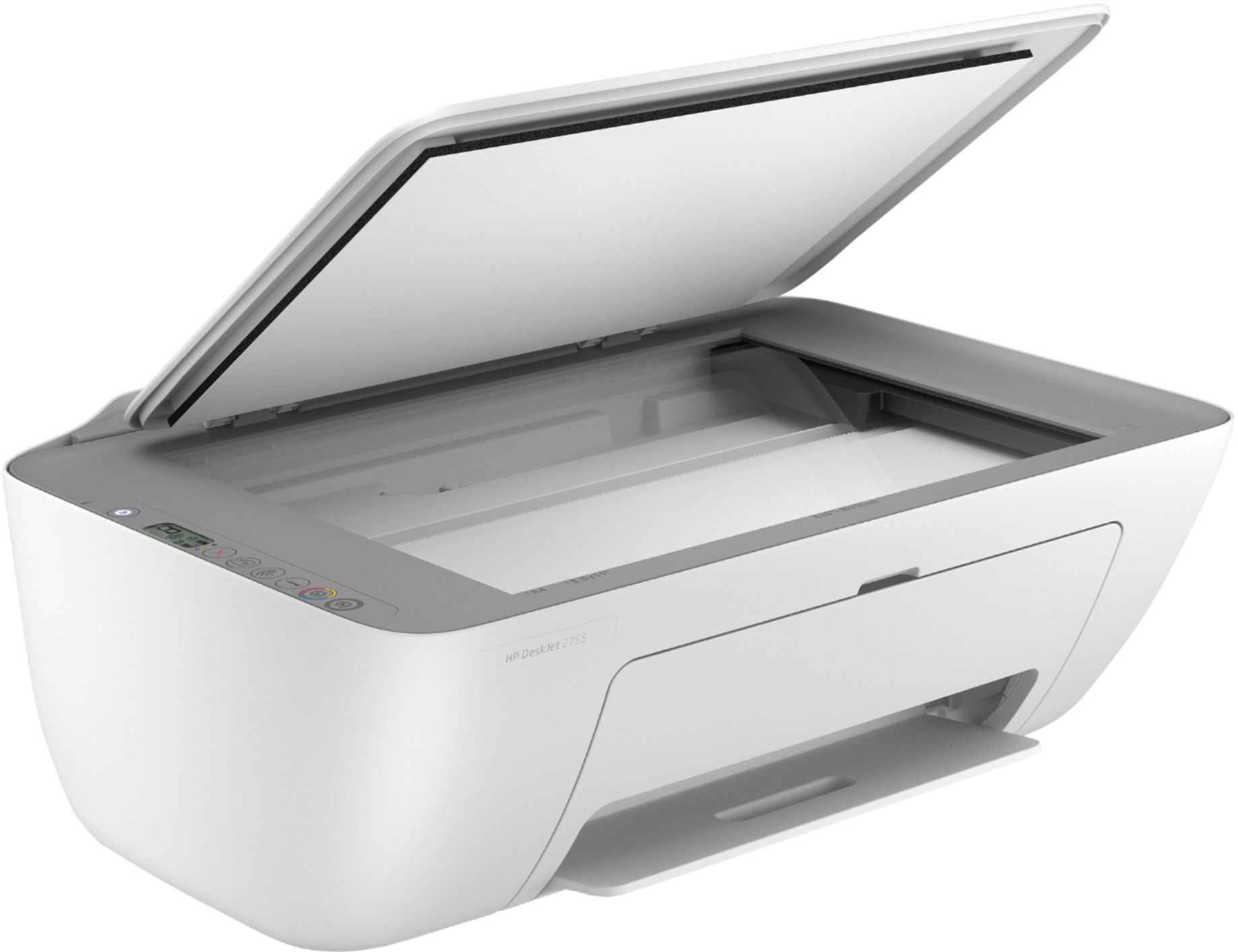
HP DeskJet 2755
||Posted .This reviewer received promo considerations or sweepstakes entry for writing a review.EXCELLENT size and function, the wireless is easy to use.
I would recommend this to a friendGood price
||Posted . Owned for less than 1 week when reviewed.This reviewer received promo considerations or sweepstakes entry for writing a review.Good printer so far. I haven’t had used it much but for the it seems to be ok.
I would recommend this to a friendStay clear
||Posted . Owned for more than 2 years when reviewed.This reviewer received promo considerations or sweepstakes entry for writing a review.Absolutely terrible printer biggest wast of money.
No, I would not recommend this to a friendA Stinker
||Posted . Owned for 7 months when reviewed.This reviewer received promo considerations or sweepstakes entry for writing a review.Horrible machine. Constantly looses power. HP Instant Ink plan is a bust.
No, I would not recommend this to a friendBrand response from HP Team
Posted .Hi, Rosemary.
I’m sorry your printer has performed poorly. Your frustration comes as no surprise, considering the device has frequently lost power and you’ve experienced difficulty with your Instant Ink printing plan. I want to help you out of this dilemma, so I’ll suggest some resources I hope will reach that goal.
I can’t tell from your review what issue you face with Instant Ink. I recommend that you contact that program so a representative can help you resolve the situation. To reach an online agent via chat or by phone, follow this link:
- support.hp.com/us-en/contact/product/model/5401249?sku=INSTANTINK2
I also don’t know why your printer has lost power so often. I suggest that you contact us directly at +1 800-474-6836 so we can help you assess what’s happening and find the best course of action. To expedite the process, I recommend gathering the following information before the call:
- Model number
- Serial number
- Your location
- Case number (from any previous contact with HP support)
I'll also mention that HP printers have a one-year warranty from their purchase date that covers hardware as well as ink supplies – and that warranty extends to two years with an HP+ account – so if it comes to that, you might consider making use of it. You can verify the warranty using the following link:
- support.hp.com/us-en/checkwarranty
Keith
HP Care
hp.com/support
Networking connectivity lost after less than 1 yr
||Posted . Owned for 1 year when reviewed.This reviewer received promo considerations or sweepstakes entry for writing a review.Stopped working after just under a year. Swapped it to a new surge protectors, and the network connectivity was lost. Cannot reconnect it using any method. It worked fine until we disconnected it from power. But given how short it lasted, we would not recommend it
No, I would not recommend this to a friend- Pros mentioned:Print quality, Setup
Four-star review to make up for my 1-star
Posted .This reviewer received promo considerations or sweepstakes entry for writing a review.Somewhere in the bowels of this page is my one-star reviev of the printer. It was written after I had spent hours trying to fix my printer and was unable to reach anyone at HP. I was ready to throw printer into the garbage but decided to try the Geek Squad as a final attempt. They connected me to the remarkable team of Jennifer and James. Quess what? The printer was fine but my PC was infested with malware, corrupt drivers and mangled programs. They literaly worked for hours to put my computer, printer, and my wife's laptop into good order. And installed virus and malware protection into our computers. It was expensive but worth it. My experience made me read a lot of the one-star reviews and I am puzzled. I had no trouble setting up and the printing, scanning and copying went fine. Just that one day the printer stopped working. A couple of things I learned: The black and color cartriges should be activated every one or two weeks, to prevent ink coagulation. If you won't use the printer for a few months read up on what you can do do to keep print head from dying. Ignore the cry of many buyers who paid for a bottle of beer and are outraged it is not champagne.
I would recommend this to a friend Wifi does not work well
||Posted . Owned for 1 year when reviewed.This reviewer received promo considerations or sweepstakes entry for writing a review.Wifi keeps on deactivating and we need to re-configure several times
No, I would not recommend this to a friendBrand response from HP Team
Posted .Hi there.
I’m sorry that your printer has failed to maintain a reliable connection to your Wi-Fi network. I can certainly understand why the repeated need to reconfigure the device when this happens would quickly become frustrating. I want to help you resolve this situation, so I’ll provide some resources that I hope will make that happen.
First, I recommend you visit a page on our support site that has diagnostic tools for various issues, including wireless connectivity. You can find that page here:
- support.hp.com/us-en/help/printer
You can also find troubleshooting guides specific to your printer, including ones connectivity, in addition to the main user manual, how-to documents and software updates here:
- support.hp.com/us-en/product/model/2100187846
If connectivity does not adequately improve, I suggest that you contact us directly at +1 800-474-6836 so we can help you assess what’s happening and find the best course of action. To expedite the process, I recommend gathering the following information before the call:
- Model number
- Serial number
- Your location
- Case number (from any previous contact with HP support)
Keith
HP Care
hp.com/support
Disappointed first time with a HP printer
||Posted . Owned for less than 1 week when reviewed.This reviewer received promo considerations or sweepstakes entry for writing a review.I usually buy HP printers, initial set up and use has never been a problem. Only problem with HP printers were with WiFi printing stopping from working and had to use a USB cable. But this printer was a real challenge in setting up and almost every step first failed and had to retry. The test print did not work saying paper size mismatch initially and then was queued but never printed. Also this printer does not come with the USB cable and also could not figure out how to load paper from the front. I had to return it.
No, I would not recommend this to a friendDon't bother
||Posted . Owned for 11 months when reviewed.This reviewer received promo considerations or sweepstakes entry for writing a review.This printer died (wouldn't stop rebooting) after 6 months! Don't bother...
No, I would not recommend this to a friendBrand response from HP Team
Posted .Hi, David.
I’m sorry to learn that your printer stopped working after you’d had it only six months. Your review is brief, but it’s easy to understand why this would be a shocking turn of events. I want to help you resolve the situation. I hope the resources I’ve listed below reach that end.
I recommend that you contact us directly so we can help you assess what’s happening and find the best course of action. HP+ printers such as yours come with exclusive concierge support. To call and reach live HP+ experts, visit the following URL and enter your HP+ serial number:
- hp.com/plus-help
I'll also mention that HP printers have a one-year warranty from their purchase date that covers hardware as well as ink supplies – and that warranty extends to two years with an HP+ account – so if it comes to that, you might consider making use of it. You can verify the warranty using the following link:
- support.hp.com/us-en/checkwarranty
Keith
HP Care
hp.com/support
- Cons mentioned:Connectivity
Do NOT Buy this printer!!!!
||Posted . Owned for 1 week when reviewed.This reviewer received promo considerations or sweepstakes entry for writing a review.The installation is complicated and flawed. The first time I installed, the scan function didn't work. Then I removed the HPSmart and drivers and tried again. Now the printer cannot connect with my wireless network. Then I tried a USB installation. It still doesn't detect the device. I can't even print now!
No, I would not recommend this to a friendBrand response from HP Team
Posted .Hi there.
I’m sorry to hear that you’ve encountered such a great deal of difficulty getting your printer set up and working. The frustration you express is wholly understandable, considering you’ve dealt with a nonfunctioning scan feature, connectivity failure and an ineffective setup attempt using a USB cable. I want to help you remedy this situation, so I’ll offer a resource and some information aimed at making that happen.
I can’t tell from your review why your printer has had such difficulty and still won’t set up properly, so I recommend that you contact us directly at +1 800-474-6836 so we can help you assess the situation and find a solution. (Please note that because of restrictions on personal movement and workplace attendance associated with the COVID-19 pandemic, wait times for agents are longer than normal. Thanks in advance for your understanding.) To expedite the process, I recommend gathering the following information before the call:
- Model number
- Serial number
- Your location
- Case number (from any previous contact with HP support)
I'll also mention that HP printers have a one-year warranty from their purchase date that covers hardware as well as ink supplies, so if it comes to that, you might consider making use of it. You can verify the warranty using the following link:
- support.hp.com/us-en/checkwarranty
Keith
HP Care
hp.com/support
Love new printer
||Posted . Owned for 1 month when reviewed.This reviewer received promo considerations or sweepstakes entry for writing a review.Printer works very well. Clear and concise. Works well over Wi-Fi and Bluetooth.
I would recommend this to a friend- Cons mentioned:Connectivity
waste of money
||Posted . Owned for 6 months when reviewed.This reviewer received promo considerations or sweepstakes entry for writing a review.wifi rarely works - doesn't connect to the wifi; reloading the software would get it to work; now it won't; stays totally "off line"; 6 mo old; i printed about 20 pages; its total junk except as a copy machine - 1 pg at a time
No, I would not recommend this to a friend Is the item a scan?
||Posted . Owned for 1 month when reviewed.This reviewer received promo considerations or sweepstakes entry for writing a review.Hello. I did think that the item is a scan. Can you help me about this? Thank you.
I would recommend this to a friendGreat for any business owner
||Posted .This reviewer received promo considerations or sweepstakes entry for writing a review.I love my printer and very helpful to me and my business. I can even print using my phone.
I would recommend this to a friendGood printer
||Posted . Owned for 1 week when reviewed.This reviewer received promo considerations or sweepstakes entry for writing a review.Really good printer. Easily can connect to my phone and print pages with a breeze.
I would recommend this to a friendNot Recommended
||Posted . Owned for 1 month when reviewed.This reviewer received promo considerations or sweepstakes entry for writing a review.Ink ran out after printing 6 pages. Would not suggest.
No, I would not recommend this to a friendBrand response from HP Team
Posted .Hi there.
I’m sorry to hear that your printer ran out of ink so quickly. I can certainly see why that would be an unwelcome surprise and a poor start to ownership. I want you to understand what’s happening with the device and remedy the problem if one exists, so I’ll try to offer some helpful suggestions.
First, I can’t say for certain what happened with the ink supply in your case, but some printers come with what are known as setup cartridges, which have a lower capacity than regular or XL cartridges, and less still than ones in our Instant Ink program.
The XL cartridges designed for your printer have estimated yields of 200 to 240 pages, while the regular size cartridges are expected to produce 100 to 120 pages. How cartridges perform in your own printer varies according to numerous factors, including resolution, how dry the air is and how absorbent the paper is.
Regardless, if you believe the situation deserves further investigation, I recommend that you contact us directly at +1 800-474-6836 so we can help you assess the situation and find the best course of action. To expedite the process, I recommend gathering the following information before the call:
- Model number
- Serial number
- Your location
- Case number (from any previous contact with HP support)
Keith
HP Care
hp.com/support
grat lil printer
||Posted . Owned for 3 weeks when reviewed.This reviewer received promo considerations or sweepstakes entry for writing a review.This is a great printer sets up quickly and I love I can print from my cell phone.
I would recommend this to a friendPrinter
||Posted . Owned for 1 month when reviewed.This reviewer received promo considerations or sweepstakes entry for writing a review.I'm very satisfied with my purchase, and would gladly recommend this product.
I would recommend this to a friendHP Wireless all in one not very all in one
||Posted . Owned for 4 months when reviewed.This reviewer received promo considerations or sweepstakes entry for writing a review.Not user friendly. Had a hard time setting it up. Bought this for my son and it took us a while to do wifi copying.
No, I would not recommend this to a friendUpset
||Posted .This reviewer received promo considerations or sweepstakes entry for writing a review.It works one day then stop working do not buy this
No, I would not recommend this to a friendBrand response from HP Team
Posted .Hi there.
I’m sorry to learn that your printer has performed poorly. Your review is brief, but it’s easy to understand why unreliable performance would be quite frustrating. I want to help you resolve this issue, so I’ll provide some resources I hope will make that happen.
First, I recommend you visit a page on our support site that has diagnostic tools for various issues, including wireless connectivity, which I suspect might play a role in what you describe. If not, then on the same page, you’ll find a general-purpose tool called the HP Print and Scan Doctor. If you use Windows, the tool will help identify and guide you through solutions to a wide range of common printing and scanning difficulties. You can find that page here:
- support.hp.com/us-en/topic/diagnostics
For more help with difficulties, you can access troubleshooting guides, how-to documents, user manuals and software updates specific to your printer here:
- support.hp.com/us-en/product/model/2100187846
If any problem persists, I suggest that you contact us directly at +1 800-474-6836 so we can help you assess what’s happening and find a solution. To expedite the process, I recommend gathering the following information before the call:
- Model number
- Serial number
- Your location
- Case number (from any previous contact with HP support)
Keith
HP Care
hp.com/support