Customer Ratings & Reviews
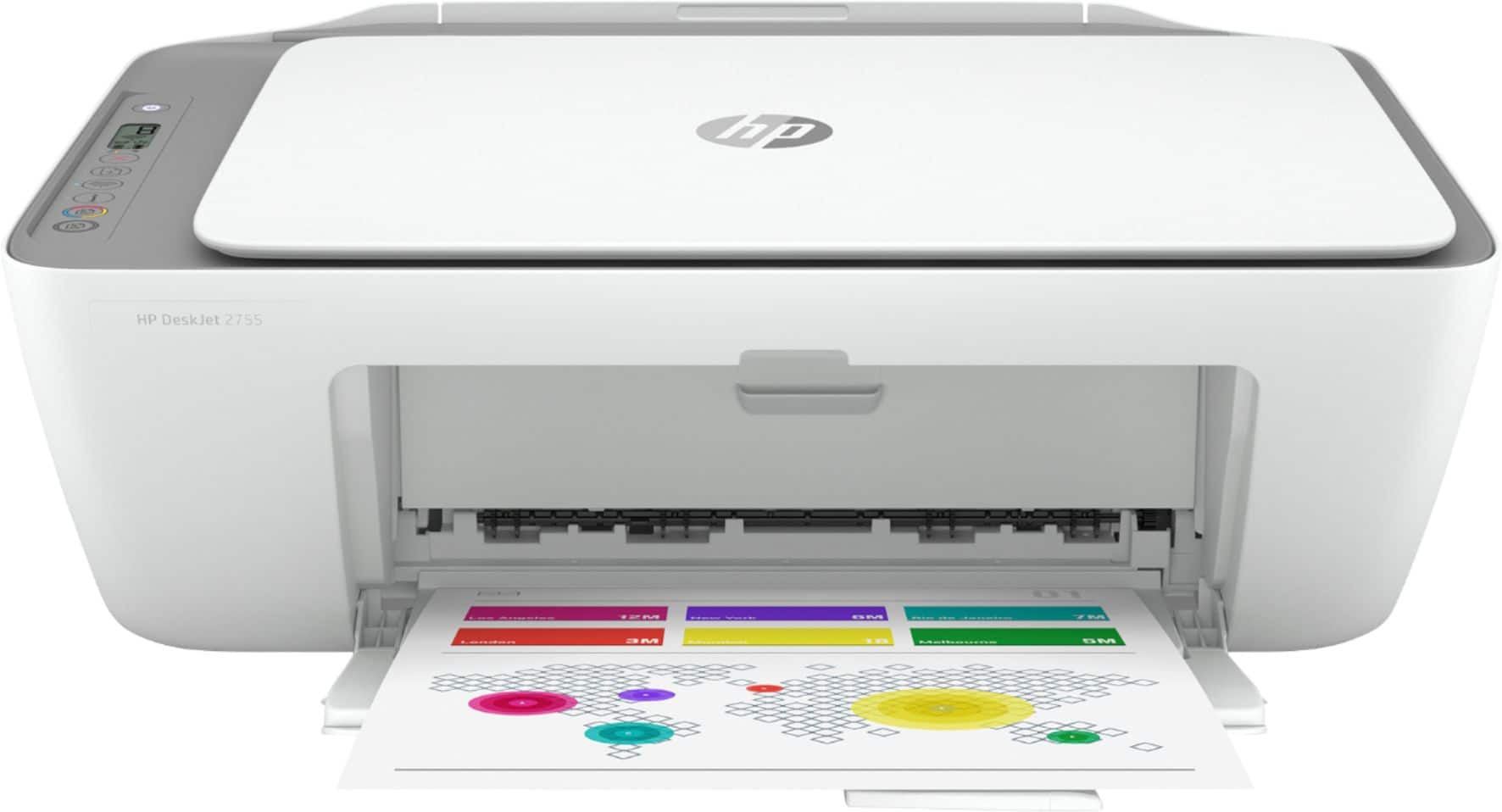
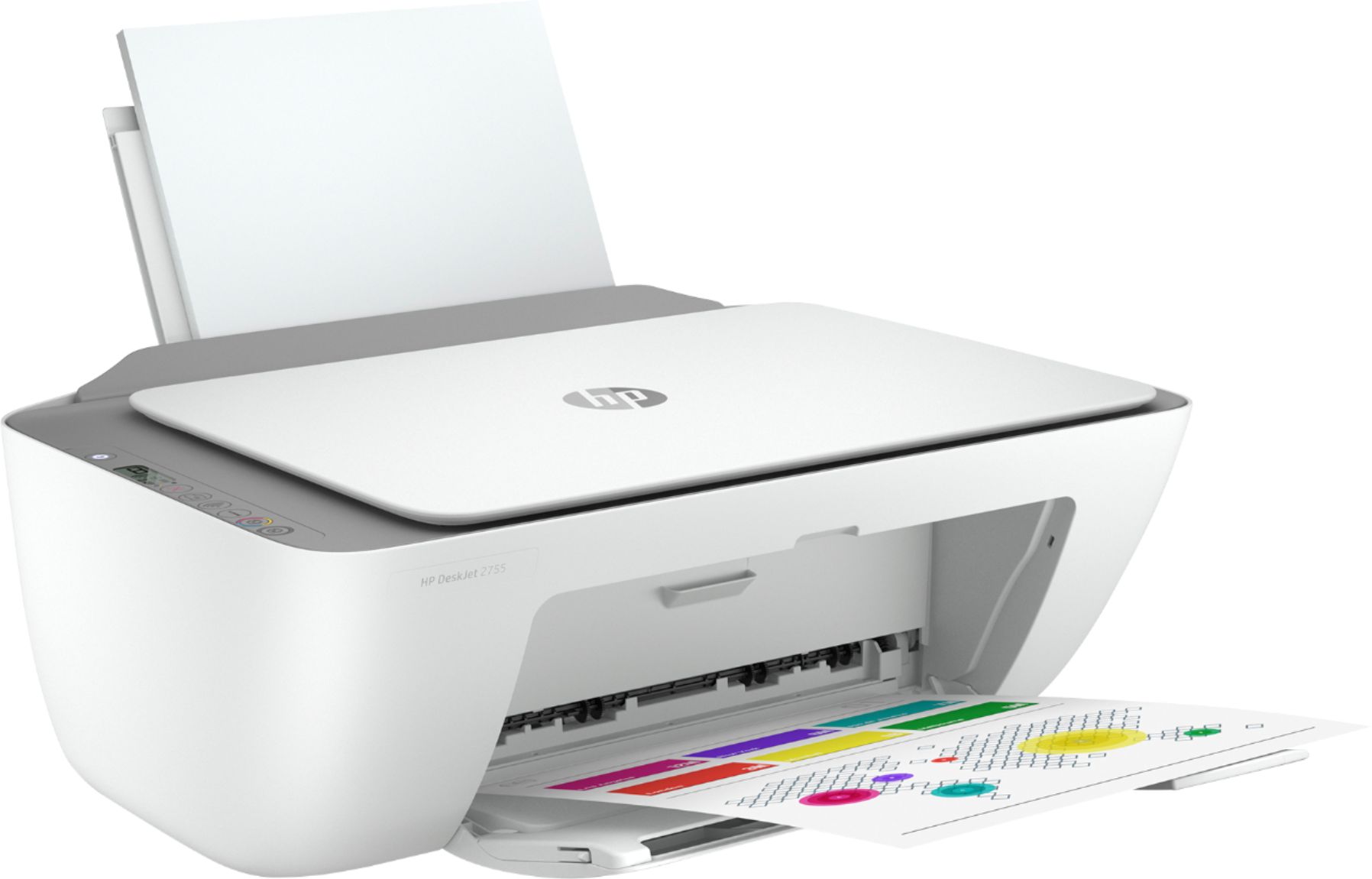
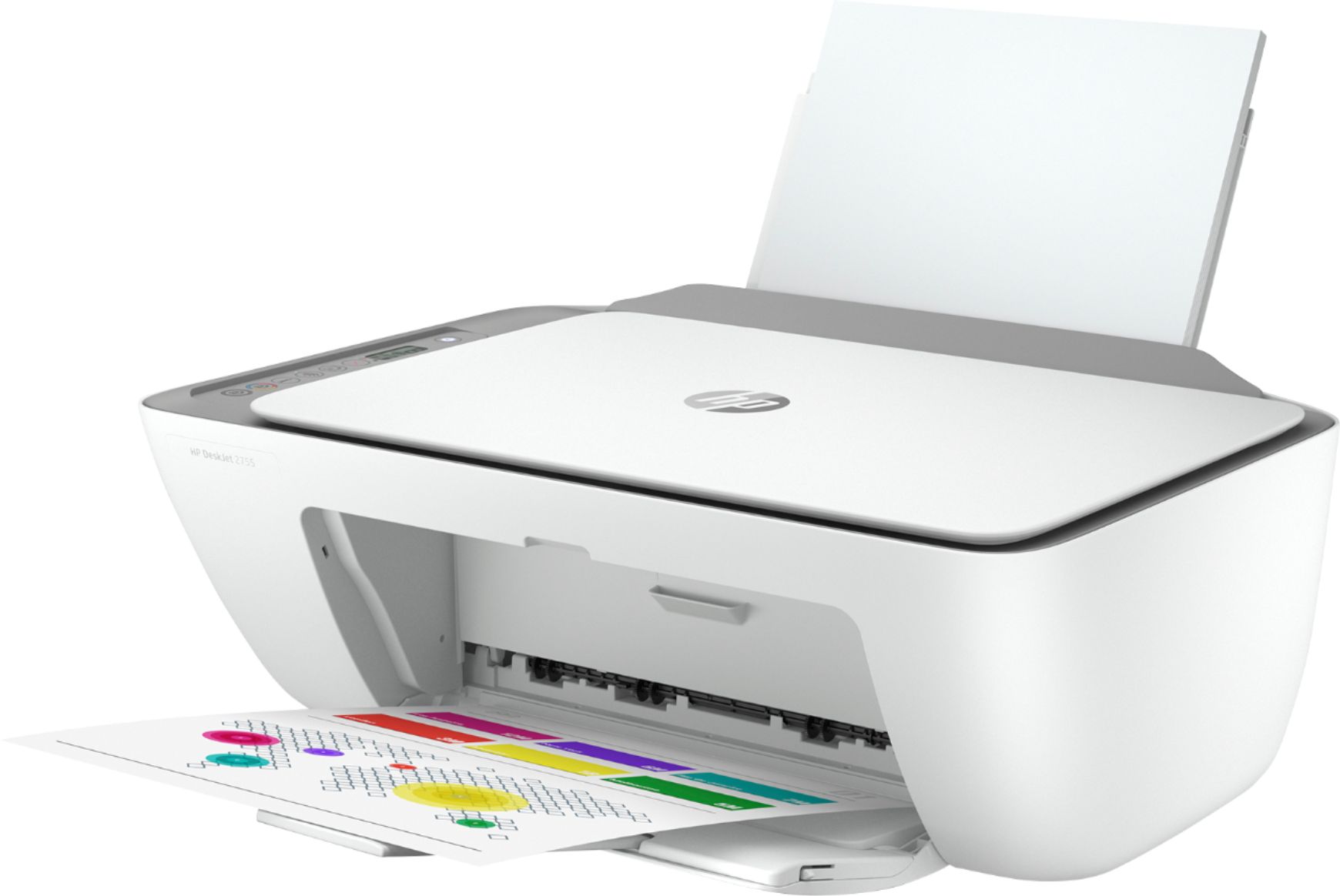
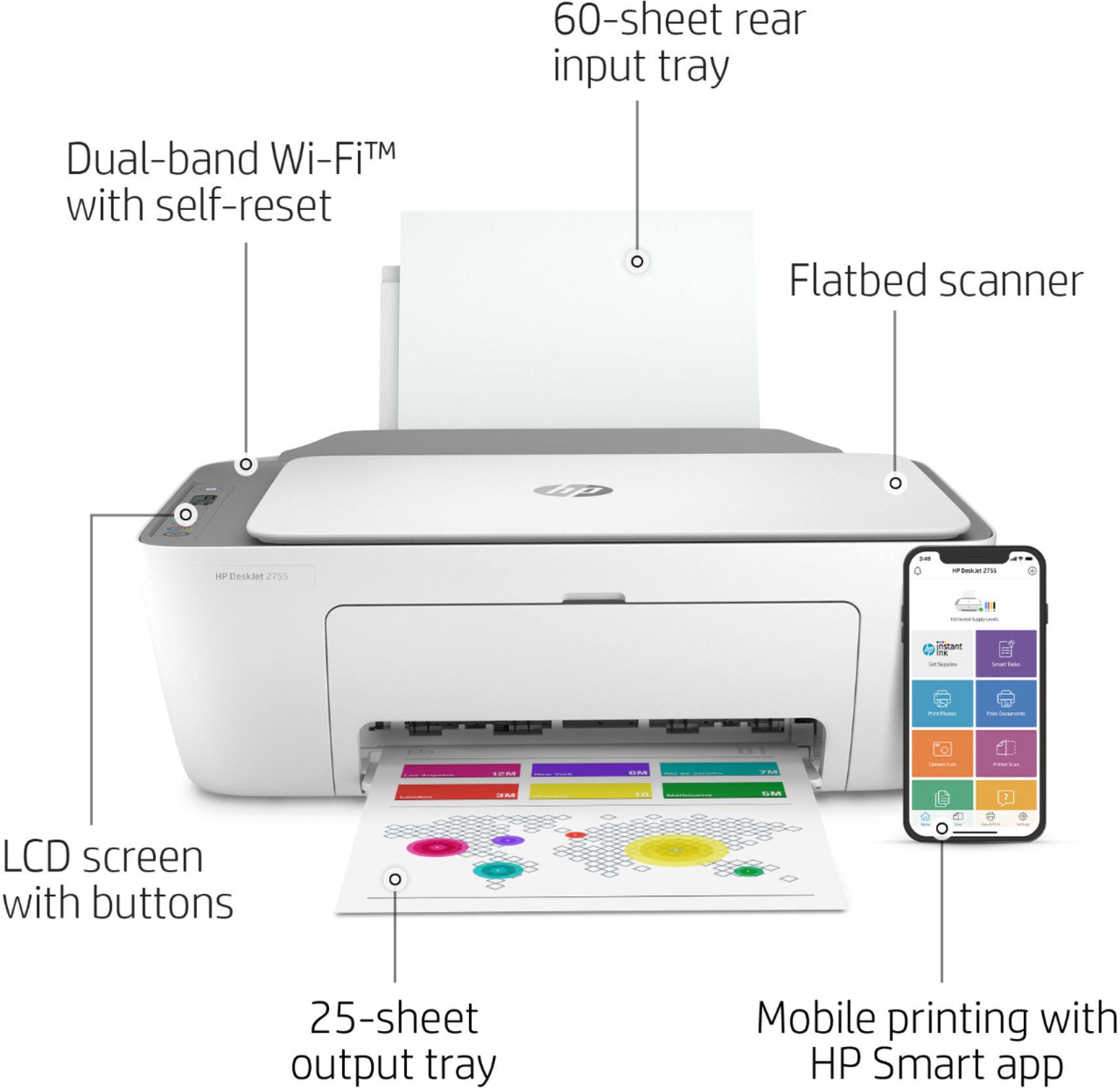


- Model:
- 3XV17A#B1F
- SKU:
- 6404823
Rating by feature
- Value
Rating 4.3 out of 5 stars
- Quality
Rating 4.1 out of 5 stars
- Ease of Use
Rating 4.0 out of 5 stars
Customers are saying
Customers recognize the DeskJet 2755 as being easy to use and having good print quality, with many praising its affordability and compact size. Positive feedback also highlights the printer's straightforward setup and satisfactory performance. However, some users experienced challenges with wireless connectivity.
This summary was generated by AI based on customer reviews.
garbage
Posted .This reviewer received promo considerations or sweepstakes entry for writing a review.Garbage garbage garbage garbage garbage garbage garbage
No, I would not recommend this to a friendBrand response from HP Team
Posted .Hi there.
I’m sorry to hear that you've encountered difficulty with your printer, and I'm sorry for any resulting inconvenience. Rather than garbage, we aim to provide a reliable experience with our printers and support, so I’ll try to offer some helpful suggestions.
First, I recommend you visit a page on our support site that has diagnostic tools for various tasks and issues, including setup, cartridge installation and connectivity. There you’ll also find a general-purpose tool called the HP Print and Scan Doctor. If you use Windows, the tool will help identify and guide you through solutions to a wide range of common printing and scanning issues. Visit that page here:
- support.hp.com/us-en/topic/diagnostics
For more help solving problems or to learn more about your printer and all its features, you can access a setup tutorial, troubleshooting guides, how-to documents, user manuals and software updates here:
- support.hp.com/us-en/product/hp-deskjet-2700-all-in-one-printer-series/29378157/model/29378213
If there's any specific way that we can help you, I hope you’ll get in touch with us directly for support. We're always here and would be more than happy to help you make the most of your experience with the printer. On our site you can get help from a virtual agent, search our extensive knowledge library or check your printer’s warranty status. Get in touch via this link:
- support.hp.com
Keith
HP Care
hp.com/support