Customer Ratings & Reviews
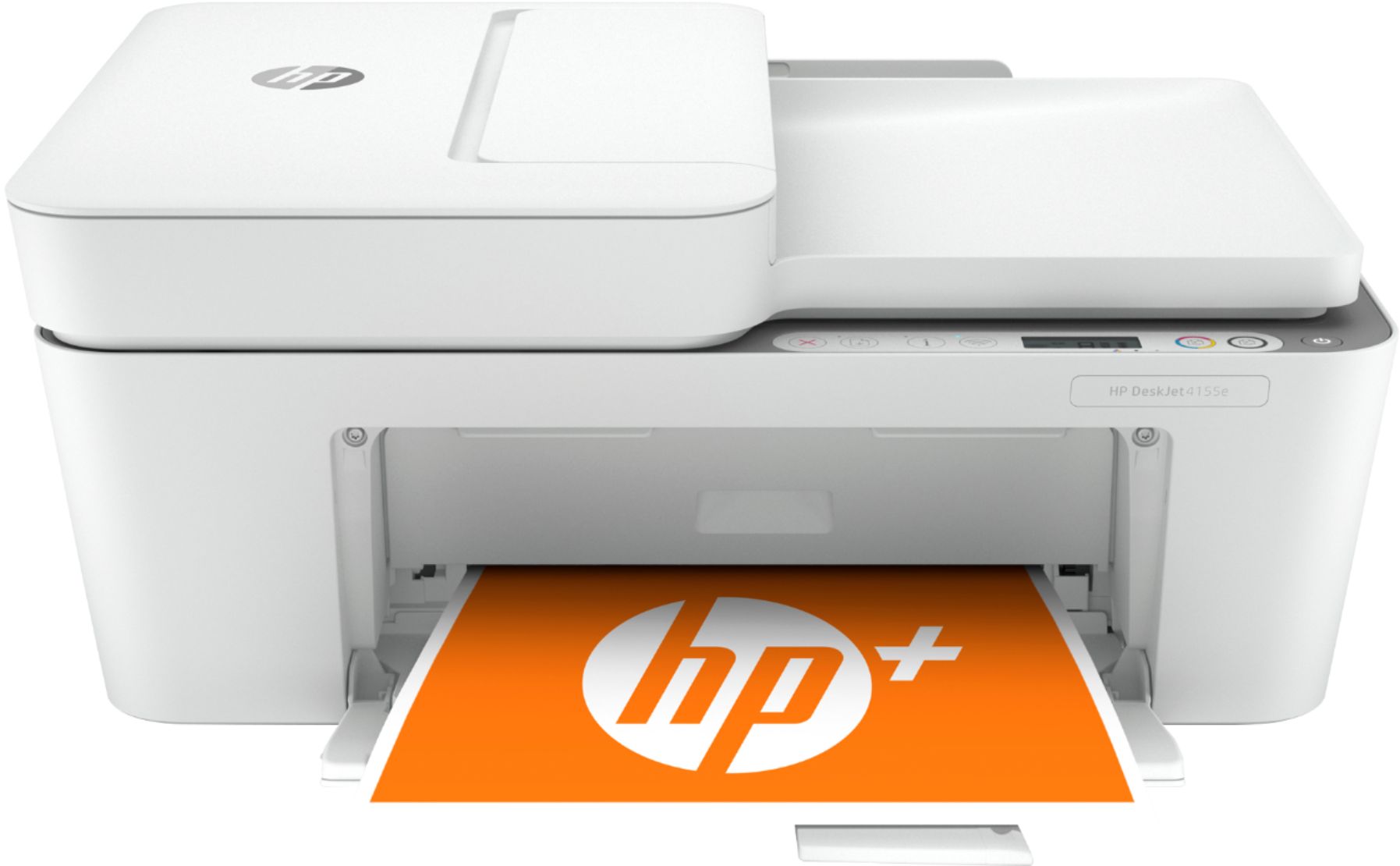
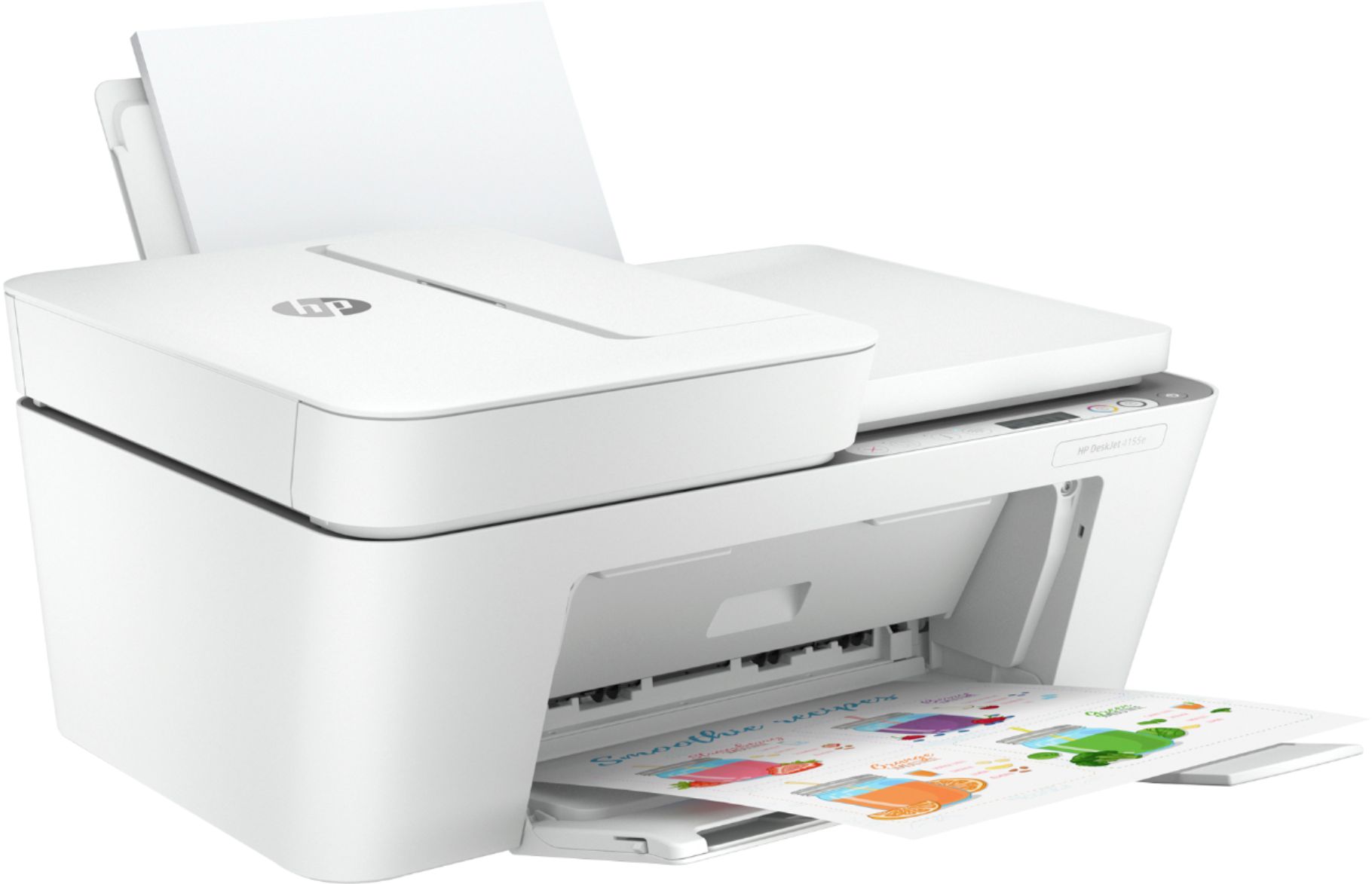
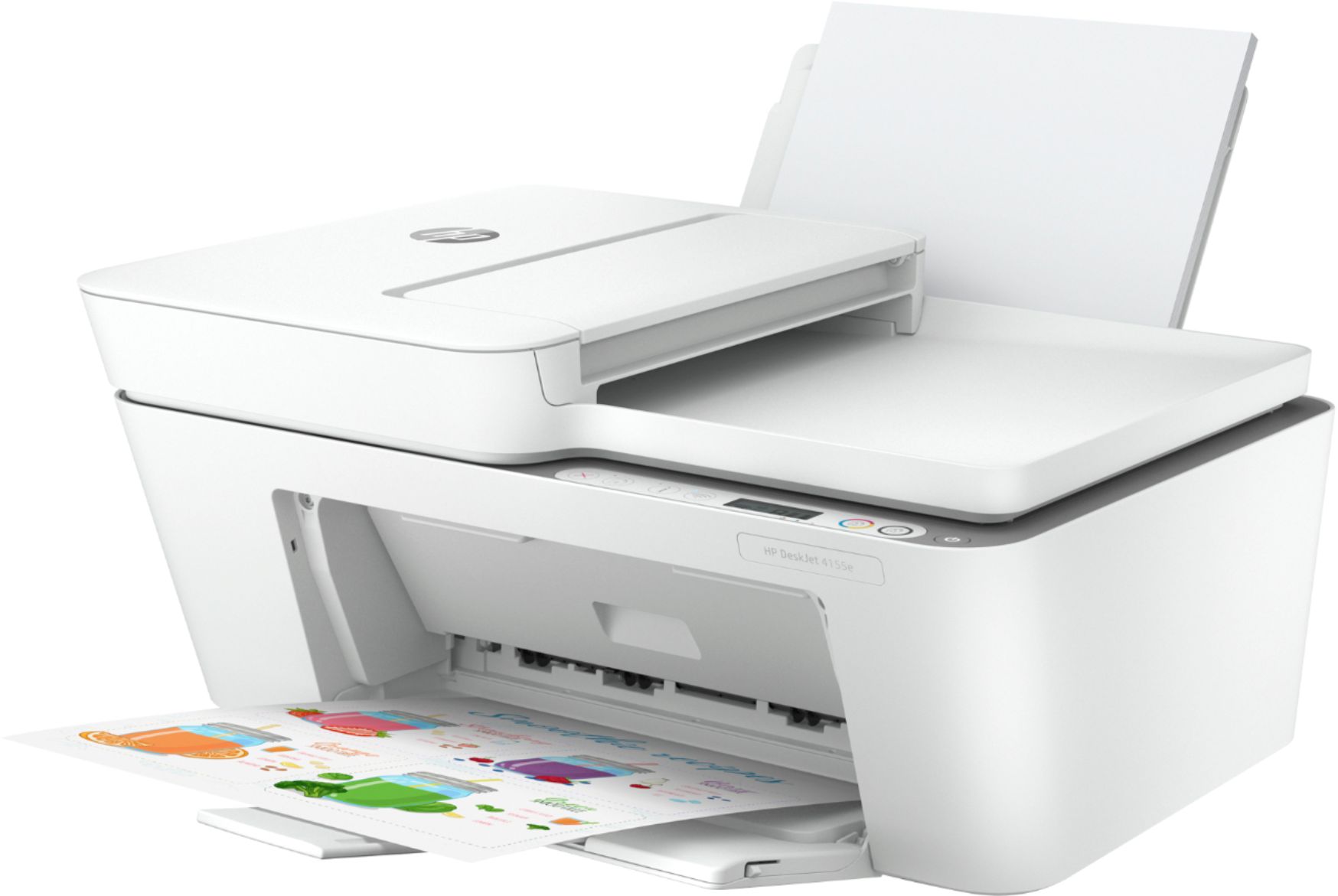
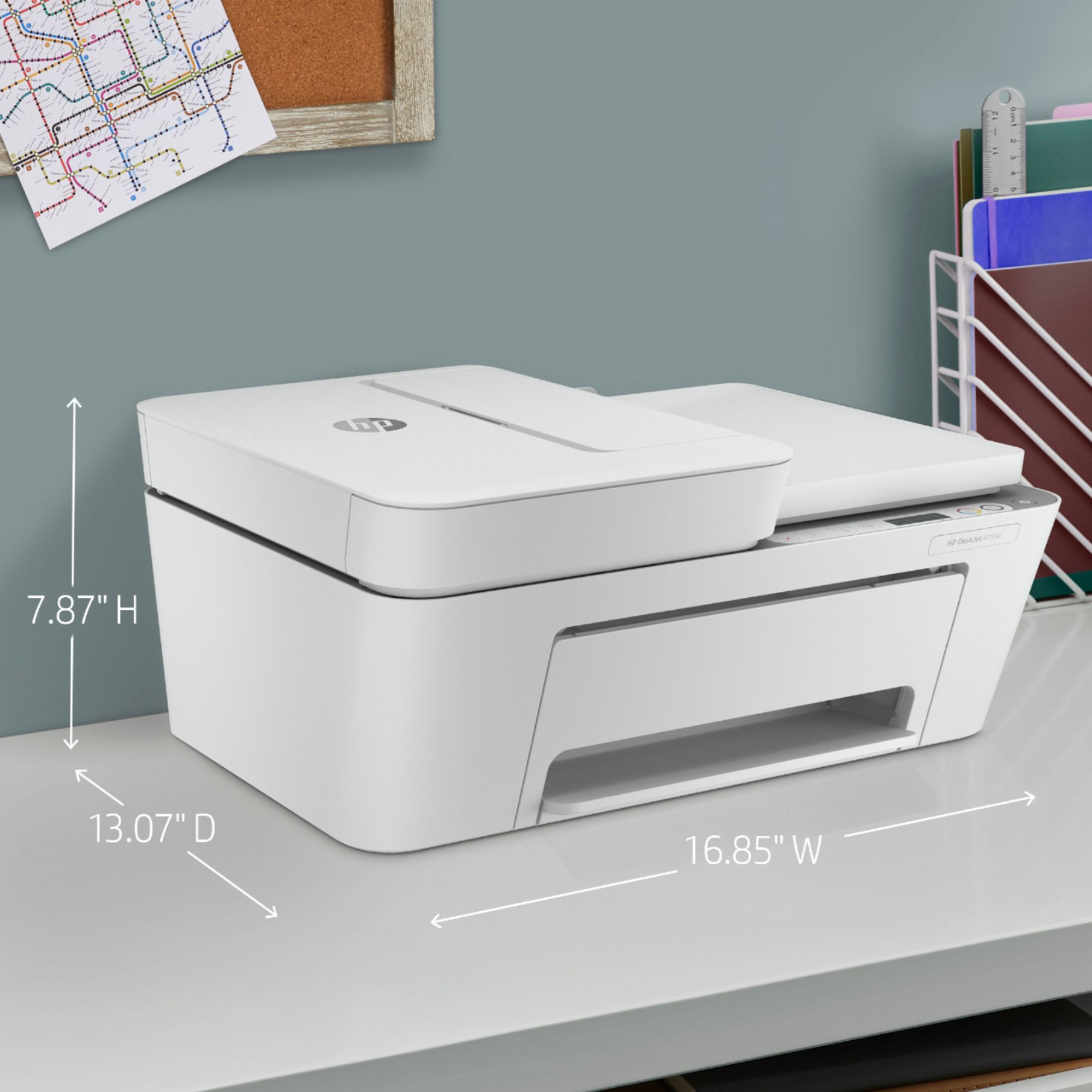
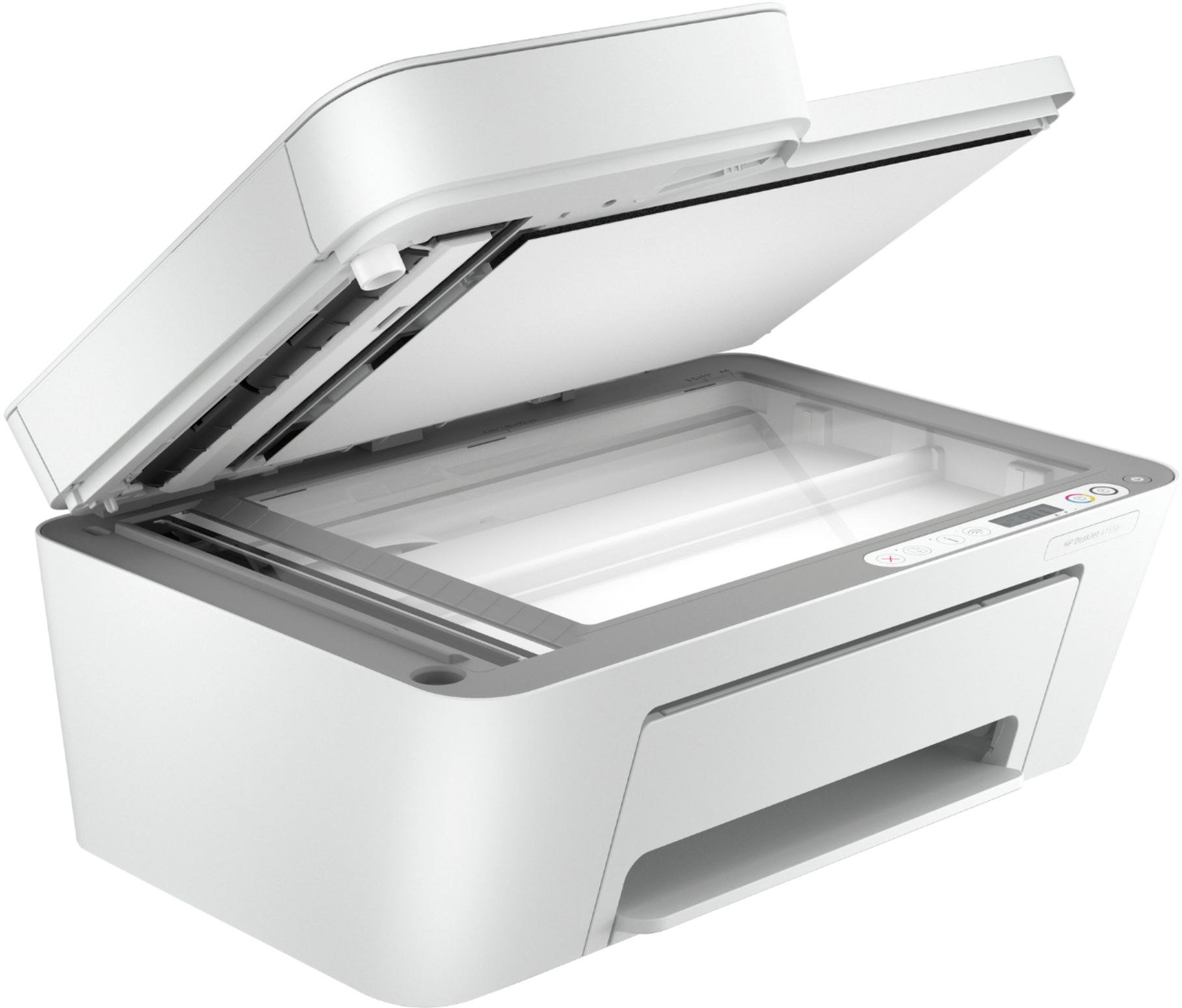
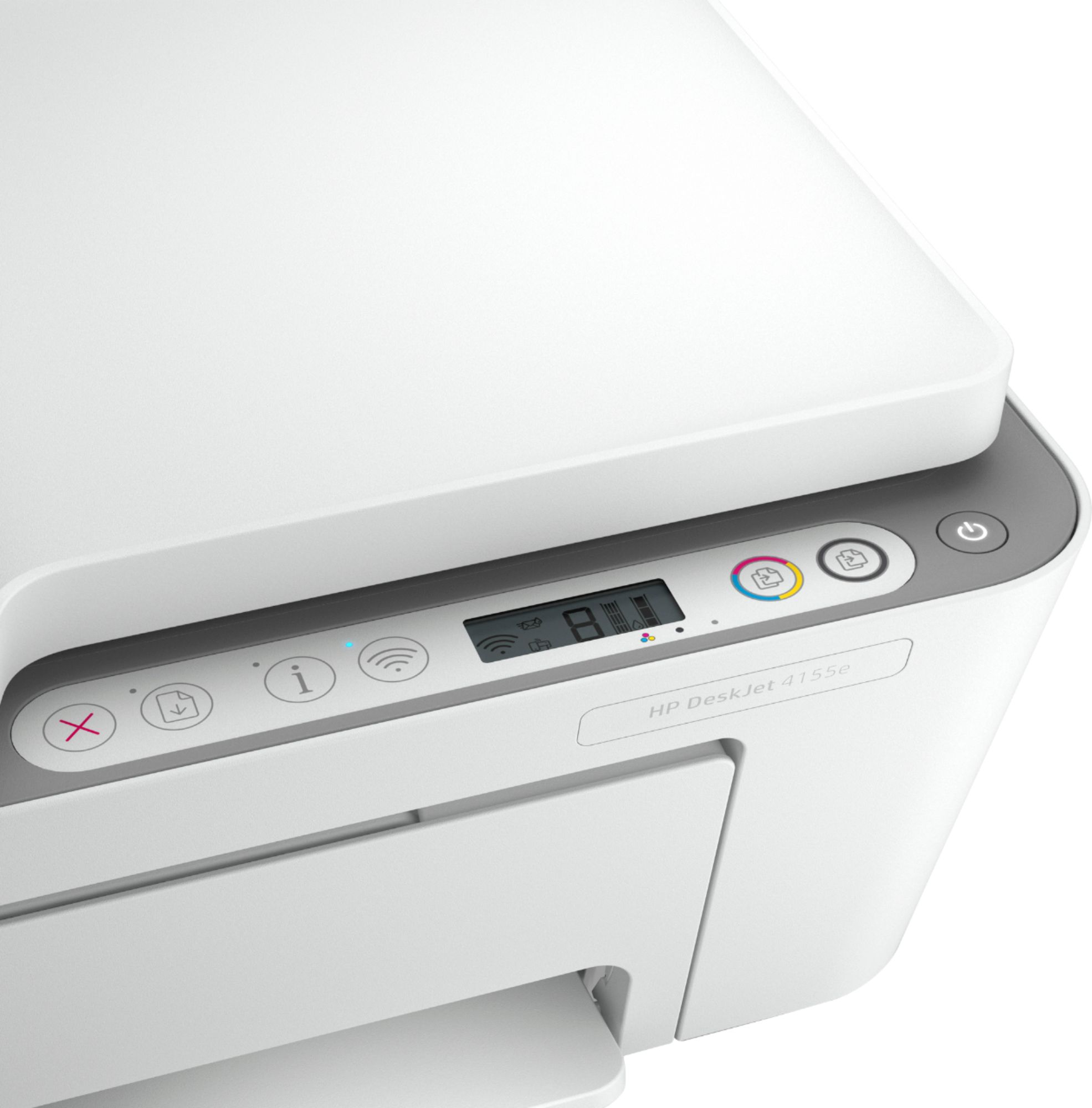
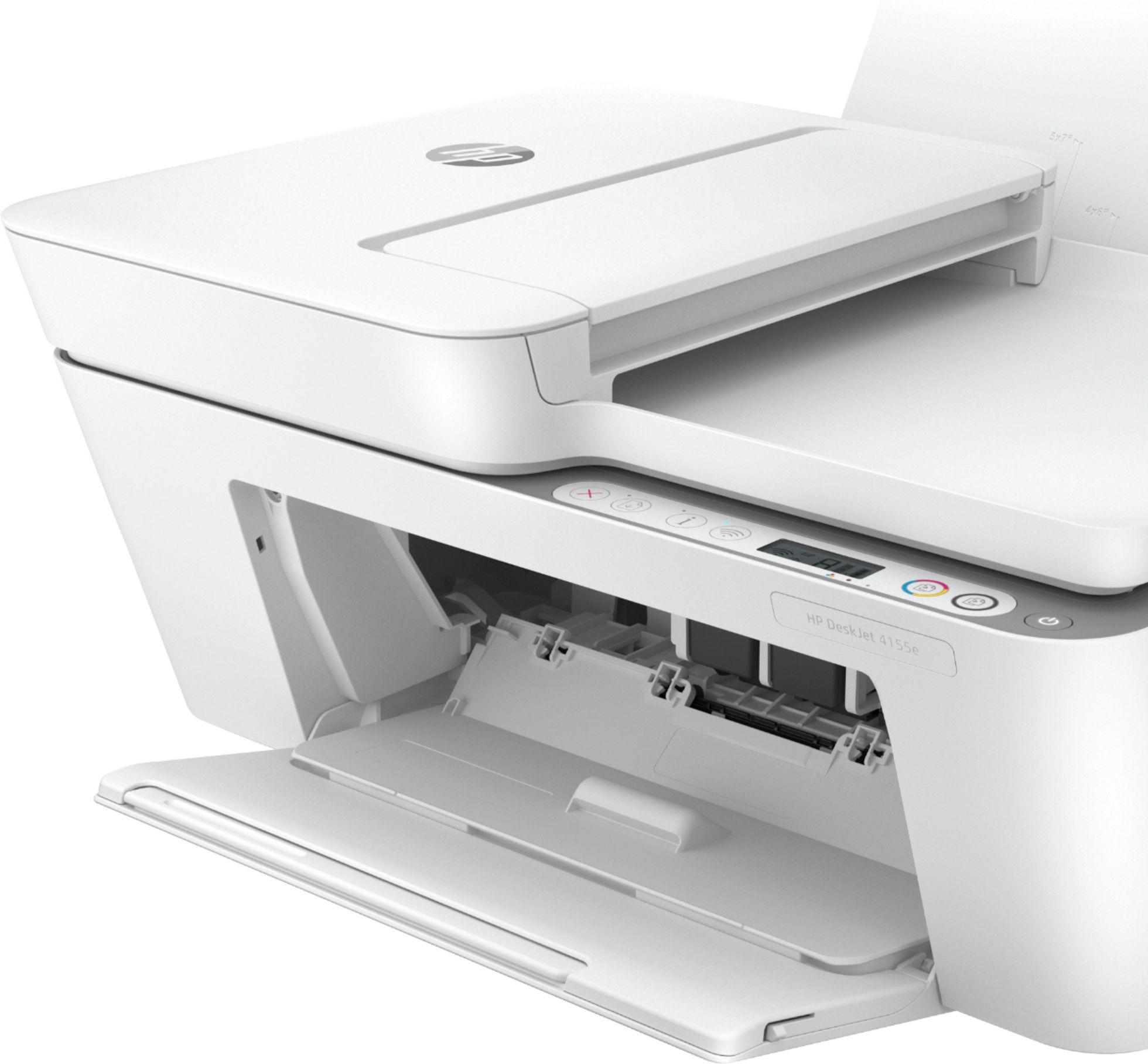
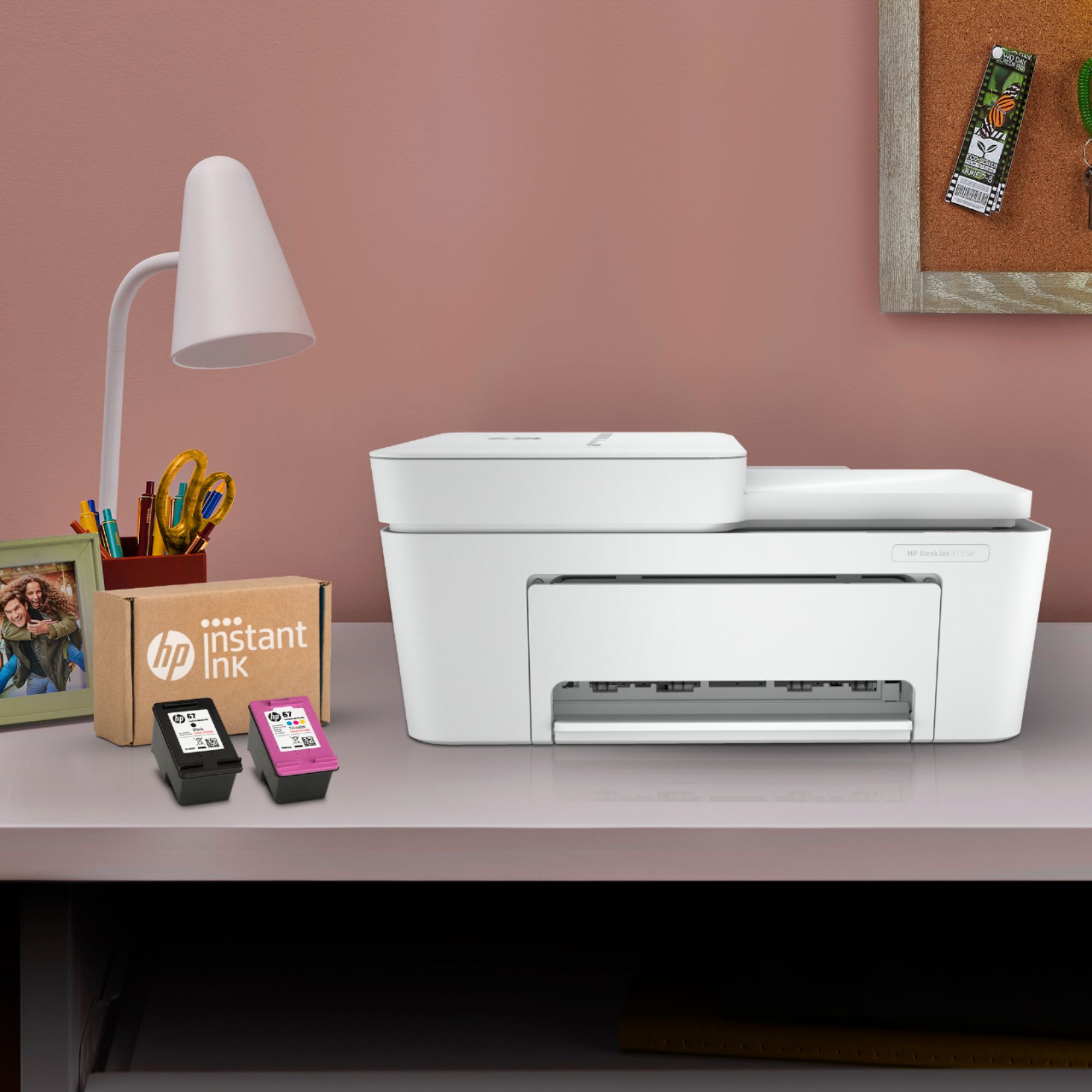


- Model:
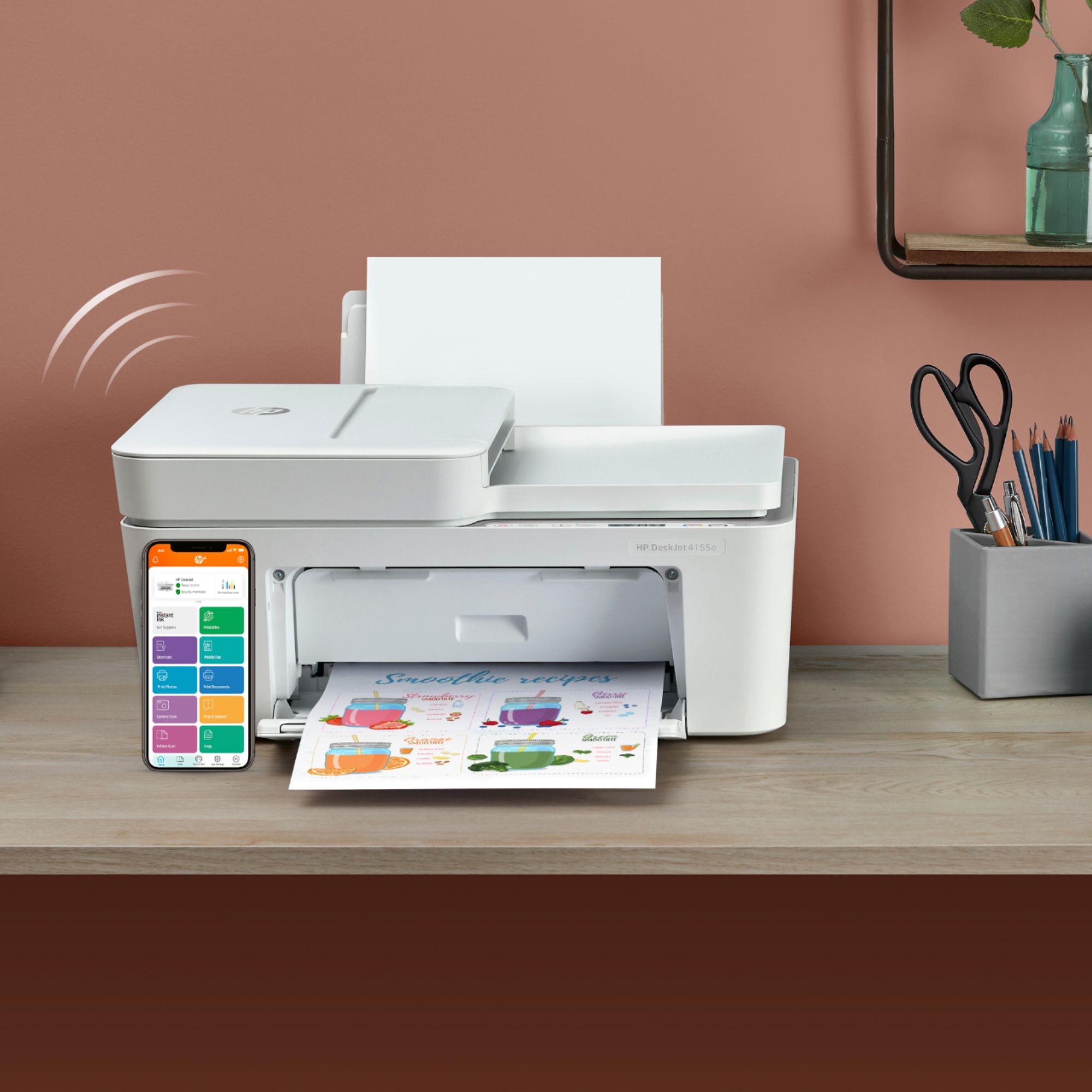
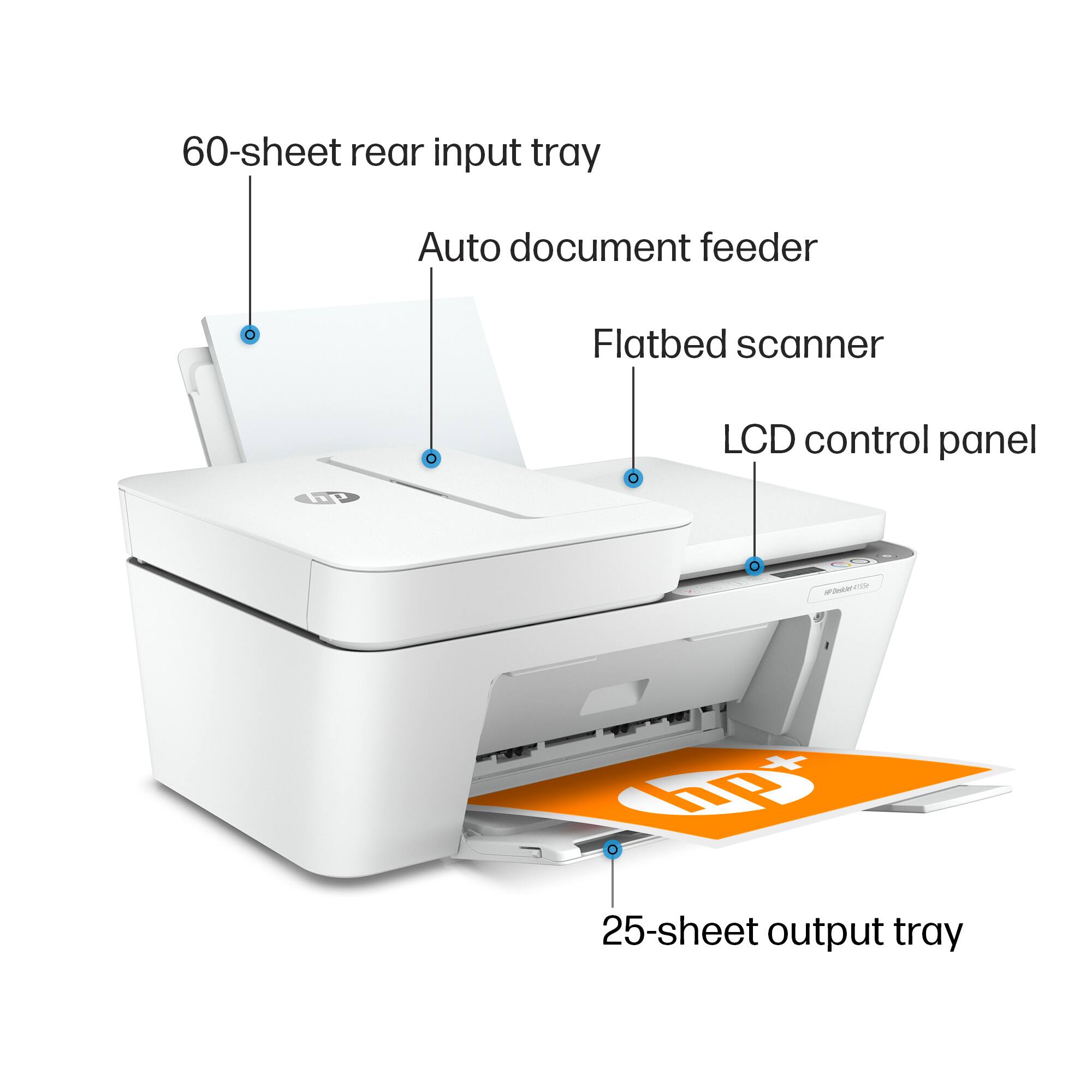
- DeskJet 4155e
- SKU:
- 6454283
Rating by feature
- Value
Rating 4.1 out of 5 stars
- Quality
Rating 4.0 out of 5 stars
- Ease of Use
Rating 3.8 out of 5 stars
Customers are saying
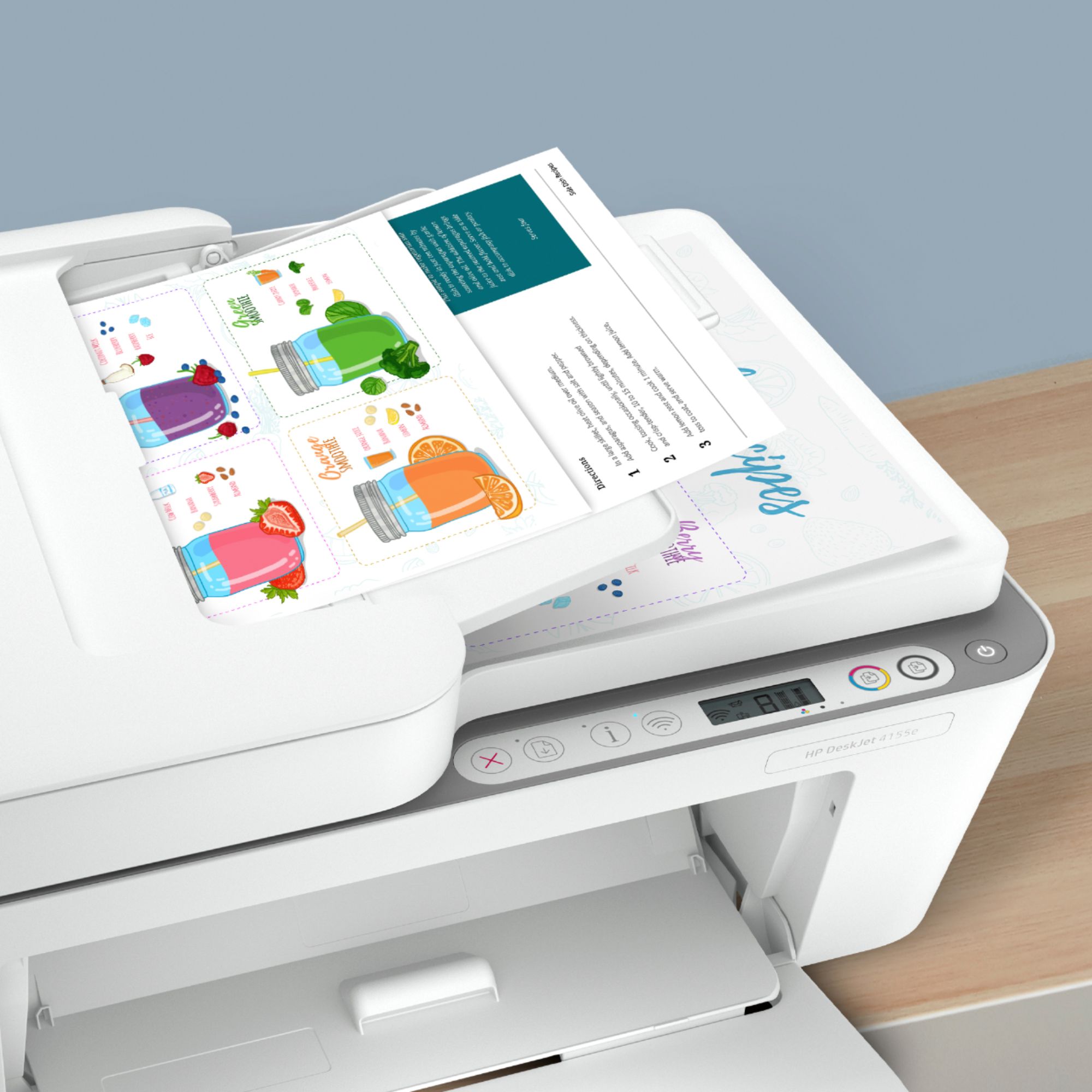
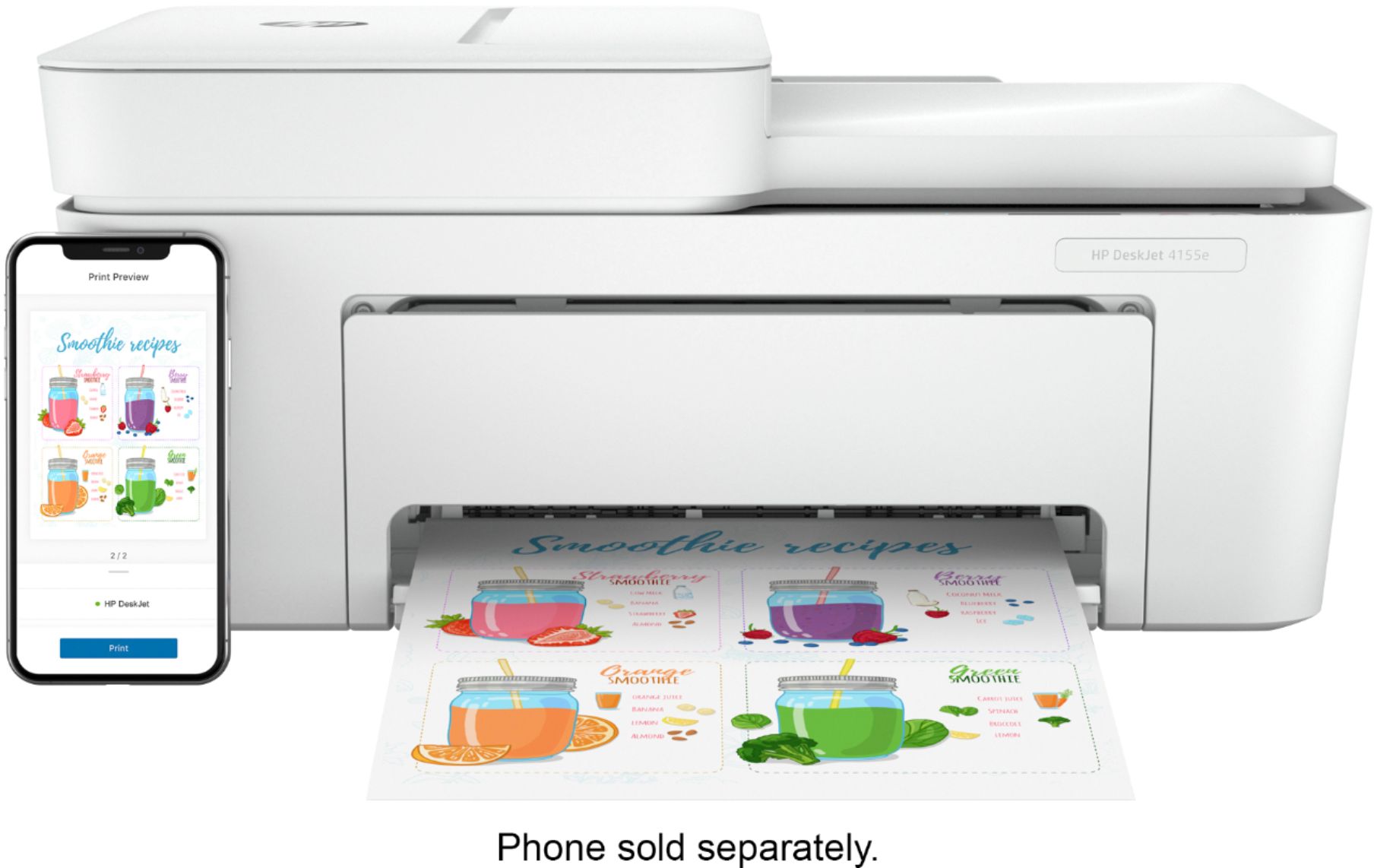
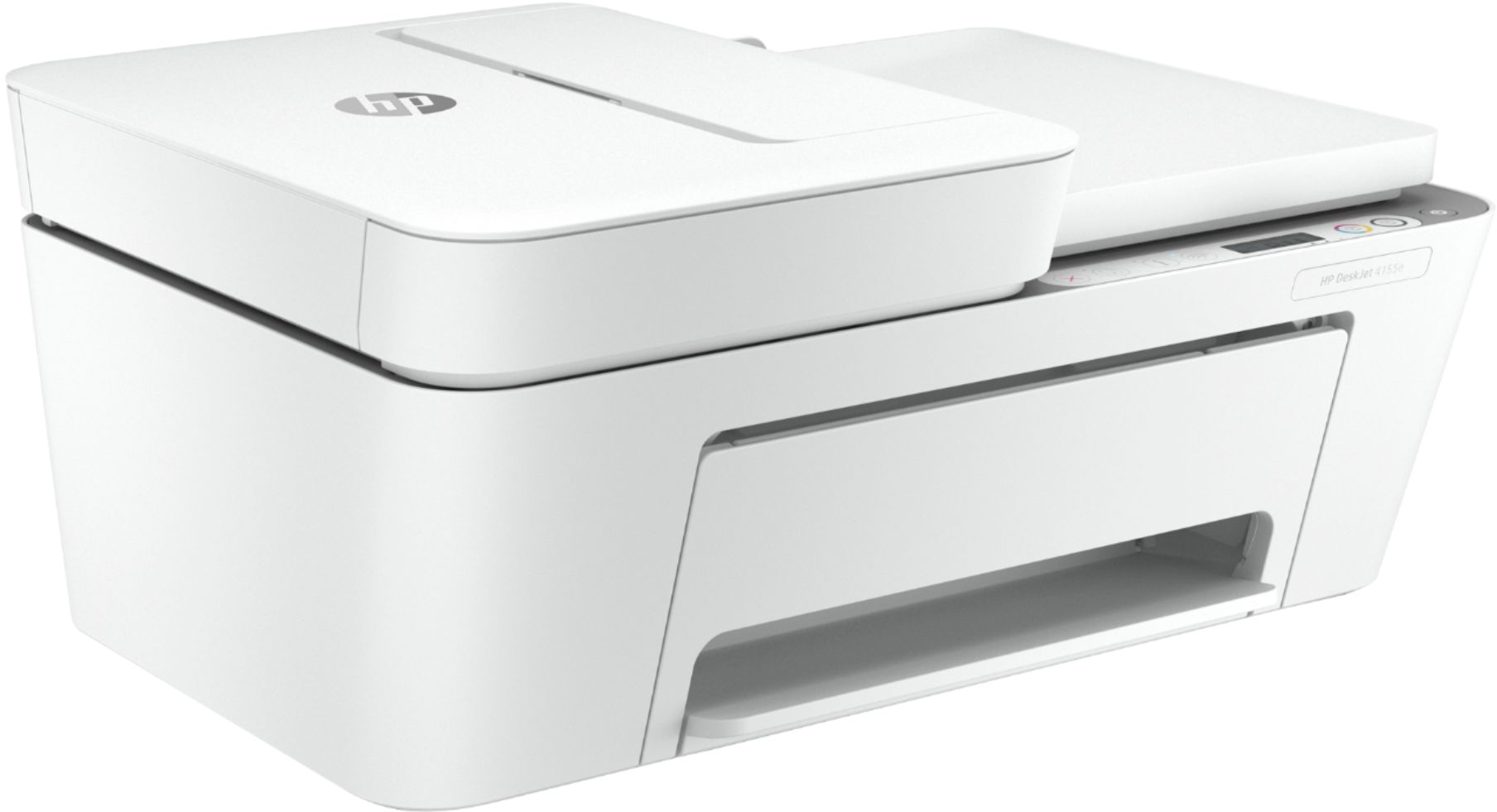
Customers are impressed with the DeskJet Plus 4155's ease of use and print quality, frequently praising its simple operation and clear output. Many also appreciate the printer's compact size and reasonable price. However, some users experienced challenges with WiFi connectivity and found the setup instructions unclear.
This summary was generated by AI based on customer reviews.
Perfect printer for home office
||Posted . Owned for 1 month when reviewed.This reviewer received promo considerations or sweepstakes entry for writing a review.I bought this for my home office. It's perfect for what I need. I didn't want a printer that was too big. Set-up was easier than expected. I love the convenience of getting inc mailed to me. I also nice how easy it is to scan. Perfect for any one Who works from home as well as at your office. The price was excellent!
I would recommend this to a friend- Cons mentioned:Connectivity
Frustrated
||Posted . Owned for 1 month when reviewed.This reviewer received promo considerations or sweepstakes entry for writing a review.Ive had nothing but issues with this printer. Hard to connect, hard to install ink, goes offline in the middle of printing. This printer can’t print 59 pages at one time. I spend more time trying to get it going to print my slides than studying for my classes and exams. The only thing I like about this printer is that it is white. Never had issues with the previous HP printer that my daughter did take when she moved away,
No, I would not recommend this to a friend Printer On Point (Flame Emoji)
||Posted . Owned for 1 year when reviewed.This reviewer received promo considerations or sweepstakes entry for writing a review.Is wothy if u need something from de most high quality, is perfect for any job and the part when u need a quick solution for some paperworks
I would recommend this to a friendJdkx
||Posted .This reviewer received promo considerations or sweepstakes entry for writing a review.Very good. Works efficiently to meet my needs. Price reasonable
I would recommend this to a friendexcellent printer
||Posted .This reviewer received promo considerations or sweepstakes entry for writing a review.great buy for me I have not had any trouble with this product.
I would recommend this to a friend- Cons mentioned:Connectivity
Have had many difficulties with this printer
||Posted . Owned for 1.5 years when reviewed.This reviewer received promo considerations or sweepstakes entry for writing a review.I had high hopes for this HP Printer, unfortunately I have had far too many issues with it. It constantly loses connectivity for no known reason and it is very slow when making copies. I have spent quite sometime troubleshooting and speaking with customer support. It is possible I got a lemon, but I would not recommend and would not buy again.
No, I would not recommend this to a friend Photos are not sharp.
||Posted . Owned for 1 month when reviewed.This reviewer received promo considerations or sweepstakes entry for writing a review.Easy to set up and b & w documents are sharp but photos have lines going through them, even on photo paper, and the colors aren't that sharp. I guess it is why it was reduced in price, not because it was overstocked.
No, I would not recommend this to a friendHP Desk Jet 4155e
||Posted . Owned for 1 month when reviewed.This reviewer received promo considerations or sweepstakes entry for writing a review.Nice printer. Just wish it printed 2 sided, but it's a very good printer.
I would recommend this to a friend- Cons mentioned:Setup
Awful set up. Good printer
||Posted . Owned for less than 1 week when reviewed.This reviewer received promo considerations or sweepstakes entry for writing a review.This printer was a nightmare to set up. After downloading HP Smart and trying to follow all prompts, it notified me that it could not automatically download the driver etc. I then followed direction to do it manually, without success. I tried numerous work arounds. No dice. One thing it did was to request a password from my keychain. I tried all logical passwords I had. Nada. I enlisted my firm's IT guru. No way. Finally, at some point a page popped up which seemed to say everything was enabled (although everything else said it wasn't.) My IT guy said try to print something. I did and it did. A lot of time wasted and a lot of unnecessary frustration. Then I tried to sign up for Instant Ink. Not as time consuming, but again I had to backtrack and go to multiple screens before I finally succeeded. Why should two processes that should be routine be so screwed up with totally inadequate step by step direction? And no--I am fairly computer literate. The printer itself seems fine, so far.
No, I would not recommend this to a friendBrand response from HP Team
Posted .Hi there.
I’m sorry to hear that your printer was so difficult to set up. Same for the Instant Ink signup. I can understand why that would be quite a frustrating experience, so I’ll offer you some resources that I hope will help you have a better experience going forward.
To learn more about your printer and all its features, or for help solving problems, you can access user manuals, how-to documents, software updates and troubleshooting guides here:
- support.hp.com/us-en/product/hp-deskjet-plus-4100-all-in-one-series/29378221/model/29378225
If you have any questions or concerns, I hope you’ll contact us directly at +1 800-474-6836 so we can guide you through the proper troubleshooting. To expedite the process, I recommend gathering the following information before the call:
- Model number
- Serial number
- Your location
- Case number (from any previous contact with HP support)
Keith
HP Care
hp.com/support
okay!
||Posted . Owned for 3 weeks when reviewed.This reviewer received promo considerations or sweepstakes entry for writing a review.I have not used it much, but it jammed the first time I tried to print a test page.
I would recommend this to a friendhp4155
||Posted . Owned for more than 2 years when reviewed.This reviewer received promo considerations or sweepstakes entry for writing a review.bought printer back in jan 2021. It worked great up till a few weeks ago. All I can print is the printer information sheet. I have uninstalled and reinstall with the same result.
I would recommend this to a friendGood Value
||Posted . Owned for 1 month when reviewed.This reviewer received promo considerations or sweepstakes entry for writing a review.Printer does the job and ink deal is better than I expected.
I would recommend this to a friendWiFi set up hard
||Posted . Owned for more than 2 years when reviewed.This reviewer received promo considerations or sweepstakes entry for writing a review.Printer works well overall but is somewhat difficult connecting it to WiFi. You have to get an app to print wirelessly which was a bit hard to set up.
I would recommend this to a friendMildly displeased.
||Posted . Owned for 1 month when reviewed.This reviewer received promo considerations or sweepstakes entry for writing a review.Works sporadically. Way too much dowloading of various software to get it running. Still haven't figured out how to scan documents. :/
No, I would not recommend this to a friendGreat printer wirh easy set up
||Posted .This reviewer received promo considerations or sweepstakes entry for writing a review.Nothing beats a HP printer for home use. Love this one
I would recommend this to a friend- Cons mentioned:Setup
A bit disappointed.
||Posted . Owned for 1 week when reviewed.This reviewer received promo considerations or sweepstakes entry for writing a review.I was really disappointed with this printer. I have yet to get it set up so that it will print all the time. I’m pretty tech savvy so this was disappointing.
No, I would not recommend this to a friendBrand response from HP Team
Posted .Hi there.
I’m sorry to learn that your printer has been so difficult to set up and get working properly. The disappointment you express is totally understandable. I can’t tell from your review whether you were able to complete the setup process or you’re just experiencing unreliable performance. Nonetheless, I’ll provide some resources I hope will remedy the situation.
If you still need to complete setup and installation, you can access a tutorial specific to your printer on our support site. Regardless, on the same page as the tutorial, you can find user manuals, how-to documents, software updates and troubleshooting guides. Find those materials here:
- support.hp.com/us-en/product/model/2100187854
You can also visit a page on our support site that has diagnostic tools for various tasks and issues, including setup and connectivity difficulties. There you can find a general-purpose tool called the HP Print and Scan Doctor. If you use Windows, the tool will help identify and guide you through solutions to a wide range of common printing and scanning issues. You can find the page here:
- support.hp.com/us-en/topic/diagnostics
If you need further assistance with anything, I suggest you contact us directly so we can help you assess what’s happening and find a solution. HP+ printers such as yours come with exclusive concierge support. To call and reach live HP+ experts, visit the following URL and enter your HP+ serial number:
- hp.com/plus-help
Keith
HP Care
hp.com/support
- Pros mentioned:Print quality
Printer
||Posted . Owned for 1 month when reviewed.This reviewer received promo considerations or sweepstakes entry for writing a review.Work perfectly for printing labels for my business
I would recommend this to a friend Satisfied
||Posted . Owned for 3 weeks when reviewed.This reviewer received promo considerations or sweepstakes entry for writing a review.A little noisy when it is getting ready to print. otherwise does a good job
I would recommend this to a friendNot user friendly
||Posted . Owned for 3 weeks when reviewed.This reviewer received promo considerations or sweepstakes entry for writing a review.The printer jammed after 10 print jobs, & out of ink. Not user friendly, I'm still trying to figure out a few commands.
No, I would not recommend this to a friendVery Pleased
||Posted .This reviewer received promo considerations or sweepstakes entry for writing a review.I love my HP Deskjet. The scanner feature is a life saver.
I would recommend this to a friend