Customer Ratings & Reviews
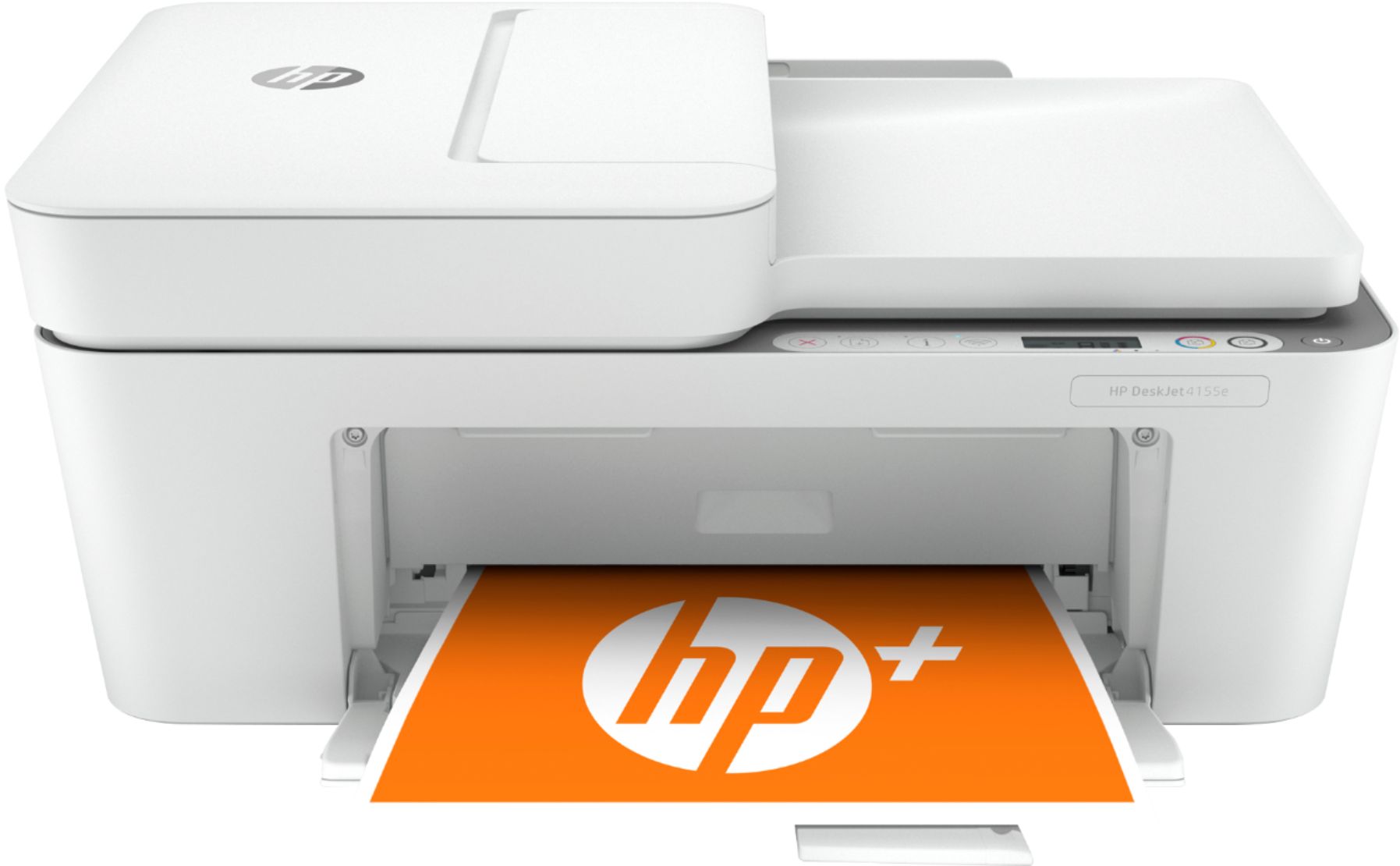
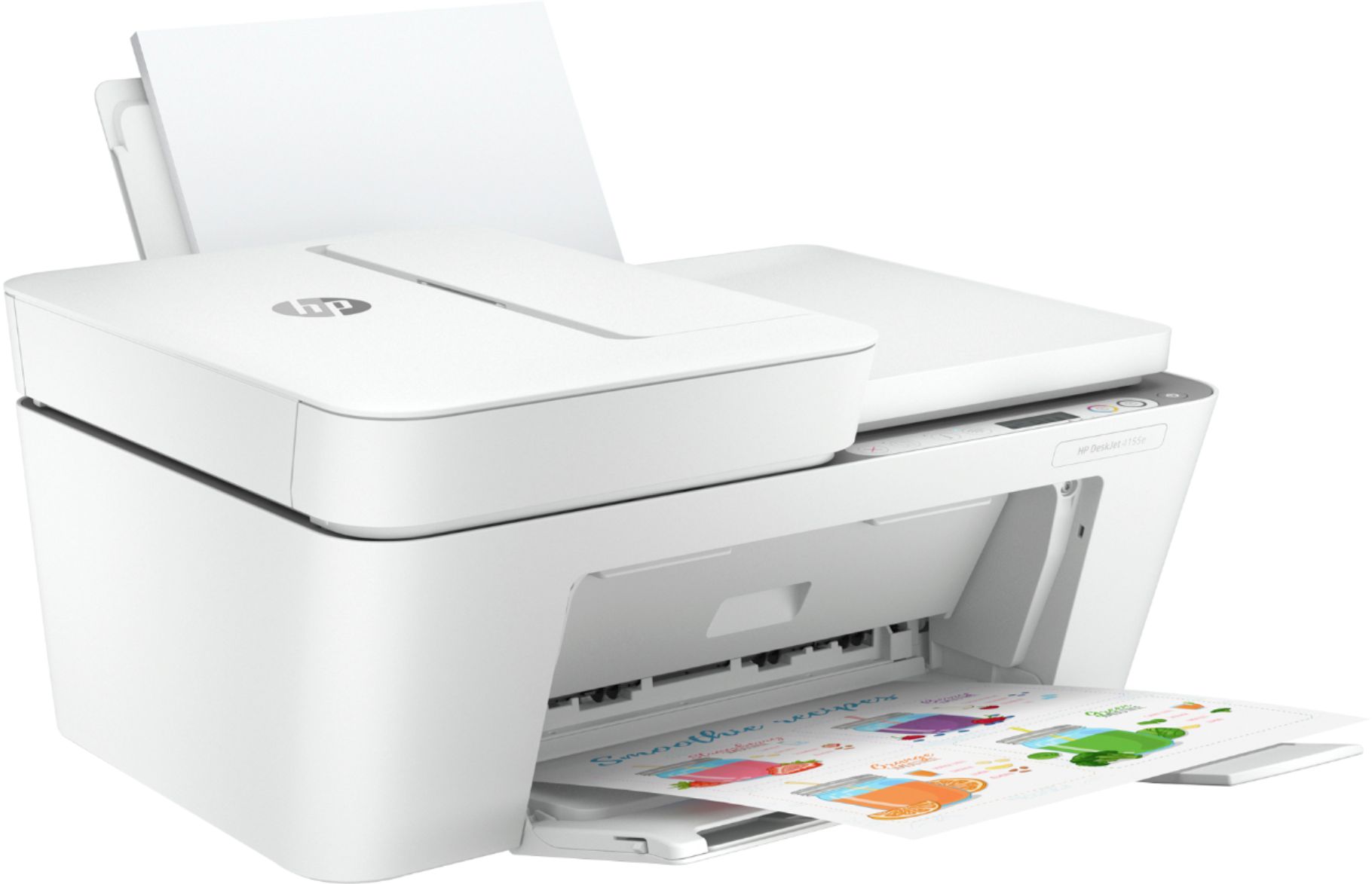
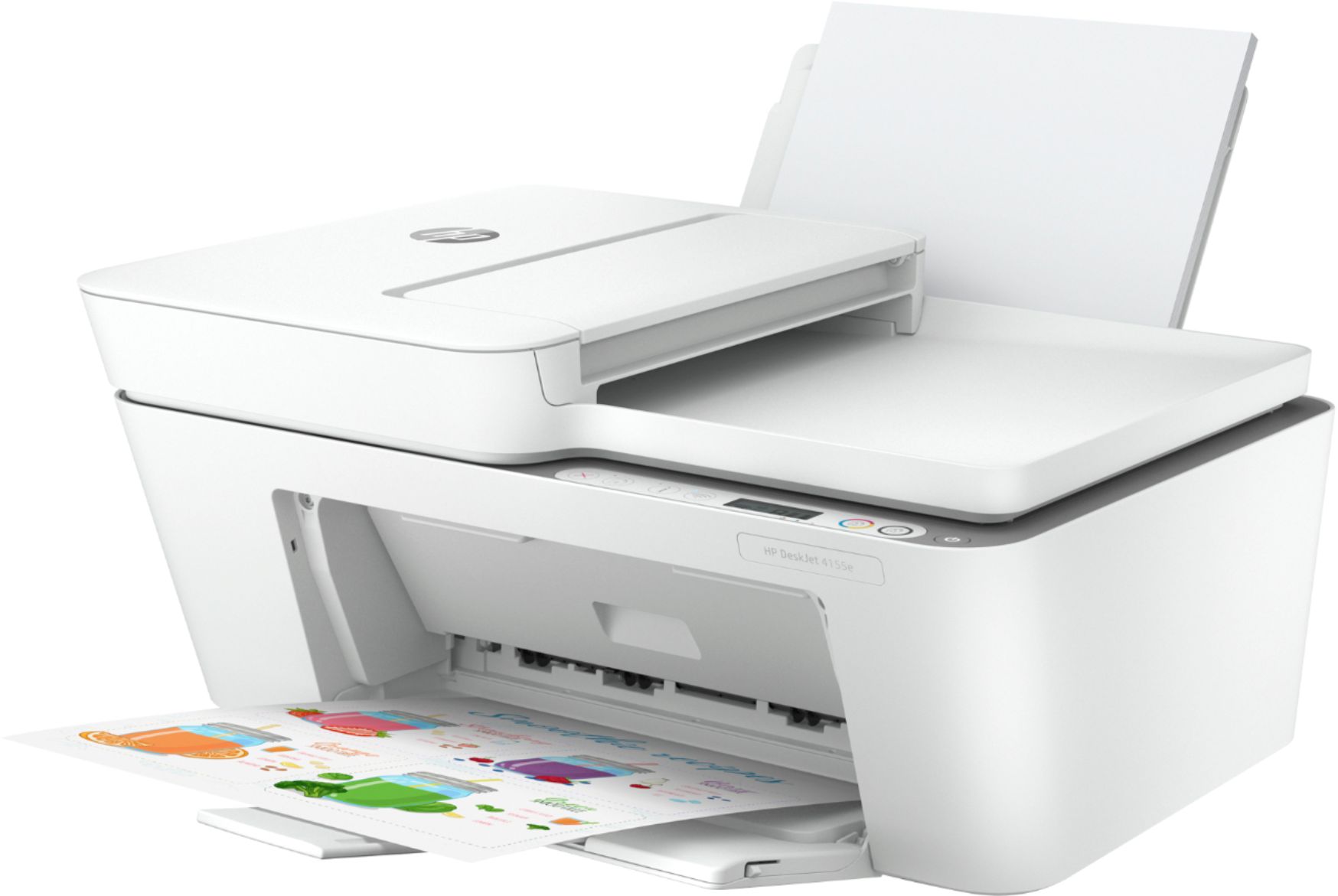
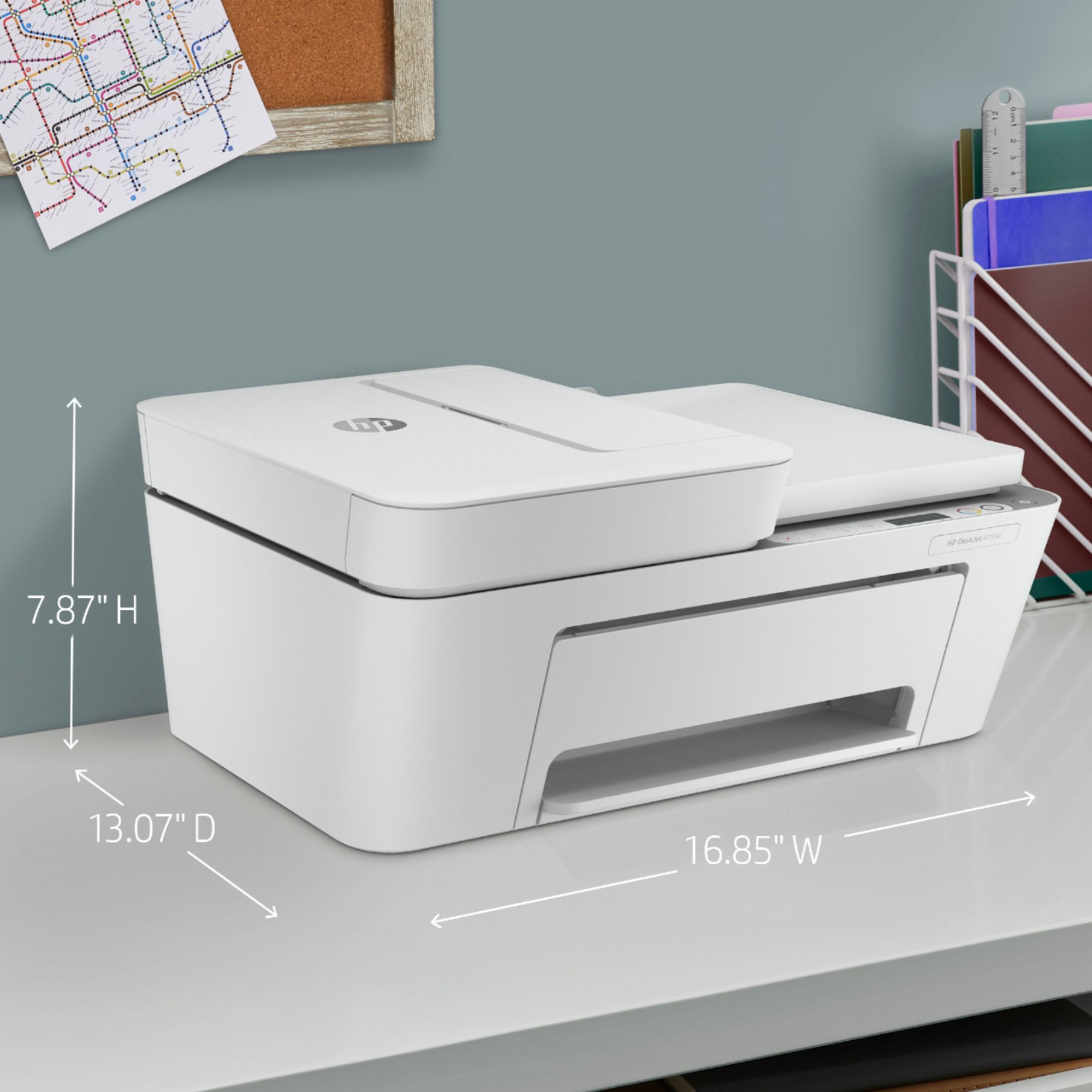


- Model:
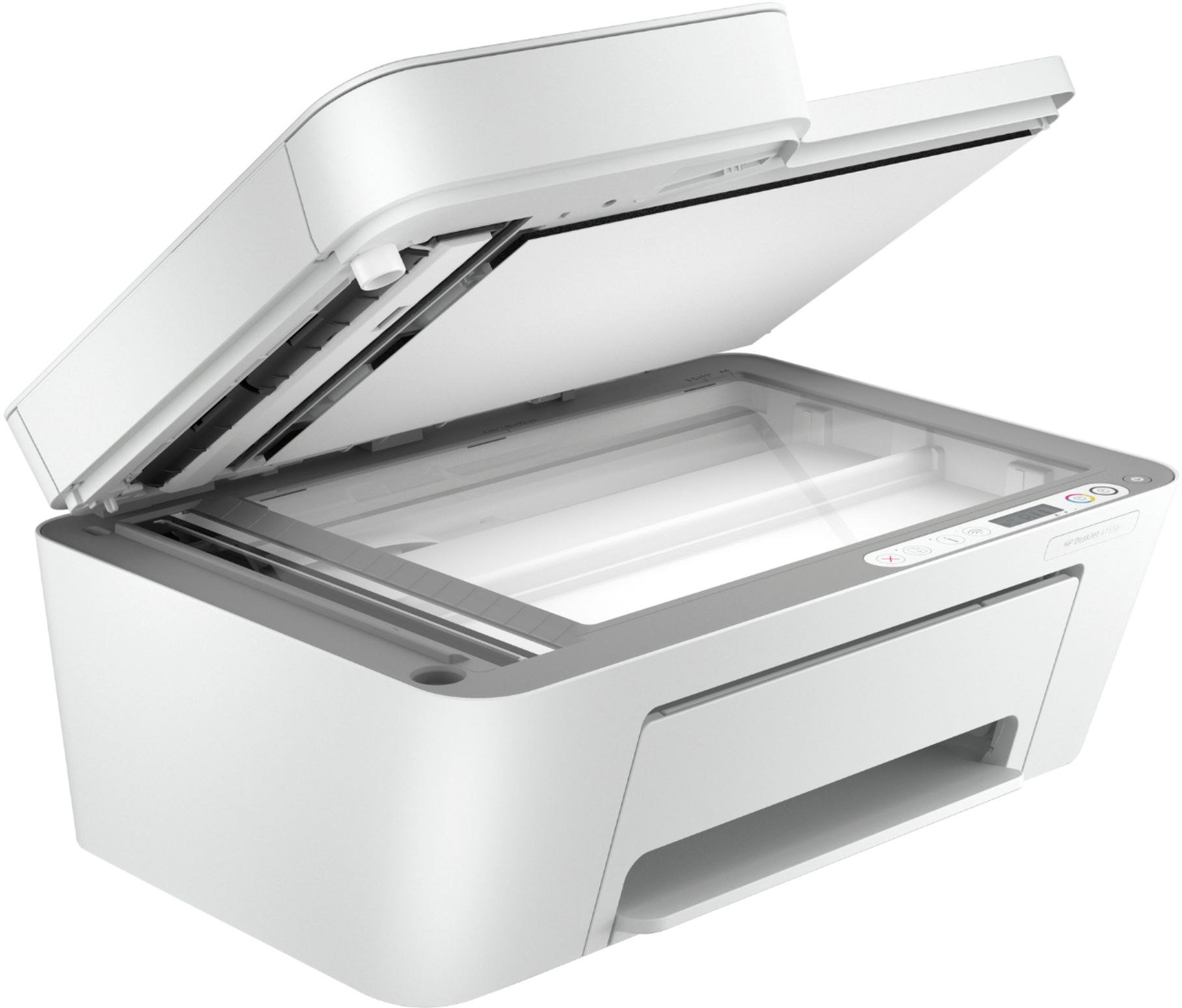
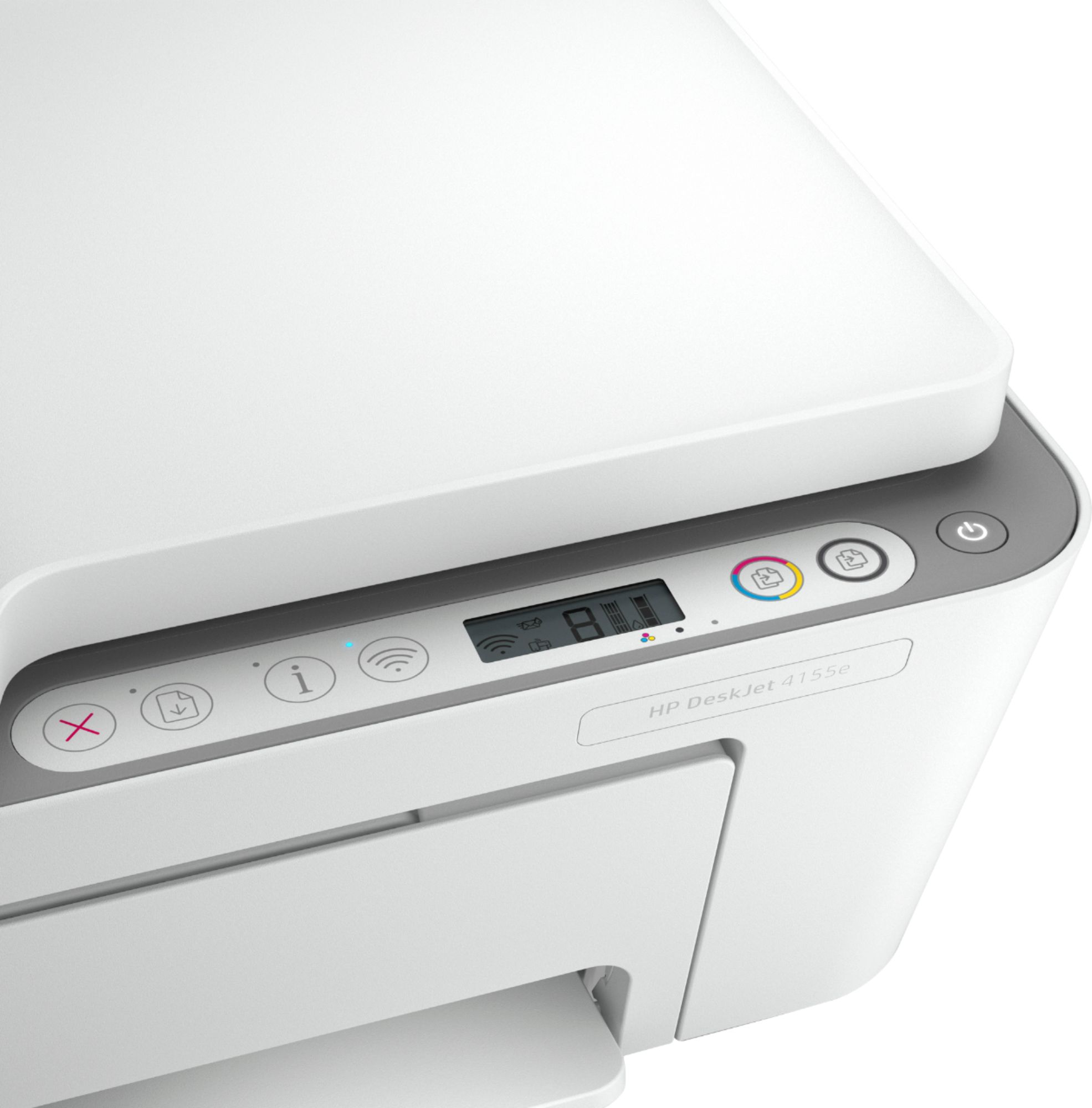
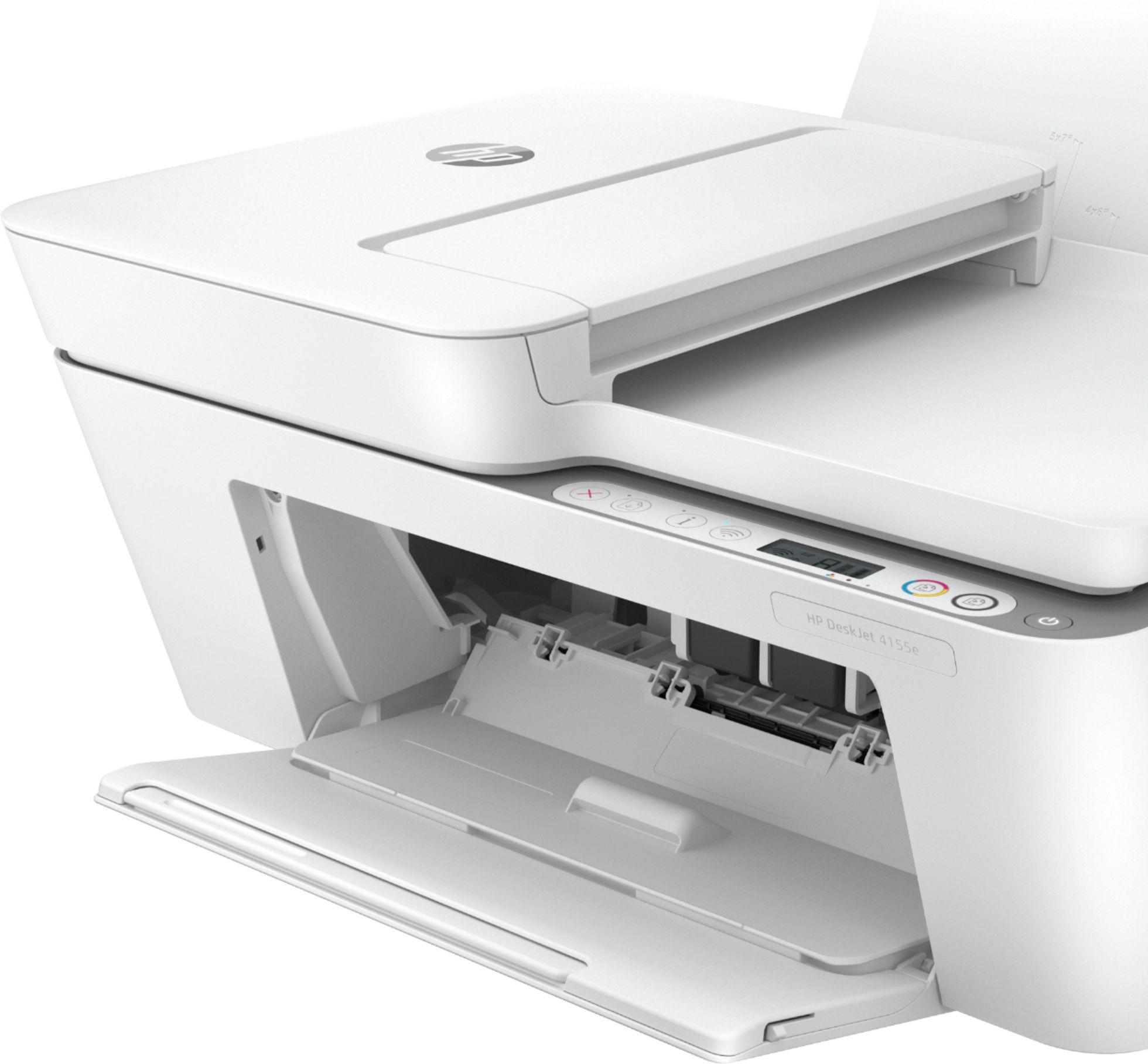
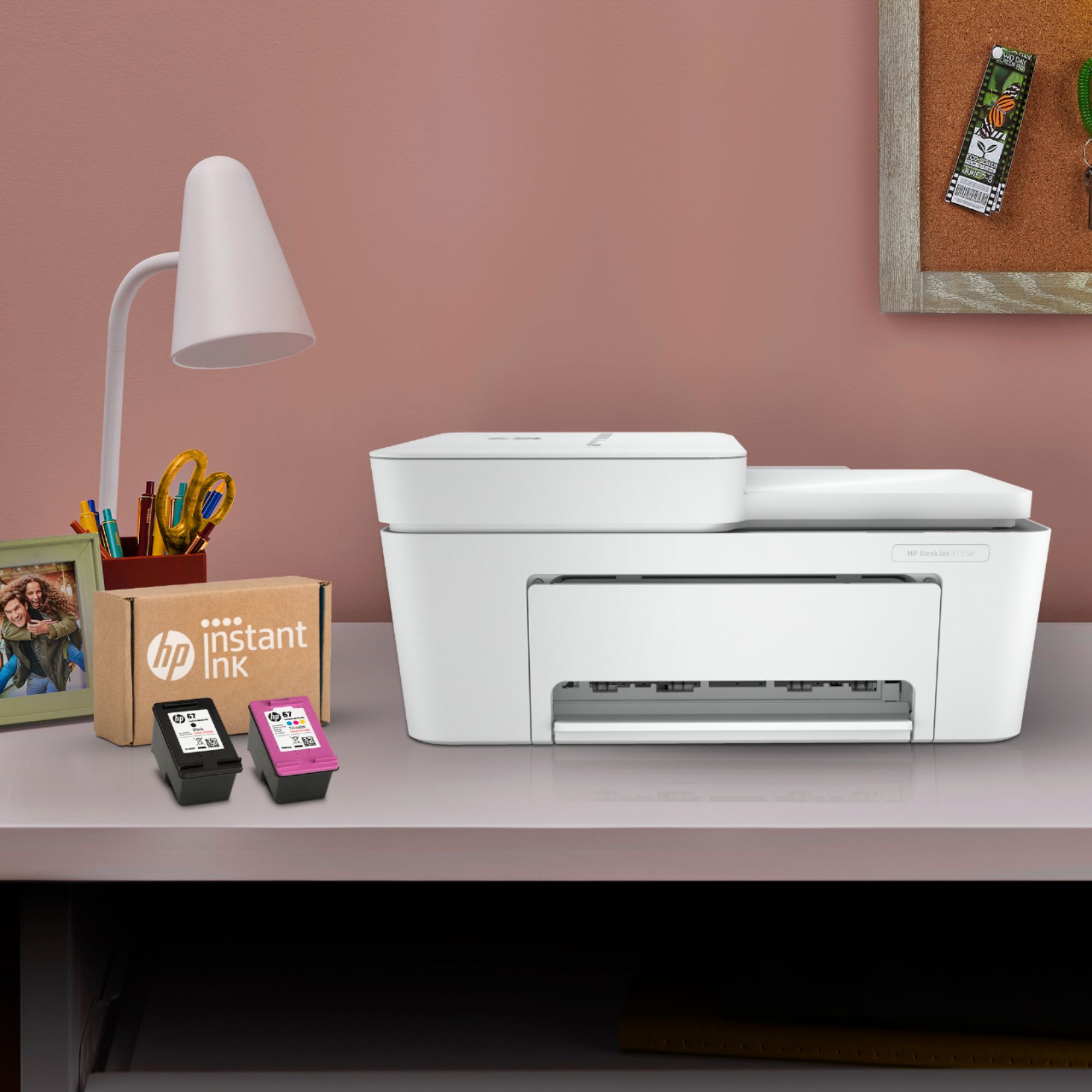
- DeskJet 4155e
- SKU:
- 6454283
Rating by feature
- Value
Rating 4.1 out of 5 stars
- Quality
Rating 4.0 out of 5 stars
- Ease of Use
Rating 3.8 out of 5 stars
Customers are saying
Customers are impressed with the DeskJet Plus 4155's ease of use and print quality, frequently praising its simple operation and clear output. Many also appreciate the printer's compact size and reasonable price. However, some users experienced challenges with WiFi connectivity and found the setup instructions unclear.
This summary was generated by AI based on customer reviews.
- Pros mentioned:Print quality
Great Printer. Easy to use!
||Posted .This reviewer received promo considerations or sweepstakes entry for writing a review.Great printer for price point. Images are crisp and ink lasts a considerable amount of time. App to configure makes this a breeze to setup! About 6 minutes from box to printing test page.
I would recommend this to a friend $100 HP Printer
||Posted . Owned for 1 month when reviewed.This reviewer received promo considerations or sweepstakes entry for writing a review.so far, I do not like it. It stops during printing, sometimes for 5 or 6 seconds. I'll probably return it ND GET a better .one
No, I would not recommend this to a friendBrand response from HP Team
Posted .Hi there.
I’m sorry your printer has repeatedly stopped during print jobs for five or six seconds at a stretch. It’s no surprise you’re considering returning it, given this puzzling performance. I want to help you resolve the problem, so I’ll provide a resource aimed at making that happen.
I can’t tell from your review what issue the printer faces or why it stops working like you describe. I recommend that you contact us directly so we can assess what’s happening and find the best course of action. HP+ printers such as yours come with exclusive concierge support. To call and reach live HP+ experts, visit the following URL and enter your HP+ serial number:
- hp.com/plus-help
Keith
HP Care
hp.com/support
Good machine!
||Posted . Owned for 1 month when reviewed.This reviewer received promo considerations or sweepstakes entry for writing a review.Good machine....not many choices the day I went in to buy a printer and I needed one immediately. I really like the wireless feature and print often from my phone. This feature never really worked well on my older HP 4500 series!
I would recommend this to a friend- Pros mentioned:Scanning
Excellent
||Posted . Owned for 8 months when reviewed.This reviewer received promo considerations or sweepstakes entry for writing a review.The HP printer is good and it has fax and scanning. I like it. It has everything complete and it works excellent. It is the best.
I would recommend this to a friend Compact Home Style Printer
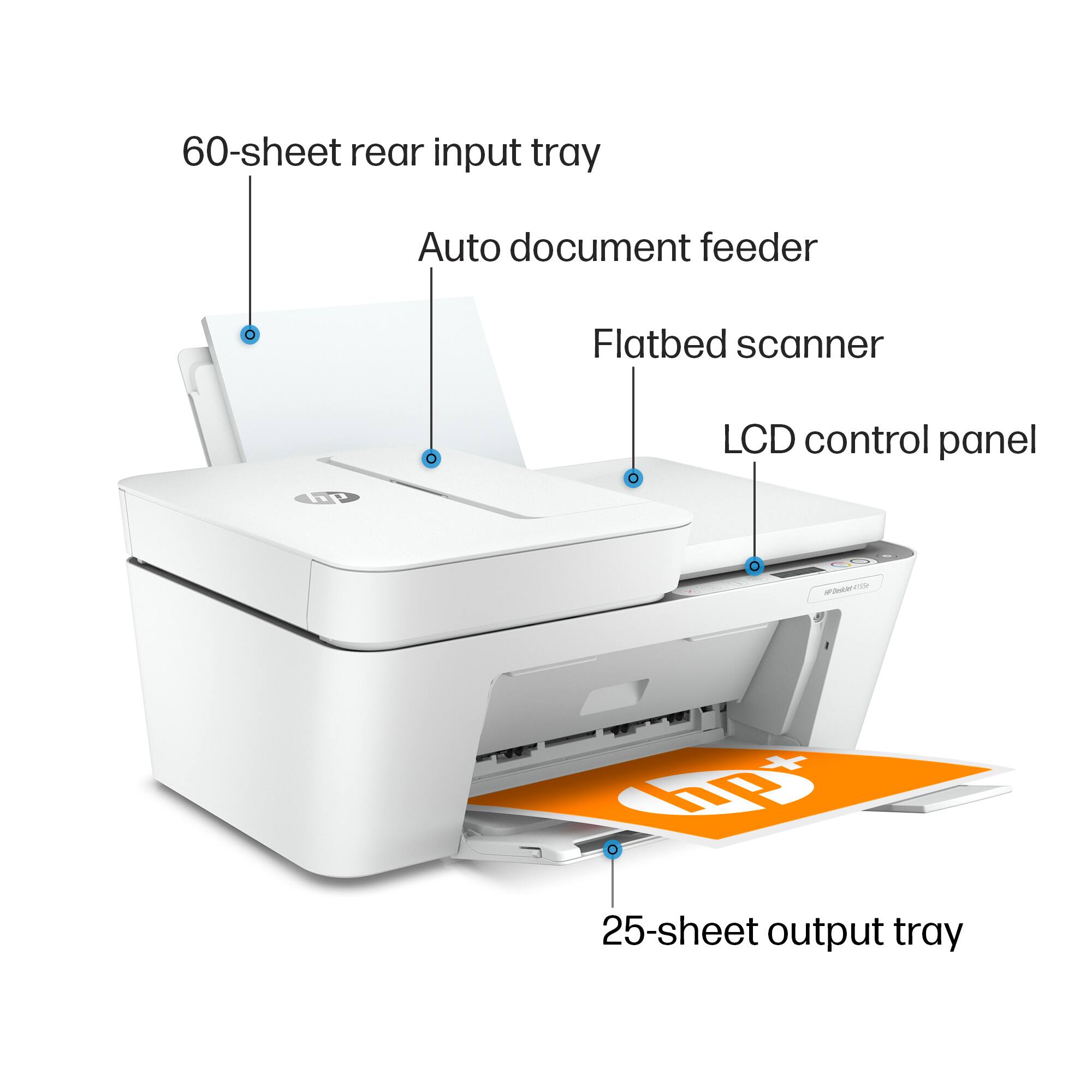
||Posted . Owned for 3 weeks when reviewed.This reviewer received promo considerations or sweepstakes entry for writing a review.The HP DeskJet Plus 4155 printer is quite suitable for compact home use. It's got a small paper feed that O K but needs refilling quite often. The return tray is awkward but then I guess you can't have everything in such a compact unit.
I would recommend this to a friend- Pros mentioned:Price
Great for students and occasional users
||Posted . Owned for 3 weeks when reviewed.This reviewer received promo considerations or sweepstakes entry for writing a review.Does everything it says, my kids are in college and this works great for them! They use it to scan, print and the color printing is good too! Nice product with an affordable price point.
I would recommend this to a friend - Cons mentioned:Connectivity
Shotty connection
||Posted .This reviewer received promo considerations or sweepstakes entry for writing a review.Printers don't really work too well in an apartment wifi situation. Also I bought the printer a month ago and Best Buy won’t stop emailing me to write this review. Another also, when I went to best buy in blackstone, worcester MA, the manager was rude and said he didnt have any printers in stock. I went online and came back later that day to pick up my printer. The one that doesnt work to well in an apartment wifi situation.
No, I would not recommend this to a friendBrand response from HP Team
Posted .Hi there.
I’m sorry to hear that your printer has failed to maintain a reliable wireless connection. I can understand why that would quickly become frustrating. With that in mind, I’ll offer some resources and information I hope will help.
First, I suggest you visit a page on our support site that has diagnostic tools for various tasks and issues, including wireless connectivity. There you can also find a general-purpose tool called the HP Print and Scan Doctor. If you use Windows, the tool will help identify and guide you through solutions to a wide range of common printing and scanning issues. You can find the page here:
- support.hp.com/us-en/topic/diagnostics
If any problem persists, I hope you’ll contact us directly at +1 800-474-6836 so we can help you assess the situation and guide you through any applicable troubleshooting. (Please note that because of restrictions on personal movement and workplace attendance associated with the COVID-19 pandemic, wait times for agents are longer than normal. Thanks in advance for your understanding.) To expedite the process, I recommend gathering the following information before the call:
- Model number
- Serial number
- Your location
- Case number (from any previous contact with HP support)
I'll also mention that HP printers have a one-year warranty from their purchase date that covers hardware as well as ink supplies, so if it comes to that, you might consider making use of it. You can verify the warranty using the following link: support.hp.com/us-en/checkwarranty
Keith
HP Care
hp.com/support
- Pros mentioned:Ease of use
HP 4155 Printer
||Posted . Owned for 1 month when reviewed.This reviewer received promo considerations or sweepstakes entry for writing a review.The HP 4155 is an excellent printer. It guides the user through the different functions which are very helpful. I do not have good tech skills so it makes my work so much easier.
I would recommend this to a friend Useable
||Posted . Owned for 1 month when reviewed.This reviewer received promo considerations or sweepstakes entry for writing a review.not too bad for the price. we needed a better one, but because of supply issues there wasn't much to choose from. so far, it's working ok.
I would recommend this to a friendBrand response from HP Team
Posted .Hi there.
Thanks for the review and the feedback. While I’m sorry to learn that the printer you wanted was not in stock, I’m glad that this model is working acceptably for you. I want to help you learn more about this device as well as the knowledge and support resources available so that you can get the most from it. I hope you’ll follow my suggestions below to make that happen.
First, to learn more about your printer and all its features, or for help solving problems, you can access user manuals, how-to documents, software updates and troubleshooting guides here:
- support.hp.com/us-en/product/model/2100187854
You can also visit a page on our support site that has diagnostic tools for various tasks and issues, including cartridge installation, print quality and connectivity. There you’ll also find a general-purpose tool called the HP Print and Scan Doctor. If you use Windows, the tool will help identify and guide you through solutions to a wide range of common printing and scanning issues. Visit that page here:
- support.hp.com/us-en/topic/diagnostics
If you need assistance with anything, I suggest that you contact us directly at +1 800-474-6836 so we can help you assess what’s happening and find a solution. To expedite the process, I recommend gathering the following information before the call:
- Model number
- Serial number
- Your location
- Case number (from any previous contact with HP support)
Keith
HP Care
hp.com/support
Useless printer. Waste of $$$
||Posted . Owned for 11 months when reviewed.This reviewer received promo considerations or sweepstakes entry for writing a review.Garbage. Used once and can’t get rid of the error code. I called tech-support for the printer and they couldn’t even get the error code to stop and could not get the printer to work. I will be returning it.
No, I would not recommend this to a friend- Cons mentioned:Connectivity
This is a nice looking machine but it’s very hard
||Posted . Owned for 6 months when reviewed.This reviewer received promo considerations or sweepstakes entry for writing a review.This is a nice looking machine but it’s very hard to use it forgets the Wi-Fi connection all the time not very easy to
No, I would not recommend this to a friend Not user friendly
||Posted . Owned for 5 months when reviewed.This reviewer received promo considerations or sweepstakes entry for writing a review.The scanner on this printer never worked. The instructions were horrible and not user friendly.
No, I would not recommend this to a friendBrand response from HP Team
Posted .Hi there.
I’m sorry that the scan feature on your printer has not worked. It’s easy to understand why this in addition to inadequate instructional materials would be a frustrating combination. I want to help you get the device working like it should. I hope the resources below guide you to that end.
First, I recommend you visit a page on our support site that has diagnostic tools for various problems, including scanner issues. There you’ll find a general-purpose tool called the HP Print and Scan Doctor. If you use Windows, the tool will help identify and guide you through solutions to a wide range of common scanning as well as printing issues. Visit that page here:
- support.hp.com/us-en/topic/diagnostics
You might also gain useful information from a guide to scanning with HP printers you’ll find on our support site. It includes instructions for various desktop and mobile operating systems as well as an FAQ section. Find that here:
- support.hp.com/us-en/document/ish_2275901-2074064-16
Next, to learn more about your printer and all its features, or for help solving problems, you can access user manuals, how-to documents, troubleshooting guides and software updates here:
- support.hp.com/us-en/product/model/2100187854
If you need further assistance, I hope you’ll contact us directly so we can help you assess what’s happening and find the best course of action. HP+ printers such as yours come with exclusive concierge support. To call and reach live HP+ experts, visit the following URL and enter your HP+ serial number:
- hp.com/plus-help
Keith
HP Care
hp.com/support
- Pros mentioned:Print quality
Excellent Entry Level Printer
||Posted .This reviewer received promo considerations or sweepstakes entry for writing a review.Makes high quality copies, both color and black and white. A superb document feeder! Not the fastest printer, but certainly far from the slowest. Excellent value for the money!
I would recommend this to a friend - Pros mentioned:Ease of use
Great home printer
||Posted . Owned for 1 month when reviewed.This reviewer received promo considerations or sweepstakes entry for writing a review.Easy to use once set up. Good for at home use. Doesn't hold a lot of paper at once so if you are needing something for a big job i wouldn't recommend. But for day to day use its perfect.
I would recommend this to a friend - Cons mentioned:Connectivity
Printer
||Posted . Owned for 3 weeks when reviewed.This reviewer received promo considerations or sweepstakes entry for writing a review.It was hard to connect the printer to the computer. Also It went offline for some reason and I am still not getting back on line
No, I would not recommend this to a friend At $100 it a good price.
||Posted . Owned for 2 months when reviewed.This reviewer received promo considerations or sweepstakes entry for writing a review.I bought this and took it back because it wouldn’t connect to my internet. After the fact I realized that my guest network was on and that was causing the problem with connection. Have a friend thuja so one and he loves it.
I would recommend this to a friend- Cons mentioned:Setup
Need a video to help install
||Posted . Owned for 1 month when reviewed.This reviewer received promo considerations or sweepstakes entry for writing a review.I am not good technically and it took some time to get it working after a Google search for independent videos on what to do.
I would recommend this to a friend - Cons mentioned:Setup
Lousy printer
||Posted . Owned for 3 weeks when reviewed.This reviewer received promo considerations or sweepstakes entry for writing a review.It is not working! Kept giving wrong codes during set up and couldn’t set it up!at all.
No, I would not recommend this to a friendBrand response from HP Team
Posted .Hi there.
I’m sorry that your printer has given you difficulty. Your frustration comes as no surprise, considering the device had displayed confusing codes and not completed the setup and installation process. I want to help you out of this dilemma. I hope the resource below guides you to that end.
I recommend that you contact us directly so we can assess what’s happening and guide you through the proper troubleshooting. HP+ printers such as yours come with exclusive concierge support. To call and reach live HP+ experts, visit the following URL and enter your HP+ serial number:
- hp.com/plus-help
Keith
HP Care
hp.com/support
- Cons mentioned:Connectivity
Liked my old HP better
||Posted . Owned for 2 months when reviewed.This reviewer received promo considerations or sweepstakes entry for writing a review.Didn’t like that both sides don’t print without flipping the paper. Setup a little confusing. Too big also. Lost communication.
No, I would not recommend this to a friend Angry consumer
||Posted . Owned for 1 month when reviewed.This reviewer received promo considerations or sweepstakes entry for writing a review.This is horrible everything I print cuts off the end of the page I have tried everything to change settings and nothing works I’m so fustrated and disappointed.
No, I would not recommend this to a friendBrand response from HP Team
Posted .Hi there.
I’m sorry to hear that your printer has performed so poorly regarding printing full pages. The frustration and disappointment you express are no surprise, considering you’ve tried diligently to stop the printer from cutting off the ends of printed pages without success. I want to help you remedy the situation, so I’ll direct you to a resource I hope will help you get the device working to your satisfaction.
I can’t tell from your review why your printer has performed this way, so I’ll point out that HP+ printers come with exclusive concierge support. To call and reach live HP+ experts who can help you get the printer to print full pages, visit the following URL and enter your HP+ serial number:
- hp.com/plus-help
Keith
HP Care
hp.com/support