Customer Ratings & Reviews
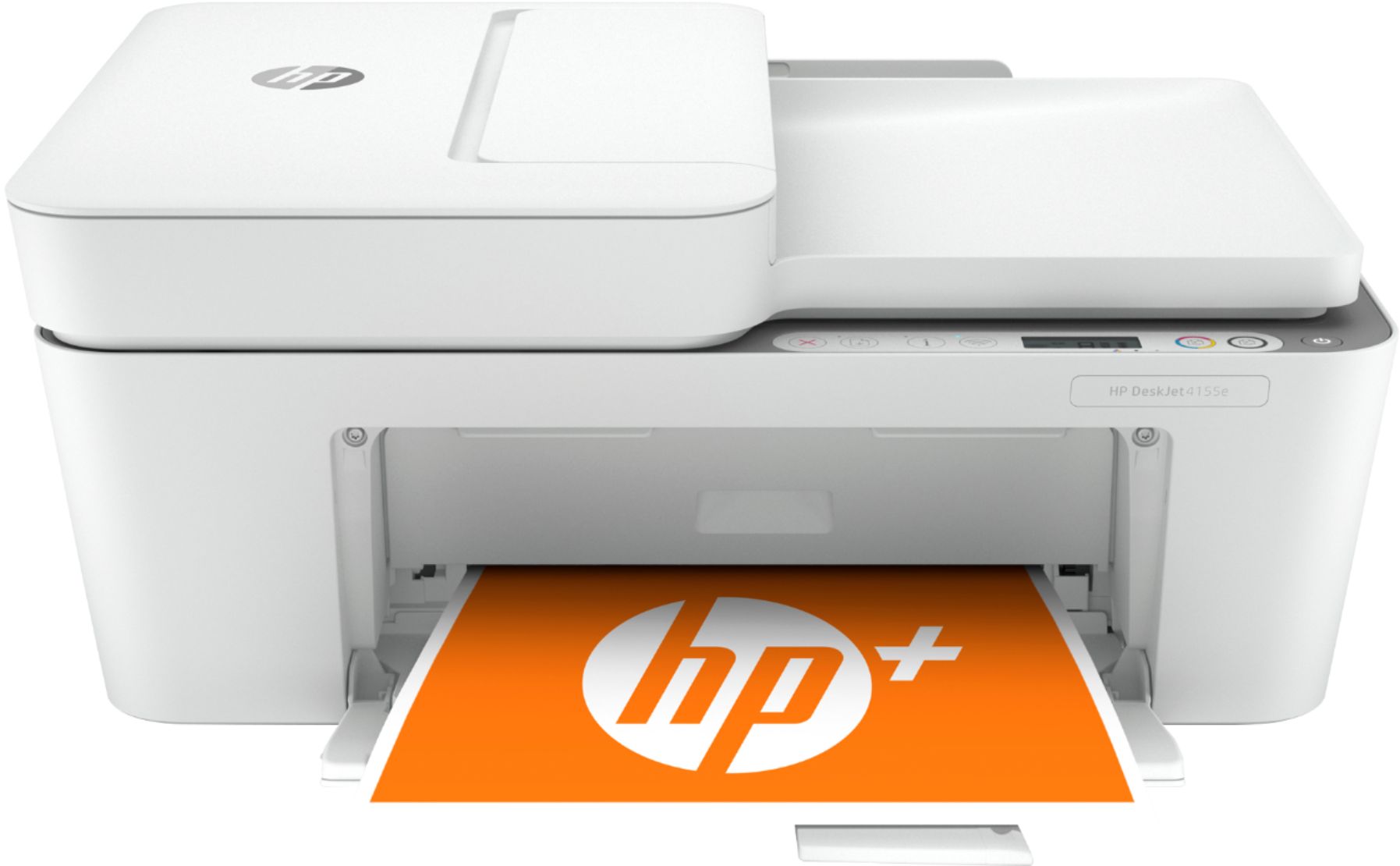
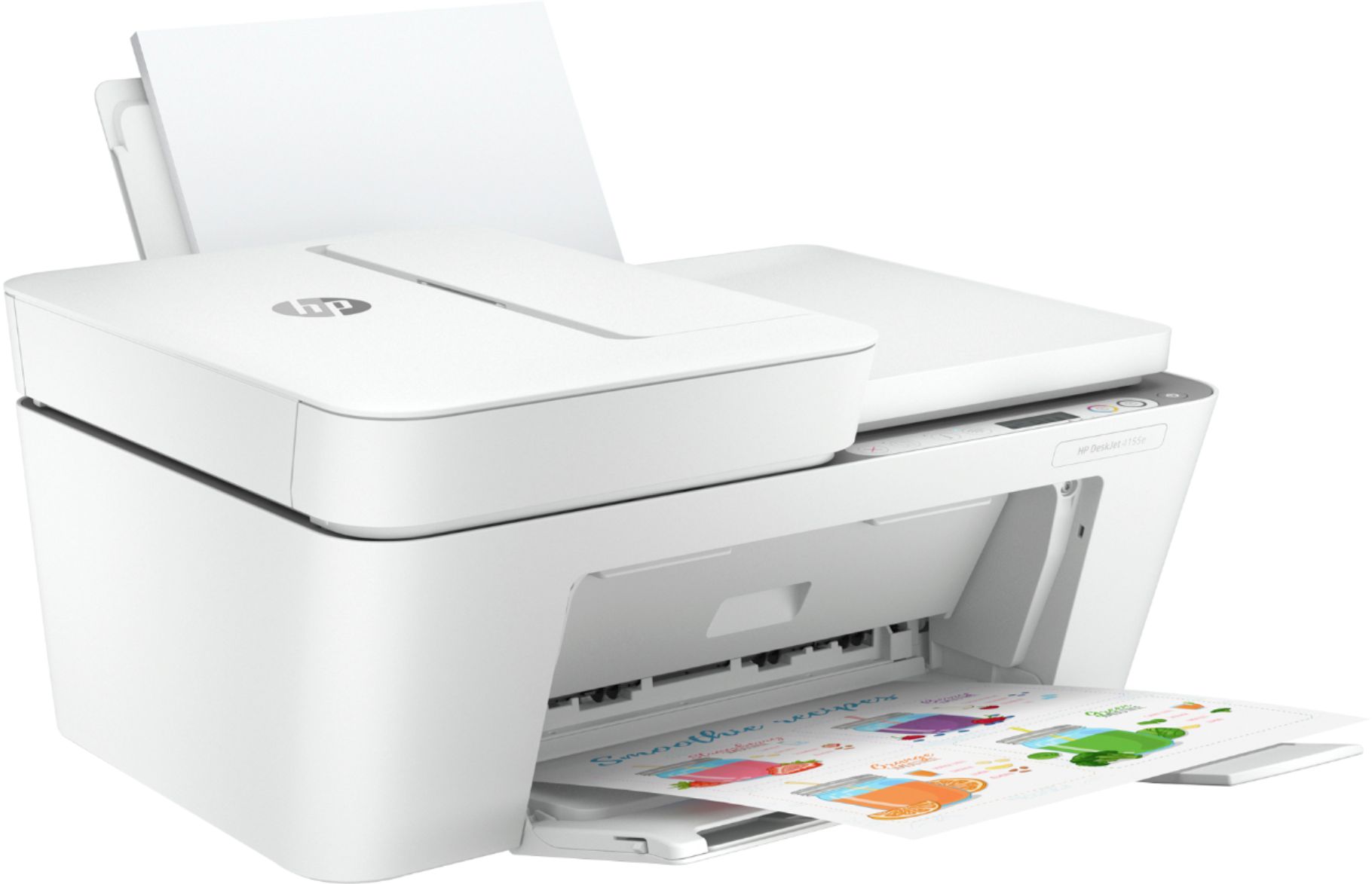
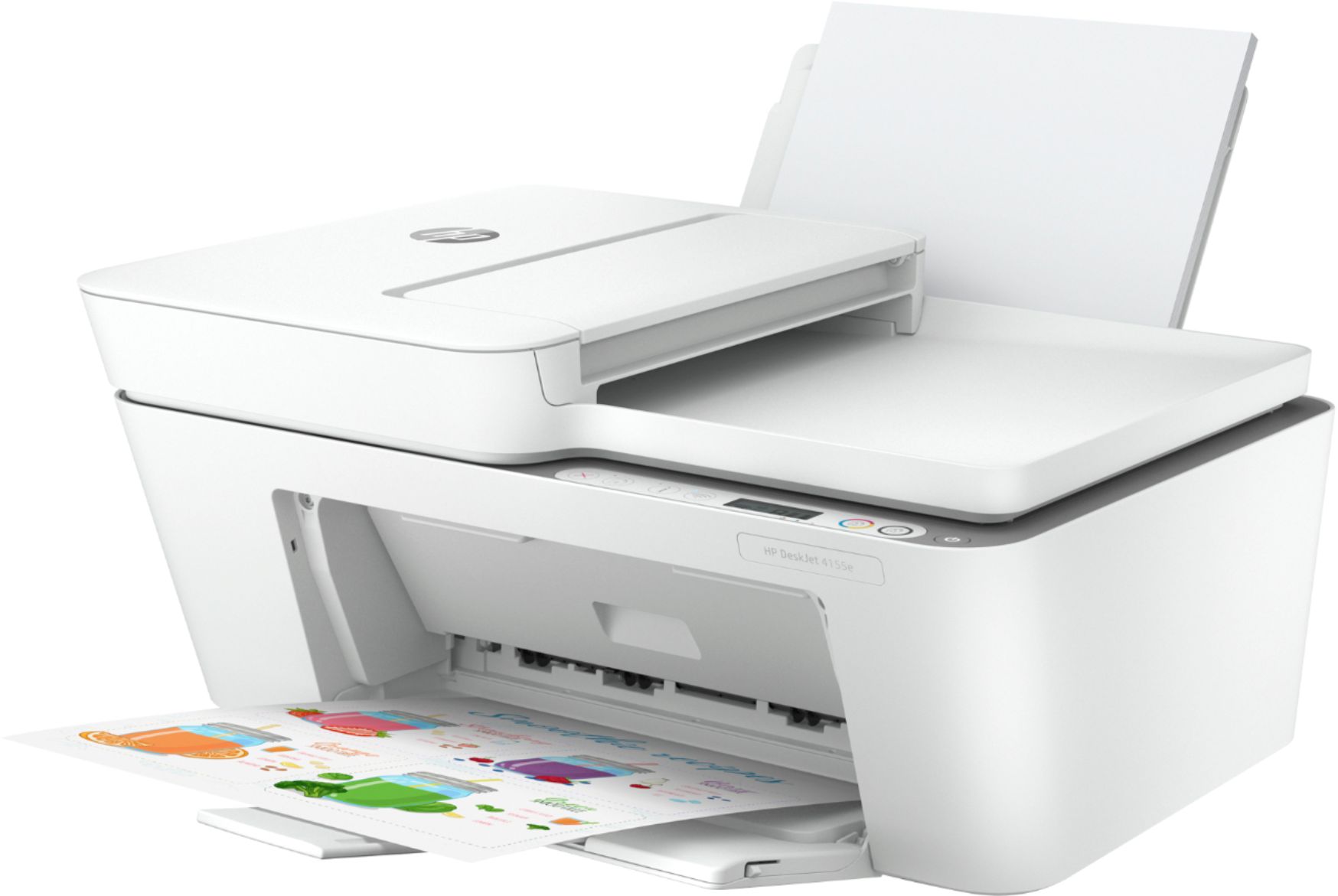
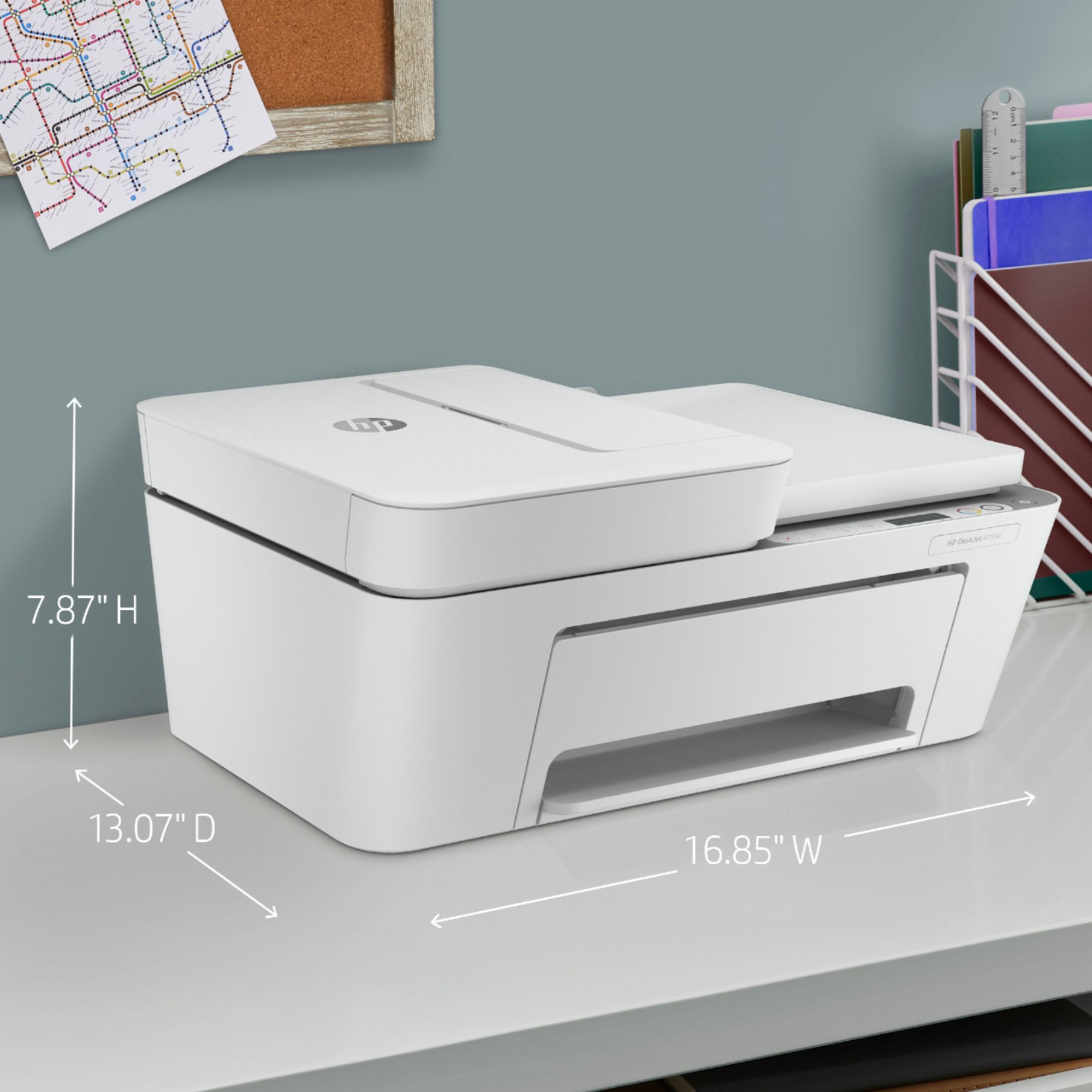
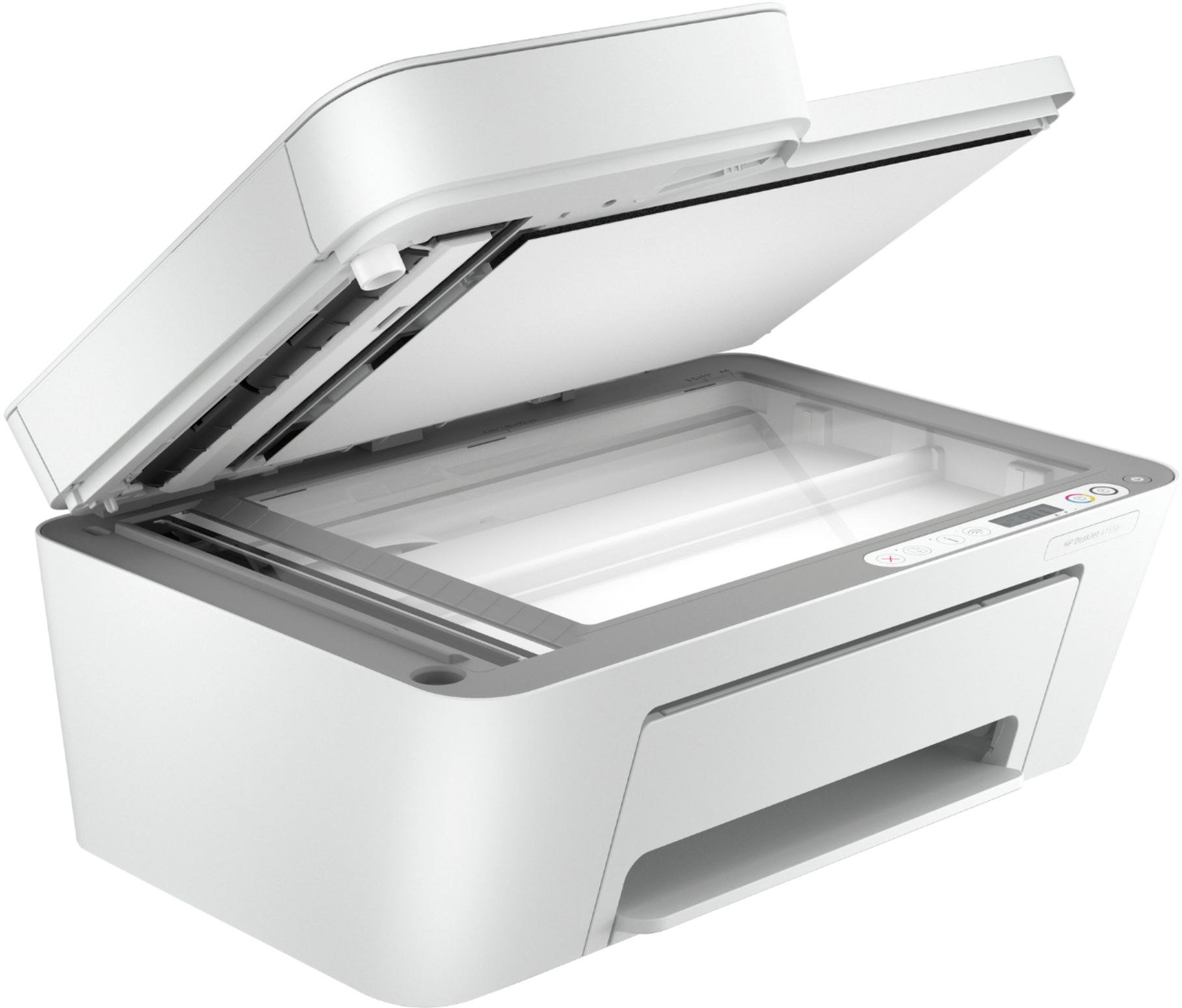
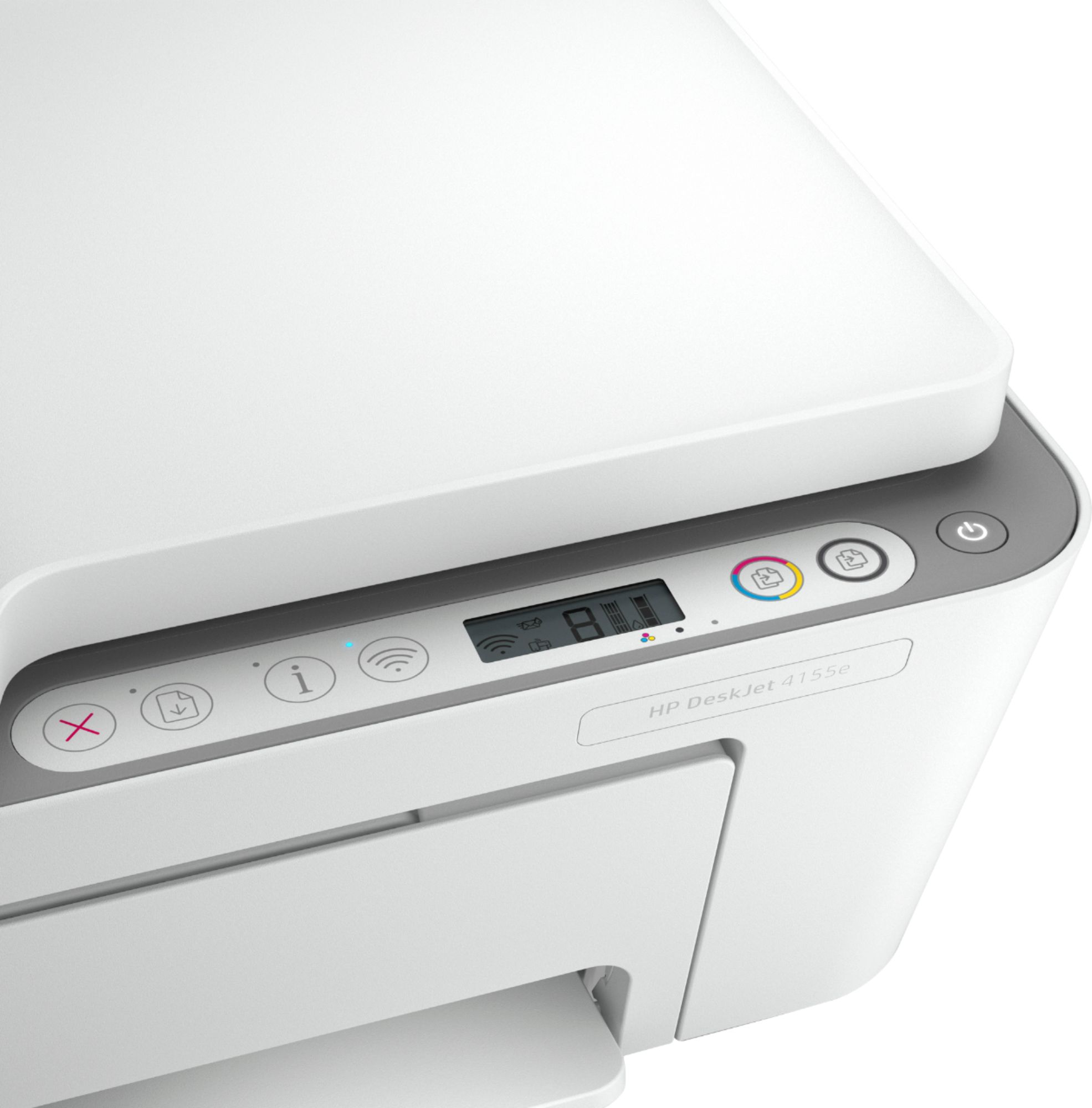
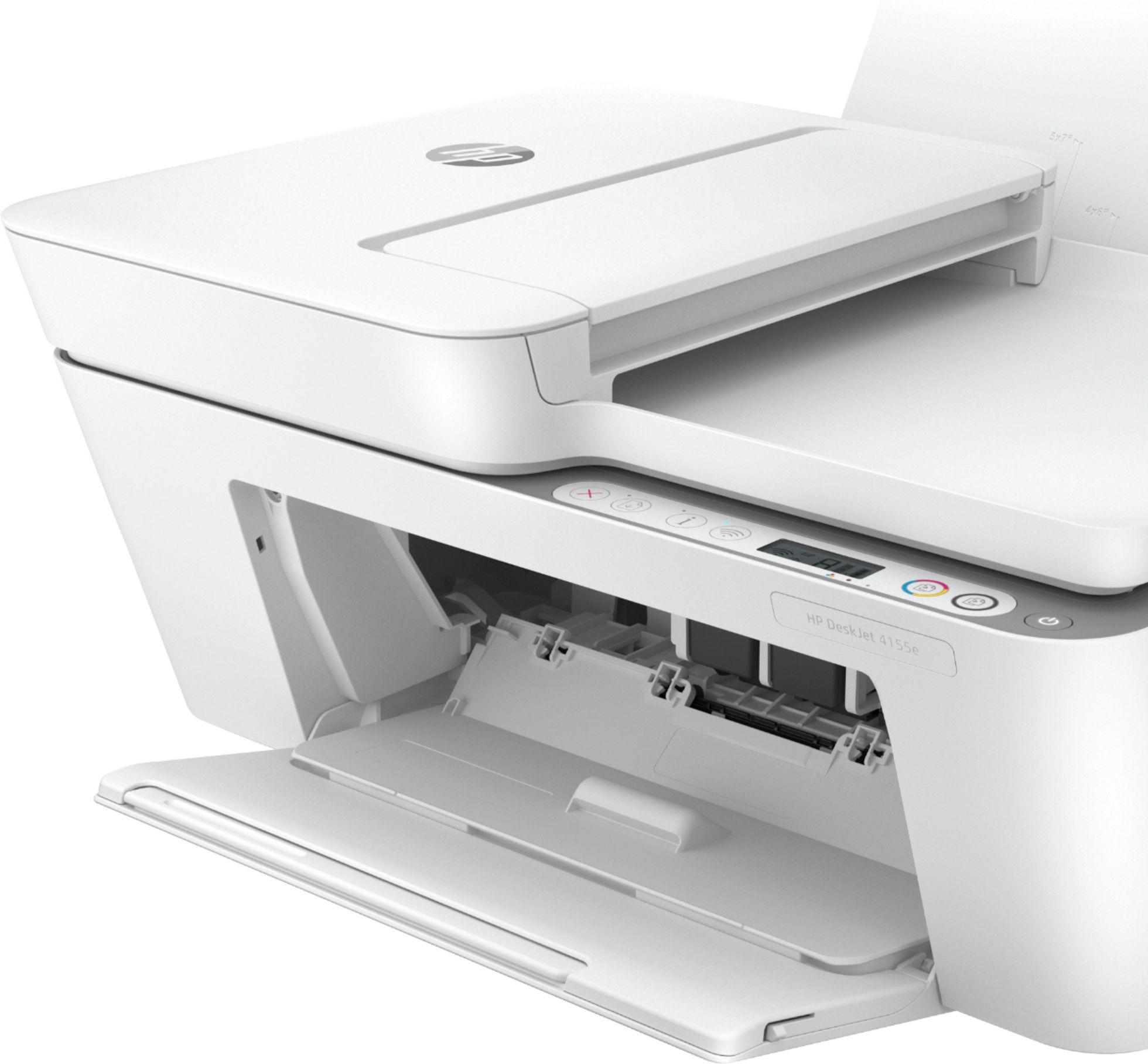
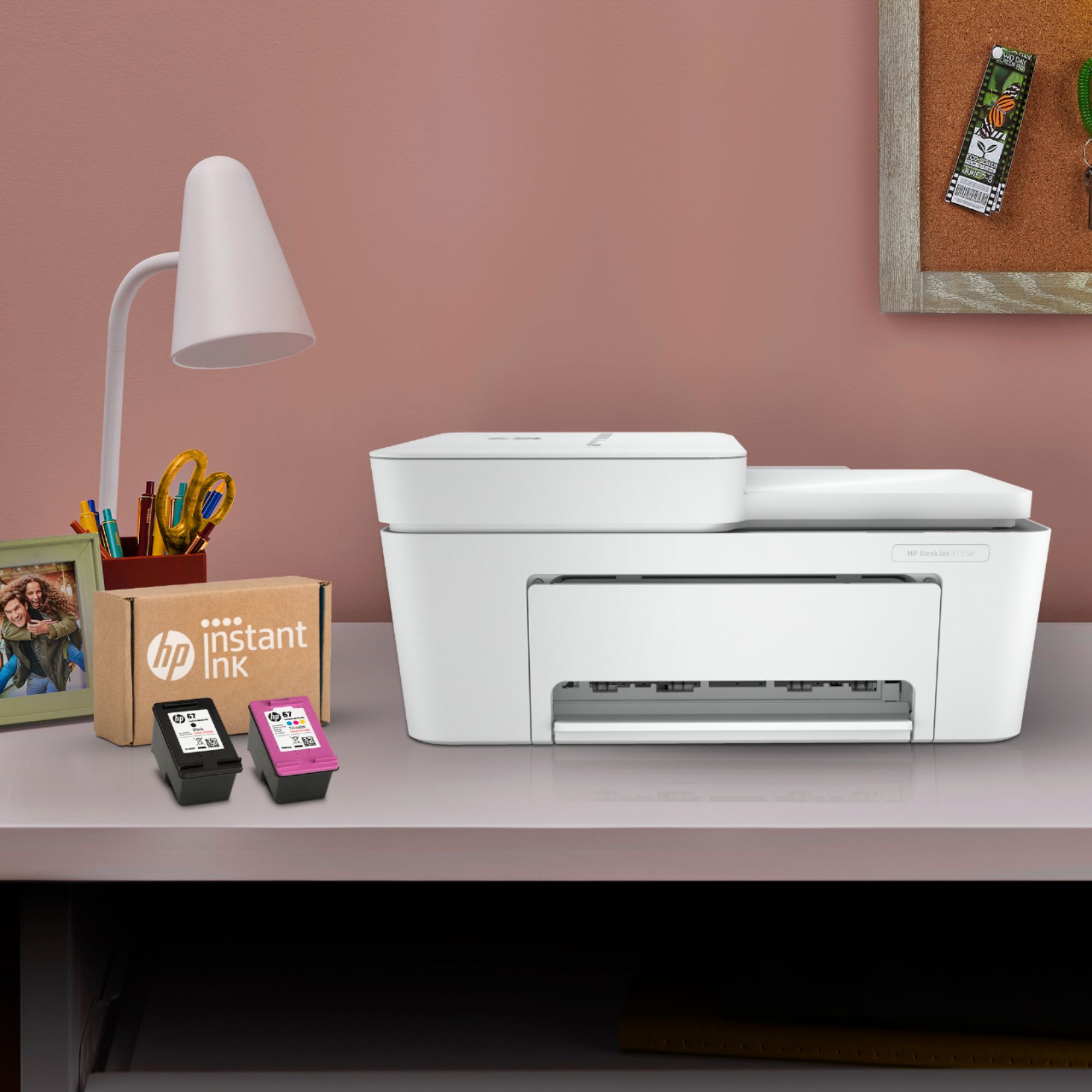
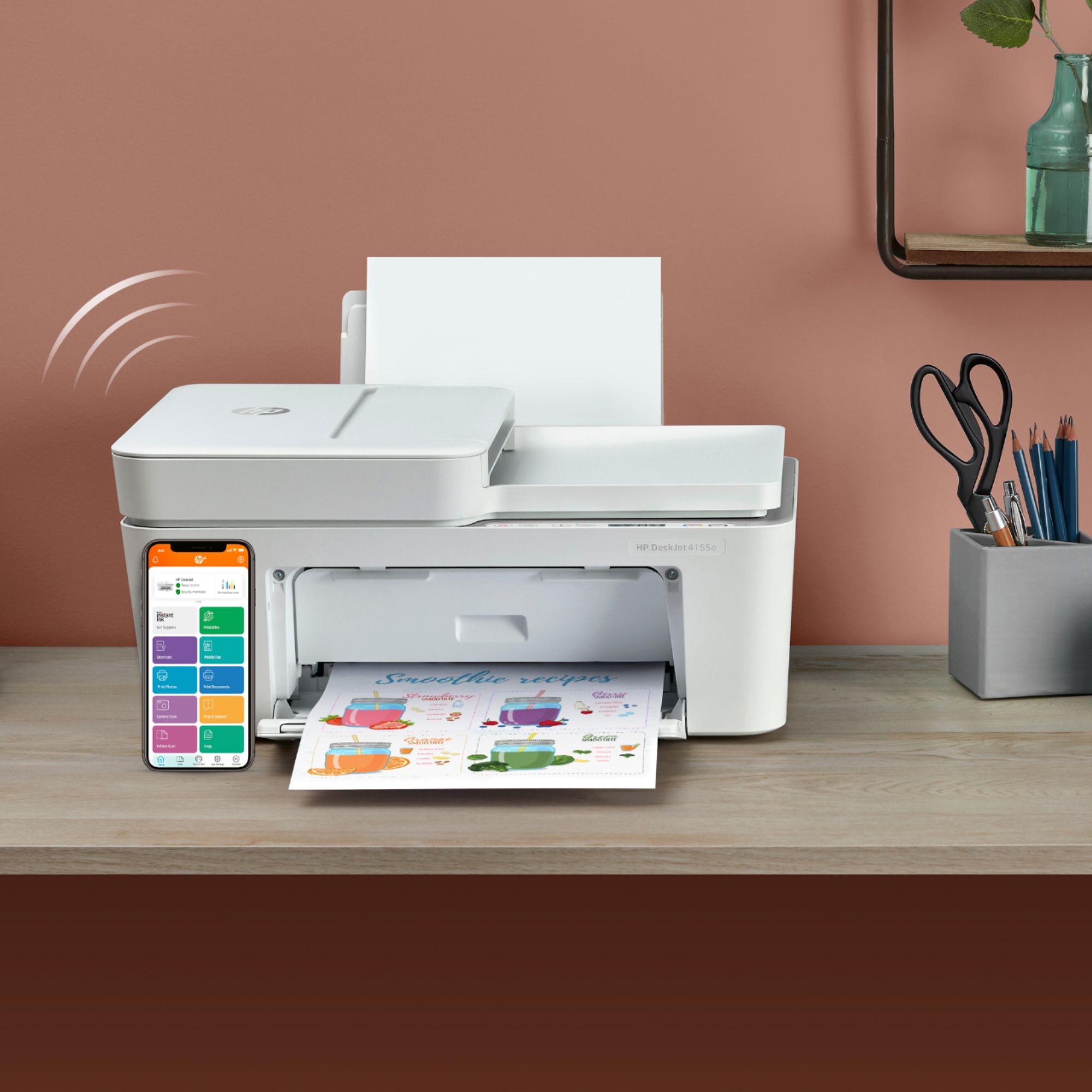
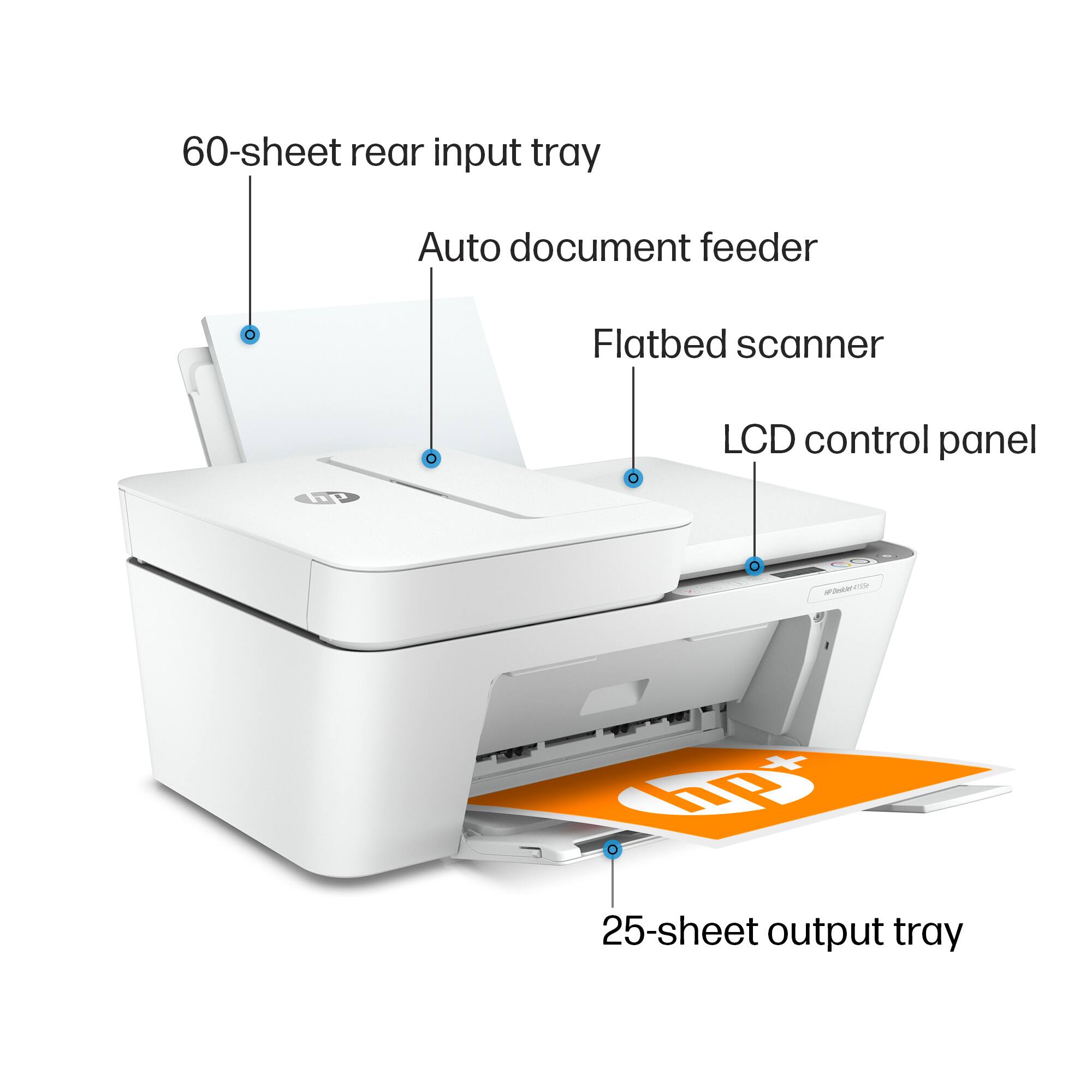


- Model:
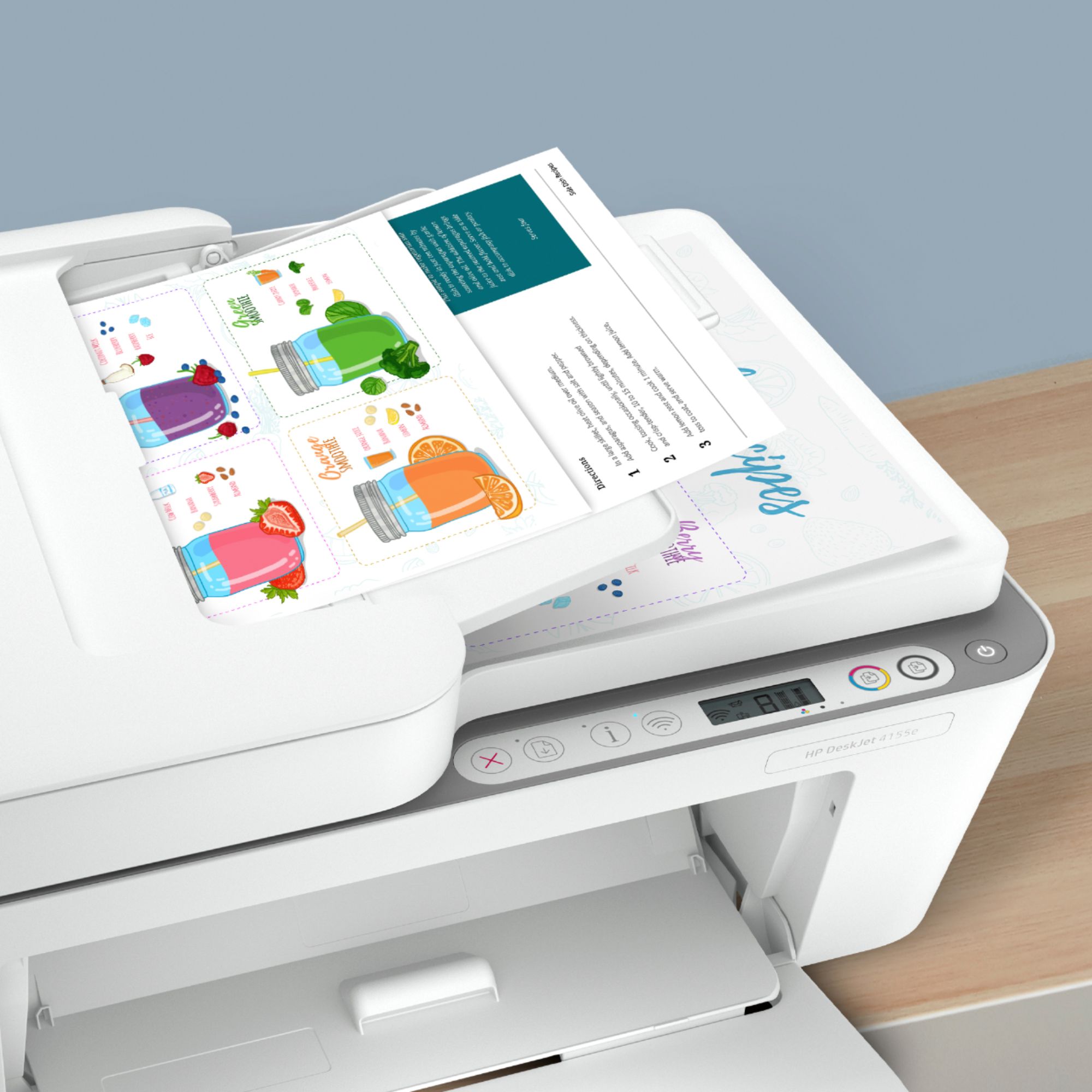
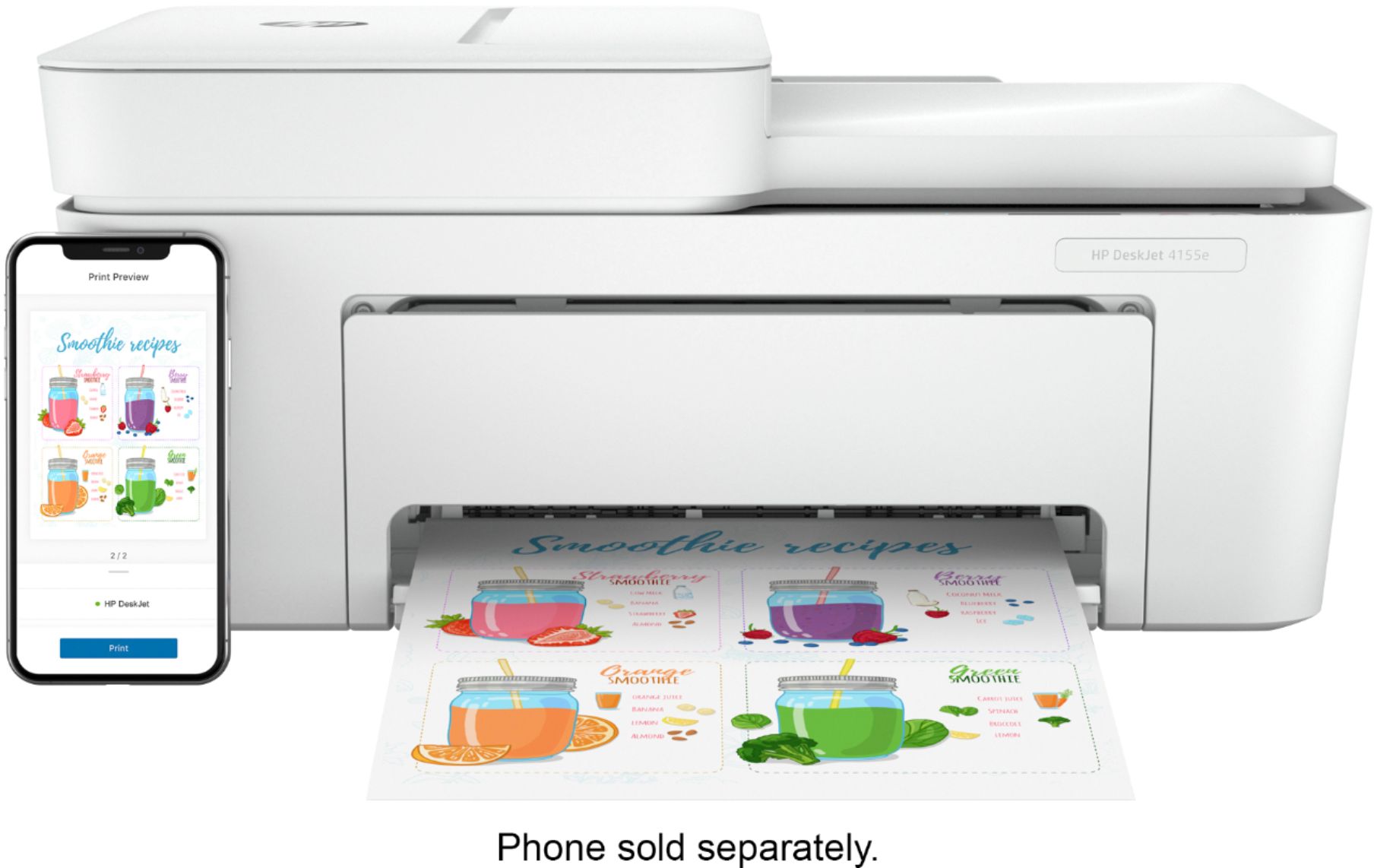
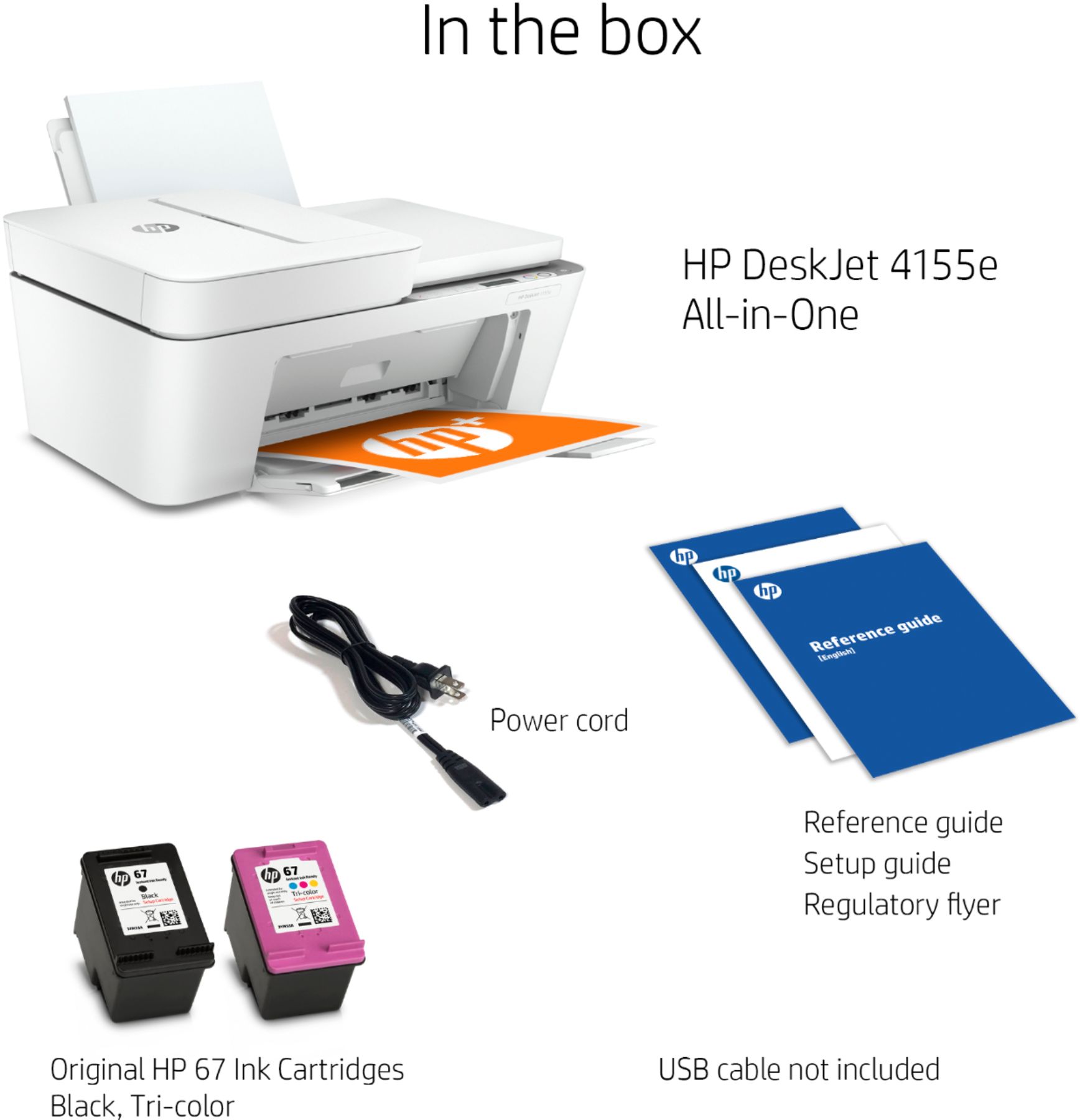
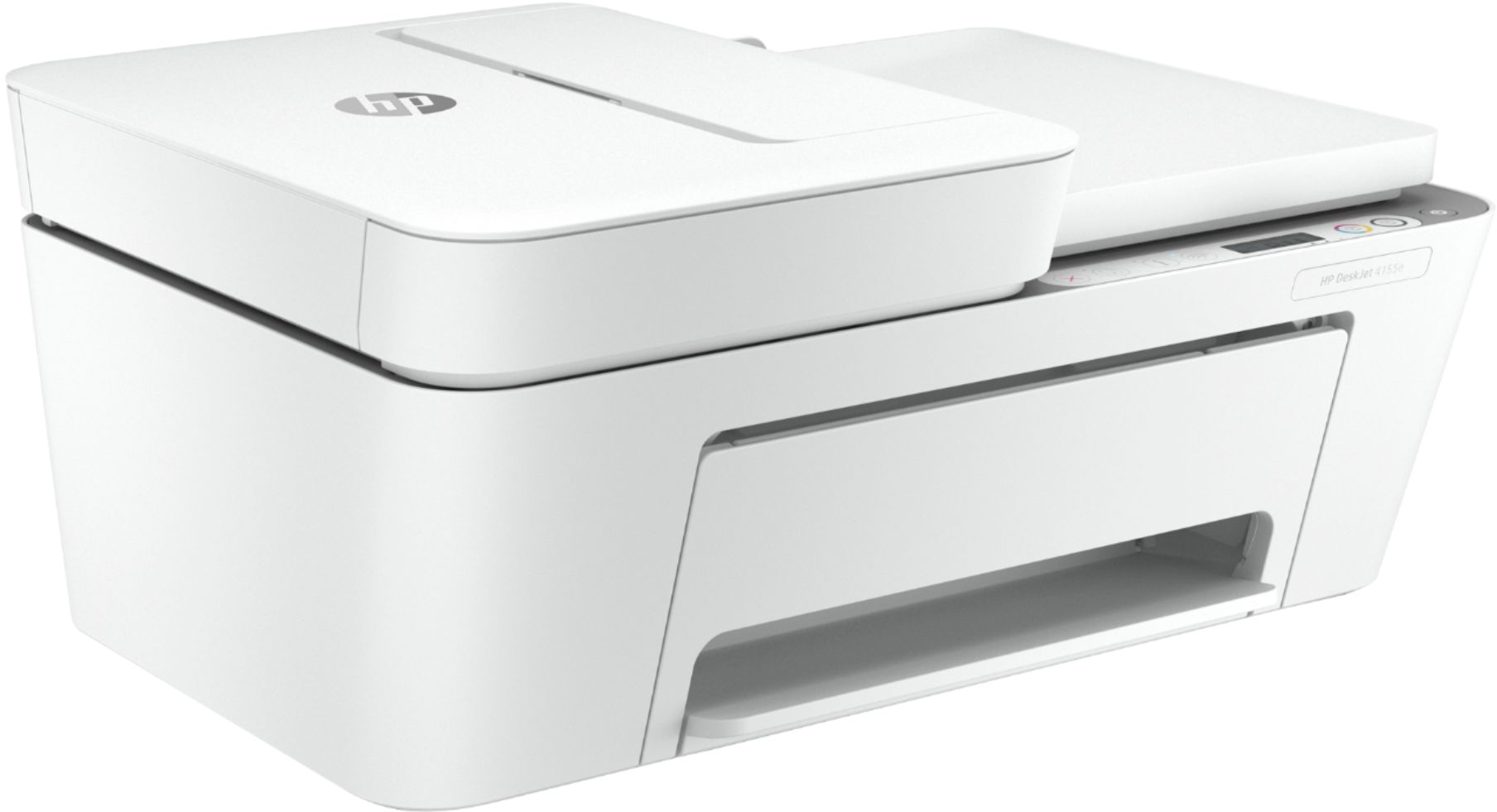
- DeskJet 4155e
- SKU:
- 6454283
Rating by feature
- Value
Rating 4.1 out of 5 stars
- Quality
Rating 4.0 out of 5 stars
- Ease of Use
Rating 3.8 out of 5 stars
Customers are saying
Customers are impressed with the DeskJet Plus 4155's ease of use and print quality, frequently praising its simple operation and clear output. Many also appreciate the printer's compact size and reasonable price. However, some users experienced challenges with WiFi connectivity and found the setup instructions unclear.
This summary was generated by AI based on customer reviews.
Wouldn't recommend
||Posted . Owned for 1 month when reviewed.This reviewer received promo considerations or sweepstakes entry for writing a review.Having major issues with firmware installation, sometimes it prints and sometimes it tells me that it needs to be installed. Not satisfied with this purchase.
No, I would not recommend this to a friendBrand response from HP Team
Posted .Hi there.
I’m sorry that your printer has had issues with firmware installation and that it has not performed reliably so far. It’s no surprise that you’re dissatisfied, considering the device has printed sometimes but others conveyed that installation needs to be completed. I want to help you remedy this situation, so I’ll offer a resource and some information aimed at reaching that goal.
First, I’ll point out that HP+ printers such as yours come with exclusive concierge support. To call and reach live HP+ experts who can help you assess what’s going on and find a solution, visit the following URL and enter your HP+ serial number:
- hp.com/plus-help
I'll also mention that HP printers have a one-year warranty from their purchase date that covers hardware as well as ink supplies – and that warranty extends to two years with an HP+ account – so if it comes to that, you might consider making use of it. You can verify the warranty using the following link:
- support.hp.com/us-en/checkwarranty
Keith
HP Care
hp.com/support
- Pros mentioned:Ease of use
Deskjet plus
||Posted . Owned for 1 month when reviewed.This reviewer received promo considerations or sweepstakes entry for writing a review.the hp inkjet printer works very well, simple to set up , good copies in both color and black & white would recomend ink seems to last pretty well also
I would recommend this to a friend - Cons mentioned:Connectivity
Goes to sleep and never wakes up
||Posted . Owned for 1 month when reviewed.This reviewer received promo considerations or sweepstakes entry for writing a review.Nearly all the Wireless All in One printers were sold out, this was one of the few and I needed a printer. I'm not a fan. Once it goes to sleep, I can't wake it up no matter what I do. I can't even turn it off by pressing the power button for a long amount of time. I literally have to unplug it and plug back in to get it to work, it's getting old. I do not find HP to be helpful with the issue either.
No, I would not recommend this to a friendBrand response from HP Team
Posted .Hi there.
I’m sorry to hear that your printer refuses to wake up once it enters sleep mode, and that its power button stops working. It’s easy to see why this has quickly become exasperating, especially considering you’ve not gotten the support you need. With that in mind, I’ll suggest a resource that I hope will help you resolve the issue.
I can’t tell from your review why your printer has performed this way, so I recommend that you contact us directly at +1 800-474-6836 so we can help you assess the situation and find a solution. (Please note that because of restrictions on personal movement and workplace attendance associated with the COVID-19 pandemic, wait times for agents are longer than normal. Thanks in advance for your understanding.) To expedite the process, I recommend gathering the following information before the call:
- Model number
- Serial number
- Your location
- Case number (from any previous contact with HP support)
I'll also mention that HP printers have a one-year warranty from their purchase date that covers hardware as well as ink supplies, so if it comes to that, you might consider making use of it. You can verify the warranty using the following link: support.hp.com/us-en/checkwarranty
Keith
HP Care
hp.com/support
Printer
||Posted . Owned for 10 months when reviewed.This reviewer received promo considerations or sweepstakes entry for writing a review.Set up is annoying but what was worse is that you can only load a small amount of papers.
No, I would not recommend this to a friend- Pros mentioned:Print quality
all in one product
||Posted . Owned for 1 year when reviewed.This reviewer received promo considerations or sweepstakes entry for writing a review.Its a good product , all in one good for home purpose .but the software has to be updated .
I would recommend this to a friend - Pros mentioned:Print quality
Great value for price
||Posted . Owned for 1 month when reviewed.This reviewer received promo considerations or sweepstakes entry for writing a review.Much better than expected. After reading several reviews I was skeptical. However so far print quality and speed has been very good. Able to remote print without issues or delay.
I would recommend this to a friend The Purchase From Hell
||Posted . Owned for 1 month when reviewed.This reviewer received promo considerations or sweepstakes entry for writing a review.I cannot really review this product because I bought it over two weeks ago but I can't get it operating. The Geek Squad came to the house and the technition said I have to change my service provider. I'm in the process of changing from Verizon to Comcast. I'm just disappointed that in order to have a new printer I have to go through a disruptive period. I wish a sales person had told me this printer was not so "simple" to activate.
No, I would not recommend this to a friendBrand response from HP Team
Posted .Hi there.
I’m sorry to learn that you’ve encountered difficulty connecting your printer. Your disappointment is no surprise, considering you’ve been advised you need to change your service provider. I want to help you out of this dilemma, so I’ll provide a resource I hope will reach that end.
I recommend that you contact us directly so we can help you assess the connectivity issue and determine the best course of action. HP+ printers such as yours come with exclusive concierge support. To call and reach live HP+ experts, visit the following URL and enter your HP+ serial number:
- hp.com/plus-help
Keith
HP Care
hp.com/support
- Pros mentioned:Print quality
Good value
||Posted . Owned for 6 months when reviewed.This reviewer received promo considerations or sweepstakes entry for writing a review.Got on sale, super cheap and works perfect for the money. Prints out a little slow but other than that tis wondebar
I would recommend this to a friend - Pros mentioned:Print quality
HP 9010 Printer
||Posted . Owned for 1 month when reviewed.This reviewer received promo considerations or sweepstakes entry for writing a review.Excellent machine. Fast printing. Machine connects to the wifi and stays connected without issues. Reconnects automatically after an outage. Very pleased with my purchase!!!
I would recommend this to a friend - Pros mentioned:Print quality
Good for the price
||Posted . Owned for 3 weeks when reviewed.This reviewer received promo considerations or sweepstakes entry for writing a review.This HP prints pretty well for a lower end print. Take a while to wake up during air printing, overall not a bad printer.
I would recommend this to a friend - Pros mentioned:Size
Satisfied!!
||Posted . Owned for 1 month when reviewed.This reviewer received promo considerations or sweepstakes entry for writing a review.Absolutely love this printer. Does everything I need it to do and more. It’s just the right size for a home office or for use for your children who are schooling from home.
I would recommend this to a friend Not usual HP quality
||Posted . Owned for 3 weeks when reviewed.This reviewer received promo considerations or sweepstakes entry for writing a review.Returned this printer. It was very slow; from online reviews, it’s an ink guzzler; it didn’t properly align 2 chronological pages I was printing. Seemed quite light compared to any printer I’ve ever had. Guide in paper tray very flimsy. My printing needs do not require a top of the line printer but I’ve never had one this inadequate.
No, I would not recommend this to a friend- Pros mentioned:Ease of useCons mentioned:Setup
2 Stars
||Posted . Owned for 2 months when reviewed.This reviewer received promo considerations or sweepstakes entry for writing a review.A bit more complicated then what I expected. Easy to use but difficult to set up.
No, I would not recommend this to a friendBrand response from HP Team
Posted .Hi, Beth.
While I’m glad you find your printer easy to use, I’m sorry to hear that it was difficult to set up and is more complicated that what you expected. I'm sorry for any resulting inconvenience. We aim to provide a reliable experience with our printers and support, so I’ll try to offer some helpful suggestions.
First, to learn more about your printer and all its features, or for help solving problems, you can access a setup tutorial – if you still need it – as well as user manuals, how-to documents, software updates and troubleshooting guides here:
- support.hp.com/us-en/product/model/29378225
You can also visit a page on our support site that has diagnostic tools for various tasks and issues, including cartridge installation and connectivity. There you’ll also find a general-purpose tool called the HP Print and Scan Doctor. If you use Windows, the tool will help identify and guide you through solutions to a wide range of common printing and scanning issues. Visit that page here:
- support.hp.com/us-en/topic/diagnostics
If there's any specific way that we can help you, I hope you’ll get in touch with us directly for support. We're always here and would be more than happy to help you make the most of your experience with the printer. On our site you can get help from a virtual agent, search our extensive knowledge library or check your printer’s warranty status. Get in touch via this link:
- support.hp.com
Keith
HP Care
hp.com/support
- Cons mentioned:Connectivity
Works with issues.
||Posted . Owned for less than 1 week when reviewed.This reviewer received promo considerations or sweepstakes entry for writing a review.I've never experienced a printer that can perform tasks flawlessly then just decide to break requiring a hard reset. If you aren't doing a ton of tasks it isn't that big of deal, just unplug and then plug back in, solves the issue every time. If you do a ton of tasks, you will get annoyed and take this thing back. It regularly disconnects or decides to not work. It's hard to recommend a product that performs this way.
No, I would not recommend this to a friendBrand response from HP Team
Posted .Hi there.
I’m sorry to hear that your printer performed unreliably. I can understand why repeated resets would quickly become exasperating, so I’ll offer some information and resources that I hope will help.
First, I recommend you visit a page on our support site that has diagnostic tools for various problems, including connectivity and printer-offline issues. Visit that page here:
- support.hp.com/us-en/topic/diagnostics
If you still need assistance, I recommend that you contact us directly at +1 800-474-6836 so we can guide you through the proper troubleshooting. (Please note that because of restrictions on personal movement and workplace attendance associated with the COVID-19 pandemic, wait times for agents are longer than normal. Thanks in advance for your understanding.) To expedite the process, I recommend gathering the following information before the call:
- Model number
- Serial number
- Your location
- Case number (from any previous contact with HP support)
I'll also mention that HP printers have a one-year warranty from their purchase date that covers hardware as well as ink supplies, so if it comes to that, you might consider making use of it. You can verify the warranty using the following link: support.hp.com/us-en/checkwarranty
Keith
HP Care
hp.com/support
- Cons mentioned:Connectivity
Functional Pain
||Posted . Owned for 2 months when reviewed.This reviewer received promo considerations or sweepstakes entry for writing a review.It works but it keeps disconnecting and needing to be reconnected. Sometimes it won’t turn off and has to be unplugged to reset. Kinda a pain in the butt. It’s functional but I bought it for my elderly grandparents and it’s definitely not easy to use, have to troubleshoot with them every time they want to use it.
No, I would not recommend this to a friendBrand response from HP Team
Posted .Hi there.
I’m sorry to hear that your printer has performed so poorly in terms of wireless connection. I can certainly understand why needing to unplug and reset the printer so frequently would be a frustrating situation, especially considering you bought the printer as a gift. I would love to help you resolve this issue, so I’ll point out some resources aimed at getting you to that end.
First, I recommend you visit a page on our support site that has diagnostic tools for various issues, including wireless connectivity difficulties. Visit that page here:
- support.hp.com/us-en/topic/diagnostics
If you need further assistance, I suggest that you contact us directly at +1 800-474-6836 so we can help you assess the situation and find a solution. (Please note that because of restrictions on personal movement and workplace attendance associated with the COVID-19 pandemic, wait times for agents are longer than normal. Thanks in advance for your understanding.) To expedite the process, I recommend gathering the following information before the call:
- Model number
- Serial number
- Your location
- Case number (from any previous contact with HP support)
Keith
HP Care
hp.com/support
- Pros mentioned:Ease of use
Easy to set up and use.
||Posted . Owned for 3 weeks when reviewed.This reviewer received promo considerations or sweepstakes entry for writing a review.This product is great for home office needs. It was easy to set up and operate. It is wireless which means I can send print jobs from other rooms of my home through my phone.!!
I would recommend this to a friend - Pros mentioned:Print quality
Less than optimal printer
||Posted . Owned for 1 month when reviewed.This reviewer received promo considerations or sweepstakes entry for writing a review.Print quality is good. VERY difficult to get ink for it - HP took 3+ weeks, Amazon just under a week. Local office supply places did not have the ink in stock. Unlike other HP printers (and I have two others) this HP printer, using the HP software app, refused to work with the USB port to print directly to the printer. Finally I manually went into the windows setup and locked the printer onto a USB port.
No, I would not recommend this to a friendBrand response from HP Team
Posted .Hi there.
I’m sorry to hear that your printer has not performed like it should and that you’ve had difficulty finding ink cartridges for it. I can understand why that would be quite a frustrating combination, so I’ll offer some information and a resource I hope will help.
Regarding the ink cartridges, for reasons related to the COVID-19 pandemic, we are seeing an effect on some product availability. We are actively working with our supply chain team to minimize these delays. Please check back soon.
Regarding the issue you cite with the HP Smart App and a USB connection, I can’t tell from your review why it’s not working, so I suggest you contact us directly at +1 800-474-6836 so we can help you assess the situation and find a solution. (Please note that because of restrictions on personal movement and workplace attendance associated with the COVID-19 pandemic, wait times for agents are longer than normal. Thanks in advance for your understanding.) To expedite the process, I recommend gathering the following information before the call:
- Model number
- Serial number
- Your location
- Case number (from any previous contact with HP support)
Keith
HP Care
hp.com/support
- Pros mentioned:Print quality
Great quality printer
||Posted .This reviewer received promo considerations or sweepstakes entry for writing a review.This printer was quick and easy to set up. Literally only took a few minutes to connect to my computer and phone and that was it. It prints great in color and Is very quick too.
I would recommend this to a friend - Cons mentioned:Connectivity
Not impressed
||Posted . Owned for 1 month when reviewed.This reviewer received promo considerations or sweepstakes entry for writing a review.I’m actually thinking of taking this back. Every time we want to use it, it never works right away.. it takes a Really long time to communicate or it doesn’t communicate. I have to un plug it or turn it off completely mess around with it and FINALLY it will work. This thing really frustrates me. I think I got a defective one.
No, I would not recommend this to a friendBrand response from HP Team
Posted .Hi there.
I’m sorry to hear that your printer has not performed reliably. I can easily understand why the frequent need to reset and troubleshoot would quickly become quite exasperating. With that in mind, I’ll offer some resources and information I hope will help.
First, I suggest you visit a page on our support site that has diagnostic tools for various problems, including wireless connectivity and printer-offline issues. You can find the page here:
- support.hp.com/us-en/topic/diagnostics
If any problem persists, I hope you’ll contact us directly at +1 800-474-6836 so we can help you assess the situation and guide you through any applicable troubleshooting. (Please note that because of restrictions on personal movement and workplace attendance associated with the COVID-19 pandemic, wait times for agents are longer than normal. Thanks in advance for your understanding.) To expedite the process, I recommend gathering the following information before the call:
- Model number
- Serial number
- Your location
- Case number (from any previous contact with HP support)
I'll also mention that HP printers have a one-year warranty from their purchase date that covers hardware as well as ink supplies, so if it comes to that, you might consider making use of it. You can verify the warranty using the following link: support.hp.com/us-en/checkwarranty
Keith
HP Care
hp.com/support
- Pros mentioned:Scanning
Great scanner delivered to my door
||Posted . Owned for 1 month when reviewed.This reviewer received promo considerations or sweepstakes entry for writing a review.The HP Deskjet Pro is as advertised and has saved me numerous trips to have documents scanned by professional services. I highly recommend this item and would purchase it again.
I would recommend this to a friend