Customer Ratings & Reviews
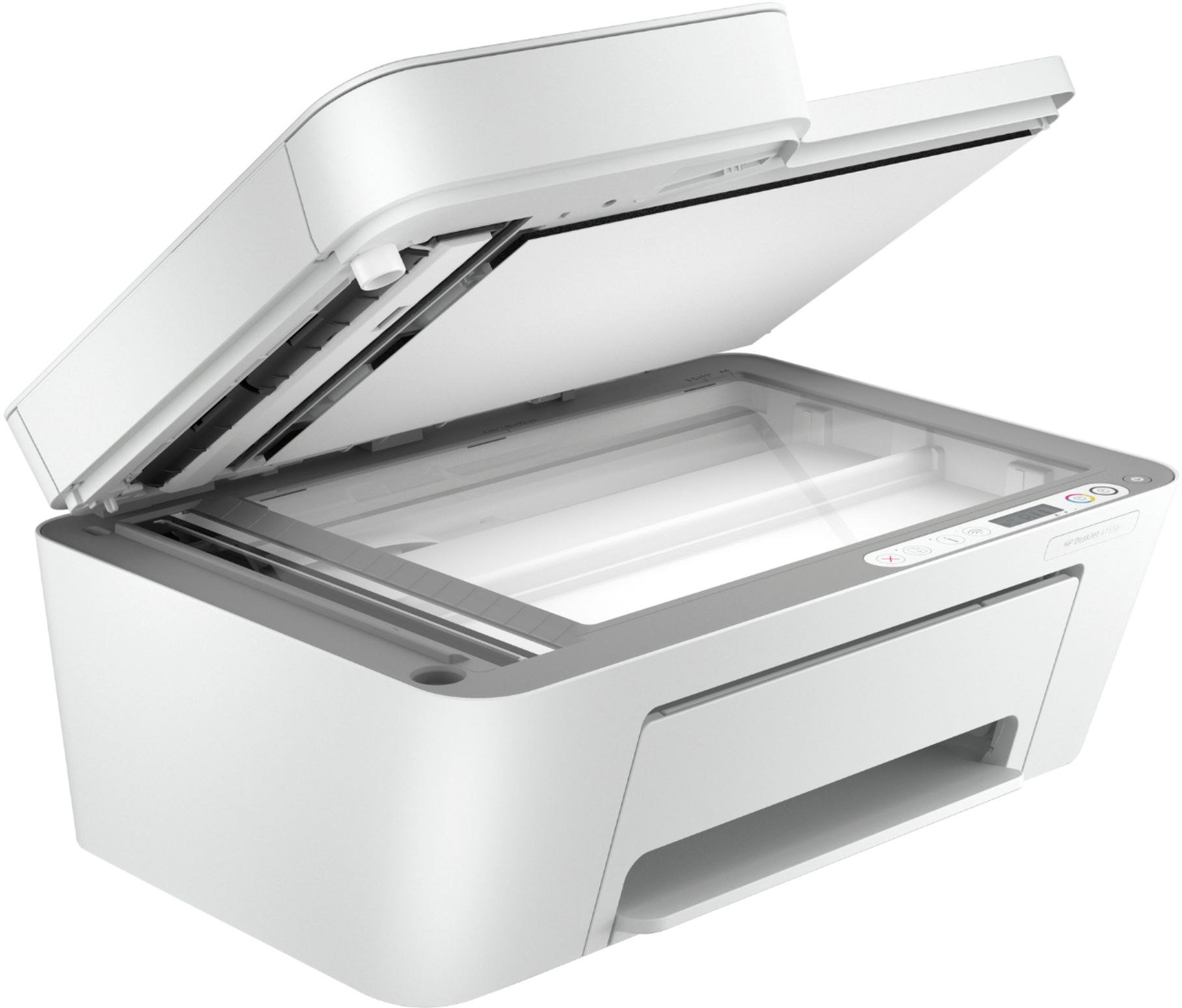
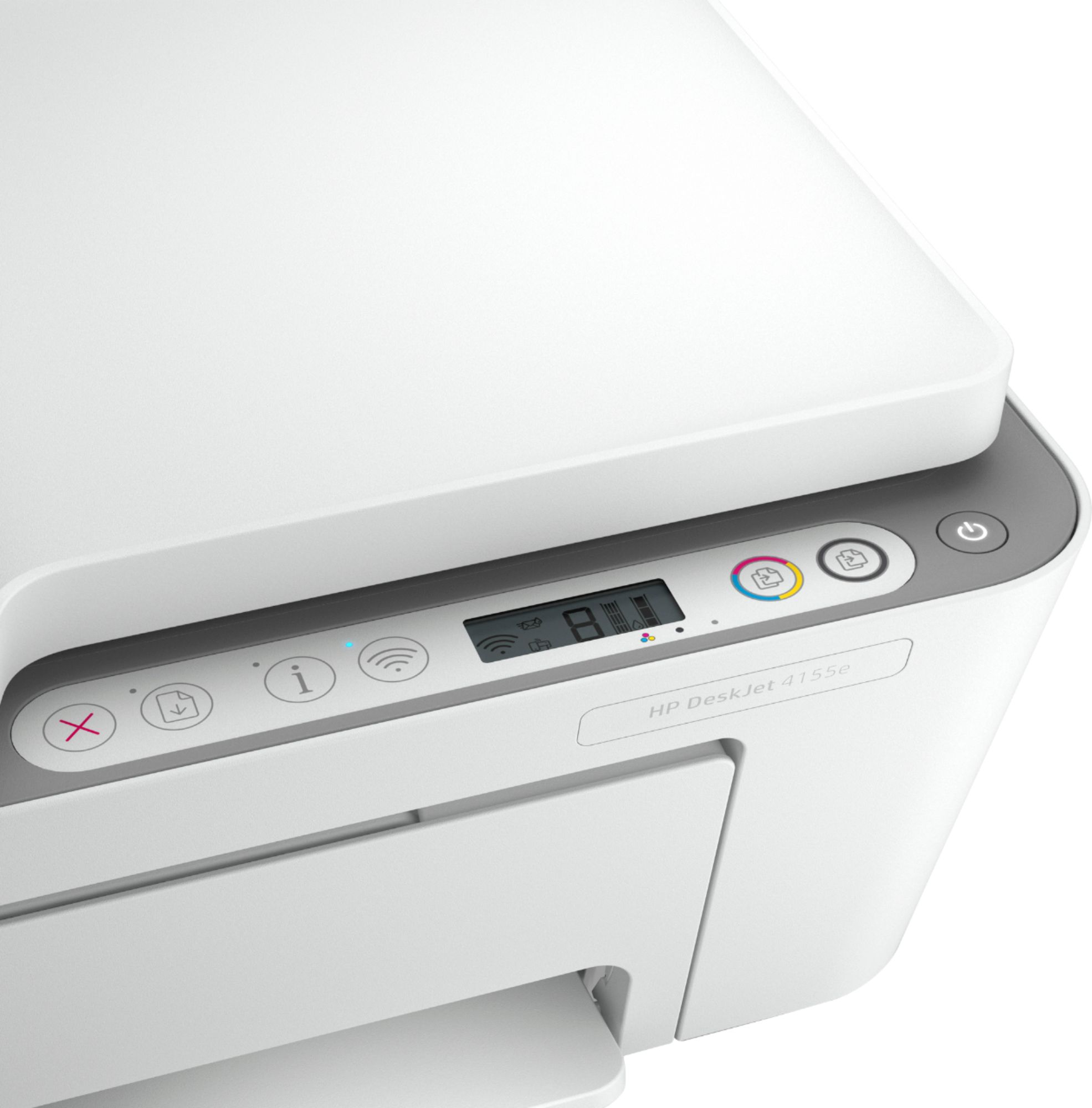
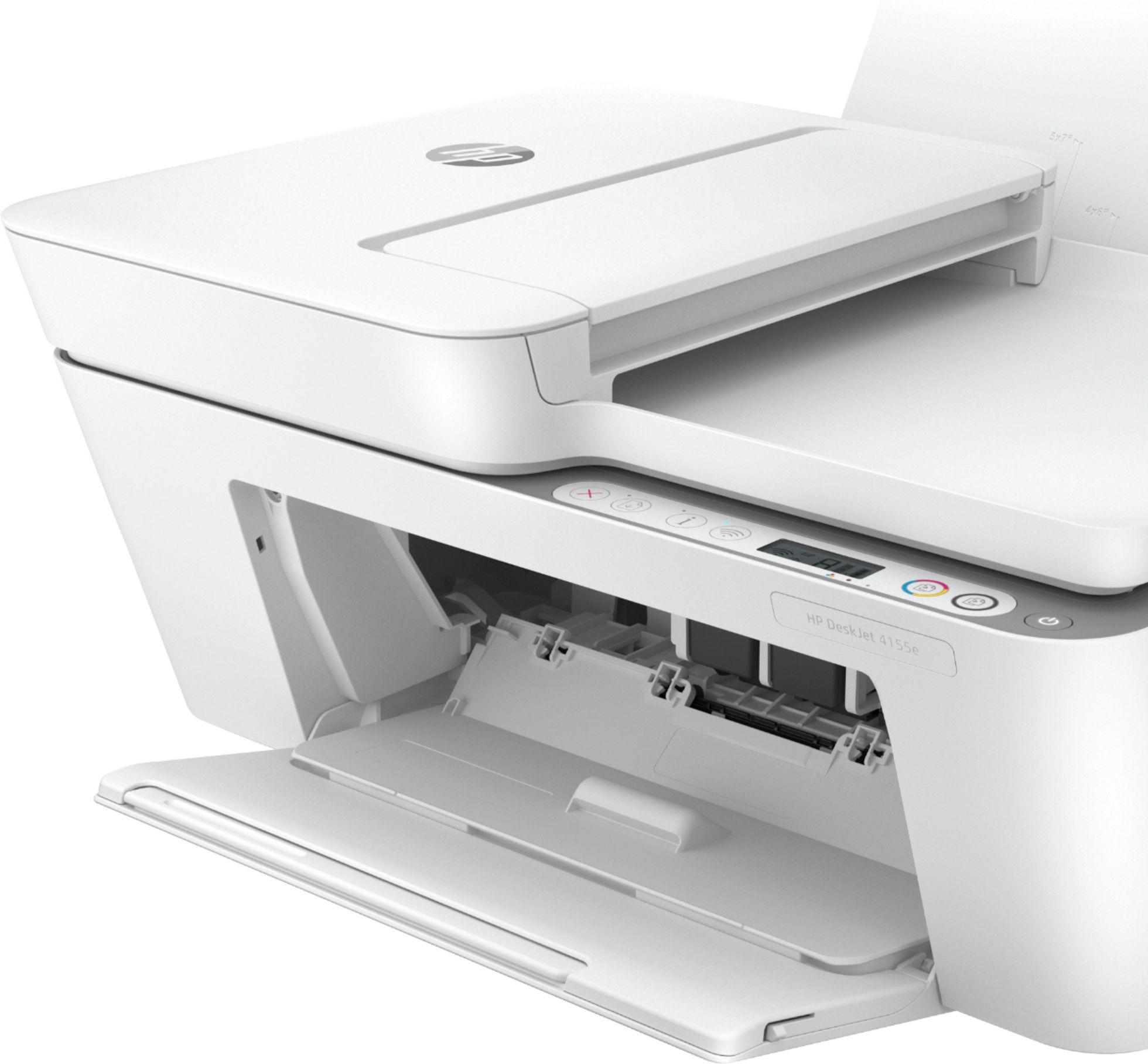
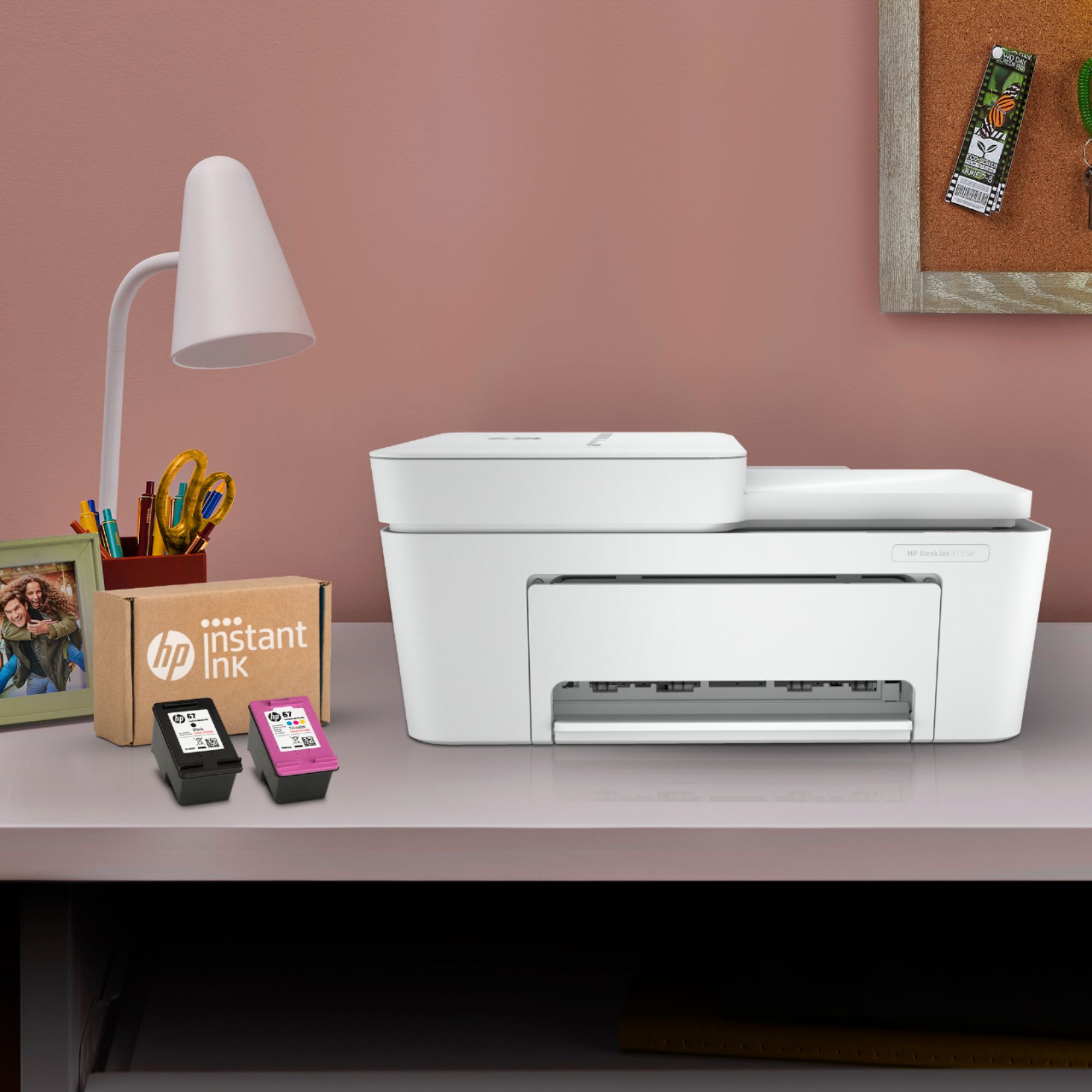


- Model:
- DeskJet 4155e
- SKU:
- 6454283
Rating by feature
- Value
Rating 4.1 out of 5 stars
- Quality
Rating 4.0 out of 5 stars
- Ease of Use
Rating 3.8 out of 5 stars
Customers are saying
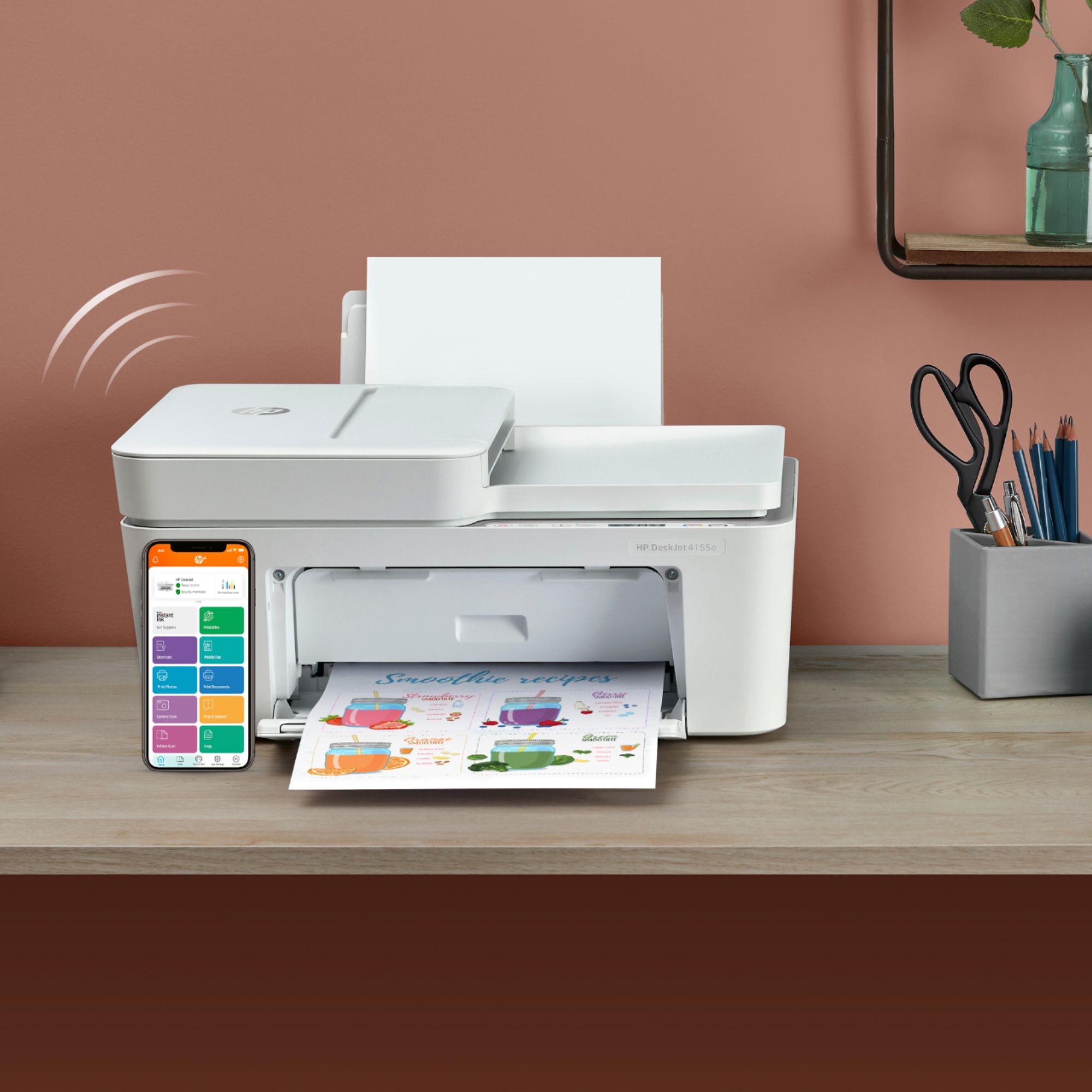
Customers are impressed with the DeskJet Plus 4155's ease of use and print quality, frequently praising its simple operation and clear output. Many also appreciate the printer's compact size and reasonable price. However, some users experienced challenges with WiFi connectivity and found the setup instructions unclear.
This summary was generated by AI based on customer reviews.
- Pros mentioned:Ease of use
Easy to use!
||Posted . Owned for less than 1 week when reviewed.This reviewer received promo considerations or sweepstakes entry for writing a review.Its so easy to use and the best printer ive ever had. It comes with 2 months of instant ink, so you will use it as how much as you want. Would recommend!
No, I would not recommend this to a friend Printer
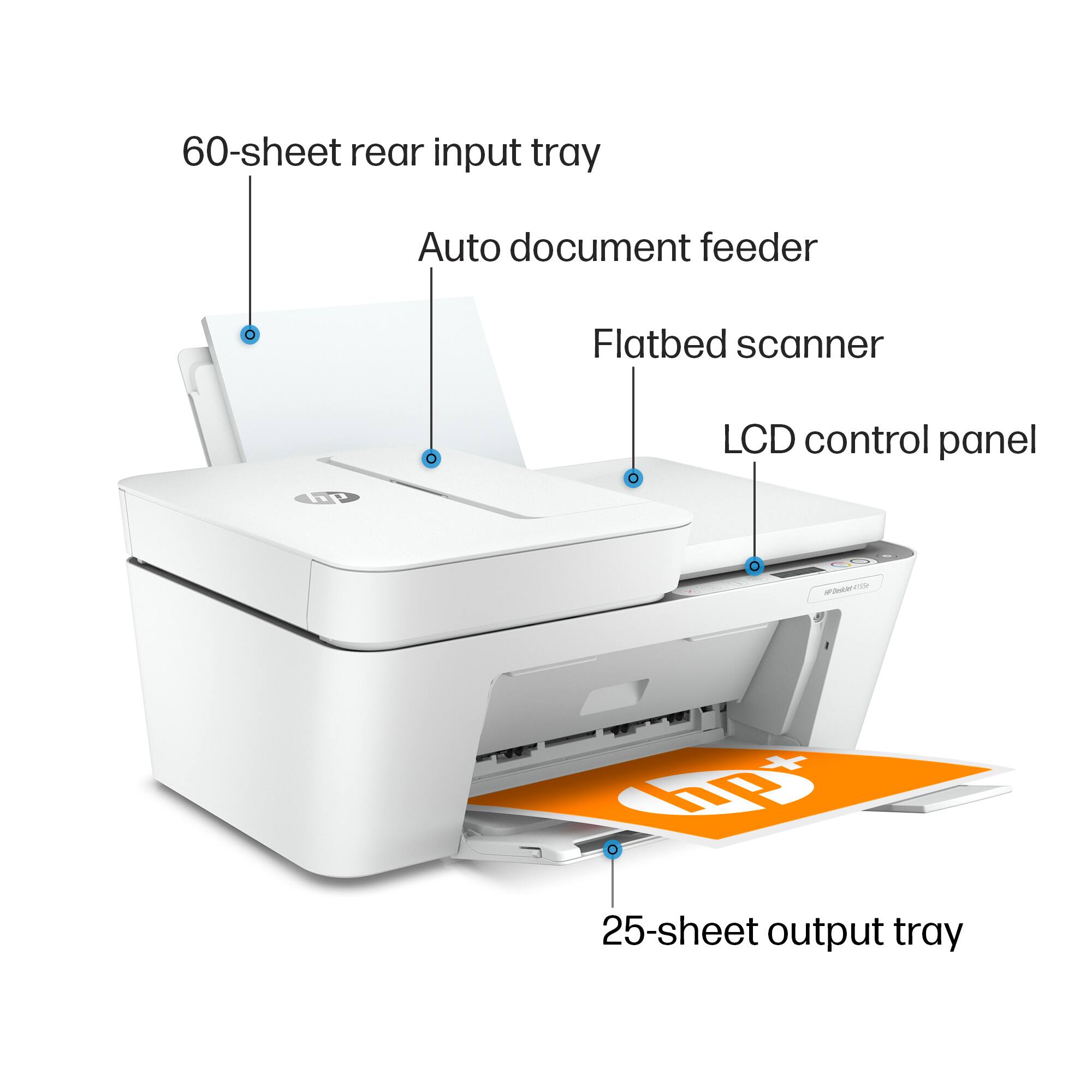
||Posted . Owned for 3 weeks when reviewed.This reviewer received promo considerations or sweepstakes entry for writing a review.I like the printer. The copy is clear. My only issue with it is that loading paper is awkward. You have to hold the guide open with one hand and put in the paper with your other hand.
I would recommend this to a friendtoo dependent on computer/device
||Posted . Owned for 1 month when reviewed.This reviewer received promo considerations or sweepstakes entry for writing a review.Seems like a decent unit for the price. My issue is that I have a very restricted company-computer that I was using and I am guessing that there were interferences with the operation. For example, in order to print, I had to unplug printer each time. Scanning had to be done with HP software from computer. I opted for HP 6978 which has been printing fine & it has ability to scan directly to email or USB, bypassing computer.
No, I would not recommend this to a friend- Pros mentioned:Print quality
so far so good
||Posted . Owned for 3 weeks when reviewed.This reviewer received promo considerations or sweepstakes entry for writing a review.I don't print a lot at home, but what I have printed thus far looks as good as what I used to print in the office - just what I needed for light printing.
I would recommend this to a friend Economical
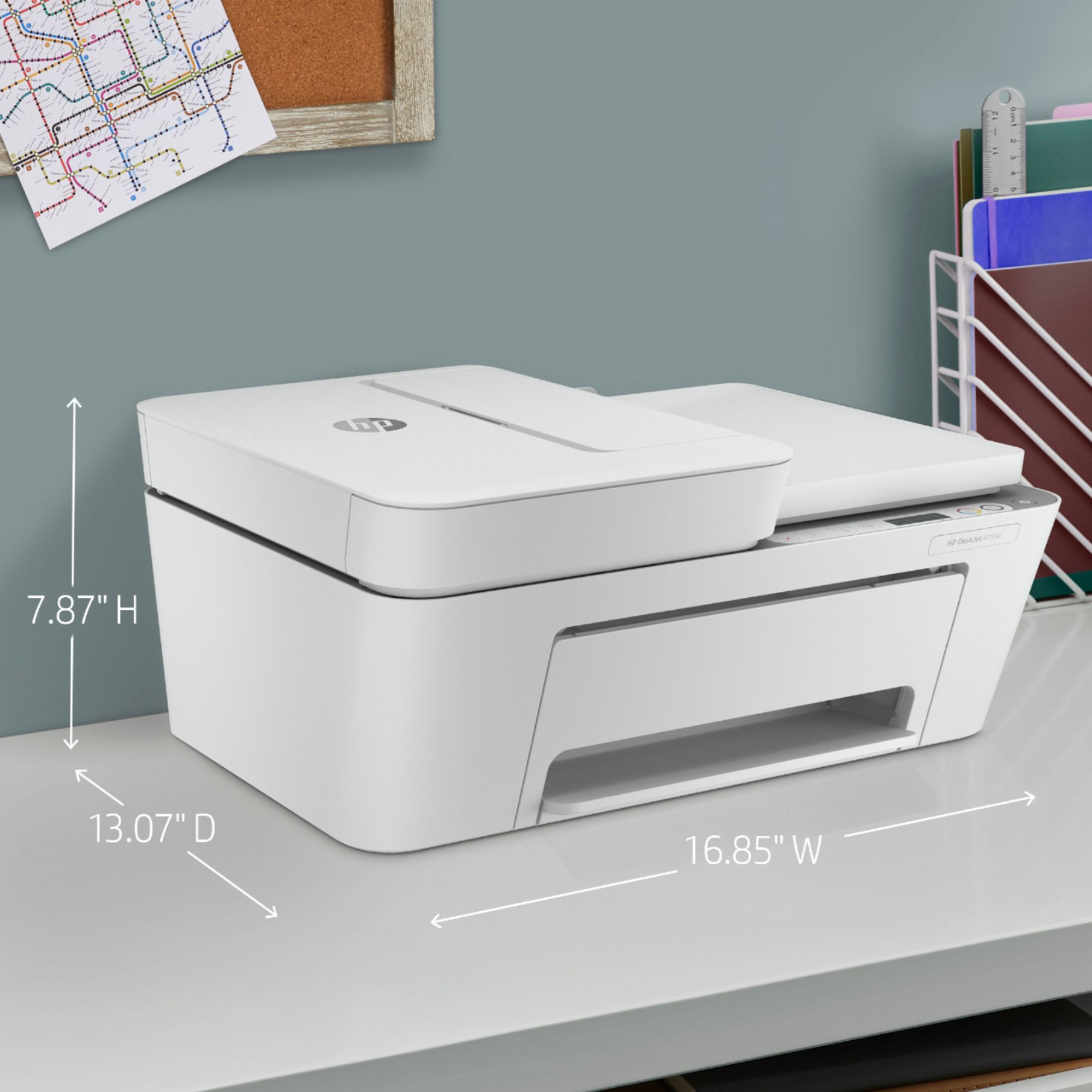
||Posted . Owned for 1 month when reviewed.This reviewer received promo considerations or sweepstakes entry for writing a review.Printer is larger than expected, very slow and has awkward paper feeder. Not idea for a small space.
No, I would not recommend this to a friendBrand response from HP Team
Posted .Hi there.
I’m sorry that your printer has rendered prints slowly, and that you’ve encountered difficulty with the document feeder. It’s easy to understand why that would create a disappointing start to ownership. I want to help you remedy these problems, so I’ll suggest some resources aimed at making that happen.
First, I recommend that you follow a guide on our support site that covers improving print speed; it contains sections on Windows as well as Mac OS. Find that guide here:
- support.hp.com/us-en/document/ish_2817150-2408088-16
Also, updating the firmware can often help improve print speed and other performance. You can find out how to do that here:
- support.hp.com/us-en/document/c02919168
I can’t tell from your review what issue you face with the document feeder, but you might gain useful information from a guide on our support site to document feeders that fail to pick up paper or pull through too many pages at once. Find that here:
- support.hp.com/us-en/document/c01728503
If any problem persists, I suggest that you contact us directly at +1 800-474-6836 so we can help you assess what’s happening and find a solution. To expedite the process, I recommend gathering the following information before the call:
- Model number
- Serial number
- Your location
- Case number (from any previous contact with HP support)
Keith
HP Care
hp.com/support
- Cons mentioned:Setup
Good not great
||Posted . Owned for 1 year when reviewed.This reviewer received promo considerations or sweepstakes entry for writing a review.Not easy setup or if power loss setup has to be done again. Hp easy ink is a must.
I would recommend this to a friend Desk Jet Plus
||Posted . Owned for 1 month when reviewed.This reviewer received promo considerations or sweepstakes entry for writing a review.You'll need to download the printer user guide. The color cartridge doesn't seem to last as long as my previous printer, but otherwise it is pretty good for the price & I like that it is white.
I would recommend this to a friend- Cons mentioned:Connectivity
Home copier
||Posted . Owned for 8 months when reviewed.This reviewer received promo considerations or sweepstakes entry for writing a review.Kinda hard to link with wifi and phone had to deleted a few times to be able to work
I would recommend this to a friend Wireless printer
||Posted . Owned for 4 months when reviewed.This reviewer received promo considerations or sweepstakes entry for writing a review.I'm very happy with the purchase. Money well spent it is versatile and able to do everything a hard wire printer does but it completely wireless. Very easy to link up to a phone ect.
I would recommend this to a friend- Pros mentioned:Print quality
Excellent prints
||Posted . Owned for 2 months when reviewed.This reviewer received promo considerations or sweepstakes entry for writing a review.Setup was a breeze and the prints are fast and of excellent quality! For the price I would recommend it if you can find one on the shelf.
I would recommend this to a friend HP 5155e Printer
||Posted . Owned for less than 1 week when reviewed.This reviewer received promo considerations or sweepstakes entry for writing a review.We have tried 6 times with the Geek Squad to get the Printer to work. NOTHING has Happen, Don't buy this Printer
No, I would not recommend this to a friendBrand response from HP Team
Posted .Hi, Phoenix.
I’m sorry to learn that your printer has not completed the setup and installation process. It’s clear why this would be exasperating, especially after numerous sessions with the retailer’s technical professionals. I want to help you out of this dilemma, so I’ll direct you to a resource and some information I hope will reach that end.
I recommend that you contact us directly so we can help you assess what’s happening and find the proper course of action. HP+ printers such as yours come with exclusive concierge support. To call and reach live HP+ experts, visit the following URL and enter your HP+ serial number:
- hp.com/plus-help
I'll also mention that HP printers have a one-year warranty from their purchase date that covers hardware as well as ink supplies – and that warranty extends to two years with an HP+ account – so if it comes to that, you might consider making use of it. You can verify the warranty using the following link:
- support.hp.com/us-en/checkwarranty
Keith
HP Care
hp.com/support
- Pros mentioned:Price
Excellent HP product!
||Posted . Owned for less than 1 week when reviewed.This reviewer received promo considerations or sweepstakes entry for writing a review.Great buy for the money. Love HP products plus the Instant Ink Program. You can't go wrong buying this printer. Have owned this printer for 2 weeks.
I would recommend this to a friend - Cons mentioned:Setup
HP Printer
||Posted . Owned for 10 months when reviewed.This reviewer received promo considerations or sweepstakes entry for writing a review.I had trouble with the setup. I'm still not use to printing on both sides of paper.
No, I would not recommend this to a friend Worst printer ever
||Posted . Owned for 6 months when reviewed.This reviewer received promo considerations or sweepstakes entry for writing a review.This is the worst printer we’ve ever had. It does not connect to Wi-Fi reliably and eventually stopped connecting at all. During rare occasions when it was working it had to be unplugged and plugged back in every time. Password is required for direct print which is impossible to obtain because test functions do not work. This checks every box for an awful purchase.
No, I would not recommend this to a friendBrand response from HP Team
Posted .Hi, Mike.
I’m sorry to hear that you’ve had such a difficult time with your printer. I can certainly understand why unreliable connectivity as well as test functions that don’t work would be a poor start to ownership. I want to help you remedy these problems. I hope the resources below will make that happen.
First, I recommend you visit a page on our support site that has diagnostic tools for various issues, including wireless connectivity. On the same page you’ll find a general-purpose tool called the HP Print and Scan Doctor. If you use Windows, the tool will help identify and guide you through solutions to a wide range of common printing and scanning difficulties. You can find that page here:
- support.hp.com/us-en/topic/diagnostics
For more help with difficulties, or to learn more about your printer and all its features, you can access troubleshooting guides, how-to documents, user manuals and software updates here:
- support.hp.com/us-en/product/model/2100187854
If you need further assistance, I suggest you contact us directly so we can help you assess what’s happening and find a solution. HP+ printers such as yours come with exclusive concierge support. To call and reach live HP+ experts, visit the following URL and enter your HP+ serial number:
- hp.com/plus-help
Keith
HP Care
hp.com/support
- Cons mentioned:Setup
HP PRINTER
||Posted .This reviewer received promo considerations or sweepstakes entry for writing a review.It is a pretty good printer, took a little while to set up. Printing via wifi is alittle bit difficult but it works. Nice printer overall.
I would recommend this to a friend - Pros mentioned:Price
OK printer
||Posted . Owned for 3 weeks when reviewed.This reviewer received promo considerations or sweepstakes entry for writing a review.It’s good for the price. Had trouble connecting it to my wifi.
No, I would not recommend this to a friend The HP Smart software is terrible.
||Posted . Owned for 3 weeks when reviewed.This reviewer received promo considerations or sweepstakes entry for writing a review.The printer itself is pretty nice. The problem I have with it is the HP Smart software. It is probably the worst printer software I’ve ever used. It seems to work just fine on my iPhone and iPad, but I can’t use it on my desktop Mac. I open it, the printer connects to it, then when I hit the “home” icon, it crashes. EVERY. SINGLE. TIME! If HP does not “fix” the software, I’m going to bring the 4155 back and buy another, better brand. I really like HP products, but if the software is not going to work on my Mac, the printer is useless to. After all, I want to be able to use the scanner for one, but I can’t. The only reason I gave it two stars is because I really do li,e the printer, but again... SMH.
No, I would not recommend this to a friendBrand response from HP Team
Posted .Hi, Doug.
Thanks for the review and the feedback. While I’m glad to hear that you like the printer, I’m sorry to hear it has not worked as it should on your desktop Macintosh computer. It’s easy to understand why that lack of consistent connectivity would be quite unsettling, so I’ll offer some resources that I hope will help.
First, I recommend you look through several troubleshooting guides specific to Mac OS that you can find on our support site related to connectivity and printing issues.
Printer offline or not responding:
- support.hp.com/us-en/document/c04249334
Printer not found during driver setup:
- support.hp.com/us-en/document/c04618676
HP Easy Start software installation fails:
- support.hp.com/us-en/document/c05291302
If the problem persists, I hope you’ll contact us directly at +1 800-474-6836 so we can guide you through the proper troubleshooting. (Please note that because of restrictions on personal movement and workplace attendance associated with the COVID-19 pandemic, wait times for agents are longer than normal. Thanks in advance for your understanding.) To expedite the process, I recommend gathering the following information before the call:
- Model number
- Serial number
- Your location
- Case number (from any previous contact with HP support)
Keith
HP Care
hp.com/support
- Pros mentioned:Print quality
Printer
||Posted . Owned for 3 weeks when reviewed.This reviewer received promo considerations or sweepstakes entry for writing a review.This very nice and portable printer, prints both color and black, very clear, I really love color printing, nothing to regret when you get it
I would recommend this to a friend - Cons mentioned:Setup
Printer wants to be all up in your business!!
||Posted . Owned for 1 month when reviewed.This reviewer received promo considerations or sweepstakes entry for writing a review.This has been a frustrating setup. This printer wants to be connected to your entire life. This makes the setup so complicated that I gave up after a couple of hours of trying (and I have an advanced degree and done many computer setups). Very disappointing for HP. Can't recommend.
No, I would not recommend this to a friendBrand response from HP Team
Posted .Hello,
I am so sorry that the printer isn't working as it should be, this must be terribly disappointing. We always strive to provide longevity and reliability with our printers, so hearing about this is very unfortunate. That said, I'm hoping I can turn this around and help remedy this for you.
I'm not too sure what the root cause of this issue is, but I’d really like to help get it running properly for you. Please reach out to us so we can work through any necessary troubleshooting with you. Remember you can contact us for support at any time. Find our official support site by searching the web with keywords “HP Support.”
On a related note, I'd like to mention the fact that HP printers do also have a 1-year warranty from their purchase date, so if you find you need to use it, I hope you will. To verify the warranty, look for an icon on our support site labelled “Check Warranty Status.”
Denise
HP Care
- Cons mentioned:Setup
Fairly decent for the price
||Posted . Owned for less than 1 week when reviewed.This reviewer received promo considerations or sweepstakes entry for writing a review.It took for every to set up, the printing is as slow as a sloth
No, I would not recommend this to a friend