Customer Ratings & Reviews
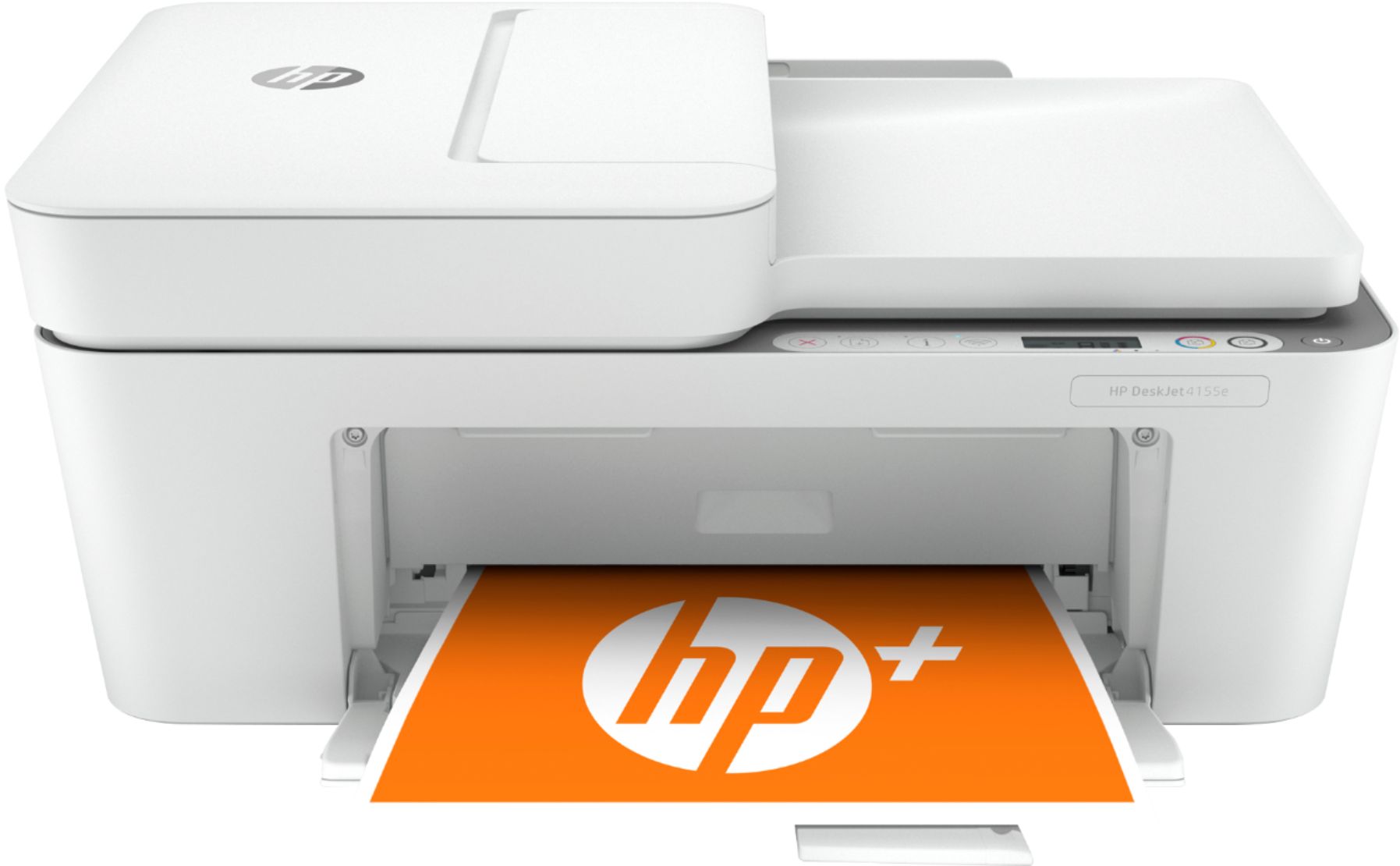
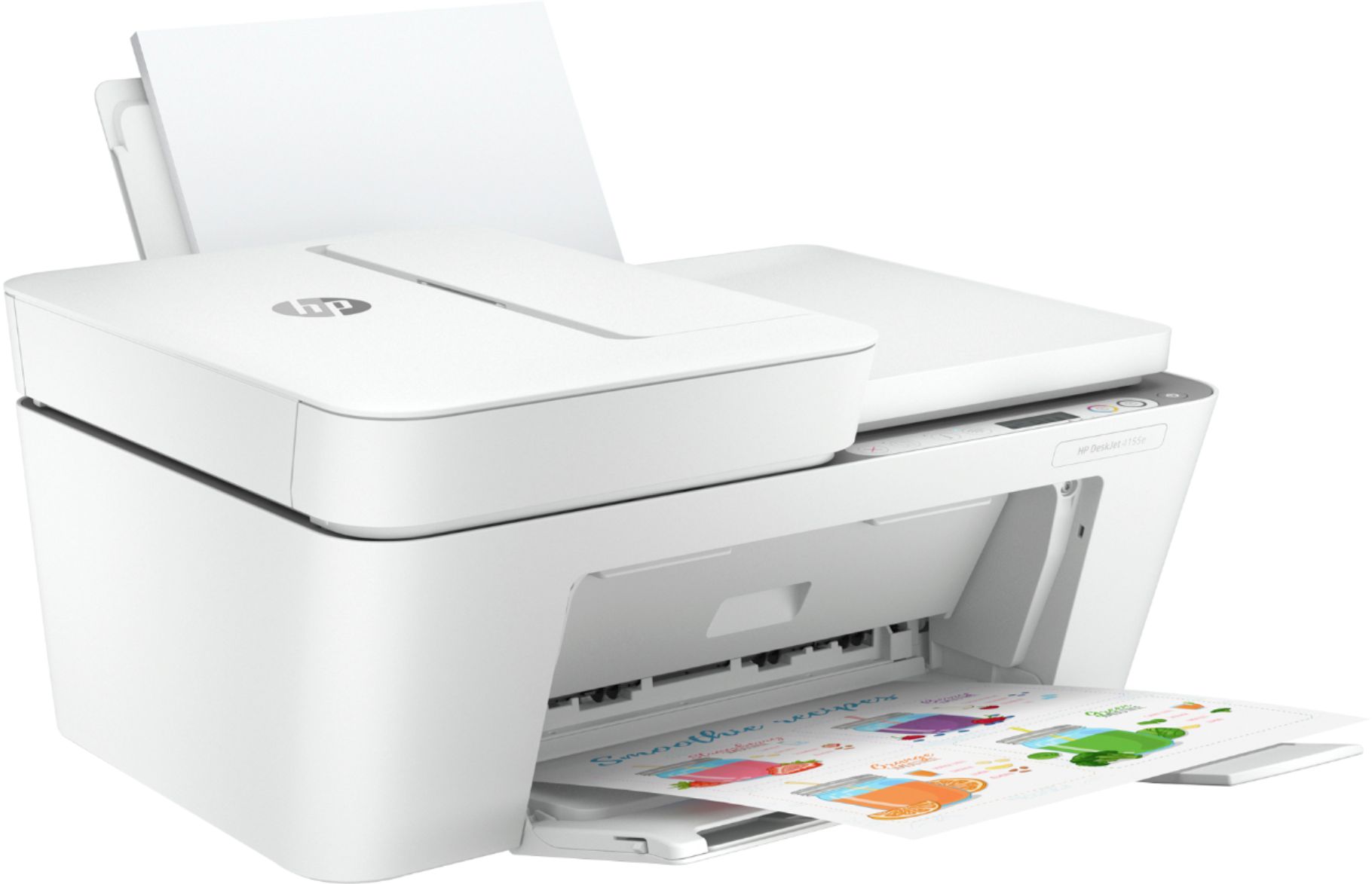
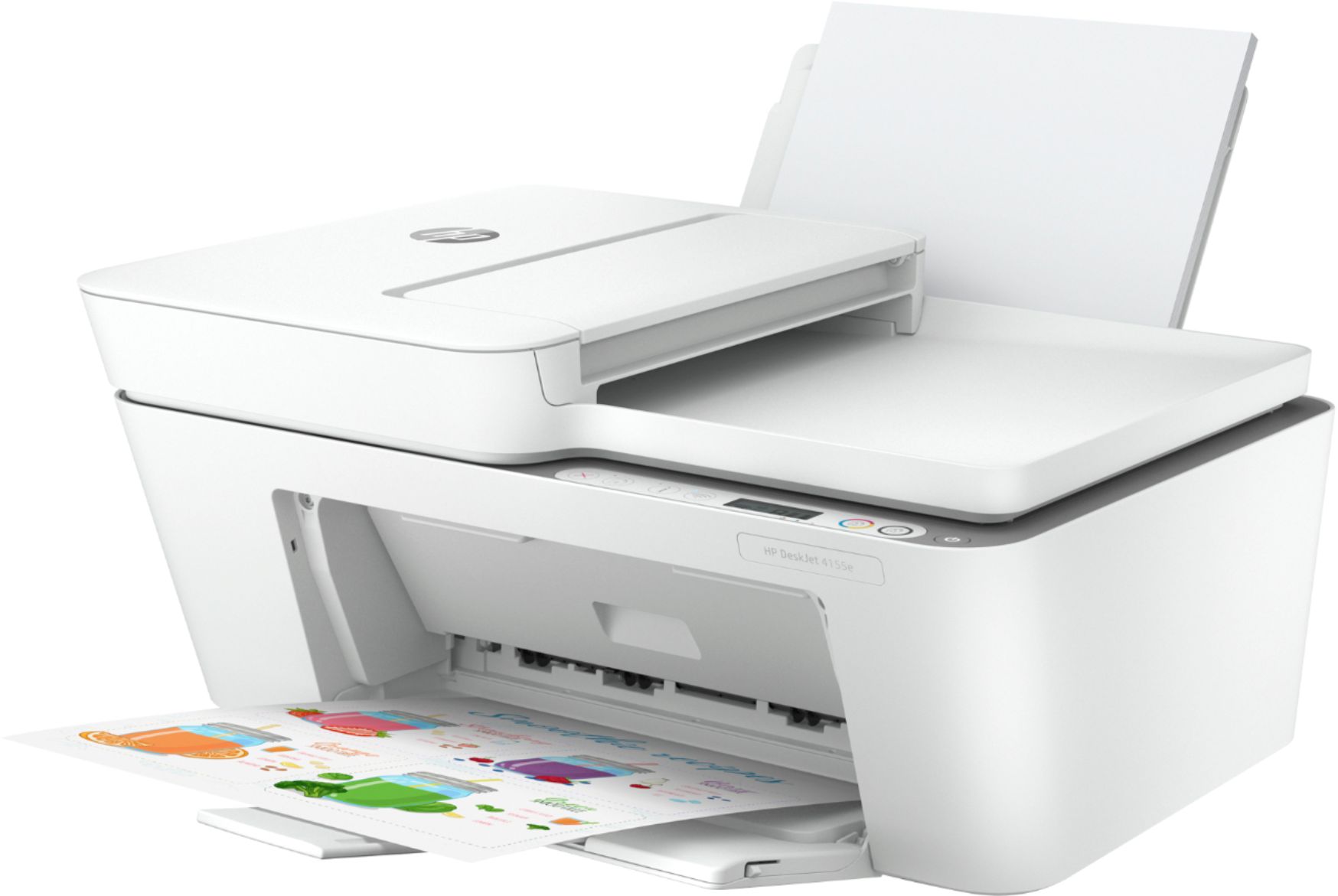
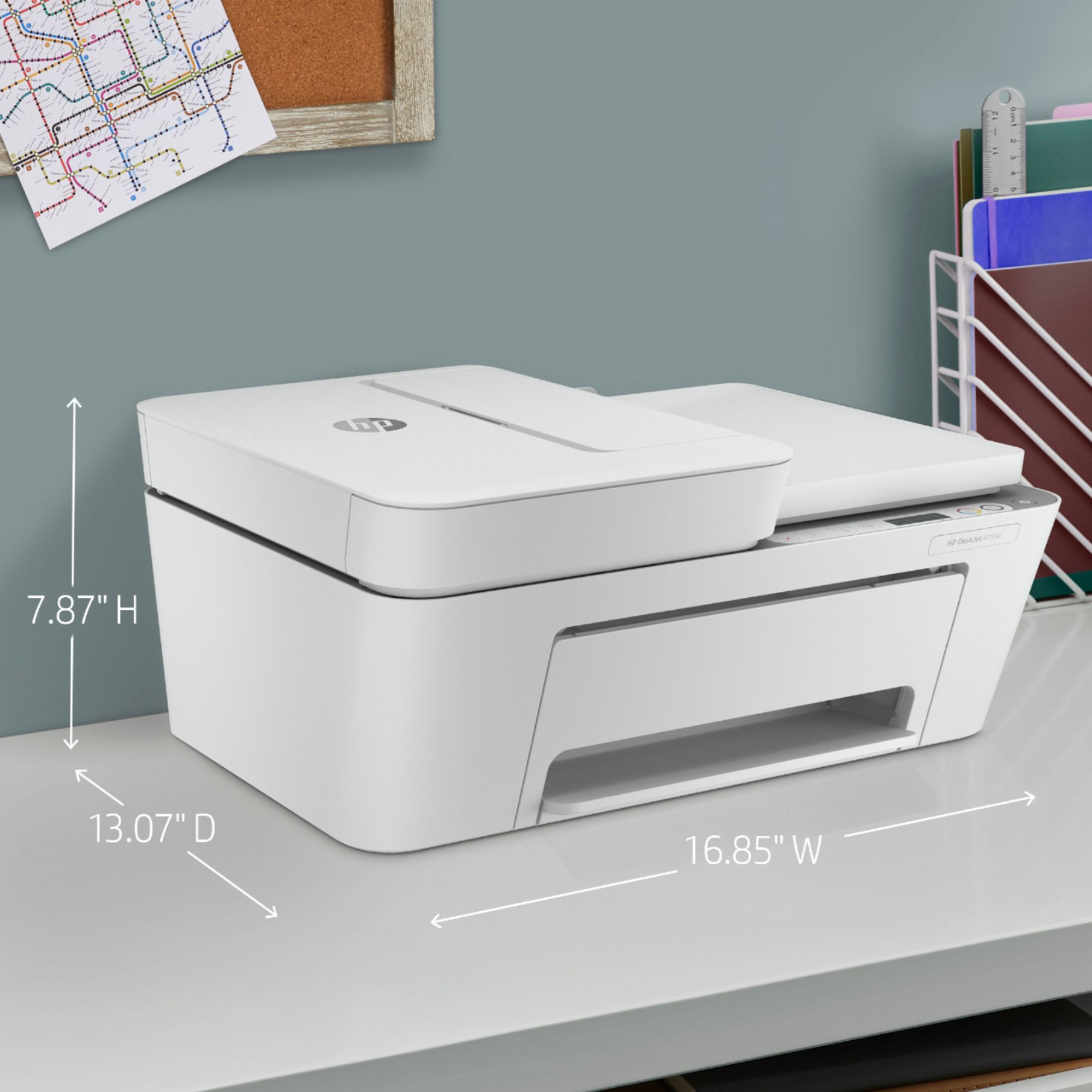
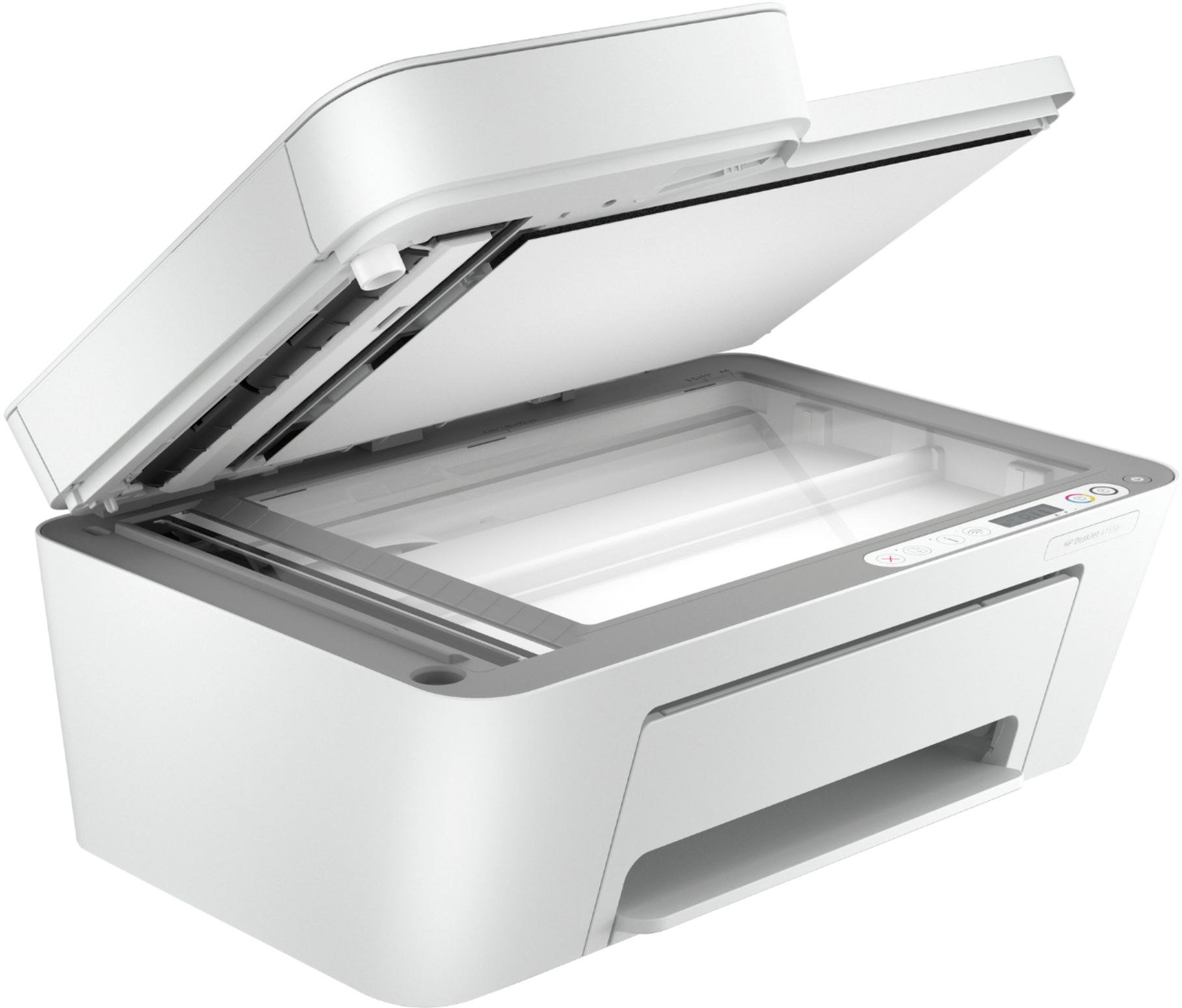
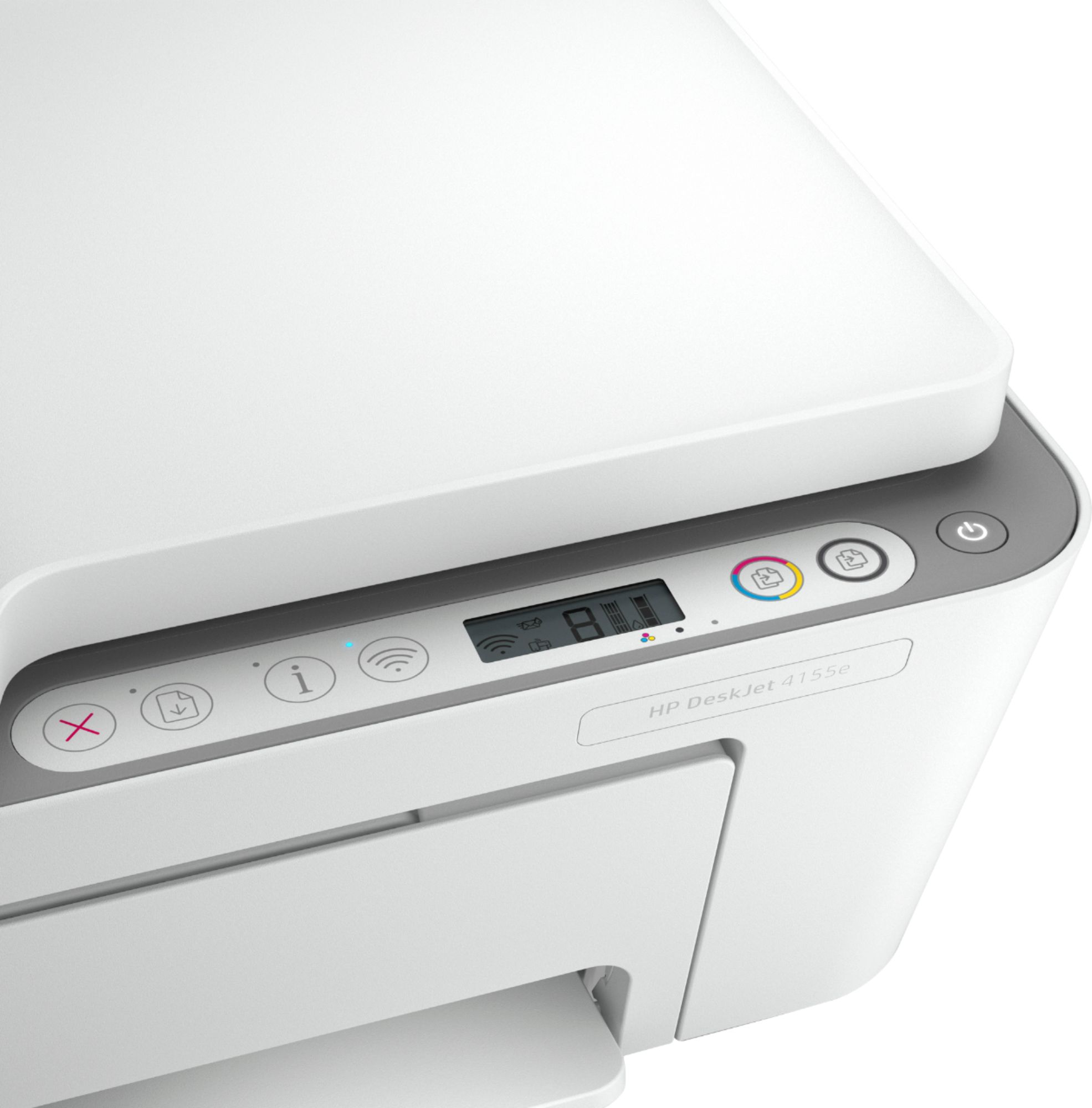
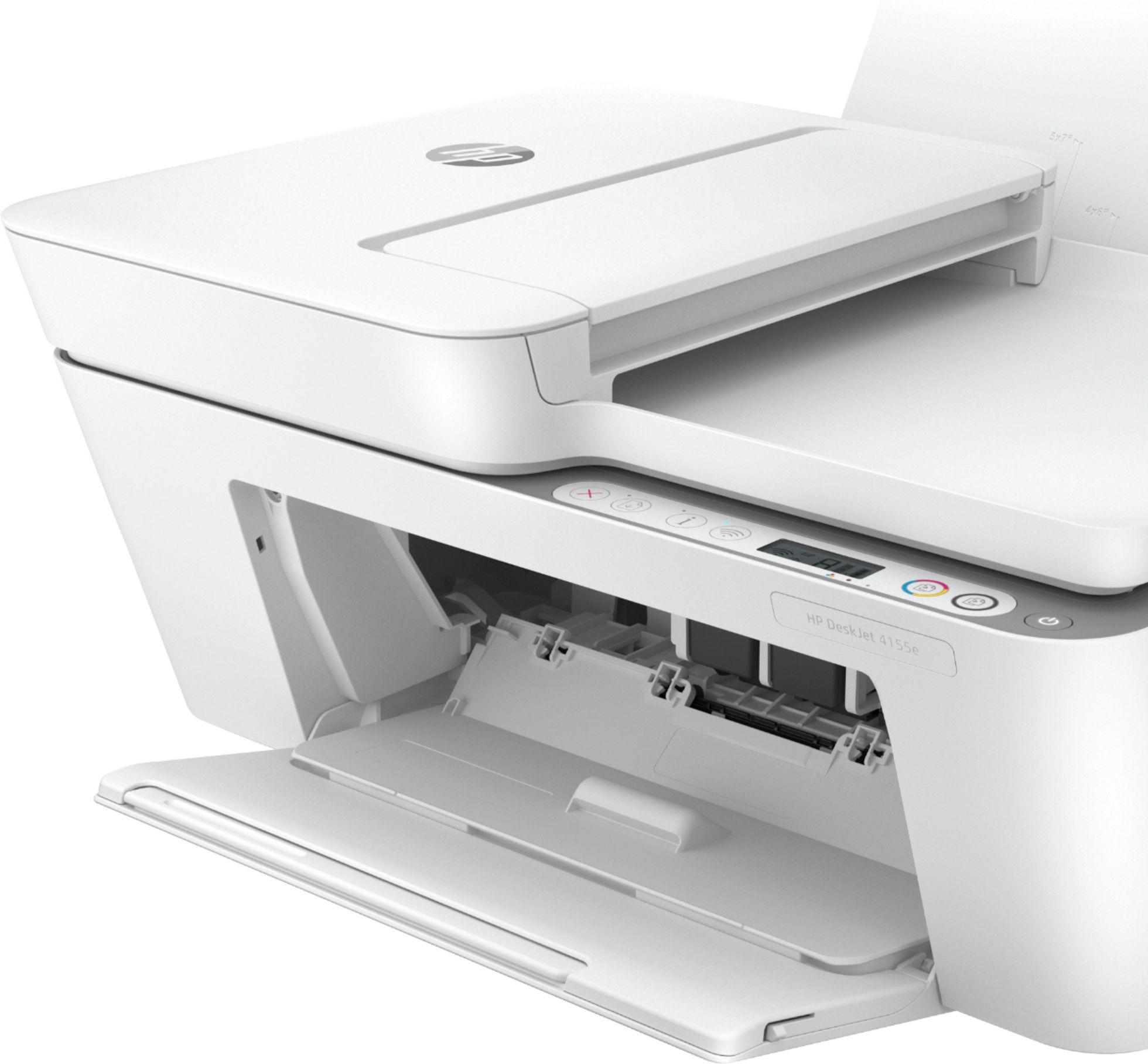
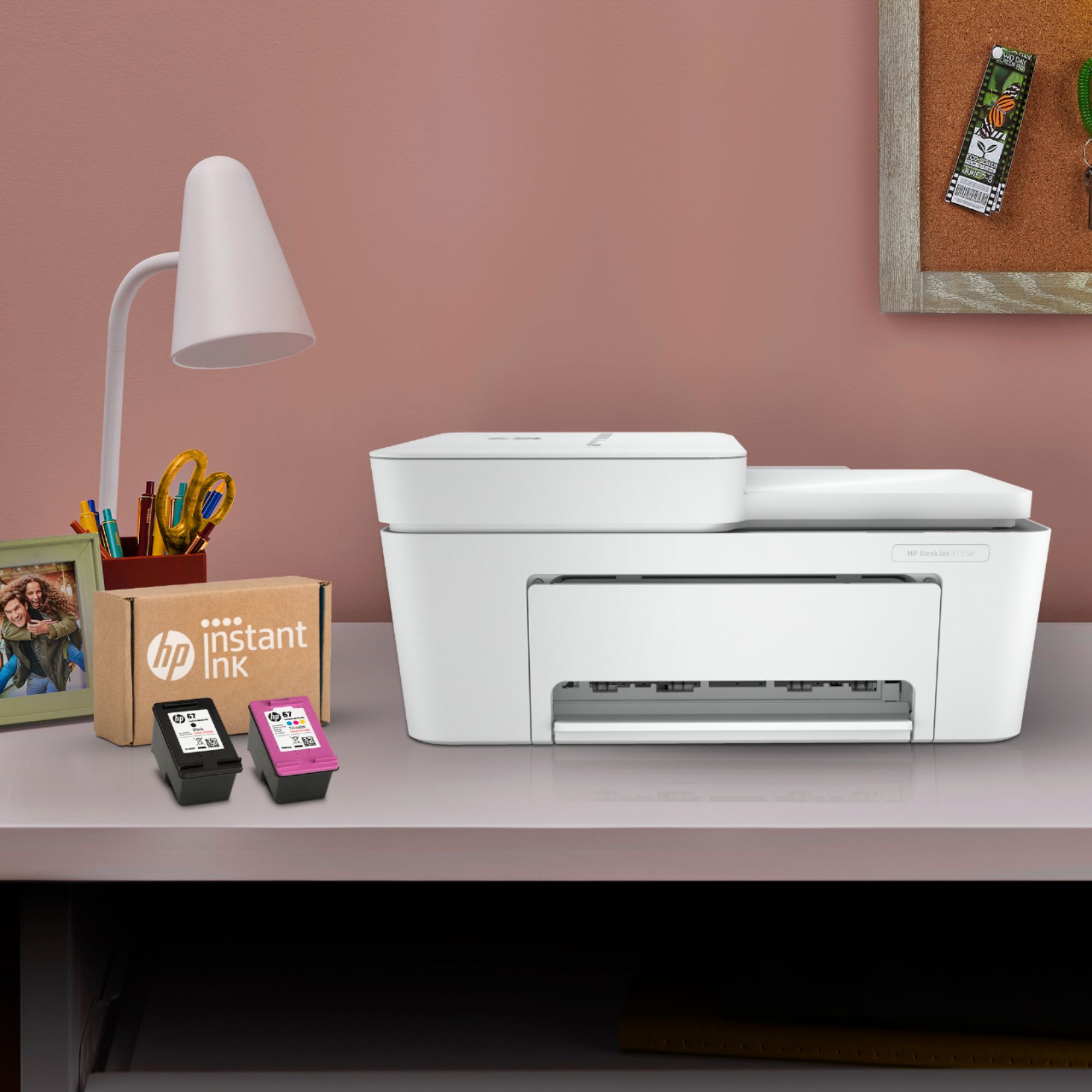


- Model:
- DeskJet 4155e
- SKU:
- 6454283
Rating by feature
- Value
Rating 4.1 out of 5 stars
- Quality
Rating 4.0 out of 5 stars
- Ease of Use
Rating 3.8 out of 5 stars
Customers are saying
Customers are impressed with the DeskJet Plus 4155's ease of use and print quality, frequently praising its simple operation and clear output. Many also appreciate the printer's compact size and reasonable price. However, some users experienced challenges with WiFi connectivity and found the setup instructions unclear.
This summary was generated by AI based on customer reviews.
- Cons mentioned:Connectivity
Printer
||Posted . Owned for 1 month when reviewed.This reviewer received promo considerations or sweepstakes entry for writing a review.Something with the set up program will not allow me to go wireless with the printer. It is stuck in a loop of, to finish your wireless set up click here. It goes through the programming & tells me to click here to finish your wireless set up. So the instant ink will not work. I got a low ink warning, order ink. Next page only half printed.
No, I would not recommend this to a friendBrand response from HP Team
Posted .Hi there.
I’m sorry to hear that your printer has been so difficult to set up and get working. I can readily understand why a wireless process that has refused to complete so you can use the printer and set up an Instant Ink account would quickly become exasperating. With that in mind, I’ll offer a resource and some information I hope will help.
I can’t tell from your review why the setup process won’t complete, so I recommend that you contact us directly at +1 800-474-6836 so we can help you assess the situation and find a solution. (Please note that because of restrictions on personal movement and workplace attendance associated with the COVID-19 pandemic, wait times for agents are longer than normal. Thanks in advance for your understanding.) To expedite the process, I recommend gathering the following information before the call:
- Model number
- Serial number
- Your location
- Case number (from any previous contact with HP support)
I'll also mention that HP printers have a one-year warranty from their purchase date that covers hardware as well as ink supplies, so if it comes to that, you might consider making use of it. You can verify the warranty using the following link: support.hp.com/us-en/checkwarranty
Keith
HP Care
hp.com/support
Don't waste your time on this one
||Posted . Owned for 1 month when reviewed.This reviewer received promo considerations or sweepstakes entry for writing a review.Didn't meet my expectations. Print quality not sharp and manual double-side print vs automatic among other issues.
No, I would not recommend this to a friendBrand response from HP Team
Posted .Hello,
I’m sorry that you have had problems with the printing quality with this device. It is, of course, one of our goals to offer our customers a reliable and satisfactory experience with all our products and I regret that we missed the mark here. Please allow me to help you further.
I would recommend downloading our Print- Scan-Doctor and running it. This program automatically scans the connection between your PC and your printer and resolves any issues it finds. With this your cartridges should be detected again: support.hp.com/topic/printscandoctor
Additionally, you could use the steps in the following document to improve print quality: support.hp.com/us-en/document/c06557991
If you have any other questions or issues, please don’t hesitate to contact us about them. We are always here to help. You can reach us via: hp.com/contactHP
Denise
HP Care
hp.com/support
A bit noisy but good quality printing
||Posted . Owned for 1 month when reviewed.This reviewer received promo considerations or sweepstakes entry for writing a review.This is a good printer. It took a bit of time to set up..I am thinking that was due to my internet connection but it works great. A bit noisy when it prints but that is not to bad.
I would recommend this to a friendIt does the job
||Posted .This reviewer received promo considerations or sweepstakes entry for writing a review.It took some time to figure out how to get it connected to my router. Had some odd glitches where it would randomly no longer be connected to the wi-fi which resulted in me unplugging and plugging the printer. My previous printer had a bigger and more detail display so I am having to adjust to this one but for the price it's acceptable.
No, I would not recommend this to a friendDo not like it!
||Posted . Owned for 1 month when reviewed.This reviewer received promo considerations or sweepstakes entry for writing a review.Terrible. Because of low printer stock, this was one of the few home printers in stock. Copies leave a lot to be desired
No, I would not recommend this to a friendBrand response from HP Team
Posted .Hi, Barbara.
I’m sorry to hear that your printer has rendered prints of poor quality. It’s easy to see why that would be an unwelcome surprise for a new printer, especially one you bought because the retailer’s stock was low. I can’t tell from your review whether the quality issue is with the print or copy function, but I’ll nonetheless offer some resources I hope will help you remedy the problem.
If it’s the print function, I recommend following the steps listed in this guide to improving print quality, including faded or streaked prints, color or black ink not printing properly or at all, and blurred or fuzzy text:
- support.hp.com/us-en/document/c06557991
If the copy function is causing difficulty, I suggest that you follow this guide to resolving copy problems; it covers copiers that stop working as well as copy-quality issues:
- support.hp.com/us-en/document/c05337009
If any problem persists, I hope you’ll contact us directly at +1 800-474-6836 so we can help you assess the situation and find a solution. (Please note that because of restrictions on personal movement and workplace attendance associated with the COVID-19 pandemic, wait times for agents are longer than normal. Thanks in advance for your understanding.) To expedite the process, I recommend gathering the following information before the call:
- Model number
- Serial number
- Your location
- Case number (from any previous contact with HP support)
Keith
HP Care
hp.com/support
- Pros mentioned:Ease of use
Efficient
||Posted . Owned for 1 month when reviewed.This reviewer received promo considerations or sweepstakes entry for writing a review.Very easy setup, works well with our iPad and iPhones. Images are nice. We don’t print much, so the value of this printer was great n
I would recommend this to a friend SLOW printing and uses a lot of INK
||Posted . Owned for 1 week when reviewed.This reviewer received promo considerations or sweepstakes entry for writing a review.It's VERY SLOW - and seems to use a LOT of ink.... I've only printed about 50 pages so far, not a very efficient printer
No, I would not recommend this to a friendBrand response from HP Team
Posted .Hi there.
I’m sorry to hear that your printer is rendering prints slowly and has appeared to use ink more rapidly than you’d anticipated. It’s easy to understand why this would be quite an unwelcome start to owning a new device. I want to help improve your experience, so I’ll offer some resources and clarifying information aimed at making that happen.
First, I recommend that you follow a guide on our support site that covers improving print speed; choose whichever of the following two links matches your operating system:
- Windows: support.hp.com/us-en/document/bud03409
- Mac OS: support.hp.com/us-en/document/c01928898
Also, often just updating the firmware can help improve print speed. You can find out how to do that here:
- support.hp.com/us-en/document/c02919168
Regarding the ink supply, I can’t say for certain what happened in your case, but some printers come with what are known as setup cartridges, which have a lower capacity than regular or XL cartridges, and less yet than ones in our Instant Ink program. XL cartridges for your printer have page-yield estimates of 200 to 240 pages. Another possibility is the printer is not reading the cartridges correctly and is giving an inaccurate reading.
Regardless, I recommend that you contact us directly at +1 800-474-6836 so we can help you assess the situation and find a solution. (Please note that because of restrictions on personal movement and workplace attendance associated with the COVID-19 pandemic, wait times for agents are longer than normal. Thanks in advance for your understanding.) To expedite the process, I recommend gathering the following information before the call:
- Model number
- Serial number
- Your location
- Case number (from any previous contact with HP support)
I'll also mention that HP printers have a one-year warranty from their purchase date that covers hardware as well as ink supplies – and that warranty extends to two years with an HP+ account – so if it comes to that, you might consider making use of it. You can verify the warranty using the following link:
- support.hp.com/us-en/checkwarranty
Keith
HP Care
hp.com/support
- Cons mentioned:Connectivity
Meh
||Posted . Owned for 4 months when reviewed.This reviewer received promo considerations or sweepstakes entry for writing a review.When it works it’s great but it struggles to connect and print from wireless devices
No, I would not recommend this to a friend - Pros mentioned:Size
Workable Printer
||Posted . Owned for 2 weeks when reviewed.This reviewer received promo considerations or sweepstakes entry for writing a review.Needed a smaller sized printer for our work space. So far it is working very well and takes up much less space than the previous product
I would recommend this to a friend - Cons mentioned:Setup
Do NOT buy this printer!!!
||Posted .This reviewer received promo considerations or sweepstakes entry for writing a review.Do not purchase this printer. I’ve spent now 4 hours trying to get this device running properly. It’s completed ONE print job, only 3 pages, which took nearly 5 minutes to print! I’ve uninstalled and reinstalled the program. I had to search for the printer code myself because the download program didn’t produce it as it should. I’ve had to install multiple updates which still hasn’t made a difference in productivity. I haven’t even owned this printer 24 hours!! I replaced an officejet 4630 that worked flawlessly for nearly 10 years, to an absolute headache for my home business. I’ve lost so much work trying to remedy this printer set up already. I do have vast experience with IT, and have never experienced this much hassle.
No, I would not recommend this to a friendBrand response from HP Team
Posted .Hi, Angela.
I'm sorry to hear that your printer has been so difficult to set up and get running. I can clearly understand why the challenges with print speed, repeated installation and ineffective software updates would be absolutely exasperating, so I’ll point you toward a resource and some information that I hope will help.
I can’t tell from your review what’s causing the problems you describe or whether they’re related, so I recommend that you reach out to us directly at +1 800-474-6836 so we can help you assess the situation and find a solution. (Please note that because of restrictions on personal movement and workplace attendance associated with the COVID-19 pandemic, wait times for agents are longer than normal. Thanks in advance for your understanding.) To expedite the process, I recommend gathering the following information before the call:
- Model number
- Serial number
- Your location
- Case number (from any previous contact with HP support)
I'll also mention that HP printers have a one-year warranty from their purchase date that covers hardware as well as ink supplies, so if it comes to that, you might consider making use of it. You can verify the warranty using the following link: support.hp.com/us-en/checkwarranty
Keith
HP Care
hp.com/support
Printer
||Posted . Owned for 1.5 years when reviewed.This reviewer received promo considerations or sweepstakes entry for writing a review.Was not happy with this item. Couldnt get help. When purchased i was told i could buy ink and use. But you actually had to get the ink plan per month in order to use the printer. Vey disappointed
No, I would not recommend this to a friend- Pros mentioned:Size
HP DeskJetPlus Printer
||Posted . Owned for 3 weeks when reviewed.This reviewer received promo considerations or sweepstakes entry for writing a review.Works fine. Clear copies. Compact. I have to reboot once in awhile - goes off-line. Could be my computer and not the printer.
I would recommend this to a friend - Cons mentioned:Connectivity
Printer
||Posted . Owned for 1 month when reviewed.This reviewer received promo considerations or sweepstakes entry for writing a review.Returned. Unable to connect. Die tip s way to complicated , not as advertised
No, I would not recommend this to a friend HP Smart for sure
||Posted . Owned for 1 month when reviewed.This reviewer received promo considerations or sweepstakes entry for writing a review.All is going great so far, no issues but a little difficulty with WiFi Direct through my phone at first but it was user error not the printer. It was a good purchase.
I would recommend this to a friendnice looking but frustrating and inconsistent
||Posted . Owned for more than 2 years when reviewed.This reviewer received promo considerations or sweepstakes entry for writing a review.I give this a one just for its looks. It works when it wants too and then when you troubleshoot it auto-prints 4 pages of your ink with directions to do what you have already done. unplug it once a week and restart and you are good
No, I would not recommend this to a friend- Pros mentioned:Ease of use
Great printer-great value!
||Posted . Owned for 3 weeks when reviewed.This reviewer received promo considerations or sweepstakes entry for writing a review.The printer works well and prints quickly. Set up was easy. I would recommend it to anyone asking for a good affordable printer!
I would recommend this to a friend - Pros mentioned:Print quality
Great deal
||Posted . Owned for less than 1 week when reviewed.This reviewer received promo considerations or sweepstakes entry for writing a review.Easy to set up. Prints great looking documents. Scanning and copying is right on the money with this printer. I highly recommend.
I would recommend this to a friend - Pros mentioned:Ease of useCons mentioned:Connectivity
The worst printer purchase ever
||Posted . Owned for 2 months when reviewed.This reviewer received promo considerations or sweepstakes entry for writing a review.This is our 3rd HP Printer. We've always been pleased with the durability and ease of use of these printers until this one. The printer constantly needs to be completely re-booted to connect and the scanner function is basically non existent. Would not recommend at all.
No, I would not recommend this to a friendBrand response from HP Team
Posted .Hi there.
I’m sorry to hear that you’ve encountered such difficulty with your printer. I can understand why needing to frequently reset the printer and deal with a hard-to-use scan function would be quite a frustrating combination. With that in mind, I’ll offer some resources and information I hope will help.
First, I recommend that you visit a page on our support site that has diagnostic tools for various tasks and issues, including connectivity and printer-offline problems. For the scanning issue, on the same page you’ll also find a general-purpose tool called the HP Print and Scan Doctor. If you use Windows, the tool will help identify and guide you through solutions to a wide range of common scanning and printing issues. You can find the page here:
- support.hp.com/us-en/topic/diagnostics
If you need further assistance, I hope you’ll contact us directly at +1 800-474-6836 so we can help you assess the situation and guide you through any applicable troubleshooting. (Please note that because of restrictions on personal movement and workplace attendance associated with the COVID-19 pandemic, wait times for agents are longer than normal. Thanks in advance for your understanding.) To expedite the process, I recommend gathering the following information before the call:
- Model number
- Serial number
- Your location
- Case number (from any previous contact with HP support)
I'll also mention that HP printers have a one-year warranty from their purchase date that covers hardware as well as ink supplies, so if it comes to that, you might consider making use of it. You can verify the warranty using the following link: support.hp.com/us-en/checkwarranty
Steven
HP Care
hp.com/support
Good printer for the price
||Posted .This reviewer received promo considerations or sweepstakes entry for writing a review.The setup documentation could have been better. But it’s my first printer purchase in several years and first wireless one ever. Bottom line is I have no regrets with my purchase.
I would recommend this to a friendWhat I'm I doing wrong?
||Posted . Owned for 1 month when reviewed.This reviewer received promo considerations or sweepstakes entry for writing a review.I'm giving this 3 stars because I could be the one not doing this right. It's a great looking printer. I printed about 10 pages from there and lately I've been having problems with the app. Everytime I try to print something I keep getting the message "HP Print Service Plug in has stopped". It's so frustrating idk if it's me doing something wrong or if the printer that I payed $100 for isn't working. HELP!!
I would recommend this to a friend