Customer Ratings & Reviews
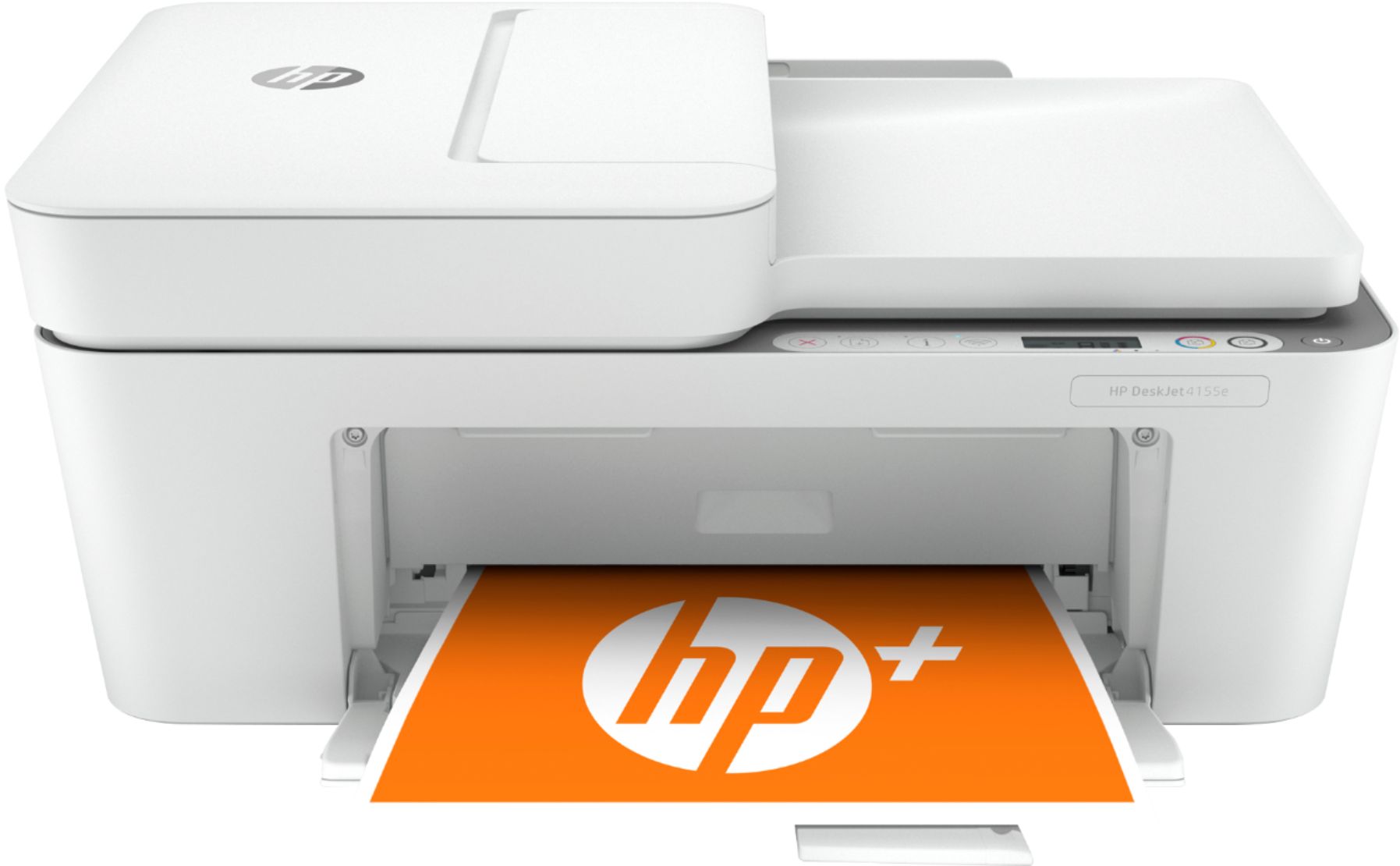
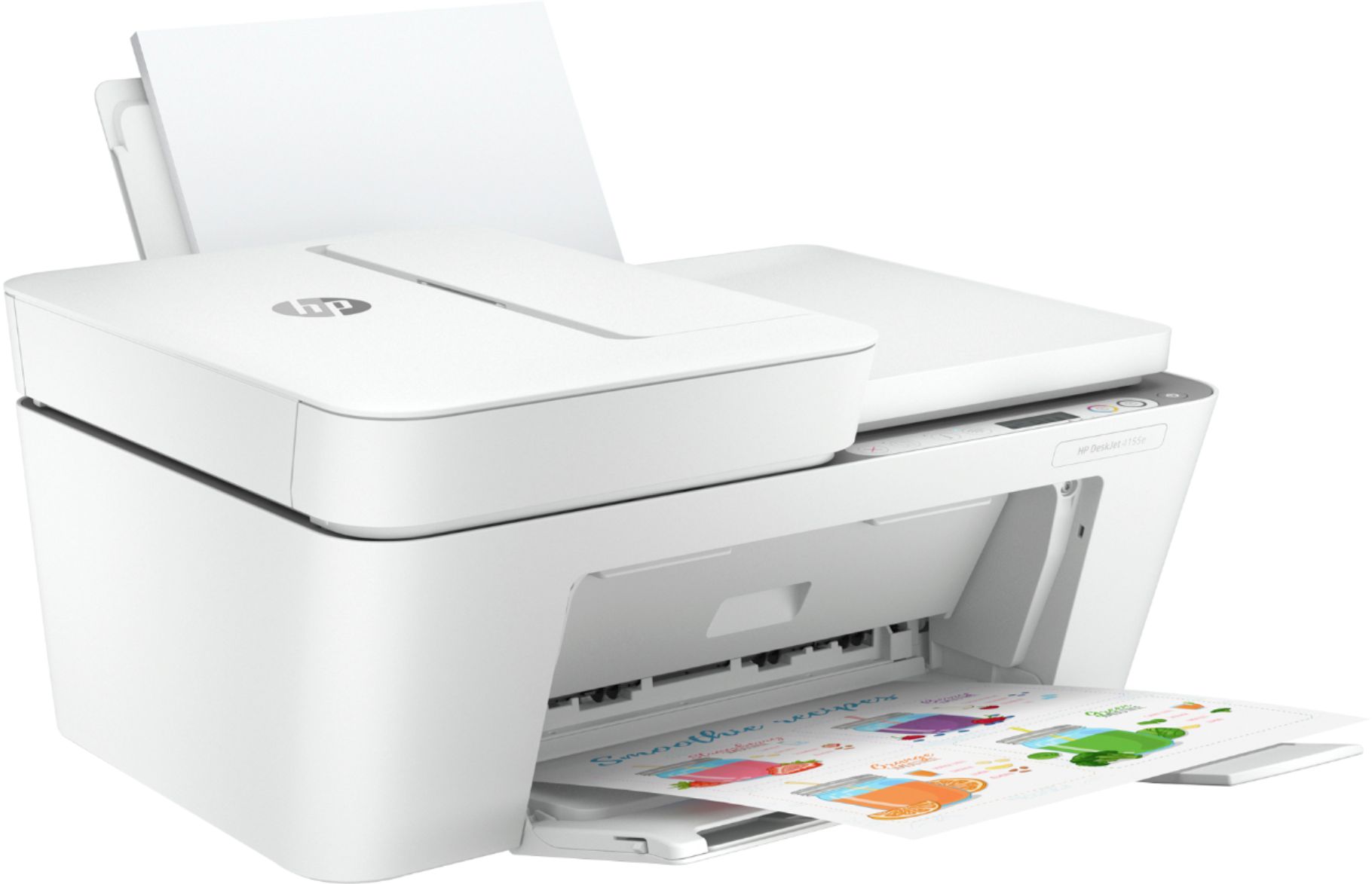
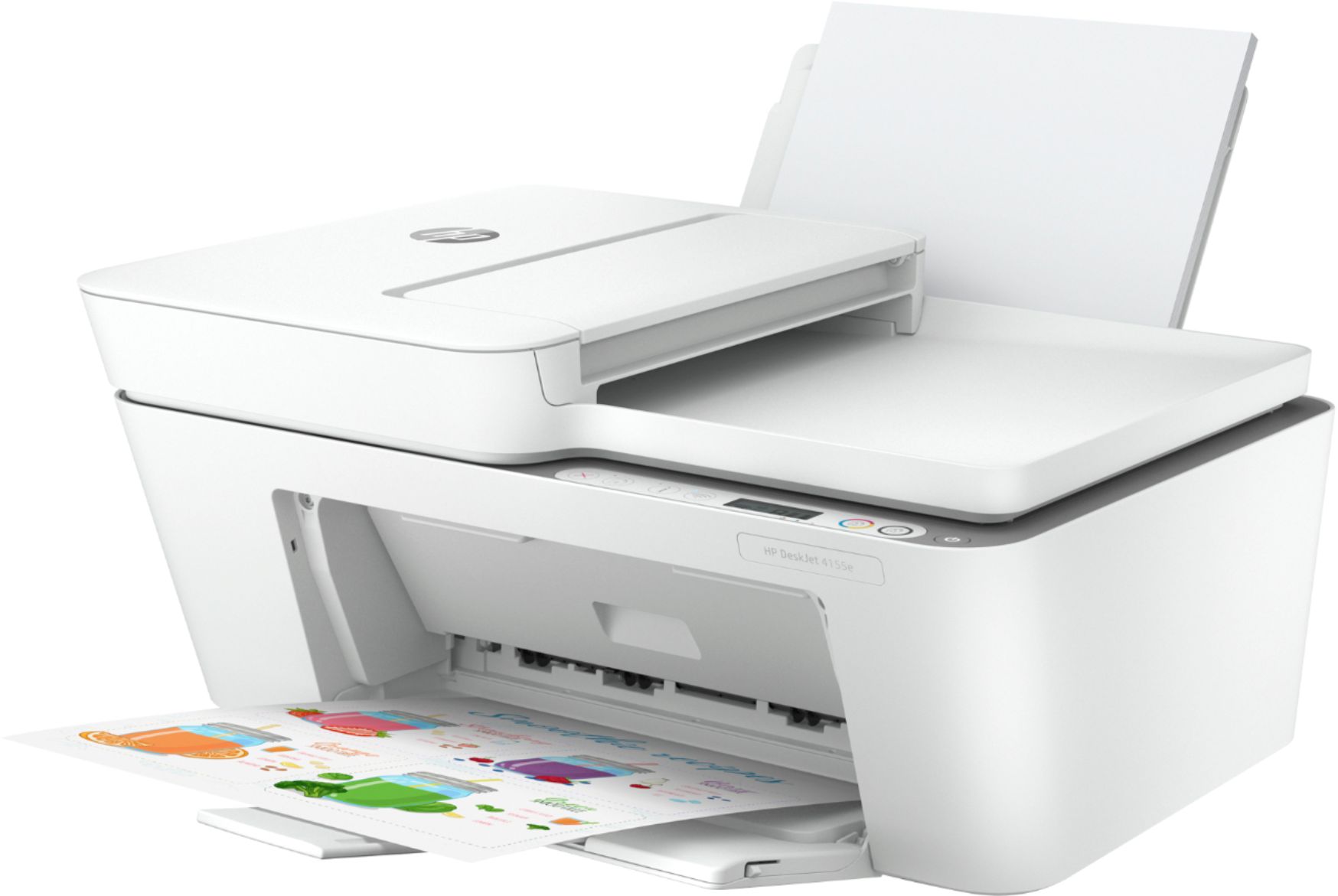
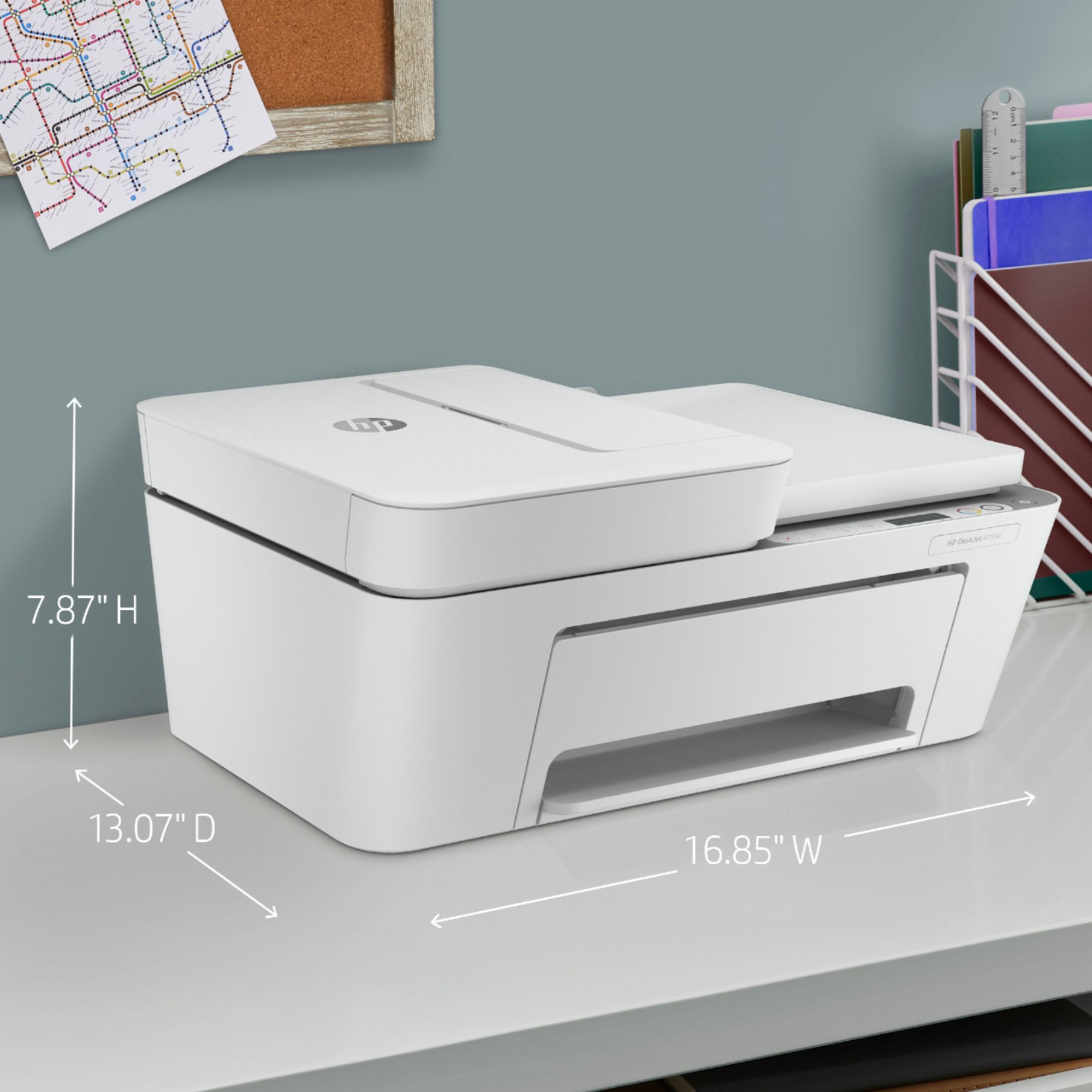
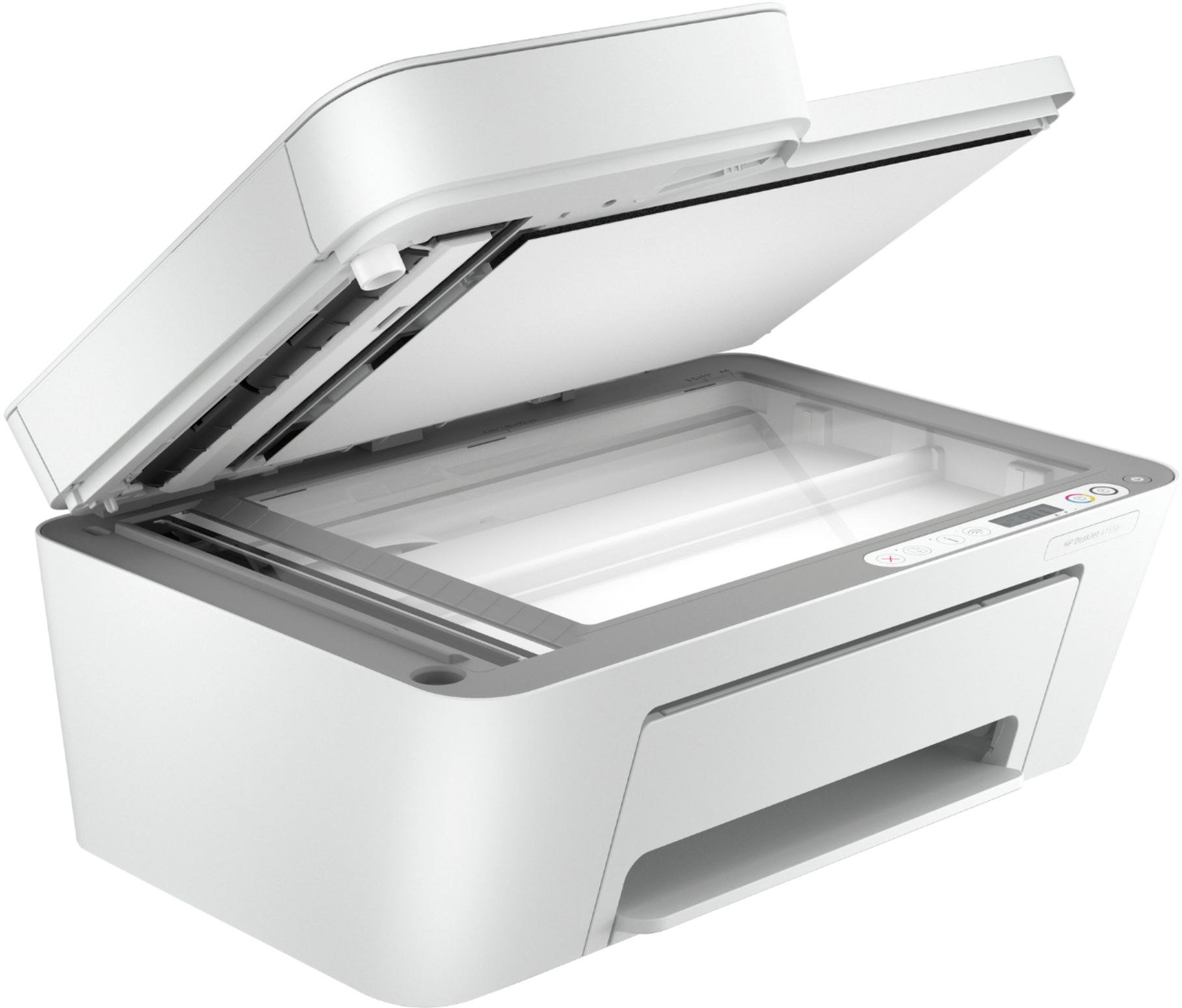
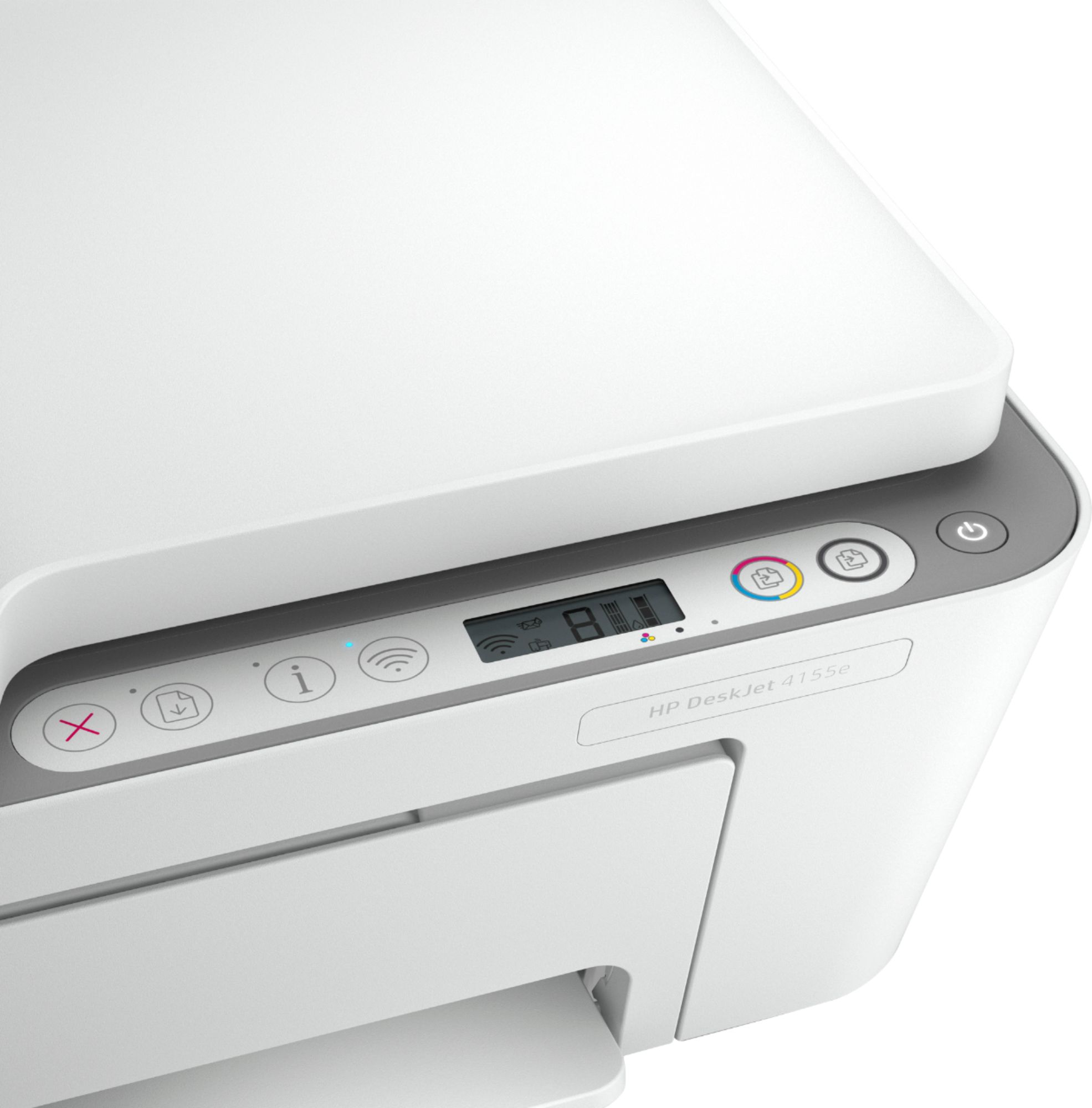
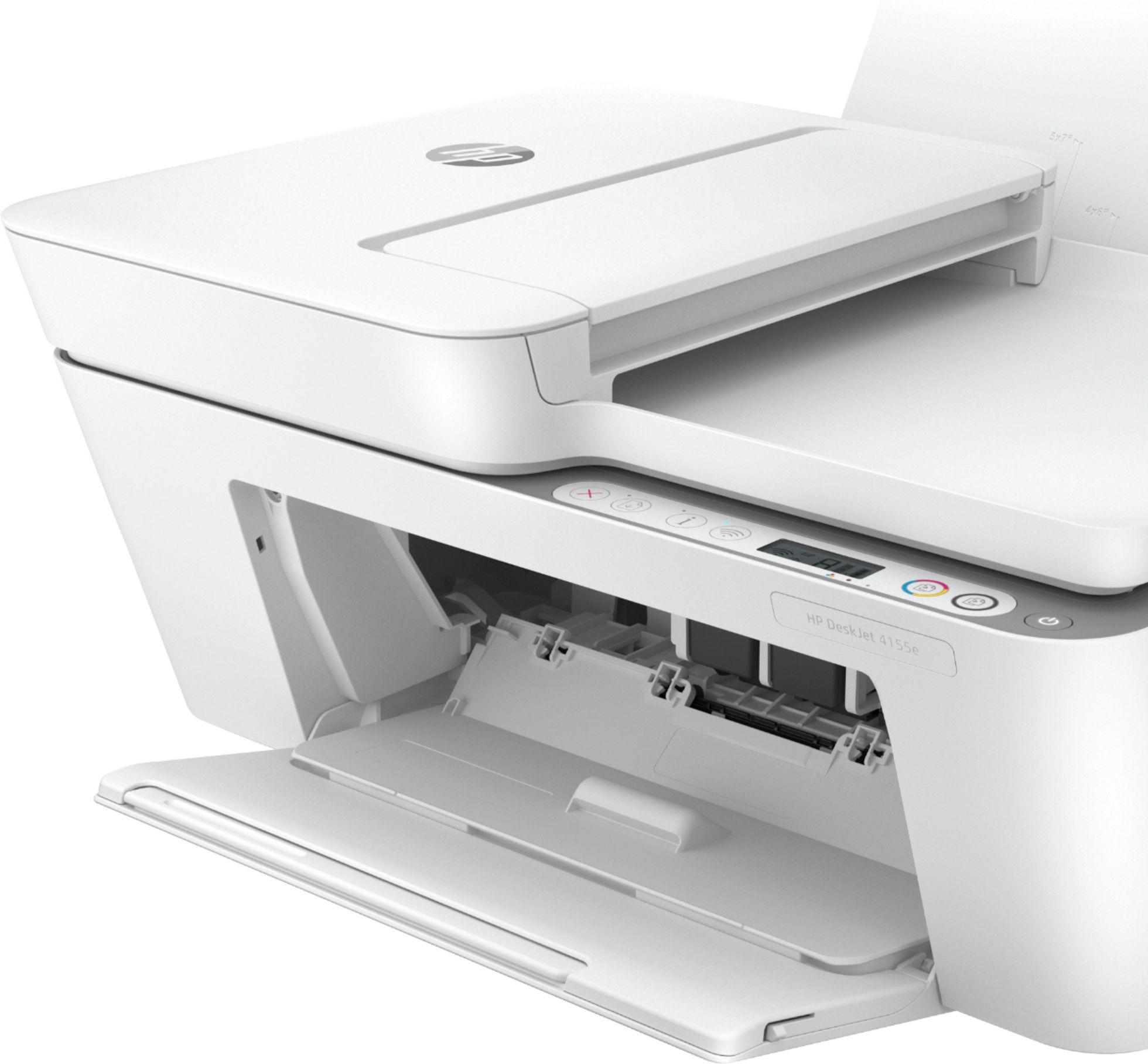
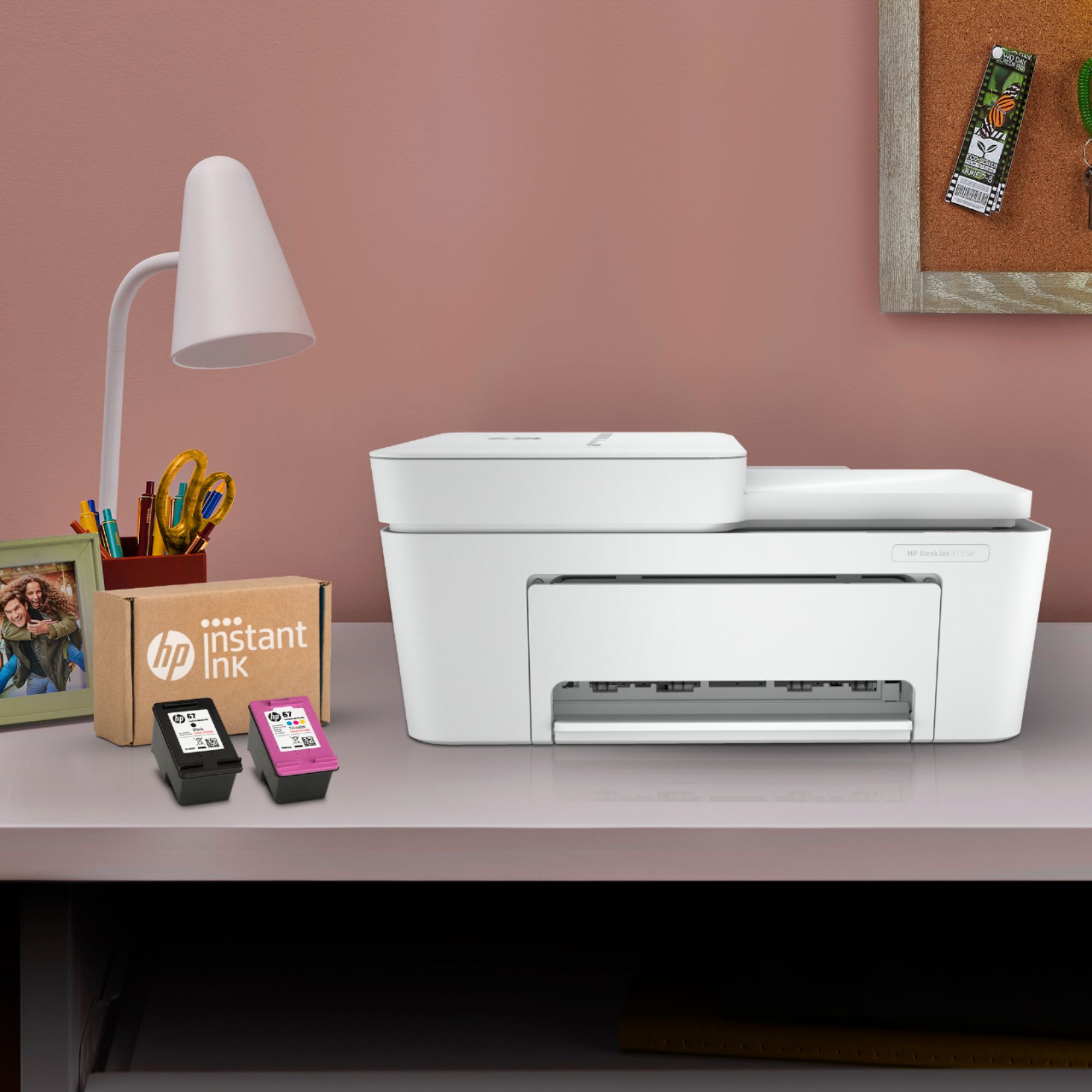


- Model:
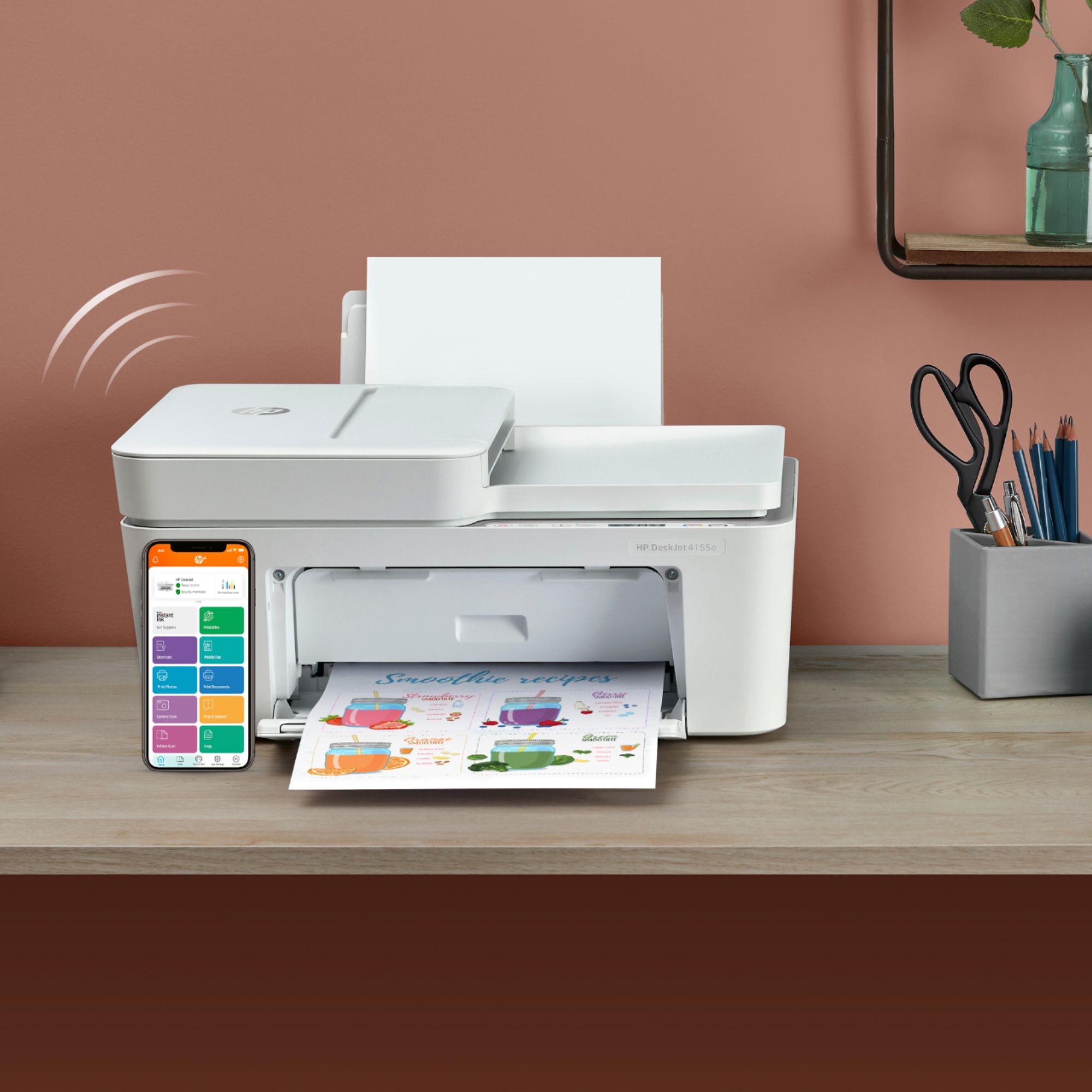
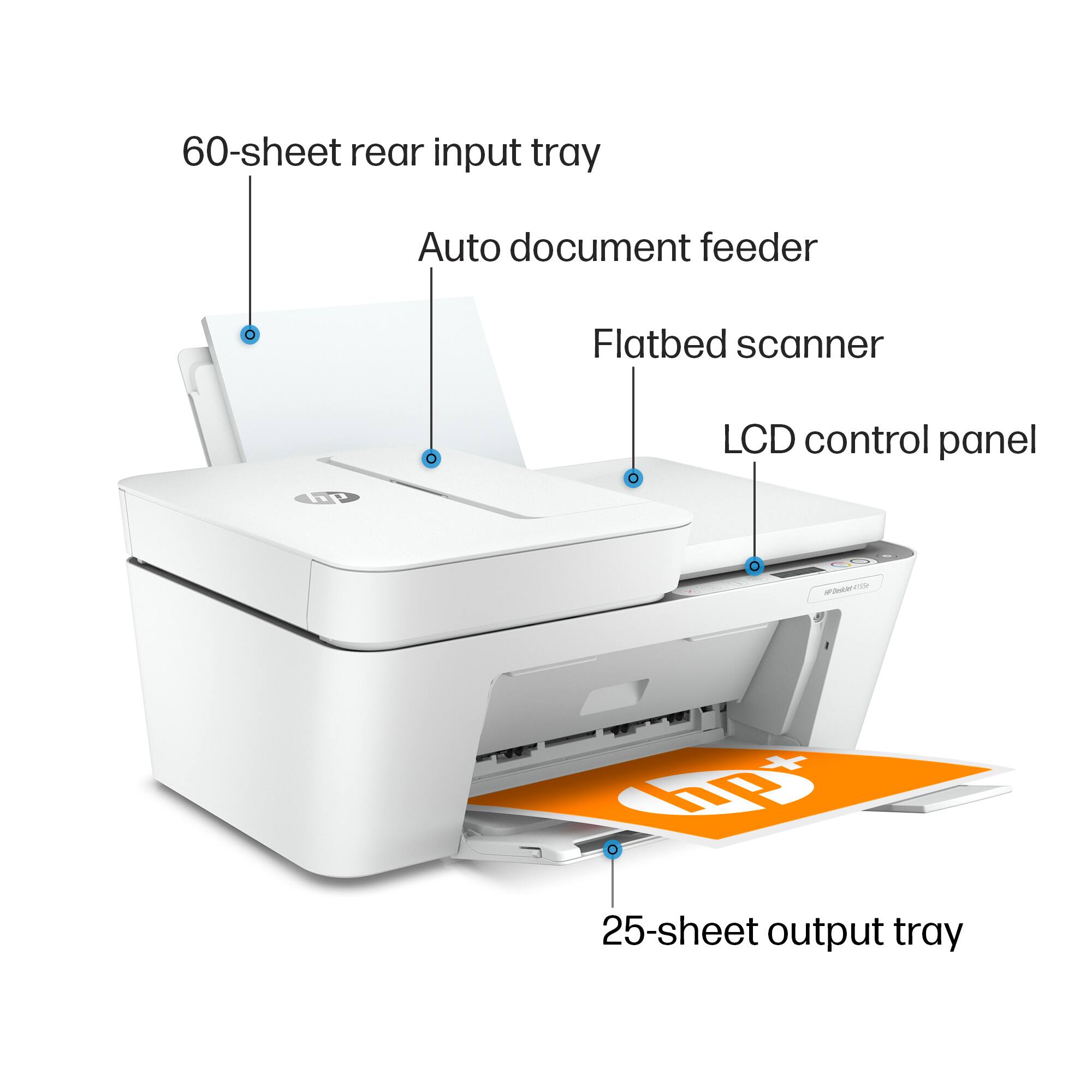
- DeskJet 4155e
- SKU:
- 6454283
Rating by feature
- Value
Rating 4.1 out of 5 stars
- Quality
Rating 4.0 out of 5 stars
- Ease of Use
Rating 3.8 out of 5 stars
Customers are saying
Customers are impressed with the DeskJet Plus 4155's ease of use and print quality, frequently praising its simple operation and clear output. Many also appreciate the printer's compact size and reasonable price. However, some users experienced challenges with WiFi connectivity and found the setup instructions unclear.
This summary was generated by AI based on customer reviews.
- Pros mentioned:Ease of use
Printer
||Posted . Owned for 1 month when reviewed.This reviewer received promo considerations or sweepstakes entry for writing a review.Easy to use, 1,2,3 set up no issues needed no help. Was up and running in 15 minutes.
I would recommend this to a friend Printer
||Posted . Owned for 1 week when reviewed.This reviewer received promo considerations or sweepstakes entry for writing a review.This will be my first HP printer. It looks good and seems well made. Looking forward to getting it all hooked up to use. Just got it back from the Geeks today with my computer. They were setting them both up for me since I purchased their service plan to help me this year. So far..... I'm really glad I purchased the Geek service plan for the first time. I've already gotten my monies worth out of the plan.
I would recommend this to a friend- Pros mentioned:Ease of use
Great buy
||Posted . Owned for 3 weeks when reviewed.This reviewer received promo considerations or sweepstakes entry for writing a review.Works great, easy and saves on ink costs. Best Buy is a great place get what you need.
I would recommend this to a friend - Pros mentioned:Ease of use
Good family printer
||Posted . Owned for 3 weeks when reviewed.This reviewer received promo considerations or sweepstakes entry for writing a review.I haven't been using it long - but so far so good. Good color coverage - easy to use.
I would recommend this to a friend - Pros mentioned:Ease of use
Simple set up and great use of an app
||Posted .This reviewer received promo considerations or sweepstakes entry for writing a review.Really happy about my purchase. Easy to set-up and use through the app they require for setup.
I would recommend this to a friend - Pros mentioned:Ease of use
HP Deskjet Plus 4155 Printer
||Posted . Owned for 3 weeks when reviewed.This reviewer received promo considerations or sweepstakes entry for writing a review.We haven't used this much but it was quite easy to set up and seems to work quite well.
I would recommend this to a friend - Pros mentioned:Ease of use
Quick and easy installation in the mobile app
||Posted . Owned for 3 weeks when reviewed.This reviewer received promo considerations or sweepstakes entry for writing a review.Quick and easy installation in the mobile app and mobile printing features are great!
I would recommend this to a friend HP desk jet 4155e
||Posted . Owned for 1 month when reviewed.This reviewer received promo considerations or sweepstakes entry for writing a review.We have to unplug and then plug it back in to get it to turn on. We used it twice when we received it and it worked fine. It was not used again until we got back from vacation and now it will not turn on, after it goes into sleep mode, none of the buttons are responsive.
No, I would not recommend this to a friendBrand response from HP Team
Posted .Hi, Art.
I’m sorry to learn that your printer has performed poorly. I can certainly understand why the device not waking from sleep mode and needing to be reset so often would be quite an unwelcome surprise. I want to help you remedy this problem, so I’ll provide some resources I hope will reach that end.
First, I recommend you follow this guide to sleep mode and how to deal with problems that arise when a printer is in sleep mode:
- support.hp.com/us-en/document/c04183583
If the problem persists, I suggest that you contact us directly at +1 800-474-6836 so we can help you assess what’s happening and find the best path to a resolution. (Please note that because of restrictions on workplace attendance associated with the COVID-19 pandemic, wait times for agents are longer than normal. Thanks in advance for your understanding.) To expedite the process, I recommend gathering the following information before the call:
- Model number
- Serial number
- Your location
- Case number (from any previous contact with HP support)
I'll also mention that HP printers have a one-year warranty from their purchase date that covers hardware as well as ink supplies – and that warranty extends to two years with an HP+ account – so if it comes to that, you might consider making use of it. You can verify the warranty using the following link:
- support.hp.com/us-en/checkwarranty
Keith
HP Care
hp.com/support
- Pros mentioned:Ease of use
HP Printer
||Posted . Owned for 3 weeks when reviewed.This reviewer received promo considerations or sweepstakes entry for writing a review.Excellent product. Processes great color photos. Easy to operate this wireless unit
I would recommend this to a friend - Pros mentioned:Ease of use
HP DeskJet Printer
||Posted . Owned for 1 month when reviewed.This reviewer received promo considerations or sweepstakes entry for writing a review.Cannot go wrong with the HP DeskJet printer Simple, efficient and reasonably priced.
I would recommend this to a friend Good for print and cut!
||Posted . Owned for 1 month when reviewed.This reviewer received promo considerations or sweepstakes entry for writing a review.Over good printer. Had a few hiccups on trying to set it up to a different wifi connection but since then I've had no issues.
I would recommend this to a friend- Pros mentioned:Ease of use
Kid friendly.
||Posted . Owned for 1 month when reviewed.This reviewer received promo considerations or sweepstakes entry for writing a review.This printer is easy to use. My kids use it to print school work from all the devices.
I would recommend this to a friend Not for me
||Posted . Owned for 3 weeks when reviewed.This reviewer received promo considerations or sweepstakes entry for writing a review.I did not like this printer , too simple , so i returned it
No, I would not recommend this to a friend- Pros mentioned:Ease of use
printer
||Posted .This reviewer received promo considerations or sweepstakes entry for writing a review.easy to install, make sure you add the ink first to make it work, totally wireless
I would recommend this to a friend Does the job
||Posted . Owned for 3 weeks when reviewed.This reviewer received promo considerations or sweepstakes entry for writing a review.Needed a multi function printer for working from home. Reasonable price and does print, scan copy and fax so all bases covered.
I would recommend this to a friend- Pros mentioned:Ease of use
Good inexpensive printer scanner
||Posted . Owned for 1 month when reviewed.This reviewer received promo considerations or sweepstakes entry for writing a review.Easybti set up snd so far no problems. Sir print from laptops, mobile phones snd iPads
I would recommend this to a friend - Pros mentioned:Print quality
Nice printer
||Posted . Owned for 3 weeks when reviewed.This reviewer received promo considerations or sweepstakes entry for writing a review.Only had for a short period of time but connection and set up were easy and prints well.
I would recommend this to a friend - Pros mentioned:Ease of use, Print qualityCons mentioned:Setup

A Great Printer!
|Posted .This reviewer received promo considerations or sweepstakes entry for writing a review.This is perhaps one of the best multi-purpose printers on the market. It does just about anything you might need to do for a small business or home business. It prints, copies, scans, and even allows faxing. All of this can be done wireless, which I really enjoy. Even from my phone. The print quality is exceptional. Using HP photo paper, I was able to print professional-looking photographs. Text printing is also quite sharp with several print-quality options to choose from. For the most part, this all-in-one printer is extremely intuitive and easy to use. This is THE printer to get if you are looking for a great all-around printer for your home of small office. So, why 4 stars? Because of the initial setup. From my computer, since I already had another HP printer along with the HP printer software already installed, setup was a breeze. HOWEVER, when it came time to install the HP Smart app on my phone, it went from great to horrible. During the install on the phone, when attempting to connect to the printer, it asks for a password. Okay, a little frustrating. The included documentation didn't address this at all. There is a PIN located on the printer cartridge cover, and that was not it. A quick search on the web indicated there is a default password of 12345678. NOPE. HP forum searches came up with squat. Finally, after several YouTube videos and many online searches, I finally found the solution. There is a certain order in which you have to press the WiFi button and the Information button on the printer. After doing this, the password was provided in the printout. I might add, this process spanned a two-day period since I started the install early evening, and had to finish it up after getting home the next day. Had it not been for this ridiculous issue which, because it is integral with the HP Smart app installation and SHOULD BE ADDRESSED IN THE QUICKSTART INFO, this product would be most worthy of a 5 star rating. In spite of this one major oversight, I would HIGHLY RECOMMEND this printer. Everything about it is great.
I would recommend this to a friend - Pros mentioned:Print quality
Sexy
||Posted . Owned for 2 weeks when reviewed.This reviewer received promo considerations or sweepstakes entry for writing a review.Great sleek looking device. easy to connect and prints well ! nothing to complain. thnx
I would recommend this to a friend Difficult Setup
||Posted .This reviewer received promo considerations or sweepstakes entry for writing a review.I just bought this printer today, It took me 2 hours to set up. I really hope I don't have any issues with this printer.
I would recommend this to a friend