Customer Ratings & Reviews
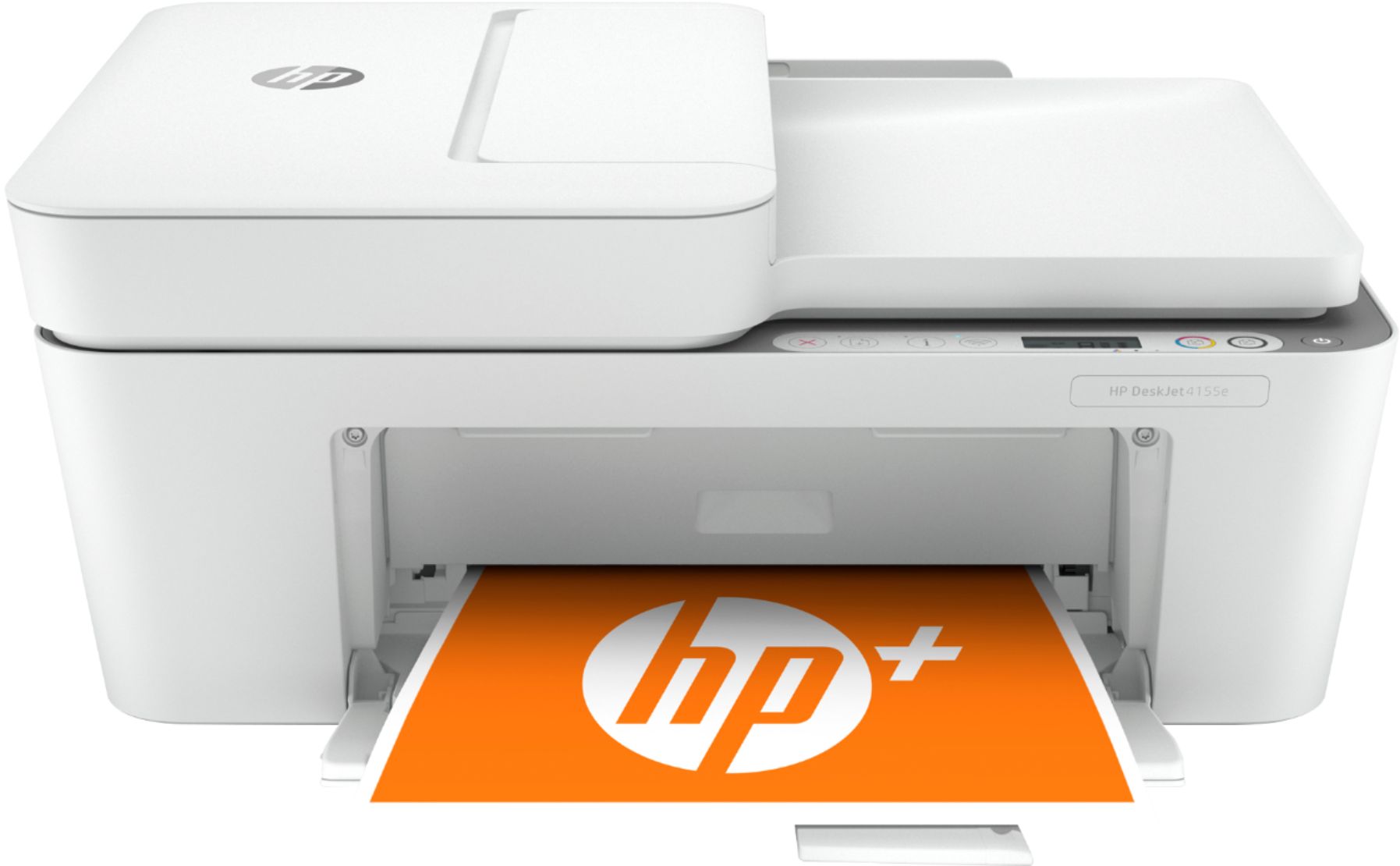
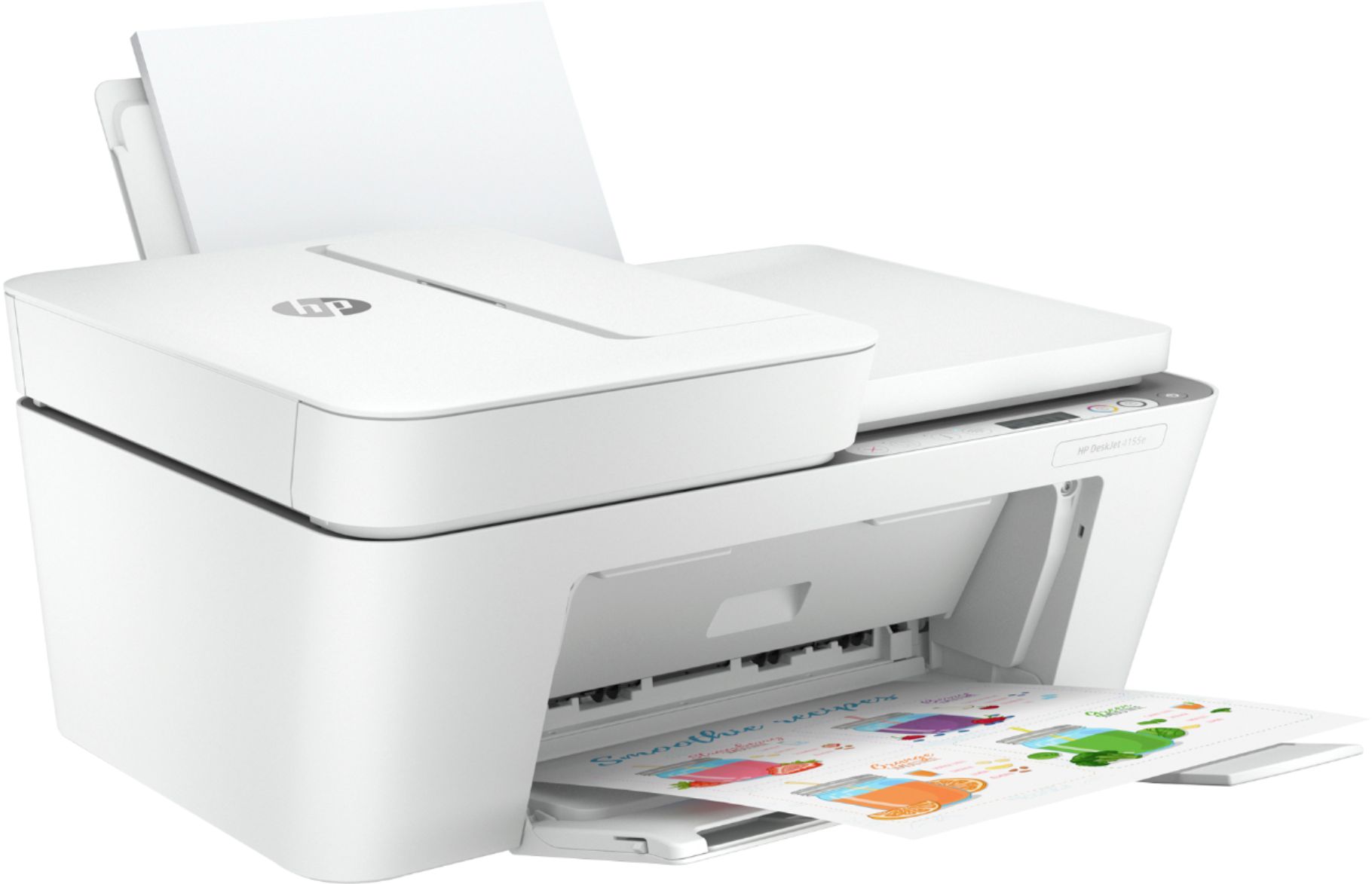
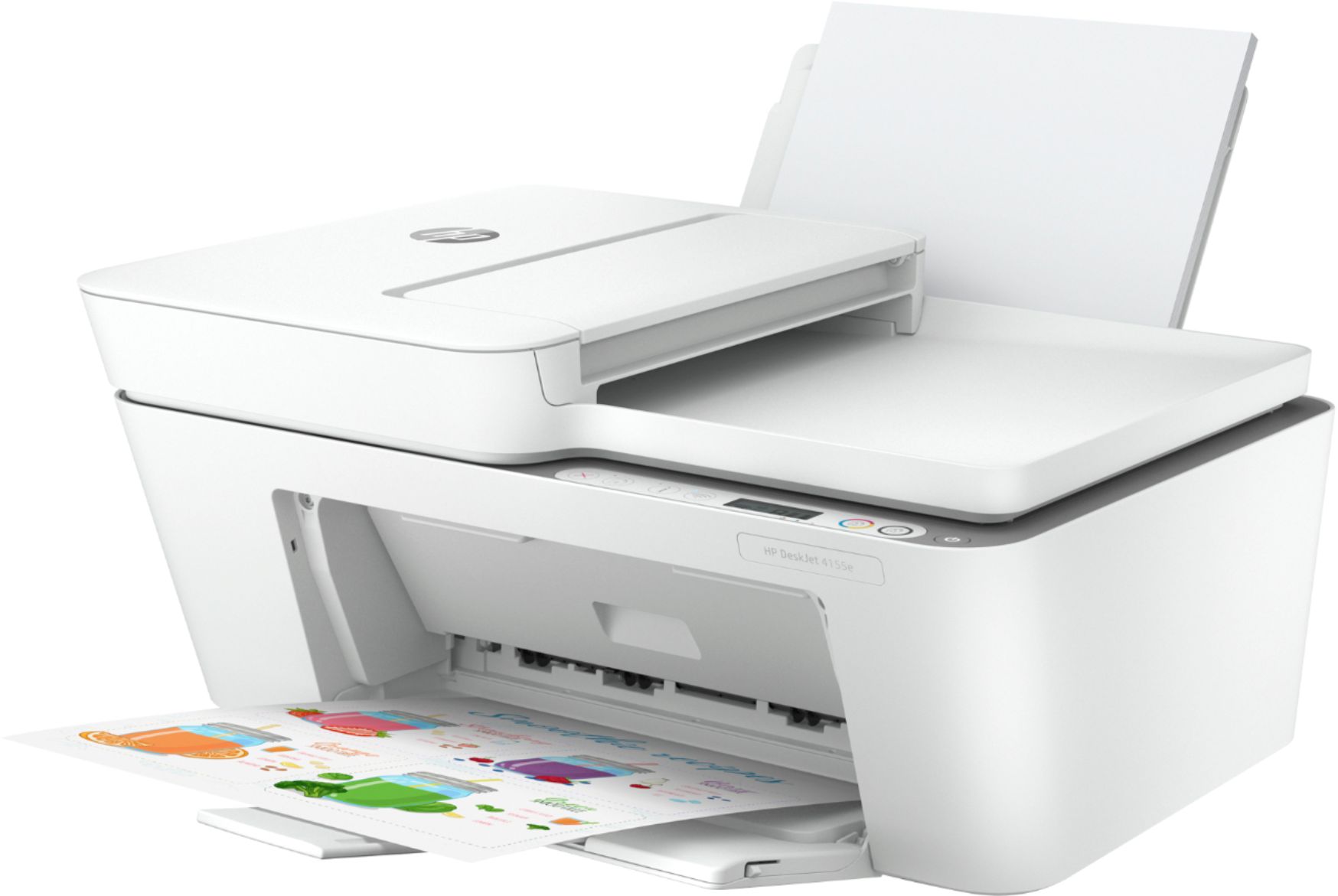
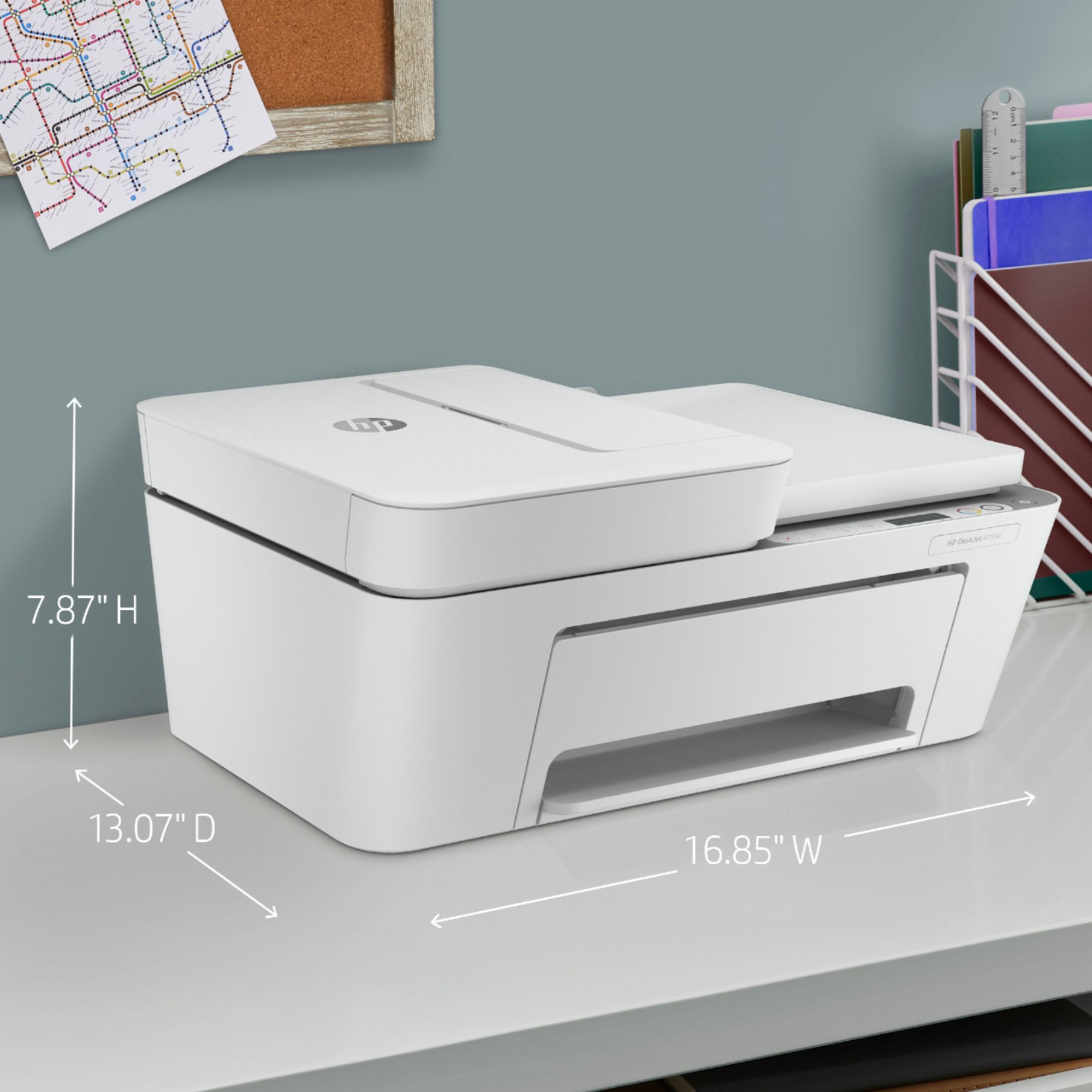


- Model:
- DeskJet 4155e
- SKU:
- 6454283
Rating by feature
- Value
Rating 4.1 out of 5 stars
- Quality
Rating 4.0 out of 5 stars
- Ease of Use
Rating 3.8 out of 5 stars
Customers are saying
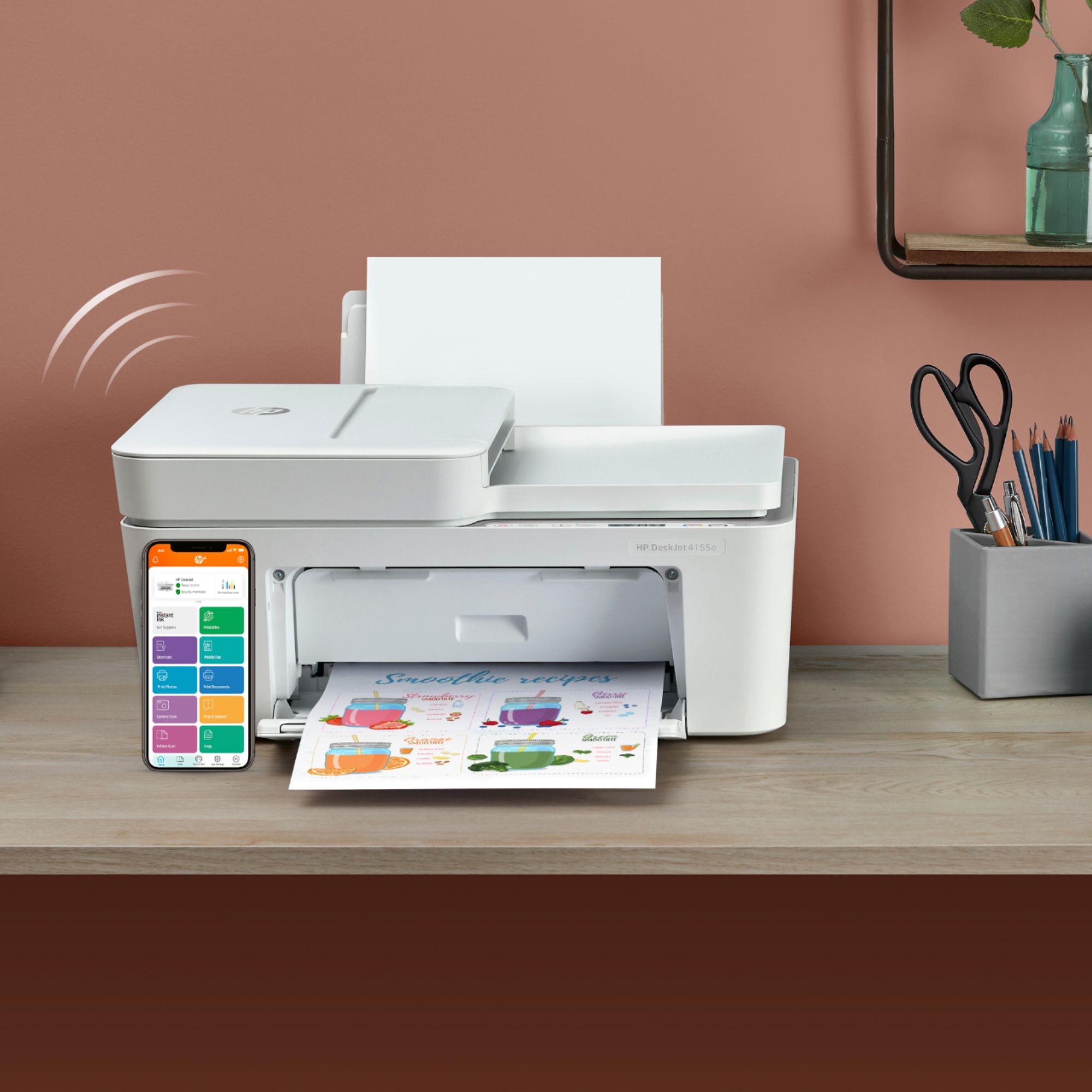
Customers are impressed with the DeskJet Plus 4155's ease of use and print quality, frequently praising its simple operation and clear output. Many also appreciate the printer's compact size and reasonable price. However, some users experienced challenges with WiFi connectivity and found the setup instructions unclear.
This summary was generated by AI based on customer reviews.
- Pros mentioned:Ease of use, Price, Print quality

Simple, easy, done.
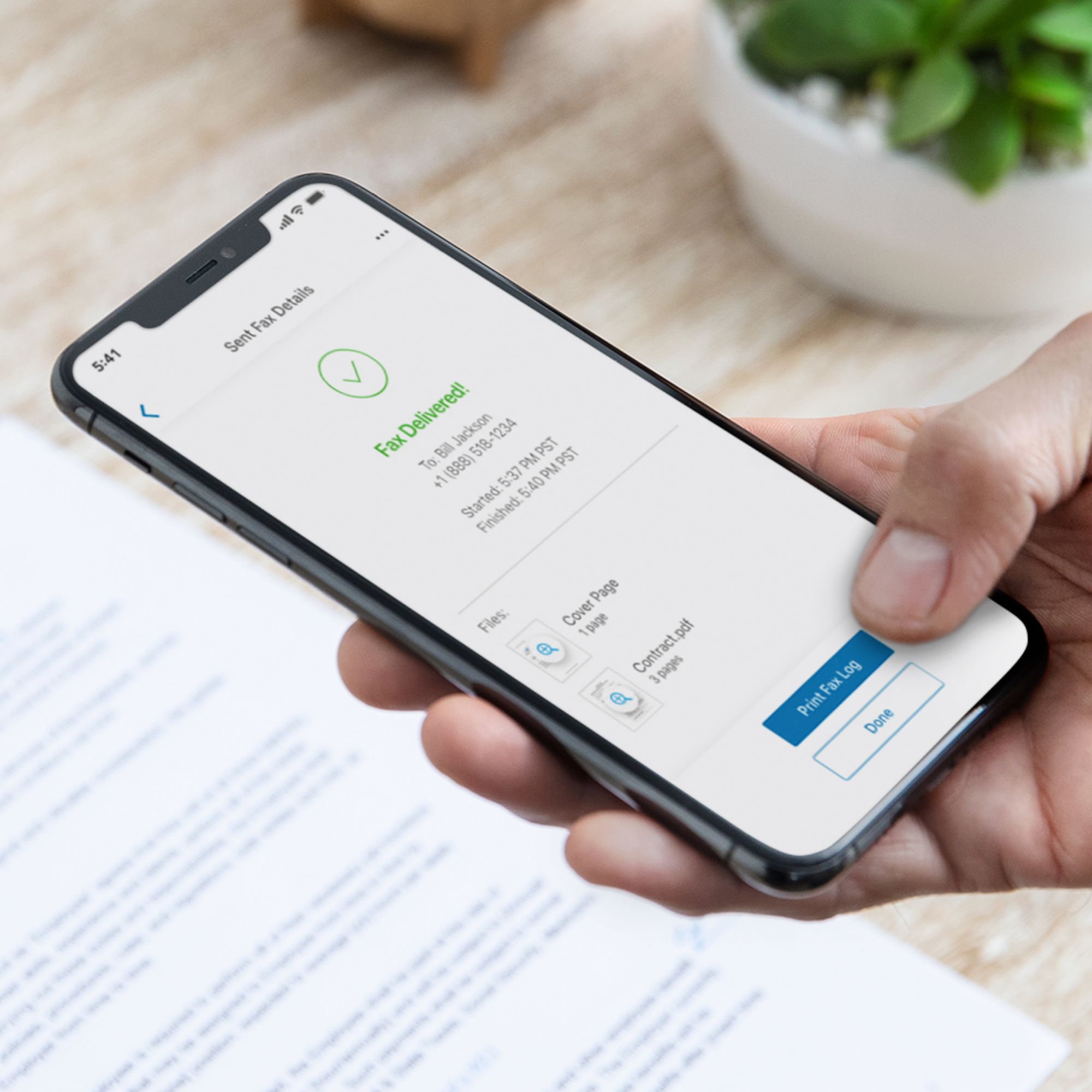
|Posted .This reviewer received promo considerations or sweepstakes entry for writing a review.Subscriptions are becoming the law of the land. HP has been coming out with printer after printer with these services that allow you to purchase a specific amount of pages per month to print after the initial trial is over. This is after you overlook the fact that you have to input your personal information in order to activate the free trial. This, again, is an inconvenience for me but for the reviews sake I won't focus too much on that. The HP+ app has been intuitive since I started using HP printers that require the app and after the updates this fact still remains. The app can walk you through setting up the printer. As a rule of thumb I like to update my computer and reset the network (wi-fi) before connecting to the printer or attempting to set it up. As a result the setup was done in one attempt. Its not the speediest printer when doing color prints but it gets the job done very well. Black is much faster but thats a given with any printer. The fastest thing about this printer is the Instant ink that gets sent to you when you start running out. Thats a great service because I know I've put off running to the store just to get ink. A very convenient option in my opinion. The Scanning feature works well. Again, change the DPI higher or lower, it will also affect the speed of the scan. I.E higher DPI, more to scan thus taking longer. Its a simple printer that's easy to use. It's affordable and well made. I didn't get too much into the faxing feature but I've only sent about two faxes my whole life but the fax feature is very convenient to have just in case. I would dub this a good tool to have in your personal office arsenal for the price and ease of use.
I would recommend this to a friend Very slow
||Posted . Owned for 3 weeks when reviewed.This reviewer received promo considerations or sweepstakes entry for writing a review.This printer is very slow. I’m very dissatisfied with this purchase and wish I could return. It’s not user friendly and have trouble connecting to wifi. I can go on and on but I would not buy this printer if I were you.
No, I would not recommend this to a friendBrand response from HP Team
Posted .Hi, Surbrina.
I’m sorry you’ve had a difficult start with your printer. I can certainly understand your dismay, considering you’ve encountered slow print speed and connectivity trouble. I want to help you get the device working like it should, so I’ll direct you to some resources that I hope will reach that end.
First, I recommend that you follow a guide on our support site that covers improving print speed; among its suggestions are instructions on updating firmware, which can help improve this and other performance. Find that guide here:
- support.hp.com/us-en/document/ish_2817150-2408088-16
Next, you can visit a page on our support site that has diagnostic tools for various issues, including wireless connectivity. Find that page here:
- support.hp.com/us-en/topic/diagnostics
If print speed and connectivity don’t adequately improve, I suggest that you contact us directly at +1 800-474-6836 so we can help you assess what’s happening and find the best course of action. To expedite the process, I recommend gathering the following information before the call:
- Model number
- Serial number
- Your location
- Case number (from any previous contact with HP support)
Keith
HP Care
hp.com/support
Not the Printer for me!
||Posted . Owned for more than 2 years when reviewed.This reviewer received promo considerations or sweepstakes entry for writing a review.Got aggravated with using my print cartridges on printing out information of how to shut up test to do that on the printer. I gave it to Goodwill.
No, I would not recommend this to a friendHP Deskjet 4155e All in one fax and printer
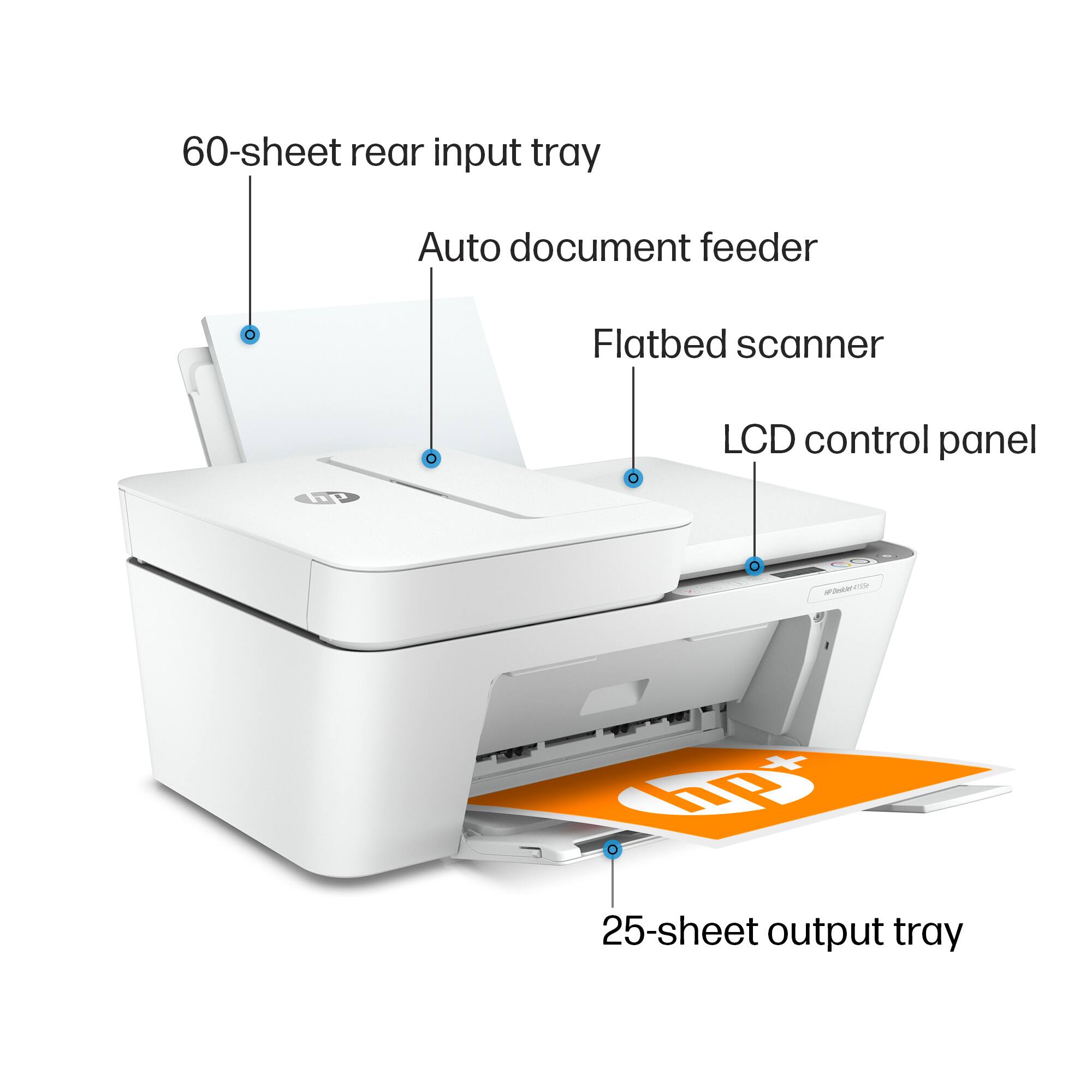
||Posted . Owned for 1 month when reviewed.This reviewer received promo considerations or sweepstakes entry for writing a review.Junk. couldn't get it to work properly, paper feed would jam, auto document would not work at all. Sales person told me I didn't need a subscription to fax which was wrong, he said all I needed was internet and wifi. Very disappointed. Returned for a full refund.
No, I would not recommend this to a friend- Pros mentioned:Print quality
home
||Posted . Owned for 1 month when reviewed.This reviewer received promo considerations or sweepstakes entry for writing a review.very east to contact to my 2 in one print quality is very good even for photos
I would recommend this to a friend - Pros mentioned:Price
Value Printer
||Posted . Owned for 1 month when reviewed.This reviewer received promo considerations or sweepstakes entry for writing a review.Great Printer for the price !!!!!!!!!!!!!!!!!!!!!!!!!!!!!!!!!!!!!!!!!!!!!!!!!!
I would recommend this to a friend - Pros mentioned:Price
Printer/scanner/fax great value.
||Posted . Owned for 1 month when reviewed.This reviewer received promo considerations or sweepstakes entry for writing a review.Great price for value. Perfect for personal use. Plus it works with wireless.
I would recommend this to a friend - Pros mentioned:Ease of use
Gershanoff
||Posted . Owned for 1 month when reviewed.This reviewer received promo considerations or sweepstakes entry for writing a review.Love the quality and ease to set up with out phones...prints from anywhere
I would recommend this to a friend - Pros mentioned:Print quality
Review
||Posted . Owned for 3 weeks when reviewed.This reviewer received promo considerations or sweepstakes entry for writing a review.Works as I expect, perfect price! Print color is fantastic, needed this earlier.
I would recommend this to a friend - Pros mentioned:Ease of use
Great Printer with many functions!
||Posted . Owned for 3 weeks when reviewed.This reviewer received promo considerations or sweepstakes entry for writing a review.This printer does anything the printer in my office does! Is a simple set up as well!
I would recommend this to a friend - Pros mentioned:Ease of use
Good product for home or small office
||Posted . Owned for 1 month when reviewed.This reviewer received promo considerations or sweepstakes entry for writing a review.Perfect for a small office or for home use. Easy set up, well worth the price.
I would recommend this to a friend - Pros mentioned:Ease of use
Hp printer
||Posted . Owned for 3 weeks when reviewed.This reviewer received promo considerations or sweepstakes entry for writing a review.Easy to set up and link with all of my devices. Not sure about ink usage yet.
I would recommend this to a friend - Pros mentioned:Ease of use
Mr
||Posted . Owned for 3 weeks when reviewed.This reviewer received promo considerations or sweepstakes entry for writing a review.Very easy to install and work it we used the scanner and it was not complicated
I would recommend this to a friend - Pros mentioned:Print quality
Great buy
||Posted . Owned for 3 weeks when reviewed.This reviewer received promo considerations or sweepstakes entry for writing a review.Great buy. Works great and fast quiet printing. Would recommend highly.
I would recommend this to a friend - Pros mentioned:Price
Love it!
||Posted .This reviewer received promo considerations or sweepstakes entry for writing a review.I love this printer. Ten times better than my old one and such a great price!
I would recommend this to a friend - Pros mentioned:Ease of use
Great for home and first young student use
||Posted .This reviewer received promo considerations or sweepstakes entry for writing a review.Great for a young student virtual school work. Very exciting and anxious for use.
I would recommend this to a friend - Pros mentioned:Price
HP Desk Jet Plus 4155 Wireless All in One Printer
||Posted . Owned for 3 weeks when reviewed.This reviewer received promo considerations or sweepstakes entry for writing a review.Good starter printer at a reasonable price. Ink is already included with printer.
I would recommend this to a friend Great item for the price
||Posted . Owned for 3 weeks when reviewed.This reviewer received promo considerations or sweepstakes entry for writing a review.The printer is great. It's so quiet I don't know if it's printing or not.
I would recommend this to a friendMeets Your Needa
||Posted . Owned for 1 week when reviewed.This reviewer received promo considerations or sweepstakes entry for writing a review.Brought this for my children to use, for projects and school work. Also for personal use. Meets our needs perfectly
I would recommend this to a friendHP deskjet 4155e
||Posted . Owned for 3 weeks when reviewed.This reviewer received promo considerations or sweepstakes entry for writing a review.Very difficult to feed papers. I not happy with my purchase.
No, I would not recommend this to a friendBrand response from HP Team
Posted .Hi there.
I’m sorry to hear that you’ve encountered difficulty feeding paper into your printer. Your review is brief, and I can’t tell the details of the problem you’ve experienced, but I’ll nonetheless provide some resources I hope will help you remedy whatever issue you face.
First, I recommend you follow the steps in this guide to document feeders that pull through too many pages at once or fail to pick up paper at all:
- support.hp.com/us-en/document/c01728503
You might also find it useful to follow the steps in this troubleshooting guide for printers that display an out-of-paper error and do not pick up paper:
- support.hp.com/us-en/document/c00786157
If the problem persists, or if my suggestions do not fit the problem you’ve encountered, I recommend that you contact us directly at +1 800-474-6836 so we can help you assess the situation and determine the best course of action. (Please note that because of restrictions on personal movement and workplace attendance associated with the COVID-19 pandemic, wait times for agents are longer than normal. Thanks in advance for your understanding.) To expedite the process, I recommend gathering the following information before the call:
- Model number
- Serial number
- Your location
- Case number (from any previous contact with HP support)
I'll also mention that HP printers have a one-year warranty from their purchase date that covers hardware as well as ink supplies – and that warranty extends to two years with an HP+ account – so if it comes to that, you might consider making use of it. You can verify the warranty using the following link:
- support.hp.com/us-en/checkwarranty
Keith
HP Care
hp.com/support