Customer Ratings & Reviews
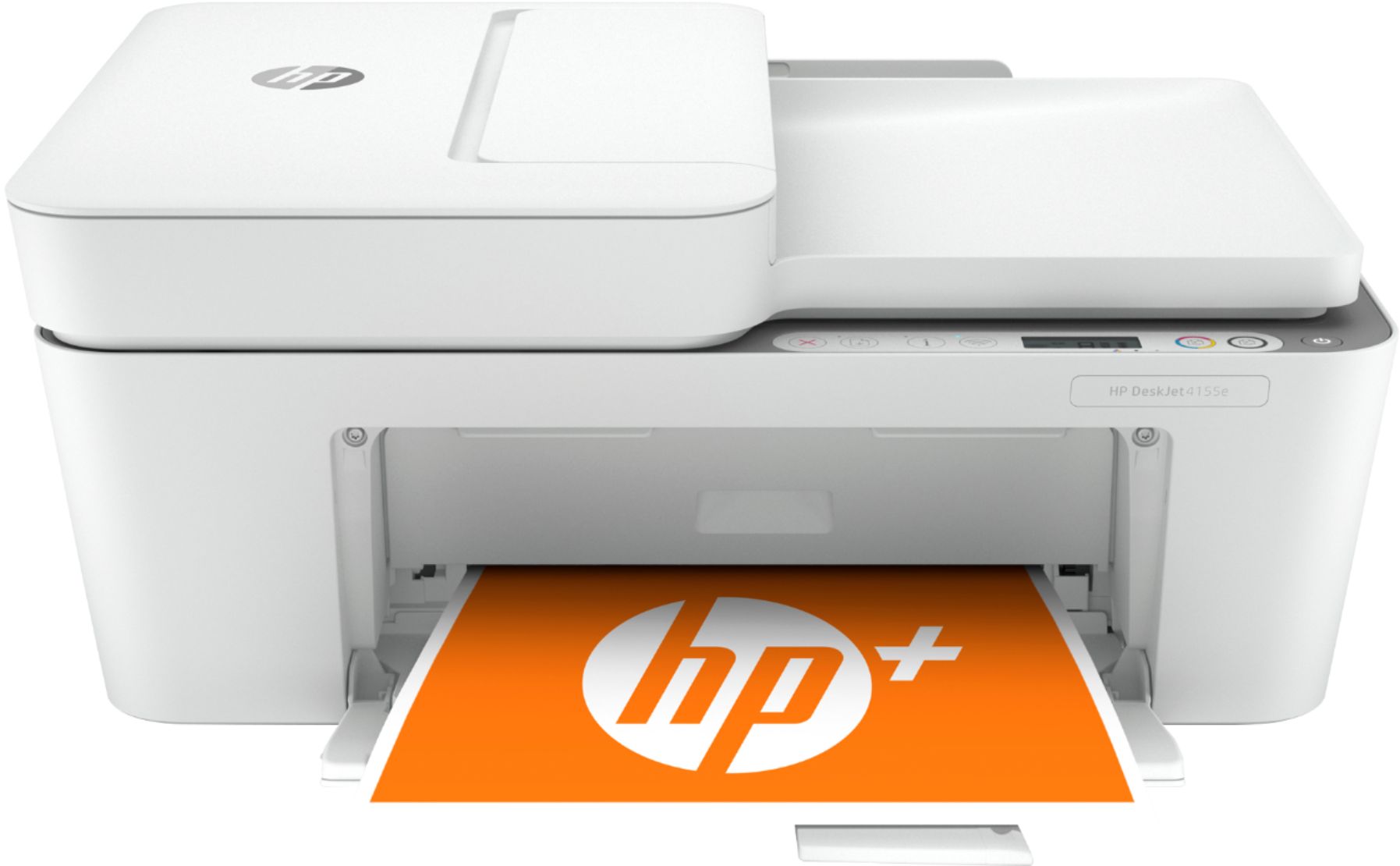
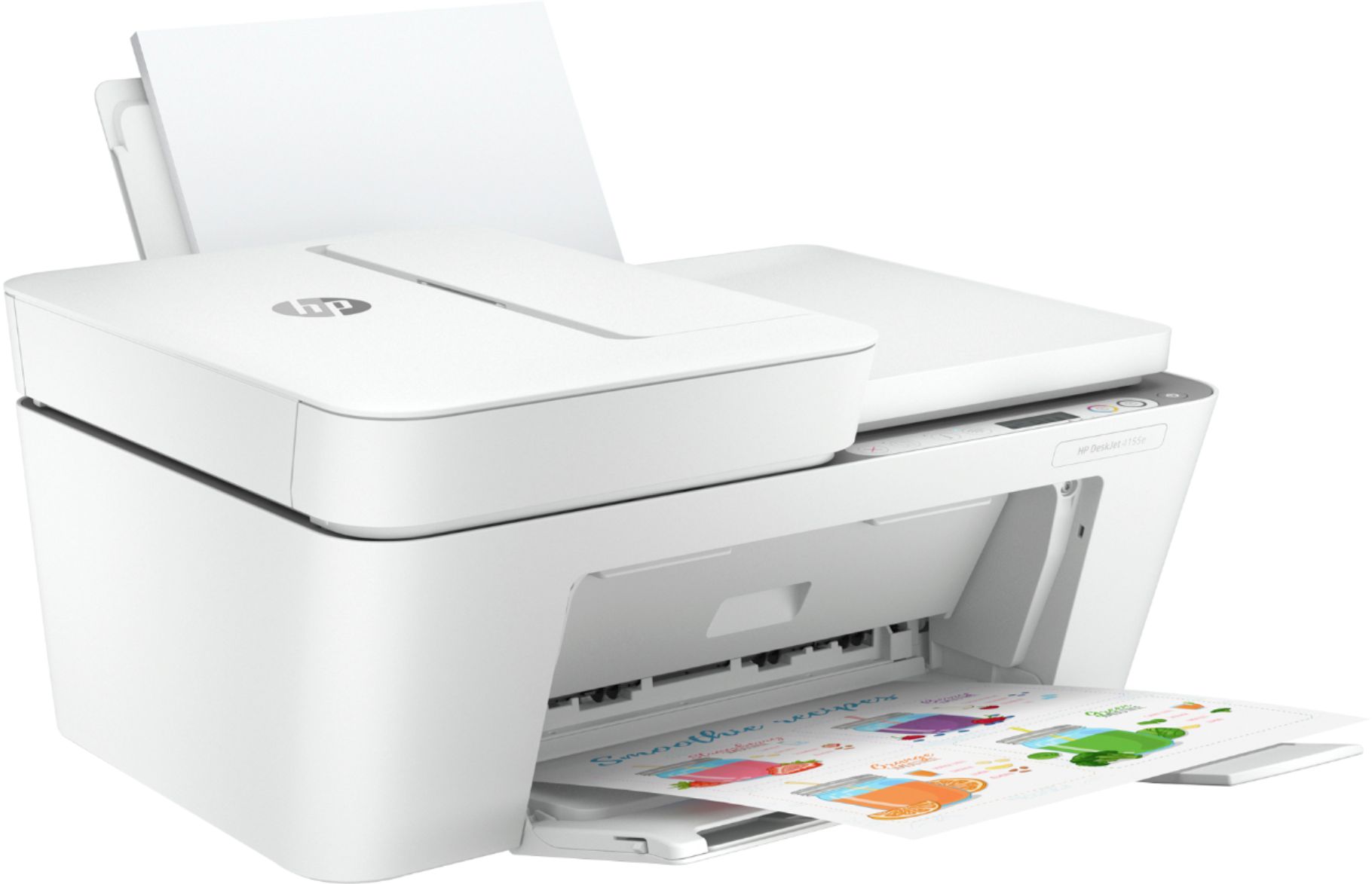
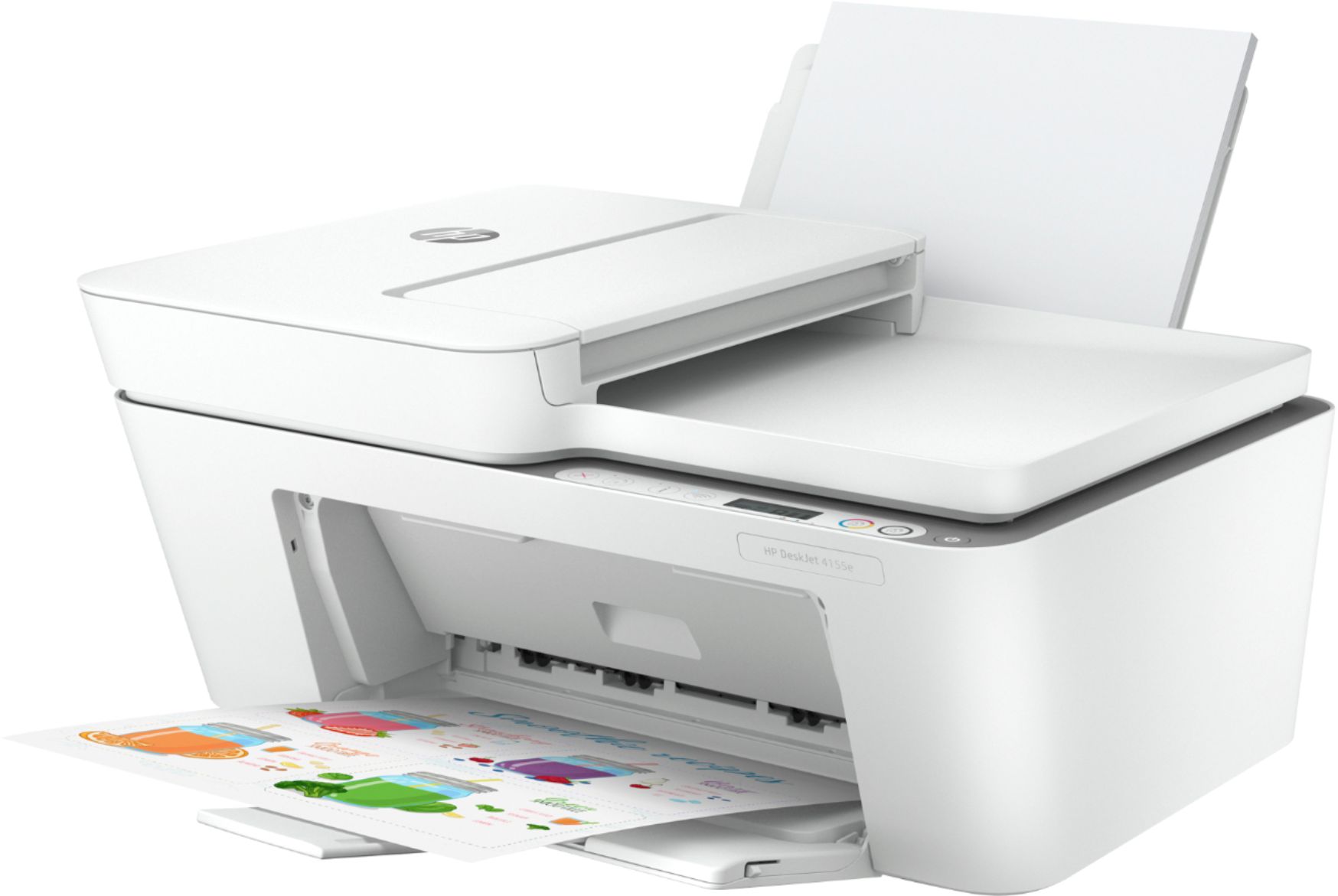
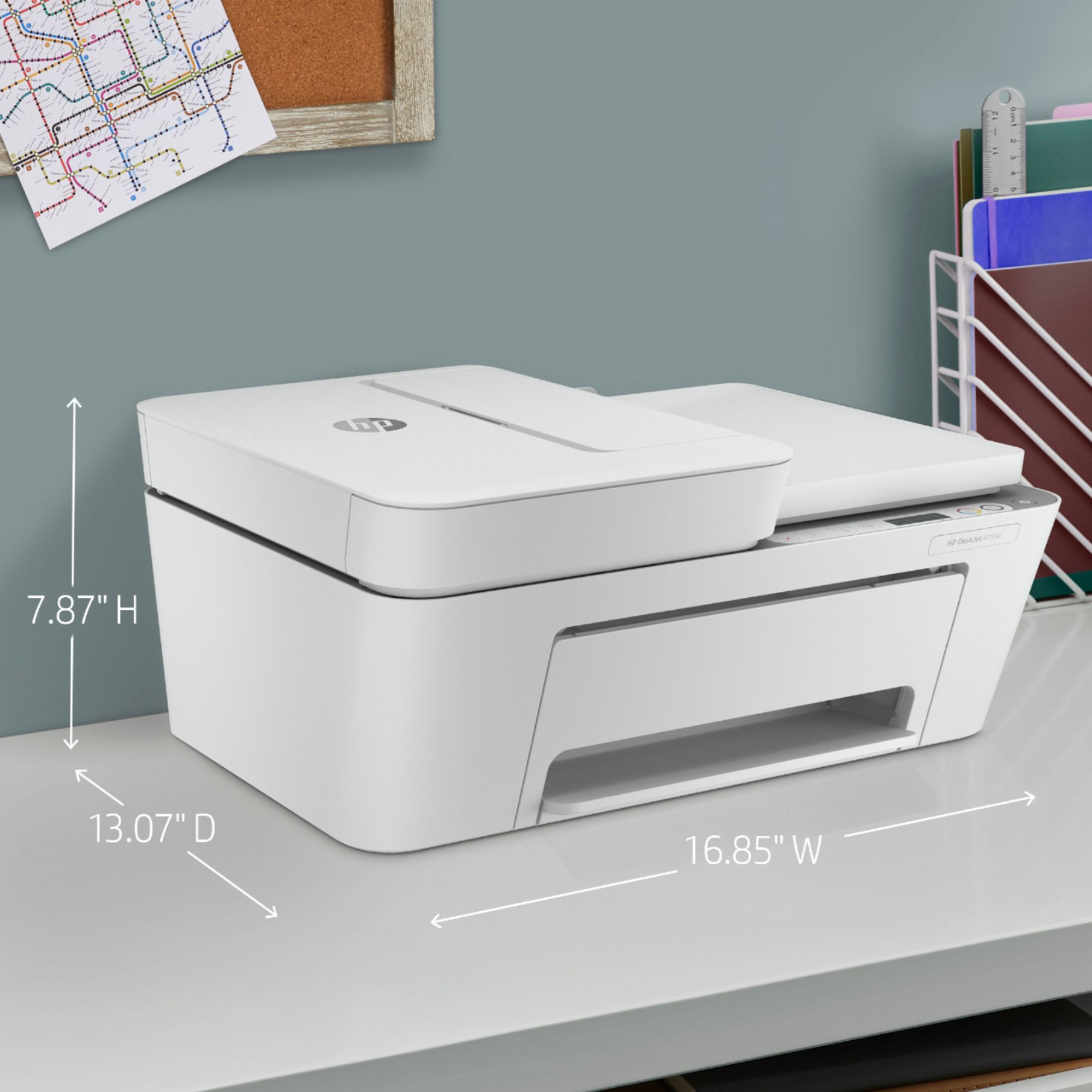
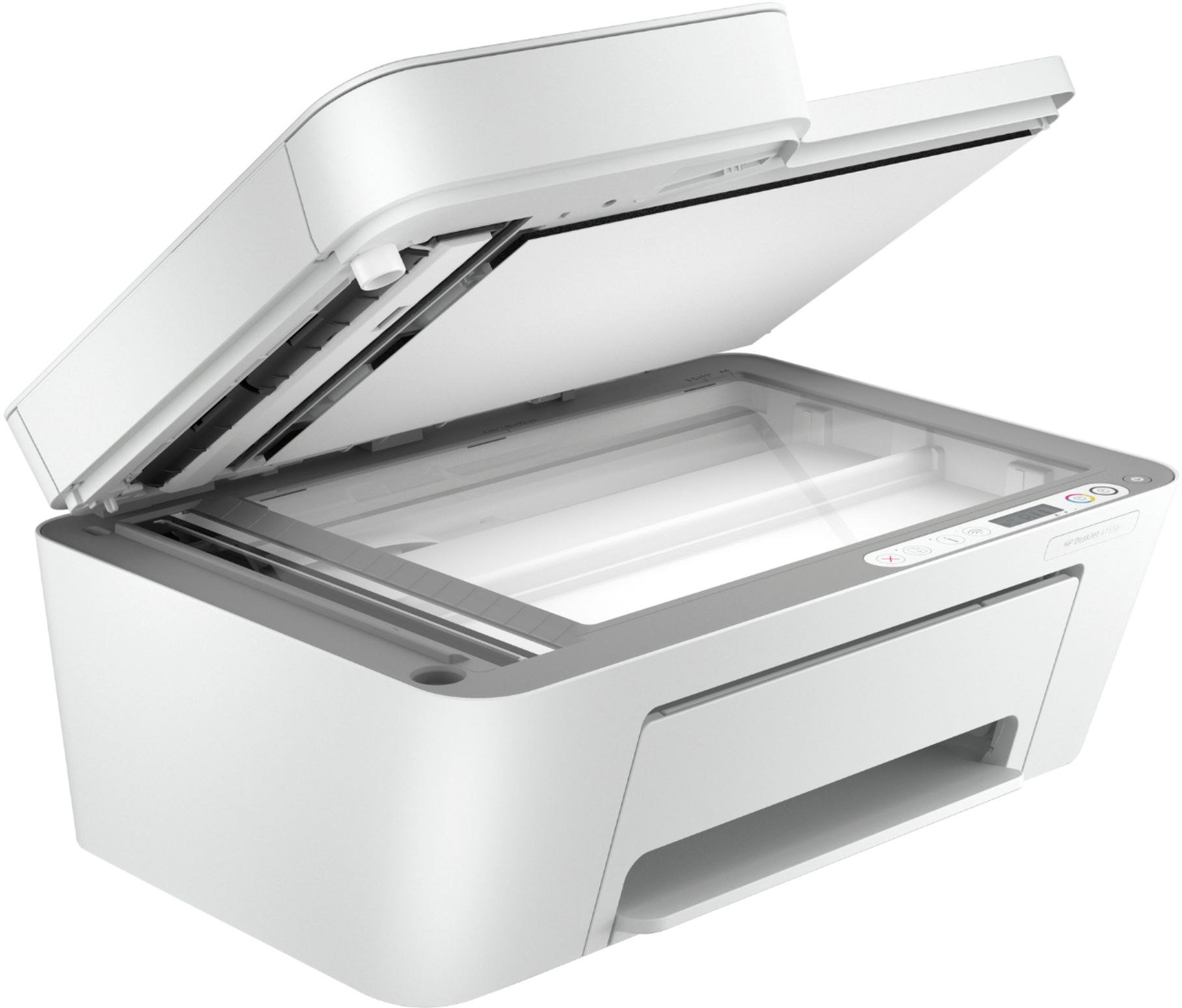
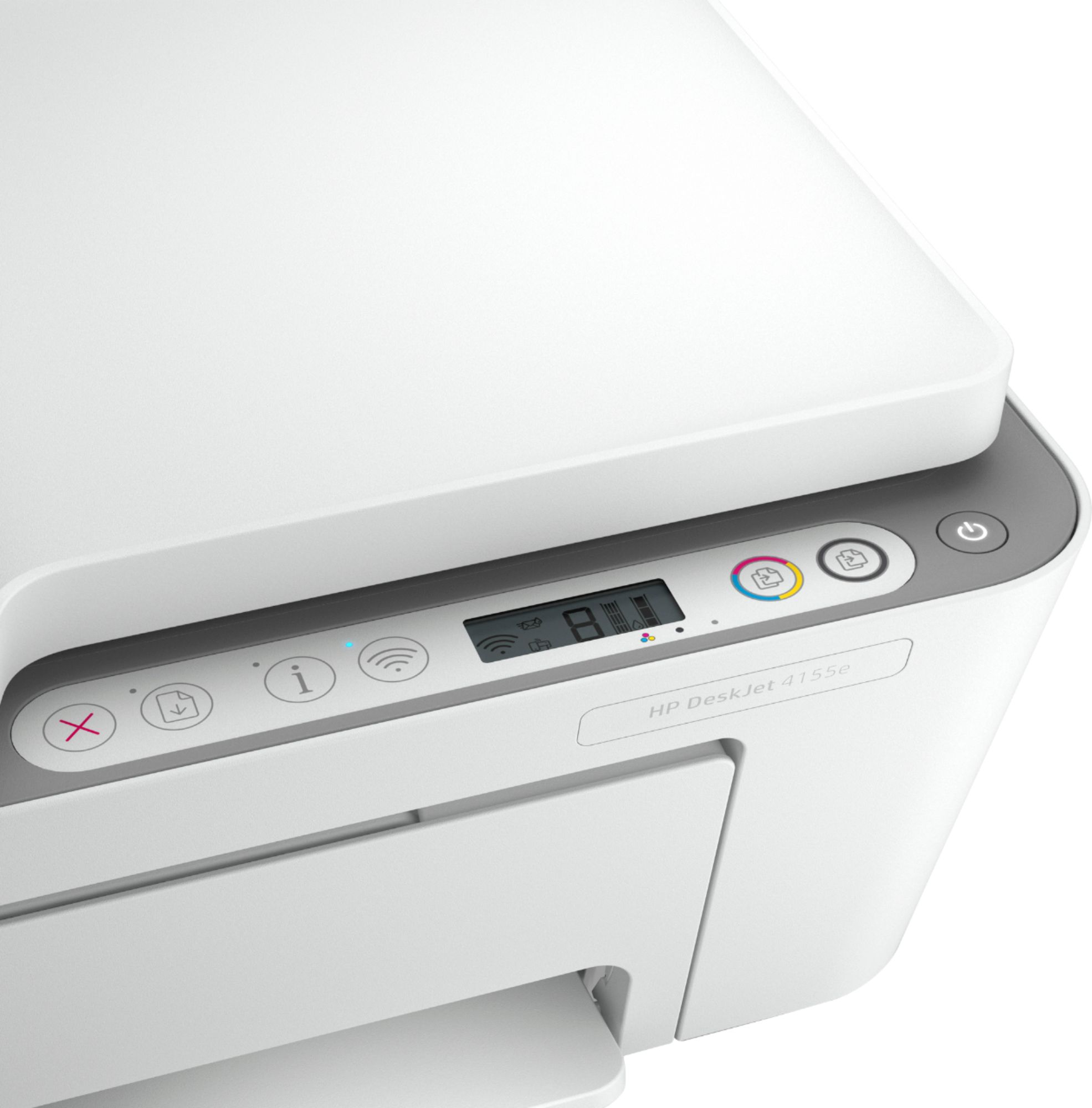
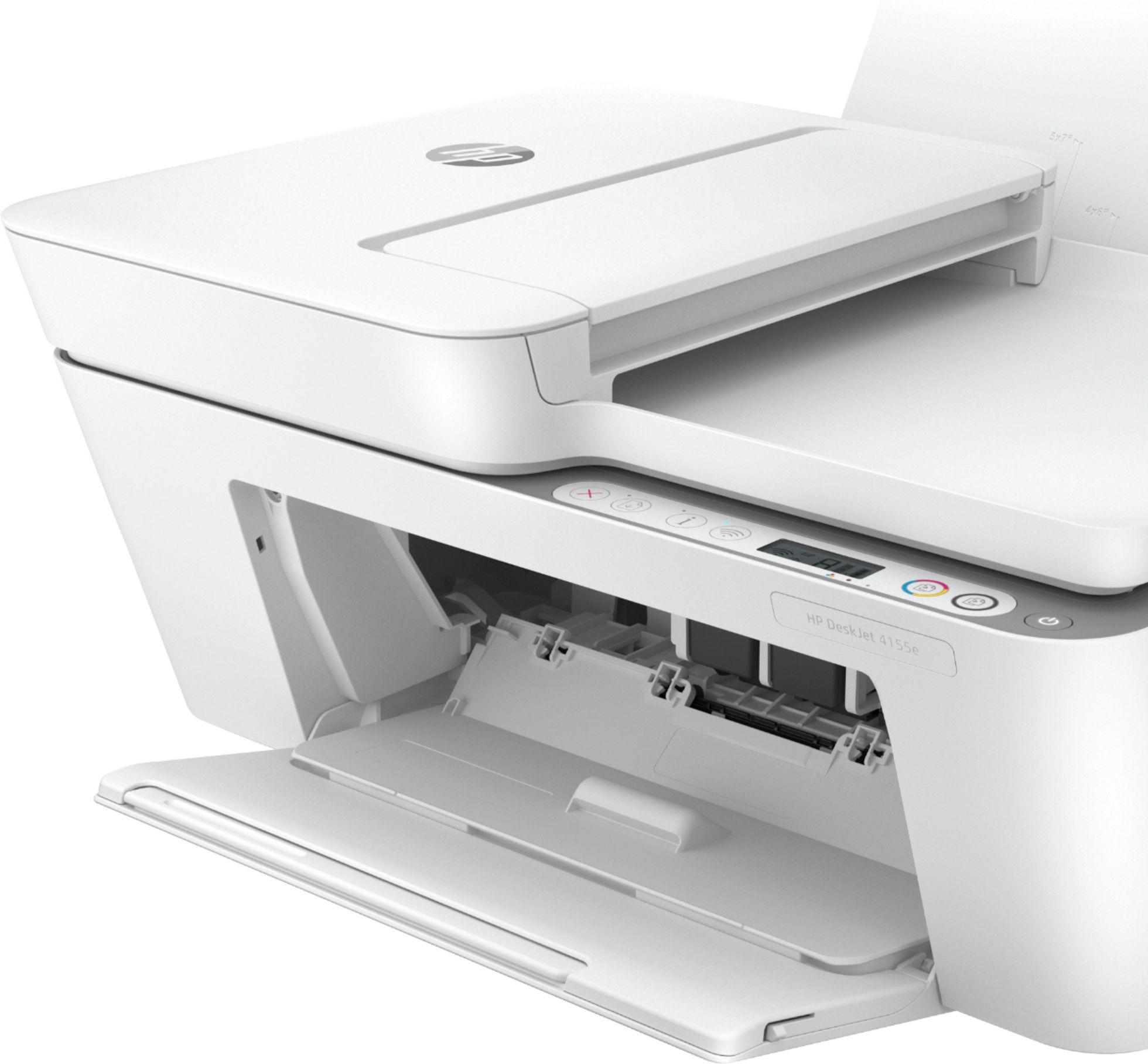



- Model:
- DeskJet 4155e
- SKU:
- 6454283
Rating by feature
- Value
Rating 4.1 out of 5 stars
- Quality
Rating 4.0 out of 5 stars
- Ease of Use
Rating 3.8 out of 5 stars
Customers are saying
Customers are impressed with the DeskJet Plus 4155's ease of use and print quality, frequently praising its simple operation and clear output. Many also appreciate the printer's compact size and reasonable price. However, some users experienced challenges with WiFi connectivity and found the setup instructions unclear.
This summary was generated by AI based on customer reviews.
Clunky, Loud and Slow
||Posted . Owned for 1 month when reviewed.This reviewer received promo considerations or sweepstakes entry for writing a review.Piece of Junk. Noisy and mechanically clumsy. Slowest computer related device I have ever owned. HP makes some excellent products, but this one should be avaoided.
No, I would not recommend this to a friendBrand response from HP Team
Posted .Hi there.
I’m sorry that you’ve had a difficult time with your printer. I can certainly understand why slow and noisy printing would be an unwelcome surprise with a new device. I want to help you remedy these problems, so I’ll suggest some resources aimed at making that happen.
First, I recommend that you follow a guide on our support site that covers improving print speed; it contains sections on Windows as well as Mac OS. Find that guide here:
- support.hp.com/us-en/document/ish_2817150-2408088-16
Also, updating the firmware can often help improve print speed and other performance. You can find out how to do that here:
- support.hp.com/us-en/document/c02919168
Next, I'll explain a factor that might be causing the noise you hear. While your printer is powered up, it makes sure that the nozzles are regularly cleared, which can be noisy, especially if the printer is on a hard surface. I suggest you try placing the printer on a padded surface to muffle the vibrations that occur.
If any problem persists, I suggest that you contact us directly at +1 800-474-6836 so we can help you assess what’s happening and guide you through the proper troubleshooting. To expedite the process, I recommend gathering the following information before the call:
- Model number
- Serial number
- Your location
- Case number (from any previous contact with HP support)
Keith
HP Care
hp.com/support
Sriver issues. Returned
||Posted . Owned for 1 month when reviewed.This reviewer received promo considerations or sweepstakes entry for writing a review.Reinstalled the driver 3 tines in a week. Turned back got a cannon T7800 happy ever since. Best buy took it in without any issue. Thanks.
No, I would not recommend this to a friendDonated it .. Time Consuming Issues
||Posted . Owned for 3 months when reviewed.This reviewer received promo considerations or sweepstakes entry for writing a review.Meh.... it gets the job done I guess. Would not recommend for business affairs. Very time consuming because it tends to jam or fault after a certain number of scan or printing or usage. Donated it as a gift instead.
I would recommend this to a friendGood for price but loud
||Posted . Owned for 3 weeks when reviewed.This reviewer received promo considerations or sweepstakes entry for writing a review.Terrible for artists but is good for price does the job but when test printing something I create I need something that prints clear I would’ve gave 4 stars but the one I got made sounds like it was 10yrs old
I would recommend this to a friend- Cons mentioned:Connectivity
printer
||Posted . Owned for 3 months when reviewed.This reviewer received promo considerations or sweepstakes entry for writing a review.This is not the best print for the money. we have had more problems with this printer printing wireless than hard wired.
No, I would not recommend this to a friendBrand response from HP Team
Posted .Hi there.
I'm sorry to hear that your printer has failed to maintain a reliable wireless connection. I can clearly understand why that would quickly become exasperating, so I’ll point you toward some resources I hope will help.
First, I recommend you visit a page on our support site that has diagnostic tools for various issues, including wireless connectivity. Visit that page here:
- support.hp.com/us-en/topic/diagnostics
If the problem persists, I suggest that you contact us directly at +1 800-474-6836 so we can help you assess the situation and find a solution. (Please note that because of restrictions on personal movement and workplace attendance associated with the COVID-19 pandemic, wait times for agents are longer than normal. Thanks in advance for your understanding.) To expedite the process, I recommend gathering the following information before the call:
- Model number
- Serial number
- Your location
- Case number (from any previous contact with HP support)
Keith
HP Care
hp.com/support
Good home printer
||Posted . Owned for 3 weeks when reviewed.This reviewer received promo considerations or sweepstakes entry for writing a review.Fairly easy set-up. Works well. No problems with wireless printing
No, I would not recommend this to a friendAwful
||Posted . Owned for less than 1 week when reviewed.This reviewer received promo considerations or sweepstakes entry for writing a review.If I could give this 0 stars, I would. This is by far the worst printer I’ve ever had. I would probably rank my broken Brother printer above this thing- at least that one is understood to be a piece of crap. This printer takes ages to do anything and other times just outright does nothing. I write this review as I’m sitting here, trying to get a black and white copy of a 2 page document. It’s just sitting here blinking at me like it doesn’t understand English. I thought it was a pretty simple request - put the document in the paper feeder, then hit the black/white copy button. Not the case- it’s doing nothing. I had to scan 6 documents the other night and it took over an hour. The scanner would start and then just quit in the middle of a page. This also doesn’t print double-sided unless it’s manual. This printer is a severely overpriced paper weight and I plan on attempting to fix my Brother printer so I can send this one back to where it came from- the depths of hell.
No, I would not recommend this to a friendBrand response from HP Team
Posted .Hi, Beth.
I’m sorry to hear that your printer has caused you such inconvenience. It’s easy to understand why delays, unexplained error messages and interruptions in copying and scanning would be downright confounding. With that in mind, I’ll offer a resource and some information I hope will help.
I can’t tell from your review what’s causing the issues you describe or whether they’re related, so I recommend that you call us directly at +1 800-474-6836 so we can help you assess the situation and find a solution. (Please note that because of restrictions on personal movement and workplace attendance associated with the COVID-19 pandemic, wait times for agents are longer than normal. Thanks in advance for your understanding.) To expedite the process, I recommend gathering the following information before the call:
- Model number
- Serial number
- Your location
- Case number (from any previous contact with HP support)
I'll also mention that HP printers have a one-year warranty from their purchase date that covers hardware as well as ink supplies, so if it comes to that, you might consider making use of it. You can verify the warranty using the following link: support.hp.com/us-en/checkwarranty
Keith
HP Care
hp.com/support
Printer
||Posted . Owned for 3 weeks when reviewed.This reviewer received promo considerations or sweepstakes entry for writing a review.No comment at this time. It worked great for what I need it for.
I would recommend this to a friendDeskjet printer
||Posted .This reviewer received promo considerations or sweepstakes entry for writing a review.Did not work don't know if it was the system or My network.
I would recommend this to a frienddon't understand what U are asking
||Posted . Owned for 1 month when reviewed.This reviewer received promo considerations or sweepstakes entry for writing a review.hard to install all functions not tech savvy do not speak GEEK
No, I would not recommend this to a friendPoor quality
||Posted . Owned for 1 month when reviewed.This reviewer received promo considerations or sweepstakes entry for writing a review.Very week can only print 6 page at a time. Ink finish after 50 copies. You need to buy ink constantly
No, I would not recommend this to a friendBrand response from HP Team
Posted .Hi there.
I’m sorry you’ve encountered difficulty with your printer. I can certainly understand why being unable to print more than six pages per print job and seeing the ink depleted after only 50 sheets would be a disappointing start to ownership. I want to help you overcome these obstacles, so I’ll provide some resources and clarifying information that I hope will reach that end.
First, I can’t say for certain what has happened with the ink supply in your case, but some printers come with what are known as setup cartridges, which have a lower capacity than regular or XL cartridges. If you’ve used only the cartridges that came with the printer, this could explain what you’re seeing.
However, if you’ve installed replacement cartridges, the XL cartridges designed for your printer have estimated yields of 200 to 240 pages, while the regular size cartridges are expected to produce 100 to 120 pages. How cartridges perform in your own printer varies according to numerous factors, including resolution, how dry the air is and how absorbent the paper is.
Regardless, if you need further clarification on ink use – and for help with the page limit you describe – I recommend that you contact us directly at +1 800-474-6836 so we can help you assess the situation and find the best course of action. To expedite the process, I recommend gathering the following information before the call:
- Model number
- Serial number
- Your location
- Case number (from any previous contact with HP support)
Keith
HP Care
hp.com/support
Printer hp desk jet plus 4155
||Posted . Owned for 2 weeks when reviewed.This reviewer received promo considerations or sweepstakes entry for writing a review.Work great wi fi works in sync with the desktop no problems
I would recommend this to a friendhp 4100 series printer
||Posted . Owned for 3 weeks when reviewed.This reviewer received promo considerations or sweepstakes entry for writing a review.a little more difficult to use and understand the functions
I would recommend this to a friend- Cons mentioned:Connectivity
failure
||Posted . Owned for 1 month when reviewed.This reviewer received promo considerations or sweepstakes entry for writing a review.I had to returned it because I could not get it connected with the wi fi signal. I tried for two hours, with some youtube videos helping. No way. did not work
No, I would not recommend this to a friend Fred
||Posted .This reviewer received promo considerations or sweepstakes entry for writing a review.Returned as it had no connection for a land line for me to use to send a fax. As for the answers to the below questions It could be used by others but not me.
I would recommend this to a friendTim
||Posted . Owned for 3 weeks when reviewed.This reviewer received promo considerations or sweepstakes entry for writing a review.extremely slow. no written instructions were sent with the printer making it extremely difficult for a novice to set it up, especially the wireless function.
No, I would not recommend this to a friendPoor Wireless Setup
||Posted . Owned for 2 weeks when reviewed.This reviewer received promo considerations or sweepstakes entry for writing a review.Wireless Setup is Not User Friendly. On the 10th I got it to Work. Printing is Slow. Slow. I supervised PC Networks for Years and My Bachelors is in Information Management.
No, I would not recommend this to a friendBrand response from HP Team
Posted .Hi there.
I’m sorry to hear that your printer has rendered prints slowly, and that you encountered difficulty during setup. It’s no surprise that you’re frustrated, especially considering you’ve worked as a technology professional and have education in the subject as well. I want to help you remedy the speed problem, so I hope the resources below will be the guide you need.
First, I recommend that you follow a guide on our support site that covers improving print speed; choose whichever of the following two links matches your operating system:
- Windows: support.hp.com/us-en/document/bud03409
- Mac OS: support.hp.com/us-en/document/c01928898
Also, updating the firmware can often help improve print speed and other performance. You can find out how to do that here:
- support.hp.com/us-en/document/c02919168
If the problem persists, I suggest that you contact us directly at +1 800-474-6836 so we can help you assess what’s happening and find a solution. (Please note that because of restrictions on workplace attendance associated with the COVID-19 pandemic, wait times for agents are longer than normal. Thanks in advance for your understanding.) To expedite the process, I recommend gathering the following information before the call:
- Model number
- Serial number
- Your location
- Case number (from any previous contact with HP support)
Keith
HP Care
hp.com/support
HP 4155e all in one
||Posted . Owned for 5 months when reviewed.This reviewer received promo considerations or sweepstakes entry for writing a review.Had printer 6 months worked for 2 months now work says printer is off line it seems to me HP doesn’t care will never buy anything HP again
No, I would not recommend this to a friendBrand response from HP Team
Posted .Hi, William.
I’m sorry that your printer has gone offline and you’ve not been able to restore it on your network. Your exasperation comes as no surprise here. I want to help you resolve this situation. I hope the resources I’ve listed below guide you to that end.
First, I recommend you visit a page on our support site that has diagnostic tools for various issues, including printer-offline difficulties. You can find that page here:
- support.hp.com/us-en/help/printer
If the problem persists, I suggest that you contact us directly at +1 800-474-6836 so we can help you assess what’s happening and find the best course of action. To expedite the process, I recommend gathering the following information before the call:
- Model number
- Serial number
- Your location
- Case number (from any previous contact with HP support)
Keith
HP Care
hp.com/support
Works well, a bit of trouble getting all devices s
||Posted .This reviewer received promo considerations or sweepstakes entry for writing a review.Works well, some trouble getting all devices synched to printer
I would recommend this to a friendVIOLET
||Posted . Owned for 1 month when reviewed.This reviewer received promo considerations or sweepstakes entry for writing a review.Printer serves it's purpose, but prints pages too slow.
I would recommend this to a friend