Customer Ratings & Reviews
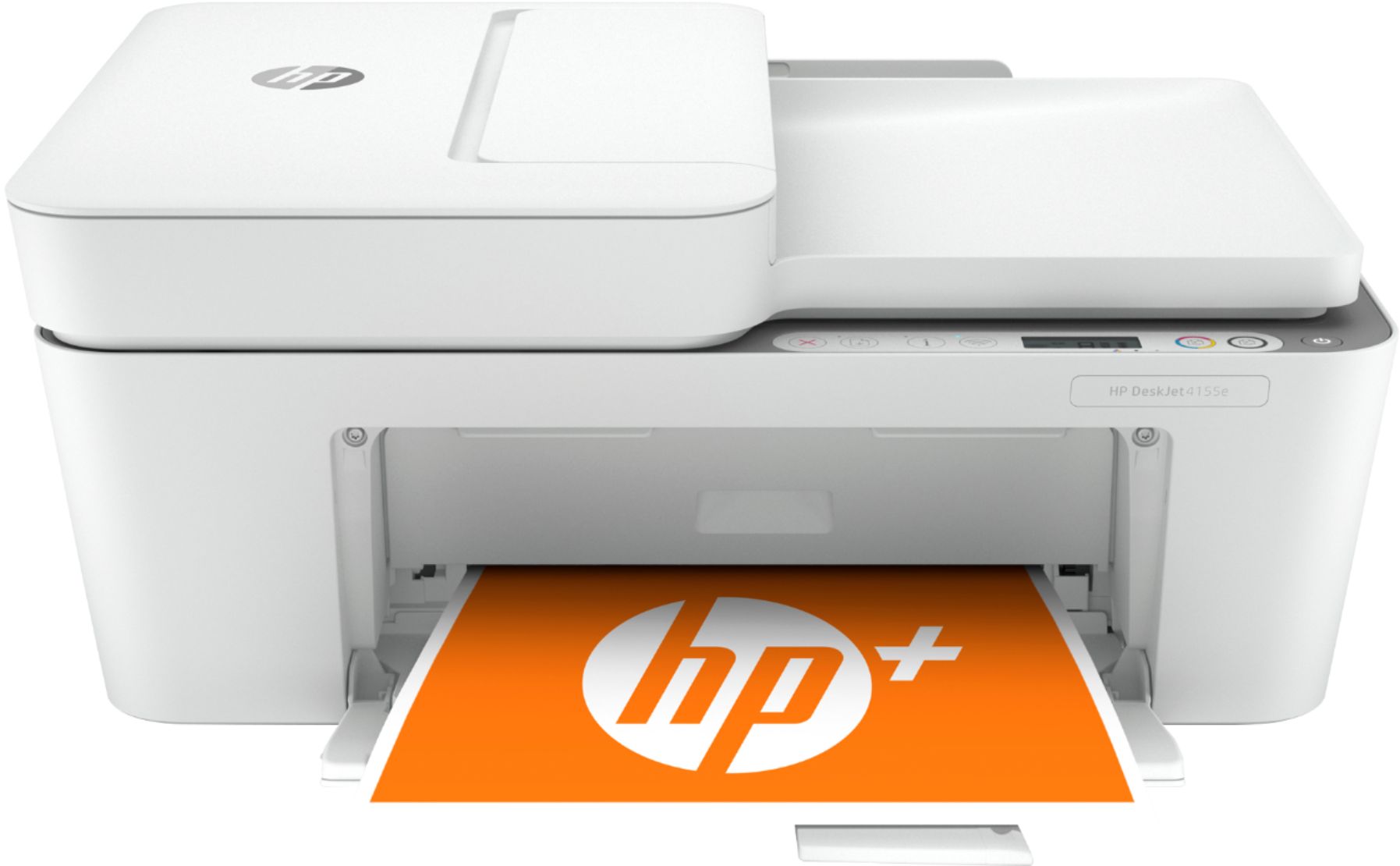
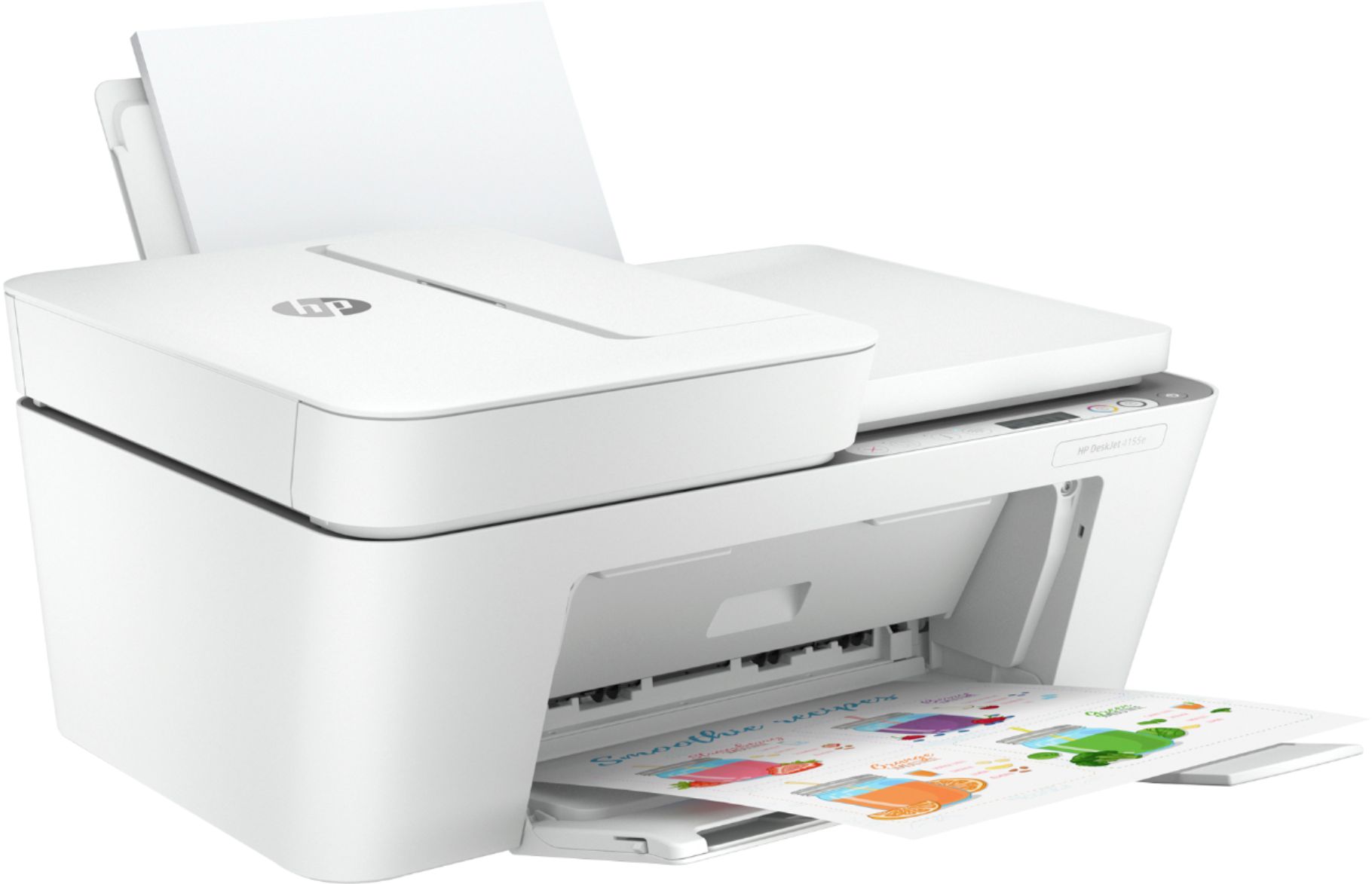
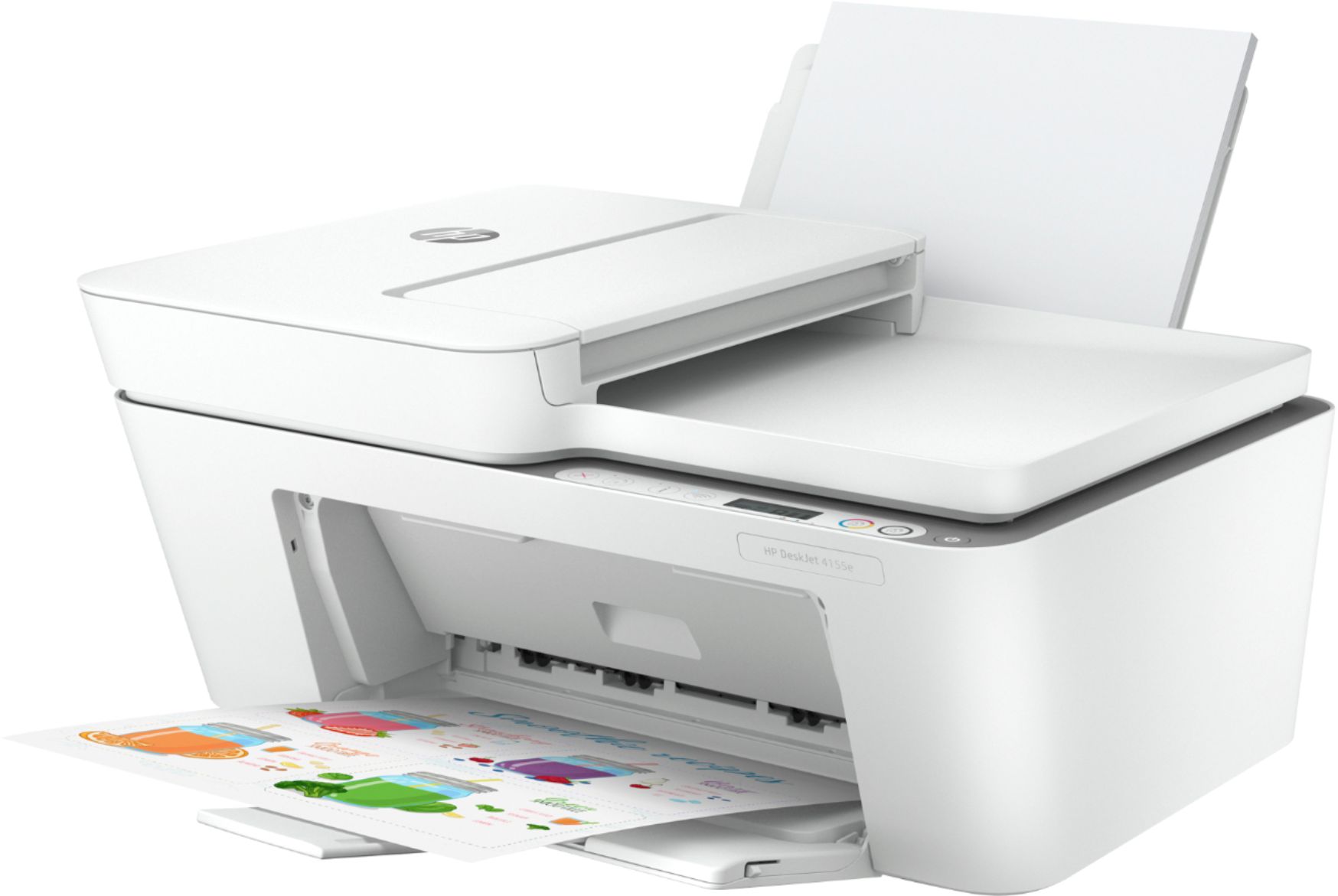
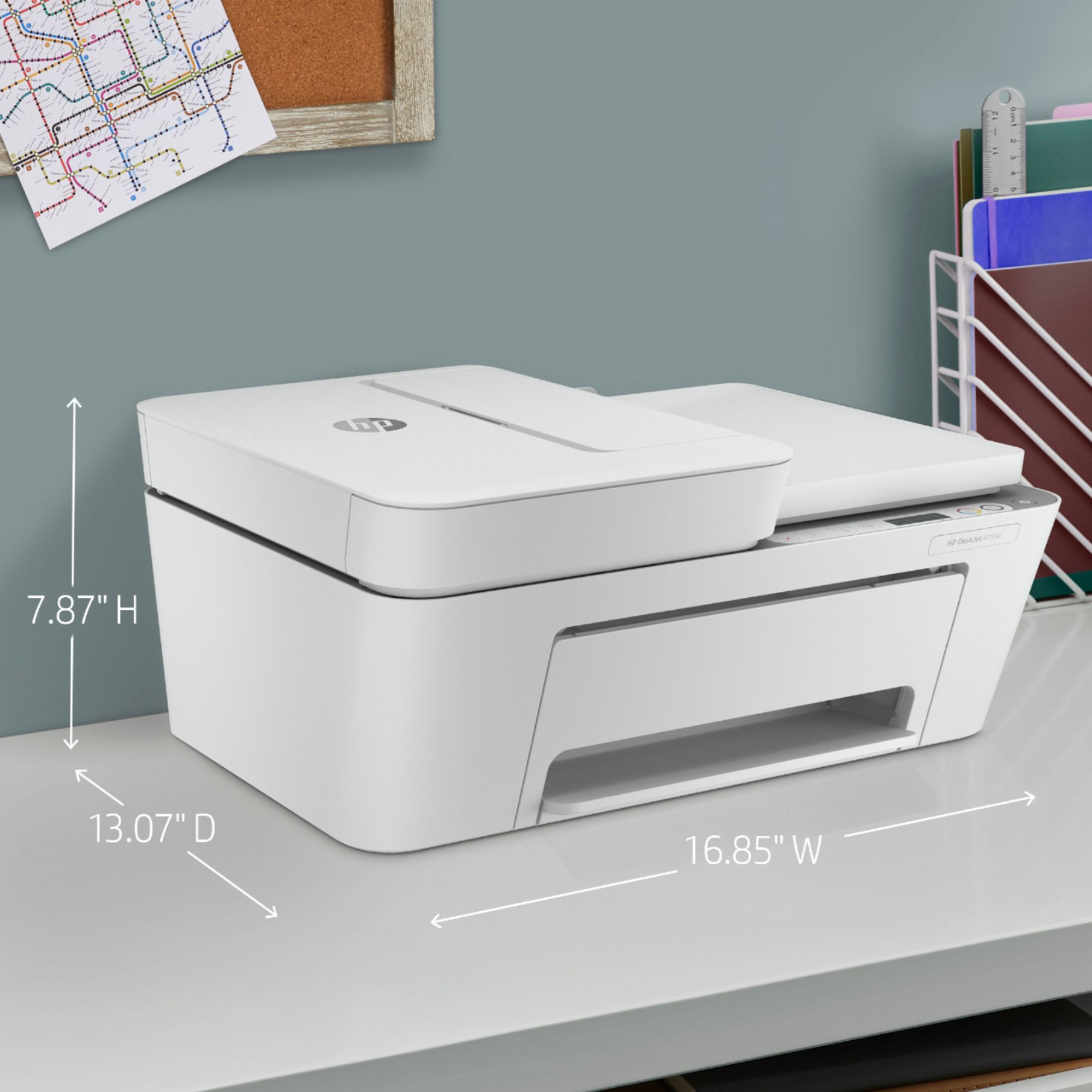
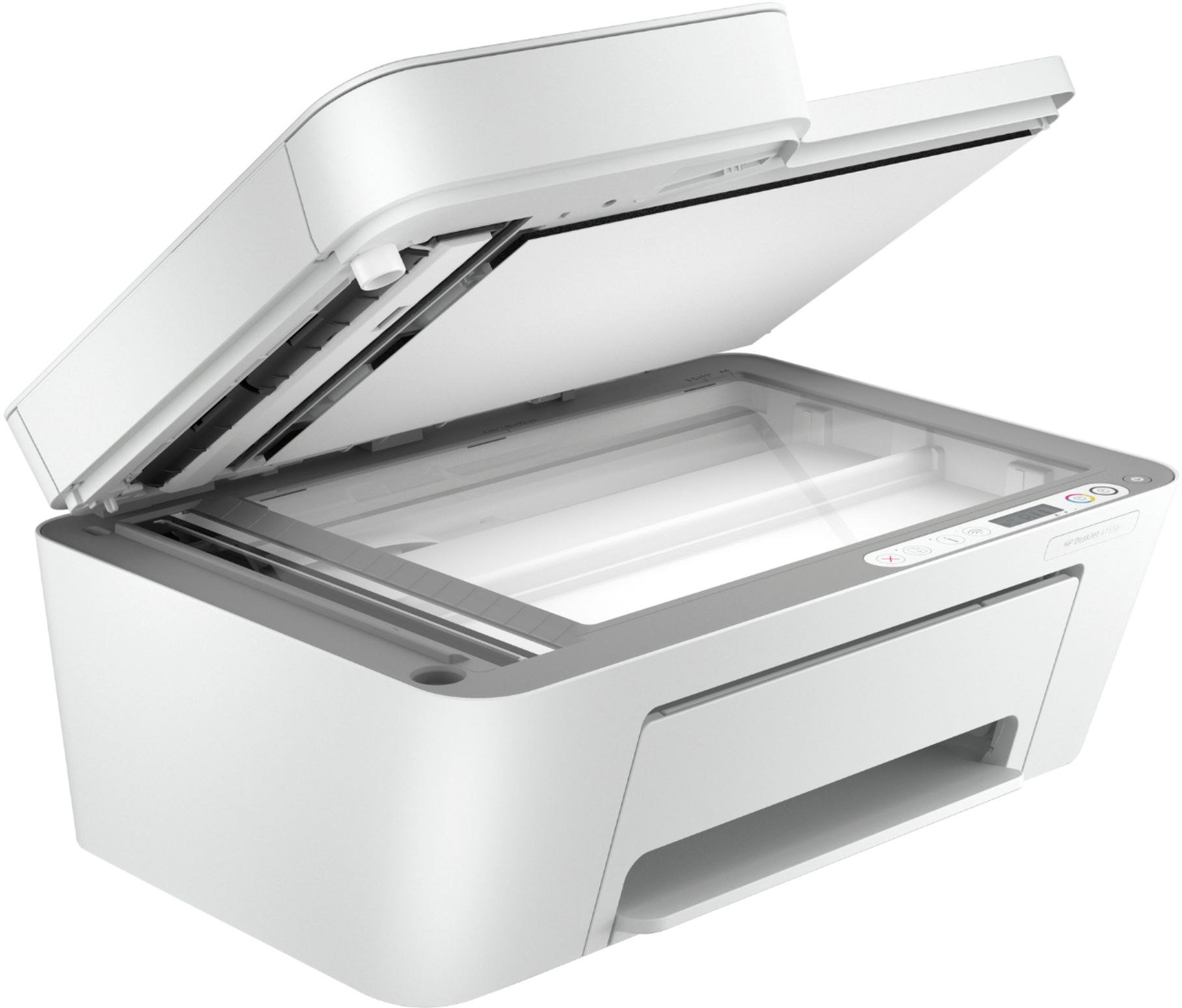
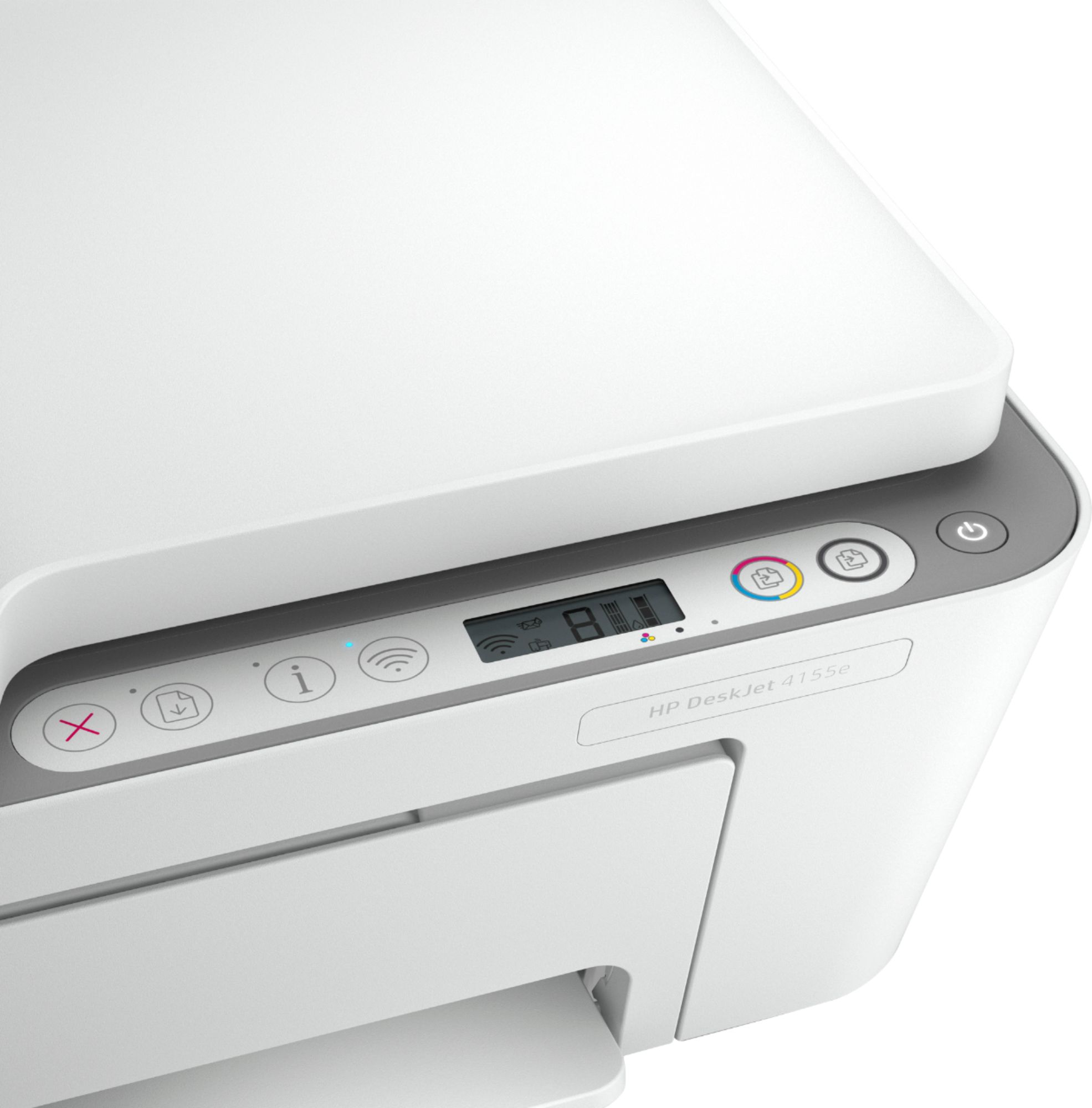
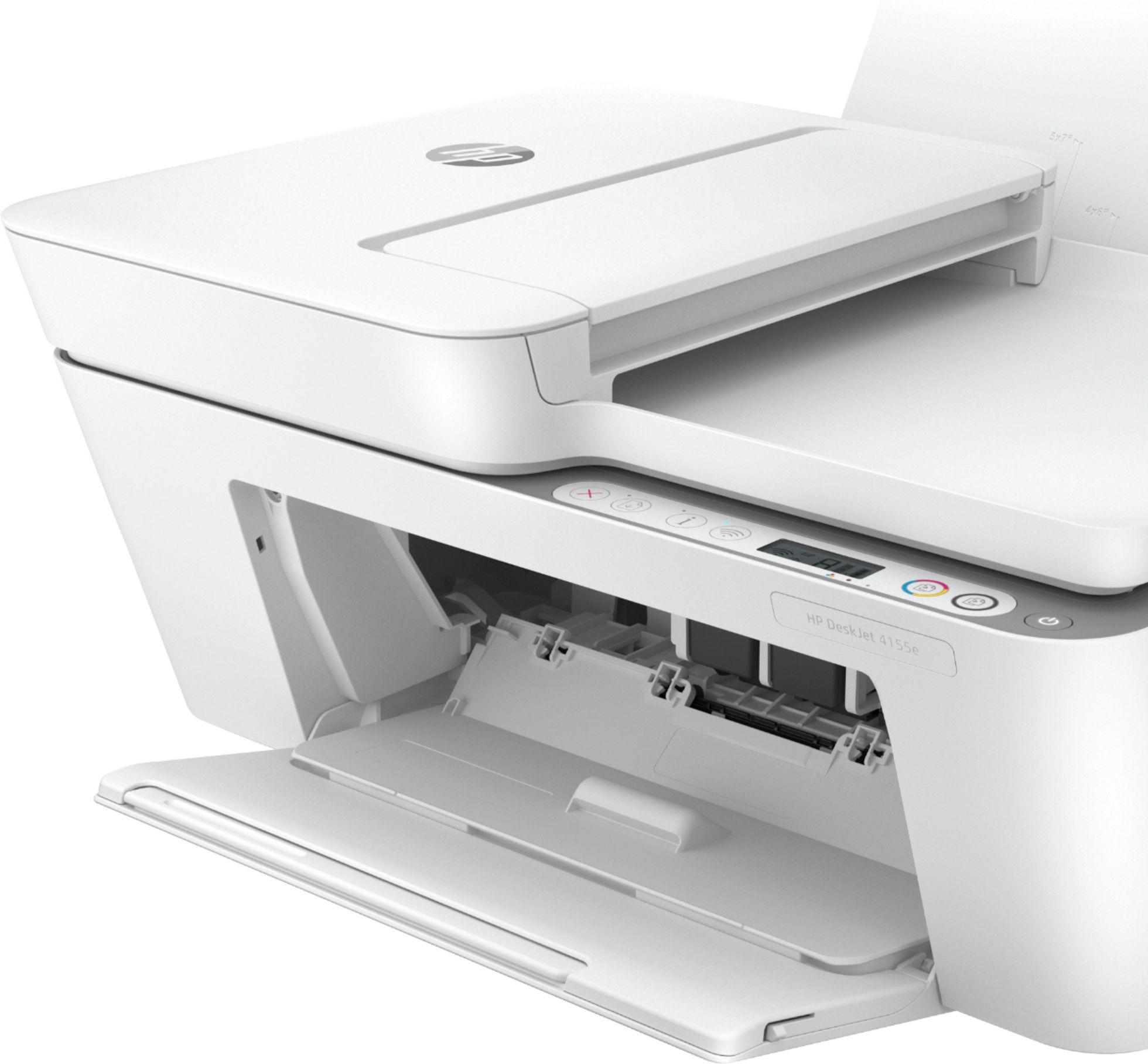
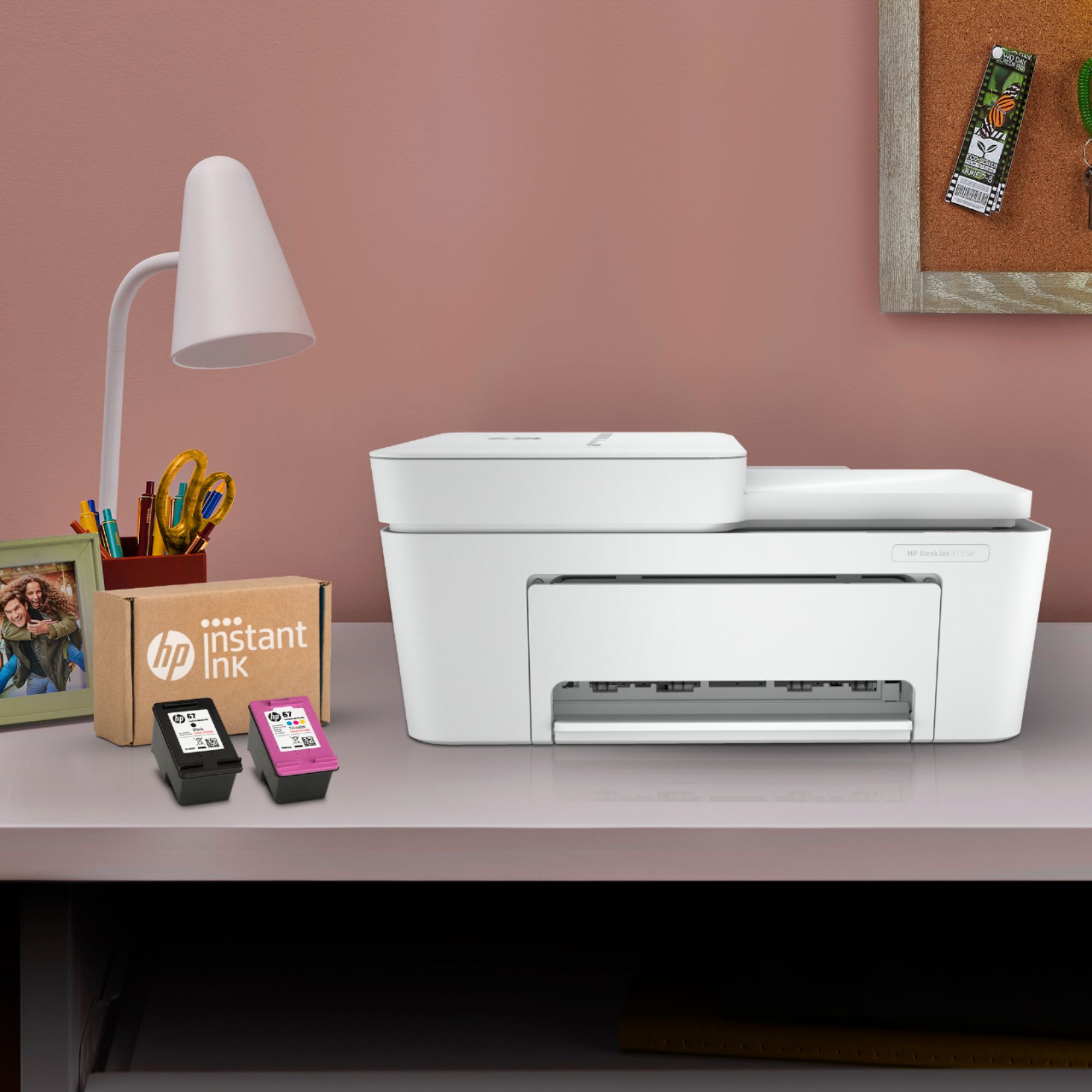


- Model:
- DeskJet 4155e
- SKU:
- 6454283
Rating by feature
- Value
Rating 4.1 out of 5 stars
- Quality
Rating 4.0 out of 5 stars
- Ease of Use
Rating 3.8 out of 5 stars
Customers are saying
Customers are impressed with the DeskJet Plus 4155's ease of use and print quality, frequently praising its simple operation and clear output. Many also appreciate the printer's compact size and reasonable price. However, some users experienced challenges with WiFi connectivity and found the setup instructions unclear.
This summary was generated by AI based on customer reviews.
Great quality
||Posted . Owned for 3 weeks when reviewed.This reviewer received promo considerations or sweepstakes entry for writing a review.I was lucky I got this in time. It was sold out everywhere and I needed a multi use printer for work and personal use. I have printed over 100 pages so far and they were all on thick card stock. This printer doesn’t leave the flaky pieces like some laser printers use.
I would recommend this to a friendGood low cost solution
||Posted . Owned for 1 month when reviewed.This reviewer received promo considerations or sweepstakes entry for writing a review.Hard to load paper from back but otherwise a great value
I would recommend this to a friendNo To Hp printers!
||Posted . Owned for 1 year when reviewed.This reviewer received promo considerations or sweepstakes entry for writing a review.Endless errors! This is my 2nd Hp printer! Disappointed!
No, I would not recommend this to a friendDecent printer
||Posted . Owned for 3 months when reviewed.This reviewer received promo considerations or sweepstakes entry for writing a review.Works fine but is a little finicky taking the paper
I would recommend this to a friendHp
||Posted . Owned for 1 month when reviewed.This reviewer received promo considerations or sweepstakes entry for writing a review.Christmas present no review. Seam nice it’s a HP..
I would recommend this to a friend- Cons mentioned:Connectivity
My HP Desk Jet 4155 sucks
||Posted . Owned for 1 month when reviewed.This reviewer received promo considerations or sweepstakes entry for writing a review.This product does not stay connected to the internet and is not at all essy to install I have uninstalled and installed this product 3 times I am returning the product. In trying to return this product I called the Palm Desert store and waited for an hour, nobody picked up. I called customer service got India and into anrgument Why India with US unemployment so high
No, I would not recommend this to a friend Replacement Printer
||Posted . Owned for 1 month when reviewed.This reviewer received promo considerations or sweepstakes entry for writing a review.HP DeskJet is a functional printer and works fine.
No, I would not recommend this to a friendHP Desk Jet 4155e inkjet printer
||Posted . Owned for 3 weeks when reviewed.This reviewer received promo considerations or sweepstakes entry for writing a review.I am sure this is a nice printer, but after 11 hours and 4 different individuals, we could not get this printer to load onto my MacBook Air. I returned this and got a full refund
No, I would not recommend this to a friendFor homework mostly
||Posted . Owned for 1 month when reviewed.This reviewer received promo considerations or sweepstakes entry for writing a review.Doesn’t always communicate and takes awhile to print
I would recommend this to a friendAmazing printer
||Posted . Owned for 3 weeks when reviewed.This reviewer received promo considerations or sweepstakes entry for writing a review.I had to upgrade from a very old hp printer. This met all the needs for a good printer. Easy connectivity from my Mac and phone. Printing speed is average. The scanner is amazing as well. Setup was a bit confusing but once I got it all done it worked like a charm.
I would recommend this to a friendGreat Printer
||Posted . Owned for 1 month when reviewed.This reviewer received promo considerations or sweepstakes entry for writing a review.This is a great printer - very compact and capable.
I would recommend this to a friendIt works
||Posted . Owned for 1 month when reviewed.This reviewer received promo considerations or sweepstakes entry for writing a review.No problems so far. I’ve have it for a few months now.
I would recommend this to a friendMala compra
||Posted . Owned for 2 months when reviewed.This reviewer received promo considerations or sweepstakes entry for writing a review.No sirve, es demasiado lenta , y a veces no quiere funcionar
No, I would not recommend this to a friendHard to set up
||Posted . Owned for less than 1 week when reviewed.This reviewer received promo considerations or sweepstakes entry for writing a review.Hard to set up. Took along time and had to use support. Unable to set up from cellphone. Good for light at home work. Once got it connected it is efficient and maintains WiFi connection.
I would recommend this to a friendSad Purchase
||Posted . Owned for 3 weeks when reviewed.This reviewer received promo considerations or sweepstakes entry for writing a review.Not thrilled with this printer. It is slow & looses WiFi connection constantly. Two issues with which I never had with my Canon Pixma. Sorry I switched to this HP.
No, I would not recommend this to a friendBrand response from HP Team
Posted .Hi there.
I’m sorry to hear that your printer has failed to maintain a reliable wireless connection, and that it has rendered prints slowly. It’s no surprise that these would be most unwelcome surprises. I want to help you resolve this situation, so I’ll provide some resources aimed at making that happen.
First, I recommend that you follow a guide on our support site that covers improving print speed; choose whichever of the following two links matches your operating system:
- Windows: support.hp.com/us-en/document/bud03409
- Mac OS: support.hp.com/us-en/document/c01928898
Also, often just updating the firmware can help improve print speed. You can find out how to do that here:
- support.hp.com/us-en/document/c02919168
Next, I suggest that you visit a page on our support site that has diagnostic tools for various tasks and issues, including wireless connectivity and printer-offline difficulties. Visit that page here:
- support.hp.com/us-en/topic/diagnostics
If either problem persists, I suggest that you contact us directly at +1 800-474-6836 so we can help you assess the situation and find a solution. (Please note that because of restrictions on personal movement and workplace attendance associated with the COVID-19 pandemic, wait times for agents are longer than normal. Thanks in advance for your understanding.) To expedite the process, I recommend gathering the following information before the call:
- Model number
- Serial number
- Your location
- Case number (from any previous contact with HP support)
Keith
HP Care
hp.com/support
Customer
||Posted . Owned for 3 weeks when reviewed.This reviewer received promo considerations or sweepstakes entry for writing a review.After having to pay for Geek Squad person to make the printer to function the printer stopped working 4 days later and needs someone to reload the software to make it operate again.
No, I would not recommend this to a friendBrand response from HP Team
Posted .Hi, Phil.
I’m sorry to hear that your printer needed the retailer’s technical support for setup and installation, and that it now is not working again. It’s easy to see why this would be a jarring surprise for a new device, so I’ll suggest a resource that I hope will help you resolve the issue and get the printer working to your satisfaction.
I can’t tell from your review why your printer needs to be installed again, but HP+ printers come with exclusive concierge support. To call and reach live HP+ experts who can help you assess what’s going on and find a solution, go to the following URL and enter your HP+ serial number:
- hp.com/plus-help
Keith
HP Care
hp.com/support
great for beginners
||Posted . Owned for 3 weeks when reviewed.This reviewer received promo considerations or sweepstakes entry for writing a review.easy to use small I size I would recommend it's use.
I would recommend this to a friendDon’t buy. Waste of money.
||Posted . Owned for 11 months when reviewed.This reviewer received promo considerations or sweepstakes entry for writing a review.Absolutely horrible product. We’ve had nothing but trouble with it. Tech support multiple times have not fixed the problems.
No, I would not recommend this to a friendPrinter
||Posted . Owned for 8 months when reviewed.This reviewer received promo considerations or sweepstakes entry for writing a review.worst printer i have ever tried to use. Purchased in June 2022 and it is now February 2023 and it will not work half the time.
No, I would not recommend this to a friendBrand response from HP Team
Posted .Hi, Toni.
I’m sorry that your printer has worked only intermittently for you. Your review is brief, but your frustration is clear – and wholly understandable here. I can’t tell from your review what’s causing the poor performance, but I want to help you get the printer working reliably, so I’ll provide some resources I hope will reach that goal.
First, for help solving problems, you can visit a page on our support site that has diagnostic tools for various tasks and issues, including connectivity, which I suspect might play a role in what you describe. There you’ll also find a general-purpose tool called the HP Print and Scan Doctor. If you use Windows, the tool will help identify and guide you through solutions to a wide range of common printing and scanning issues. Visit that page here:
- support.hp.com/us-en/topic/diagnostics
For additional help with difficulties, you can access troubleshooting guides, how-to documents, the main user manual and software updates specific to your printer here:
- support.hp.com/us-en/product/model/2100187854
If there's any specific way that we can help you, I hope you’ll contact us directly at +1 800-474-6836 so we can help you assess what’s happening and find the best course of action. To expedite the process, I recommend gathering the following information before the call:
- Model number
- Serial number
- Your location
- Case number (from any previous contact with HP support)
Keith
HP Care
hp.com/support
Just go with Epson or another brand
||Posted . Owned for 4 months when reviewed.This reviewer received promo considerations or sweepstakes entry for writing a review.Piece of junk !! Installed and connected just fine. Work for a few months, now nothing but problems. Won't Print !!! Do NOT Buy !
No, I would not recommend this to a friendBrand response from HP Team
Posted .Hi there.
I’m sorry to hear that your printer has stopped working after only a few months of ownership. Your review is brief, but your dilemma is clear and your frustration easy to understand. I can’t tell from your review why the device won’t print, but I’ll nonetheless offer some resources that I hope will help you get the printer working to your satisfaction.
First, for help solving problems, you can visit a page on our support site that has diagnostic tools for various tasks and issues, including connectivity, which I suspect might play a role here. There you’ll also find a general-purpose tool called the HP Print and Scan Doctor. If you use Windows, the tool will help identify and guide you through solutions to a wide range of common printing and scanning issues. Visit that page here:
- support.hp.com/us-en/topic/diagnostics
For additional help with difficulties, you can access troubleshooting guides, how-to documents, user manuals and software updates here:
- support.hp.com/us-en/product/model/2100187854
If you need further assistance, I suggest that you contact us directly at +1 800-474-6836 so we can help you assess what’s happening and find the best course of action. To expedite the process, I recommend gathering the following information before the call:
- Model number
- Serial number
- Your location
- Case number (from any previous contact with HP support)
Keith
HP Care
hp.com/support