Customer Ratings & Reviews
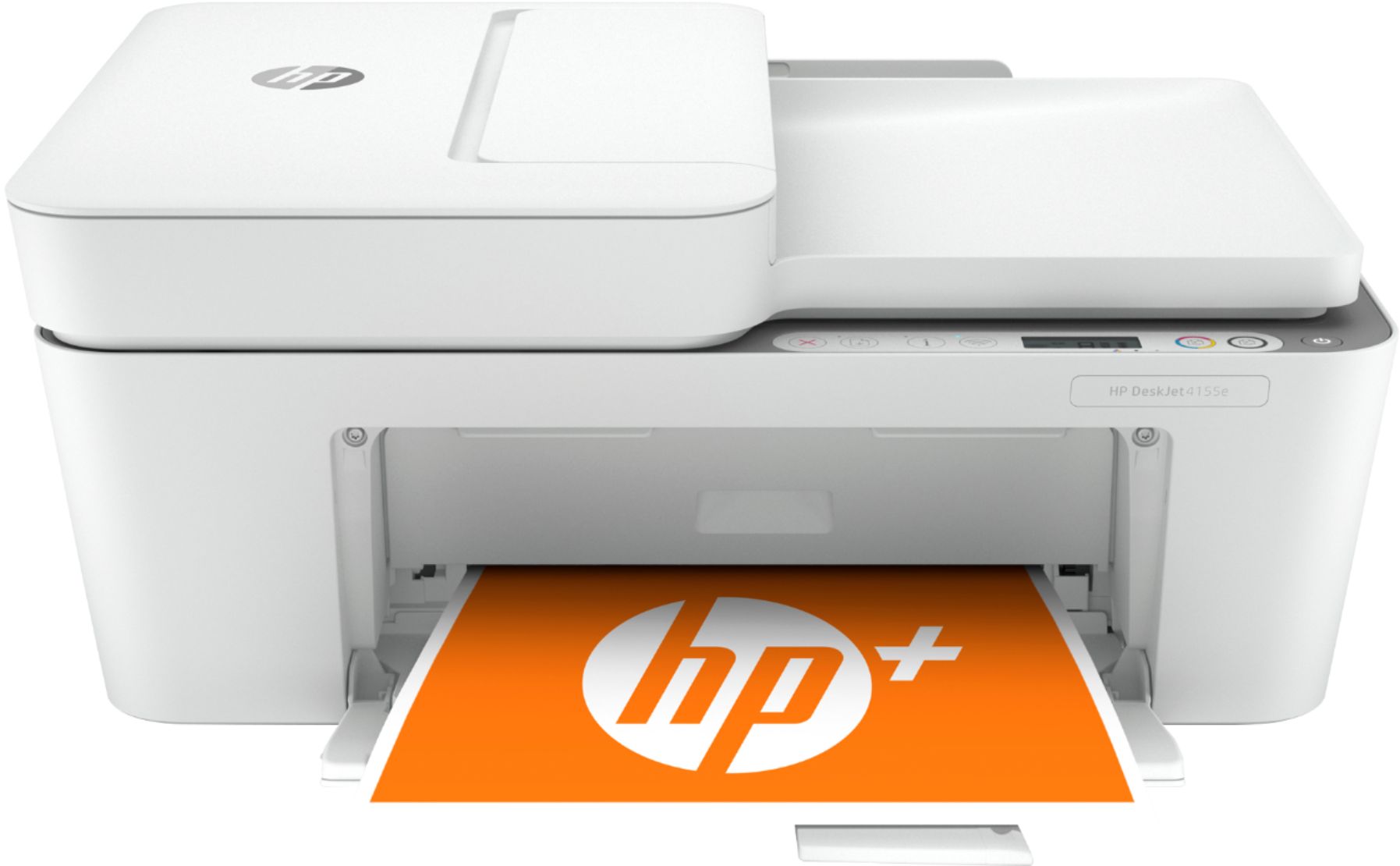
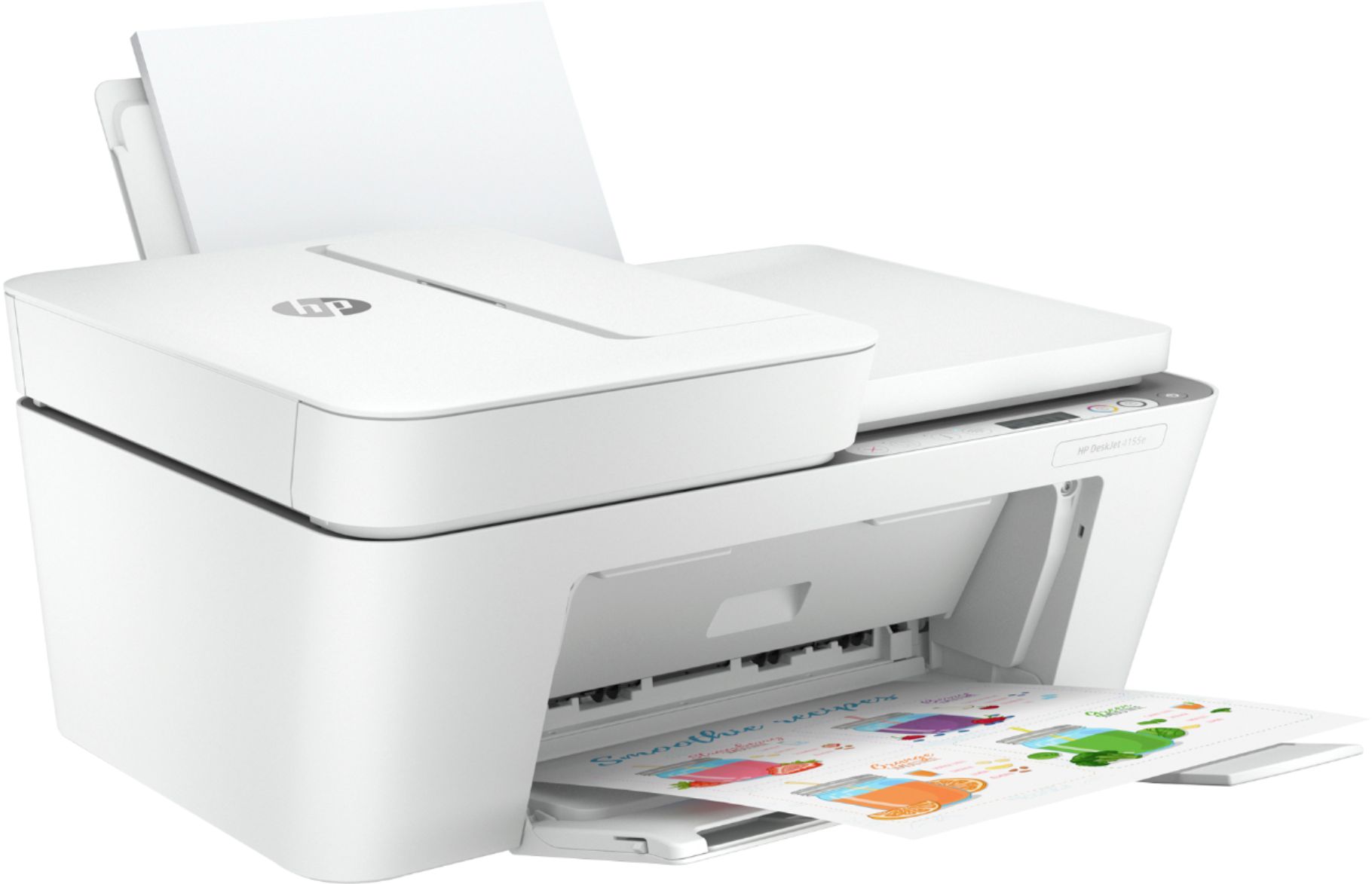
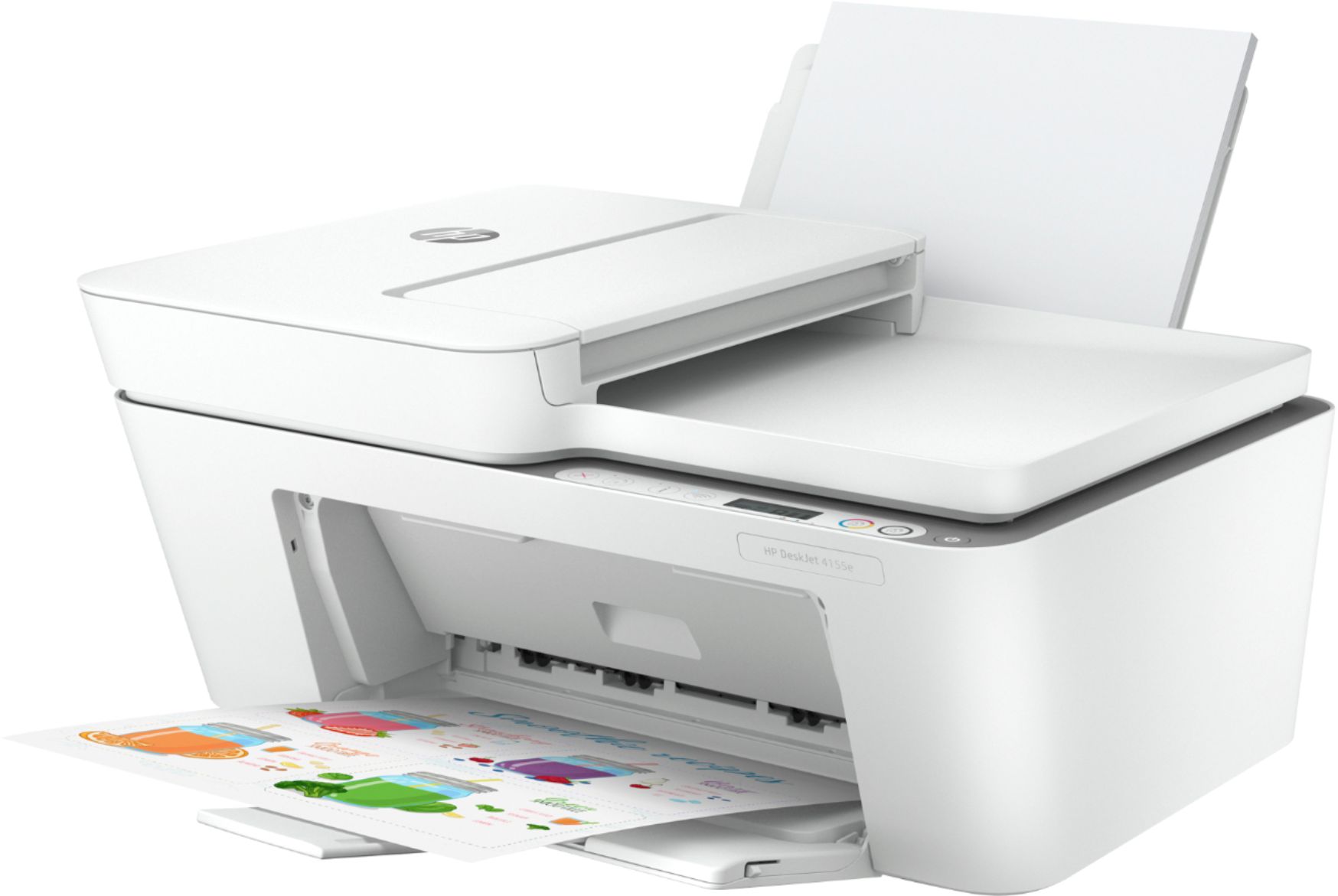
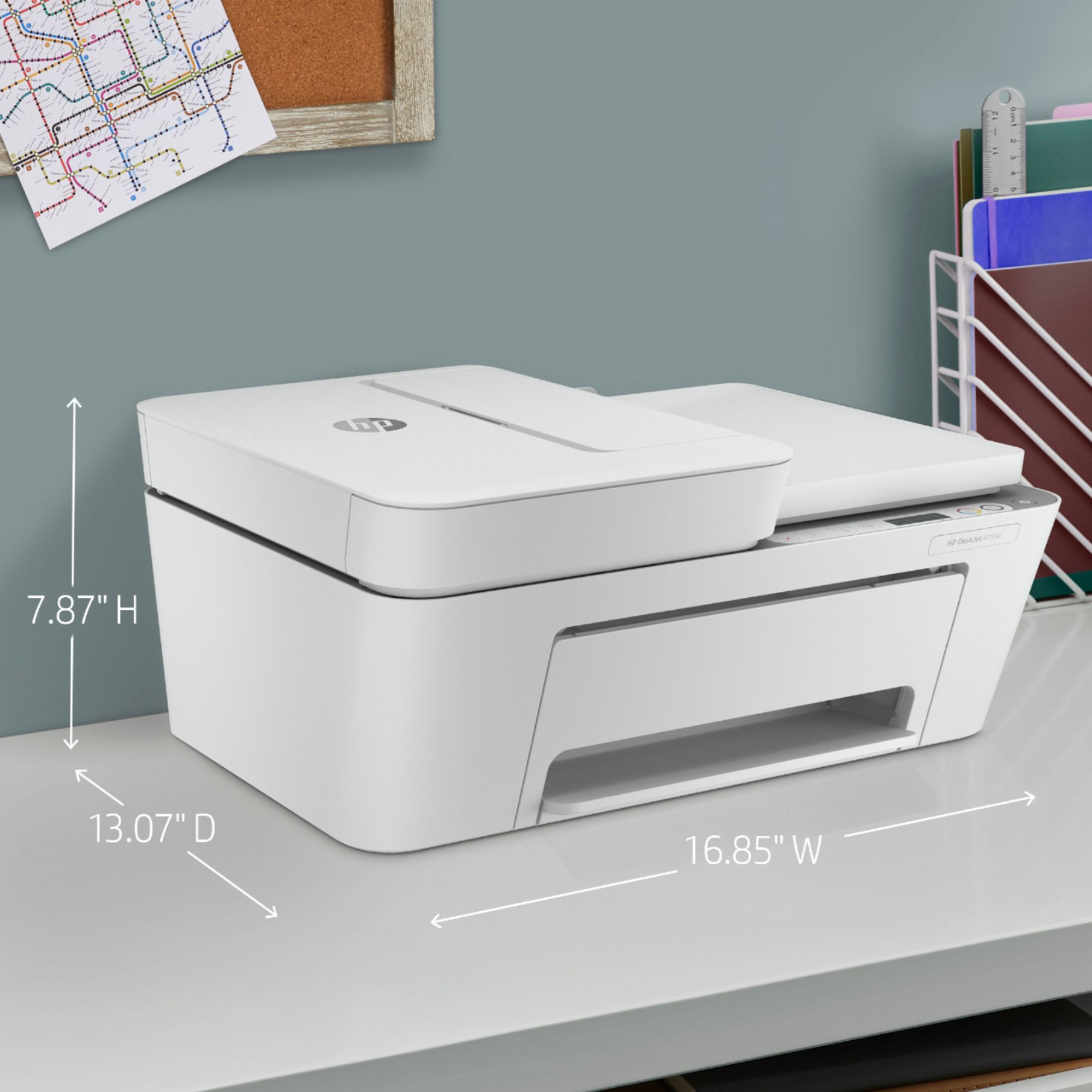
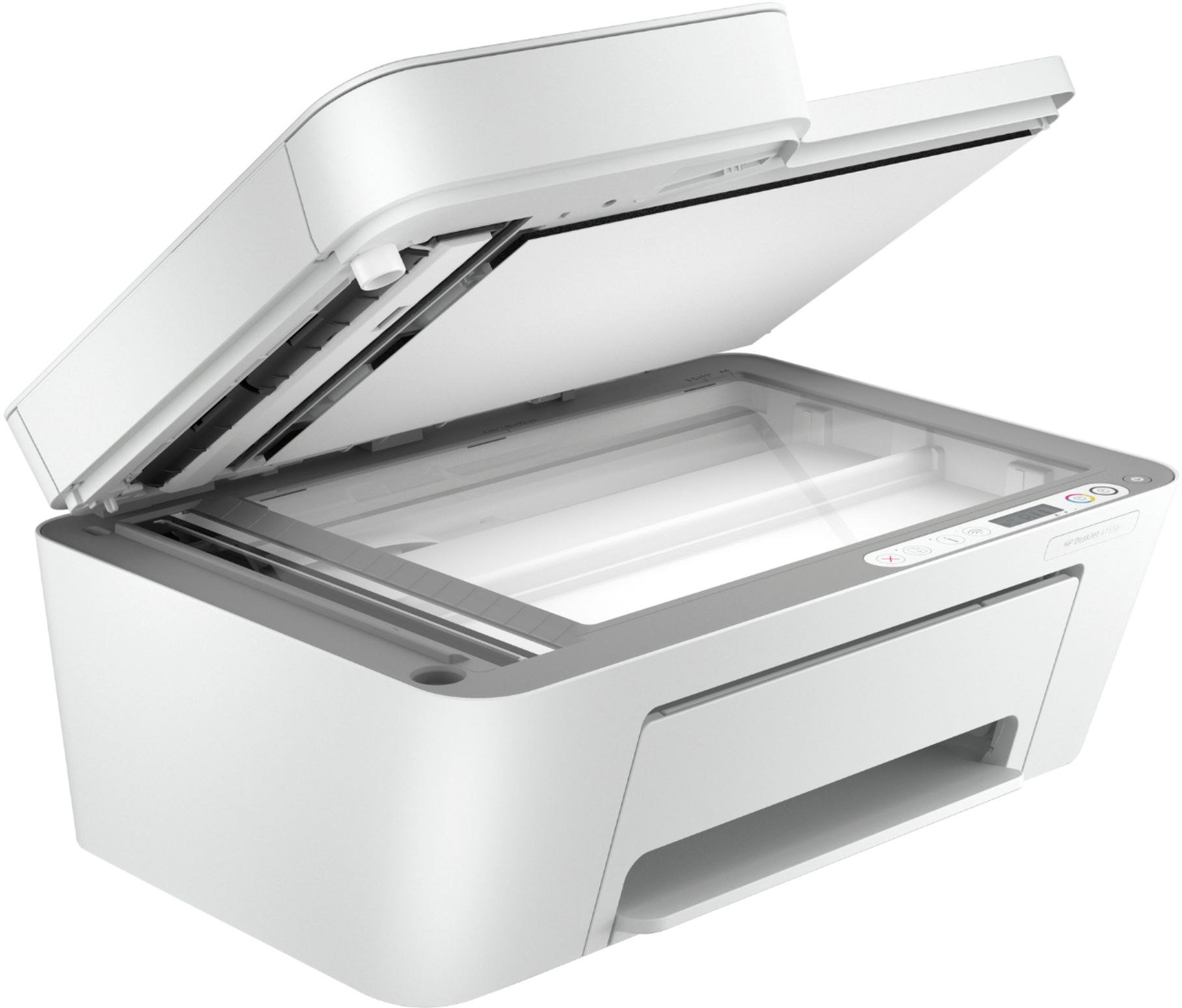
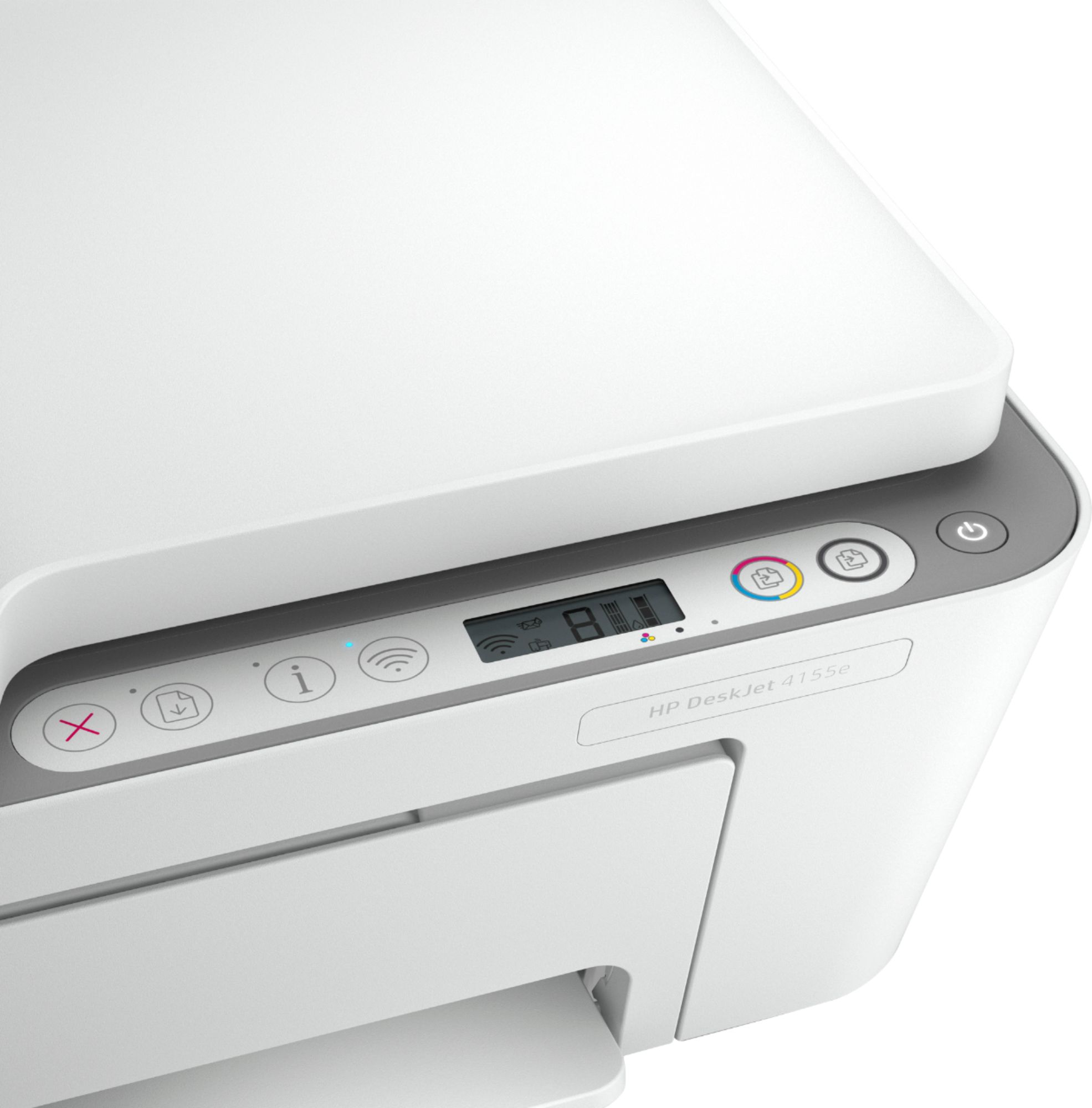
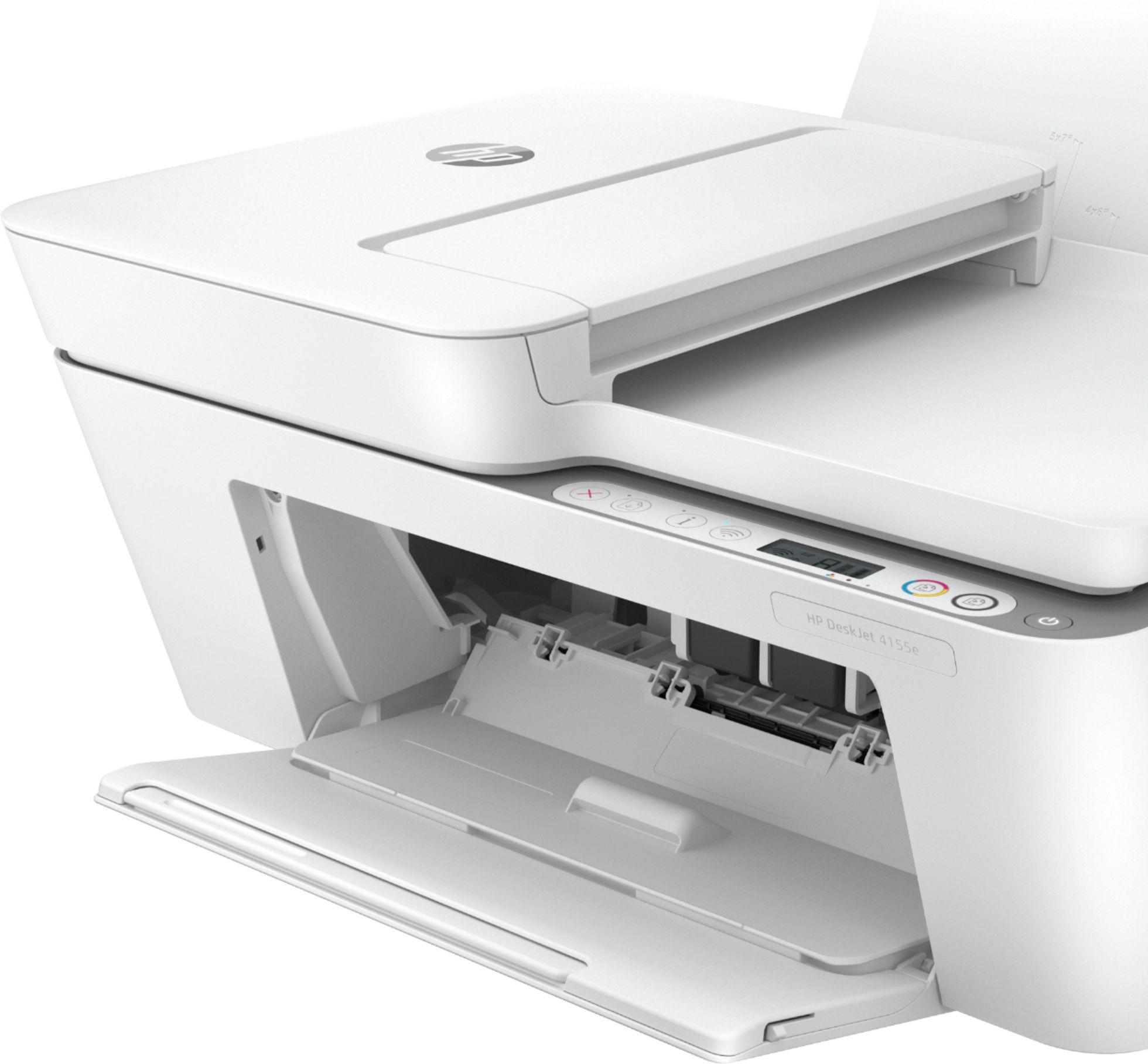
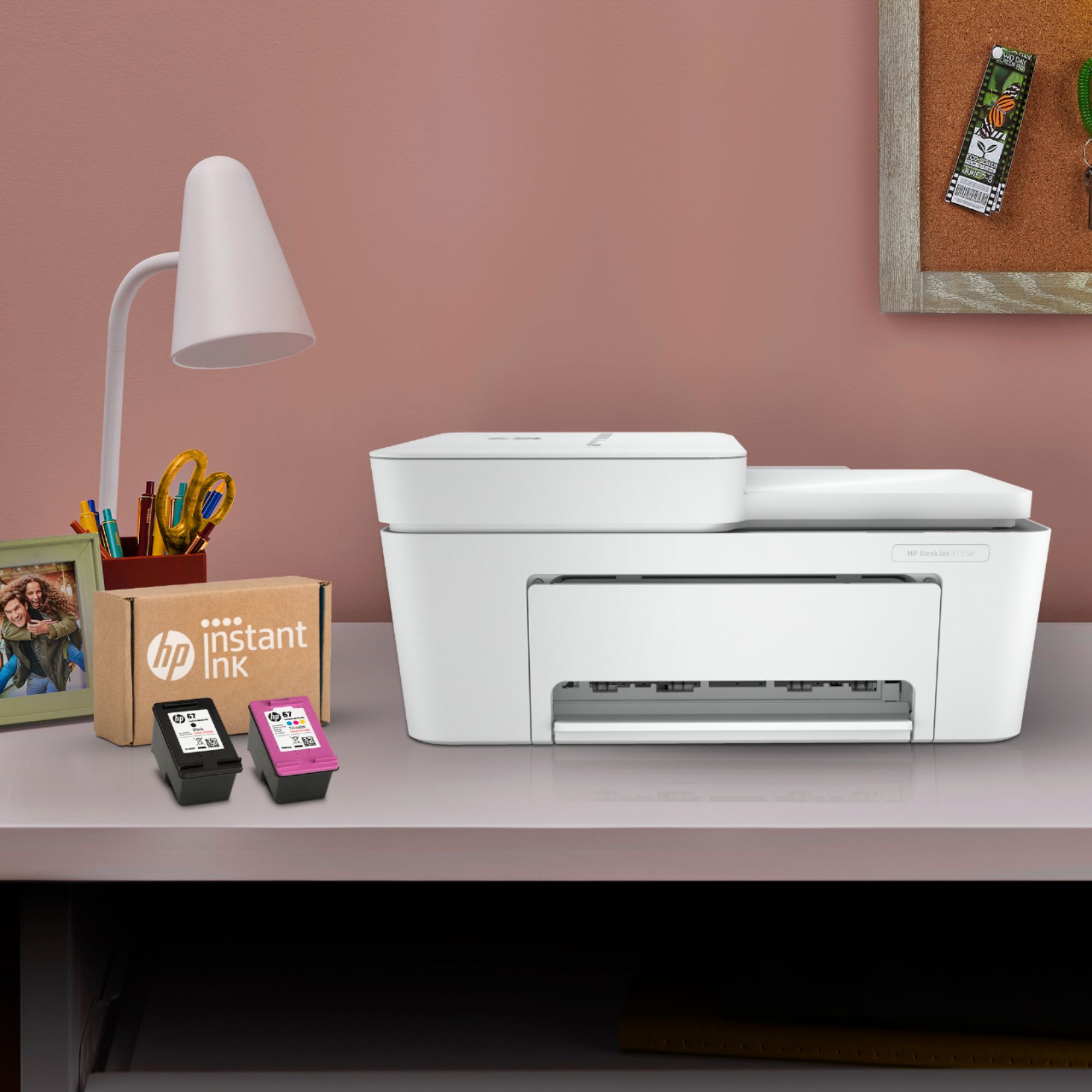



- Model:
- DeskJet 4155e
- SKU:
- 6454283
Rating by feature
- Value
Rating 4.1 out of 5 stars
- Quality
Rating 4.0 out of 5 stars
- Ease of Use
Rating 3.8 out of 5 stars
Customers are saying
Customers are impressed with the DeskJet Plus 4155's ease of use and print quality, frequently praising its simple operation and clear output. Many also appreciate the printer's compact size and reasonable price. However, some users experienced challenges with WiFi connectivity and found the setup instructions unclear.
This summary was generated by AI based on customer reviews.
Faulty item
||Posted . Owned for 2 weeks when reviewed.This reviewer received promo considerations or sweepstakes entry for writing a review.Item did not work, poor Geek Squad tech tried everything. Had to return item.
No, I would not recommend this to a friendUnsatisfactory
||Posted . Owned for 1 month when reviewed.This reviewer received promo considerations or sweepstakes entry for writing a review.Was not what was represented it to be. Does not scan legal size or two side print. Ok for basic use, but not for versified use.
I would recommend this to a friend- Pros mentioned:Print quality
Slow printer
||Posted . Owned for 3 weeks when reviewed.This reviewer received promo considerations or sweepstakes entry for writing a review.The quality of printing was very good for the price but it prints incredibly slow. The demo page took well over 1 min to print.
No, I would not recommend this to a friendBrand response from HP Team
Posted .Hi, Derek.
I'm sorry to hear that your printer is yielding prints so slowly. It’s easy to understand why that would quickly become frustrating. We want to make sure that your printer is reliable for any urgent printing needs, so I’ll point you toward some resources I hope will help.
First, I recommend that you follow a guide on our support site that covers improving print speed; choose whichever of the following two links matches your operating system:
- Windows: support.hp.com/us-en/document/bud03409
- Mac OS: support.hp.com/us-en/document/c01928898
Also, often just updating the firmware can help improve print speed. You can find out how to do that here:
- support.hp.com/us-en/document/c02919168
If the problem persists, I suggest that you contact us directly at +1 800-474-6836 so we can help you assess the situation and guide you through any applicable troubleshooting. (Please note that because of restrictions on personal movement and workplace attendance associated with the COVID-19 pandemic, wait times for agents are longer than normal. Thanks in advance for your understanding.) To expedite the process, I recommend gathering the following information before the call:
- Model number
- Serial number
- Your location
- Case number (from any previous contact with HP support)
Keith
HP Care
hp.com/support
Great for small office
||Posted . Owned for 1.5 years when reviewed.This reviewer received promo considerations or sweepstakes entry for writing a review.Great for small home office I don’t print a lot if you print more than 50pages think about the ink cart but the subscription is not much for every month. It’s worth every penny
I would recommend this to a friendBad printer and difficult configurate
||Posted . Owned for 5 months when reviewed.This reviewer received promo considerations or sweepstakes entry for writing a review.The printer does not working good. The model is bad.
No, I would not recommend this to a friendTerrible.
||Posted . Owned for 3 weeks when reviewed.This reviewer received promo considerations or sweepstakes entry for writing a review.This printer never worked properly. It was too difficult trying to get it to work. Way too many steps and procedures. Had to return it.
No, I would not recommend this to a friendSimple to Use, great printing quality!
||Posted .This reviewer received promo considerations or sweepstakes entry for writing a review.I unpacked the printer and could use it right away. I connected it with a cable to my laptop and it installed itself - I could print right away. I haven't used the app to print wirelessly from my phone - I'll try that next.
I would recommend this to a friendWrong printer
||Posted .This reviewer received promo considerations or sweepstakes entry for writing a review.This printer wasn’t compatible to my notebook and didn’t find this out until I returned it to the store after talking with a technician on the phone
No, I would not recommend this to a friendHP Desk jet printer
||Posted . Owned for 4 months when reviewed.This reviewer received promo considerations or sweepstakes entry for writing a review.I bought this printer/scanner because I was going to be working from home. This printer doesn’t work the way it should.
No, I would not recommend this to a friendprinter
||Posted . Owned for 2 weeks when reviewed.This reviewer received promo considerations or sweepstakes entry for writing a review.It takes a long to print papers and very loud sound when printing.
No, I would not recommend this to a friendPrinter would not work for me
||Posted . Owned for 3 weeks when reviewed.This reviewer received promo considerations or sweepstakes entry for writing a review.Could not get the printer to work. It would not allow me to get the code. It would not print out the code.
No, I would not recommend this to a friendBrand response from HP Team
Posted .Hi there.
I’m sorry that you’ve been unable to complete the setup and installation process for your printer because of an inaccessible code. Your review is brief, but your frustration is clear – and easy to understand. I want to help you get past this roadblock and get the device working properly. I hope the resource I’ve listed below guides you to that end.
I recommend that you contact us directly so we can help you assess what’s happening and find the proper course of action. HP+ printers such as yours come with exclusive concierge support. To call and reach live HP+ experts, visit the following URL and enter your HP+ serial number:
- hp.com/plus-help
Keith
HP Care
hp.com/support
Good at what it does
||Posted . Owned for 3 weeks when reviewed.This reviewer received promo considerations or sweepstakes entry for writing a review.Does exactly what I need it to. Installation was easy. Never once had to connect it to my computer with a cable, was able to set it up completely over wireless. Does not duplex, but that was expected as it says it doesn't.
I would recommend this to a friendGet This Printer!
||Posted . Owned for 3 weeks when reviewed.This reviewer received promo considerations or sweepstakes entry for writing a review.It works great for me and it's just perfect for the price. My favorite feature is that this printer shows how much ink there is left. It gets a little bit confusing at first but you should get the hang of it soon.
I would recommend this to a friendBasic printer and gets the job done
||Posted . Owned for 7 months when reviewed.This reviewer received promo considerations or sweepstakes entry for writing a review.Basic printer and gets the job done. Thiugh it prints on both sides you need to reliad the paper. But painful
I would recommend this to a friendHorrible printer. Not up to HP standards
||Posted . Owned for 1 month when reviewed.This reviewer received promo considerations or sweepstakes entry for writing a review.Horrible printer. I opened it 3 Weeks after purchasing and it doesn’t want to print, the paper gets stuck, and I was not able to print anything!
No, I would not recommend this to a friendBrand response from HP Team
Posted .Hi, Cindy.
I’m sorry to learn that your printer has not worked like it should. It’s no surprise that you’re a bit shocked and frustrated, considering that paper has gotten stuck in the device and prevented it from printing before you’ve even used it successfully. I want to help you remedy this situation, so I’ll provide some resources aimed at making that happen.
I can’t tell from your review what’s causing the problem you describe, so I recommend that you contact us directly so we can help you assess the situation and determine the best course of action. I’ll point out that HP+ printers come with exclusive concierge support. To call and reach live HP+ experts, visit the following URL and enter your HP+ serial number:
- hp.com/plus-help
I'll also mention that HP printers have a one-year warranty from their purchase date that covers hardware as well as ink supplies – and that warranty extends to two years with an HP+ account – so if it comes to that, you might consider making use of it. You can verify the warranty using the following link:
- support.hp.com/us-en/checkwarranty
Keith
HP Care
hp.com/support
Sucks
||Posted . Owned for 2 months when reviewed.This reviewer received promo considerations or sweepstakes entry for writing a review.Dont keep connection wi-fi u have to keep reset and hope u get connection
No, I would not recommend this to a friendDinosaur
||Posted . Owned for 1 week when reviewed.This reviewer received promo considerations or sweepstakes entry for writing a review.U have to phyically reload paper to print boyh sides
No, I would not recommend this to a friend- Cons mentioned:Connectivity
Sad showing HP
||Posted . Owned for 1 month when reviewed.This reviewer received promo considerations or sweepstakes entry for writing a review.Worst printer I have ever bought. It's slow, very slow if it works at all. Poor tech trying to do current everyday things like email printing, mobile printing, direct connect, etc. Non of it works properly and when it does print it takes forever. HP is usually dependable, but they drop the ball on this printer.
No, I would not recommend this to a friendBrand response from HP Team
Posted .Hi there.
I'm sorry to hear that your printer is yielding prints so slowly and is performing unreliably. It’s easy to understand why that would quickly become frustrating. We want to make sure that your printer is ready for any urgent printing needs, so I’ll point you toward some resources I hope will help.
First, I recommend that you follow a guide on our support site that covers improving print speed; choose whichever of the following two links matches your operating system:
- Windows: support.hp.com/us-en/document/bud03409
- Mac OS: support.hp.com/us-en/document/c01928898
If the problem persists – and for input on addressing the other issues you cite – I recommend that you contact us directly at +1 800-474-6836 so we can help you assess the situation and find a solution. (Please note that because of restrictions on personal movement and workplace attendance associated with the COVID-19 pandemic, wait times for agents are longer than normal. Thanks in advance for your understanding.) To expedite the process, I recommend gathering the following information before the call:
- Model number
- Serial number
- Your location
- Case number (from any previous contact with HP support)
I'll also mention that HP printers have a one-year warranty from their purchase date that covers hardware as well as ink supplies, so if it comes to that, you might consider making use of it. You can verify the warranty using the following link: support.hp.com/us-en/checkwarranty
Keith
HP Care
hp.com/support
Why did it stop working?
||Posted . Owned for 1.5 years when reviewed.This reviewer received promo considerations or sweepstakes entry for writing a review.Worked for a few months without issue. Now doesnt work at all.
No, I would not recommend this to a friend- Cons mentioned:Connectivity
TERRIBLE
||Posted . Owned for 2 months when reviewed.This reviewer received promo considerations or sweepstakes entry for writing a review.I HATE this printer! It loses wifi connection when all other devices don't, even when connected it only works half of the time and stops mid-print, wasting paper. I print 10 copies, it prints 7. SO frustrating. AND there is no screen to see what error it's showing. Sometimes it just flashes the light with no error code. It's 2 months old and I am buying a new one.. the 3830 I had before this.
No, I would not recommend this to a friendBrand response from HP Team
Posted .Hi there.
I’m sorry to hear that your printer has failed to maintain a reliable wireless connection. It’s easy to understand why the lack of reliability and interrupted print jobs would quickly become exasperating, so I’ll offer some information and a resource I hope will help.
First, I recommend you visit a page on our support site that has diagnostic tools for various problems, including wireless connectivity issues. Visit that page here:
- support.hp.com/us-en/topic/diagnostics
If the problem persists, I suggest that you contact us directly at +1 800-474-6836 so we can help you assess the situation and guide you through any applicable troubleshooting. (Please note that because of restrictions on personal movement and workplace attendance associated with the COVID-19 pandemic, wait times for agents are longer than normal. Thanks in advance for your understanding.) To expedite the process, I recommend gathering the following information before the call:
- Model number
- Serial number
- Your location
- Case number (from any previous contact with HP support)
I'll also mention that HP printers have a one-year warranty from their purchase date that covers hardware as well as ink supplies, so if it comes to that, you might consider making use of it. You can verify the warranty using the following link: support.hp.com/us-en/checkwarranty
Keith
HP Care
hp.com/support