Customer Ratings & Reviews
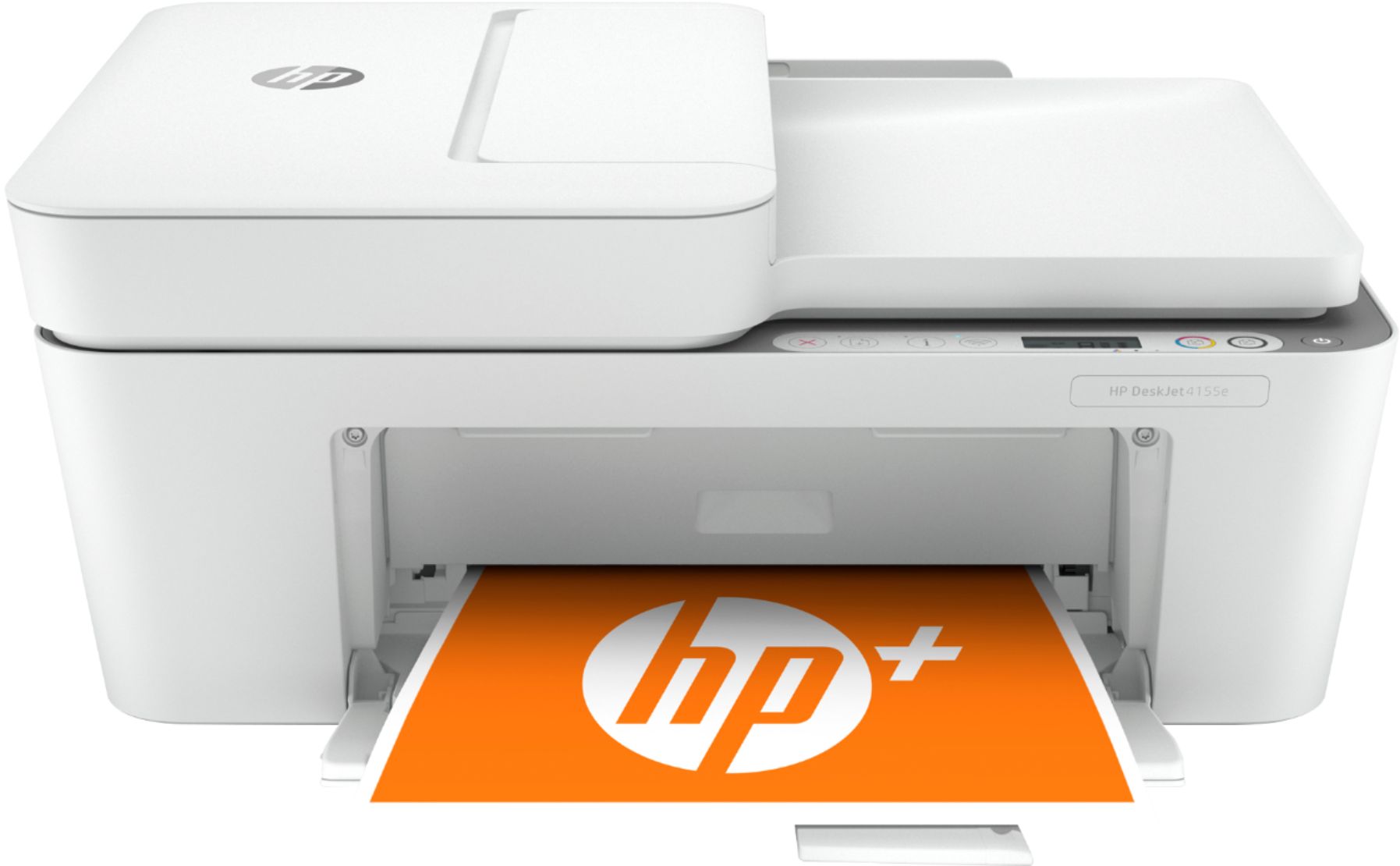
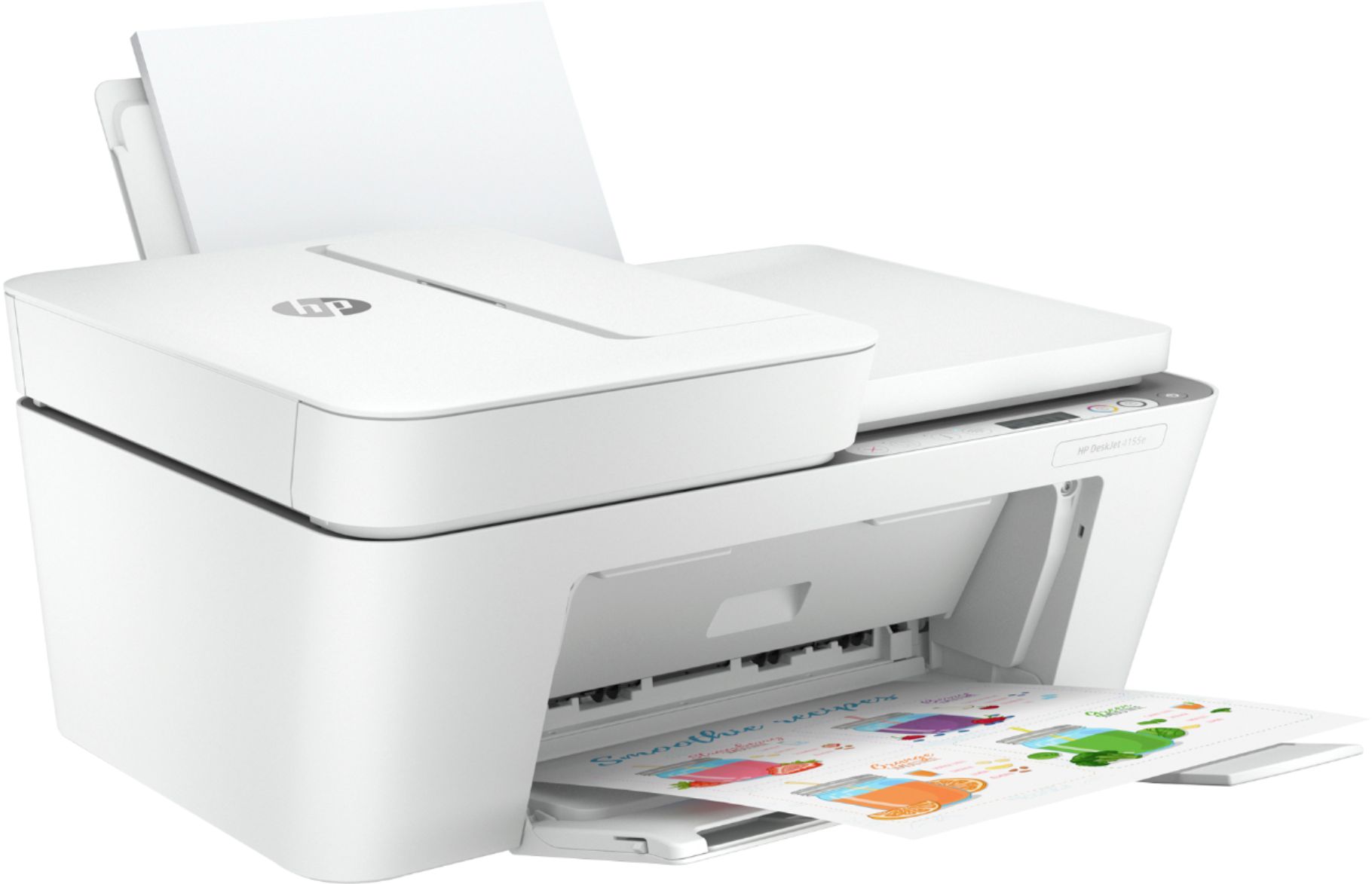
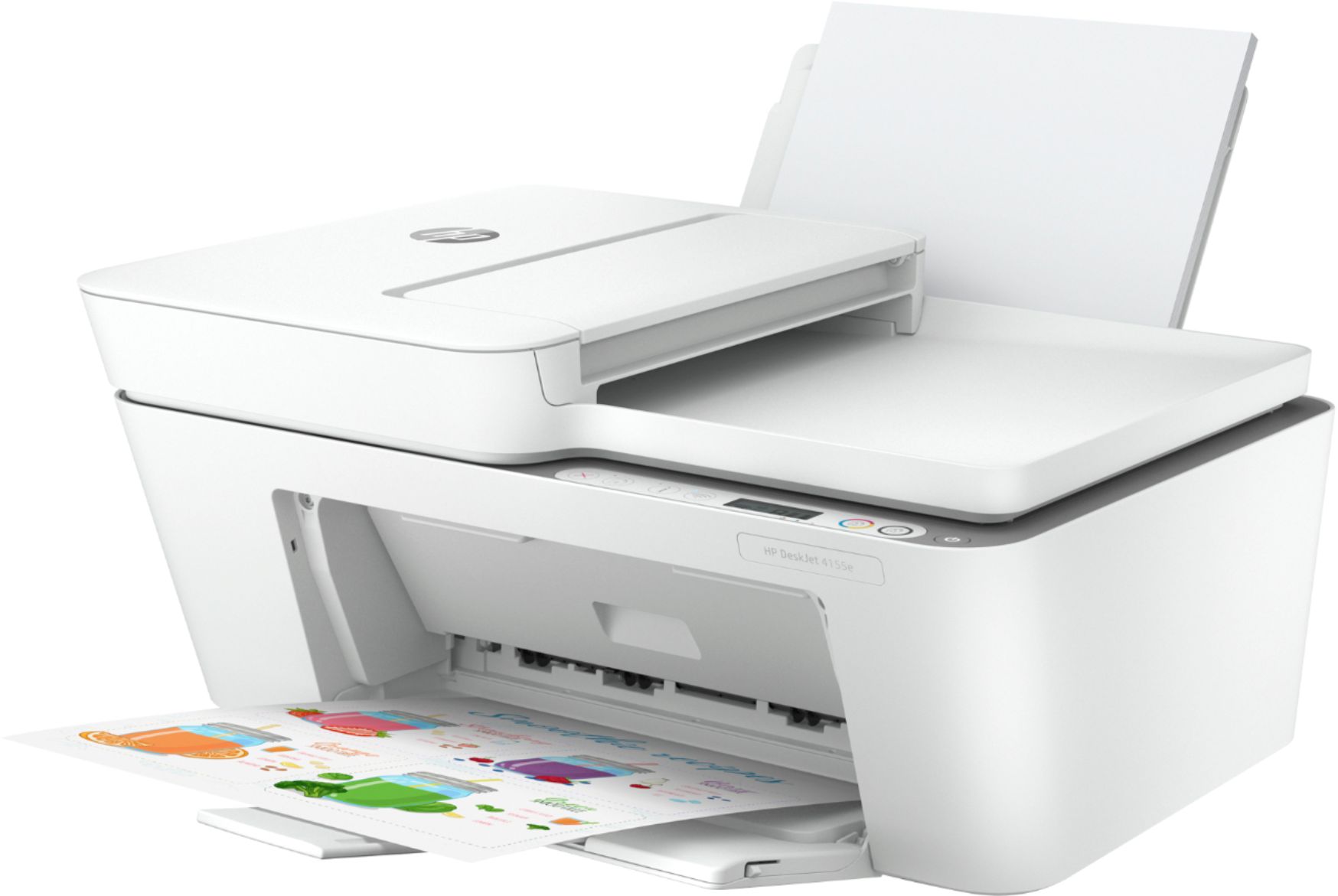
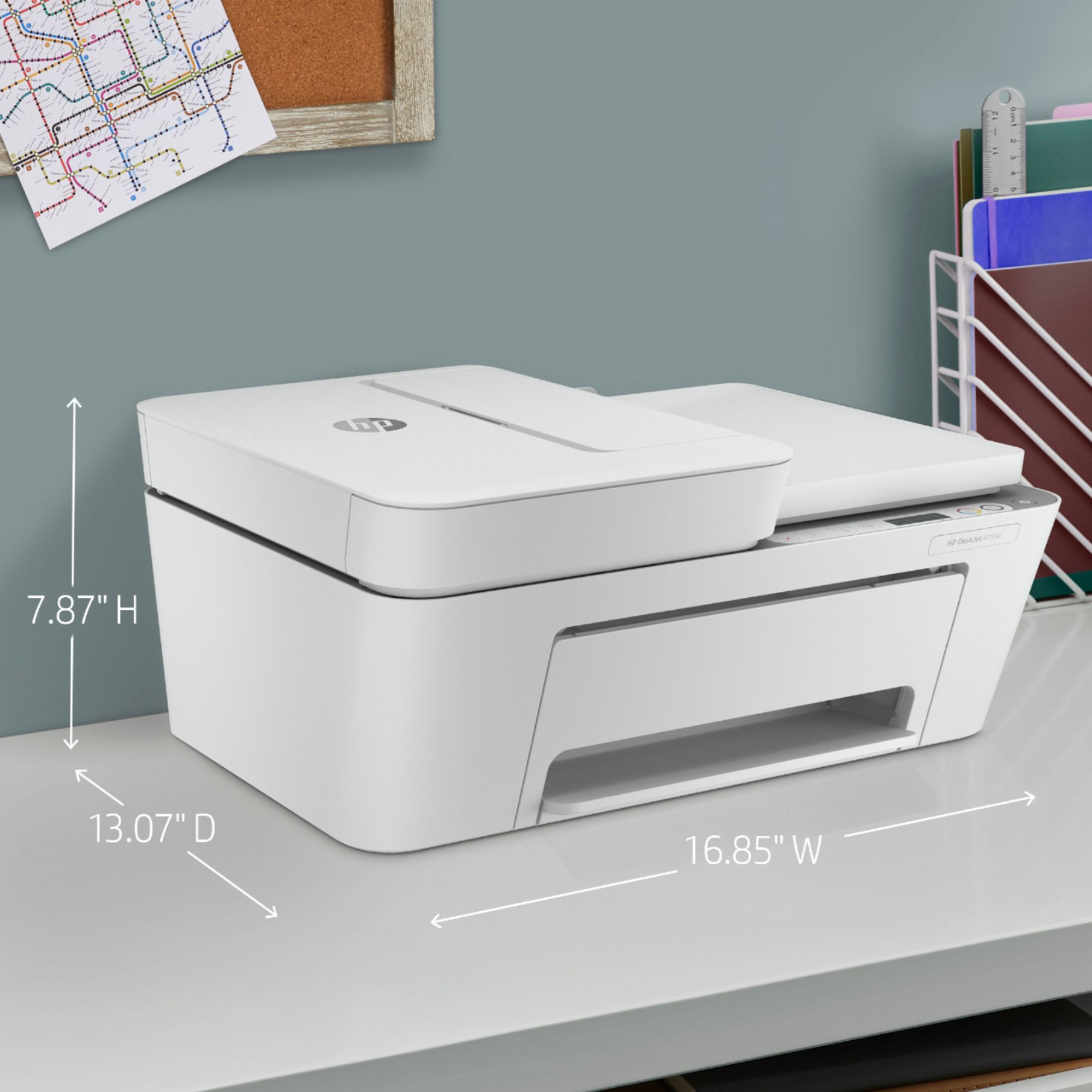


- Model:
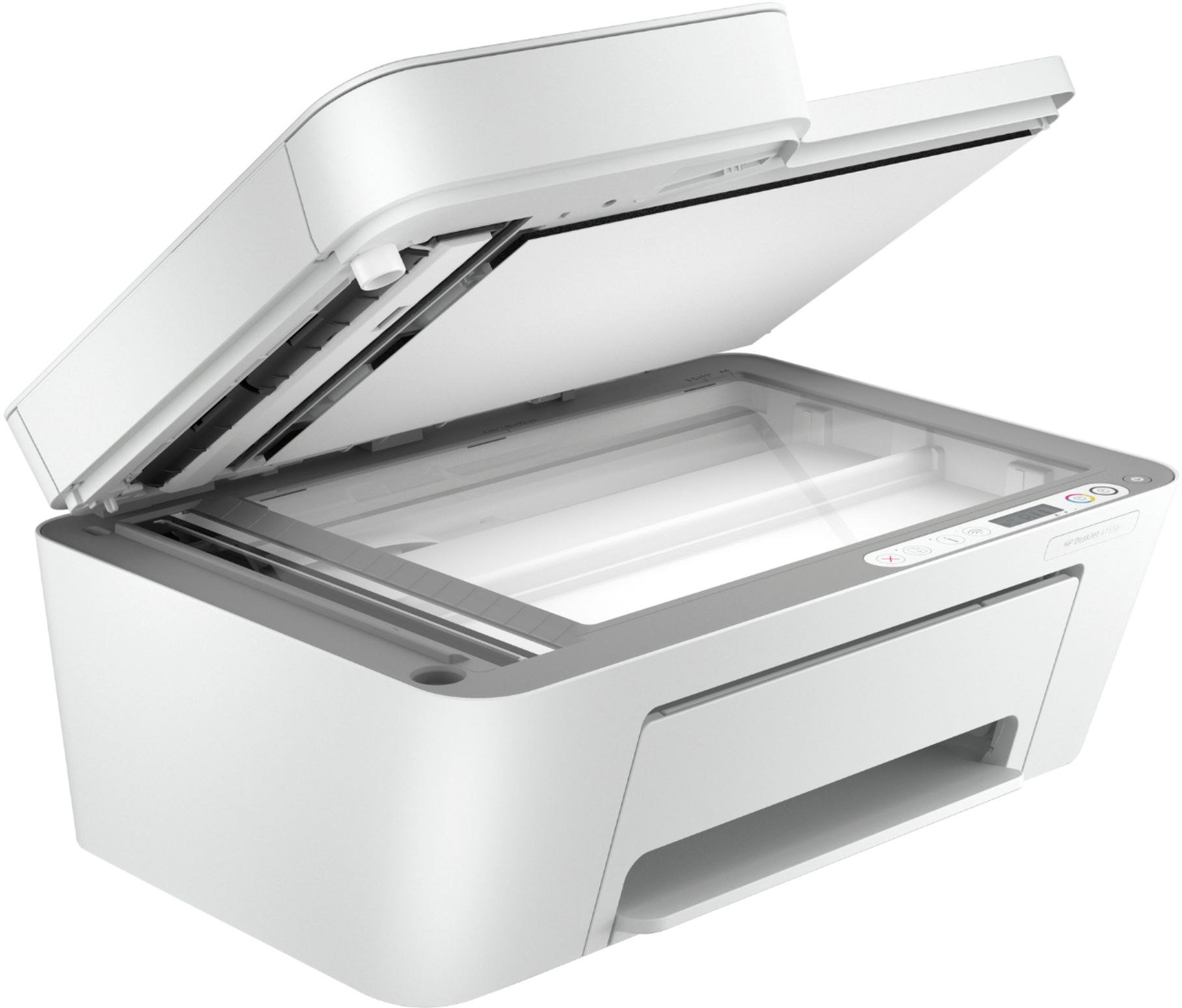
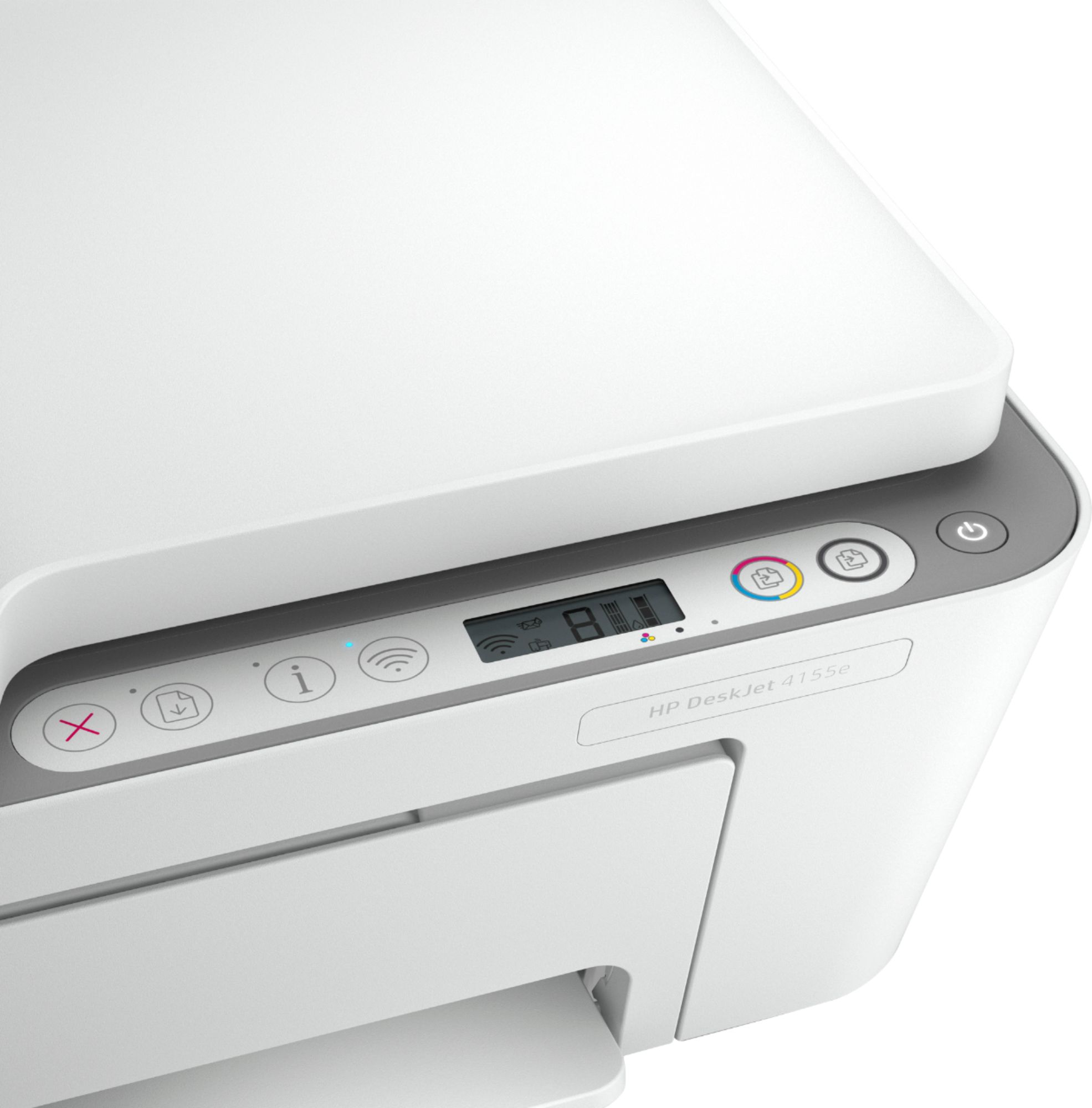
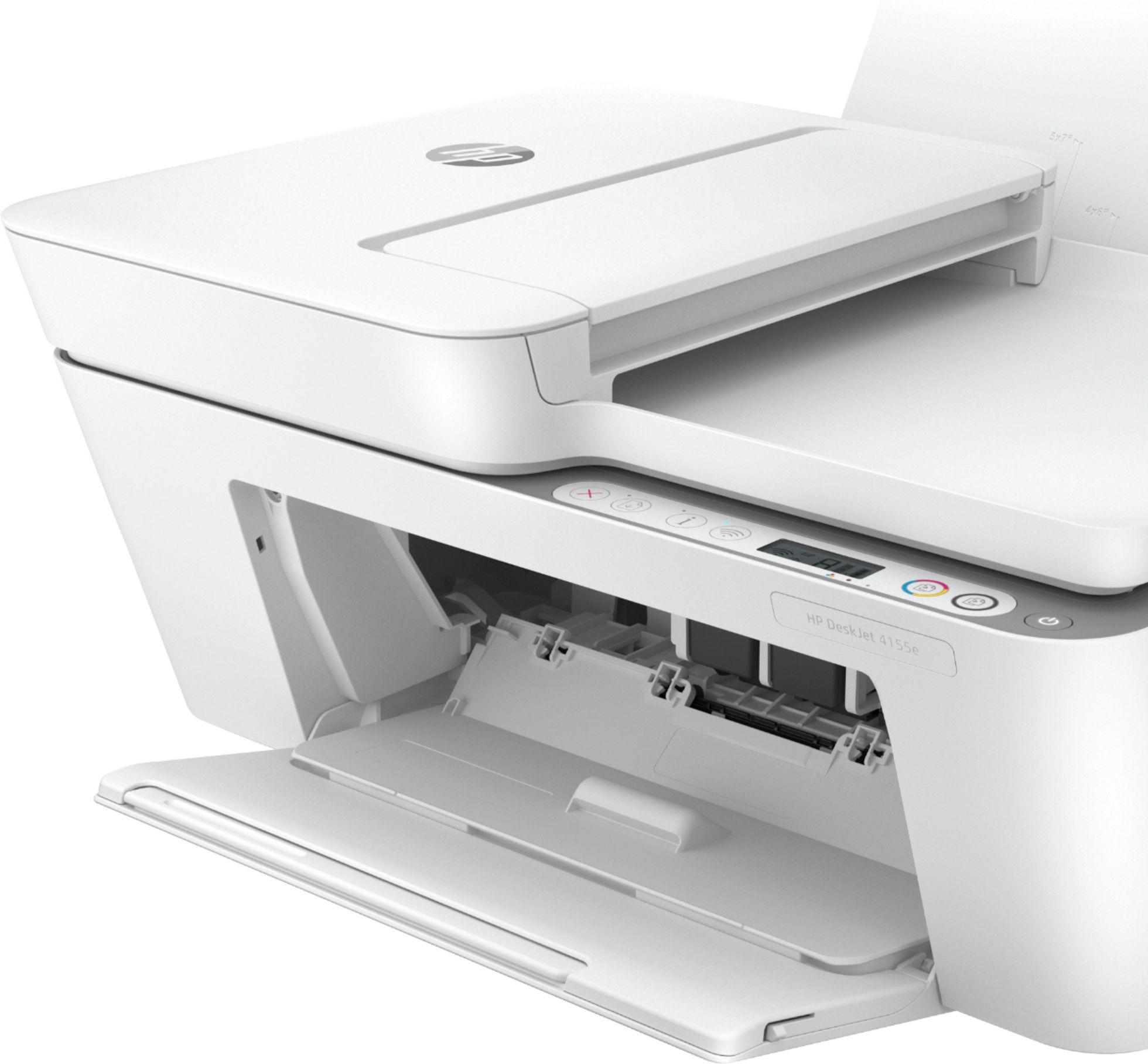
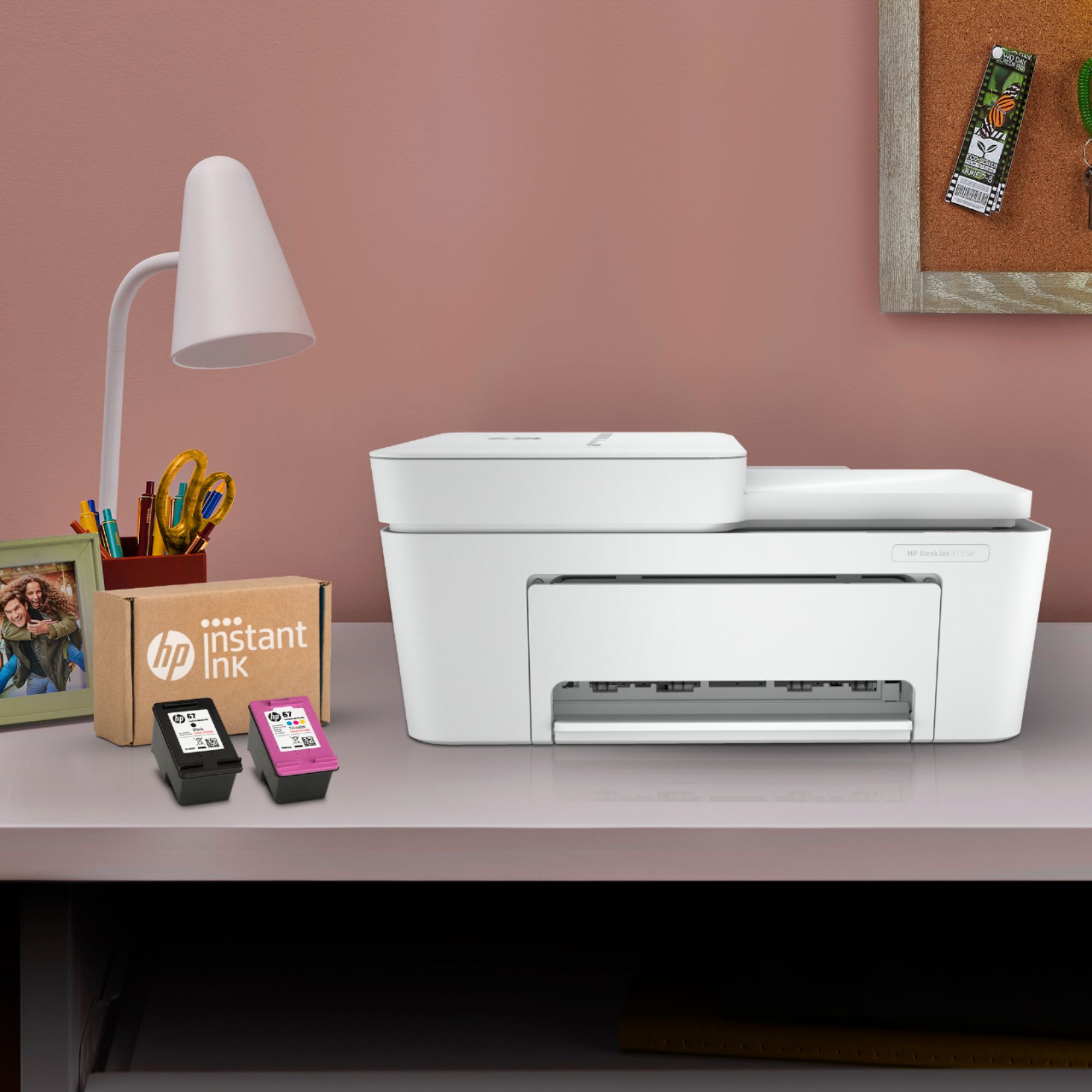
- DeskJet 4155e
- SKU:
- 6454283
Rating by feature
- Value
Rating 4.1 out of 5 stars
- Quality
Rating 4.0 out of 5 stars
- Ease of Use
Rating 3.8 out of 5 stars
Customers are saying
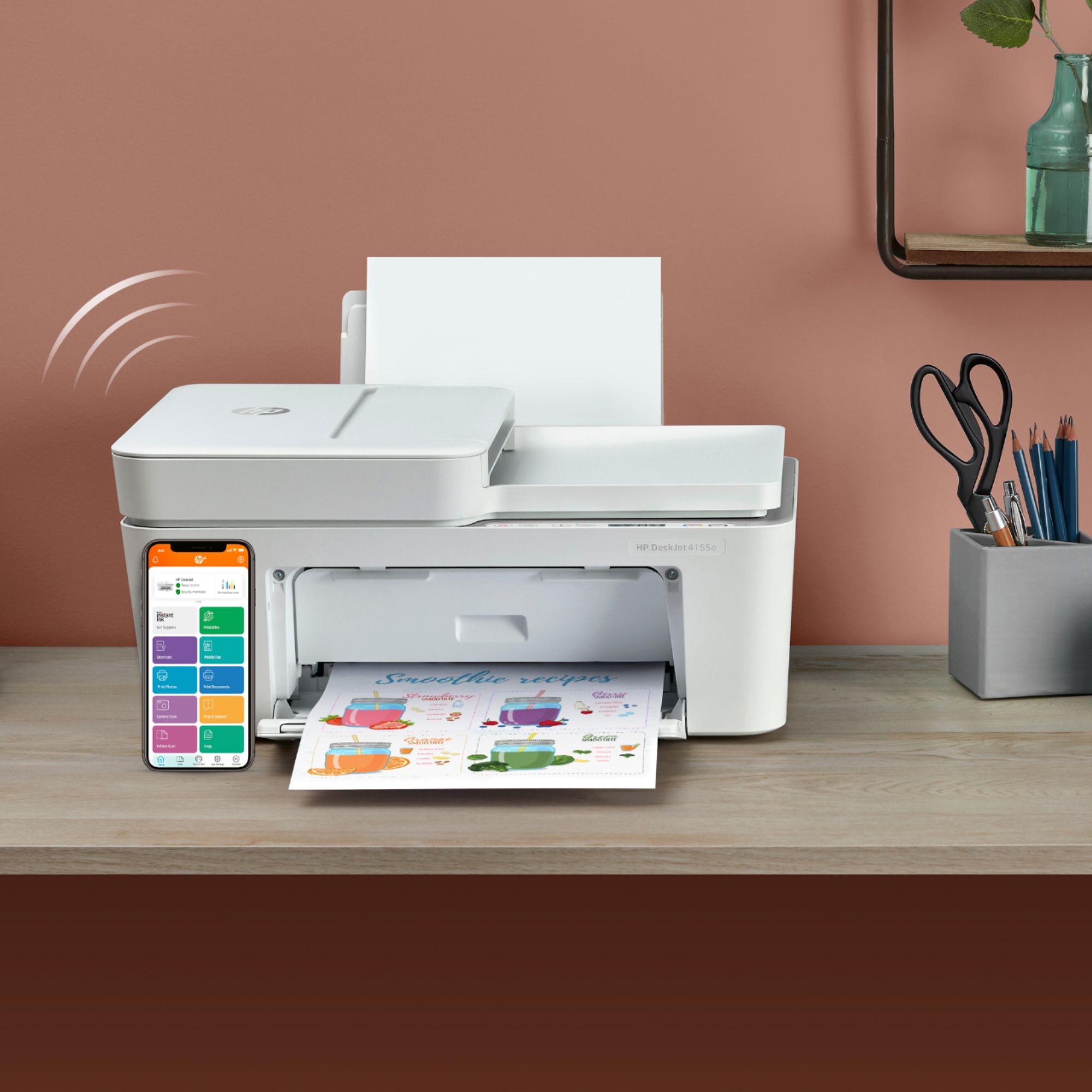
Customers are impressed with the DeskJet Plus 4155's ease of use and print quality, frequently praising its simple operation and clear output. Many also appreciate the printer's compact size and reasonable price. However, some users experienced challenges with WiFi connectivity and found the setup instructions unclear.
This summary was generated by AI based on customer reviews.
Don't buy
||Posted . Owned for 4 months when reviewed.This reviewer received promo considerations or sweepstakes entry for writing a review.Awful!!!! The printer don’t load paper to print. It stop scanning! And It only brand new!!! Don’t buy!
No, I would not recommend this to a friendBrand response from HP Team
Posted .Hi there.
I’m sorry to learn that your printer has stopped working properly. Your review is brief, and I can’t tell exactly the nature of the difficulty with paper loading or scanning, but I’ll nonetheless provide a resource and some information I hope will help you resolve the situation.
I recommend that you contact us directly so we can help you assess the situation and find the best course of action. HP+ printers such as yours come with exclusive concierge support. To call and reach live HP+ experts, visit the following URL and enter your HP+ serial number:
- hp.com/plus-help
I'll also mention that HP printers have a one-year warranty from their purchase date that covers hardware as well as ink supplies – and that warranty extends to two years with an HP+ account – so if it comes to that, you might consider making use of it. You can verify the warranty using the following link:
- support.hp.com/us-en/checkwarranty
Keith
HP Care
hp.com/support
Wifi Issues
||Posted . Owned for 1 month when reviewed.This reviewer received promo considerations or sweepstakes entry for writing a review.When it works it’s great, but it has a hard time staying connected to the wifi and that is a major source of frustration.
I would recommend this to a friendHappyStudent
||Posted . Owned for 1 month when reviewed.This reviewer received promo considerations or sweepstakes entry for writing a review.Once we finally got it connected to my son’s new HP lap top, it’s been a blessing, for at home learning, the convenience of being able to print out his school assignments, is great.
I would recommend this to a friendTOO SLOW PRINTER
||Posted . Owned for 3 weeks when reviewed.This reviewer received promo considerations or sweepstakes entry for writing a review.This printer looks great and all but is extremely slow. Maybe if you only print a dozen pages or so a month it would be ok. Color and print quality is great but agonizingly slow. I returned it to Best Buy and spent more money for an Epson WorkForce Pro WF-3820. It is fast and so far is awesome - well worth the difference in price!
No, I would not recommend this to a friendBrand response from HP Team
Posted .Hello there,
I am sorry that printing speed couldn’t meet your expectations. We always want to provide our customers with a reliable and satisfying experience and it is a pity that we missed out on this. However, I hope that you were able to return the device without any problems.
Please give us another chance and let us convince you of the quality of our products. Please contact our customer service, they will help you to find a printer that works better. You will find all contact details on our website.
Denise
HP Care
Great little printer
||Posted .This reviewer received promo considerations or sweepstakes entry for writing a review.It takes up very little space but now that I work remote I really needed a printer and copier. It’s glitchy with older phones and lap tops but I think they all are. I really like it.
I would recommend this to a friendpoor connectivity
||Posted . Owned for 1 year when reviewed.This reviewer received promo considerations or sweepstakes entry for writing a review.frustrating computer as it doesn't hold a wireless connection to print
No, I would not recommend this to a friendBrand response from HP Team
Posted .Hi, Annmarie.
I’m sorry your printer has failed to maintain a reliable wireless connection. I can certainly understand why this would quickly become frustrating. I want to help you resolve this situation, so I’ll suggest some resources aimed at making that happen.
First, I recommend you visit a page on our support site that has diagnostic tools for various issues, including wireless connectivity. You can find that page here:
- support.hp.com/us-en/help/printer
You can also find troubleshooting guides specific to your printer, including ones on connectivity, in addition to the main user manual, how-to documents and software updates here:
- support.hp.com/us-en/product/model/2100187854
If connectivity doesn’t adequately improve, I suggest that you contact us directly at +1 800-474-6836 so we can help you assess what’s happening and find the best course of action. To expedite the process, I recommend gathering the following information before the call:
- Model number
- Serial number
- Your location
- Case number (from any previous contact with HP support)
Keith
HP Care
hp.com/support
All in one printer
||Posted . Owned for 1 month when reviewed.This reviewer received promo considerations or sweepstakes entry for writing a review.Nice printer many good features. Unfortunately this was returned due to gift recipient wanted a printer with less features.
I would recommend this to a friendGreat value
||Posted . Owned for 3 months when reviewed.This reviewer received promo considerations or sweepstakes entry for writing a review.I took this printer a minute to work the way I wanted. Other day that I like it a lot and I like the instant ink.
No, I would not recommend this to a friendGood cheap printer
||Posted .This reviewer received promo considerations or sweepstakes entry for writing a review.My daughter needed a printer tout de suite down in college so she picked this one out and I had it delivered to her nearest Best Buy. Easy and quick enough. College girl approved.
I would recommend this to a friendTammi P
||Posted . Owned for 1 month when reviewed.This reviewer received promo considerations or sweepstakes entry for writing a review.Do not have printing on both sides, unless you put it back in.
No, I would not recommend this to a friendDecent but not fast
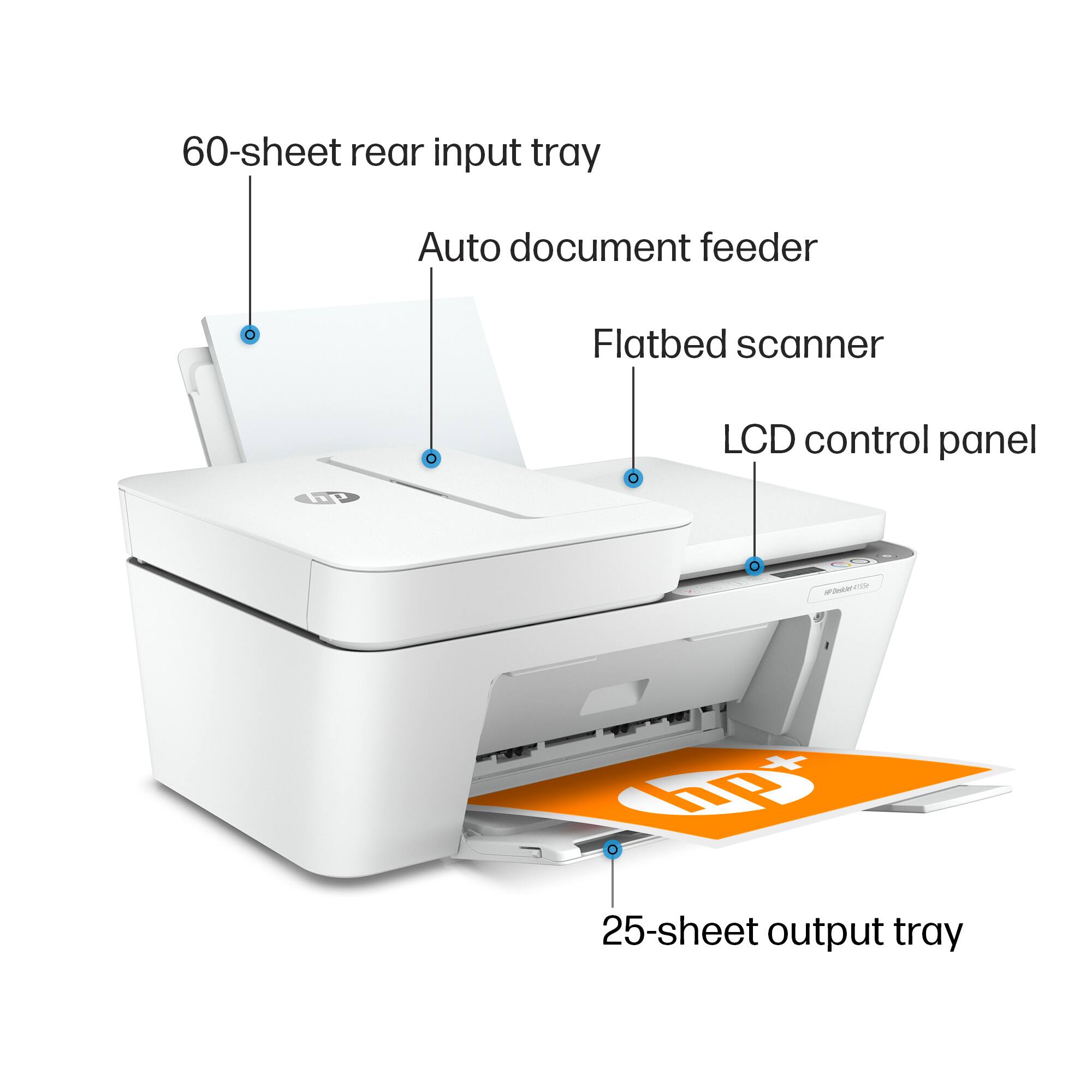
||Posted . Owned for 1 month when reviewed.This reviewer received promo considerations or sweepstakes entry for writing a review.The printer works and is decent but it is not a fast printer. It does not hold a lot of paper but it holds a few sheets which would be sufficient for small jobs. I wouldn’t recommend if this is something you’re going to use a lot every day but for once in a while usage of printing a page at a time it is not a bad printer. It comes with very few instructions so most of the help would be sought online
No, I would not recommend this to a friendBrand response from HP Team
Posted .Hi, Kathy.
Thanks for the review and the description of your experience. While I’m glad that you like certain aspects of your printer, I’m sorry to hear that it has rendered prints so slowly. It’s easy to understand why that would quickly become frustrating. We want to make sure that your printer is reliable for any urgent printing needs, so I’ll point you toward some resources I hope will help.
First, I recommend that you follow a guide on our support site that covers improving print speed; choose whichever of the following two links matches your operating system:
- Windows: support.hp.com/us-en/document/bud03409
- Mac OS: support.hp.com/us-en/document/c01928898
Next, to learn more about your printer and all its features, or for help solving problems, you can find user manuals, how-to guides, troubleshooting documents and software updates here:
- support.hp.com/us-en/product/hp-deskjet-plus-4100-all-in-one-series/29378221/model/29378225
If you need further assistance, I suggest that you contact us directly at +1 800-474-6836 so we can help you assess the situation and find a solution. (Please note that because of restrictions on personal movement and workplace attendance associated with the COVID-19 pandemic, wait times for agents are longer than normal. Thanks in advance for your understanding.) To expedite the process, I recommend gathering the following information before the call:
- Model number
- Serial number
- Your location
- Case number (from any previous contact with HP support)
Keith
HP Care
hp.com/support
product
||Posted .This reviewer received promo considerations or sweepstakes entry for writing a review.loud and didnt print on both sides Even the rep I talked to was not aware of this
No, I would not recommend this to a friendBrand response from HP Team
Posted .Hi there.
I’m sorry you’ve had a difficult start with your printer. I can wholly understand your disappointment, considering the printer has been noisy and you’ve not found the two-sided printing feature you’d like. I want to help you resolve this situation, so I’ll provide some resources and clarifying information that I hope will reach that goal.
While you’re correct that your printer lacks automated duplex printing, it does have a manual function that accommodates two-sided prints. I suggest you consult the main user manual on our support site, specifically the section called “Print Using a Computer.” Find that manual here:
- www1.hp.com/ctg/Manual/c07043347.pdf
If you need further assistance with this feature – and for input on what might be causing the excessive noise – I suggest you contact us directly so we can help you assess what’s happening and find the proper course of action. HP+ printers such as yours come with exclusive concierge support. To call and reach live HP+ experts, visit the following URL and enter your HP+ serial number:
- hp.com/plus-help
Keith
HP Care
hp.com/support
Slow printer
||Posted . Owned for 1 month when reviewed.This reviewer received promo considerations or sweepstakes entry for writing a review.Very very slow printer, very hard to program. No print button on the printer, if computer is down no way to print.
No, I would not recommend this to a friendBrand response from HP Team
Posted .Hi there.
I’m sorry to hear that your printer has rendered prints so slowly and that you’ve found the device difficult to use. I can certainly understand why that would be a frustrating start to owning a printer. I want to help you get things working to your satisfaction, so I’ll offer some resources aimed at making that happen.
First, I recommend that you follow a guide on our support site that covers improving print speed; choose whichever of the following two links matches your operating system:
- Windows: support.hp.com/us-en/document/bud03409
- Mac OS: support.hp.com/us-en/document/c01928898
Also, often just updating the firmware can help improve print speed. You can find out how to do that here:
- support.hp.com/us-en/document/c02919168
Overall, to learn more about your printer and all its features, or for help solving problems, you can access user manuals, how-to documents, software updates and troubleshooting guides here:
- support.hp.com/us-en/product/model/2100187854
If you need further assistance with anything, I suggest that you contact us directly at +1 800-474-6836 so we can help you assess the situation and find a solution. (Please note that because of restrictions on personal movement and workplace attendance associated with the COVID-19 pandemic, wait times for agents are longer than normal. Thanks in advance for your understanding.) To expedite the process, I recommend gathering the following information before the call:
- Model number
- Serial number
- Your location
- Case number (from any previous contact with HP support)
Keith
HP Care
hp.com/support
Looks are everything
||Posted . Owned for 2 months when reviewed.This reviewer received promo considerations or sweepstakes entry for writing a review.Didn’t seem to great for the price didn’t use it took outta box an decided didn’t like the look got a different model
No, I would not recommend this to a friend- Pros mentioned:Print quality
Okay printer
||Posted .This reviewer received promo considerations or sweepstakes entry for writing a review.Printer is okay, rather good quality images. I feel like it goes through ink very quickly
I would recommend this to a friendBrand response from HP Team
Posted .Hi there.
I’m glad to learn that you like the print quality of your printer, but I’m sorry to hear that it’s using ink faster than you’d anticipated. I can’t tell from your review how many pages you’ve gotten from the cartridges you’ve used compared with the page estimates, but I’ll nonetheless provide some information I hope will help.
Here are some things you can consider:
- If it appears that a cartridge was low on ink to begin with, or that the poor page yield was caused by a defective cartridge, you can always contact the seller who sent you the cartridge about that.
- Contact us if the supplies are defective genuine cartridges that are not replaced by the vendor (and they are still within the “warranty ends” date on the cartridges). Reach out to us via this link: support.hp.com/us-en/contact-hp
Here are some facts on ink use that might help you get more prints without too much extra effort:
- A high-density print (such as an image or graph) uses ink more quickly than a text-only document, particularly if the paper is highly absorbent and the environment is dry.
- Using the draft and black only settings on your printer can help save on ink, particularly the colors.
- Shutting the printer down between uses can result in some savings. However, always use the power button on the printer itself to turn it off. That will let the printer to 'park' so that the nozzles that spray the ink onto the paper are protected from excess drying.
If the problem persists, I recommend that you reach out to us so we can help you assess the situation and work through any necessary troubleshooting with you. Get in touch via your preferred method at this link: hp.com/contactHP
Keith
HP Care
hp.com/support
HP printer
||Posted . Owned for 1 month when reviewed.This reviewer received promo considerations or sweepstakes entry for writing a review.Couldn't get printer to work. Kept saying ink not compatible. Ink came with printer. Returned to store.
No, I would not recommend this to a friendGood
||Posted . Owned for 1 week when reviewed.This reviewer received promo considerations or sweepstakes entry for writing a review.I haven't opened it as yet because the Laptop taking forever to come 1st time and last time ordering a laptop it's been2 weeks and it's supposed to be a2day shipping.
I would recommend this to a friend- Cons mentioned:Setup
Terrible experience!
||Posted .This reviewer received promo considerations or sweepstakes entry for writing a review.I wish to return printer. I have tried to get it to work. It shuts off in the middle of printing, that's if i can get it to print! Out of the box it was a pain; it took an hour and a half to get 4 apps to run it, then told me i had to start all over! Where do i return this? Any best buy? My last HP lasted 14 years and didn't let me down.
No, I would not recommend this to a friendBrand response from HP Team
Posted .Hi there.
I’m sorry to hear that your printer has not worked like it sh ould. I can easily understand why receiving a printer that was difficult to set up and stops print jobs without explanation would be a huge frustration, so I’ll offer some resources and data I hope will help.
I can’t tell from your review why your printer is performing this way, so I recommend that you contact us directly at +1 800-474-6836 so we can help you assess the situation and guide you through any applicable troubleshooting. (Please note that because of restrictions on personal movement and workplace attendance associated with the COVID-19 pandemic, wait times for agents are longer than normal. Thanks in advance for your understanding.) To expedite the process, I recommend gathering the following information before the call:
- Model number
- Serial number
- Your location
- Case number (from any previous contact with HP support)
I'll also mention that HP printers have a one-year warranty from their purchase date that covers hardware as well as ink supplies, so if it comes to that, you might consider making use of it. You can verify the warranty using the following link: support.hp.com/us-en/checkwarranty
Keith
HP Care
hp.com/support
- Cons mentioned:Connectivity
Hard to connect
||Posted .This reviewer received promo considerations or sweepstakes entry for writing a review.Very finicky I’ve had to unplug it many times because it won’t connect or it freezes up.
No, I would not recommend this to a friendBrand response from HP Team
Posted .Hi there.
I’m sorry to hear that your printer has not maintained a reliable wireless connection. I can imagine how frustrating it would become to repeatedly unplug and reset the printer after it freezes up. With that in mind, I’ll offer some resources and information I hope will help.
First, I recommend you visit a page on our support site that has diagnostic tools for various tasks and issues, including wireless connectivity. Visit that page here:
- support.hp.com/us-en/topic/diagnostics
If you need further assistance, I suggest that you contact us directly at +1 800-474-6836 so we can help you assess the situation and guide you through any applicable troubleshooting. (Please note that because of restrictions on personal movement and workplace attendance associated with the COVID-19 pandemic, wait times for agents are longer than normal. Thanks in advance for your understanding.) To expedite the process, I recommend gathering the following information before the call:
- Model number
- Serial number
- Your location
- Case number (from any previous contact with HP support)
Keith
HP Care
hp.com/support
Poor quality
||Posted . Owned for 1 week when reviewed.This reviewer received promo considerations or sweepstakes entry for writing a review.The print quality of this printer didn't meet my needs. I was highly disappointed.
No, I would not recommend this to a friendBrand response from HP Team
Posted .Hi there.
I’m sorry to hear that your printer has rendered prints of poor quality. I wholly understand why this would be an unsettling surprise. I want to help you remedy this situation, so I’ll offer some suggestions I hope will accomplish that.
First, I recommend following the steps listed in a guide on our support site to improving print quality. Issues covered include faded or streaked prints, color or black ink not printing properly or at all, and blurred or fuzzy text. Find that guide here:
- support.hp.com/us-en/document/c06557991
If print quality does not improve to your satisfaction, I recommend that you contact us directly at +1 800-474-6836 so we can help assess what’s happening and find the best course of action. To expedite the process, I recommend gathering the following information before the call:
- Model number
- Serial number
- Your location
- Case number (from any previous contact with HP support)
Keith
HP Care
hp.com/support