Customer Ratings & Reviews
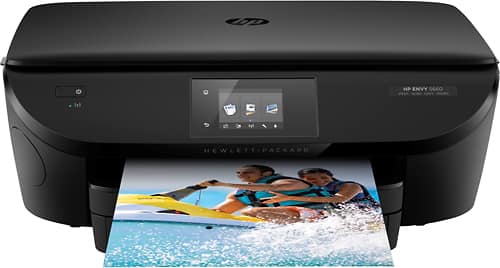
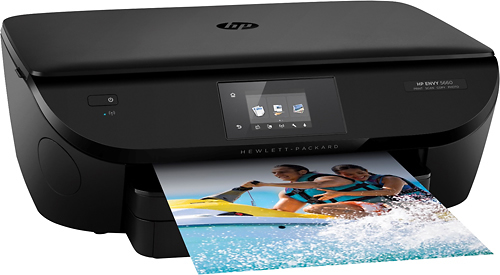
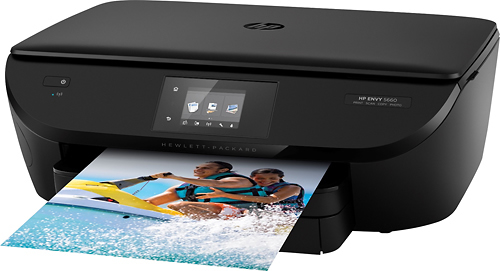
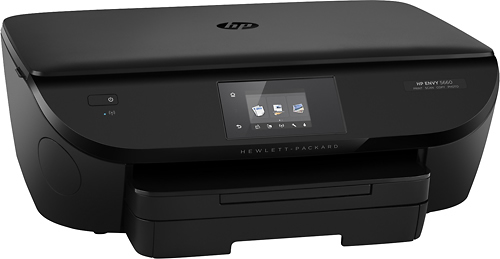
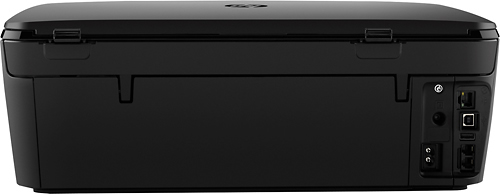
- Model:
- F8B04A#B1H
- |
- SKU:
- 7981002
Customer reviews
Rating 4.6 out of 5 stars with 5961 reviews
(5,961 customer reviews)Rating by feature
- Value4.2
Rating 4.2 out of 5 stars
- Quality4.1
Rating 4.1 out of 5 stars
- Ease of Use4.3
Rating 4.3 out of 5 stars
Customers are saying
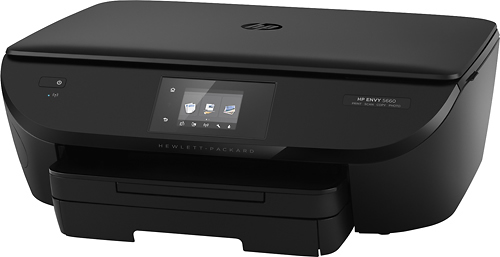
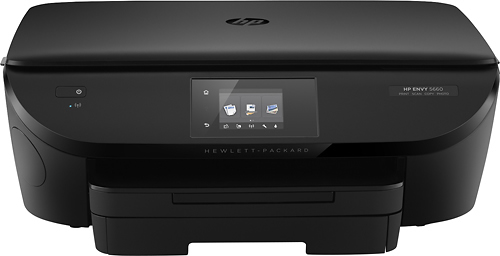
Customers are pleased with the ENVY 5660's print quality, ease of use, and wireless functionality. Many appreciate its compact size and the ease of setup, along with the quiet operation and reliable performance. The printer's scanning capabilities also receive positive feedback. A minor drawback mentioned by some users is the paper tray design.
This summary was generated by AI based on customer reviews.
Rated 4 out of 5 stars
Easy to use
||Posted .This reviewer received promo considerations or sweepstakes entry for writing a review.Haven't used much yet but seems to be a good printer
I would recommend this to a friendRated 1 out of 5 stars
Do not like product
||Posted .This reviewer received promo considerations or sweepstakes entry for writing a review.When purchased, I asked questions. Was told all I had to do was plug it in. Wrong! Also it has some kind of sleep mode that you can not disable. Because of this feature, you always have to go to the printer and turn it back on. Dislike the product and returning it.
No, I would not recommend this to a friendRated 4 out of 5 stars
Photos are clear & clean. Pages look sharp
||Posted .This reviewer received promo considerations or sweepstakes entry for writing a review.Great printer, strong Wi-Fi. works good with cell.
I would recommend this to a friendRated 4 out of 5 stars
Very nice printer
||Posted .This reviewer received promo considerations or sweepstakes entry for writing a review.Never had a wireless printer. I am very impressed.
I would recommend this to a friend- Pros mentioned:Size
Rated 2 out of 5 stars
Great printer
||Posted .This reviewer received promo considerations or sweepstakes entry for writing a review.Hesitates a little while printing and I didn't realize that it didn't have a fax until after getting it home. It was easy to set up and fits nicely when I wanted it. Overall - pleased with the printer.
I would recommend this to a friend Rated 4 out of 5 stars
Great for home office
||Posted .This reviewer received promo considerations or sweepstakes entry for writing a review.I would recommend to anyone who has a home office.
I would recommend this to a friendRated 4 out of 5 stars
Good printer. Does what I need.
||Posted .This reviewer received promo considerations or sweepstakes entry for writing a review.This printer is performing as expected. So far so good.
I would recommend this to a friendRated 3 out of 5 stars
Disappointed in this printer
||Posted .This reviewer received promo considerations or sweepstakes entry for writing a review.Unfortunately, despite the set up and installation process for this printer being lengthy, it still does not work fully with our computers and other devices. The HP set up process is complicated.
No, I would not recommend this to a friendRated 4 out of 5 stars
easy to install
||Posted .This reviewer received promo considerations or sweepstakes entry for writing a review.The color does not come out as bright as I thought
I would recommend this to a friendRated 3 out of 5 stars
I like the color quality on this printer.
||Posted .This reviewer received promo considerations or sweepstakes entry for writing a review.I bought this HP ENVY 5660 printer because of the HP name and the good price. It prints slower than I would prefer but so far it is getting the job done. Time will tell me more.
I would recommend this to a friendRated 3 out of 5 stars
SO SO printer
||Posted .This reviewer received promo considerations or sweepstakes entry for writing a review.this printer seams to takes along time to print at times other times it seams fast, this is wifi only I wish it had a way to plug into the router I really think this would help
No, I would not recommend this to a friendRated 1 out of 5 stars
HP pulls a heavy vacuum.
||Posted .This reviewer received promo considerations or sweepstakes entry for writing a review.I needed an inkjet that would do 3x5 cards and 3.5x6.5 envelopes. The HP website said that basically the 5660 handled nothing smaller than 4x6, but the website said that it could handle custom sizes including 3x5. And the paper size choice list on the printer screen included 3x5 cards which, the Best Buy sales person assured me, meant that the printer could accept and print 3x5 cards. After buying it I couldn't figure out how to load 3x5 cards -- the paper guide doesn't close to less than 4" width. I went online to the HP forum, where the forum "experts" didn't know anymore than I did. Frustrating. Went to iive chat, where a paid HP expert also didn't know more than me. Told me to put the 3x5 cards in sideways. I like to never got that back out of the machine (had to pick it up and shake it.) A couple of days later talked to another live chat person who explained that the website notation which said that the 5660 handled 3x5 cards was by *ADF* handling -- automatic document handler. However you can't get the 5660 with an ADF, so even if you knew what that abbreviation meant, it was misleading, because there is no such thing as a 5660 with an ADF. Why did HP leave 3x5 as a paper choice on its 5660 printer screen? Cheaper than changing the software, obviously? Why does the website say it can handle 3x5 and custom sizes with an ADF? Cheaper than haaving somone check the website for accuracy. The 5660 may be decent for what it does, but it does very little. Nowhere worth the price charged for it. And HP, as a company, pulls an extremely heavy vacuum.
No, I would not recommend this to a friendRated 3 out of 5 stars
Printer Install
||Posted .This reviewer received promo considerations or sweepstakes entry for writing a review.We still have not been able to hook up the printer through wifi. (Wireless) to other computers in the home. (In the same room) the printer keeps not working some of the times.
I would recommend this to a friendRated 3 out of 5 stars
Disappointed
||Posted .This reviewer received promo considerations or sweepstakes entry for writing a review.Went from an HP7520 to this and am very disappointed in the quality, particularly photo printing. I do like the fact it only requires two ink cartridges, but would not recommend.
No, I would not recommend this to a friendRated 1 out of 5 stars
had to return this printer
||Posted .This reviewer received promo considerations or sweepstakes entry for writing a review.the printer software was good, but the paper kept on jamming, After spending hours trying to solve jamming issues, decided to return the printer.
No, I would not recommend this to a friendRated 3 out of 5 stars
Quality
||Posted .This reviewer received promo considerations or sweepstakes entry for writing a review.This printer was great for black and white copies, but for photo" s it was not good. Most photo"s were not true to what you were coping
No, I would not recommend this to a friendRated 3 out of 5 stars
Not bad
||Posted .This reviewer received promo considerations or sweepstakes entry for writing a review.Printing-wise, it was great. The only thing it was missing (which I didn't see before I bought it) was the lack of a feeder tray to be able to scan multiple pages at a time.
I would recommend this to a friendRated 3 out of 5 stars
Okay printer; nothing special
||Posted .This reviewer received promo considerations or sweepstakes entry for writing a review.The printer works as expected for copy and printing from computer via USB. The wireless has erratic behavior and using the hard wire connection is more reliable.
I would recommend this to a friendRated 3 out of 5 stars
easy to set up
||Posted .This reviewer received promo considerations or sweepstakes entry for writing a review.Is slow to receive information to print from PC, must always be sure printer receives information and double check to see if it is asleep before selecting to print. .
No, I would not recommend this to a friendRated 3 out of 5 stars
okay printer, scanner, but slow.
||Posted .This reviewer received promo considerations or sweepstakes entry for writing a review.Okay printer and scanner. Slow with printing. Second HP printer I had that I had trouble with scanning multiple pages into one document. Also copies okay.
No, I would not recommend this to a friend