Customer Ratings & Reviews


- Model:
- K7G18A#B1H
- SKU:
- 5962003
Rating by feature
- Value
Rating 4.5 out of 5 stars
- Quality
Rating 4.4 out of 5 stars
- Ease of Use
Rating 4.5 out of 5 stars
Customers are saying
Customers are enthusiastic about the ENVY Photo 6255's print quality and ease of use, frequently praising its wireless capabilities and compact size. Many appreciate the printer's straightforward setup and quiet operation, along with its ability to scan documents effectively. While some users found the paper tray design less intuitive, the overall positive feedback highlights the printer's value and reliability.
This summary was generated by AI based on customer reviews.
Not my favorite
||Posted . Owned for 1 year when reviewed.This reviewer received promo considerations or sweepstakes entry for writing a review.We bought this item, however, it has a glitch that keeps saying it’s not working. It has been a frustrating computer for that reason.
No, I would not recommend this to a friendWorked for a week
||Posted . Owned for 1 year when reviewed.This reviewer received promo considerations or sweepstakes entry for writing a review.We used this printer for a week then didnt use it again for about a month. When we went back to use it again the cartridge was dry and couldnt be brought back to life. Bought new cartridges and the printer had something dry in the print head that caused blank streak along the prints. Cleaned the print heads multiple times, never went away. Wasted money.
No, I would not recommend this to a friendTotally not what I expected.
||Posted .This reviewer received promo considerations or sweepstakes entry for writing a review.It was advertised as having a memory card slot which it doesn't have. The instructions were terrible and for the most part lacking altogether.
No, I would not recommend this to a friendBrand response from HP Team
Posted .Hey Brad,
I'm so sorry about this uncertainty around whether or not this printer has a memory slot. I can surely imagine how disappointing it was when you discovered the printer didn't. With that said, I'd really like to clear this up and provide you with a helpful resource going forward.
First I'd like to clarify that, as you noted, this printer doesn't come with a memory card slot. I also looked into this a bit further on Best Buy's website and discovered that the printer was not actually advertised as having a card slot. For more details about the features the printer does have, you can visit the following link: support.hp.com/us-en/document/c05646387
As far as overall performance goes, if the printer is ever not working as expected, please don't hesitate to reach out to us for support. We'd be more than happy to work with you through any complications. You can get in touch via your preferred method at this link: hp.com/contactHP
Chelsea
HP Care
hp.com/support
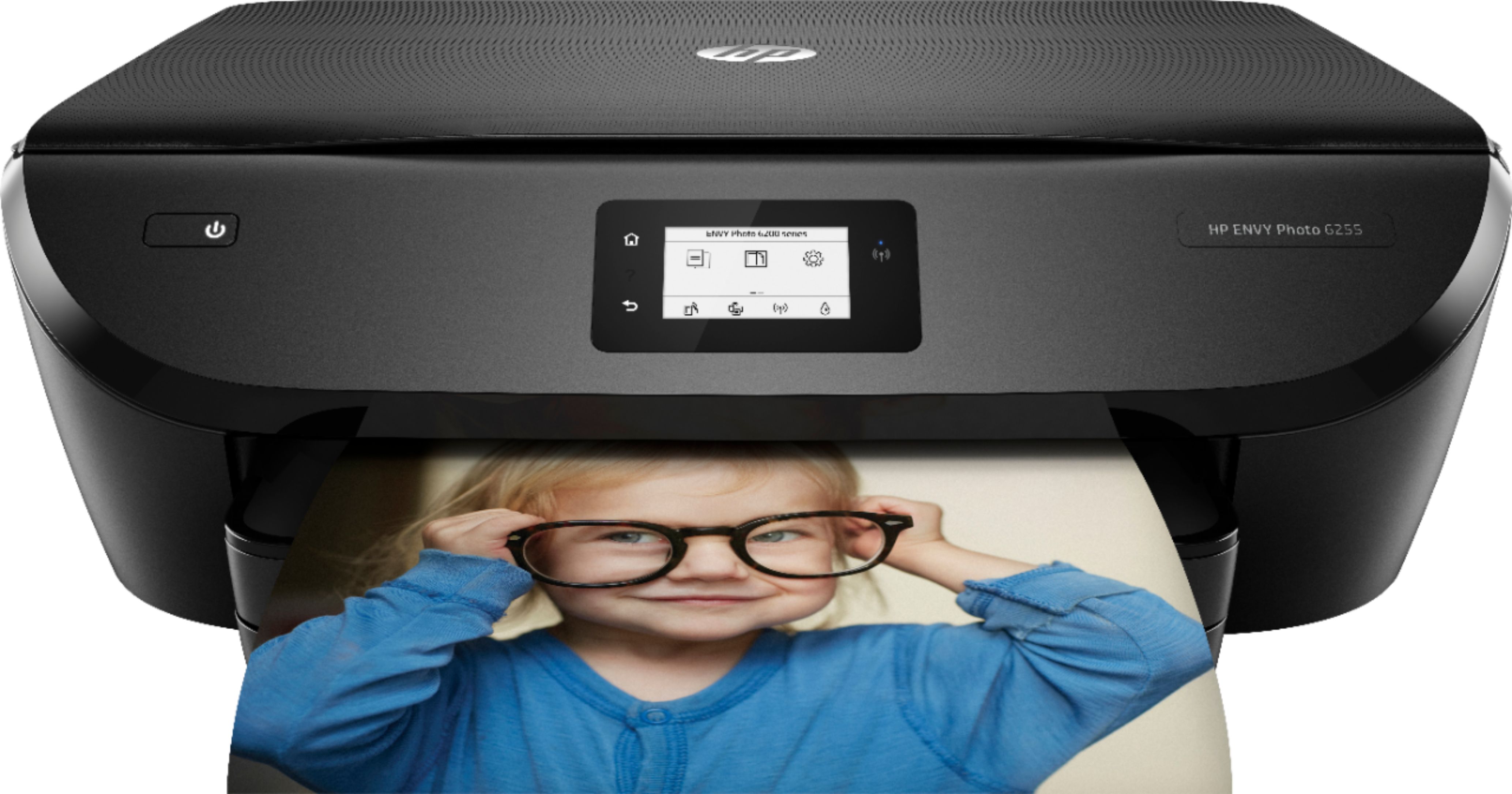
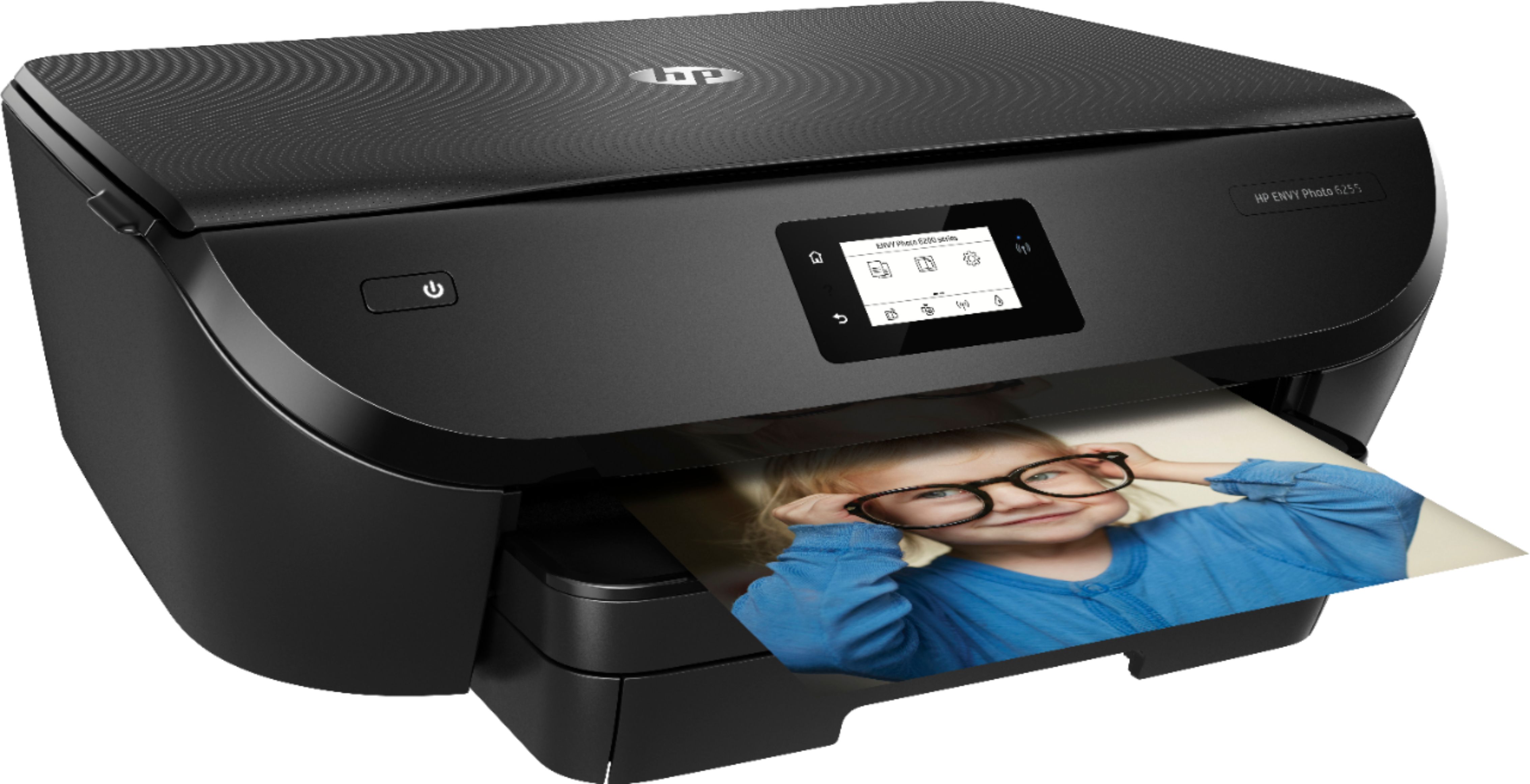
HP Envy Photo 6255
||Posted .This reviewer received promo considerations or sweepstakes entry for writing a review.3 years and already needs replaced. Shows error and cant get it to reset. Protection plan expired.
No, I would not recommend this to a friend- Pros mentioned:Print quality

Great Color
|Posted .This reviewer received promo considerations or sweepstakes entry for writing a review.I am fairly impressed with this all-in-one printer. I was looking for a second printer/scanner for the kids to use for school that allowed color printing. My current black and white laser just required markers to add color to the grey scale. The kids are a little too old to be coloring homework, so ... Printing on photo paper is fantastic, almost as good as a professional print. Maybe, for me, a little better because I can control the color. The scanner is your normal all in one variety. Pop in a sheet and scan it. The software, where I take a star away, is not the most intuitive piece of code I have worked with. Hopefully this will be corrected with updates down the road. I would HIGHLY recommend doing the firmware upgrades as soon as you get the unit out of the box. Initially my unit was popping errors every time I looked at it, the first firmware update corrected that issue. All in all in one, this is a very nice sturdy inkjet with really great color reproduction.
I would recommend this to a friend - Pros mentioned:Ease of use, Print quality
Excellent
|Posted .This reviewer received promo considerations or sweepstakes entry for writing a review.I must preface this that I had sworn off anything made by HP due to past issues I've encountered with other products. However, after receiving this printer, I had since regained a renewed interest in HP products. This printer was pretty much ready to go out of box. After a quick setup with the on-screen touch display and the companion HP Smart app, it was off to the races. It connect very easily to my WiFi as well as my other mobile devices and I was up and printing in about 7 minutes. Tweaked a couple of settings within the app, selected a photo from my iPhone for a test run and WOW it printed with such detail and clarity. I love that this printer came with a few sheets of photo paper as well, will certainly be using this to update my photo album. I recommend this printer to anyone looking for a nice quality printer.
I would recommend this to a friend Doesn’t do what is promised
||Posted .This reviewer received promo considerations or sweepstakes entry for writing a review.This was supposed to be able to print from my iPhone using the app but will not connect properly. Support is no help. Scanning is a nightmare to get it to work with my HP laptop with all the latest software... it has been a bad experience and support is terrible and full of misinformation. I can only get anything to print from my laptop and only if I am lucky and the stars are all in alignment. Bad product.
No, I would not recommend this to a friendBrand response from HP Team
Posted .Hi there,
I'm so sorry for the inconsistencies you've experienced with mobile printing and scanning. More so, it's disappointing to hear that you weren't able to reach a resolution for these issues through support. Let's see if I can help make this better with a few suggestions.
As far as mobile printing goes, What I'd first recommend is following any steps you haven't already taken in the FAQ troubleshooting portion of this document: support.hp.com/us-en/document/c02623193
Those scan inconsistencies may be a result of a recent update to Windows 10, as you alluded to. If you are a Windows 10 user, you might find it useful to reference this troubleshooter: support.hp.com/us-en/topic/windows-10-support-center-printing
Alternatively, you might consider running your printer's full feature software if you aren't already. If you're scanning without this all-inclusive HP software, you may run into some difficulties. You can find the download here: 123.hp.com/us/en/devices/envyphoto6255
If this doesn't seem to help, please contact us directly for support. We're always here and would be more than happy to work through this with you. You can reach out to us via your preferred method at this link: hp.com/contactHP
Chelsea
HP Care
hp.com/support
Hp printer
||Posted . Owned for 11 months when reviewed.This reviewer received promo considerations or sweepstakes entry for writing a review.This printer didn’t even work well from the start. The cartridges never seemed to fit properly and I found I could only print black and white pages sometimes. Photos and anything color never printed. By May of 2020 I finally gave up and bought another brand which works fine. And I never received any replacement ink with the ink program I pay monthly for?
No, I would not recommend this to a friendBrand response from HP Team
Posted .Hi there.
I’m sorry to hear that your printer has rendered prints of poor quality, and that the ink cartridges did not seem to fit like they should. I can understand why that combination would be quite unsettling, so I’ll point to some resources and offer some information I hope will help.
First, I recommend following the steps listed in this guide to improving print quality, including color or black ink not printing properly (or at all), faded or streaked prints, and blurred or fuzzy text:
- support.hp.com/us-en/document/c05551181
If the problem persists, I suggest that you contact us directly at +1 800-474-6836 so we can help you assess the situation and guide you through any applicable troubleshooting. (Please note that because of restrictions on personal movement and workplace attendance associated with the COVID-19 pandemic, wait times for agents are longer than normal. Thanks in advance for your understanding.) To expedite the process, I recommend gathering the following information before the call:
- Model number
- Serial number
- Your location
- Case number (from any previous contact with HP support)
I'll also mention that HP printers have a one-year warranty from their purchase date that covers hardware as well as ink supplies, so if it comes to that, you might consider making use of it. You can verify the warranty using the following link: support.hp.com/us-en/checkwarranty
Keith
HP Care
hp.com/support
Would not recommend
||Posted . Owned for 8 months when reviewed.This reviewer received promo considerations or sweepstakes entry for writing a review.Would give 0 stars the worst HP printer I’ve owned, colors have green undertone when printing. Broke within 3 months. Current sitting in my closet in case I need to scan something. Will throw in trash once I purchase a replacement. Its true you get what you pay for. Save your money and buy a better printer!
No, I would not recommend this to a friendHP ENVY All in one printer
||Posted . Owned for more than 2 years when reviewed.This reviewer received promo considerations or sweepstakes entry for writing a review.I have bought my last HP printer. They never seem to do they wireless printing.
No, I would not recommend this to a friendHP - ENVY Photo 6255
||Posted . Owned for 10 months when reviewed.This reviewer received promo considerations or sweepstakes entry for writing a review.Not so good. I am having the same issue with these HP printers. It's fine for printing documents, but the photo quality is just not there. I specifically purchased this because it claimed to be a "photo" printer. I find that the older, HP printers had better quality print. Very disappointed with this purchase.
No, I would not recommend this to a friendbad for regular printing
||Posted . Owned for 1 month when reviewed.This reviewer received promo considerations or sweepstakes entry for writing a review.this printer will cut off the top and p Bottom of 8.5×11" pages. Product returned
No, I would not recommend this to a friendDisappointing
||Posted .This reviewer received promo considerations or sweepstakes entry for writing a review.When I got this home the ink cartridges would not let me set it up. I contacted customer service and was told they would send some new ones out in the mail. It has been a MONTH. I have not been able to use it at all. I realize I need to call back but what a pain in the rear! I bought it because they assured me it was basically plug/play. Ridiculous.
No, I would not recommend this to a friendBrand response from HP Team
Posted .Hi,
I’m very sorry that your setup cartridges did not work in your printer and that the replacements haven't arrived.
As you stated, it is probably a good idea to call us back. Gathering the following before calling might speed up the process:
- Model number
- Serial number
- Your location
- Your case number (if you have previously contacted support)
Mary
HP Care
hp.com/support
Not worth the money
||Posted . Owned for 11 months when reviewed.This reviewer received promo considerations or sweepstakes entry for writing a review.Doesn’t print clearly after 3 uses. Tried cleaning still doesn’t work
No, I would not recommend this to a friendBrand response from HP Team
Posted .Hi there.
I’m sorry to hear that your printer has rendered prints of poor quality right out of the box. I can easily understand why this would be a great disappointment, especially considering you’d printed only three times, so I’ll point you toward some resources that I hope will help.
I can’t tell what’s causing this problem, so I recommend that you contact us directly at +1 800-474-6836 so we can guide you through the proper troubleshooting. (Please note that because of restrictions on personal movement and workplace attendance associated with the COVID-19 pandemic, wait times for agents are longer than normal. Thanks in advance for your understanding.) To expedite the process, I recommend gathering the following information before the call:
- Model number
- Serial number
- Your location
- Case number (from any previous contact with HP support)
I'll also mention that HP printers have a one-year warranty from their purchase date that covers hardware as well as ink supplies, so if it comes to that, you might consider making use of it. You can verify the warranty using the following link: support.hp.com/us-en/checkwarranty
Keith
HP Care
hp.com/support
Disappointed
||Posted .This reviewer received promo considerations or sweepstakes entry for writing a review.I've always had good luck with HP printers but this one is not working well wirelessly.
No, I would not recommend this to a friendIt just isn't HP quality.
||Posted .This reviewer received promo considerations or sweepstakes entry for writing a review.I have said all I need to say about it. The cover is like a thin piece of paper and just
No, I would not recommend this to a friendnone
||Posted . Owned for 1 month when reviewed.This reviewer received promo considerations or sweepstakes entry for writing a review.One of the worst printers I have ever bought, If I could return it I would. It is a piece of junk. Smears ink. Want's to be reset every time I try to print something. A real piece of junk.
No, I would not recommend this to a friendBrand response from HP Team
Posted .Hi Babs,
I am so sorry about these issues you've encountered with smears and inconsistent printing. I fully understand how inconvenient this must be and I regret that we didn’t deliver a more quality experience. That said, I'd really like to get this resolved for you, so let's see how I can help.
With what you’ve described, it sounds like the issue at hand relates to poor print quality, so I suggest following the guidelines in this improvement guide: support.hp.com/us-en/document/c05551181
As for the other issue you mentioned, I recommend contacting us for support. We would be more than happy to explore some solutions with you. You can give us a call at +1 800-474-6836 between the hours of 8 am - 9 pm ET. To expedite the process, you can gather these beforehand:
- Model number
- Serial number
- Your location
- Your case number (from prior contact with support)
I hope this helps and again, my sincerest apologies.
Chelsea
HP Care
hp.com/support
Go for a laser one
||Posted . Owned for more than 2 years when reviewed.This reviewer received promo considerations or sweepstakes entry for writing a review.I would go for a laser printer. I regret buying this
No, I would not recommend this to a friendWonky
||Posted .This reviewer received promo considerations or sweepstakes entry for writing a review.Very unpredictable. Reliability is hit or miss. I'd pass on this model.
No, I would not recommend this to a friendBrand response from HP Team
Posted .Hi there,
I'm so sorry that the printer's performance has been so unpredictable! It's always our intention to provide a printing experience that's reliable, so I regret that we missed the mark this time. That said, I'd love to see how we can help improve your overall experience with the printer going forward.
If there's anything specific you could use some help with, please remember that we're always here for support. We would be more than happy to work through any complications you might've encountered, so you can get in touch anytime via call or chat here: hp.com/contactHP
Chelsea
HP Care
hp.com/support
- Pros mentioned:Ease of use, Print quality, Wireless
Great WiFi router
|Posted .This reviewer received promo considerations or sweepstakes entry for writing a review.Very impressive printer! Print and scan quality is fantastic, the wireless works perfectly, and the companion app is easy to use and has a lot of functionality built in.
I would recommend this to a friend