Customer Ratings & Reviews
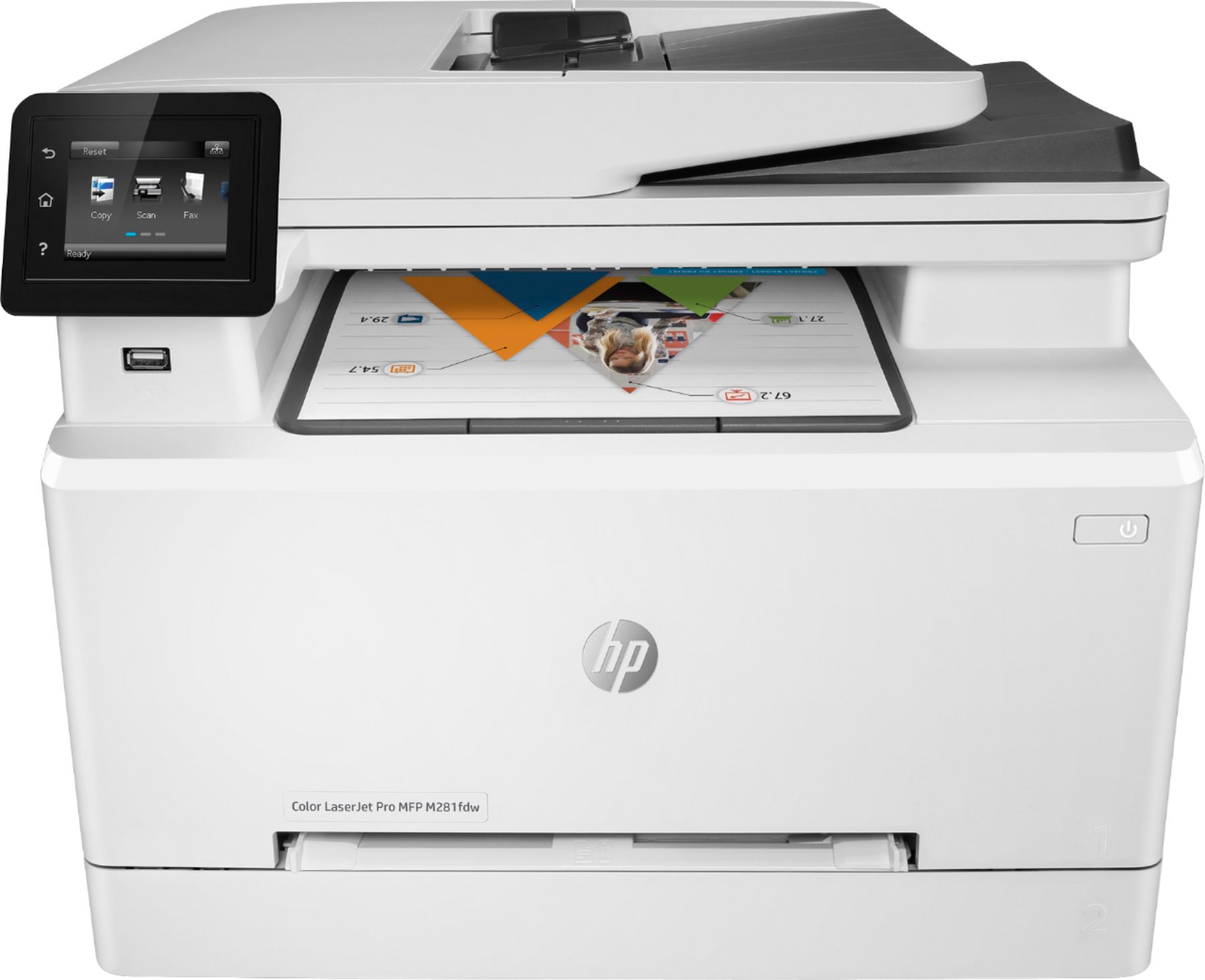
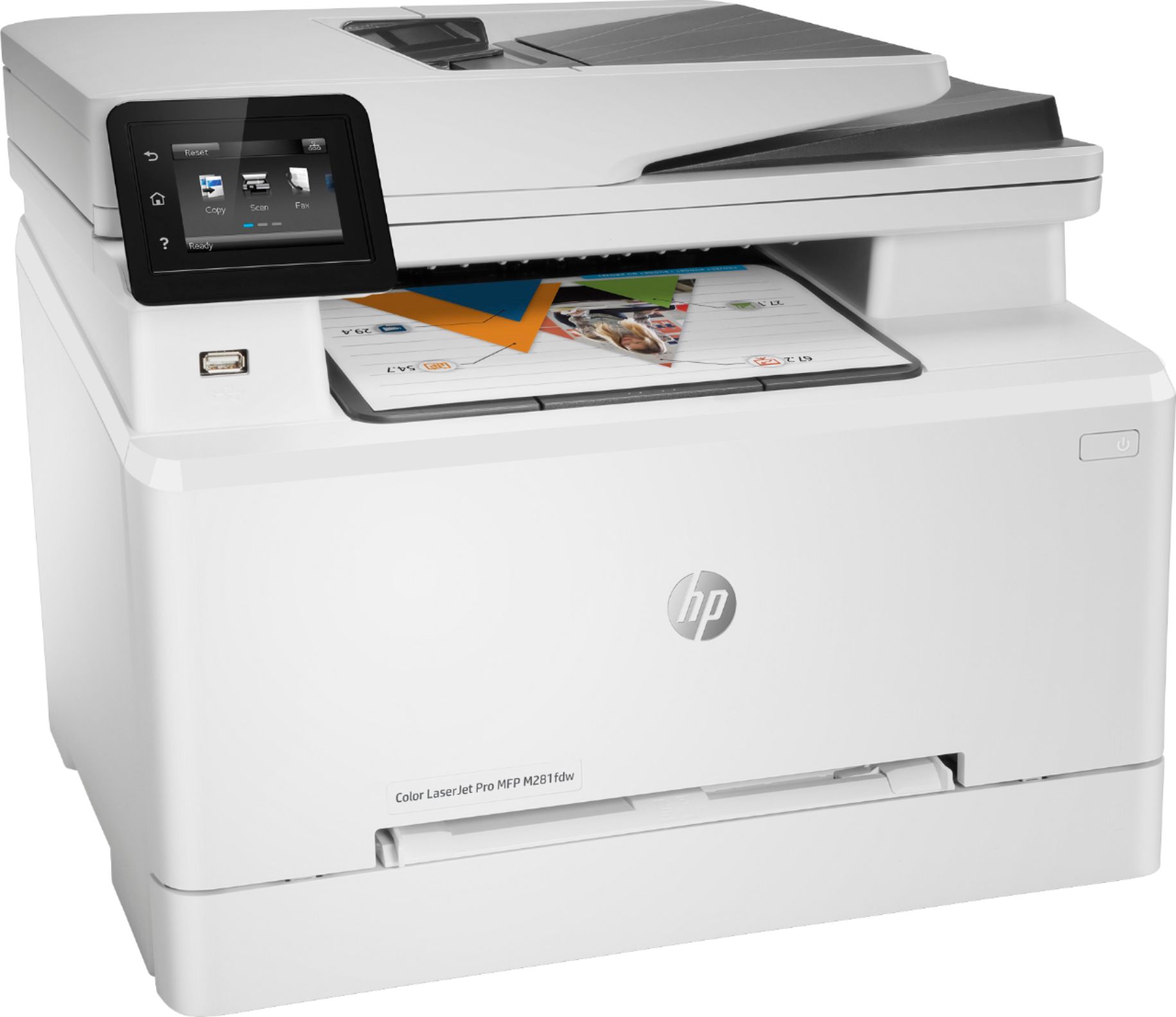
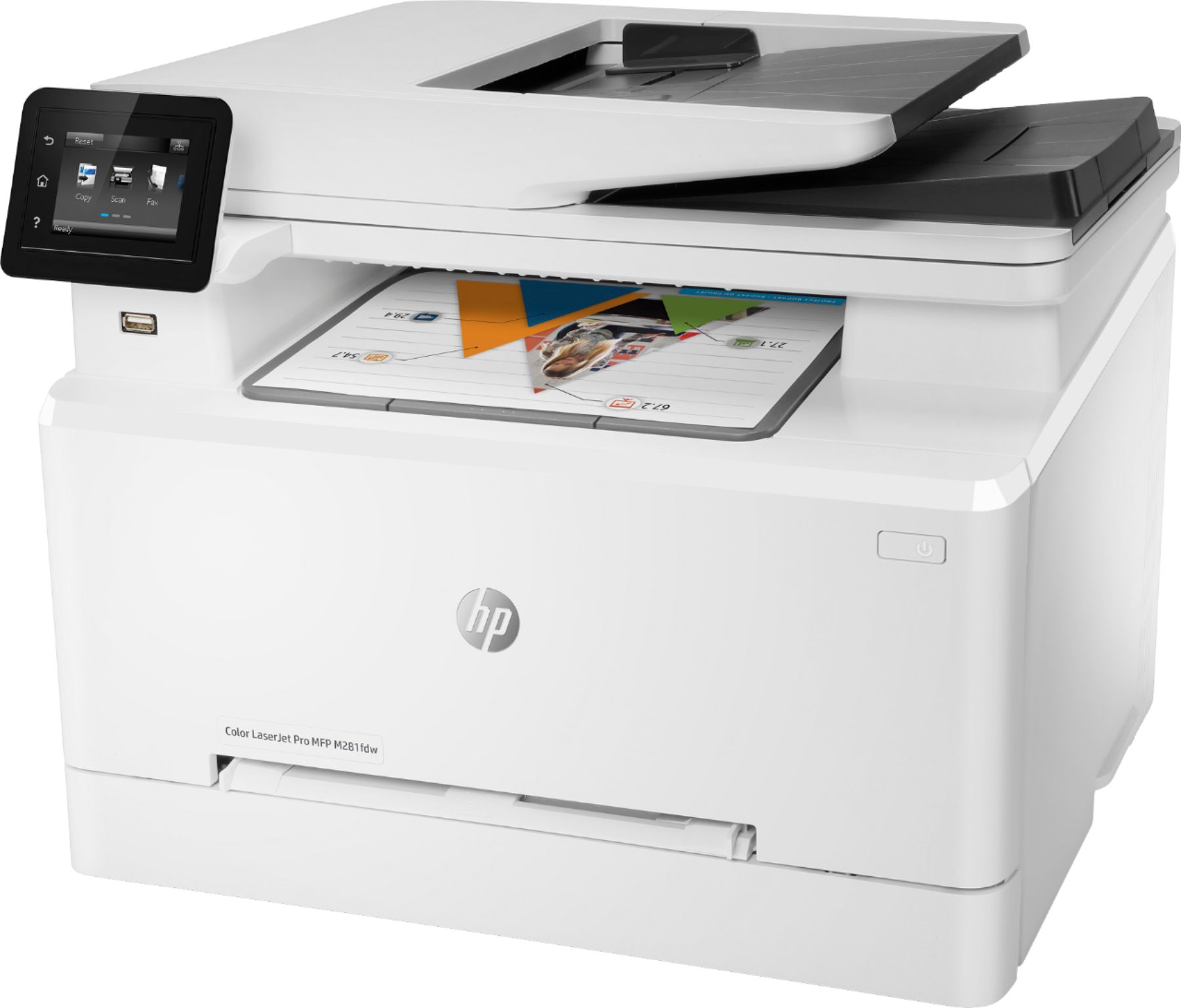
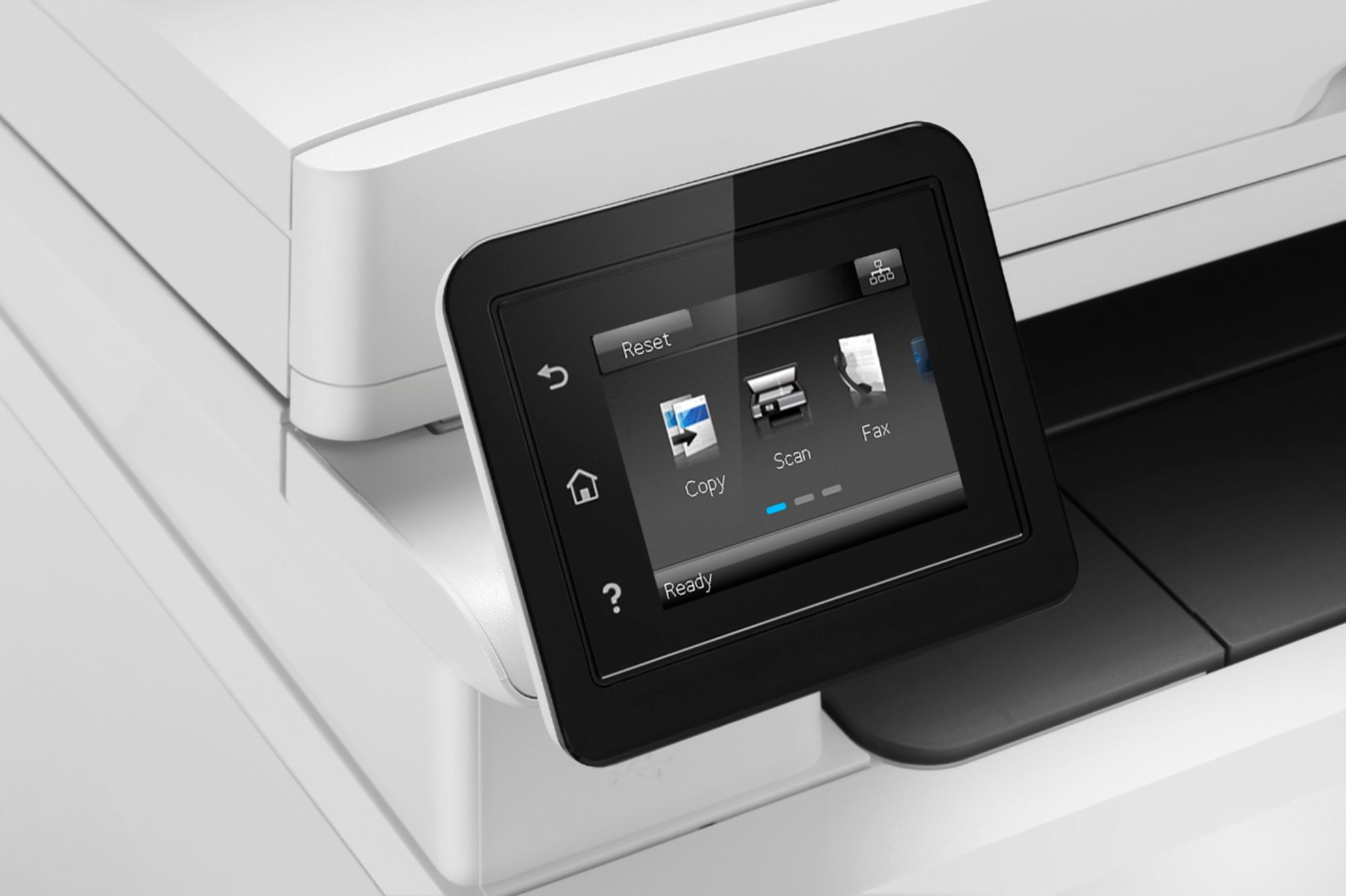
- Model:
- M281FDW
- SKU:
- 5981801
Rating by feature
- Value
Rating 4.4 out of 5 stars
- Quality
Rating 4.6 out of 5 stars
- Ease of Use
Rating 4.5 out of 5 stars
Customers are saying
Customers enjoy the easy setup, fast printing, and wireless feature of the LaserJet Pro MFP M281fdw Color Wireless All-In-One Laser Printer. They appreciate the print quality and the ability to scan documents to attach to emails. However, some customers have concerns about the expensive replacement toner and the noise level of the printer.
This summary was generated by AI based on customer reviews.
Excellent all-around printer, great value!
Posted .This reviewer received promo considerations or sweepstakes entry for writing a review.I bought this printer more than a year ago and would recommend it even more now than I did after using it the first few months. It was easy to set up, it wakes up quickly and prints fast, and is pretty quiet compared to other color laser MFP's. The print quality is excellent. I have not had a single paper jam in over a year (January 2019). Here's the two things that have really sold me on this printer. 1. I've printed thousands of pages and I am still on the printer cartridges that came packed with the printer! I thought the installed cartridges would run out in a few months, but over one year later they're still going strong. 2. The printer warned me when the black cartridge was running low, and then started giving me messages that it was ready for replacement - but the printer continues to print! Other color laser printers I have owned in the past would simply stop printing once it hit its page count and "thought" the cartridge was empty. The only way to resume printing was to install a new cartridge. This printer, however, continues to print with a cartridge it says needs replacing - it just gently reminds you to change the cartridge when you think the print quality is no longer acceptable. I am so glad I bought this printer, I hope it lasts for many years.
I would recommend this to a friendNot worth buying!
Posted .This reviewer received promo considerations or sweepstakes entry for writing a review.This printer is junk. I would give it zero stars, but the review site requires a selection of at least one star. It has been nothing but trouble since I purchased it a few years ago. It is constantly Offline. I have talked with HP and worked with my IT folks. No one has given a permanent fix to the problem yet. The best HP could do for me was to give me a sequence of steps to reset everything, basically every time I want to use it, because its always offline. I know there are plenty of 5 stars reviews for this printer and I'm thankful that it has worked for some people, but trust me, it isn't worth your time. Don't believe me? Take the time to research the web and you'll find countless complaints about it constantly being offline and not accessible for printing. I have other printers in our office that work just fine. I think I'm done with HP. Frustrated beyond belief!
No, I would not recommend this to a friend- Pros mentioned:Ease of use
Refurbished
Posted .This reviewer received promo considerations or sweepstakes entry for writing a review.Got this yesterday, I have an older Mac running El Capitan 10.11.6 OS. Install was so easy could not believe it. Great printer very happy.
I would recommend this to a friend Family Use - XL Ink NOT Cost Effect/replace time
Posted .This reviewer received promo considerations or sweepstakes entry for writing a review.We switched from Inkjet to laserjet because of the cost of ink! Overall the printer works well, however, there are some bugs to fix. 1. the scanner always seems to be "disconnected" from the "laptop to printer" & we have to use "scan doctor" all the time to "reconnect" first. And the fault is not my laptop because I am using a new $1500 HP laptop just purchased 2 months ago (ie Aug 2018). Luckily we don't scan very often. 2. Scanning from "Printer to laptop" never works! Must use "laptop to scanner" AFTER using "scan doctor" to reconnect! 3. Scan to "editable pdf" is literally non existent, which is super important for college & research & a must for banking & taxes! 4. The printer works fine, though the printer's "quick access print" options should be more detailed. It is tiresome to find & adjust printer margins, which is huge for research for college. 5. Finally (& the biggest factor) the cost of ink is not as cost effective as initially thought! We even order the XL ink & it goes pretty quickly! So how much do we use? Not much really! Our printer is set to the lowest ink level for "draft quality" setting! Mostly for occasional use, for taxes, occasional college & research printing, bills, receipts & banking. approx 5- 10 color scans at "normal setting"/month. Note: This is NOT "picture quality" just "normal ink quality for color prints"! As a family, to replace 4 ink cartridges at $100 a piece is crushing for a family to fork out!!!! I am concerned what we will do when we run out of ink!!!! Should I buy a backup double sided inkjet printer??? If so what is the purpose of having a color laserjet for family use?
I would recommend this to a friendWI-FI Connections! Color Cartridge Use Rate!
Posted .This reviewer received promo considerations or sweepstakes entry for writing a review.1. WIFI – Random connectivity, two different laptops, sometimes one connects but not the other. Same issue with home Wi-Fi, retail store Wi-Fi, iPhone hotspot, and HP WI-FI direct print. Ethernet and USB connections print fine. Printer state is reported as off-line. Color cartridge level status does communicate via WI-FI with HP Smart, etc. 2. Color LaserJet cartridge levels indicate we are getting about 50% of the estimate number of printed pages per cartridge (HP 202A). For people that do not check this information and simply reorder cartridges when needed, HP should be making a killing on money just because of their advertised specs for estimated number of pages per cartridge – 1300 pages – which is actually about 700 pages. 3. I have spent 6 hours trying to get phone support from HP. At my first try, we had a bad audio connection and she could not hear me on my iPhone. The second time, our line was dropped shortly after we started talking, the remaining 3 times I remained on hold until I received a message to call back at another time. As Best Buy support, I spent most of the day either being on hold or being transfered to a diffent person. I was finally told to bring it to a store. I did. There was nothing the Geeks could do since I did not buy their support. The color cartrdiges needed a few months of use to see that the usage rate was so high. This was well beyond the BB 15 day return window. Arg! What has happened to HP? This is not the same company that developed the first scientific calculator to replace slide rulers or the HP1000/HP9000 company of years past.
No, I would not recommend this to a friendBrand response from HP Team
Posted .Hello there,
I'm so sorry to hear that the printer isn't maintaining a steady connection to your network. I can fully understand your disappointment and I assure you that this is far from the seamless experience that we intend on providing. With that said, let's try a few things to remedy this.
First, I'd recommend taking the recommended steps in this 'Offline Printer' document:
- Windows: support.hp.com/us-en/document/c04249080
- Mac: support.hp.com/us-en/document/c04249334
With regards to any wireless issues, the following troubleshooter should help: hp.dezide.com/ts/start.jsp?guide=Printer_Does_Not_Maintain_Wireless_Connection.net
I have a few suggestions to try for lowering ink consumption. To start, I recommend using the printer's draft mode, as this can often improve ink usage. Following that, you could also set the printer to print black and white only.
If you believe there's an issue with the cartridges themselves, I do hope you'll consider giving HP Support another try. You can give them a call at +1 800-474-6836 between the hours of 8 am - 9 pm ET. To speed up the process a bit, I recommend gathering this information beforehand:
- Model number
- Serial number
- Your location
- Your case number (from prior contact with support)
Marco
HP Care
hp.com/support
- Pros mentioned:Print quality
What a disaster
Posted .This reviewer received promo considerations or sweepstakes entry for writing a review.Connectivity is a big problem. I'm using it over my home wifi. Initial setup seemed simple, but the next day the printer went "offline" for some reason. I check, but it's turned on. I go to the printer's webpage on the wifi, and it's connected. But, it's offline. Doesn't print or connect to the HPSmart application. Once every few days it comes online. I've run every diagnostic, downloaded drivers, hardcoded the IP address to the printer port... it's a rabbit hole of activity to try to troubleshoot it. The tech support is only M-F 8-8 and when I tried to call on Saturday, they wasted another 15 mins of my time until finally telling me the relevant department is closed. Oh, It prints and scans well, by the way, on those days when it decides not to be offline.
No, I would not recommend this to a friend DO NOT BUY THIS PRINTER
Posted .This reviewer received promo considerations or sweepstakes entry for writing a review.Note: We have had this printer for 14 days and I'm returning it tomorrow. The software for this printer is terrible. We have four computers connected to this printer in our house. Every single time we want to use the printer, it says the printer is offline, OR we start the print job and the printer switches to offline in the middle of the print job before starting the print job over again. And again. And again. Without ever finishing the job. We constantly have to run the HP Printer Doctor program to reconnect the printer, and even then it doesn't work most of the time, so we unplug it and plug it back in (which only *sometimes* fixes the problem). I've uninstalled the software and reinstalled it multiple times. We even ordered a new router for our home WiFi network because the HP help articles online said we needed to assign the printer a static IP address. When we called our ISP tech support number, the representative laughed at that idea, and then suggested we just try a newer router instead. Seriously, that static IP address suggestion is ridiculous and NO ONE has time to be fooling around with IP addresses when every other brand of printer on the market runs with a simple software install. I wish I'd never bought this printer. I can't believe I paid over $300 for it and it literally never works. Also, in case you CAN get it to work, the toner stinks and it's noisy when printing. Plus the toner cartridges have drained much faster than I thought they would. I plan to return this and buy another Canon inkjet. I'd rather spend more on ink and have a reliable printer than deal with HP software issues every single day.
No, I would not recommend this to a friend- Cons mentioned:Scanning
Never buy HP again.
Posted .This reviewer received promo considerations or sweepstakes entry for writing a review.Good printer scanner when it works. I have had it a year and a half. The wireless became intermittent so I had to go direct even though wireless was one of the reasons I bought it. It started only scanning three pages. I have downloaded and reinstalled numerous times. And, eventually it stops working properly. Getting through to support has been almost impossible. I have talked to them several time and they fix the problem for a little while then they all come back.
No, I would not recommend this to a friend It is NOT for a small business
Posted .This reviewer received promo considerations or sweepstakes entry for writing a review.I read the reviews for this piece of junk and thought I was getting a good deal. I could not have been further from the truth. First disappointment, it is NOT expandable to add an additional paper tray for separate sized paper. It scans documents great! I haven't had the need for the fax function. The biggest disappointment ....This printer can't print more that 10 pages at a time with erroring out. It gives a service error 49 and HP Support is completely useless. DON'T BUY THIS IF HAVE A SMALL BUSINESS AND NEED TO PRINT LARGE NUMBER OF PAGES!!!
No, I would not recommend this to a friend- Cons mentioned:Scanning
Scanner disfunctional
Posted .This reviewer received promo considerations or sweepstakes entry for writing a review.DON'T BUY THIS PRINTER IF SCANNING IS IMPORTANT TO YOU. Even with Geek Squad help it was not possible to scan using the printer control panel. Like, walk up to the machine, select "scan" and have it go to a computer. After 2 3-hour sessions with Geek Squad I was told machine was defective, Best Buy exchanged it, and again control panel could not scan to computer. Very very annoying. Replaced HP with a comparable Canon, and had the whole thing set up in a half-hour, using Canon tech support.
No, I would not recommend this to a friendBrand response from HP Team
Posted .Hi there,
I'm really sorry that the printer's scan feature wasn't what you expected. We always strive to provide the most straightforward printer experience possible, so this is quite disappointing to hear about.
For future reference, you'll generally want to print from the HP Scan software instead of from the control panel. Doing so allows you a more personalized scanning experience.
Although you ended up returning this printer, I do hope that in the future you'll allow us the opportunity to provide you with the quality experience we intended on from the start.
Chelsea
HP Care
hp.com/support
Terrible
Posted .This reviewer received promo considerations or sweepstakes entry for writing a review.Excited to upgrade to the printer and what a disappointment. WE thought we just had a wifi problem at first. This printer would say it was connected, but just would only print after retrying and restarting - sometimes several times. Caused all sorts of stress if you needed to print in a hurry. Then, we fixed our wifi hoping that was the problem. But it wasn't. Turns out this printer just sucks. Since we missed our 30 return window Best Buy wasn't willing to take it back or trade it out. Pretty shameful. 15 or 30 days is too short a time to know that we got a lemon.
No, I would not recommend this to a friendhopelessly unreliable
Posted .This reviewer received promo considerations or sweepstakes entry for writing a review.I was unable to obtain consistent connectivity to my MacBook Pro. Both the USB and wireless formats were equally poor. Printer CONSISTENTLY (and annoyingly irregularly) would lose contact with the MacBook. When connected, one page black and white jobs would sometimes print immediately and at other times not at all. Never able to complete a 10 page color document. Installed/reinstalled drivers repeatedly. HP support was valiant, but could not overcome a fundamentally unstable machine. Am loading into car for immediate return and for purchase of a competitive product. I will never buy another HP printer. This is sad, because I have been a long-term, otherwise very satisfied HP customer. Would rate at "zero" stars were that option available.
No, I would not recommend this to a friendDoc feeder will not scan/copy 2-sided pages
Posted .This reviewer received promo considerations or sweepstakes entry for writing a review.WARNING: HP's customer support just confirmed that this printer WILL NOT SCAN TWO-SIDED PAGES WITH AUTOMATIC DOCUMENT FEEDER. YOU HAVE TO TURN OVER EACH PAGE MANUALLY. Who makes a printer that will print double-sided pages but won't scan/copy them automatically? HP. Sad how this once-great company deteriorated over the past decade.
No, I would not recommend this to a friendNever Again
Posted .This reviewer received promo considerations or sweepstakes entry for writing a review.Bought the printer. Would only print one page and then I would get an imaginary paper jam alert. Open the tray, check it out, no jam close the tray, it would again print one page and then give another paper jam alert. This cycle continued. Called tech support. They said we won't even bother, go exchange it So I did. Same model. Take it home, set it up again. This time it won't print. I call tech support again. They tell me this time it came with a defective USB cable. Are you serious?? This one is goin back too. Never again I will buy another HP product and I will inform everyone I can to avoid their products like the plague
No, I would not recommend this to a friendGarbage - Wifi is useless.
Posted .This reviewer received promo considerations or sweepstakes entry for writing a review.Big mistake. I bought this hoping that since it connects with either 5Ghz or 2.4Ghz I would have better luck since my router is 25ft away. Worked fantastic for almost 8 months, then out of the blue, it disconnects every night and now takes multiple resets in order for me to get it to connect. It can see the SSID but fails to connect. I have bought Canon, Epson and Brother and they all seem to do the same thing. I thought HP was better manufactured but apparently they also buy the same .99 cent wifi chip for their printers. I have devices twice as far, and behind walls that connect without issue. Useless.
No, I would not recommend this to a friendCONSTANTLY going offline in Mac OS X
Posted .This reviewer received promo considerations or sweepstakes entry for writing a review.This device is utter garbage. Practically every time I try to print or scan something the device is offline and will not come back online. Both the printer and the computer are connected to the same wi-fi network. The only way to get the printer back is delete it and try (emphasize - TRY) to re-install it. (More often than not OS X will not find the printer and you're stuck.) I see "Scanner reported an error" more often than actually getting a scan from this piece of junk. When the machine actually does scan something, it's always crooked if aligning along the glass edges - always. You need to place your source slightly crooked on the glass to get a straight scan. It's awful! What is worse than HP hardware? HP software. I do not recommend this product at all!!
No, I would not recommend this to a friendBrand response from HP Team
Posted .Hi, Mike.
I'm so sorry to hear you encountered difficulty getting your printer to maintain a reliable connection and using the scanning feature. I can see how that would become frustrating very quickly. So, let me see whether I can offer any helpful suggestions.
First, I suggest using this Mac OS-specific troubleshooter to tend to frequent connection inconsistencies:
- support.hp.com/us-en/document/c04249334
For scanning with Mac OS Catalina, here’s a workaround using Apple Image Capture to scan documents. You can find a description here:
- support.hp.com/us-en/document/c06455960
You can also try using an app called HP Smart. It’s available in Apple’s App Store. You can find more information on that here:
- support.hp.com/sg-en/document/c06188214
Finally, you mention a possible hardware defect. I’ll point out that that HP printers have a one-year warranty from their purchase date that covers hardware as well as ink supplies, so you might consider making use of it. You can verify the warranty using the following link: support.hp.com/us-en/checkwarranty
For any further questions or help troubleshooting you can reach out to us for support any time. You can contact us directly via your preferred method at this link: hp.com/contactHP
Keith
HP Care
hp.com/support
Did Not Work Out Of Box
Posted .This reviewer received promo considerations or sweepstakes entry for writing a review.I was replacing another HP color printer that stopped being able to print after three years (Office Jet Pro 8600). I purchased this Color LaserJet Pro. When I tried to set it up, the color was out of alignment. I spent over 30 minutes talking with someone at HP Support and ran all of the diagnostics. They finally told me to take it back to Best Buy and return it because the unit was broken. What a waste of time and effort.
No, I would not recommend this to a friendBrand response from HP Team
Posted .Hi there,
I'm really sorry to hear about the experience you've had with the printer so far. I can certainly imagine how frustrating this has been, especially given the time and effort you've put forth.
While returning the printer is one option, you can make use of the 1-year warranty that comes with your printer. It covers both hardware and supplies, so if you need to, you can arrange for a replacement. You can verify your printer's warranty status at this link: support.hp.com/us-en/checkwarranty
Please don't hesitate to reach out to us again if you need. We'd love the opportunity to make this right.
Chelsea
HP Care
hp.com/support
DO NOT BUY
Posted .This reviewer received promo considerations or sweepstakes entry for writing a review.Worked for about two weeks, then got "scanner error." This is not just an error for the scan function, it shuts down the whole printer. Leave it off and unplugged for a few days, then maybe you can print one document, if the paper (regular copy paper) doesn't jam. On the second document, "scanner error." Maybe if it was a couple of years old you could understand a problem like this, but two weeks? Ridiculous.
No, I would not recommend this to a friendBrand response from HP Team
Posted .Hi Mike,
I'm so sorry about this scanner error that shuts down your printer. This is very disappointing, especially since we always strive to provide reliability with our printers from the get-go. With that said, I'd really like to make sure that we resolve this for you.
As I don't have quite enough info to identify the specific error, what I’d recommend is contacting us for support. We’d be more than happy to help, so you can give us a call at +1 800-474-6836 between the hours of 8 am - 9 pm ET. To expedite the process, you can gather these beforehand:
- Model number
- Serial number
- Your location
- Your case number (from prior contact with support)
We look forward to making this right.
Chelsea
HP Care
hp.com/support
Great, except is not as advertised.
Posted .This reviewer received promo considerations or sweepstakes entry for writing a review.The specs say this printer supports duplex scanning. It does not. It strictly one side at a time and scanning a 200 page double sided document will take you around 2 hours. Everything else is excellent.
No, I would not recommend this to a friendDo Not Buy This Printer
Posted .This reviewer received promo considerations or sweepstakes entry for writing a review.I tried to replace the toners twice with a compatible toner brand on Amazon for $130 (CMYK Regular Yield), resulting in a "Supply Memory Error" which the printer was unable to recover from. This printer is now a brick ready for recycling. My recommendation: HP Brand Replacement Color Toners cost more than a new HP printer itself thus making this printer disposable after the toner is depleted. These are single cycle use laser printers from HP.
No, I would not recommend this to a friend