Customer Ratings & Reviews
- Model:
- Y5S53A#BGJ
- SKU:
- 6238315
Rating by feature
- Value
Rating 4.5 out of 5 stars
- Quality
Rating 4.5 out of 5 stars
- Ease of Use
Rating 4.3 out of 5 stars
Customers are saying
Customers love the LaserJet Pro MFP M29W's print quality, ease of use, and small size, frequently praising its performance and convenient setup. Many appreciate its wireless capabilities and affordable price point. While some users expressed minor concerns about the paper tray and instructions, the overwhelmingly positive feedback highlights the printer's strengths. The printer's reliability and scanning functionality also received positive comments.
This summary was generated by AI based on customer reviews.
It Works
||Posted . Owned for 1 month when reviewed.This reviewer received promo considerations or sweepstakes entry for writing a review.It’s works like it is supposed too plug it in. Turn it on and it works
I would recommend this to a friendUsage is not easy
||Posted . Owned for 2 months when reviewed.This reviewer received promo considerations or sweepstakes entry for writing a review.Has its set of problems with wireless connection to the computer
No, I would not recommend this to a friendHp
||Posted .This reviewer received promo considerations or sweepstakes entry for writing a review.Alot cheaper design than I expected. It is quite flimsy
No, I would not recommend this to a friendTotal Trash!
||Posted . Owned for 1.5 years when reviewed.This reviewer received promo considerations or sweepstakes entry for writing a review.This printer makes no sense. It works only when it feels like it. I'm currently trying to print a 6 pg document and it just prints the first page. It'll have paper properly in the tray and say it's out of paper. It'll show online but then just not print. The app is not helpful at all. There are half a dozen additional apps that you can get that also don't do anything. I bought this because I wanted a simple, reliable printer with no bells or whistles. What I got, was a big white box, perfect for reenacting that scene from Office Space on. What a waste of time and money.
No, I would not recommend this to a friendPrints well....WHEN IT PRINTS
||Posted . Owned for 3 months when reviewed.This reviewer received promo considerations or sweepstakes entry for writing a review.This printer works well WHEN IT WORKS. I am in a constant battle with it to print. It just randomly shows offline. No amount of turning off and back oh helps. I have to remove the device and add it back. I do not recommend this printer.
No, I would not recommend this to a friendFine
||Posted . Owned for 3 weeks when reviewed.This reviewer received promo considerations or sweepstakes entry for writing a review.Only used once, but so far so good. Look is sleek and appealing
I would recommend this to a friendScanner is useless for documents
||Posted . Owned for 1 week when reviewed.This reviewer received promo considerations or sweepstakes entry for writing a review.There is no way to generate a searchable PDF with this scanner. It will scan to basic .pdf or .png only. The higher priced HP machines can generate searchable PDFs, but this is software functionality and they are choosing to disable it for this device as a business model. Quit your bullsht software gate keeping. I will never buy an HP product again.
No, I would not recommend this to a friendDissapointed
||Posted . Owned for 6 months when reviewed.This reviewer received promo considerations or sweepstakes entry for writing a review.This is NOT an all-in-one printer. That means it should FAX, copy, scan, and print. It doesn't have a fax. This was the main reason why I purchased this printer. If I could, I would take it back. I had to purchase another printer that has a fax on it.
No, I would not recommend this to a friendPower Cord
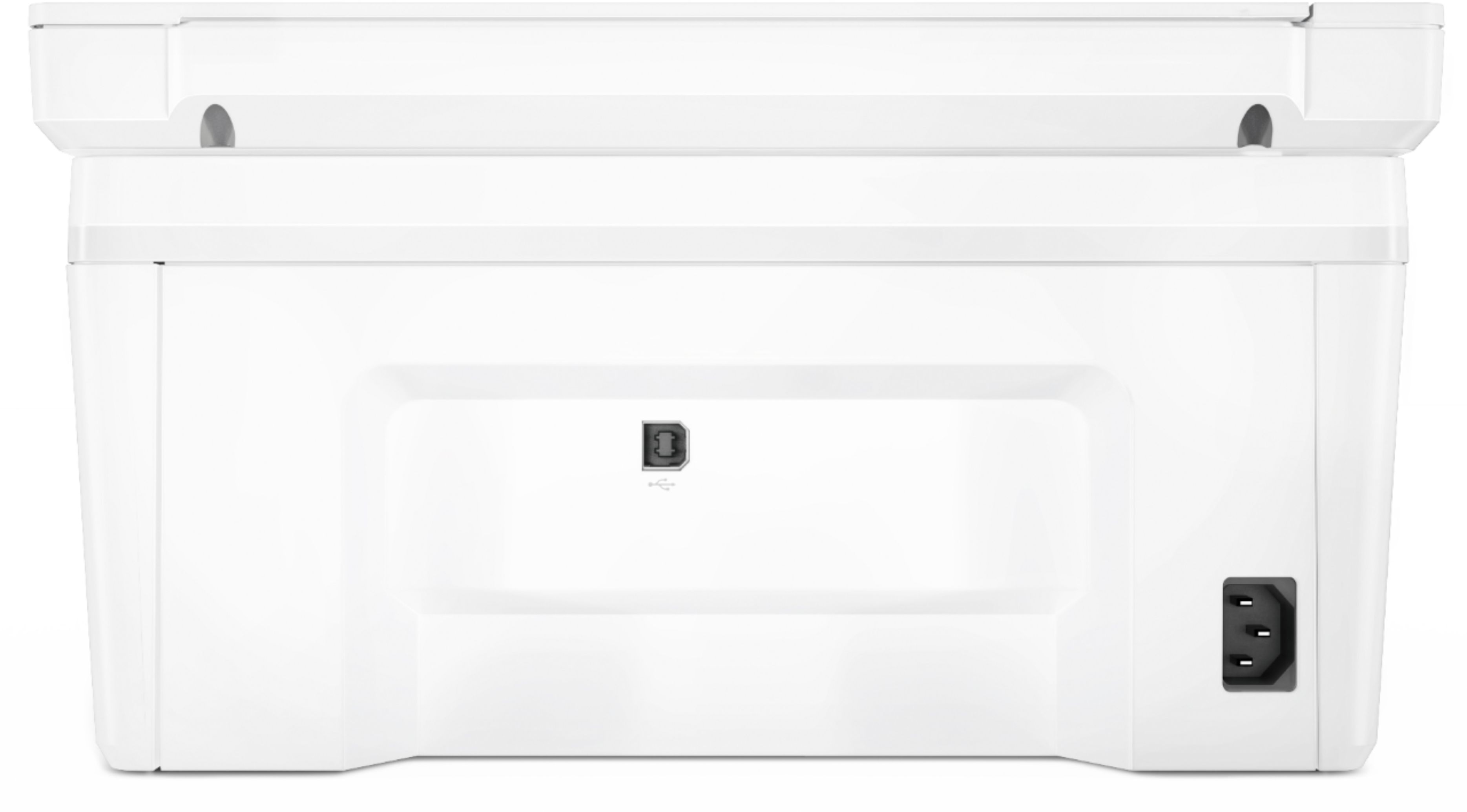
||Posted . Owned for 6 months when reviewed.This reviewer received promo considerations or sweepstakes entry for writing a review.It was good for all the functions, but the power cord was not attached well and caused power problems. I finally took it back but haven't been able to get an upgraded replacement.
No, I would not recommend this to a friendInk no good
||Posted . Owned for 1 month when reviewed.This reviewer received promo considerations or sweepstakes entry for writing a review.Nice printer but I regrets buying it because the ink doesn’t last for 1000 copies like it says on the product info. May be good for 300, I am spending too much money in ink for a house printer :(
No, I would not recommend this to a friendBrand response from HP Team
Posted .Hi, Betty.
I'm sorry to hear you’re unsatisfied with the printer in terms of how many pages it prints per ink cartridge, and I apologize for any inconvenience. We're committed to providing an efficient experience with our printers, so let's see what I can do to help address this.
First, I can offer an explanation as well as some suggestions. The numbers we use for page yields are estimates calculated by an international organization whose standards all companies use. So, results vary based on numerous factors.
Here’s a document that explains more about LaserJet toner cartridge page yield and how the estimates are determined:
- www8.hp.com/h71041/learn-about-supplies/us/en/toner.html
Here are some facts about toner use that might help you get more prints without too much extra effort:
- A high-density print (such as an image or graph) uses toner more quickly than a text-only document, particularly if the paper is highly absorbent and the environment is dry.
- Using the draft setting on your printer can help save on toner.
- Shutting the printer down between uses can result in some savings. However, always use the power button on the printer itself to turn it off.
If you have any questions or concerns about your printer, I hope you’ll reach out to us so we can help you assess the situation and work through any necessary troubleshooting with you. Get in touch via your preferred method at this link: hp.com/contactHP
Keith
HP Care
hp.com/support
Software is garbage
||Posted . Owned for 4 months when reviewed.This reviewer received promo considerations or sweepstakes entry for writing a review.HP software is terrible. Barely printed anything and now it’s out of toner but still prints fine. Needs an HP account to do basic tasks. Pathetically over complicated.
No, I would not recommend this to a friendFor black/white printing only
||Posted . Owned for 3 weeks when reviewed.This reviewer received promo considerations or sweepstakes entry for writing a review.I does what I need it to as I don’t print a whole lot
I would recommend this to a friendNot easy to understand
||Posted . Owned for 1 month when reviewed.This reviewer received promo considerations or sweepstakes entry for writing a review.Lacks primary instructions for anyone who is new to technology and home computers The key in the machine is not self explanatory
No, I would not recommend this to a friendNo duplex printing
||Posted .This reviewer received promo considerations or sweepstakes entry for writing a review.I expected support for automatic duplex printing would be standard in printers now. If you are just looking to print a few double-sided pages you can easily do so, but it is a pain to print a larger quantity of pages this way.
No, I would not recommend this to a friendNot a very functional printer
||Posted . Owned for 3 weeks when reviewed.This reviewer received promo considerations or sweepstakes entry for writing a review.This printer doesn't work with my computers printer utility (I have a MAC). Instead you have to download and use a app from HP. The apps doesn't function well. I tried to scan something today and the app says the printer is off line even though the printer shows it is connected to my wireless network. It is a hassle to print also. When we print multiple pages the paper gets pulled back into the feed tray! Now I will need to buy a new printer that actually functions! I feel ripped off as the HP sales man that was hawking this printer at Best Buy sold me a bill of goods. He told me it printed duplex and it doesn't do that either.
No, I would not recommend this to a friendBrand response from HP Team
Posted .Hi there.
I’m sorry to hear that your printer is not performing as it should in several ways. I can understand how compatibility, connectivity and paper-feed issues would be a big frustration indeed, so I’ll offer some resources and information I hope will help.
First, regarding compatibility with Mac OS, I recommend following the steps in this guide, which includes a potential workaround:
- support.hp.com/us-en/document/c06149466
Next, for the printer-offline issue, you might find this document helpful:
- support.hp.com/us-en/document/c04249334
Regarding the paper-feed issue, this document on feeders that put through too many sheets or none at all might have some useful information:
- support.hp.com/us-en/document/c01728503
If there's anything else we can specifically help with, get in touch with us directly for support. We're always here and would be more than happy to help you make the most of your experience with the printer. You can reach us via your preferred method at this link: hp.com/contactHP
Keith
HP Care
hp.com/support
Do not buy!
||Posted .This reviewer received promo considerations or sweepstakes entry for writing a review.Horrible printer. Does not stay connected to wifi. Poor quality print and very slow. Delivery promised same day. Was 2 days. leaving 9 days to return. My bad, I thought I had set it up wrong since I could never get it to print each time I went to use it. Every time I purchase something from Best Buy, I totally regret it.
No, I would not recommend this to a friendlack of readily available instructions
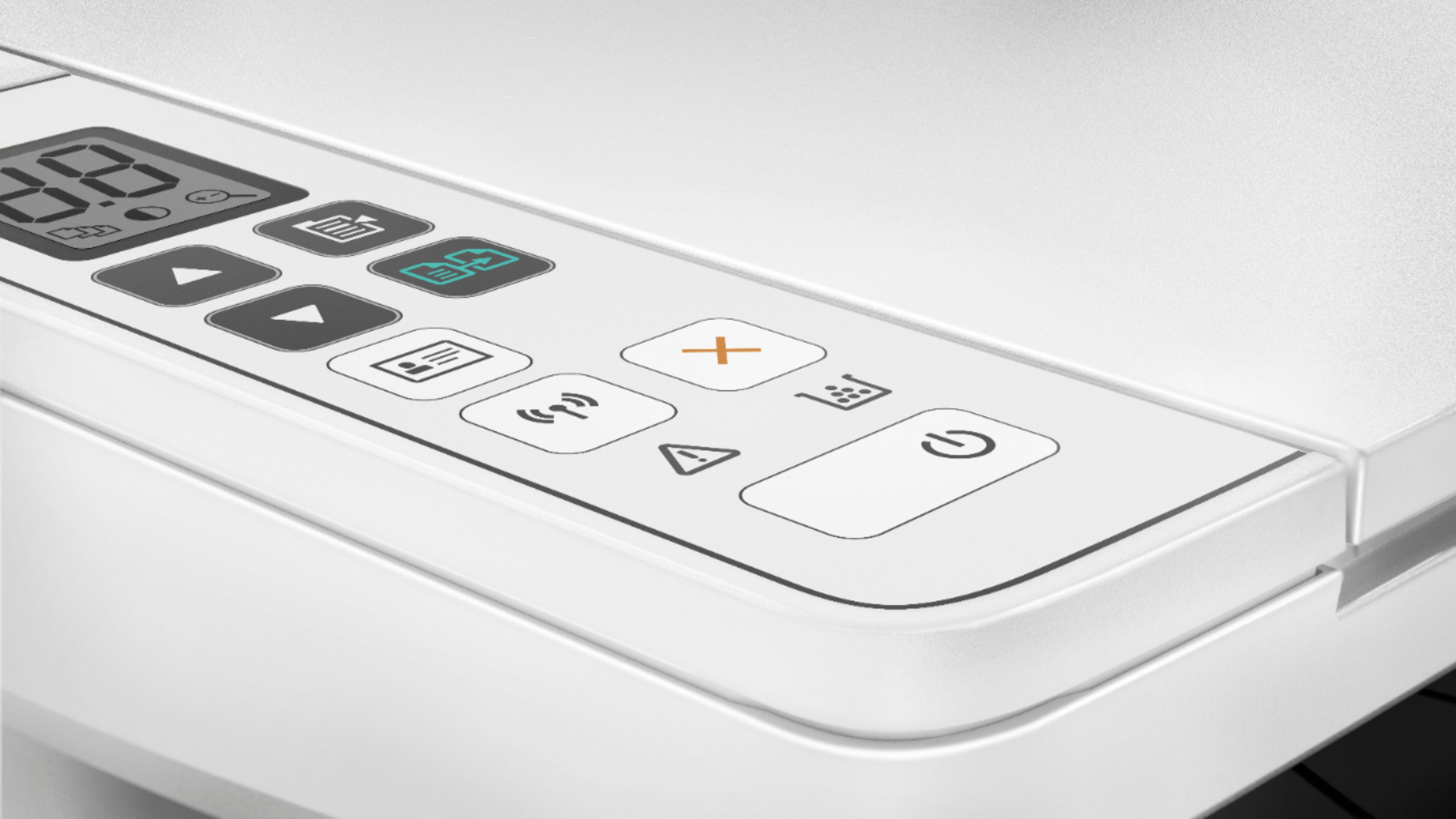
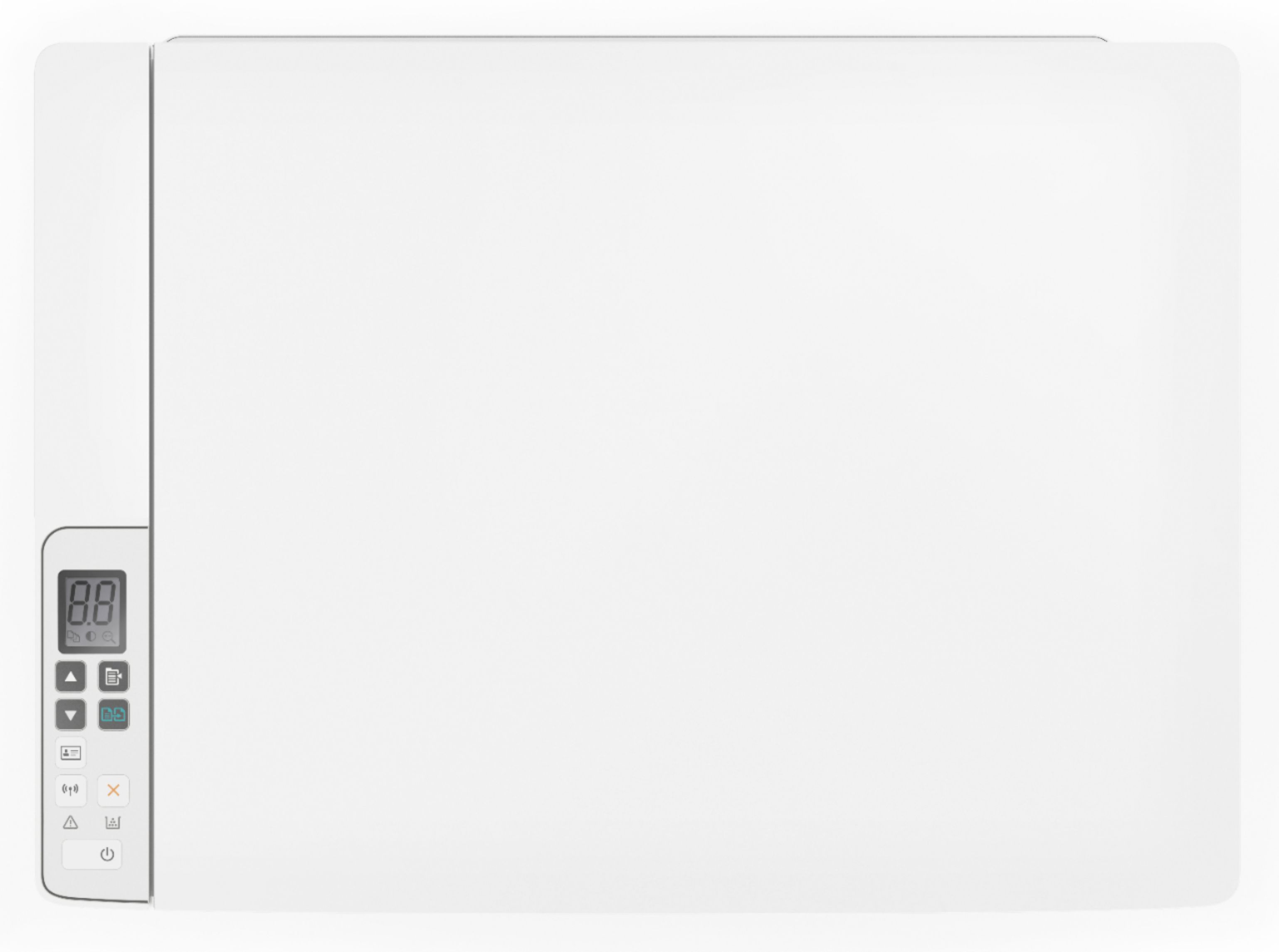
||Posted .This reviewer received promo considerations or sweepstakes entry for writing a review.I was disapointed that there are no instructions as regards purpose of the "buttons" on surface of the printer, and no hard copy instructions pertinent to features: the print size on the limited information that wa available requiresuse of a magnifying glass.ac]er print tly heir activation. slight
No, I would not recommend this to a friendBrand response from HP Team
Posted .Hi Johnny,
I'm so sorry that you've had a less than convenient time navigating the printer and its functionalities. I completely understand how tricky this is without instructions, so I'd like to provide you with the resources you'll need going forward.
First, for a description of all the control panel buttons and light patterns, you can visit this link: hp.com/ctg/Manual/c05672924.pdf
As a supplement, your printer's user guide is always a great instructional reference when it comes to using all of the available features: hp.com/ctg/Manual/c05847830.pdf
If you have any other questions or concerns, please remember that you can also reach out to us for support anytime. We're always here to help, so you can get in touch via your preferred method here: hp.com/contactHP
Chelsea
HP Care
hp.com/support
The worst experience of my tech life. Way to go!!!
||Posted .This reviewer received promo considerations or sweepstakes entry for writing a review.This is the most frustrating thing I have ever bought. I’d like to return, it yet it ended up in pieces. Over 3 days of trying to figure why it was offline! When it had already figured itself out and made a few prints for me, after hours to set up. I finally got a printer after not having one for 10 years. Total disappointment.
No, I would not recommend this to a friendGreat price, but.........
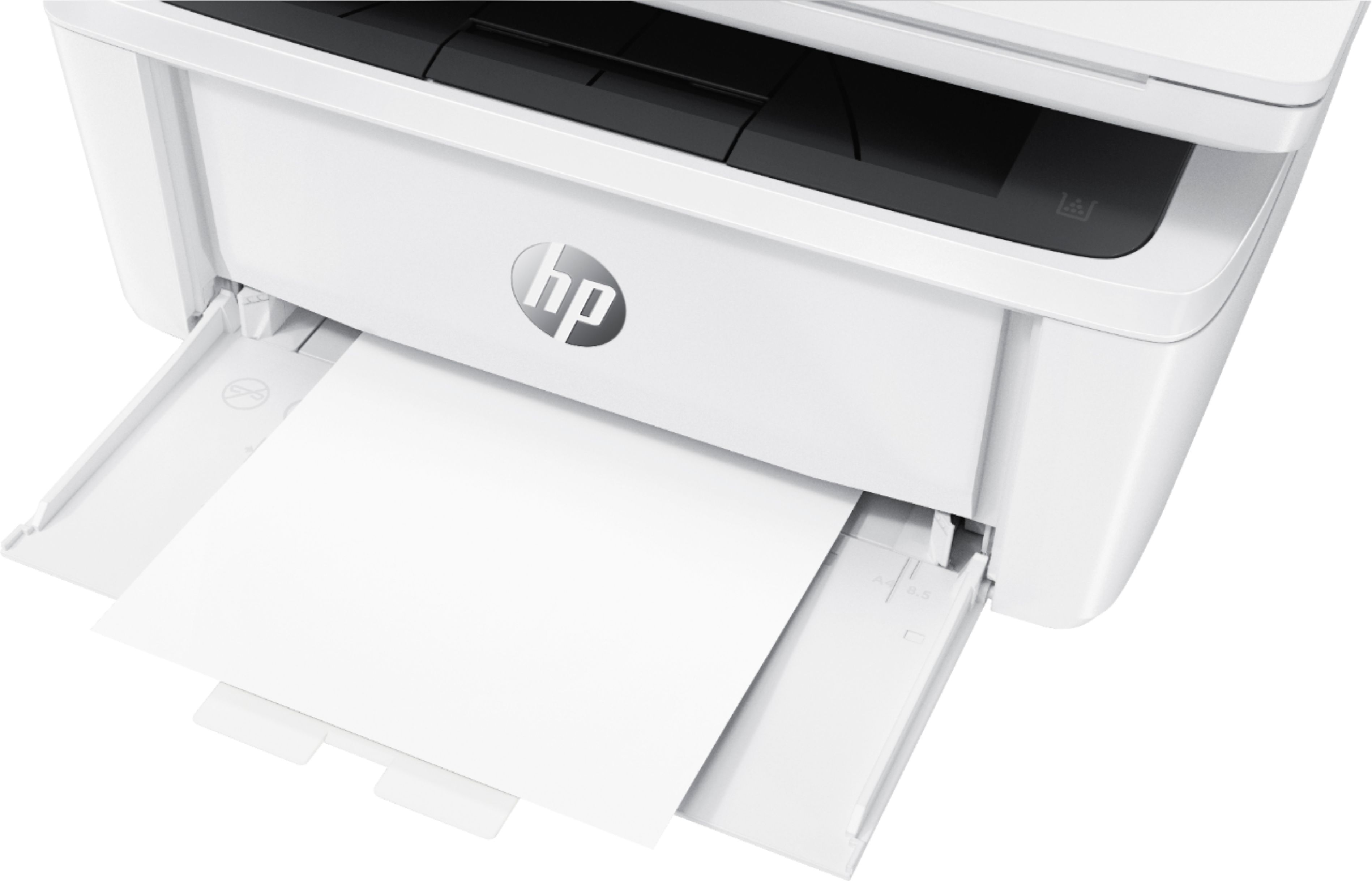
||Posted .This reviewer received promo considerations or sweepstakes entry for writing a review.There is no catch tray and pages fall into stack below and get pulled in a 2nd time. Jams easily also.
No, I would not recommend this to a friendWill not connect to the computer
||Posted . Owned for 3 months when reviewed.This reviewer received promo considerations or sweepstakes entry for writing a review.No menu panel for guidance and this WILL NOT stay connected to the internet. No one in our office can get this thing to stay connected to the internet. VERY ANNOYING. Would not recommend.
No, I would not recommend this to a friendBrand response from HP Team
Posted .Hi there.
I'm so sorry that your printer has failed to maintain a reliable wireless connection. I can understand why that would quickly become tremendously frustrating, especially in an office setting, so I’ll offer some information and resources that I hope will help you resolve the situation.
First, I recommend you visit a page on our support site that has diagnostic tools for various problems, including wireless connectivity and printer-offline issues. Visit that page here:
- support.hp.com/us-en/topic/diagnostics
If the problem persists, I recommend that you contact us directly at +1 800-474-6836 so we can guide you through the proper troubleshooting. (Please note that because of restrictions on personal movement and workplace attendance associated with the COVID-19 pandemic, wait times for agents are longer than normal. Thanks in advance for your understanding.) To expedite the process, I recommend gathering the following information before the call:
- Model number
- Serial number
- Your location
- Case number (from any previous contact with HP support)
I'll also mention that HP printers have a one-year warranty from their purchase date that covers hardware as well as ink supplies, so if it comes to that, you might consider making use of it. You can verify the warranty using the following link: support.hp.com/us-en/checkwarranty
Keith
HP Care
hp.com/support