Customer Ratings & Reviews
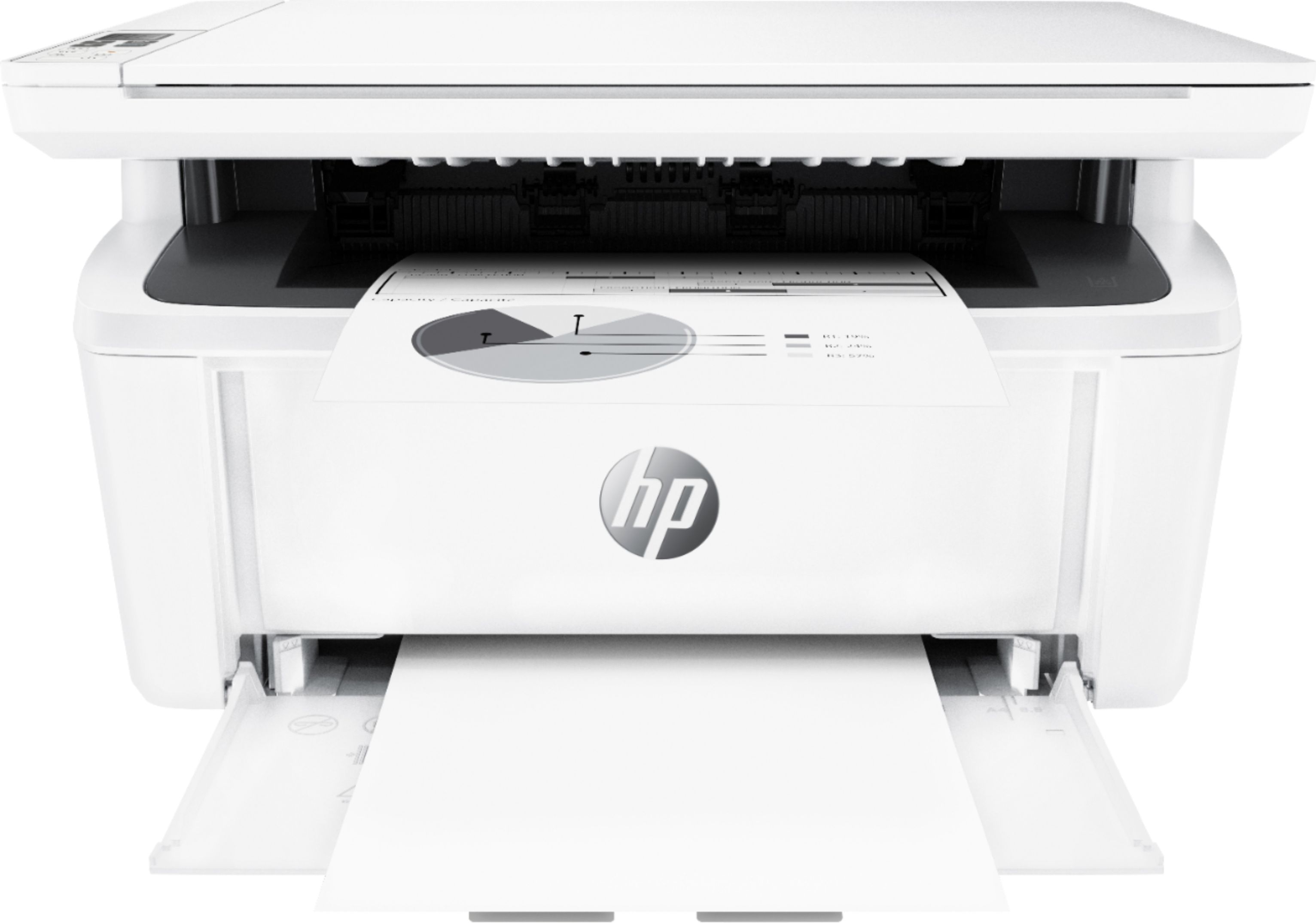
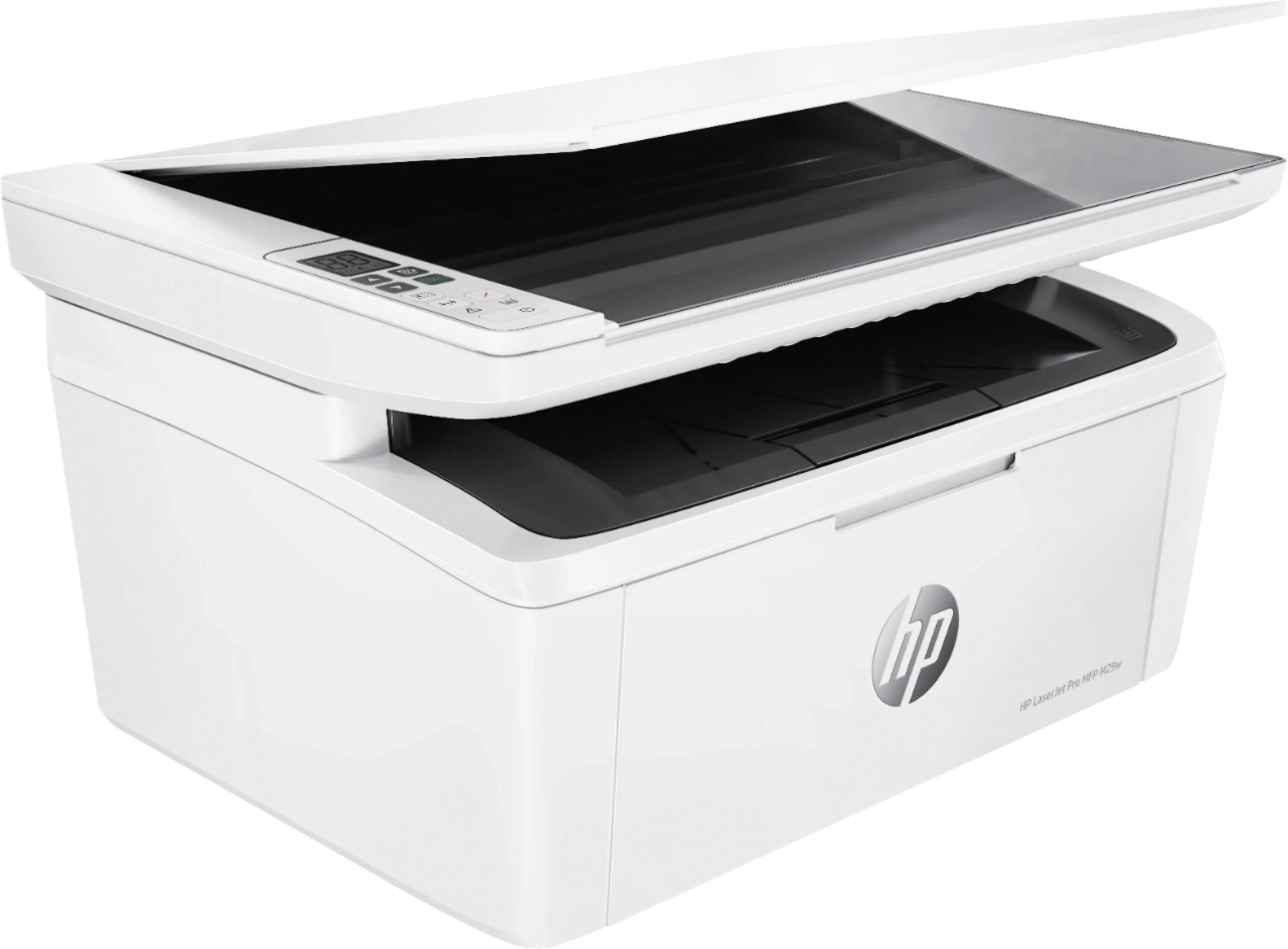
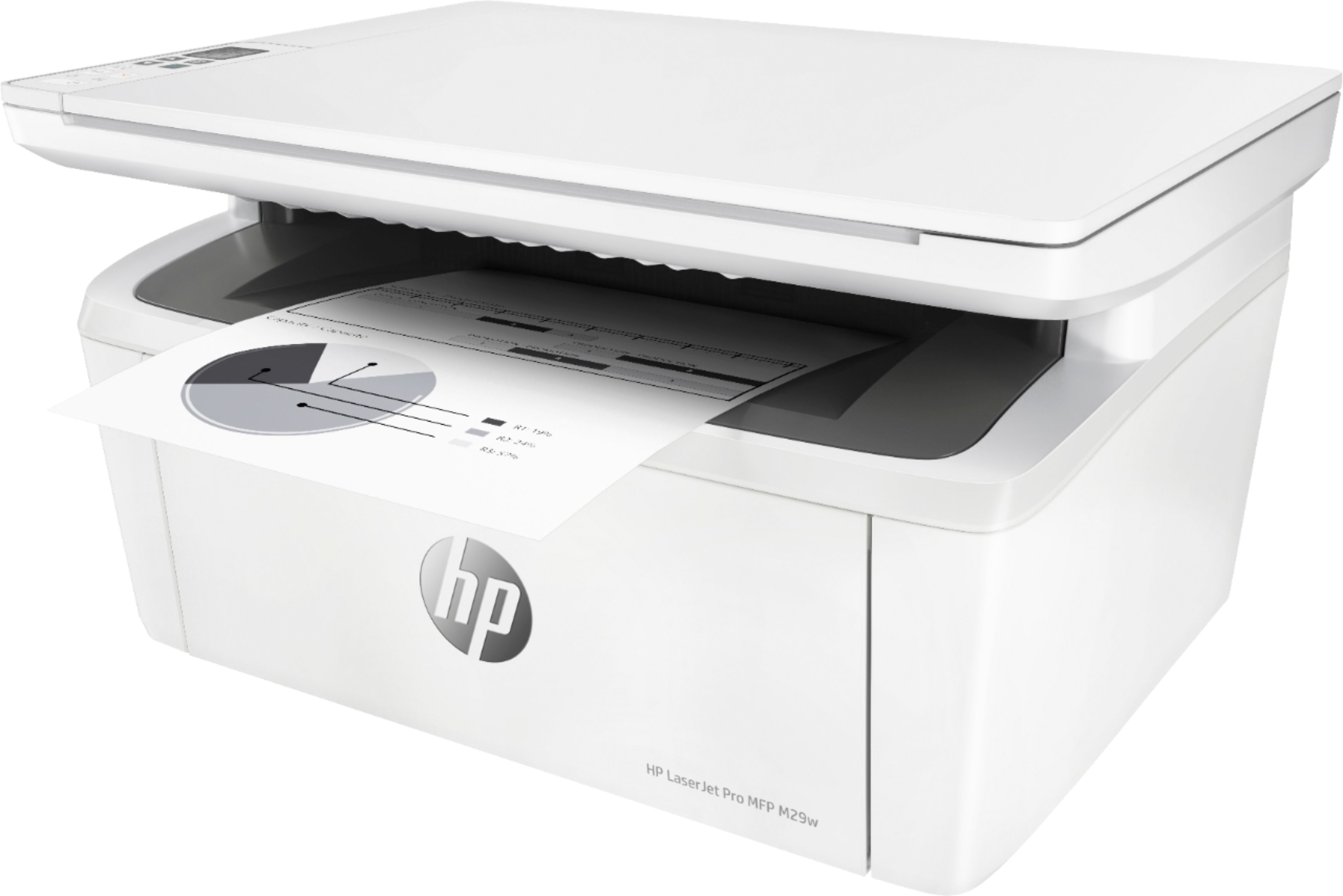
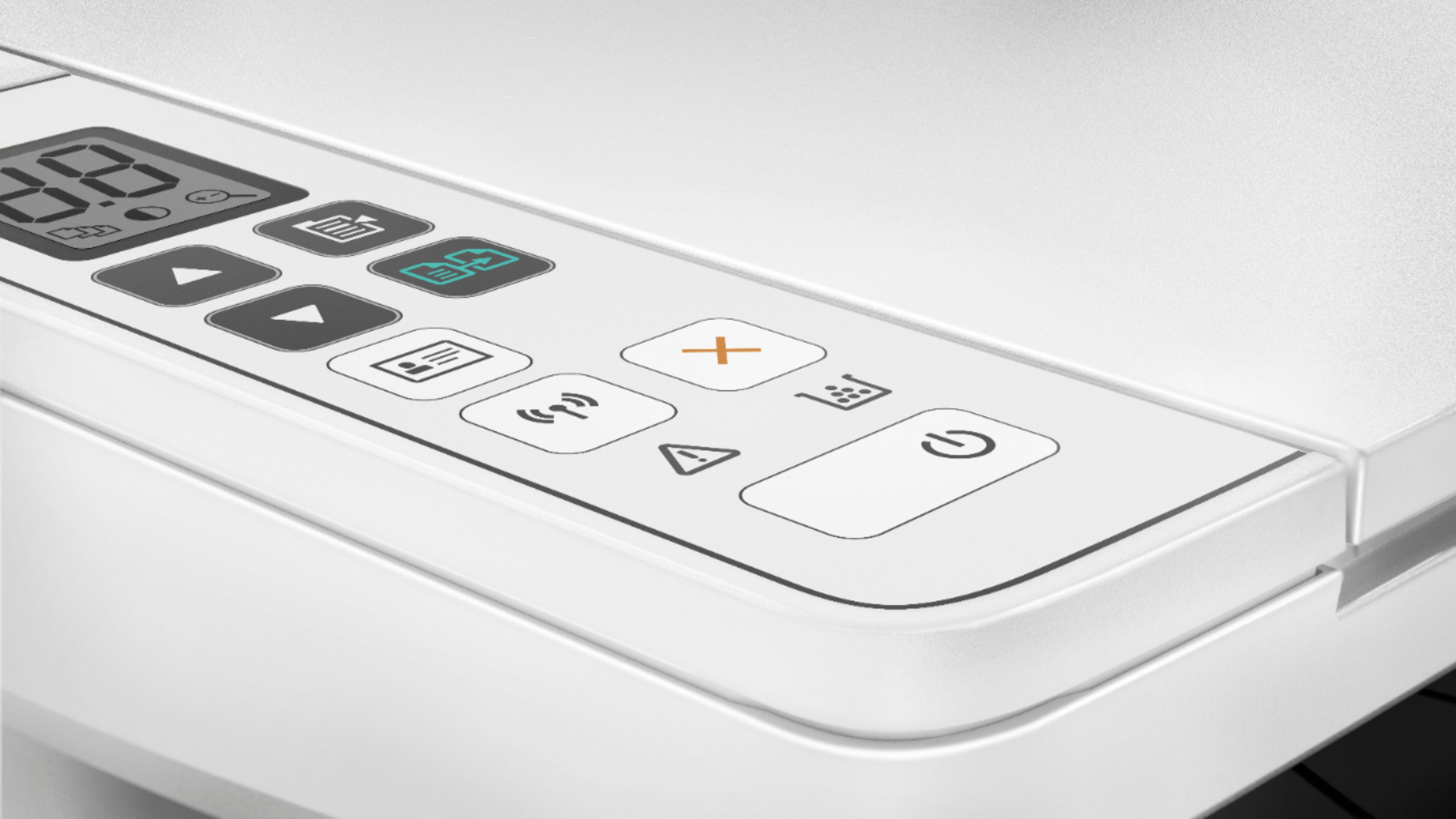

- Model:
- Y5S53A#BGJ
- SKU:
- 6238315
Rating by feature
- Value
Rating 4.5 out of 5 stars
- Quality
Rating 4.5 out of 5 stars
- Ease of Use
Rating 4.3 out of 5 stars
Customers are saying
Customers love the LaserJet Pro MFP M29W's print quality, ease of use, and small size, frequently praising its performance and convenient setup. Many appreciate its wireless capabilities and affordable price point. While some users expressed minor concerns about the paper tray and instructions, the overwhelmingly positive feedback highlights the printer's strengths. The printer's reliability and scanning functionality also received positive comments.
This summary was generated by AI based on customer reviews.
Corky
||Posted . Owned for 3 weeks when reviewed.This reviewer received promo considerations or sweepstakes entry for writing a review.Terrible product, cheaply made. Wasn't even worth the price of approximately $250. I packed it up and returned it within a week or less of opening. Also, very difficult to attempt to connect via wireless. Never could get it to work wireless.
No, I would not recommend this to a friendNo good for me
||Posted .This reviewer received promo considerations or sweepstakes entry for writing a review.I bought this to use in my Semi, replaced it twice never could get it to work correctly
No, I would not recommend this to a friendBrand response from HP Team
Posted .Hi there,
I'm incredibly sorry to hear that this is the third printer that hasn't worked for you. We always prioritize providing a reliable experience with our printers so there's certainly no excuse for this. To that end, we'll do everything we can to make this right.
I hope you'll consider reaching out to us for support because we would love to troubleshoot any issues or arrange for a replacement under warranty. We're always here to help and you can give us a call at +1 800-474-6836 between the hours of 8 am - 9 pm ET. To speed up the process a bit, I recommend gathering this information:
- Model number
- Serial number
- Your location
- Your case number (from prior contact with support)
We look forward to making this right and, again, my sincerest apologies.
Chelsea
HP Care
hp.com/support
Set up confusing
||Posted . Owned for 2 months when reviewed.This reviewer received promo considerations or sweepstakes entry for writing a review.Still have not been able to connect via WiFi Disappointed that it is so difficult to connect w my HP laptop
No, I would not recommend this to a friendBrand response from HP Team
Posted .Hi, Stefani.
I'm so sorry to hear that your printer will not connect wirelessly as it should. What you describe sounds like a big frustration indeed. So, let’s see whether I can point you toward some helpful resources.
First, you can find user manuals, troubleshooting guides, video tutorials, software updates and other materials for your printer here:
- support.hp.com/us-en/product/hp-laserjet-pro-mfp-m28-m31-printer-series/16647082/model/16647096
Here’s an automated diagnostic tool for wireless issues that might help:
- support.hp.com/us-en/topic/diagnostics?category=printing&issue=wireless-printer-issues
If you need further assistance or troubleshooting, please contact us directly at +1 800-474-6836 so we can guide you through the proper troubleshooting. To expedite the process, I recommend gathering the following information before the call:
- Model number
- Serial number
- Your location
- Case number (from any previous contact with HP support)
We look forward to speaking with you and making this right.
Keith
HP Care
hp.com/support
Lake House Printer
||Posted . Owned for 1 month when reviewed.This reviewer received promo considerations or sweepstakes entry for writing a review.Very difficult to get hooked up********************************
No, I would not recommend this to a friendBrand response from HP Team
Posted .Hi there.
I’m sorry to learn that your printer was so difficult to set up. Your review is brief, but the frustration you express is totally understandable. I can’t tell from your review whether you were able to complete the setup process, but I’ll nonetheless provide some resources aimed at helping you get the device working to your satisfaction.
If you still need to complete setup and installation, you can access a tutorial specific to your printer on our support site. Regardless, on the same page as the tutorial, you can find user manuals, how-to documents, software updates and troubleshooting guides. Find those materials here:
- support.hp.com/us-en/product/model/16647096
You can also visit a page on our support site that has diagnostic tools for various tasks and issues, including setup and connectivity difficulties as well as cartridge installation and print quality. You can find the page here:
- support.hp.com/us-en/topic/diagnostics
If you need further assistance with setup, connectivity or anything else, I suggest that you contact us directly at +1 800-474-6836 so we can help you assess the situation and find a solution. (Please note that because of restrictions on personal movement and workplace attendance associated with the COVID-19 pandemic, wait times for agents can be longer than normal. Thanks in advance for your understanding.) To expedite the process, I recommend gathering the following information before the call:
- Model number
- Serial number
- Your location
- Case number (from any previous contact with HP support)
Keith
HP Care
hp.com/support
Terrible paper tray doesn't feed printer
||Posted . Owned for less than 1 week when reviewed.This reviewer received promo considerations or sweepstakes entry for writing a review.Paper sits outside of the printer and nothing to really hold the paper in place. And even when making sure the paper is perfectly lined up, the printer immediately jams on the right side of the paper. INSTANTLY. Completely useless machine. DO NOT BUY!!
No, I would not recommend this to a friendBrand response from HP Team
Posted .Hi there.
I’m sorry to hear that your printer is having trouble with the paper-feeding system. I can understand why that would be quite unsettling, so I’ll offer some resources and information I hope will help.
I could offer guides on feeders that fail to pick up paper or pull through too many at once, but yours sounds like a different and more concerning problem. As a result, I recommend that you contact us directly at +1 800-474-6836 so we can help you assess the situation. (Please note that because of restrictions on personal movement and workplace attendance associated with the COVID-19 pandemic, wait times for agents are longer than normal. Thanks in advance for your understanding.) To expedite the process, I recommend gathering the following information before the call:
- Model number
- Serial number
- Your location
- Case number (from any previous contact with HP support)
I'll also mention that HP printers have a one-year warranty from their purchase date that covers hardware as well as ink supplies, so if it comes to that, you might consider making use of it. You can verify the warranty using the following link: support.hp.com/us-en/checkwarranty
Keith
HP Care
hp.com/support
Not great
||Posted .This reviewer received promo considerations or sweepstakes entry for writing a review.Not happy with my purchase.. as there is issue with the printer..
No, I would not recommend this to a friendBrand response from HP Team
Posted .Hi there.
I’m sorry to learn that you’re not satisfied with your purchase and have an issue with the printer. I can’t tell from your review specifically what difficulty you’ve encountered or whether a remedy exists that you can administer, but I’ll nonetheless provide a resource and some information aimed at helping you resolve whatever it is you face.
I recommend that you contact us directly at +1 800-474-6836 so we can help you assess the situation and find a solution. (Please note that because of restrictions on personal movement and workplace attendance associated with the COVID-19 pandemic, wait times for agents are longer than normal. Thanks in advance for your understanding.) To expedite the process, I recommend gathering the following information before the call:
- Model number
- Serial number
- Your location
- Case number (from any previous contact with HP support)
I'll also mention that HP printers have a one-year warranty from their purchase date that covers hardware as well as ink supplies, so if it comes to that, you might consider making use of it. You can verify the warranty using the following link:
- support.hp.com/us-en/checkwarranty
Keith
HP Care
hp.com/support
wireless printer from hell
||Posted . Owned for 1 month when reviewed.This reviewer received promo considerations or sweepstakes entry for writing a review.was totally unable to get this wireless printer to set up with my router. used every tip from instruction, on-line verbal help and on-line written self help. i will say the store accepted it back without issue even though when it was delivered curb-side i did not get a receipt for my purchase.
No, I would not recommend this to a friendHad to pull up manual online to set up. I am not
||Posted .This reviewer received promo considerations or sweepstakes entry for writing a review.Great experience buying it, not so good setting it up.
I would recommend this to a friendBrand response from HP Team
Posted .Hi there,
It's so disappointing to hear that your printer's setup was less than seamless. It certainly shouldn't take so much effort, so I can imagine how inconvenient this must've been. Despite these first impressions, I assure you that it's always our intention to provide a reliable printer experience. That said, I hope you'll allow us an opportunity to stand by that.
Please contact for support so we can address this further and work with you on setting up the printer completely. We’d be more than happy to help, so you can give us a call at +1 800-474-6836 between the hours of 8 am - 9 pm ET. To expedite the process, you can gather these beforehand:
- Model number
- Serial number
- Your location
- Your case number (from prior contact with support)
We look forward to speaking with you!
Chelsea
HP Care
hp.com/support
Not good enough
||Posted . Owned for 3 months when reviewed.This reviewer received promo considerations or sweepstakes entry for writing a review.not that good for a bussines, and is too slow for printing
No, I would not recommend this to a friendBrand response from HP Team
Posted .Hi there.
I’m sorry to hear that your printer has rendered prints so slowly. It’s easy to understand why that would be inconvenient as well as frustrating, especially in a business setting. We want to make sure that your printer is reliable for any urgent printing needs, so I’ll point you toward some resources I hope will help.
First, I recommend that you follow a guide on our support site that covers improving print speed; choose whichever of the following two links matches your operating system:
- Windows: support.hp.com/us-en/document/bud03409
- Mac OS: support.hp.com/us-en/document/c01928898
Also, often just updating the firmware can help improve print speed. You can find out how to do that here:
- support.hp.com/us-en/document/c02919168
For more help solving problems, or to learn more about your printer and all its features, you can access troubleshooting guides, how-to documents, user manuals and software updates here:
- support.hp.com/us-en/product/model/16647096
If any problem persists, I suggest that you contact us directly at +1 800-474-6836 so we can help you assess the situation and find a solution. (Please note that because of restrictions on personal movement and workplace attendance associated with the COVID-19 pandemic, wait times for agents are longer than normal. Thanks in advance for your understanding.) To expedite the process, I recommend gathering the following information before the call:
- Model number
- Serial number
- Your location
- Case number (from any previous contact with HP support)
Keith
HP Care
hp.com/support
Not as described
||Posted .This reviewer received promo considerations or sweepstakes entry for writing a review.I specifically made sure this should accommodate 11x17 printing and it doesn’t
No, I would not recommend this to a friendBrand response from HP Team
Posted .Hi there.
I’m sorry that your printer does not accommodate all the paper sizes you need. I can understand why that would be an unwelcome surprise, especially if you’d gotten information that indicated otherwise. I’ll offer some information that I hope will help.
First, I looked over the product specifications here on BestBuy.com, and the maximum paper size listed is approximately 8.5 by 11 inches, or letter size. I’m not sure where you found different specifications, but if it’s on another retailer’s site or an official HP site, please let us know and we’ll change it to make it accurate.
In the meantime, you can learn more about your printer and its functions via user manuals, video tutorials, how-to documents, troubleshooting guides and software updates here:
- support.hp.com/us-en/product/hp-laserjet-pro-mfp-m28-m31-printer-series/16647082/model/16647096
If there's any specific way that we can help you, I hope you’ll get in touch with us directly for support. We're always here and would be more than happy to help you make the most of your experience with the printer. You can reach us via your preferred method at this link: hp.com/contactHP
Keith
HP Care
hp.com/support
No double sided printing
||Posted . Owned for 7 months when reviewed.This reviewer received promo considerations or sweepstakes entry for writing a review.Not ideal, they aren't really straightforward about the fact that this printer doesn't do double sided printing--which seems important for printers in 2022.
No, I would not recommend this to a friendBrand response from HP Team
Posted .Hi, Hana.
I’m sorry to learn that you’re dissatisfied with your printer. I can certainly understand why you’d be perplexed and frustrated after not finding a two-sided printing function. I want to help you learn more about the device and resolve this situation, so I’ll provide some resources aimed at making that happen.
First, while your printer does not have an automatic duplex function, it does print two-sided manually. I recommend you look over the user manual you’ll find on our support site to learn how. After following the link below, look for “Manually Print on Both Sides” in the table of contents, click on the selection, and you’ll be taken to the instructions:
- www1.hp.com/ctg/Manual/c05847830.pdf
To learn more about your printer and all its functions, or for help solving problems, you can also find how-to documents, troubleshooting guides and software updates for this model here:
- support.hp.com/us-en/product/model/16647096
If you need further assistance, I suggest that you contact us directly at +1 800-474-6836 so we can help you assess the situation and find the best course of action. (Please note that because of restrictions on personal movement and workplace attendance associated with the COVID-19 pandemic, wait times for agents are longer than normal. Thanks in advance for your understanding.) To expedite the process, I recommend gathering the following information before the call:
- Model number
- Serial number
- Your location
- Case number (from any previous contact with HP support)
Keith
HP Care
hp.com/support
one piece was not included in packaging
||Posted . Owned for 3 weeks when reviewed.This reviewer received promo considerations or sweepstakes entry for writing a review.My package did not include the holder to catch the paper which was just xeroxed. I wrote to Best Buy requesting it (it is a cheap plastic thing) but I haven't received it. consequently I have to stand by the printer to "receive" the paper. If not for that, I would love it.
No, I would not recommend this to a friendBrand response from HP Team
Posted .Hi there.
I’m sorry that you received a printer without all its components, and that you’ve still not received the piece that was missing. I can imagine how disappointing and disconcerting this must have been, so I want to provide information to help you make it right.
First, I can’t say for sure what happened in your situation, but what you describe can occur when a printer is sold, returned to the seller, then sold again to a different buyer without being adequately inspected before shipment.
Because you expected to receive a new printer with all the necessary components, I recommend you contact the seller again to address this promptly. You can do that by scrolling to the bottom of the Best Buy website and clicking Orders & Returns.
You can always contact us for support whenever you need as well. We're always here and more than happy to help you. You can reach us via your preferred method at this link: hp.com/contactHP
I'll also mention that HP printers have a one-year warranty from their purchase date that covers hardware as well as ink supplies, so if it comes to that, you might consider making use of it. You can verify the warranty using the following link:
- support.hp.com/us-en/checkwarranty
Keith
HP Care
hp.com/support
HP laserjet printer MFP M29W
||Posted . Owned for 1 month when reviewed.This reviewer received promo considerations or sweepstakes entry for writing a review.I am returning it as it does not work! I spent a whole day on the phone with geek squad last week and it still does not work. I had an in home visit set up for today but no ne showed up. I am bringing it back to the store tomorrow for a refund.
No, I would not recommend this to a friendI regret this purchase
||Posted . Owned for 1 month when reviewed.This reviewer received promo considerations or sweepstakes entry for writing a review.The scanner is a joke, disappointed with this printer scanner,
No, I would not recommend this to a friendBrand response from HP Team
Posted .Hi, Janet.
I'm sorry to hear that your printer’s scan function is not performing like it should. Your review is short, but your disappointment clear, so I’ll offer some resources and information I hope will help.
I suggest you visit a page on our support site that has diagnostic tools for various problems. There you’ll find a general-purpose tool called the HP Print and Scan Doctor. If you use Windows, the tool will help identify and guide you through solutions to a wide range of common scanning and printing issues. Visit that page here:
- support.hp.com/us-en/topic/diagnostics
If the problem persists, I hope you’ll contact us directly at +1 800-474-6836 so we can guide you through the proper troubleshooting. (Please note that because of restrictions on personal movement and workplace attendance associated with the COVID-19 pandemic, wait times for agents are longer than normal. Thanks in advance for your understanding.) To expedite the process, I recommend gathering the following information before the call:
- Model number
- Serial number
- Your location
- Case number (from any previous contact with HP support)
I'll also mention that HP printers have a one-year warranty from their purchase date that covers hardware as well as ink supplies, so if it comes to that, you might consider making use of it. You can verify the warranty using the following link: support.hp.com/us-en/checkwarranty
Keith
HP Care
hp.com/support
No cable
||Posted .This reviewer received promo considerations or sweepstakes entry for writing a review.So 2 moths after moving finally have Tim to set up I Open the box and there’s no charging cable in there at all. So super dissatisfied and now I can’t even return it
No, I would not recommend this to a friendFrustrated veteran
||Posted .This reviewer received promo considerations or sweepstakes entry for writing a review.I am a disabled veteran. I have been waiting for OVER one month to have my printer installed. I paid for tech support and got NOTHING!!! I moved down to Florida from New Jersey. The service was much better in New Jersey. I am soooooo frustrated
No, I would not recommend this to a friendHeats up quick
||Posted . Owned for 3 months when reviewed.This reviewer received promo considerations or sweepstakes entry for writing a review.I had a small project to print and it kept heating up. It would stop halfway my print job (double sided). Wasted paper and toner during project. This printer is for random use and super light printing.
No, I would not recommend this to a friendBrand response from HP Team
Posted .Hi there.
I’m sorry to hear that your printer heated up to an extent that interrupted your print job. It’s easy to understand why that would be puzzling as well as frustrating, especially if it was a relatively small project, so I’ll offer some resources and information that I hope will help.
I can’t tell from your review why your printer is overheating like this, so I recommend you contact us directly at +1 800-474-6836 so we can help you assess the situation and guide you through any applicable troubleshooting. (Please note that because of restrictions on personal movement and workplace attendance associated with the COVID-19 pandemic, wait times for agents are longer than normal. Thanks in advance for your understanding.) To expedite the process, I recommend gathering the following information before the call:
- Model number
- Serial number
- Your location
- Case number (from any previous contact with HP support)
I'll also mention that HP printers have a one-year warranty from their purchase date that covers hardware as well as ink supplies, so if it comes to that, you might consider making use of it. You can verify the warranty using the following link: support.hp.com/us-en/checkwarranty
Keith
HP Care
hp.com/support
Wifi is not working
||Posted . Owned for 6 months when reviewed.This reviewer received promo considerations or sweepstakes entry for writing a review.I could not connect to the wifi whenever I changed my wifi.I can't find this model for wireless connection with Apps. It's very worst service
No, I would not recommend this to a friendBrand response from HP Team
Posted .Hi there.
I’m sorry that your printer has lost its connection to your Wi-Fi network and cannot re-establish it. It’s no surprise you’re frustrated by this. I want to help you resolve this problem, so I’ll suggest some resources aimed at making that happen.
First, I recommend you visit a page on our support site that has diagnostic tools for various issues, including wireless connectivity. You can find that page here:
- support.hp.com/us-en/topic/diagnostics
You can also find troubleshooting guides specific to your printer, including ones on connectivity, in addition to user manuals, how-to documents and software updates here:
- support.hp.com/us-en/product/model/16647096
If the problem persists, I suggest that you contact us directly at +1 800-474-6836 so we can help you assess what’s happening and find a solution. To expedite the process, I recommend gathering the following information before the call:
- Model number
- Serial number
- Your location
- Case number (from any previous contact with HP support)
Keith
HP Care
hp.com/support
paper feeder defect or issue
||Posted . Owned for 3 months when reviewed.This reviewer received promo considerations or sweepstakes entry for writing a review.work for only 3 months with less than 100 pages printed. this printer has the paper feeder defect / issue. NOT HP quality I know before. unless I got the defect one, please do not buy.
No, I would not recommend this to a friendBrand response from HP Team
Posted .Hi, Pablo.
I’m sorry that the document feeder on your printer stopped working properly. Your reaction here comes as no surprise, considering you’ve had the device only three months and printed fewer than 100 pages. I want to help you out of this dilemma, so I’ll provide some information and resources aimed at making that happen.
First, if you’ve not done so already, I recommend you follow the steps in a guide on our support site to document feeders that fail to pick up any paper or pull through too many pages at once. Find that guide here:
- support.hp.com/us-en/document/c01728503
If the feeder still does not work properly, I suggest you contact us directly at +1 800-474-6836 so we can help you assess what’s happening and find the best course of action. To expedite the process, I recommend gathering the following information before the call:
- Model number
- Serial number
- Your location
- Case number (from any previous contact with HP support)
I'll also mention that HP printers have a one-year warranty from their purchase date that covers hardware as well as ink supplies, so if it comes to that, you might consider making use of it. You can verify the warranty using the following link:
- support.hp.com/us-en/checkwarranty
Keith
HP Care
hp.com/support
Not that good
||Posted . Owned for less than 1 week when reviewed.This reviewer received promo considerations or sweepstakes entry for writing a review.I bought this printer a week ago and on the very first time I used it the paper jammed wow I couldn't believe I jammed the very first time I was printing something .its been Ok seance then but I would not recommend wasting money on this printer.
No, I would not recommend this to a friendBrand response from HP Team
Posted .Hi there.
I’m sorry to hear that your printer experienced a paper jam the first time you used it. I can understand why that would be an unwelcome surprise and a bit jarring. I’m glad your printer has worked well since then. Nonetheless, I’ll offer some resources and information I hope will help.
First, if the problem recurs, I recommend you go through this guide to troubleshooting and preventing paper jams:
- support.hp.com/us-en/document/c05904030
You might also find it helpful to check out this support document regarding how to best store and handle paper to avoid jams:
- support.hp.com/us-en/document/c04518237
To learn more about your printer and all its features, or for help solving problems, you can access video tutorials, user manuals, how-to documents, software updates and troubleshooting guides here:
- support.hp.com/us-en/product/hp-laserjet-pro-mfp-m28-m31-printer-series/16647082/model/16647096
If there's any specific way that we can help you, I hope you’ll get in touch with us directly for support. We're always here and would be more than happy to help you make the most of your experience with the printer. You can reach us via your preferred method at this link: hp.com/contactHP
Keith
HP Care
hp.com/support