Customer Ratings & Reviews
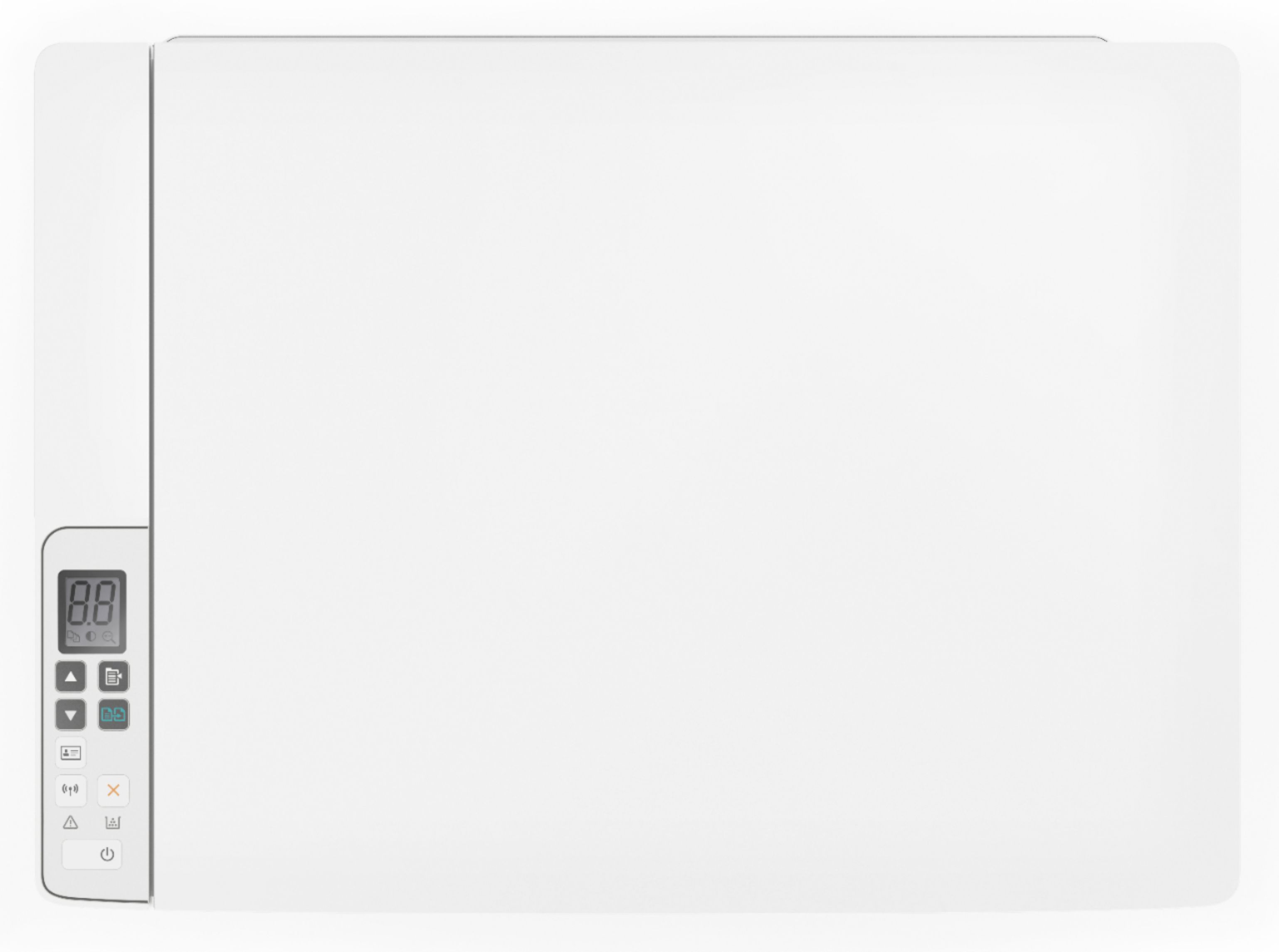
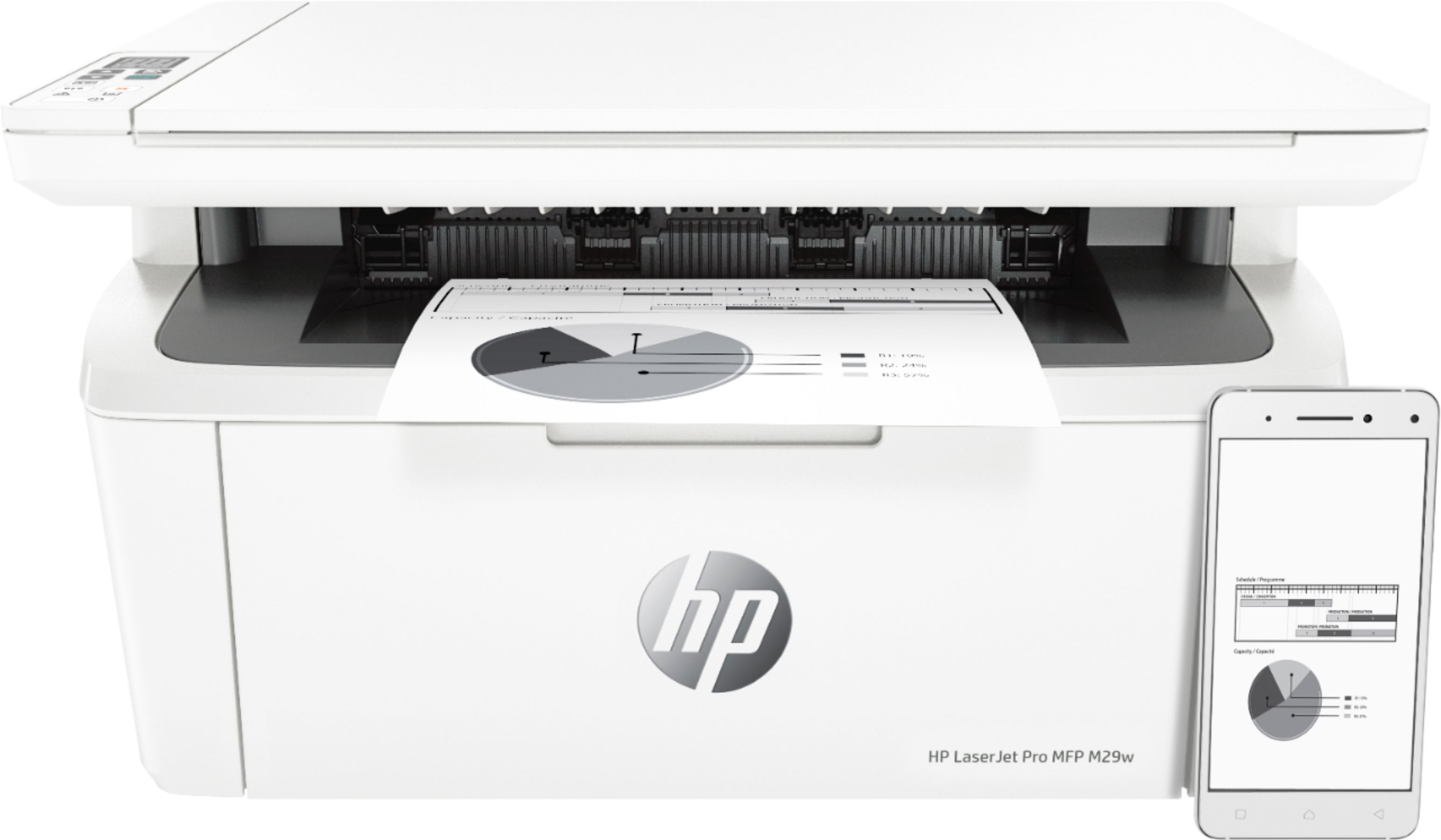
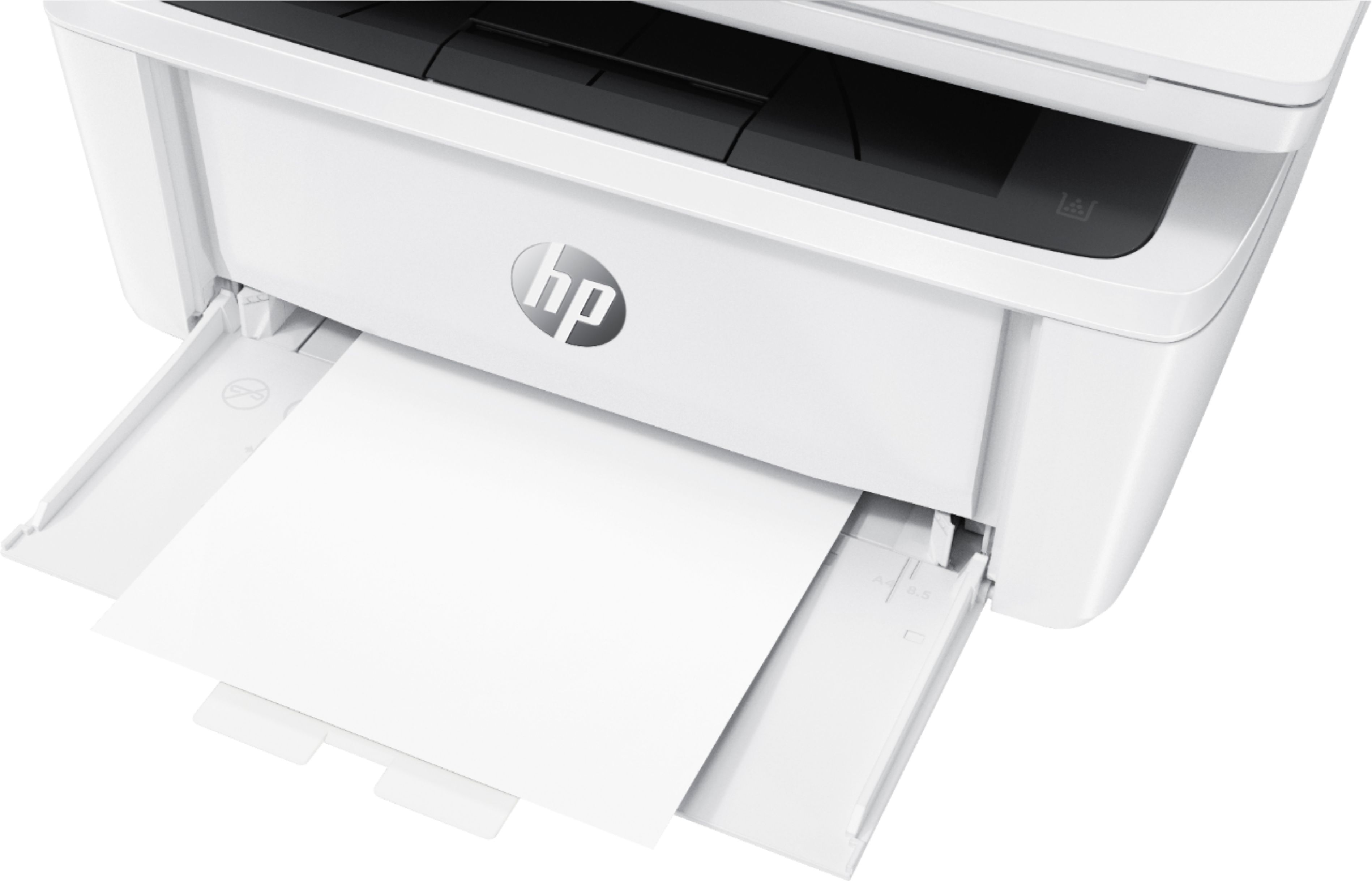
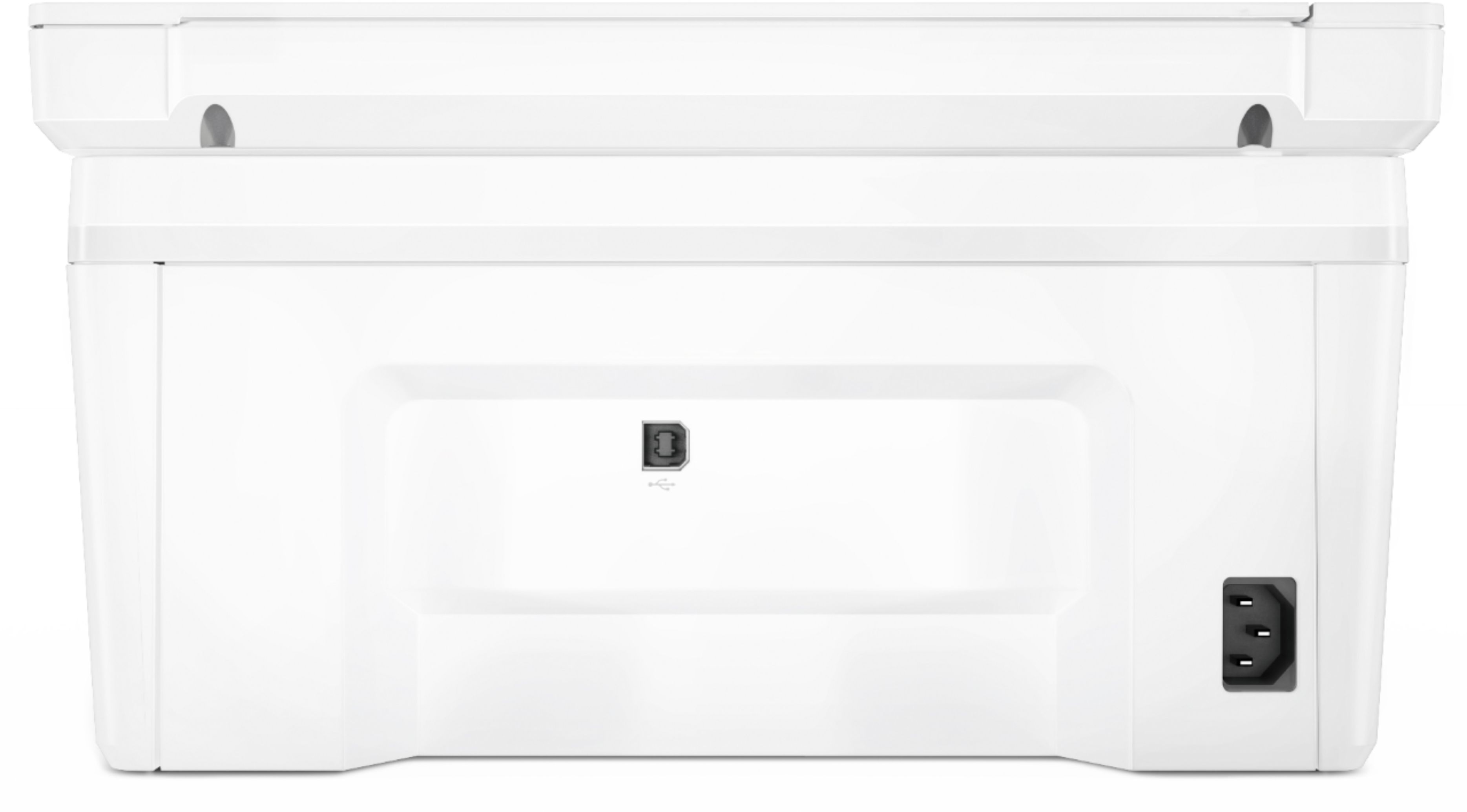
- Model:
- Y5S53A#BGJ
- SKU:
- 6238315
Rating by feature
- Value
Rating 4.5 out of 5 stars
- Quality
Rating 4.5 out of 5 stars
- Ease of Use
Rating 4.3 out of 5 stars
Customers are saying
Customers love the LaserJet Pro MFP M29W's print quality, ease of use, and small size, frequently praising its performance and convenient setup. Many appreciate its wireless capabilities and affordable price point. While some users expressed minor concerns about the paper tray and instructions, the overwhelmingly positive feedback highlights the printer's strengths. The printer's reliability and scanning functionality also received positive comments.
This summary was generated by AI based on customer reviews.
Poorly designed
||Posted . Owned for 1 year when reviewed.This reviewer received promo considerations or sweepstakes entry for writing a review.This printer has a very poor design. When printing the paper folds over and gets put back through paper tray. It then prints over top what has already been printed.
No, I would not recommend this to a frienddo you carry the toner yet?
||Posted . Owned for 7 months when reviewed.This reviewer received promo considerations or sweepstakes entry for writing a review.I can never find toner for this printer. I have to buy off Amazon and the cartridges do not always work. It has been sittin gon my desk unable to use all summer.
No, I would not recommend this to a friendLaserJet M29W is a Pain
||Posted . Owned for 1 month when reviewed.This reviewer received promo considerations or sweepstakes entry for writing a review.I have had numerous problems with this printer. It is complicated to operate and there are no controls on the printer to help manage connection issues. I am very frustrated!!!
No, I would not recommend this to a friendA poor product which did not perform !
||Posted .This reviewer received promo considerations or sweepstakes entry for writing a review.This product performed poorly on all levels. I had an IT professional install it and he had software. driver issues that even he could not resolve. I did purchase another HP product- and hope that is not a disappointment.
No, I would not recommend this to a friendBrand response from HP Team
Posted .Hi there.
I’m sorry to hear that your printer has had issues that prevented it being set up and connected. It’s easy to understand why that would be quite an unwelcome surprise, so I’ll offer some information and resources I hope will help.
I can’t tell from your review why the printer would not set up properly, so I recommend that you get in touch with us directly for support at +1 800-474-6836 so we can help you assess the situation and guide you through any applicable troubleshooting. (Please note that because of restrictions on personal movement and workplace attendance associated with the COVID-19 pandemic, wait times for agents are longer than normal. Thanks in advance for your understanding.) To expedite the process, I recommend gathering the following information before the call:
- Model number
- Serial number
- Your location
- Case number (from any previous contact with HP support)
I'll also mention that HP printers have a one-year warranty from their purchase date that covers hardware as well as ink supplies, so if it comes to that, you might consider making use of it. You can verify the warranty using the following link: support.hp.com/us-en/checkwarranty
Keith
HP Care
hp.com/support
challenging
||Posted .This reviewer received promo considerations or sweepstakes entry for writing a review.I went into the store asked the clerk to show me the easiest printer to hook up, he showed me this one and guaranteed it would be simple. NOT and still is not working.
No, I would not recommend this to a friendBrand response from HP Team
Posted .Hi Vicki,
I am sorry that you are having issues with your printer. This is far from the reliable and satisfying experience we wish to offer our customers. I can understand how disappointing this must have been for you.
I would love to help resolve the issue you're experiencing, but as I don't have enough information, I'd recommend reaching out to us for support. We would be more than happy to help, so you can give us a call at +1 800-474-6836 between the hours of 8 am - 9 pm ET. To expedite the process, you can gather these beforehand:
- Model number
- Serial number
- Your location
- Your case number (from prior contact with support)
We look forward to making this right.
Agata
HP Care
hp.com/support
The poorest printer I've ever seen
||Posted . Owned for 1 month when reviewed.This reviewer received promo considerations or sweepstakes entry for writing a review.I don't recommend that printer at all from the second week it'd started to go of line by itself I was able to return it service a few times then all attempts were unsuccessful, to return it to service
No, I would not recommend this to a friendBrand response from HP Team
Posted .Hi, Andy.
I’m sorry that your printer did not maintain a reliable wireless connection and eventually wouldn’t reconnect at all. It’s easy to see why that would be a big frustration, so I’ll offer some resources and information that I hope will help.
First, I recommend you follow the steps in this troubleshooting guide to printers that remain offline:
- Windows: support.hp.com/us-en/document/c04249080
- Mac OS: support.hp.com/us-en/document/c04249334
If you use Windows, you might also try our HP Print and Scan Doctor general diagnostic tool. It will help identify and guide you through solutions to a wide range of common printing and scanning issues. You can find a download available at this link:
- support.hp.com/us-en/document/c03286146
If the problem persists, I recommend that you contact us directly at +1 800-474-6836 so we can guide you through the proper troubleshooting. (Please note that because of restrictions on personal movement and workplaces associated with the COVID-19 pandemic, wait times for agents are longer than normal. Thanks in advance for your understanding.) To expedite the process, I recommend gathering the following information before the call:
- Model number
- Serial number
- Your location
- Case number (from any previous contact with HP support)
I'll also mention that HP printers have a one-year warranty from their purchase date that covers hardware as well as ink supplies, so if it comes to that, you might consider making use of it. You can verify the warranty using the following link: support.hp.com/us-en/checkwarranty
Keith
HP Care
hp.com/support
Horrible product
||Posted . Owned for 1 month when reviewed.This reviewer received promo considerations or sweepstakes entry for writing a review.I would never buy this product or an hp product ever. Wireless connection on it is absolute garbage. I have to hard wire it so it will actually work. Waste of my money. Very disappointed!
No, I would not recommend this to a friendBrand response from HP Team
Posted .Hi there,
I'm so sorry to hear that the printer isn't maintaining a steady connection to your network. I can certainly understand how inconvenient this must be and I assure you that it’s far from the seamless experience that we intend on providing. With that said, let's try a few things to remedy this.
First, I'd recommend using this troubleshooter to tend to frequent connection inconsistencies:
- Windows: support.hp.com/us-en/document/c04249080
- Mac: support.hp.com/us-en/document/c04249334
As a supplement to that, the following link will help guide you through solutions to a wide range of wireless issues: hp.dezide.com/ts/start.jsp?guide=Printer_Does_Not_Maintain_Wireless_Connection.net
If this falls short, please don't hesitate to reach out to us for support. We would be more than happy to work with you on resolving this. You can get in touch via your preferred method at this link: hp.com/contactHP
Chelsea
HP Care
hp.com/support
Why are inks for expensive ?
||Posted .This reviewer received promo considerations or sweepstakes entry for writing a review.HP - LaserJet Pro MFP M29W Wireless Black-and-White All-In-One Laser Printer - White , Why are inks for expensive ?
No, I would not recommend this to a friendStill trying to setup.
||Posted . Owned for 1 month when reviewed.This reviewer received promo considerations or sweepstakes entry for writing a review.I have been unable to get this setup to use. I was not able to use the disk with the new computer I bought and am still trying to get it setup.
No, I would not recommend this to a friendBrand response from HP Team
Posted .Hi there.
I'm sorry to hear that you’ve not been able to connect and set up your printer to your computer. I can understand why being unable to use the setup CD like you describe would be puzzling and eventually frustrating. With that in mind, I’ll offer some resources that I hope will help.
To access a setup tutorial as well as user manuals, how-to documents, software updates and troubleshooting guides for your printer, follow this link:
- support.hp.com/us-en/product/hp-laserjet-pro-mfp-m28-m31-printer-series/16647082/model/16647096
You can also visit a page on our support site that has diagnostic tools for various tasks and issues, including setup and connectivity. Visit that page here:
- support.hp.com/us-en/topic/diagnostics
If you need further support, I recommend that you contact us directly at +1 800-474-6836 so we can help you assess the situation and guide you through any applicable troubleshooting. (Please note that because of restrictions on personal movement and workplace attendance associated with the COVID-19 pandemic, wait times for agents are longer than normal. Thanks in advance for your understanding.) To expedite the process, I recommend gathering the following information before the call:
- Model number
- Serial number
- Your location
- Case number (from any previous contact with HP support)
Keith
HP Care
hp.com/support
Not good
||Posted . Owned for 10 months when reviewed.This reviewer received promo considerations or sweepstakes entry for writing a review.Used it twice and the paper stopped feeding. Luckily we got the replacement plan. Got a better printer
No, I would not recommend this to a friendlazer printer
||Posted .This reviewer received promo considerations or sweepstakes entry for writing a review.it is just won' connect to to any device from pc to tablet to phone i am returning it for something else
No, I would not recommend this to a friendNIGHTMARE
||Posted . Owned for 2 weeks when reviewed.This reviewer received promo considerations or sweepstakes entry for writing a review.Nightmare... too much issues. Lose configuration. i had to remove device and installed.DO NOT BUY
No, I would not recommend this to a friendBrand response from HP Team
Posted .Hi there.
I’m sorry you’ve encountered such difficulty with your printer. Your review is brief, and I can’t tell specifically what roadblock you’ve hit, but you mention needing to reinstall the unit, which seems like it was part of a larger, frustrating experience. I want to help you resolve the situation, so I’ll provide a resource and some information I hope will reach that end.
I can’t tell from your review what issue the printer faces or why it has caused you trouble. I recommend that you contact us directly at +1 800-474-6836 so we can help you assess what’s happening and find the best course of action. (Please note that because of restrictions on personal movement and workplace attendance associated with the COVID-19 pandemic, wait times for agents are longer than normal. Thanks in advance for your understanding.) To expedite the process, I recommend gathering the following information before the call:
- Model number
- Serial number
- Your location
- Case number (from any previous contact with HP support)
I'll also mention that HP printers have a one-year warranty from their purchase date that covers hardware as well as ink supplies, so if it comes to that, you might consider making use of it. You can verify the warranty using the following link:
- support.hp.com/us-en/checkwarranty
Keith
HP Care
hp.com/support
Poor paper feed.
||Posted . Owned for 3 weeks when reviewed.This reviewer received promo considerations or sweepstakes entry for writing a review.Paper kept jamming and if not that it would not recognize that paper was in the printer.
No, I would not recommend this to a friendBrand response from HP Team
Posted .Hi there.
I’m sorry to hear that your printer has repeatedly either jammed or failed to recognize the paper that’s loaded. I can easily understand why that would be tremendously frustrating, so I’ll point you toward some resources and provide some information I hope will help.
First, I recommend you follow the steps in this guide to document feeders that fail to pick up paper or push through too many pages:
- support.hp.com/us-en/document/c01728503
You might also find useful information in this troubleshooting guide for printers that display an out-of-paper error and do not pick up paper:
- support.hp.com/us-en/document/c00786157
If any problem persists, I hope you’ll contact us directly at +1 800-474-6836 so we can guide you through the proper troubleshooting. (Please note that because of restrictions on personal movement and workplace attendance associated with the COVID-19 pandemic, wait times for agents are longer than normal. Thanks in advance for your understanding.) To expedite the process, I recommend gathering the following information before the call:
- Model number
- Serial number
- Your location
- Case number (from any previous contact with HP support)
I'll also mention that HP printers have a one-year warranty from their purchase date that covers hardware as well as ink supplies, so if it comes to that, you might consider making use of it. You can verify the warranty using the following link: support.hp.com/us-en/checkwarranty
Keith
HP Care
hp.com/support
Just a very cheap printer. Hard to use!
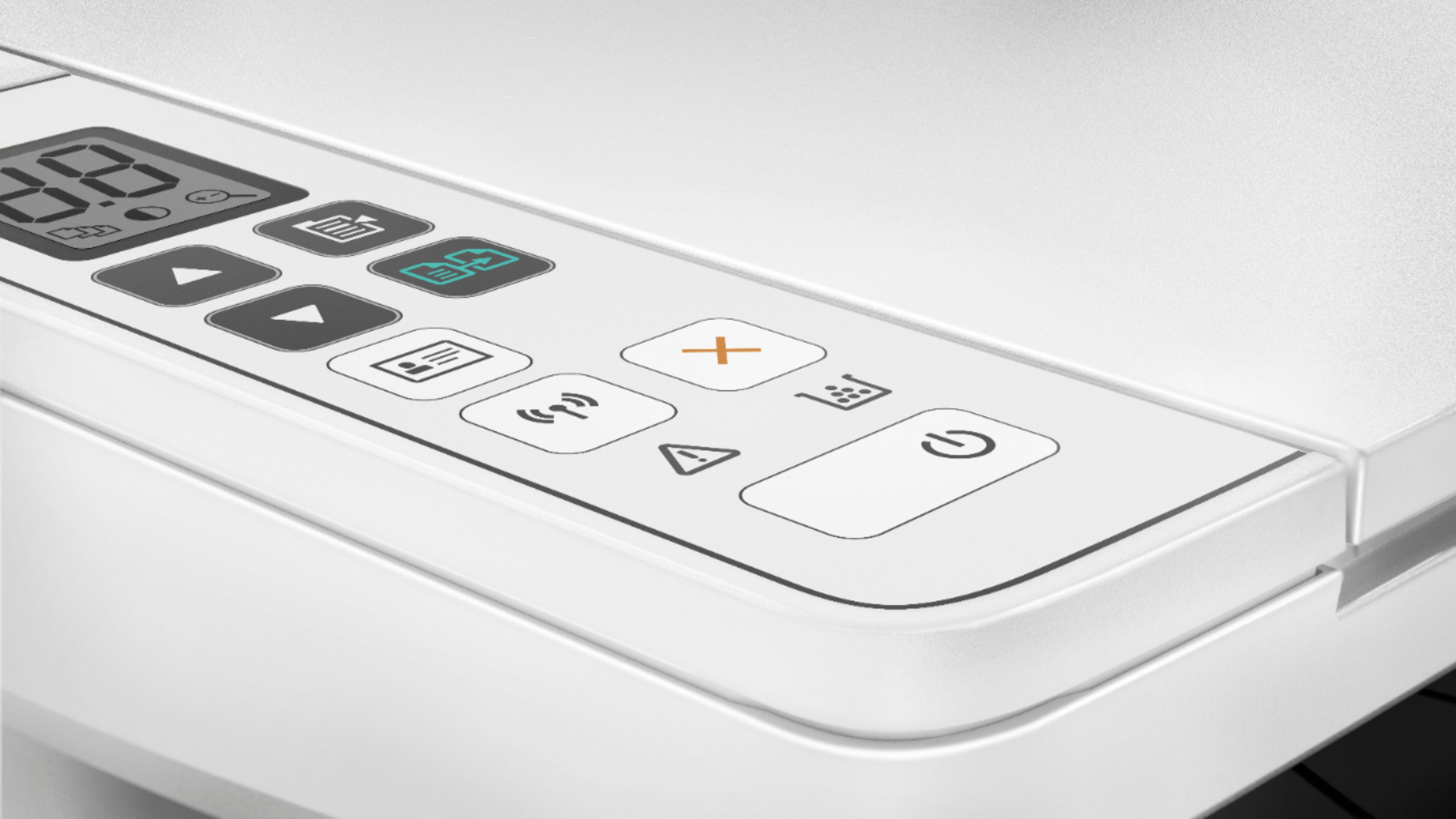
||Posted .This reviewer received promo considerations or sweepstakes entry for writing a review.Panel for operation is way too small. Just over all it is just a cheap,poor and hard to use. I want to return it now!
No, I would not recommend this to a friendBrand response from HP Team
Posted .Hi, Ann.
I’m sorry to hear that you've not had the experience you expected with the printer, and I'm sorry for any resulting inconvenience. We aim to provide a reliable experience with our printers and support, so I’ll try to offer some helpful suggestions.
To learn more about your printer and for help with any questions or problems you encounter, you can find video tutorials, user manuals, troubleshooting guides and software updates here:
- support.hp.com/us-en/product/hp-laserjet-pro-mfp-m28-m31-printer-series/16647082/model/16647096
If there's any specific way that we can help you, I hope you’ll get in touch with us directly for support. We're always here and would be more than happy to help you make the most of your experience with the printer. You can reach us via your preferred method at this link: hp.com/contactHP
Keith
HP Care
hp.com/support
Can't get it to connect with laptop. Terrible
||Posted . Owned for less than 1 week when reviewed.This reviewer received promo considerations or sweepstakes entry for writing a review.Terrible Can't get it to connect. Instructions terrible
No, I would not recommend this to a friendBrand response from HP Team
Posted .Hi there,
It's so disappointing to hear that the wireless setup process has been less than seamless. This is far from the reliable experience that we intended on, so I sincerely apologize for falling short this time. With that said, I'd like to provide you with some helpful tips going forward.
First, I recommend trying one of the following options for a more seamless wireless setup:
- Download and use the HP Smart app from either a mobile device or computer within the first 2 hours of powering on the printer
- Download HP Easy Start for a step-by-step wireless walk-through: hp.com/us/en/devices/ljm29w
- Download and run through the printer's full software package: support.hp.com/us-en/drivers/selfservice/model/16647096
If any of this fails, please don't hesitate to contact us for support. We're always more than happy to help, so you can reach out anytime via call, chat, etc. at this link: hp.com/contactHP
Chelsea
HP Care
hp.com/support
Don’t buy.
||Posted . Owned for 1 year when reviewed.This reviewer received promo considerations or sweepstakes entry for writing a review.Terrible. Lasted 18 months then quit. Don’t waste your money
No, I would not recommend this to a friendBrand response from HP Team
Posted .Hi, Annie.
I’m sorry that your printer stopped working. Your review is brief, but your disappointment and dismay are clear – and wholly understandable. I want to help you resolve this situation if it’s possible, so I’ll offer some resources I hope can make that happen.
First, I can’t tell from your review what indications the printer has given that it’s beyond repair. If the device won’t power up, I recommend going through the steps in this troubleshooting guide for printers that do not turn on:
- support.hp.com/us-en/document/c01321436
You can also find troubleshooting guides specific to your printer as well as user manuals and software updates on our support site here:
- support.hp.com/us-en/product/model/16647096
If you need further support, there are options. HP printers have a one-year warranty from the purchase date that covers basic support as well as hardware and supplies, and some buyers purchase extended warranties. You can verify the warranty using the following link:
- support.hp.com/us-en/checkwarranty
If your printer is still covered, you can contact us directly at +1 800-474-6836 so we can help you assess the situation and find a solution.
If your printer is no longer covered, you might consider posting the details of your issue on our support forums. This is an active community of seasoned experts, including some former and current HP employees, who can work with you to get your printer running as it should. To access this, visit the following link:
- hp.com/supportforum
I hope this helps and, again, our sincerest apologies.
Keith
HP Care
hp.com/support
When will I learn about hp?
||Posted . Owned for 6 months when reviewed.This reviewer received promo considerations or sweepstakes entry for writing a review.sucks, always has wifi problems. Can't connect well with my crappy hp laptop. Never again hp!
No, I would not recommend this to a friendBrand response from HP Team
Posted .Hi there.
I'm sorry to hear that your printer has not maintained a reliable wireless connection. I can certainly understand why this would quickly become exasperating, so I’ll offer some resources that I hope will help.
First, I suggest that you visit a page on our support site that has diagnostic tools for various problems, including printer-offline and connectivity issues. Visit that page here:
- support.hp.com/us-en/topic/diagnostics
If the problem persists, or you need any further support, I recommend that you contact us directly at +1 800-474-6836 so we can help you assess the situation and guide you through any applicable troubleshooting. (Please note that because of restrictions on personal movement and workplace attendance associated with the COVID-19 pandemic, wait times for agents are longer than normal. Thanks in advance for your understanding.) To expedite the process, I recommend gathering the following information before the call:
- Model number
- Serial number
- Your location
- Case number (from any previous contact with HP support)
I'll also mention that HP printers have a one-year warranty from their purchase date that covers hardware as well as ink supplies, so if it comes to that, you might consider making use of it. You can verify the warranty using the following link: support.hp.com/us-en/checkwarranty
Keith
HP Care
hp.com/support
too short a life
||Posted . Owned for 9 months when reviewed.This reviewer received promo considerations or sweepstakes entry for writing a review.Started having trouble after 9 months!!! Too small and too limited on the settings and control!
No, I would not recommend this to a friendBrand response from HP Team
Posted .Hi, Violet.
I’m sorry to hear that your printer is not working like it should. I can understand how that would be frustrating indeed, especially considering you’ve had it only nine months. With that in mind, I’ll offer some resources and information that I hope will improve your experience.
I can’t tell from your review what issues you’ve encountered, but you can find various troubleshooting guides, user manuals, video tutorials, how-to documents and software updates for your printer here:
- support.hp.com/us-en/product/hp-laserjet-pro-mfp-m28-m31-printer-series/16647082/model/16647096
If you can’t find what you need there, I hope you’ll reach out to us so we can work through any necessary troubleshooting with you. We’re always here to help, so you can get in touch via your preferred method at this link: hp.com/contactHP
I'll also mention that HP printers have a one-year warranty from their purchase date that covers hardware as well as ink supplies, so if it comes to that, you might consider making use of it. You can verify the warranty using the following link: support.hp.com/us-en/checkwarranty
Keith
HP Care
hp.com/support
No wireless wifi
||Posted . Owned for 1 month when reviewed.This reviewer received promo considerations or sweepstakes entry for writing a review.It does not connect to WiFi I need to send it to repair or return it
No, I would not recommend this to a friendBrand response from HP Team
Posted .Hi there.
I’m sorry that your printer has not connected wirelessly like it should. I can certainly understand why that would be quite a shock for a printer you just bought. I want to help you get the device connected and working like it should, so I’ll suggest some measures aimed at making that happen.
First, I recommend you visit a page on our support site that has diagnostic tools for various issues, including setup and wireless connectivity. You can find that page here:
- support.hp.com/us-en/topic/diagnostics
If the printer still will not connect to your Wi-Fi system, I suggest that you contact us directly at +1 800-474-6836 so we can help you assess the situation and find a solution. (Please note that because of restrictions on personal movement and workplace attendance associated with the COVID-19 pandemic, wait times for agents are longer than normal. Thanks in advance for your understanding.) To expedite the process, I recommend gathering the following information before the call:
- Model number
- Serial number
- Your location
- Case number (from any previous contact with HP support)
Keith
HP Care
hp.com/support
Returned it
||Posted . Owned for 3 weeks when reviewed.This reviewer received promo considerations or sweepstakes entry for writing a review.Looked all over the internet for the password! It was well hidden! I never found it!
No, I would not recommend this to a friend