Customer Ratings & Reviews
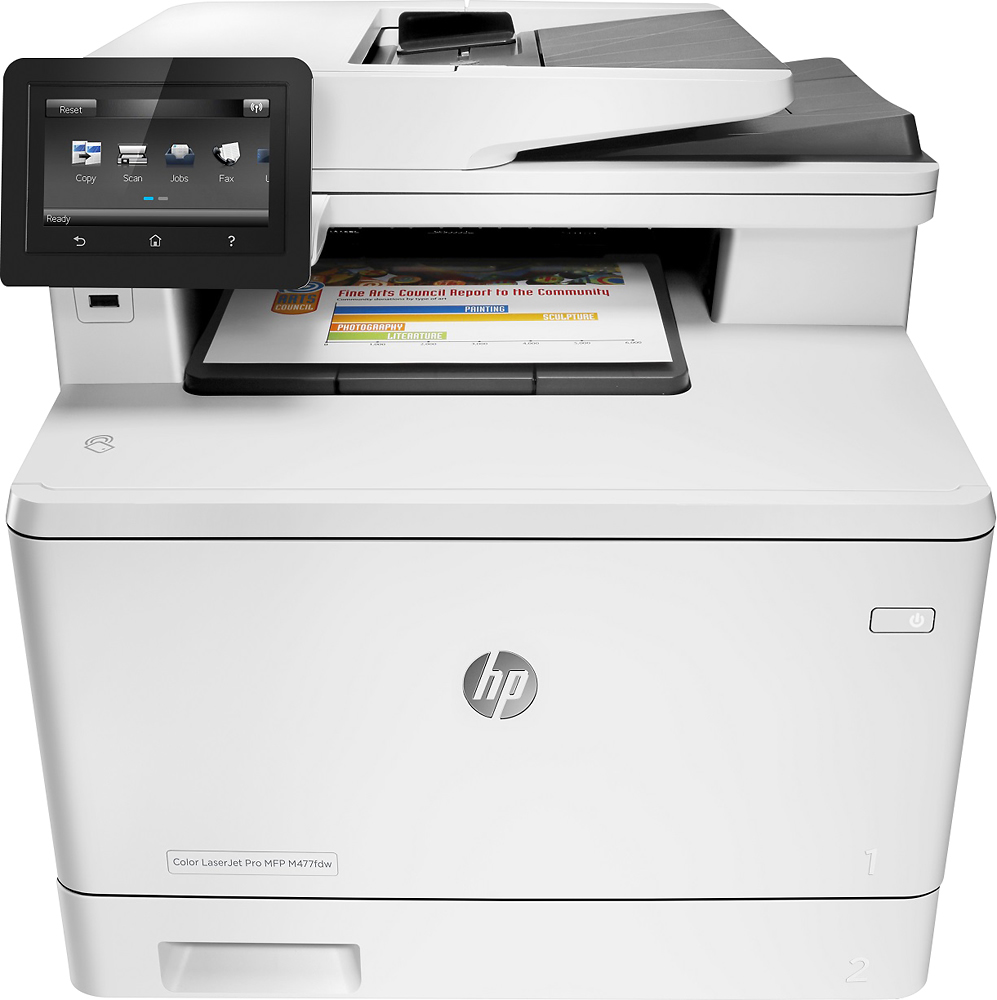
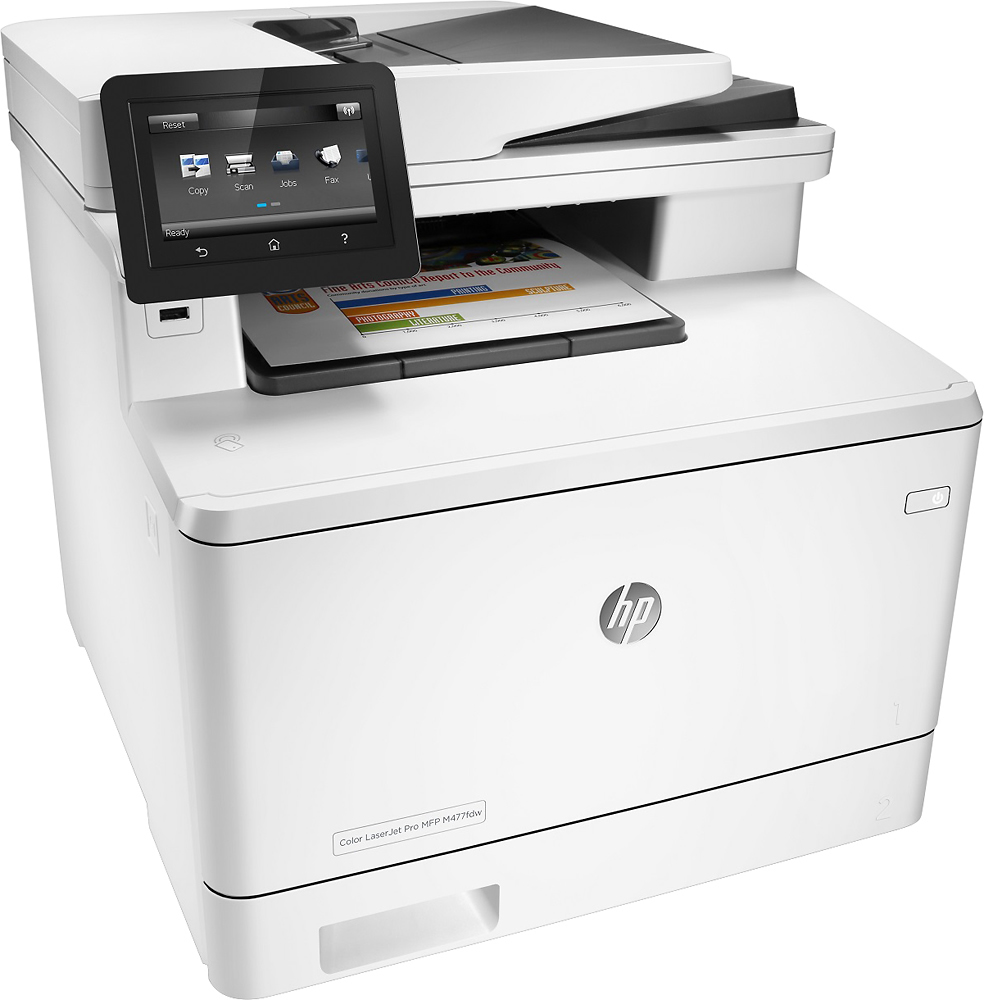

- Model:
- m477fdw
- SKU:
- 4404700
Rating by feature
- Value
Rating 3.6 out of 5 stars
- Quality
Rating 3.8 out of 5 stars
- Ease of Use
Rating 4.1 out of 5 stars
Customers are saying
Customers are positive about the easy setup, print quality, and wireless capabilities of the LaserJet Pro MFP m477fdw Wireless Color All-In-One Printer. They appreciate the convenience of AirPrint and the ease of setting up the fax machine.
This summary was generated by AI based on customer reviews.
- Pros mentioned:Print quality
Quick and easy
Posted .This reviewer received promo considerations or sweepstakes entry for writing a review.This printer was simple to set up and is really quick at all tasks. Certainly would recommend it. The scanning system is also at least 2x as fast as my old officejet.
I would recommend this to a friend - Pros mentioned:Print quality, Wireless
Great Features
Posted .This reviewer received promo considerations or sweepstakes entry for writing a review.This affordable printer is like a miniaturized office copier. It has almost every feature imaginable: fax, duplex printing, wireless, 50 page document feeder, AirPrint, scan to network folders or emails. A wonderful surprise was that I didn't have to install the toner cartridges or yank out orange plastic clips like other models. It came ready to go to work.
I would recommend this to a friend Software Problem
Posted .This reviewer received promo considerations or sweepstakes entry for writing a review.This printer has a serious flaw in the software! I tried 3 times bringing it back and getting a new one to replace it the second time I got Geek Squad to remote connect to the printer and worked the issue for over an hour with no Luck! This was on the FDW version of the product. The third time I got the FNW thinking maybe a slight model change however still the same printer software is downloaded! In lies the problem! The Printer works fine when you open the box turn it on and run all the demo reports and config page! No Problems! Then you start loading the Printer software so you can actually use it? Then "49 service error" starts showing up and then you can not even do a simple copy page function directly on the printer. I love the hardware but until the software is fixed I would seriously not get this printer.
No, I would not recommend this to a friend- Pros mentioned:Print quality
The best ever
Posted .This reviewer received promo considerations or sweepstakes entry for writing a review.This printer is one of the best ever made by HP. I am in love with this printer.
I would recommend this to a friend - Pros mentioned:Ease of use
works great
Posted .This reviewer received promo considerations or sweepstakes entry for writing a review.Works great, easy setup, no issues. Would buy again
I would recommend this to a friend Not for Macs
Posted .This reviewer received promo considerations or sweepstakes entry for writing a review.Had it for 2 months and have spent hours with tech support. It does not like to talk to the Mac. Tech support suggested I return it. If you have a Mac don't buy this one.
No, I would not recommend this to a friend59.f0 error
Posted .This reviewer received promo considerations or sweepstakes entry for writing a review.Purchased on line with free shipping to my house arrived quickly - credit to best buy *(thanks) set up was easy and I wanted to use it for a variety of printing jobs for my home office, I quickly connected: 1. connected tot the network - very easy 2. connected to the home server - test print confirmed 3. printed a few other documents in word, excel and a PPT 4. Connected the first notebook - easy and test printed several documents 5. connected another notebook - same easy routine at this point, I was feeling very good about the purchase Then I connected an Samsung android tablet - test print went well then printed a webpage fromt the tablet ... ohoh 59.F0 error unplugged unit and powered back up. went back to the server... print word document.. 59.F0 error then on the server I have a B&W HP laser connected - suddenly could not print to that either entire house and all connected devices could not print uninstalled all printers on all devices reinstalled on server only - 59.f0 error but I re-installed my old Laser and it worked.. whew.. called hp tech support, thinking I was missing a driver or something instantly she said ' return it, get another' I did not get another wireless but bought the 477DFN version - wired to network router.. everything works now.. tempted to return the wired 477DFN and repurchase this unit - but why tempt fate....
No, I would not recommend this to a friendGood, but now after a year it is wasting my time
Posted .This reviewer received promo considerations or sweepstakes entry for writing a review.You will have trouble getting this device connected to your computer via, WIFI, WPS Direct or even USB. I have all drivers up to date and this thing is super annoying. Wasting my time trying to simply connect to this. Also, the HP Smart is an app downloaded from the internet and is run server side. This thing takes FOREVER to load. I would try another product, just not HP.
No, I would not recommend this to a friendWifi is Horrible
Posted .This reviewer received promo considerations or sweepstakes entry for writing a review.I purchased this printer in hopes of finally leaving ink behind. Well I just spent the last 5 1/2 hours on the phone with HP and Comcast, shocker, they blame each other. I am not able to print from iPhones, iPads or MacBook Pro. All I can print from is the iMac. HP said to get an IP address just for the printer, two hours later Comcast finally gave me the second one, first one was a duplicate. I'm still unable to print and now have to wait until Monday for round 2 because they closed for the weekend. If you have any brains, don't buy this printer if you have Comcast.
No, I would not recommend this to a friendI hate this printer
Posted .This reviewer received promo considerations or sweepstakes entry for writing a review.This is probably the worst printer I've ever had. HP has taken over my computer at least half a dozen times to try to fix issues, but it never helps. It will stop in the middle of a job and decide it's done; it pauses itself, then won't resume printing because it's "in use"; it's possibly the slowest printer I've ever had; and ordering the cartridges is difficult because they're very often out of stock. There's more, but I don't wish to write an entire book about all that's wrong with this expensive piece of junk. I'm currently looking for a replacement for this one because I've had it.
No, I would not recommend this to a friendDont buy HP Printers or any Products
Posted .This reviewer received promo considerations or sweepstakes entry for writing a review.I bought this product in 2016. and I was out of country for one year and some serious health issues, I didn't use it for almost a year and later I was using it with for 2-3 prints in a month, and I have used most advanced 'surge protector' to protect this printer, I am a gadget person, I love technologies, I am not careless to use my gadgets. Now this printer is not printing correctly like 'light printing' and but ink toner print reports shows that it has 80% ink in all 4 toners. They said it has either Fuser issues, or internal power supply. HP Products are now garbage. I need refund or fix this product, otherwise I will not buy HP in future just like I never used AT&T after I left them.
No, I would not recommend this to a friendBrand response from HP Team
Posted .Hi there,
I am very sorry to hear that you have problems with your printer. We really aim to provide the best possible experience with our products, so let me help you to fix the issues.
As the printer was not used for a long period, I think the first thing is to update the printer's firmware. It is always good to stay up to date.
The latest firmware version for this printer can be found here: support.hp.com/us-en/drivers/selfservice/model/7326586
If this does not fix the issue, please remember that we are always there to help, do not hesitate to contact us anytime: hp.com/contactHP
We are always there to help!
Tom
HP Care
hp.com/support
Unfortunate
Posted .This reviewer received promo considerations or sweepstakes entry for writing a review.Sadly, before I even got the chance to give this printer a test drive, I discovered the document feeder doesn't work. It tried to fax one page, then got stuck. To make it better, it now thinks there is a document jammed in the feeder (which there isn't - not even a particle of paper), so it will not scan or copy anything, even on the flat bed. This has never happened to me in my life, so I must assume it is indicative of a crumbling HP and their quality.
No, I would not recommend this to a friendHP LJ MFPm477 junk
Posted .This reviewer received promo considerations or sweepstakes entry for writing a review.Does not work with MS Word on Apple products- it is actually useless as a printer and scanner- use it as $700 copier. HP refuses to fix the software- do not buy
No, I would not recommend this to a friend