Customer Ratings & Reviews
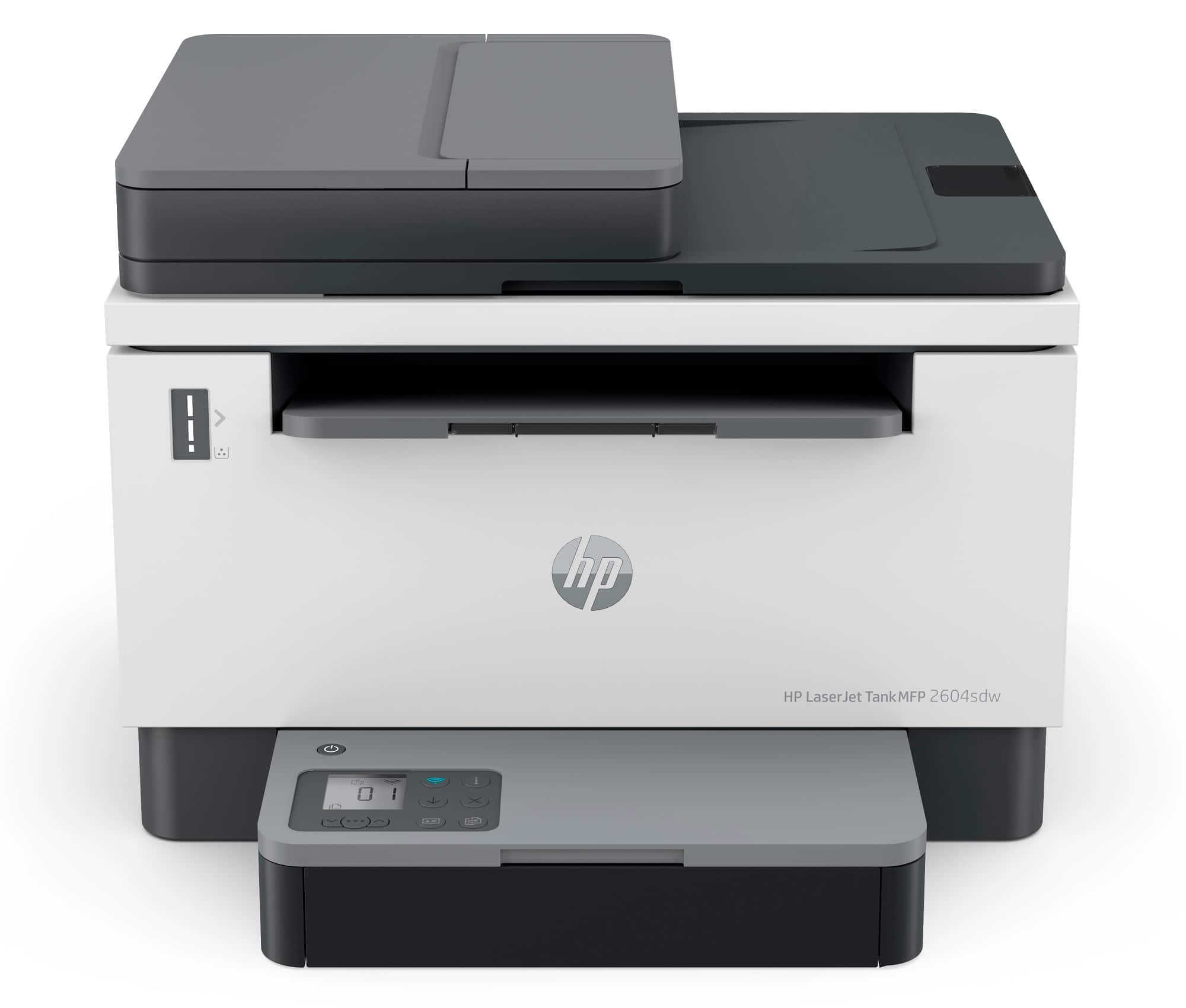
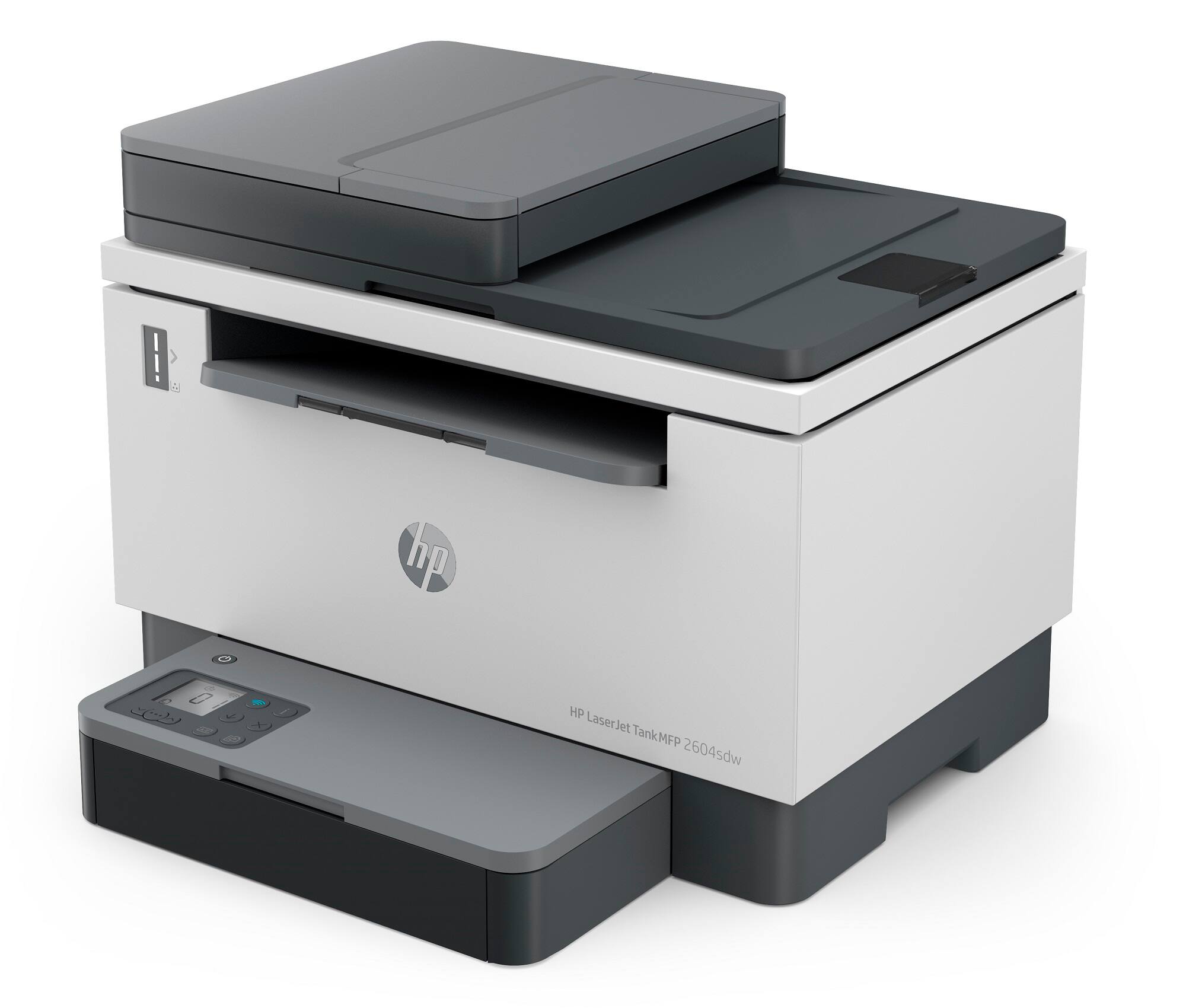
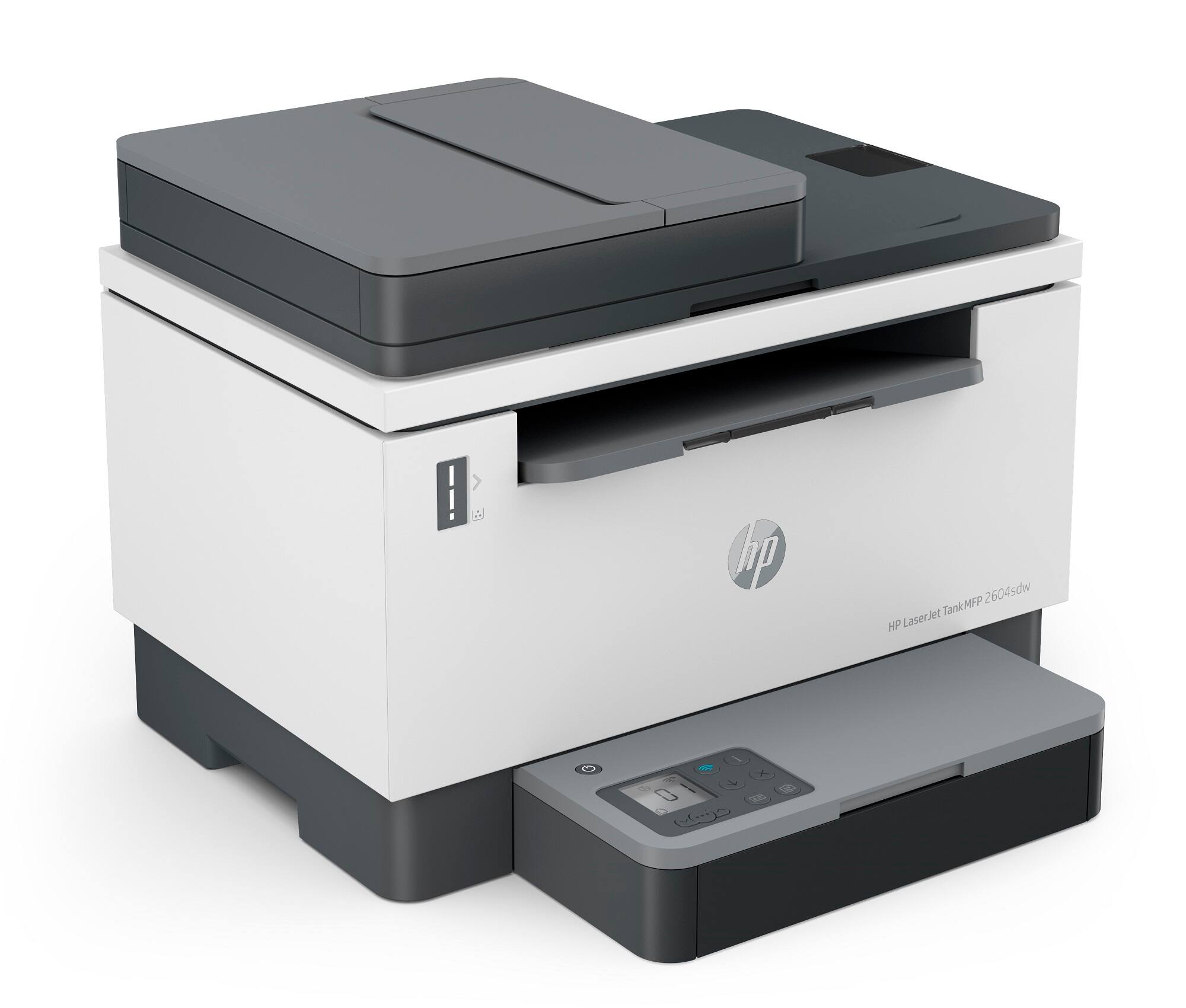
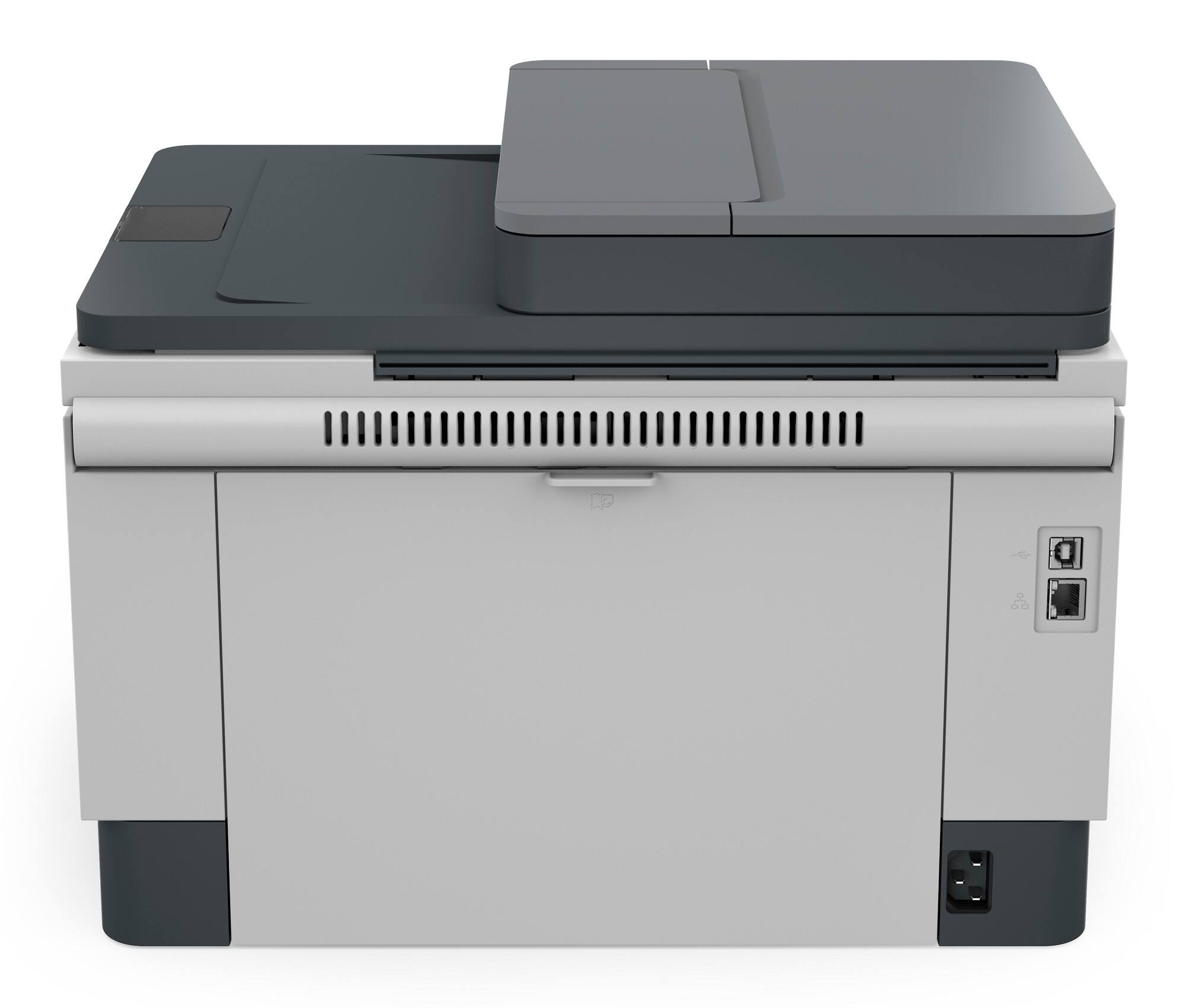
- Model:
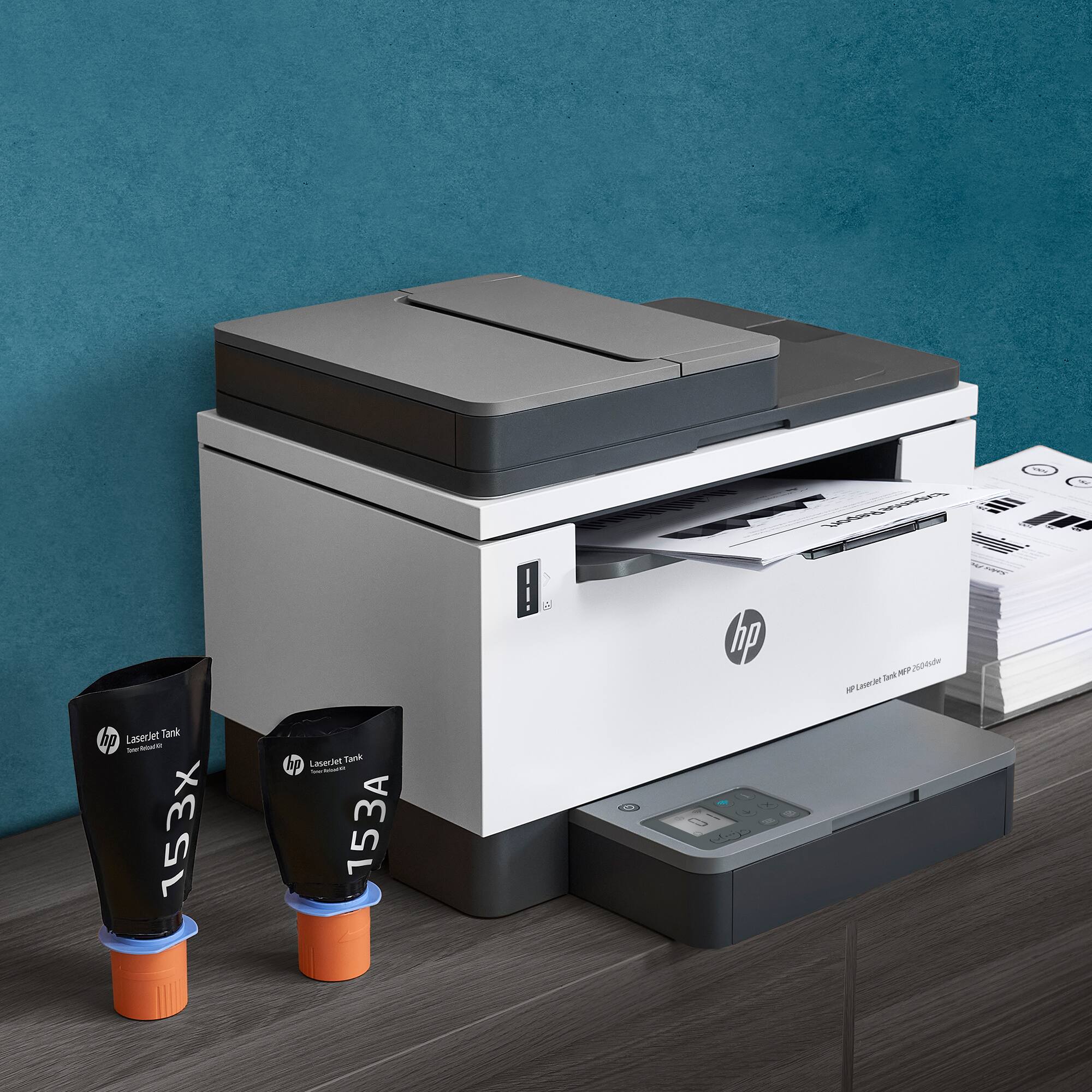
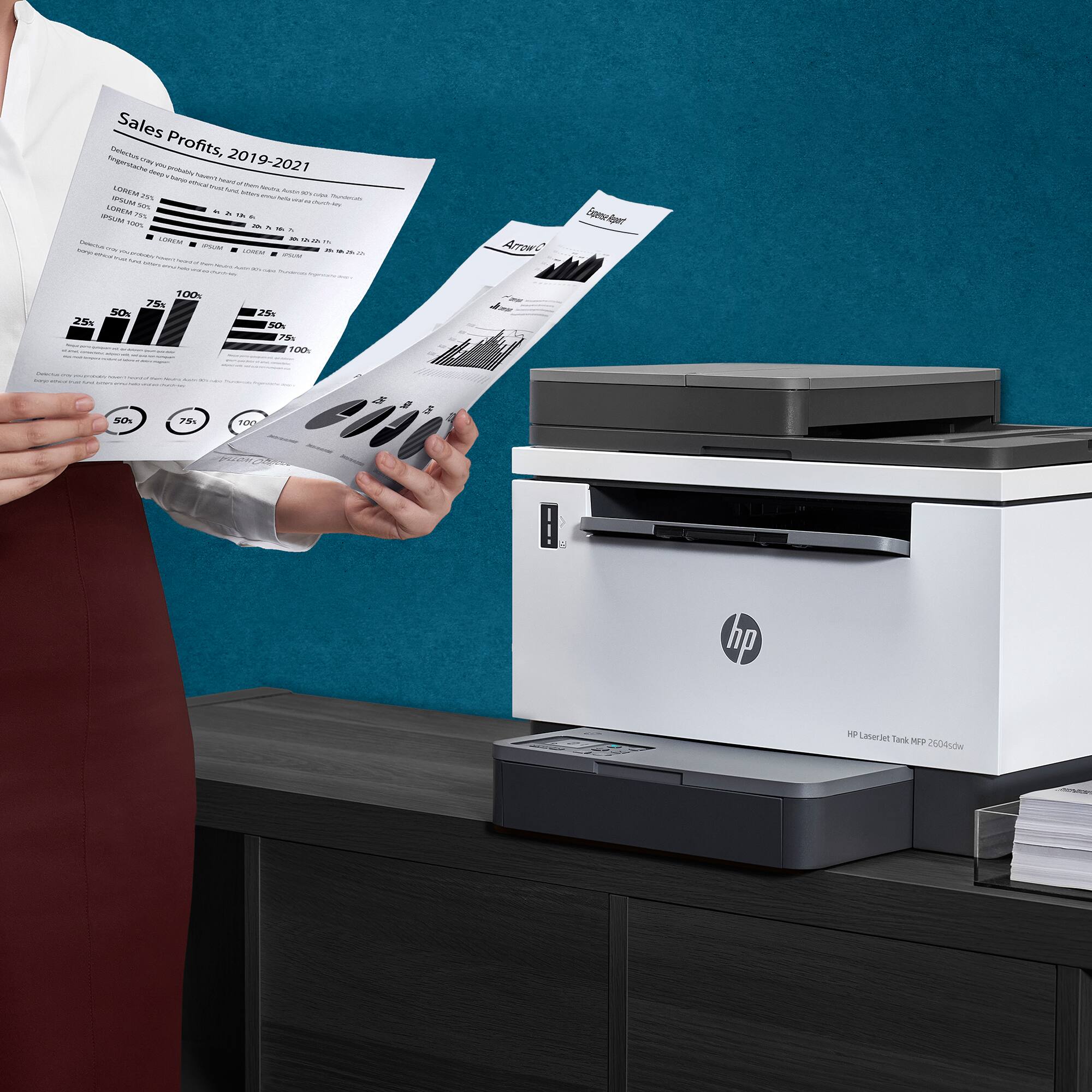
- LaserJet Tank 2604sdw
- SKU:
- 6508030
Rating by feature
- Value
Rating 4.3 out of 5 stars
- Quality
Rating 4.2 out of 5 stars
- Ease of Use
Rating 4.1 out of 5 stars
Customers are saying
Customers praise the LaserJet Tank 2604sdw for its excellent print quality, ease of use, and straightforward setup. Many appreciate its compact size and quiet operation, along with the added convenience of the scanner. However, some users experienced challenges with maintaining a consistent wireless connection. The printer's value for its price point is also frequently noted.
This summary was generated by AI based on customer reviews.
Painful
||Posted . Owned for 3 weeks when reviewed.This reviewer received promo considerations or sweepstakes entry for writing a review.It is a pain in my bazooka to connect to my wifi. A serious pain
No, I would not recommend this to a friendWireless
||Posted . Owned for 4 months when reviewed.This reviewer received promo considerations or sweepstakes entry for writing a review.Not work good. Wireless really not connected after 2 months
No, I would not recommend this to a friendWorse printer ever
||Posted . Owned for 6 months when reviewed.This reviewer received promo considerations or sweepstakes entry for writing a review.The worse printer I’ve ever buy from best buy. This printer won’t even hold power for a minute. All the buttons start blinking as soon as you try to print. I’ve been on the phone with HP for hours, they tried all they can but nothing worked. Waste of money.
No, I would not recommend this to a friend2604
||Posted . Owned for 1 month when reviewed.This reviewer received promo considerations or sweepstakes entry for writing a review.Price was great, but hardware problem less than 12 day of new purchase.
No, I would not recommend this to a friendOnly good for an office of 20 people
||Posted . Owned for 3 weeks when reviewed.This reviewer received promo considerations or sweepstakes entry for writing a review.I returned it to the store. Never worked and I called Geek Squad 3x and they couldn't get it to work either. My techy boyfriend tried to get it to work when he was with the machine with no luck. It was too big for my home anyway. Best for an office. My brother picked it out not me. Too complicated to use for me too.
No, I would not recommend this to a friend- Cons mentioned:Wireless connectivity
Not
||Posted . Owned for 3 weeks when reviewed.This reviewer received promo considerations or sweepstakes entry for writing a review.Its not connected with wifi & Phone. Its give a lot of trouble
No, I would not recommend this to a friend Unable to connect to WI Fi
||Posted . Owned for 2 months when reviewed.This reviewer received promo considerations or sweepstakes entry for writing a review.Problem with wireless connection to wi fi. Spent 5 hours on the phone with tech support to no avail. Going into wi fi setup disconnected my internet. Hp wanted me to pay for premium tech support, $51. No chance. If I can’t fix will return printer for a refund
No, I would not recommend this to a friend- Pros mentioned:Print quality, Setup

HP LaserJet Tank 2604sdw Printer - It's The Best!
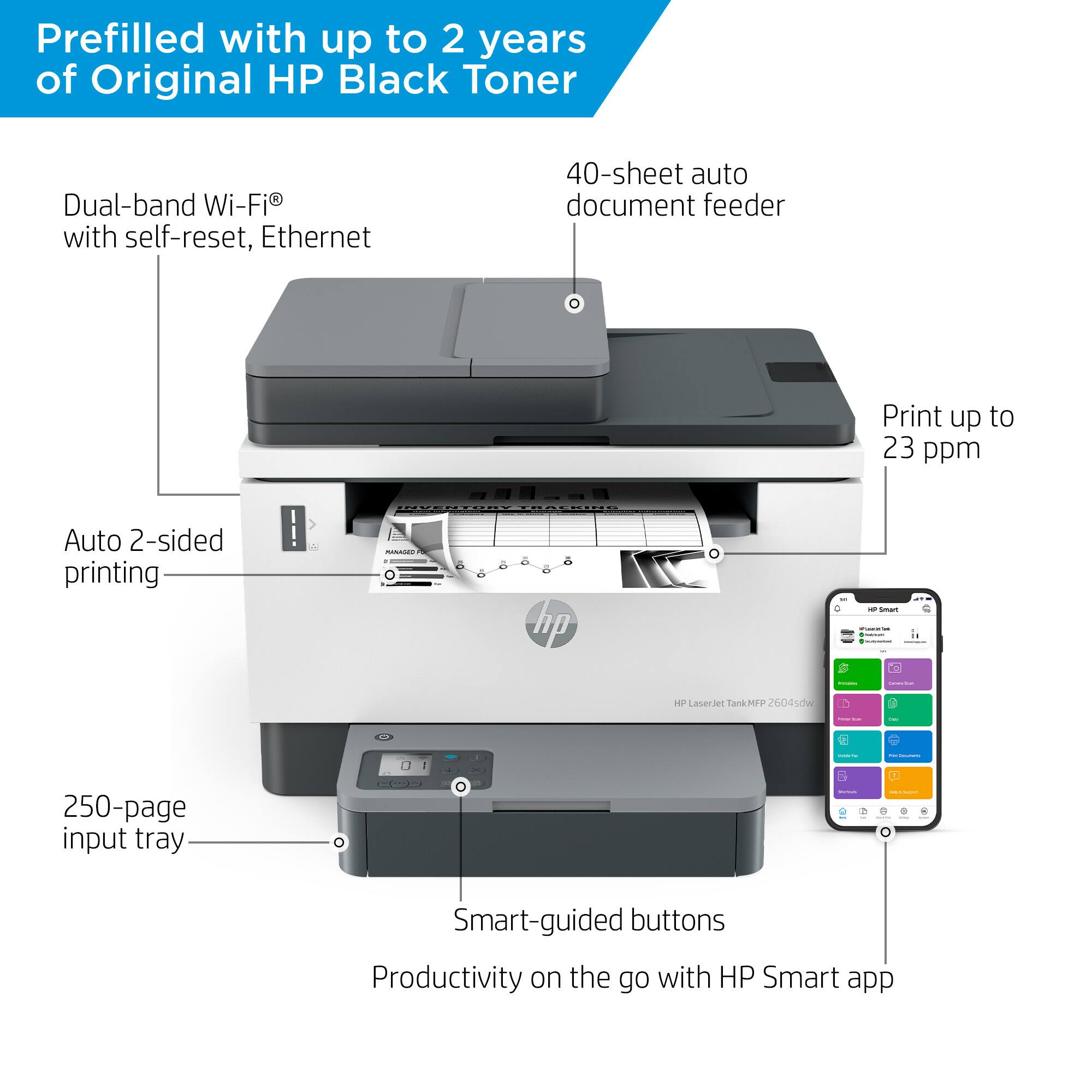
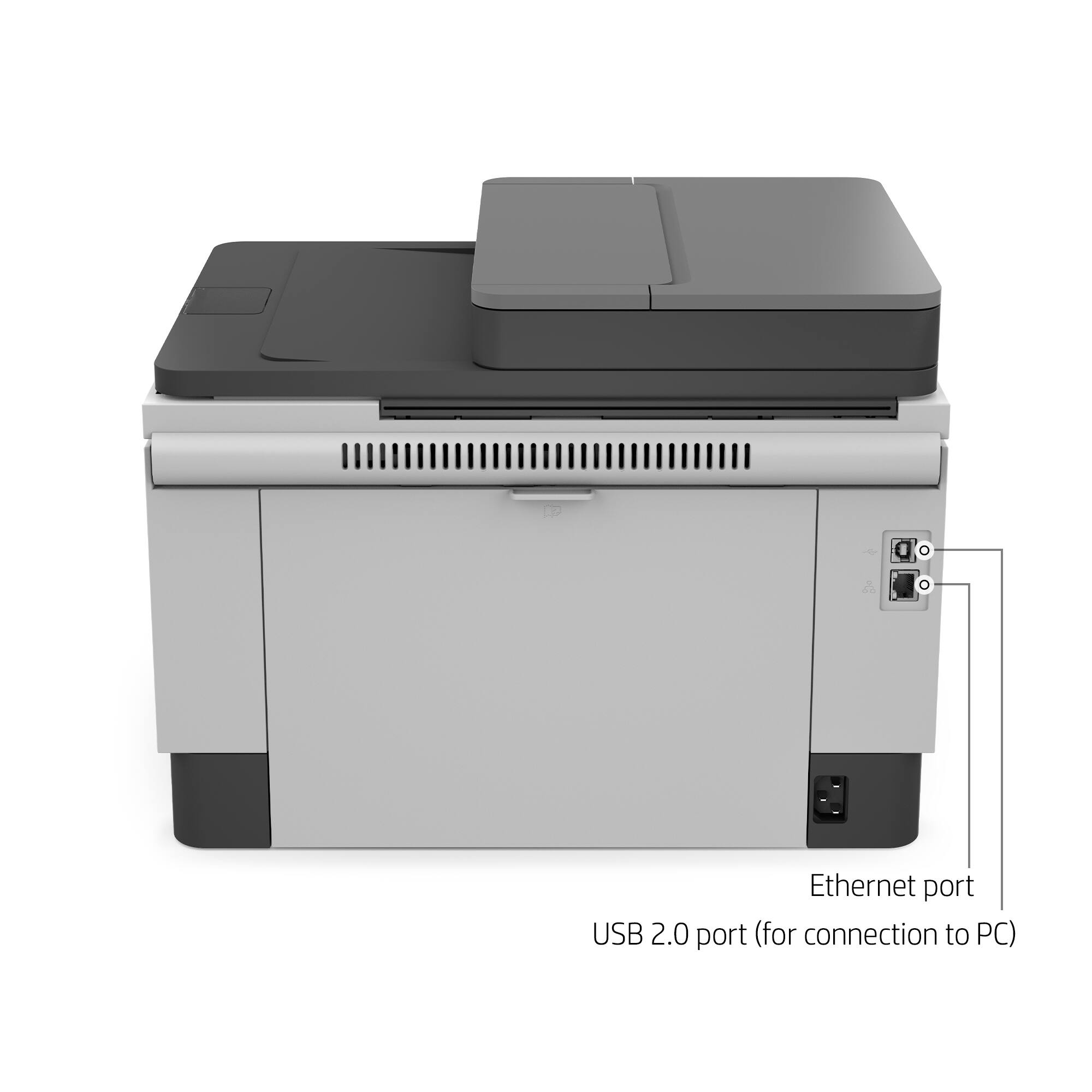
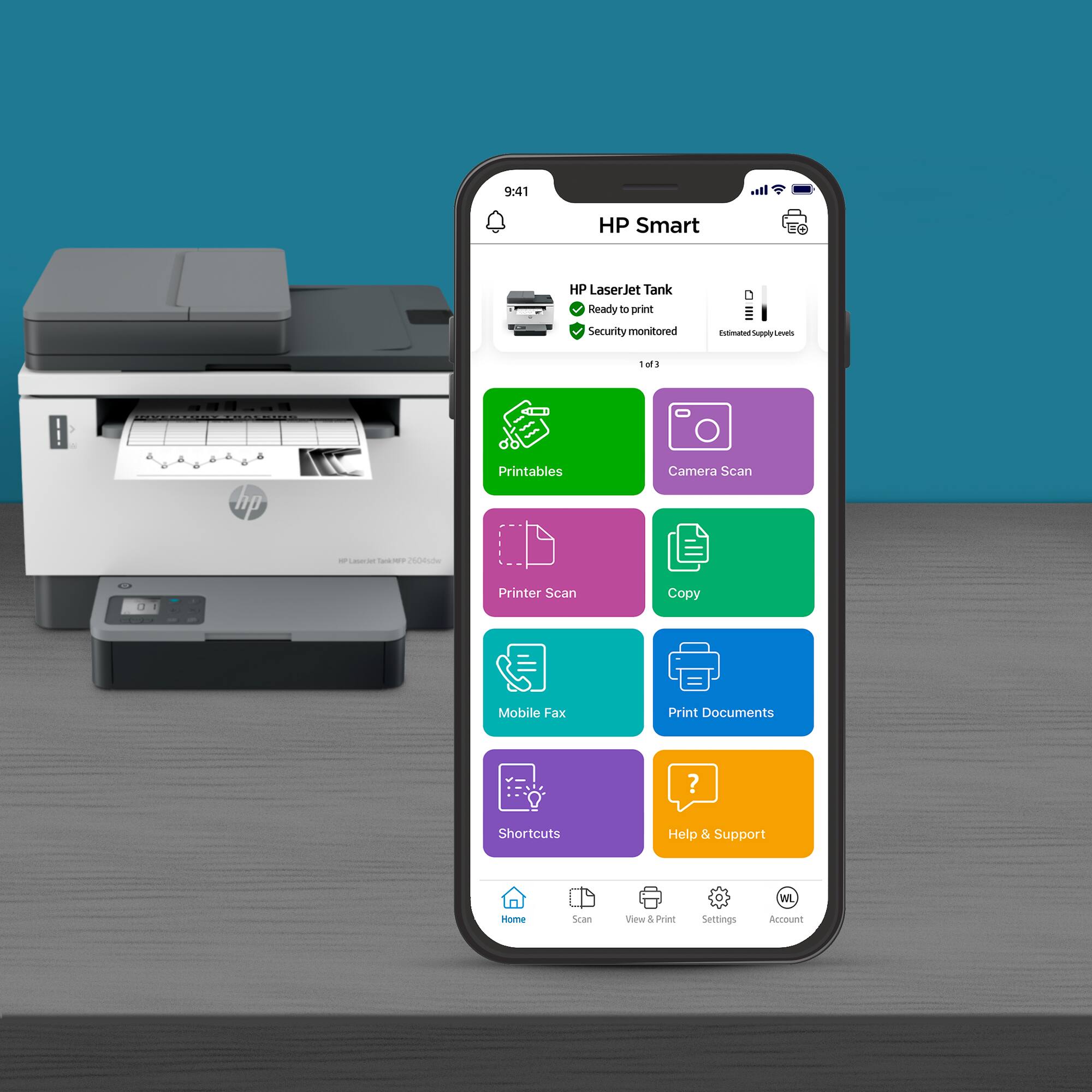
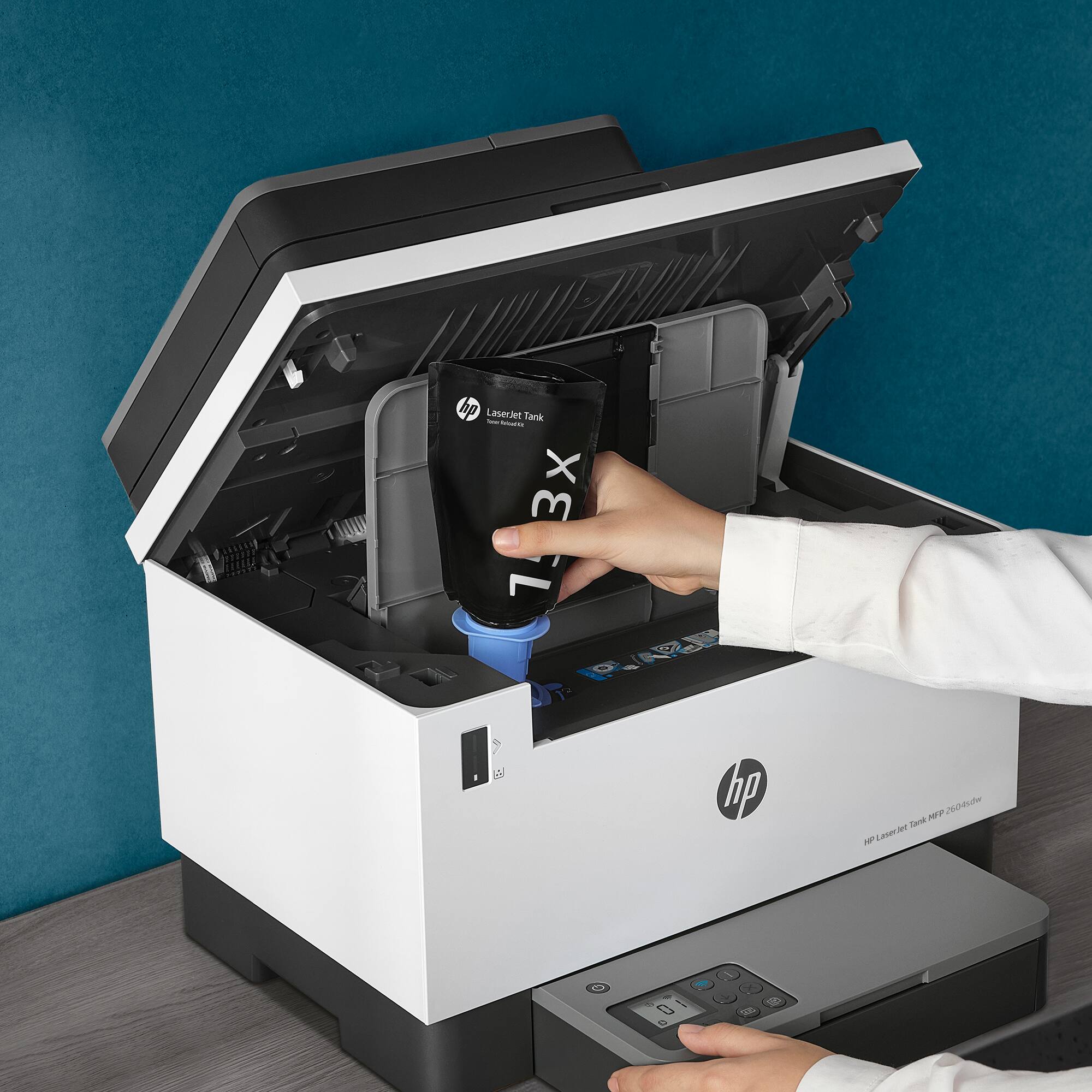
|Posted .This reviewer received promo considerations or sweepstakes entry for writing a review.Was happy to receive my HP black/white all-in-one printer and it was packed nicely for protection. After removing from the box and taking the orange adhesive tape strips off, I proceeded to check out the setup guide.To my surprise it was very simple to understand as the instructions were clearly defined in basically 5 steps. I placed paper in after attaching its holder and decided to set it up wirelessly. You can also connect the printer via an ethernet input or USB to your computer. Because I hoped the wireless would work well I had no reason to try the other two methods. Using the Smart HP app on my iPhone the install steps went flawlessly. It registered the unit automatically as well. I chose AUTO on the printer update feature. After the initial setup it printed out a test page for me which looked perfect. Nice clean and clear text. I then proceeded to connect it wirelessly to my 2 computers and again absolutely had no problems with the Bluetooth. It connected fast and easy. The printer also has a glass type top scanner feature which worked well too. It's fully automatic with two-sided printing (just single side on the scanner though) and has a 40 page automatic document feeder. The pages print relatively fast, about 20ppm, which is good enough for me. When you print or scan you can use the HP Smart app or not. My iMac and Windows 11 computers automatically recognized what I wanted to print, without using the app, once I got them connected properly in my settings. Every time I go to print something I have a choice from my printer drop down list of which one I want to use (I do own a couple more HP printers) and the Tank is always listed as a choice. I have now made it my default on both computers because it works so well. One thing I really love about this printer is the toner refill feature! It came with a fully loaded toner (not a starter like most other printers) but when you need to fill it again in the future it should only take about 15 seconds to pour the toner in. The refill price due to the unique fill design is so nominal compared to the cartridge styles and as a result the cost per page is very low. They say a refill should yield about 5,000 pages. On the front of printer is an indicator that shows you the level of ink, which is certainly handy. My other printers sometimes had me just buying another one due to high cartridge cost, especially when they were older. That shouldn't be happening here and I am very pleased about it. Super designing HP!! I am quite impressed with this HP Laser Jet Tank! I like the color combination and overall design as well. It has already become my absolute favorite and I highly recommend its purchase!
I would recommend this to a friend Bought 2 Both Defective
||Posted . Owned for 1 week when reviewed.This reviewer received promo considerations or sweepstakes entry for writing a review.Bought the decice two times. Both timee the debice would not connect. Error 79 both times. Called HP they did not help at all.
No, I would not recommend this to a friendForgeed about it
||Posted . Owned for less than 1 week when reviewed.This reviewer received promo considerations or sweepstakes entry for writing a review.HP has a lot to do to improve their drivers for this model. Geek Squad came to day ato set it up and it will not work. The HP app will not allow it to be set up!! Forget about it
No, I would not recommend this to a friendBrand response from HP Team
Posted .Hi there.
I’m sorry that your printer has not completed the setup and installation process. I can wholly understand your dismay, considering that the retailer’s tech service tried but did not succeed. I want to help you out of this dilemma, so I’ll offer a resource that I hope will serve that end.
I can’t tell from your review why your printer has performed this way. I recommend that you contact us directly at +1 800-474-6836 so we can help you assess what’s happening and find the best course of action. To expedite the process, I recommend gathering the following information before the call:
- Model number
- Serial number
- Your location
- Case number (from any previous contact with HP support)
Keith
HP Care
hp.com/support
Doesn't work
||Posted . Owned for 2 months when reviewed.This reviewer received promo considerations or sweepstakes entry for writing a review.Jams a lot. I have to be restarting it every time I have to print something.
No, I would not recommend this to a friendDo not buy
||Posted . Owned for 1 month when reviewed.This reviewer received promo considerations or sweepstakes entry for writing a review.Stopped working within a month. Just a few days past the return window. HP sending a replacement.
No, I would not recommend this to a friendGarbage HP printer
||Posted . Owned for 3 weeks when reviewed.This reviewer received promo considerations or sweepstakes entry for writing a review.Don’t waste your money on this HP. It is a garbage that make you waste your time.
No, I would not recommend this to a friendHorrible awful and want to throw it away
||Posted . Owned for 2 weeks when reviewed.This reviewer received promo considerations or sweepstakes entry for writing a review.I have owned this now for about a month. It could not be any worse. Every time we print, there is an error message.
No, I would not recommend this to a friendGreat printer
||Posted . Owned for 1 week when reviewed.This reviewer received promo considerations or sweepstakes entry for writing a review.Great value for what it does just what I was looking for
I would recommend this to a friend- Pros mentioned:Print quality
Great SMB or home office printer
|Posted .This reviewer received promo considerations or sweepstakes entry for writing a review.This is my 3rd HP printer in the last 18 months, and first time using a "Tank" Laser printer (as opposed to several "tank" inkjet models). What I was most enthusiastic about prior to trying the LaserJet Tank 2604sdw is that it gets the cost per print down to generic inkjet prices but with genuine HP Laser quality. I am happy to report that it does exactly I hoped for. The quality of prints is exactly what I'd expect from an HP Laser printer and the cost for toner refills is low enough that I would definitely consider this over generic ink cartridges in an ink jet printer. I did run into a little trouble setting up the printer - I originally set it up on WiFi using the HP Smart app on my android phone. I was able to easily get it connected to my wireless network, but multiple attempts to set up the printer failed on seemingly the last step. Each time, multiple lights would come on around the display, and the printer would just sit there like this for hours. This kept the printer from being fully available in the HP Smart app, but it didn't affect my ability to print to the printer all. Personally, I don't plan to ever use the HP smart app now that I've set it up on wifi, so this isn't a big deal to me. The only negatives I can think of for this printer (other than the glitch in the setup process) are that the main display itself isn't backlit, and the document feeder for scanning doesn't support automatic duplex scanning. Probably most people don't keep their laser printer in a dark network closet like I do, so the non-backlit display won't be a negative for many, and the lack of duplex on the ADF isn't the end of the world. The ADF tray does take up to 40 (!) pages though, so this is clearly a step up from your standard home printer. This was definitely my favorite HP printer that I've used so far, and I hope it can give my family many years of use. Which is saying something, as my teacher wife prints A LOT!
I would recommend this to a friend - Pros mentioned:Print quality, Size
A GREAT Multi-function Printer!
|Posted .This reviewer received promo considerations or sweepstakes entry for writing a review.I am very impressed by the new HP LaserJet Tank 2604sdsw black and white laser printer. I use a Multi-function device multiple times a day and this was a welcomed change First, the set up is very easy and relatively quick. The software on both mobile devices and on computer (Mac in this case), is very intuitive and easy to set up and use. I set the HP LaserJet Tank 2604sdsw black and white laser printer as a WiFi device (no USB plug) and it took less than 10 minutes from unpackaging to printing a test page. Pros: - Easy set up - Easy software - RAPID print! It takes less than 3 seconds from clicking print to the printer finishing the page - Mobile-friendly: can print wirelessly from a phone or tablet and can also print to the web with a unique address - Perfect match (for me) of size and function - Auto duplexing - "Tank" monitor - Efficient use of ink (I'm still at 99%!) - e-Fax through the manufacturer - Great scan quality and speed Cons - No built-in fax functionality through a phone wire - LED display is hard to read at an angle. Overall, this is a 5-Star multi-function printer/copier/scanner
I would recommend this to a friend - Pros mentioned:Print quality, Size
Laser printing with low cost per page
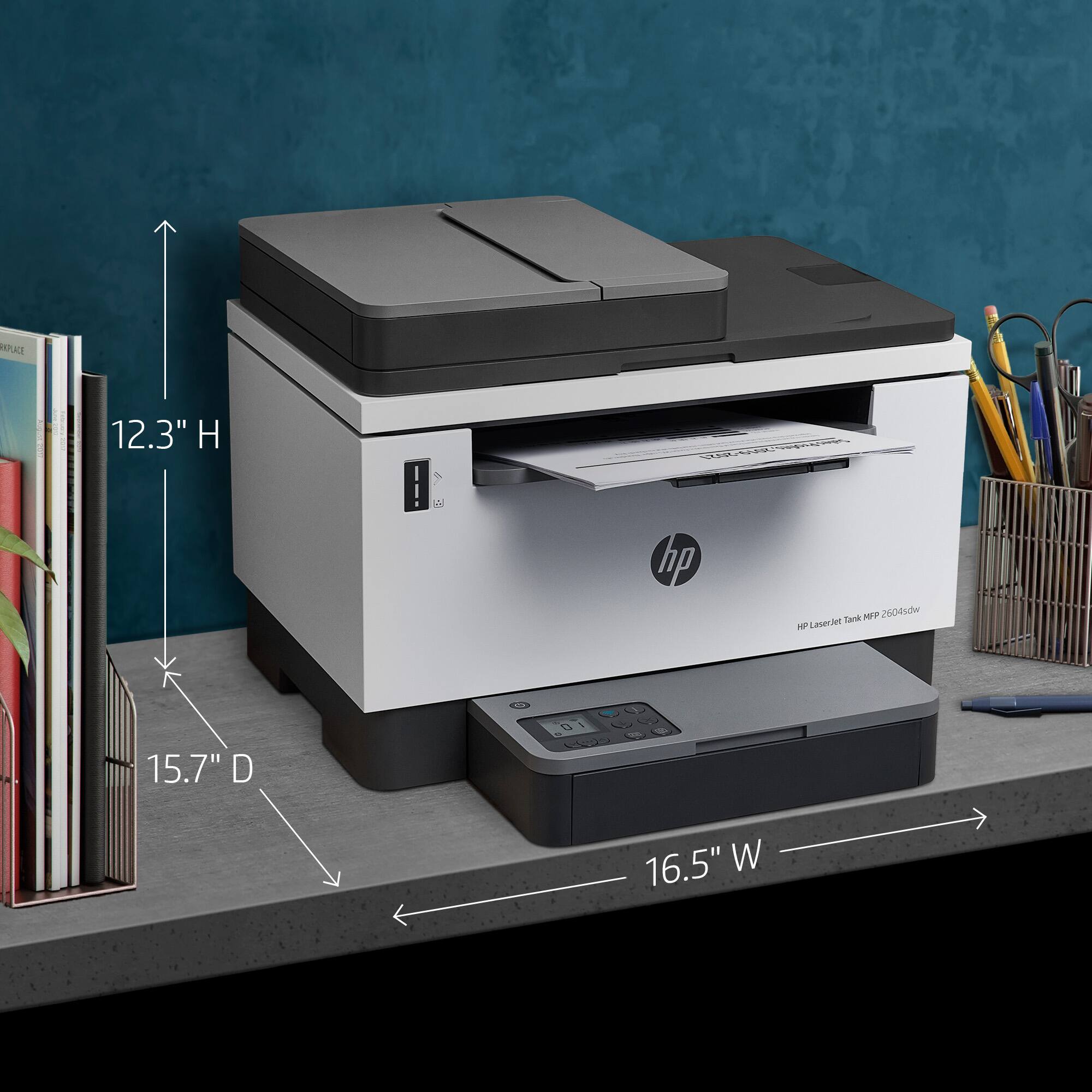
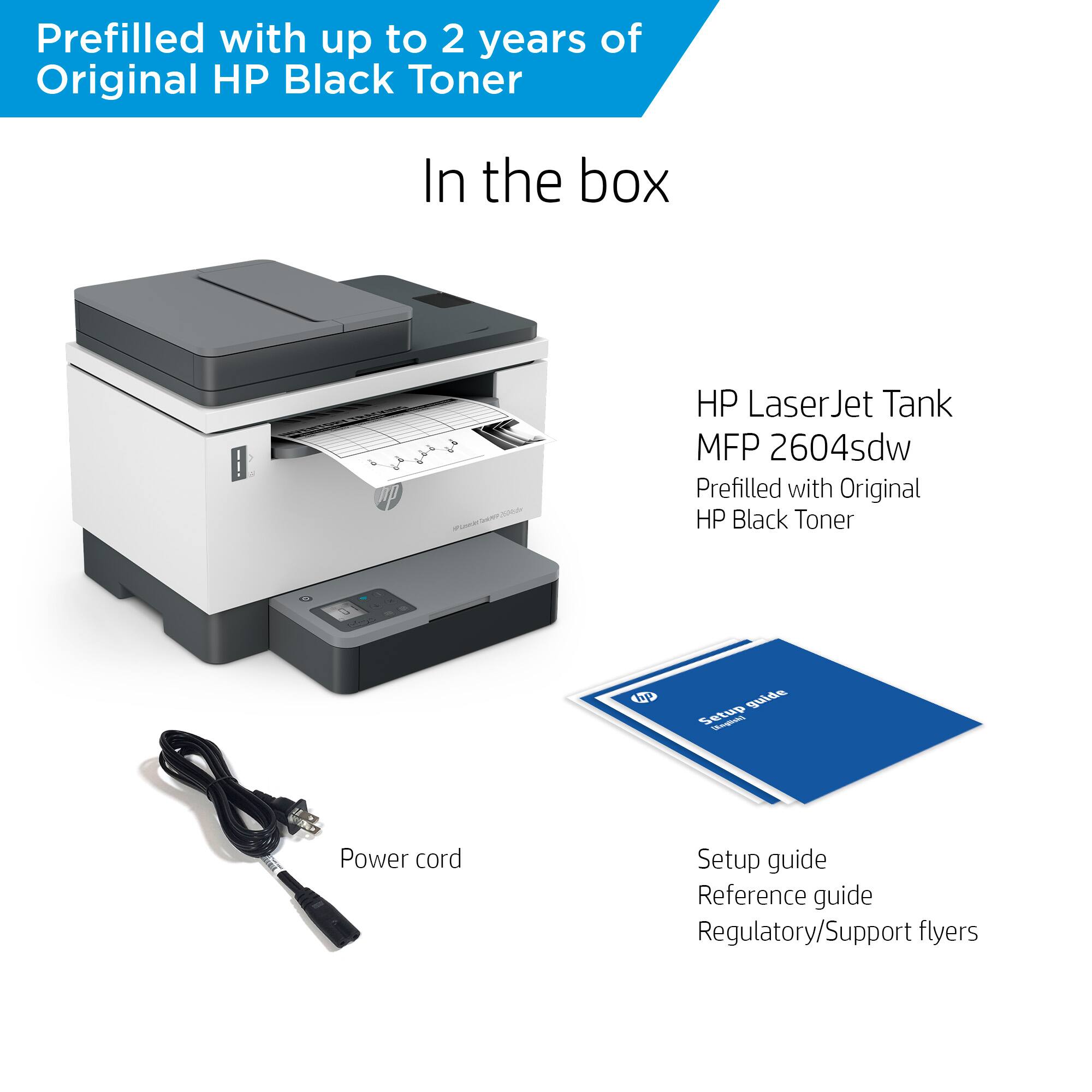
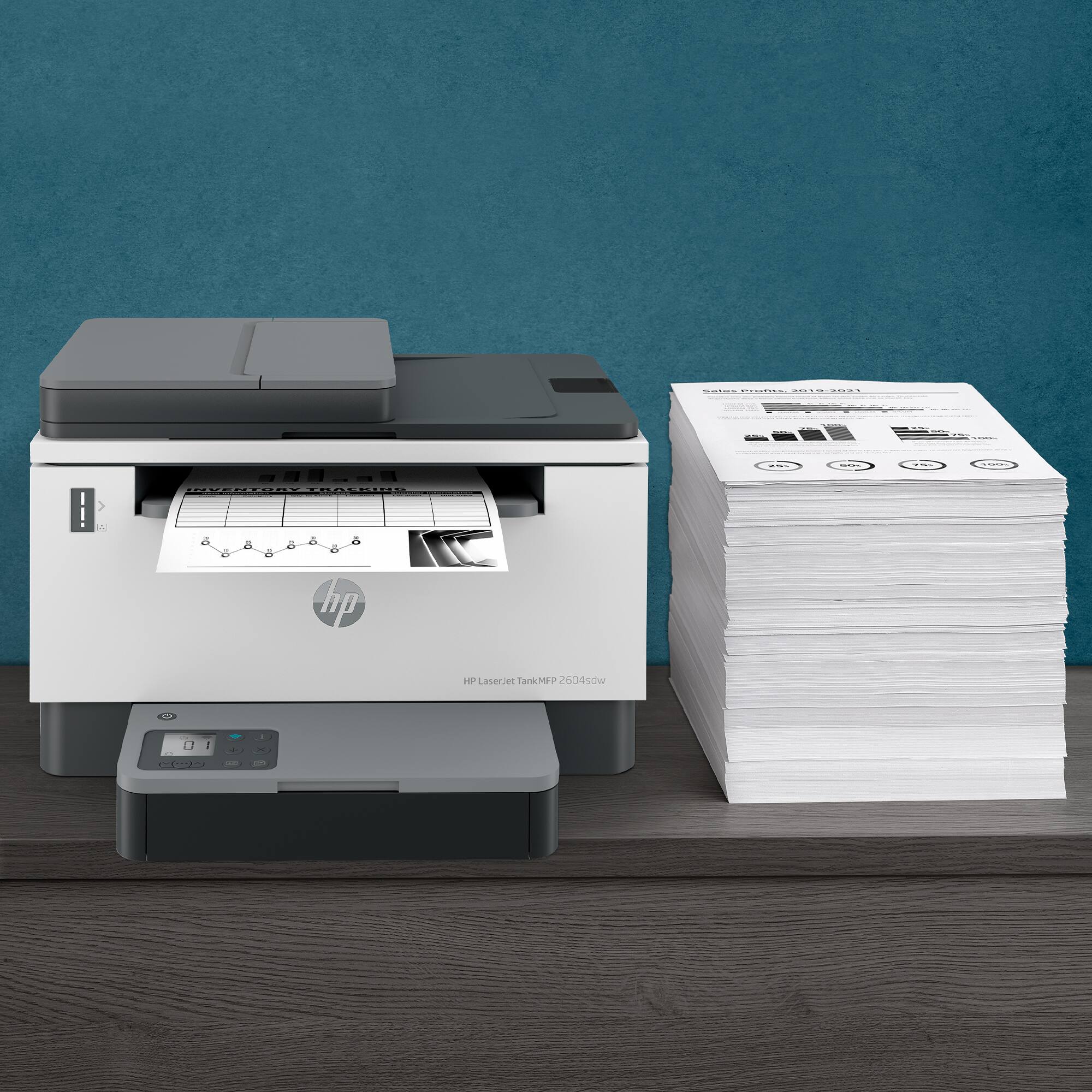
|Posted .This reviewer received promo considerations or sweepstakes entry for writing a review.The HP LaserJet Tank 2604sdw Wireless Black & White All-in-One Printer has a compact footprint for a high capacity B&W laser printer. Setup wise, I already had HP Smart software installed from having other HP printers connected so I used the Android App that you can use to print and even scan from your phone. Your best bet is to use WiFi or Wired Ethernet for connectivity. The boot/warm-up time and print speed is good at up to 23 ppm which renders sharp, clear looking text and graphics at 600dpi. It also works very well printing double-sided which will help you save paper. The copy and scanner functions work well, considerably slower at 600x1200 dpi. I found the quality to be more than acceptable at 300dpi, which is a lot faster. This printer doesn’t have a fancy or large color display, instead it has a little display on the top left side of the paper tray. It is very basic and only offers very minimal information, making it easy to use the copier function, you can specify how many copies. This printer follows a similar design to other monochrome HP LaserJet printers, reminds me of the lower end m234dw. What sets the LaserJet Tank 2604sdw apart is the large capacity toner Tank that’s pre-filled to last 5,000 pages or approximately 2-years worth of printing and copying. I find the large capacity refillable toner tank option more appealing and more efficient/cost effective than the toner/ink subscription model. The included 40-sheets Automatic Document Feeder is a must have feature that I use much more often than the flatbed scanner. It would truly be a complete package if the ADF could do double-sided scanning, but I guess that’s reserved for the much more expensive enterprise class printers. All in all, If you don’t need to print in-color but print a fairly high volume in your small business or home office I would recommend this HP laser printer over any InkJet printers you may be considering.
I would recommend this to a friend - Pros mentioned:Print qualityCons mentioned:Wireless connectivity
Good but difficult to set up...
Posted .This reviewer received promo considerations or sweepstakes entry for writing a review.While it a good printer, Iwould say its just that: good not great. This printer was a pain to set up. The directions were not very clear and right off the bat it threw error codes, making me think I had bought a lemon. You need to decide how you are going to configure your printer prior to setting it up, wired or wireless. If you try to set both up, you will throw error 49 or 77 codes. I was about to take it back because no matter what I did, these errors were appearing. Also, when connecting to win 11, you will be able to print without going through hpsmart app. I ended up clearing the codes by factory resetting, then selecting wireless and quickly selecting the tank printer as soon as it showed up in hpsmart. After tje error cleared deselected wireless and plugged in my cat 7 cable. The screen blonked a couple of times and finally, no errors. This took me abput 4 hours of scouring online and getting super frustrated. The instructions are really vague and to comnect wireless, you have to use the hpsmart app. Be sure your bluetooth is on also. Thats what it uses to connect at first.
No, I would not recommend this to a friend - Pros mentioned:Print quality, Setup
1 Ink + MFP = Monochrome Greatest
|Posted .This reviewer received promo considerations or sweepstakes entry for writing a review.Let me start by saying that I almost always print solely in black or monochrome and have for years. Why? Because growing up not super poor but definitely with tight finances my family would always want to solely print in monochrome as it was cheaper to just replace the one ink vs. replacing 4+ if you printed in color a lot. So, it is something that has just become habit but is also something I kind of do out of respect for Mother Earth too since it is less plastic trash or even just trash in general to have to deal with. That was a pleasant surprise and not something I realized when I was originally looking at this mutli-function printer. Now, I did recently get an HP color printer that prints pretty decent photos (but not photo lab quality mind you) and so I have no real need for anything except monochrome right now but also, I am familiar with setting up HP printers due to that recent experience as well as my having set up TONS of HP laptops for my family & friends in the past couple of years so I got it going quickly. Definitely setup was a breeze & I spent more time figuring out where I wanted to place the printer in our home putting it together & getting it set up. Basically, I placed this HP printer in the office & I just moved the competitor is now out in the garage/hallway outside of my home office. All in all, we are extremely happy with this printer by HP, and I love the simplicity because in a world full of gadgets why does there have to be one more super complicated, over-kill of a device? This printer delivers without being overkill! It is great! Plus, saving me a few bucks each month or every couple of months is a blessing too on saved ink, and is something that I truly appreciate. Now, if I could just get everyone to go mostly fully digital for reports and documentation of processes at work then that would be even more awesome! But in the meantime, this HP printer with its quick printing & simplistic but fully functional design will keep me in the printing world as I drag the others kicking and screaming into my utopia which is the digital-only world Grab yours today if you like monochrome printing like I do! Join me in saving some money & on saving the Earth by going monochrome printing only!
I would recommend this to a friend