Customer Ratings & Reviews
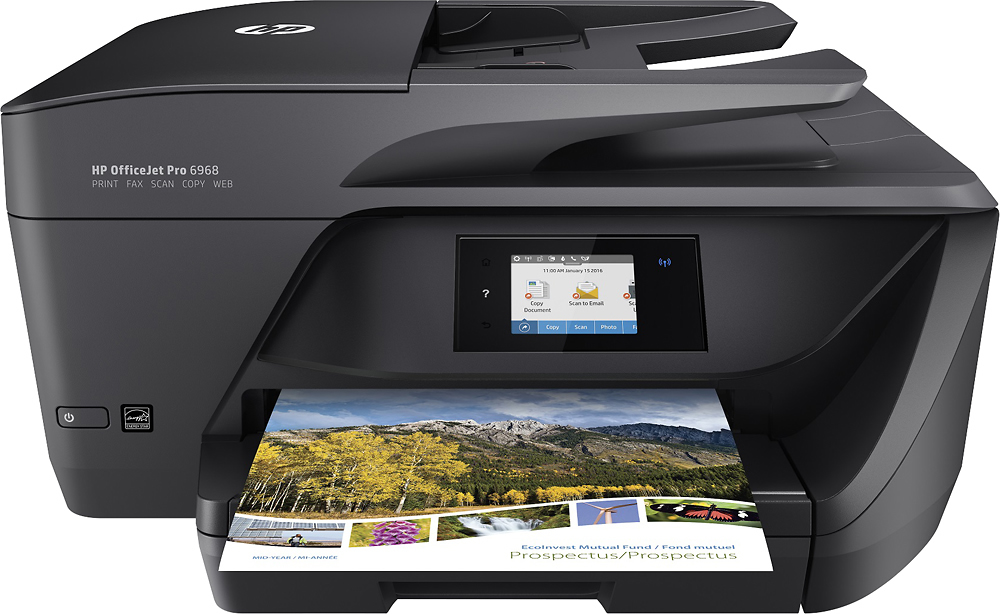
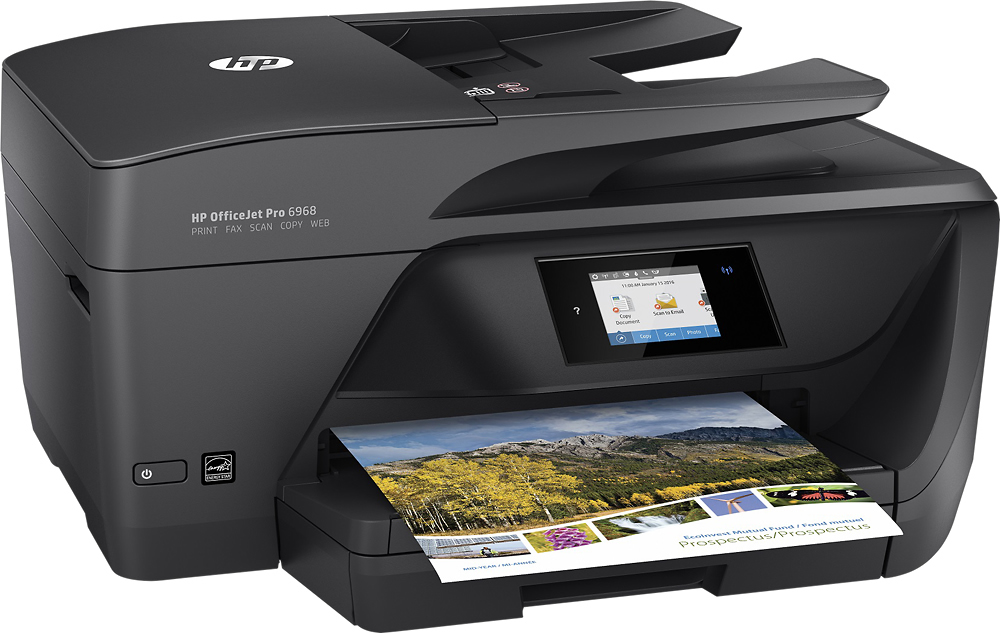
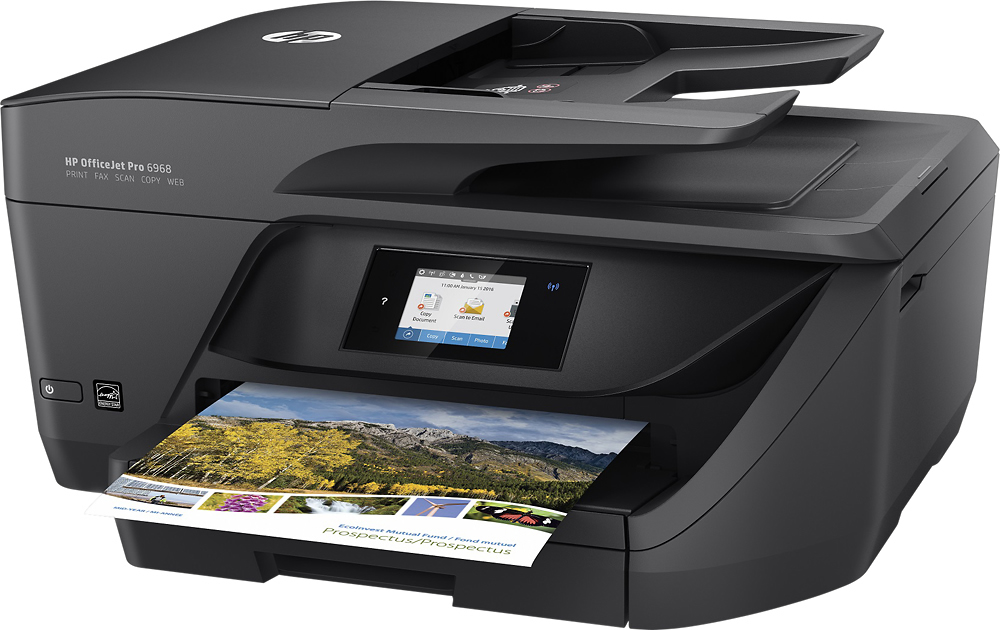
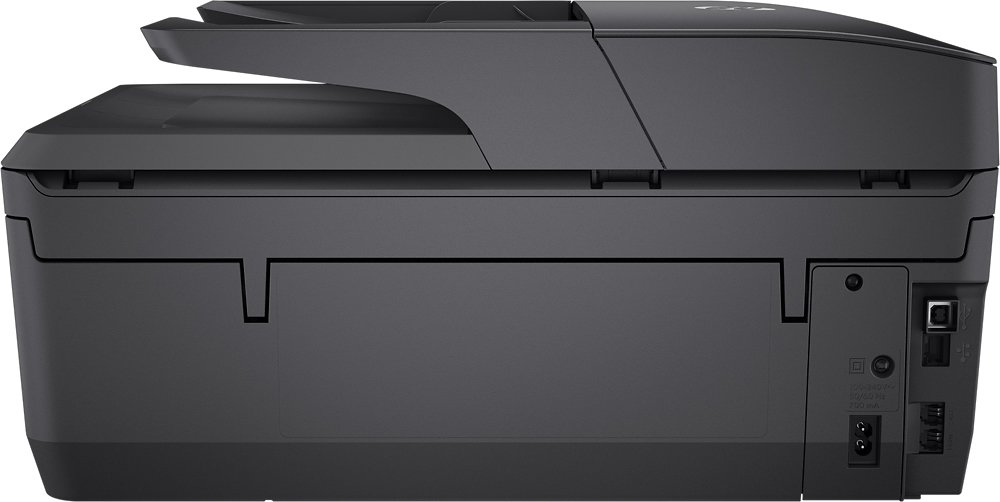
- Model:
- T0F28A#B1H
- SKU:
- 5119700
Rating by feature
- Value
Rating 4.4 out of 5 stars
- Quality
Rating 4.3 out of 5 stars
- Ease of Use
Rating 4.4 out of 5 stars
Customers are saying
Customers commend the OfficeJet Pro 6968 for its excellent print quality, ease of use, and wireless functionality. Many appreciate its compact size, straightforward setup, and quiet operation during printing. The printer's ability to scan, copy, and fax is also frequently praised. Positive feedback consistently highlights the printer's reliability and value for its price.
This summary was generated by AI based on customer reviews.
Terrible!
||Posted .This reviewer received promo considerations or sweepstakes entry for writing a review.Printer still not working after 5 days, HP site is difficult to get to, no 1 800 # to call for troubleshooting. Never buy an HP product again!
No, I would not recommend this to a friendPrinter is not reliable
||Posted .This reviewer received promo considerations or sweepstakes entry for writing a review.This printer has a defect that makes it go offline when it goes to sleep. In order to print I need to turn it on and off to restart. Have reinstalled drivers multiple times. Problem is with the printer. Would not recommend to anyone.
No, I would not recommend this to a friendWorked well for two years
||Posted .This reviewer received promo considerations or sweepstakes entry for writing a review.Printer worked great for two years then the blue printer head went bad. I tried cleaning the heads via the application and manually. Still no help. I only use it occasionally. I think it should have lasted longer!
No, I would not recommend this to a friendBrand response from HP Team
Posted .Hi Dave,
I'm so sorry to hear that the printhead isn't working as it should be! I can certainly imagine how inconvenient this must be, especially since it's affecting your ability to print reliably. While it sounds like you've addressed this well on your own, let's see if I can make a few more helpful suggestions.
I would first recommend following any steps you haven't yet taken in this document: support.hp.com/us-en/document/c05076934
If you received an error message about the printhead, this link should help: support.hp.com/us-en/document/c03026717
Should this not help, and given that the printer is out of warranty, I suggest posting these issues on our support forums. There is an active community of practiced experts that would be more than happy to help get your printer working properly. You can visit and communicate with the experts at this link: hp.com/supportforum
Chelsea
HP Care
hp.com/support
Not a great choice
||Posted . Owned for 1.5 years when reviewed.This reviewer received promo considerations or sweepstakes entry for writing a review.This printer has a mind of its own. It is constantly offline and I have issues with having to reboot to print, half the time. I wouldn't recommend this model.
No, I would not recommend this to a friendExtremely slow and uses too much ink
||Posted .This reviewer received promo considerations or sweepstakes entry for writing a review.I purchased this printer on the recommendation of the salesperson. I’ve always been a fan of HP products, especially their printers. Not only does it take more than 5 minutes to warm up each time, it sucks ink like a thirsty sponge. I’ve had to buy ink twice and I’ve probably printed less than 100 pages. Had I realized what a disappointing product this was, I would have returned it immediately.
No, I would not recommend this to a friendBrand response from HP Team
Posted .Hi,
I'm very sorry to hear that you are not pleased with the printer. This is especially distressing since you've been a fan, but maybe we can make it better.
Often a firmware update will improve speed and performance. You can download that from:
support.hp.com/us-en/drivers/selfservice/hp-officejet-pro-6960-all-in-one-printer-series/8289579/model/11161242
There are ways to save ink by using draft and black only settings. It is also a good idea to turn the printer off between uses, although you need to be sure to always use the power button on the printer itself to power it off.
If there is anything that we can help with, please contact us: hp.com/contactHP
Mary
HP Care
hp.com/support
HP OfficeJet Pro 6968
||Posted . Owned for 10 months when reviewed.This reviewer received promo considerations or sweepstakes entry for writing a review.Pretty poor unit. After 1 year of use, started to fail pulling paper through unit and printing (or copying) only half of page. Not aligning properly.
No, I would not recommend this to a friend- Pros mentioned:Print quality
Fast with color.
||Posted .This reviewer received promo considerations or sweepstakes entry for writing a review.I bought the printer to print coupons and the color is very clean. It prints faster than I thought it would.
I would recommend this to a friend great price
||Posted .This reviewer received promo considerations or sweepstakes entry for writing a review.The sales person did not ask me what my operating system was so I can't scan from printer to e mail because it doesn't recognize my network email !!! I can only do it wi fi. Not happy about that.
No, I would not recommend this to a friend- Pros mentioned:Ease of use
No Good
||Posted .This reviewer received promo considerations or sweepstakes entry for writing a review.This device is very easy to set up but otherwise it was a waste of money. Very slow and low quality.
No, I would not recommend this to a friendBrand response from HP Team
Posted .Hello,
I am very sorry that the printer is printing slowly. Let's see if we can make some improvements.
What I'd recommend is updating your printer's firmware, as this can often improve speed. The firmware download can be found at: support.hp.com/us-en/drivers/selfservice/model/11161242
If you're a Windows user, the HP Print and Scan Doctor, which is a general troubleshooting tool, is often helpful: support.hp.com/us-en/document/c03286146
If these suggestions haven't helped, please don't hesitate to reach out to us for more support: hp.com/contactHP
Mary
HP Care
hp.com/support
Poor Quality
||Posted .This reviewer received promo considerations or sweepstakes entry for writing a review.Had this about 6 months. Worked well at first but after about 6 months it started streaming and consistently needs to perform maintenance to get it to print a decent copy.
No, I would not recommend this to a friendBrand response from HP Team
Posted .Hey there,
I'm so sorry to hear that your printer has been posing these issues with print quality. This is very disappointing, especially since it's always our intention to deliver long-lasting reliability. With that said, I hope you'll allow us an opportunity to make things right and get this resolved for you.
First, if you haven't gone through this already, this print quality improvement guide has some helpful tips for resolving issues like streams, lines, and spots: support.hp.com/document/c05076934
Then, what I'd recommend is reaching out to us for support at +1 800-474-6836. We would be more than happy to work through some troubleshooting with you and arrange for a printer replacement if necessary. To speed up the process a bit, you can gather the following information beforehand:
- Model number
- Serial number
- Your location
- Your case number (from prior contact with support)
We look forward to making this right and again, my sincerest apologies.
Chelsea
HP Care
hp.com/support
OfficeJet Pro 6968
||Posted .This reviewer received promo considerations or sweepstakes entry for writing a review.This printer was purchased for a classroom. It did not live up to expectations. It was loud when printing and it had a lot of paper jams. In addition, the colors were not vivid although it used a lot of ink. HP customer service was no help so I returned it to Best Buy. If your looking for a cost saving good printer then this printer is not for you.
No, I would not recommend this to a friendConstantly Loses Connection
||Posted .This reviewer received promo considerations or sweepstakes entry for writing a review.Review #2: This printer constantly loses connection to everything and can only be found over wifi immediately after turning it on. I have to power it off and back on consistently and hope to find it in time to use it wirelessly, if I wait too long, say a few minutes I'm unable to connect to it and have to retry. I will be returning this and getting an Epson instead.
No, I would not recommend this to a friendShould have been more user friendly.
||Posted .This reviewer received promo considerations or sweepstakes entry for writing a review.Could not get the unit to run on my computer. I finally called tech support,, who charged more than I paid for the printer to get it to work. Kind of a disappointment.
No, I would not recommend this to a friendthe unit goes offline quickly
||Posted .This reviewer received promo considerations or sweepstakes entry for writing a review.The first HP printer couldn't hook up to the Internet this printer stays online for a short period of time when printing has to shut it down and restart it tough to get used to
No, I would not recommend this to a friendNot great
||Posted .This reviewer received promo considerations or sweepstakes entry for writing a review.This is our second one. First one was defective. We are having to turn off and on to use it and then sometimes won’t work. Not happy at all with this product.
No, I would not recommend this to a friendBrand response from HP Team
Posted .Hey Toby,
I'm so sorry to hear that both printers haven't worked properly for you! You certainly shouldn't have to go to these lengths just to successfully initiate the printer. Despite this impression, I want to assure you that it's always our intention to provide a reliable printing experience. On that note, I'd like to make sure that we rectify this for you.
As I'm a little uncertain of what might be causing this, what I’d recommend is reaching out to us for support. We’d be more than happy to work with you on resolving this. You can give us a call at +1 800-474-6836 any day between the hours of 8 am - 9 pm ET. To expedite things a bit, I recommend gathering this information:
- Model number
- Serial number
- Your location
- Your case number (from prior contact with support)
We look forward to speaking with you and making this right!
Chelsea
HP Care
hp.com/support
printer
||Posted .This reviewer received promo considerations or sweepstakes entry for writing a review.had printer for couple months before it stop printing. Not a good printer
No, I would not recommend this to a friendNot great
||Posted .This reviewer received promo considerations or sweepstakes entry for writing a review.Looses connection very easily. Have it less then 5 feet from router and I have to turn off and turn back on every time for it to get connection again. Will loose it every time
No, I would not recommend this to a friendRun away
||Posted .This reviewer received promo considerations or sweepstakes entry for writing a review.This has to be my fifth HP printer, I used to buy the cheap ones but they were a nightmare so I thought buying an expensive one must be the answer!!! Nope, it still won’t work. I have to connect to an agent every other week and they will spent an average of 90 minutes resolving the issues. Please, just don’t!!!
No, I would not recommend this to a friendDISAPPOINTED
||Posted .This reviewer received promo considerations or sweepstakes entry for writing a review.I have owned several HP printers with few problems. Usualy just plug them in and they are good to go. No so with this one. I've seriously considered returning it.
No, I would not recommend this to a friendHP - OfficeJet Pro 6968 Wireless All-In-One Instan
||Posted .This reviewer received promo considerations or sweepstakes entry for writing a review.Uses ink like there is no tomorrow. I guess that is the reason it was so cheap to begin with. Do not like the software that comes with it.
No, I would not recommend this to a friendBrand response from HP Team
Posted .Hey there,
I'm so sorry to hear you've been unhappy with the printer's ink consumption and software. We're certainly committed to providing a much more economical and reliable experience with our printers, so I can imagine how disappointing this has been. With that said, I'd like to see how I can help with some improvements.
First, I have a few suggestions for lowering overall ink consumption. To start, I recommend using the printer's draft mode, as this can often improve ink usage. Following that, you could also set the printer to print black and white only. If you still find you're using quite a bit, Instant Ink is another option to consider. Many customers like our available plans, as they're based on how many pages you print monthly. If your printer usage is minimal, Instant Ink also offers a subscription plan that allows you to print 15 pages a month for free. For more details, you can visit this link: HPinstantink.com
If you have any other questions about this or the software that you'd like to voice, please remember you can reach out to us for support anytime. We're always happy to help. You can contact us directly via your preferred method at this link: hp.com/contactHP
Chelsea
HP Care
hp.com/support