Customer Ratings & Reviews
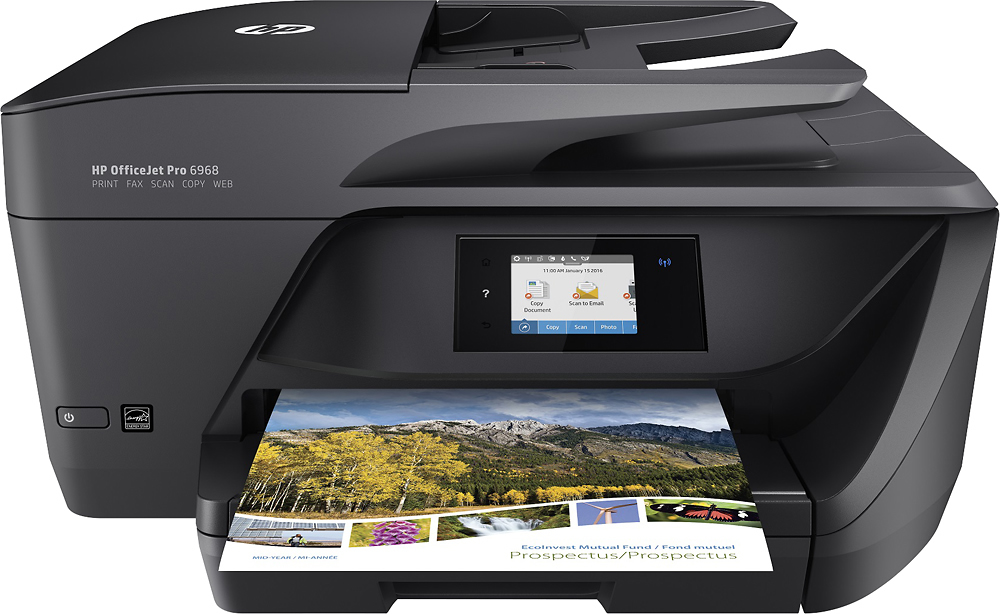
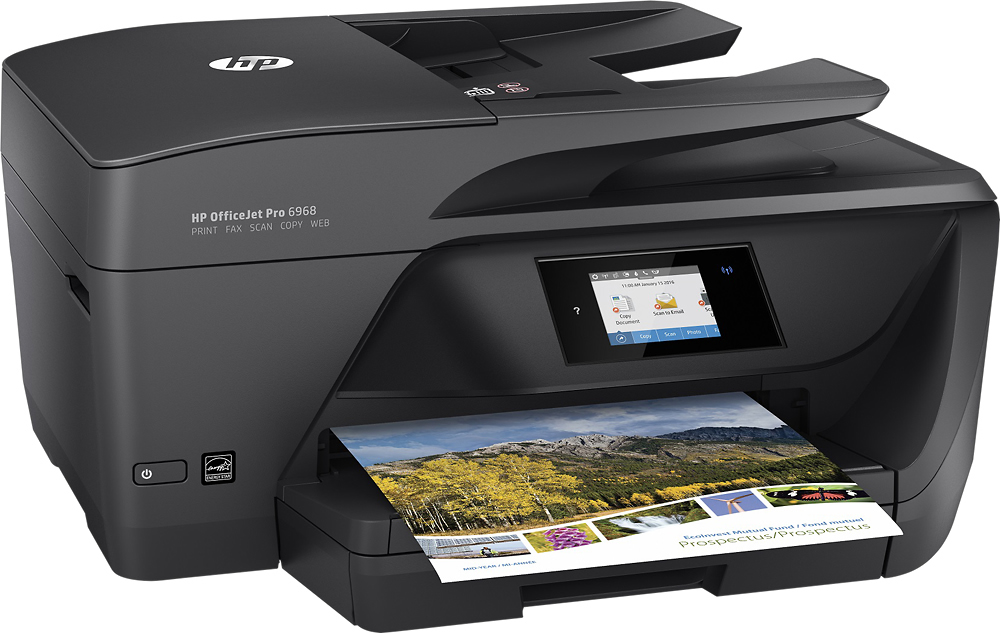
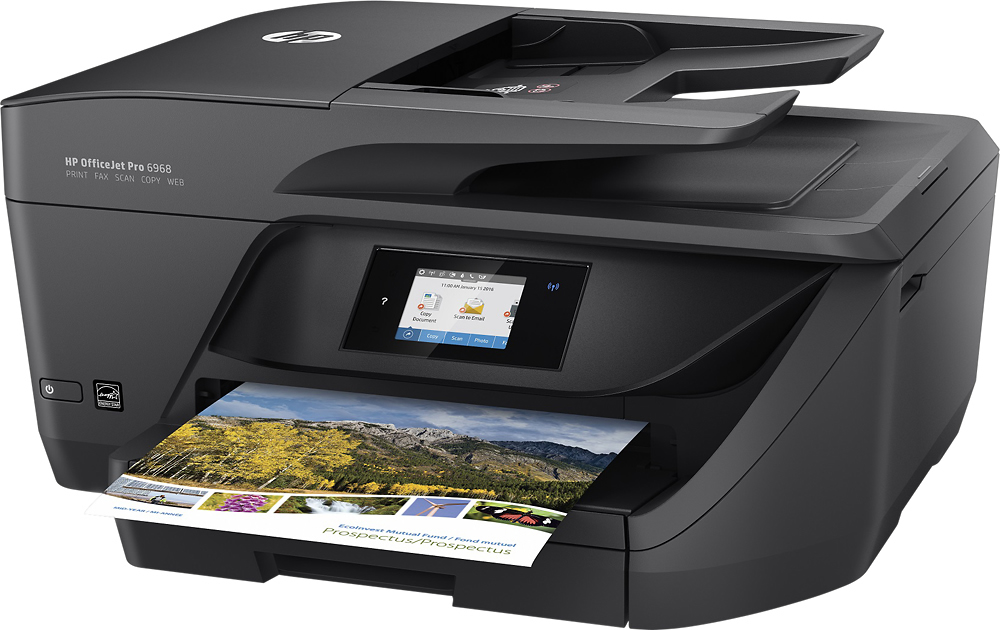
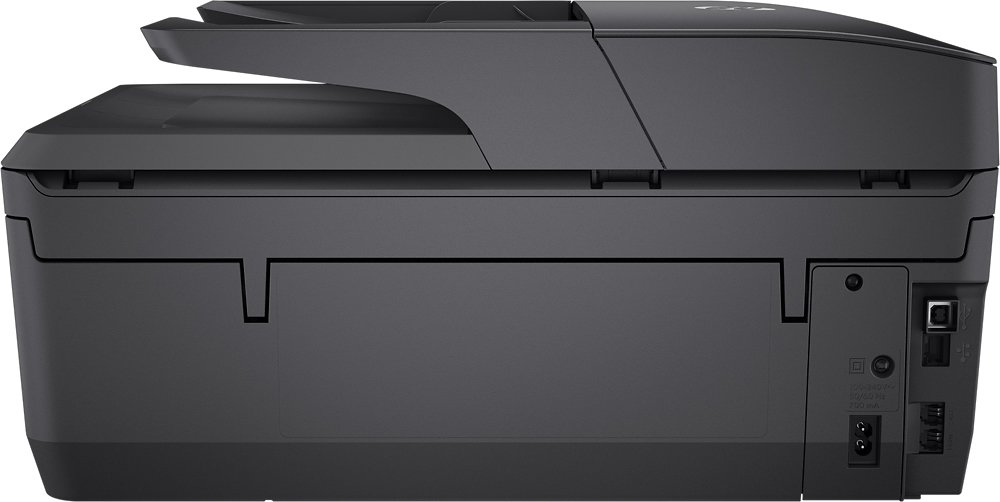
- Model:
- T0F28A#B1H
- SKU:
- 5119700
Rating by feature
- Value
Rating 4.4 out of 5 stars
- Quality
Rating 4.3 out of 5 stars
- Ease of Use
Rating 4.4 out of 5 stars
Customers are saying
Customers commend the OfficeJet Pro 6968 for its excellent print quality, ease of use, and wireless functionality. Many appreciate its compact size, straightforward setup, and quiet operation during printing. The printer's ability to scan, copy, and fax is also frequently praised. Positive feedback consistently highlights the printer's reliability and value for its price.
This summary was generated by AI based on customer reviews.
good printer for the price
||Posted .This reviewer received promo considerations or sweepstakes entry for writing a review.I have owned several hp printers and they have always met my need for for personal printin and copying and scanning
I would recommend this to a friendSave your money
||Posted .This reviewer received promo considerations or sweepstakes entry for writing a review.One word, garbage. Cheap, overpriced garbage. Stopped working after less and 8 months with little to no usage at all. HP practically told me it was hopeless and that would sell me another for 5%. Never again, same your $ and buy ESPON or CANON.
No, I would not recommend this to a friendBrand response from HP Team
Posted .Hi,
I'm extremely sorry that this happened to you. Since a normal warranty on HP printers runs for a full 12 months, I'm wondering if you were actually talking with a real HP support person. Unfortunately, sometimes support feedback of this nature turns out to be fraudulent companies or individuals.
You can check the actual status of your warranty online: support.hp.com/checkwarranty
If there is anything else that we can help with, feel free to contact us through one of the methods described at: hp.com/contactHP
Mary
HP Care
hp.com/support
Terrible for beginner
||Posted .This reviewer received promo considerations or sweepstakes entry for writing a review.Its a complicated setup and the directions don't help at all and HP customers service sucks
No, I would not recommend this to a friendBrand response from HP Team
Posted .Hello there,
It's so disappointing to hear that you've not found the setup process very straightforward. More so, it's unfortunate to hear that you weren't able to get proper help through support. Reliability and ease is something we strive for with our printers, so I'm very sorry for any inconveniences this may have caused. That said, I would love to turn things around, so let's see what I can do.
First, if you aren't referencing the full user guide, I'd recommend having a look at it here: h10032.www1.hp.com/ctg/Manual/c05135226.pdf
To add to that, if you have any questions or concerns during the process of setting up the printer, I hope you'll consider reaching out to us for support again. We're always here and and would love the opportunity to make this right for you. You can get in touch with us via your preferred method at this link: hp.com/contactHP
Chelsea
HP Care
hp.com/support
not intuitive
||Posted .This reviewer received promo considerations or sweepstakes entry for writing a review.tried to fax 5 pages only one page went through to the recipient I will call the geek squad
No, I would not recommend this to a friendBrand response from HP Team
Posted .Hi, sorry to hear you are experiencing an issue on your HP OfficeJet Pro 6968 All-in-One Printer as you are unable to fax. Please follow the guidelines in this document to fix this issue: http://bit.ly/2AuC67m HP printers generally have a 1-year warranty from their purchase date, you can verify the warranty using the following link: http://bit.ly/2mP3Xrb You can also contact HP Support in case you need further assistance: http://hp.care/2nbNQFi
Jams to much
||Posted .This reviewer received promo considerations or sweepstakes entry for writing a review.Not happy with this product. 2nd time that I brought it to Greek Geek Squad
No, I would not recommend this to a friendBrand response from HP Team
Posted .Hey there,
I'm so sorry to hear that your printer has been posing these issues with consistent paper jams. This is very disappointing, especially since it's always our intention to deliver long-lasting reliability. With that said, I hope you'll allow us an opportunity to make things right and get this resolved for you.
What I'd recommend is reaching out to us for support at +1 800-474-6836. We would be more than happy to work through some troubleshooting with you and arrange for a printer replacement if necessary. To speed up the process a bit, you can gather the following information beforehand:
- Model number
- Serial number
- Your location
- Your case number (from prior contact with support)
We look forward to making this right and again, sincerest apologies.
Chelsea
HP Care
hp.com/support
Most awful printer ever
||Posted . Owned for more than 2 years when reviewed.This reviewer received promo considerations or sweepstakes entry for writing a review.Worst printer ever. Trying to connect laptops and desktops to this printer is awful. Currently computers connect and you can print from and 3 cannot. Easier to try and print from a terd. Every HP device, computer, printer, etc I have ever owned or was given though work was a terd.
No, I would not recommend this to a friend- Pros mentioned:Ease of use, Print quality, Wireless
Very easy...very very easy
Posted .This reviewer received promo considerations or sweepstakes entry for writing a review.I bought this about an hour before I had to leave for work. Got home and began setting up and was surprised how easy HP made this thing to get going. Directions are very clear and easy to understand even for someone who may not know much about computers and accessories. I got it set up from out of the box to actually printing my docs in about 20 minutes all while baking a side of salmon....when it was done I was also surprised at how easy it connects to EVERYTHING I want it to. Phone, home network tablet and anything else I could think of. My biggest love about this printer is that it scans documents directly into my Google Drive. For someone always on the go and also a forgetful person...not having my computer on me can be a real possibility and may still need access to documents. ANY device I can log into google with can serve as my computer with all my documents right where I am. I love this thing. It's not loud, not expensive and really prints and scans in very good quality too. BUY THIS ONE...SERIOUSLY. BTW HP lady at best buy was awesome....told her in about 5 words what I needed and she said BOOM this is the one...and she is right.
I would recommend this to a friend Confusing installation instructions.
||Posted .This reviewer received promo considerations or sweepstakes entry for writing a review.HP did not provide accurate, detailed installation instructions. HP wanted to charge for installation. Best Buy offered no help unless I purchased installation from the Geek Squad at a cost greater than the cost of the printer.
No, I would not recommend this to a friendBrand response from HP Team
Posted .Hey there,
I'm so sorry that you were misguided by the instructions provided during the setup process! I understand how frustrating this must have been. This is far from the reliable experience we aim to provide in regards to printing and support, so I regret that we fell short.
First, I do want to clarify that there is absolutely no charge for support (including installation) during your 1-year warranty period. Unfortunately, support feedback of the nature you described is often linked with disingenuous companies or individuals.
With everything said, I do want to connect you with our genuine support team. They would be more than happy to help you through the printer setup process, so don't hesitate to reach out. You can give them a call at +1 800-474-6836 between the hours of 8 am - 9 pm ET. To expedite the process, you can gather these beforehand:
- Model number
- Serial number
- Your location
- Your case number (from prior contact with support)
We look forward to making this right and again, my sincerest apologies.
Chelsea
HP Care
hp.com/support
Terrible Printer
||Posted .This reviewer received promo considerations or sweepstakes entry for writing a review.Terrible on ink usage and print quality. Very expensive to operate and maintain.
No, I would not recommend this to a friendBrand response from HP Team
Posted .Hi Glenn,
I'm sorry that you're having problems with the print quality. There are steps in this on-line document that should help you get clearer printouts: support.hp.com/us-en/document/c05067448
To help you to use less ink, there are two tricks that might help. First of all, you can use the draft mode setting, or you could try the setting that prints in black and white only.
Also, you might consider enrolling in the Instant Ink program. There are plans for different usage rates and can save you money on cartridges: hpinstantink.com
For any further issues, you can contact HP Support at: hp.com/contacthp
Mary
HP Care
hp.com/support
Very erratic
||Posted .This reviewer received promo considerations or sweepstakes entry for writing a review.This ended up as a failed purchase. the printer would often not communicate with the computer. diagnostics were difficult. print ink consumption was rapid and the printer would not work with third party ink.
No, I would not recommend this to a friendPoor quality
||Posted .This reviewer received promo considerations or sweepstakes entry for writing a review.The printer is for limited use. It cannot hand business printing Great for a minor
No, I would not recommend this to a friendReturn product
||Posted .This reviewer received promo considerations or sweepstakes entry for writing a review.Unable to setup.......kept indicating paper jam when no paper was in the tray or any associated parts of the printer ......and also, ink cartridges slider kept jamming
No, I would not recommend this to a friendHorrible-
||Posted .This reviewer received promo considerations or sweepstakes entry for writing a review.Printer jammed first day and can't undo the jam - such a pain!!! All I wanted was a new printer that works properly and not high maintenance
No, I would not recommend this to a friendNot Worth the Money
||Posted .This reviewer received promo considerations or sweepstakes entry for writing a review.Stop working after 2 years. It was saying paper jam, but there was no paper anywhere. Did all troubleshooting including swabs on the roller. Save your money buy something else.
No, I would not recommend this to a friendFax module does not work in the all-in-one printer
||Posted .This reviewer received promo considerations or sweepstakes entry for writing a review.We have always bought HP printer. this one was a huge disappointment.
No, I would not recommend this to a friendLemon
||Posted .This reviewer received promo considerations or sweepstakes entry for writing a review.Printer died about a year after purchasing it. Hardly used it. HP only warrants it for 6 months. The Best Buy extended warranty isn't a good deal for a product that cost about $100. Would not purchase again.
No, I would not recommend this to a friendHORRIBLE
||Posted . Owned for 1 month when reviewed.This reviewer received promo considerations or sweepstakes entry for writing a review.The worst printer I have ever had! I thought I was getting a great deal, but has connectivity issues that I cannot get resolved. Unfortunately, it is too late to return it. I have been trying to resolve it, but I cannot get it to print ONE item.
No, I would not recommend this to a friendDoes Not Copy Double Sided
||Posted .This reviewer received promo considerations or sweepstakes entry for writing a review.This 6968 does not copy double sided. The 6970 series does.
No, I would not recommend this to a friendBad
||Posted .This reviewer received promo considerations or sweepstakes entry for writing a review.Bought printer and ink should of been 3 months free and $5.00 after that every time --- wasn't the fact -- never free and charged me $17.00 and only received the blank ink
No, I would not recommend this to a friendNot so great printer
||Posted . Owned for more than 2 years when reviewed.This reviewer received promo considerations or sweepstakes entry for writing a review.It was an excellent printer in the beginning then it started not printing correctly. I tried the cleaning process but nothing worked. It’s my 2nd HP that has quit in less than a year. I probably will not be buying HP anytime soon
No, I would not recommend this to a friend