Customer Ratings & Reviews
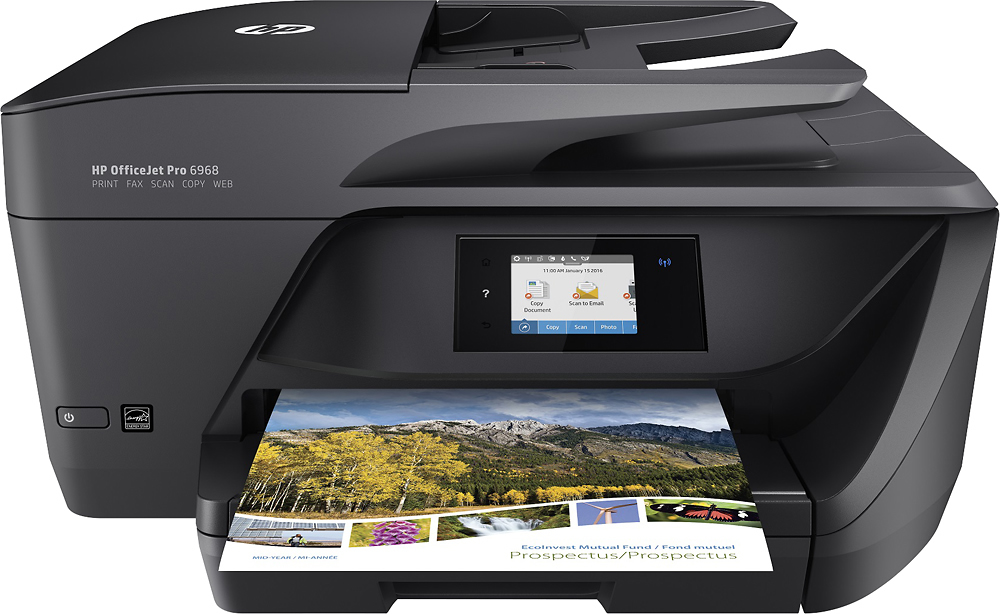
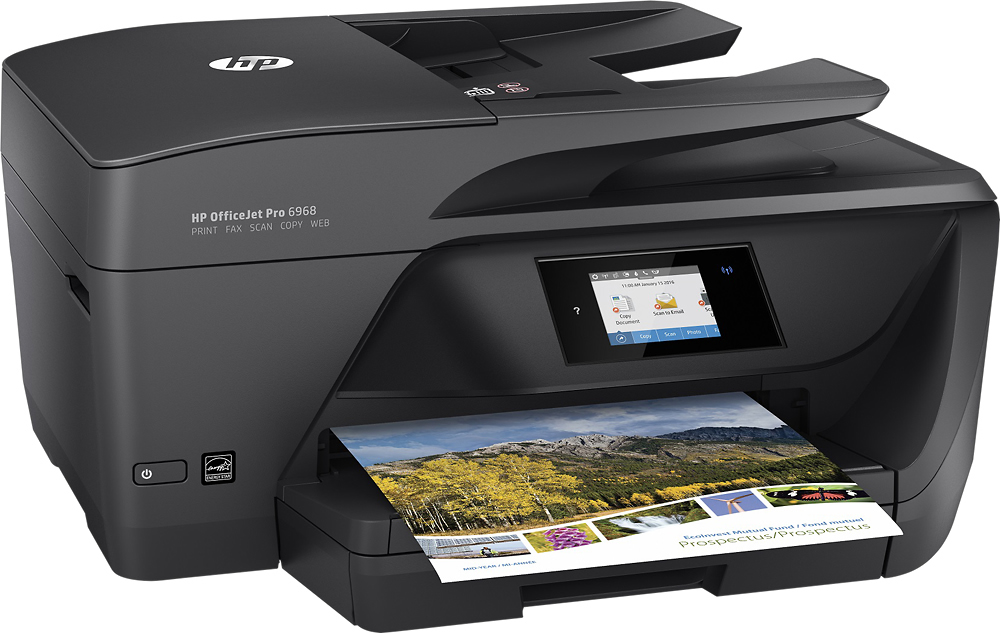
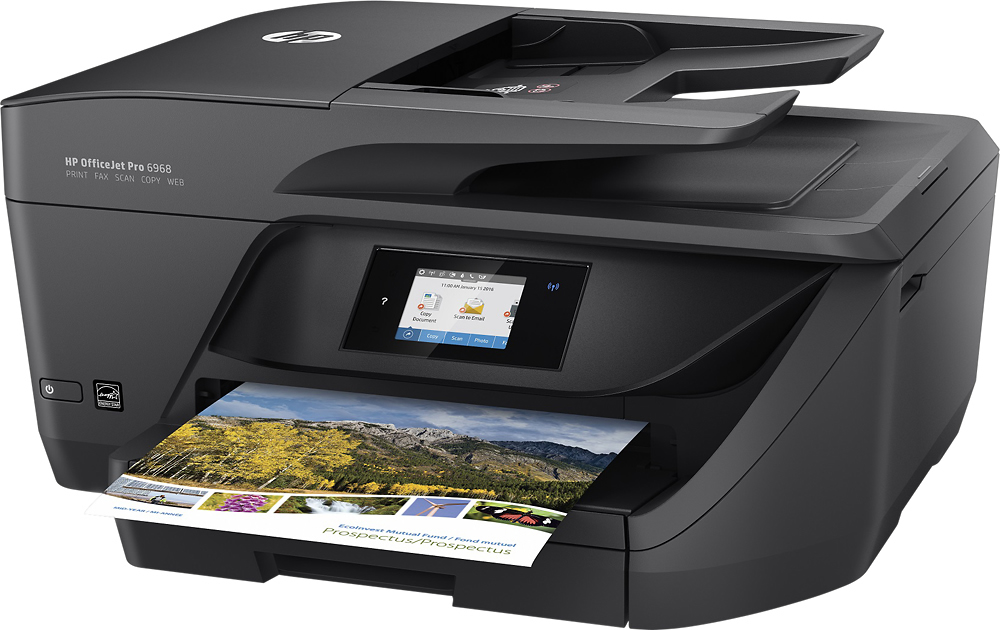
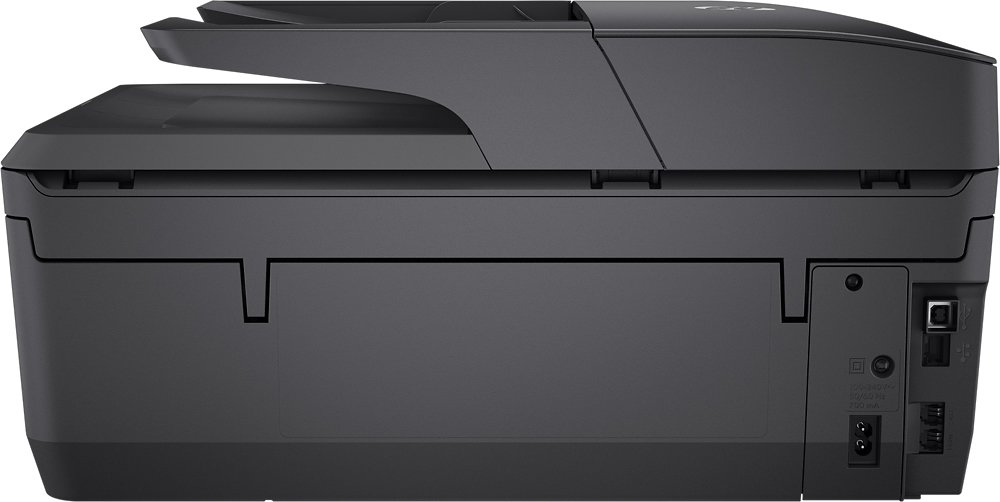
- Model:
- T0F28A#B1H
- SKU:
- 5119700
Rating by feature
- Value
Rating 4.4 out of 5 stars
- Quality
Rating 4.3 out of 5 stars
- Ease of Use
Rating 4.4 out of 5 stars
Customers are saying
Customers commend the OfficeJet Pro 6968 for its excellent print quality, ease of use, and wireless functionality. Many appreciate its compact size, straightforward setup, and quiet operation during printing. The printer's ability to scan, copy, and fax is also frequently praised. Positive feedback consistently highlights the printer's reliability and value for its price.
This summary was generated by AI based on customer reviews.
Good dependable workhorse printer
Posted .This reviewer received promo considerations or sweepstakes entry for writing a review.This is a good dependable workhorse printer. Standard HP quality workmanship and quality.
I would recommend this to a friendGood printer...
Posted .This reviewer received promo considerations or sweepstakes entry for writing a review.Good printer but the black cartridge provided printed less than 10 pages !!! Sad
No, I would not recommend this to a friendWorked fine for a month, but now it's garbage
Posted .This reviewer received promo considerations or sweepstakes entry for writing a review.This is the worst printer I ever owned. Every time I try to print there is always something wrong. 1. If I try to print more than 1 page at a time it jams 2. Tells me there are paper jams when there are not 3. Tells me there is no ink/toner when the ink cartridges are fine 4. Tells me I should have powered off with power button (even though I did use power button) 5. Tells me to call HP because there is a fatal error 6. Can never find the paper in the tray. This is all after I followed the instructions and tips on cleaning, etc. I really just want to return this and get my money back but I can't find my receipt so I will probably just throw it in the trash as it's not worth my time dealing with it. I bet all the positive reviews are from folks in the first month. Good luck if you buy this printer.
No, I would not recommend this to a friendBrand response from HP Team
Posted .Hi,
I am extremely sorry about all your troubles with the printer. This is certainly not what we like our customers to face!
A receipt is not necessary if the printer is still within the warranty period. Please contact us, but first, gather the following, to make things go more smoothly:
- Model number
- Serial number
- Your location
- Your case number (if you previously contacted support)
We look forward to hearing from you. You can visit this link for contact options: hp.com/contacthp
Mary
HP Care
hp.com/support
Good
Posted .This reviewer received promo considerations or sweepstakes entry for writing a review.The printer is compatable with windows ten and works well.
I would recommend this to a friendKeeps on disconnecting
Posted .This reviewer received promo considerations or sweepstakes entry for writing a review.I was really excited about buying this printer. Once I try setting up at home, my printer did not want to connect with my IMac computer. I spend 1 hour and 35 minutes with the customer service to help set it up. It never did connect. I ended up trying to sync it with another computer and it finally worked, but it keeps on disconnect and I have to turn it off and on so it can link up again. Won't print more that 5 minutes of being connected till I have to turn it off and on. Needless to say I returned it 2 days later.
No, I would not recommend this to a friendCannot Recommend this product
Posted .This reviewer received promo considerations or sweepstakes entry for writing a review.I have owned multiple HP printers over the last 25 years. The All-In-One 6960 was purchased to replace a 5 year old OfficeJet All-In-One printer whose printer head was out. The unit failed to print when I first hooked it up. Customer service sent new color cartridges. These demo units gave me 9 whole pages of color print ... then they went out. Bought new ones. The software download is problematic. The only way to scan is from the unit panel. No scan from your desktop?? Just tried to print and the unit has no color (I did get about 25 pages out of this batch) and fading black and white. HP is focused on selling ink. Every step you are asked to enroll in their ink replacement program. I will replace this unit with something other than HP. I should have ordered the printer head for my old unit .... sorry to see HP go down so quick.
No, I would not recommend this to a friendPrinthead problem
Posted .This reviewer received promo considerations or sweepstakes entry for writing a review.I have had this printer for less than a year. A message indicating "There is a problem with the printhead" has popped up. I have done everything the HP website suggested. I have changed/cleaned every ink cartridge, used the generated scan page to align the printheads, plugged and unplugged the power cord, had conversations with their HP virtual assistants and finally as requested, put in a repair request, (which no one responded to). And STILL...the message remains and I cannot print. It cost $75 to repair and $80 to buy a new one. Haha okay.
No, I would not recommend this to a friendNot for small business
Posted .This reviewer received promo considerations or sweepstakes entry for writing a review.I run a small business that doesn't require a lot of printing. With our previous HP printer we would have to buy ink about every 5-6 months. Now we are replacing the ink every 3-4 weeks. I exchanged the first one, thinking it was defective and got the same results. We use a HP 8710 at our other location and have had great luck with it. Disappointed that we have to replace this printer after only 6 months of use. It may be good for a home printer with little activity.
No, I would not recommend this to a friendworked great till 5 wks. ago, difficult hp support
Posted .This reviewer received promo considerations or sweepstakes entry for writing a review.purchased 7/10/2018 worked great till 5 weeks ago when the black stopped printing. I cleaned the print head twice (@ 3 pages each time) it cleared and I printed 5 pages. Two weeks later I tried to use it and same problem so this time I called HP (after spending aprx. 45 min. trying to find a customer support phone #) they had me do a reset on the printer and it cleared the problem for about 3 weeks. now same problem so I called the direct # 844-760-7207 and gave them my case # then after cleaning the print head 1 more time @ 3 pages again they agreed to replace the black cartridge. Then he told me that I should turn off my printer if I am not going to print for a day or so I should turn off the printer. The only problem with turning off the printer is that if I want to e-print from anywhere other than my house I can,t because my printer is off (not a good solution)
No, I would not recommend this to a friendWorst printer ever
Posted .This reviewer received promo considerations or sweepstakes entry for writing a review.This printer sucks. Not only does it take FOREVER to start and even shut down, but it also constantly loses the connection to the WiFi - meaning after waking up from stand by, the printer shows the WiFi symbol but it is not visible to / accessible by any device in this network. Only way is to shut down and re-start again - which, again, takes forever. But that's only if the printer "works" .. every now and then, during start-up, it gives me an error message related to the ink cartridges (original HP Instant Ink btw) and stops operation completely - can't even scan a document. So, shut down and re-start once again. Could easily happen multiple times in a row until, after several "maintenance cycles" the error disappears and the printer finally does what it supposed to do. Just recently, I received an error message that one of the cartridges is no original - though it was delivered by HP Instant Ink). I'm finally done with this printer and the brand.
No, I would not recommend this to a friendPoor Connectivity - Strenuous Installation Process
Posted .This reviewer received promo considerations or sweepstakes entry for writing a review.I purchased this call in one after thoroughly reading the reviews feeling confident that I had purchased a great machine, well it turns out I am very disappointed. It comes with a cd to install and the process is ridiculous. It has to search for my printer and it will not find it. When it does find it, it has to install and it freezes during the download every time. I decided to just cancel the installation after so many attempts. First I wanted to test out the wireless printing and of course the printer isn't found over my wifi network. I had to power it off and power it back on just to find it! I printed a paper and went to test the scanning feature. Well, turns out to scan to a computer it requires you to set that up as well during the original installation so I go BACK to that and it now it can't find the printer again. I will be returning this. Terrible job HP.
No, I would not recommend this to a friendInk Cartridges are a Joke
Posted .This reviewer received promo considerations or sweepstakes entry for writing a review.I recently purchased this printer because I needed a wireless hookup. While the printer works well so far, my gripe is that with less than thirty sheets printed so far, I've already had to replace the black ink cartridge and now with the new cartridge and maybe six pages printed, it's saying the ink is low again and if I sign up for auto delivery I'll never have to worry about running out of ink. Is this a joke? And yes, I did buy HP ink cartridges. At this rate I'll be spending hundreds of dollars on ink per year. I don't print much, so I can't imagine what people who do are spending on ink. Did I just get a dud, or does this printer just average a few sheets of print per cartridge? I would not recommend this printer for this reason. Terrible!
No, I would not recommend this to a friendBrand response from HP Team
Posted .Hi there,
I'm so sorry to hear you've been unhappy with the printer's ink consumption. We're certainly committed to providing a much more economical experience with our printers, so I can imagine how disappointing this is. With that said, I'd like to see how I can help with some improvements.
First, I have a few suggestions for lowering ink consumption that you might try. One is that I recommend using the printer's draft mode, as this can often improve ink usage. Secondarily, you could also set the printer to print black and white only.
I'd also like to quickly talk about those pop-ups you mentioned. Though they happen frequently, you might consider looking into the service advertised, as it's based on how many pages you print monthly, which ultimately saves you money on ink. If your printer usage is minimal, Instant Ink also offers a subscription plan that allows you to print 15 pages a month for free. If you're at all interested, you can visit this link for more information: HPinstantink.com
If you have any other questions about this, please remember you can reach out to us for support anytime. We're always happy to help. You can contact us directly via your preferred method at this link: hp.com/contactHP
I hope this helps and again, sincerest apologies.
Chelsea
HP Care
hp.com/support
Black ink not working, scanning unreliable
Posted .This reviewer received promo considerations or sweepstakes entry for writing a review.We have had the HP OfficeJet Pro 6968 printer for our small business (2 people printing and scanning) for less than a year and a half. After replacing the black ink cartridge with an authentic one (since those are the only ones it accepts as opposed to cheaper off-brands) it stopped printing any black ink at all. Weeks before that, the scanning was unreliable. After trying every troubleshooting solution recommended, I talked to someone with customer support. Our product was out-of-warranty so they tried to sell us a new HP printer at a "discounted price" (which wasn't discounted at all!) I will not be purchasing another HP product and I am stuck with 3 full ink cartridges. Disappointing experience through and through.
No, I would not recommend this to a friendNever Again !!!
Posted .This reviewer received promo considerations or sweepstakes entry for writing a review.OMG!!! Just bought ink for my 6600 installed it and failed printer head message appears, So I lose the money on the ink , Now I go Buy the new 6968 Pro , and extra ink in it for $200 , So all I should have to it connect it to my wireless network and hit print. Yes it works BUT very big BUT, Printing email's from My iPhone , can't do, not at the correct size, it prints super large, Tech support was useless , as there telling me its my IOS version ,its the application , Bottom LINE THE APP DOSENT WORK WITH EMAILS . I WILL NEVER BUY ANOTHER HP PRODUCT EVER AGAIN !!!! BLOATWEAR CRAP.. I NEVER WRITE REVIEWS BUT PEOPLE NEED TO KNOW STAY AWAY FROM THIS PRINTER TRUST ME...
No, I would not recommend this to a friendFactory Defect Suspected
Posted .This reviewer received promo considerations or sweepstakes entry for writing a review.I bought this, set it up just fine with successful test prints, etc... But when I went to use it (just days after purchase), I got a cartridge jam error, even though there was no jam. When I brought it back to the store, another customer was there returning hers for the same exact problem! I suspect there is a software/factory defect.
No, I would not recommend this to a friendFailed Early!
Posted .This reviewer received promo considerations or sweepstakes entry for writing a review.This printer worked great... for about 3 months. Now when it prints, it fails to print in black.. or copy in black... unless you do a self test, then it prints perfectly. Ink cartridges are WAY too expensive. HP has no idea what's wrong with it. I've updated software, firmware and drivers... no help. This is the 2nd time an HP printer has FAILED ME early in it's life. I think I"m all done with HP printers forever now. BAD PRODUCTS. Switching to Epson.
No, I would not recommend this to a friendDO NOT BUY
Posted .This reviewer received promo considerations or sweepstakes entry for writing a review.As the title states, DO NOT BUY. I have wasted 4 hours trying to setup this awful printer. The 1st one I bought did not work, called HP and they said the only option was to replace it. So I went back to Best Buy to replace it and the same issue with the 2nd printer. Absolutely disgusting. I will be returning and never buying another HP printer.
No, I would not recommend this to a friendVertical streak marks when using the scanner
Posted .This reviewer received promo considerations or sweepstakes entry for writing a review.I bought this printer/ scanner mainly for work in my home office. I mainly use the scanner with the auto document feeder (ADF). Copier works great but the scanner when using the ADF leaves vertical streak lines on my copies. I tried all recommendations to get rid of them. Cleaning and unplugging to reset the printer. Nothing works. HP tech's keep telling me it's a mechanical defect and I get a new one but what a pain. Definitely get the warranty if you buy this model.
No, I would not recommend this to a friendWorst experience I've ever had with printer
Posted .This reviewer received promo considerations or sweepstakes entry for writing a review.This printer is not really wireless. won't stay connected to the internet. Loses connection and reconnects wasting TONS of paper because it half prints a page then tries again half prints again and finally gets it done. VERY SLOW. Finally gave up and bought a long cable but was miserable to install software because it kept prompting me to go wireless. Awful experience trying to use help services offered to help me trouble shoot if I agreed before hand to pay. DON"T BUY THIS !
No, I would not recommend this to a friendBrand response from HP Team
Posted .Hi Katy,
I'm very sorry to hear that you are not pleased with the printer, but maybe we can make it better.
Often a firmware update will improve speed and performance. You can download that from:
support.hp.com/us-en/drivers/selfservice/hp-officejet-pro-6960-all-in-one-printer-series/8289579/model/11161242
There is a troubleshooter that steps you through solutions to fix the problem with the WiFi here: support.hp.com/document/c05368548
If there is anything that we can help with, please contact us: hp.com/contactHP
Mary
HP Care
hp.com/support
Fundamental hardware error that is very common
Posted .This reviewer received promo considerations or sweepstakes entry for writing a review.Constantly says paper jam when there is no paper jam, then gives printer failure error. I tried all the troubleshooting steps. Nothing fixes it. The carriage is also stuck. Lots of people seem to have this problem and I find it unacceptable that HP does not provide a proper fix. I normally can use my HP printers for multiple years before I need to replace them but this time this was NOT the case. Now I am not sure if I want an HP printer ever again.
No, I would not recommend this to a friend